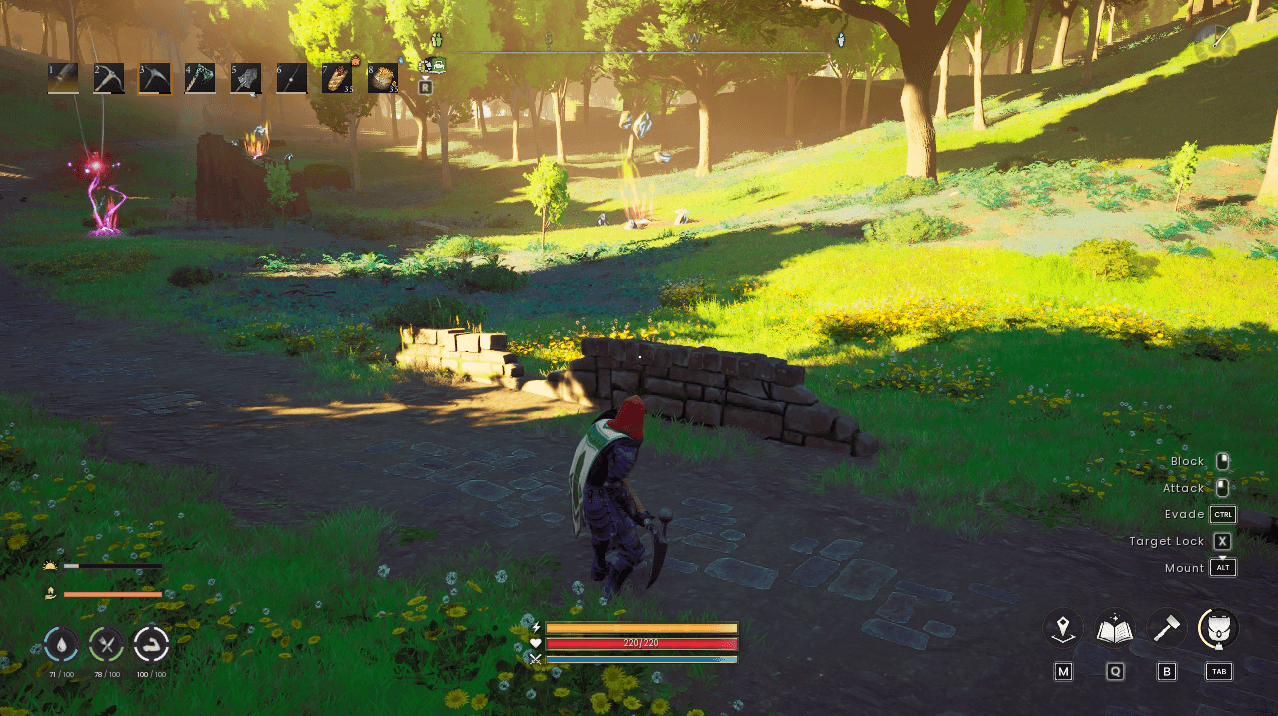
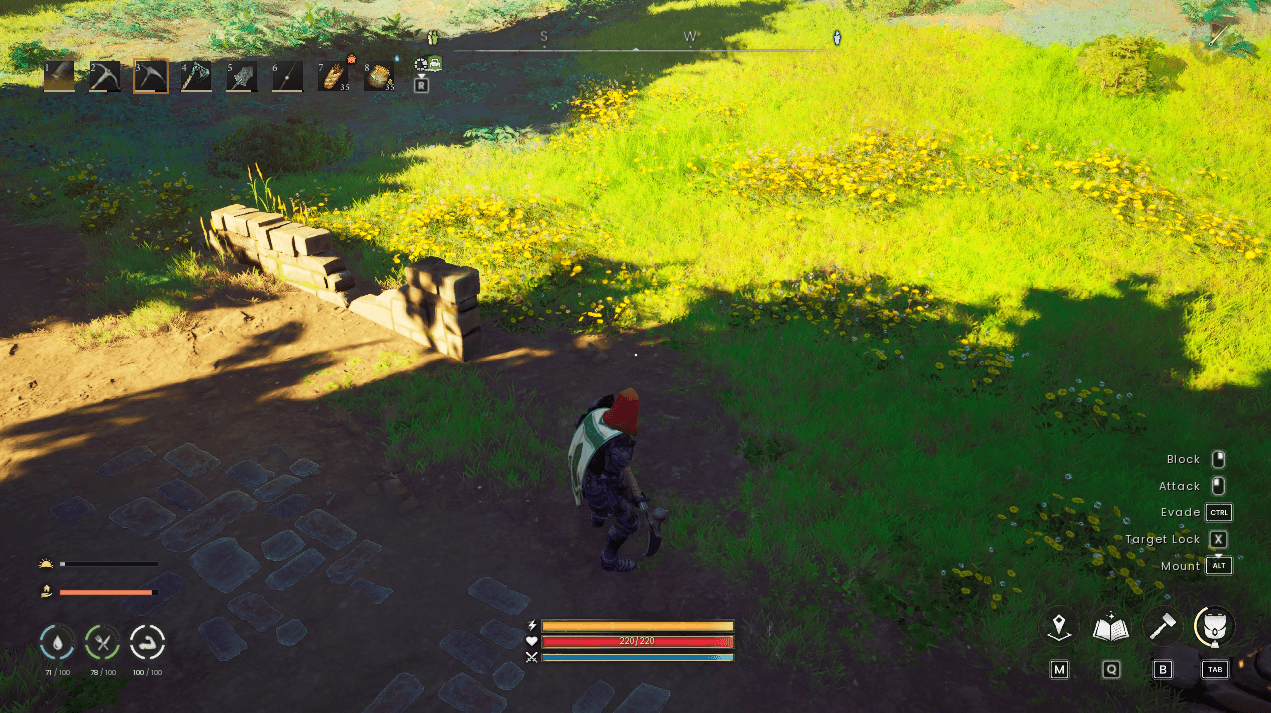
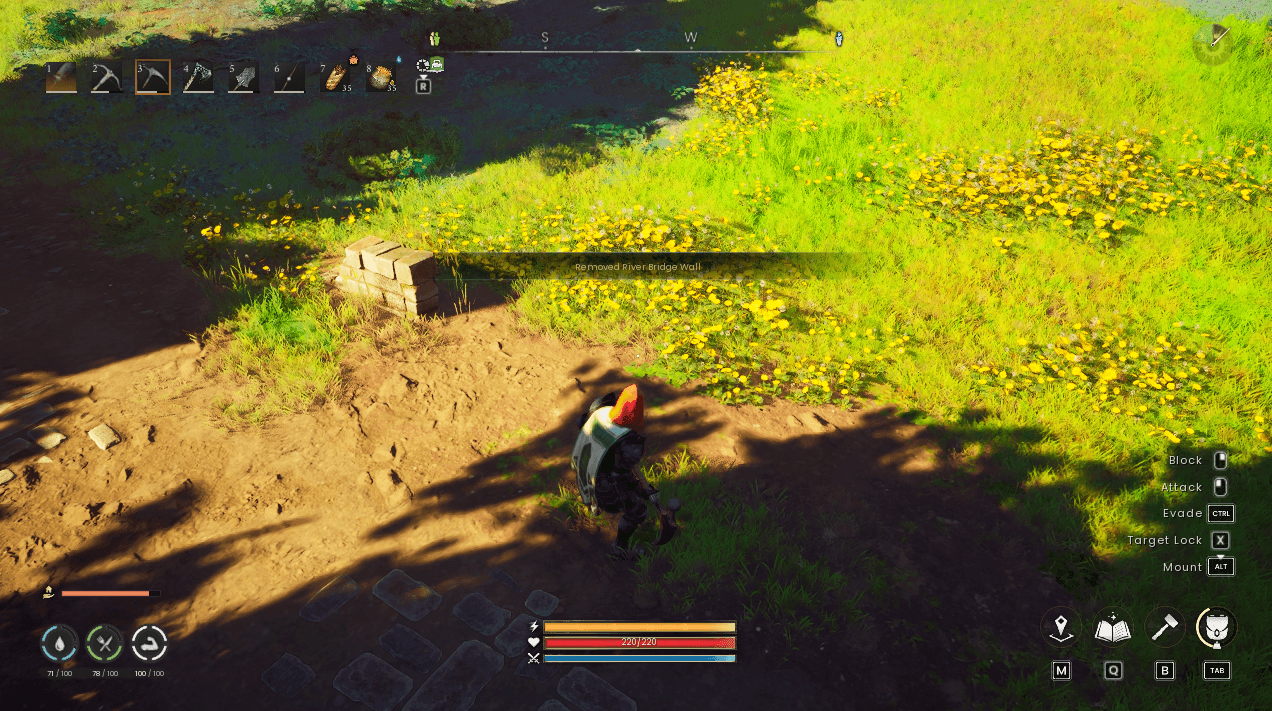
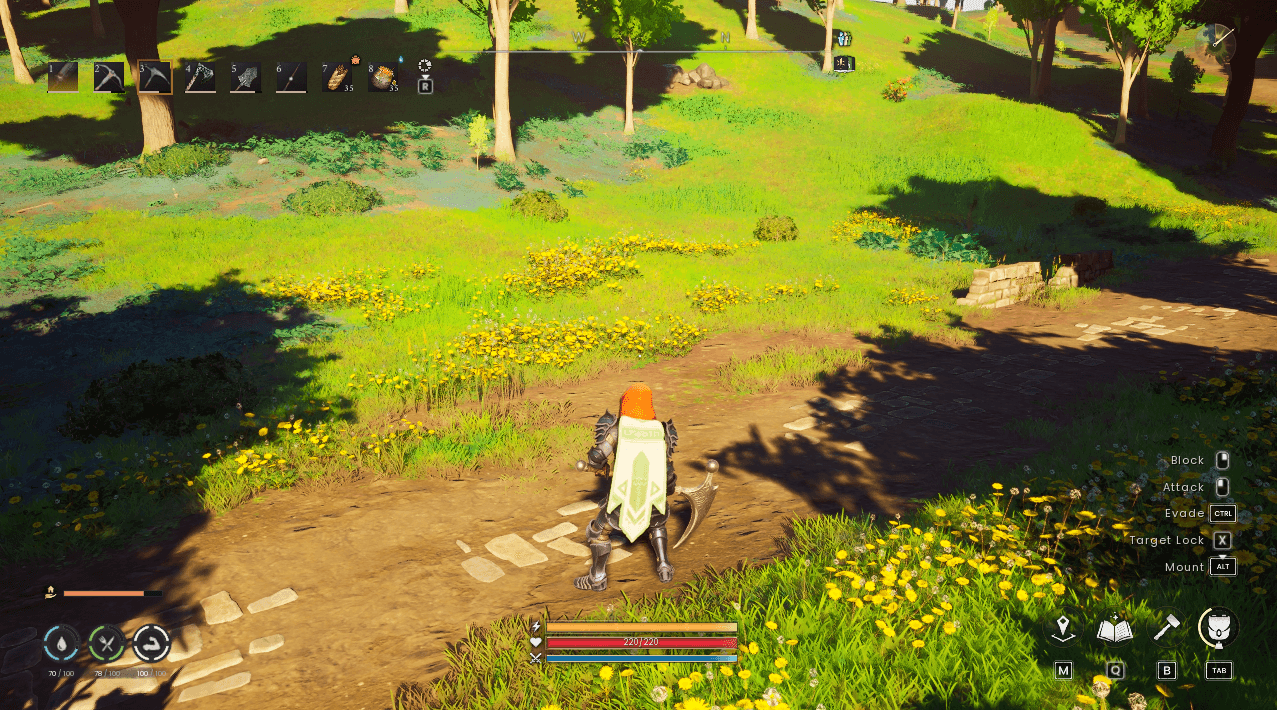
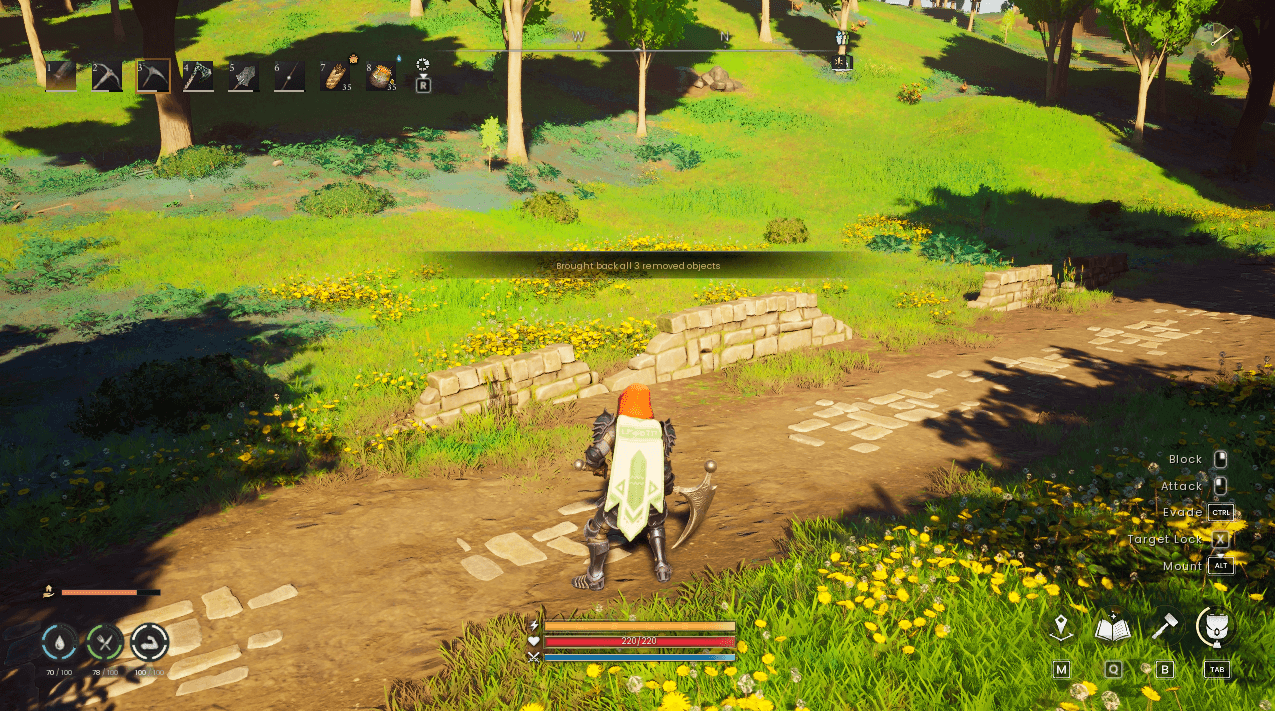
A Runescape: Dragonwilds mod for clearing decorative scenery world objects that get in the way of your builds, such as: runied walls, rubble, crates, carts, old campfires, broken brick walls etc.
How do I remove something?
Simply equip a pickaxe, aim at the object and press F1. The object will then disappear and stop blocking you or where you want to build.
How does the mod work?
Nothing is actually deleted from your world, and your game save is never touched by this mod. This mod keeps its own list of scenery objects that you have "removed" and hides that list of objects each time you play.
What can and can't be "removed"?
The aim is only plain decorative meshes can be "removed", however these objects are ALWAYS protected and can't be "removed" whatever your settings:
- The gound (terrain)
- Anything build by the player
- Creatures and players
- Harvestable objects like; Trees, rocks, ore and plants.
- Any object that can be interacted with or damaged (chests, doors, stations, NPCs etc)
- Anything bigger than 15m due to likelyhood it leaving holes in the terrain.
- Anything the mod cannot identify
Controls
F1 - Remove the scenery object you're aiming at.
F2 - Undo your last removal
F3 - Inspect what you're looking at, giving you its name, size and whether it can be "removed"
F4 - Clear an area: remove every copy of the aimed object within 5m (press twice)
F5 - Add the aimed object to your block list/take aimed object off your block list.
F6 - Add the aimed object to your allow list/take aimed object off your allow list.
F7 - Bring back the removed object you're aiming at (because removed objects are now invisible, aim in the area it was)
F8 - Reset. Bring back everything you've removed in that world (press twice)
- Objects bigger than 4m flash first and need a second F1 press to confirm "removal".
- If you bring an object back while you are standing in the area it was, the mod will wait until you step clear, so you don't get stuck inside the object.
Your own rules
The first time this mod runs it creates a file called rules.txt. This is used to fine-tune what can be removed, this doesn't have to be edited however, but for people that want more control can use it:
mode = blocklist (default) - anything decorative can be removed
mode = allowlist - only objects matching an allow rule can be removed
example entries:
block SM_Human_Ruins_* - Never allows these to be removed
allow *_Cliff* - Allows these to be removed
- Names are matched against the object's mesh name (for example SM_Human_Ruins_Beam_02), it's blueprint name or its part name, capitals don't matter.
- * matches anything
- F3 Shows the names of the object you can use in the rules entries.
- You can add objects directly to the rules list by aiming at the object in game and pressing F5 to block and F6 to allow.
- Changes should work straight away without having to reload the game.
The mod has a built-in starting list:
- Blocked: doors, gates, portals, barroers, blockers, barricades, cliffs and mountains.
- Allowed: common clutter, such as ruiins, crates, barrels, carts, campfires, tents, benches and broken brick walls.
Your own rules always win over the build-in ones. Rules only affect removals. Anything already removed stays removed until you bring it back.
Requirements
- UE4SS for Dragonwilds
Manual Installation
1. Install UE4SS for Dragonwilds (if already installed skip to step 2)
2. Extract this archive into: \steamapps\common\RSDragonwilds\RSDragonwilds\Binaries\Win64\ue4ss\Mods\
You should end up with:
\Mods\SceneryRemover\Scripts\main.lua
\Mods\SceneryRemover\enabled.txt
3. Start the game, the UE4SS console should show "[SceneryRemover] v1.0.0 loaded." is sucessful.
Updating: replace Scripts\main.lua with new updated one. Your removed.txt and rules.txt are kept.
Uninstalling
Delete the SceneryRemover folder found here:
\steamapps\common\RSDragonwilds\RSDragonwilds\Binaries\Win64\ue4ss\Mods\
All objects you removed from your world will come back the next time you load your world.
Mod settings/configurations
Open Scripts\main.lua and edit the config block at the top:
RemoveKey ... ResetKey - Rebind each default keybind
RequirePickaxe - is users should require a pickaxe or not
RemoveReach - can far away in cm you can remove objects
MaxRemovableSize - In cm anything bigger than that in any direction is protected.
ConfirmRemove - what objects need a double press to remove them. "big", "always" or "never"
ConfirmSizeOver - In cm what counts as "big" objects.
ClearRadius - In cm the area clear range works/limit
ClearMaxObjects - max number of objects clear area will remove.
OnScreenMessages - Show messages in game instead of console
OnScreenStyle - how this mods in game messages show: "text" small pop-up, "tutorial" (tutorial pop-up)
MessageSeconds - how long each on-screen message stays up.
Debug - prints extra detail to the UE4SS console
Multiplayer and Safety
- Removing and restoring only works in your own world: single player or when you're the host. If you join someones else's game, the mod does nothing.
- Other players in your world still see the objects you've removed.
- Your game save is never editied. The removal list lives in SceneryRemover\removed.txt, separately for each world, and is saved safely, with a .bak copy of the previous version.
Known issues/limitations
- From a long way off, the same shows simplifited (LOD) versions of distant areas. A removed object can still appear in that distant view until you get close.
- A game update can rename or move scenery. If that happens, affected removals simply stop applying and the objects reappear.