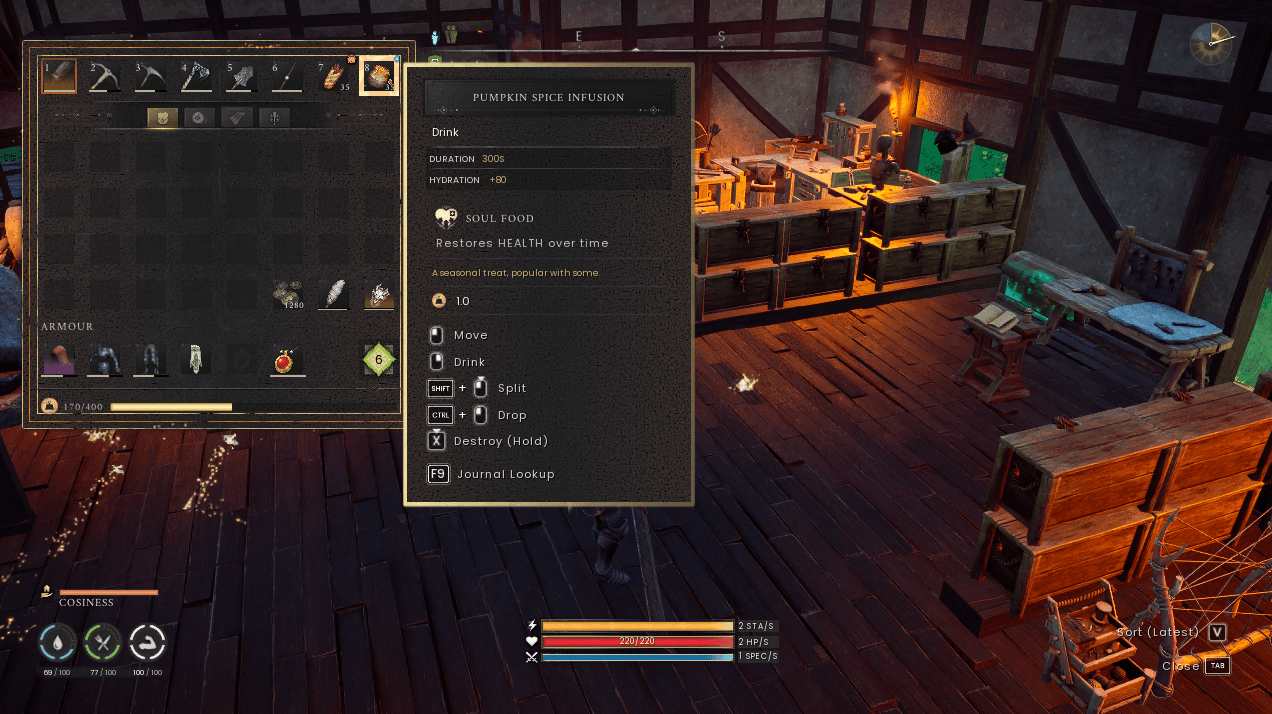
Screenshot 2026-10-22 202712.png
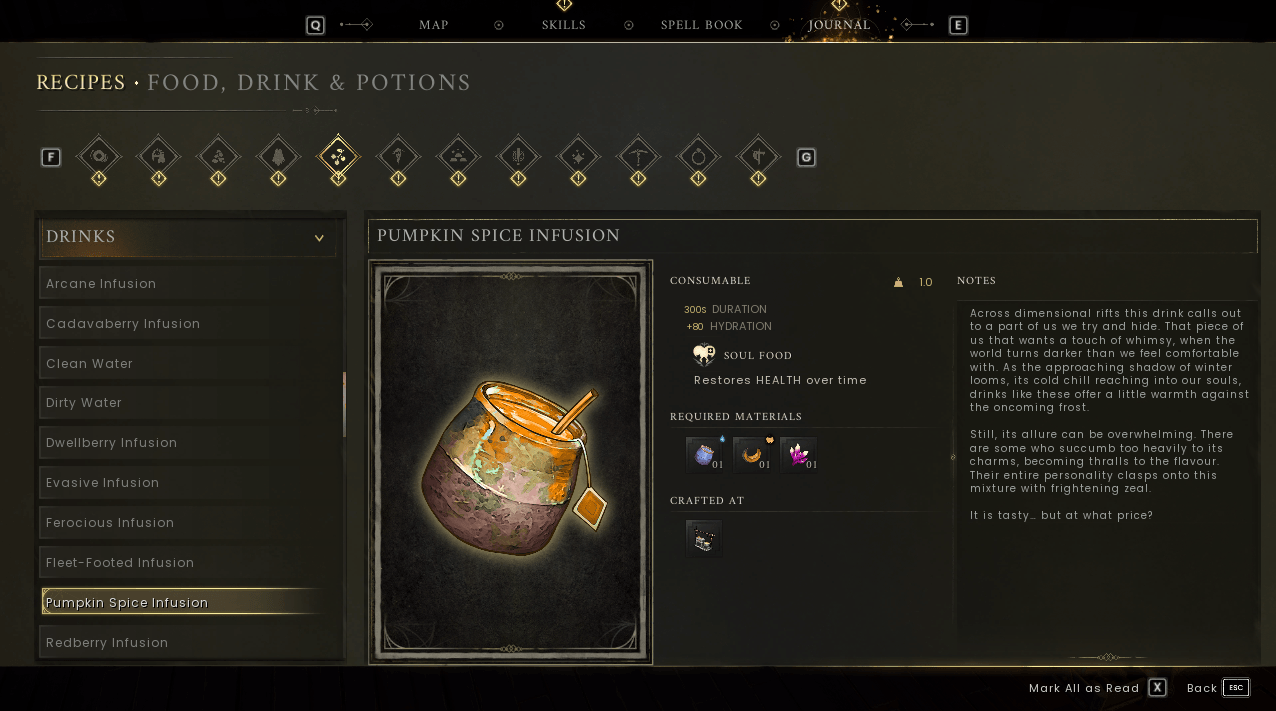
Screenshot 2026-10-22 202721.png
Description
Journal Lookup
A Runescape: Dragonwilds mod that takes you straight from an item to its journal entry.
Hover over any item and press F9 (Configurable), The journal opens on that item's page, so you no longer have to click through categories to find it. Hovering a recipe in a crafting menu also opens its recipe entry.
Where it works
Hover an item or recipe in any of these and press F9:
- Your inventory, hotbar and equipment
- Chests and other storage
- Crafting and processing stations
- Recipes in a crafting menu
Requirements
- Runescape: Dragonwilds (PC/Steam)
- UE4SS for Dragonwilds
Installation:
1. Install UE4SS for Dragonwilds (if already installed skip to step 2)
2. Extract the mod into:
\steamapps\common\RSDragonwilds\RSDragonwilds\Binaries\Win64\ue4ss\Mods\3. Start the game. The UE4SS console shows [JournalLookip] v1.0.0 loaded when sucessfully installed.
Uninstalling
Delete the JournalLookup folder. The mod stores nothing, so it leaves nothing behind.
Settings/Configurations:
Open Scripts/main.lua and edit the Config block at the top of the file:
LookupKey - Lookup key, for example Key.J or Key.F10
LookupModifer - Key to hold with Lookupkey, for example { ModifierKey.SHIFT } for Shift + F9
TooltipHint - Add the Hournal lookup line to item tooltips, false = not visible, mod still works
TooltipHintText - The wording on the TooltipHint entry
TooltipKeyIcon - Show the key as a key icon like the gam's own hints. false = shows just text
ShowMessages - Show the short on-screen messages
MessageSeconds - How long in seconds each message stays up
Debug - Print extra detail in the UE4SS console
Journal Lookup Team

Owner