Configure which already installed UE4SS Lua and C++ mods initialize on your next RuneScape: Dragonwilds launch.
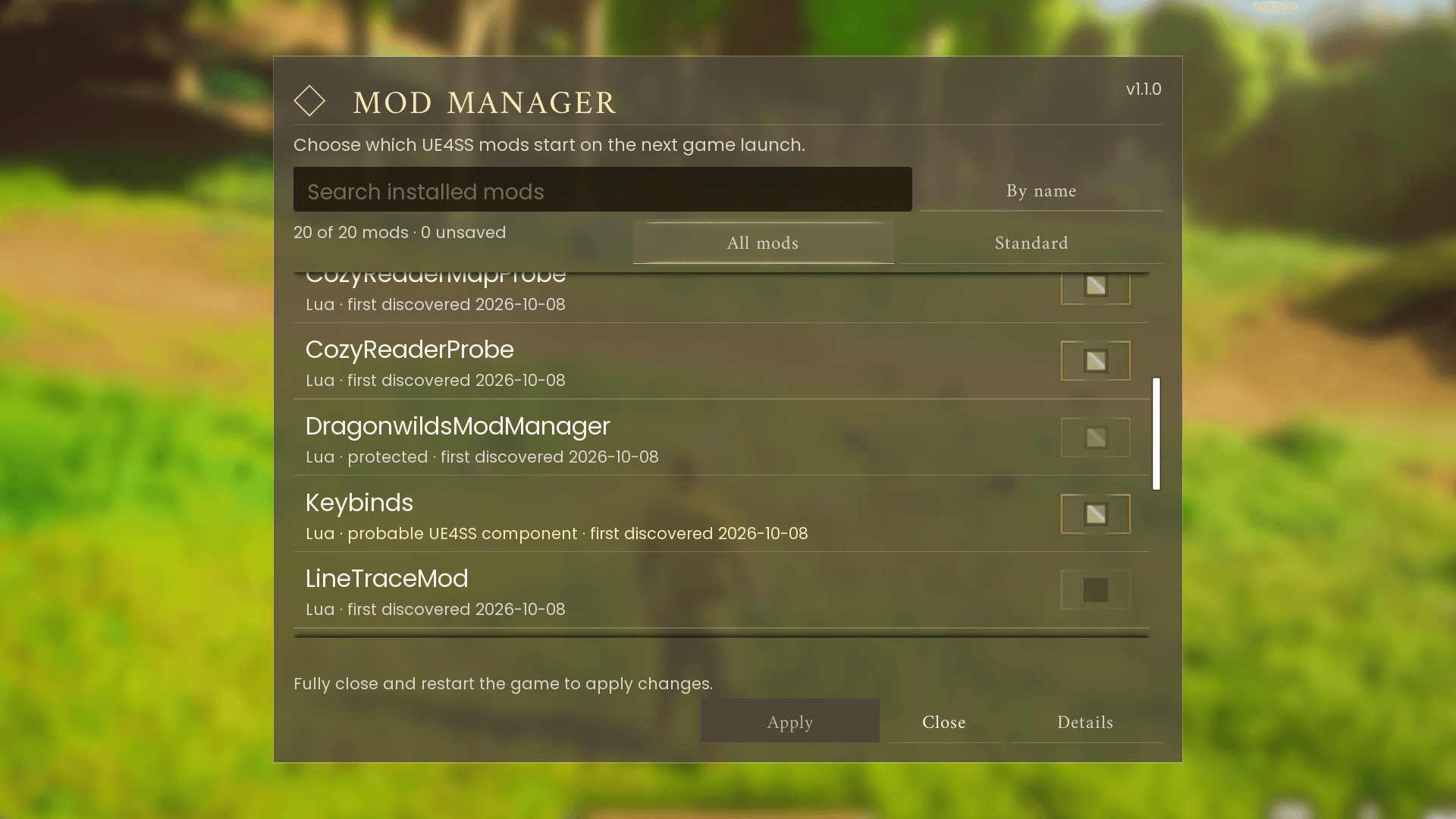
Mod Manager provides an in-game interface for editing mod startup settings. Select your choices, review the pending changes, and confirm Apply.
Changes take effect only after fully closing and restarting the game.
It does not download, install, or update mods, and it does not load or unload mods during gameplay. The displayed selections represent startup settings, not which mods are running in the current session.
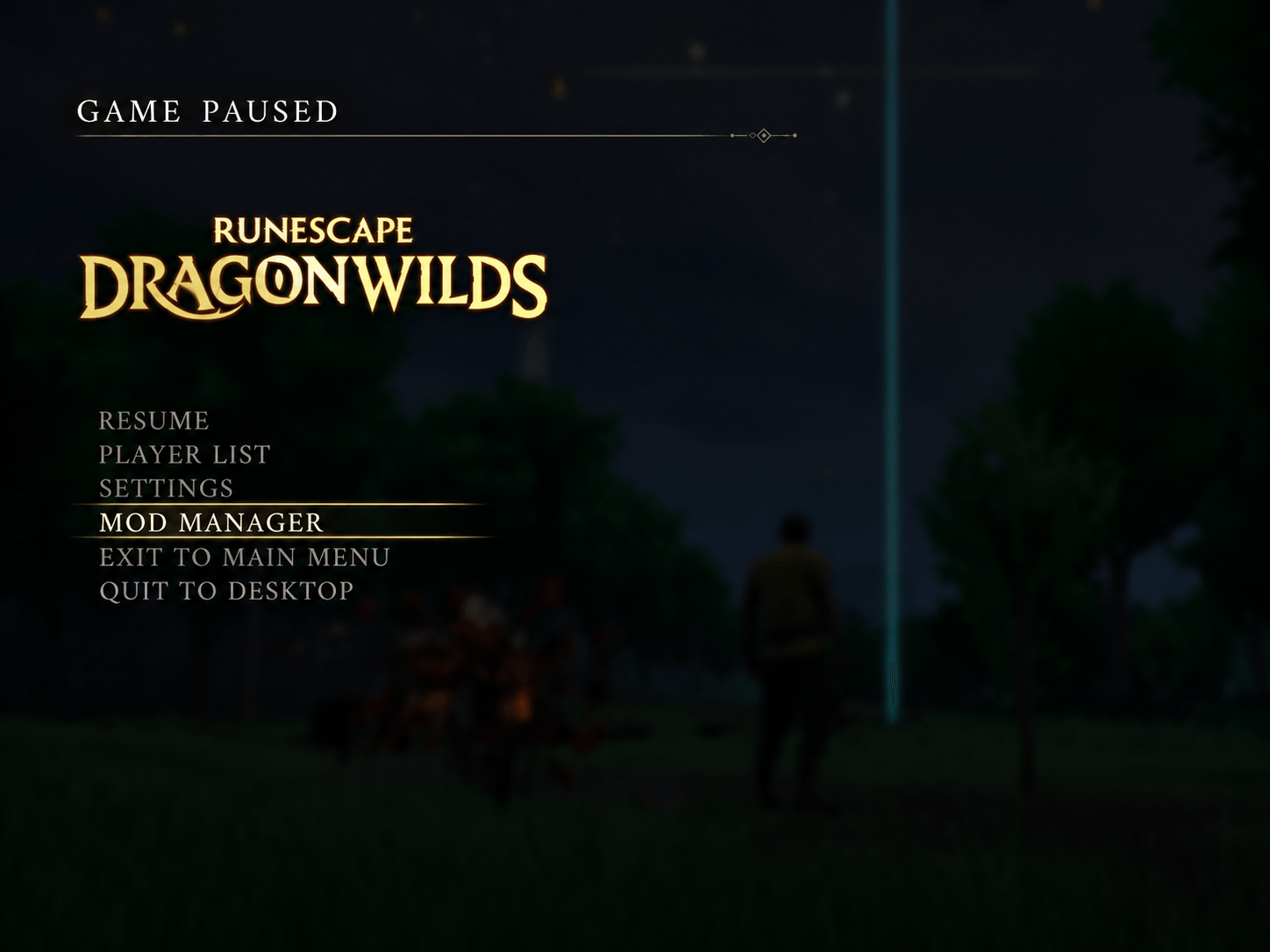
Enter a world and open Esc → Mod Manager, directly above Settings.
Features
- Choose whether installed mods initialize on the next game launch, without removing their files.
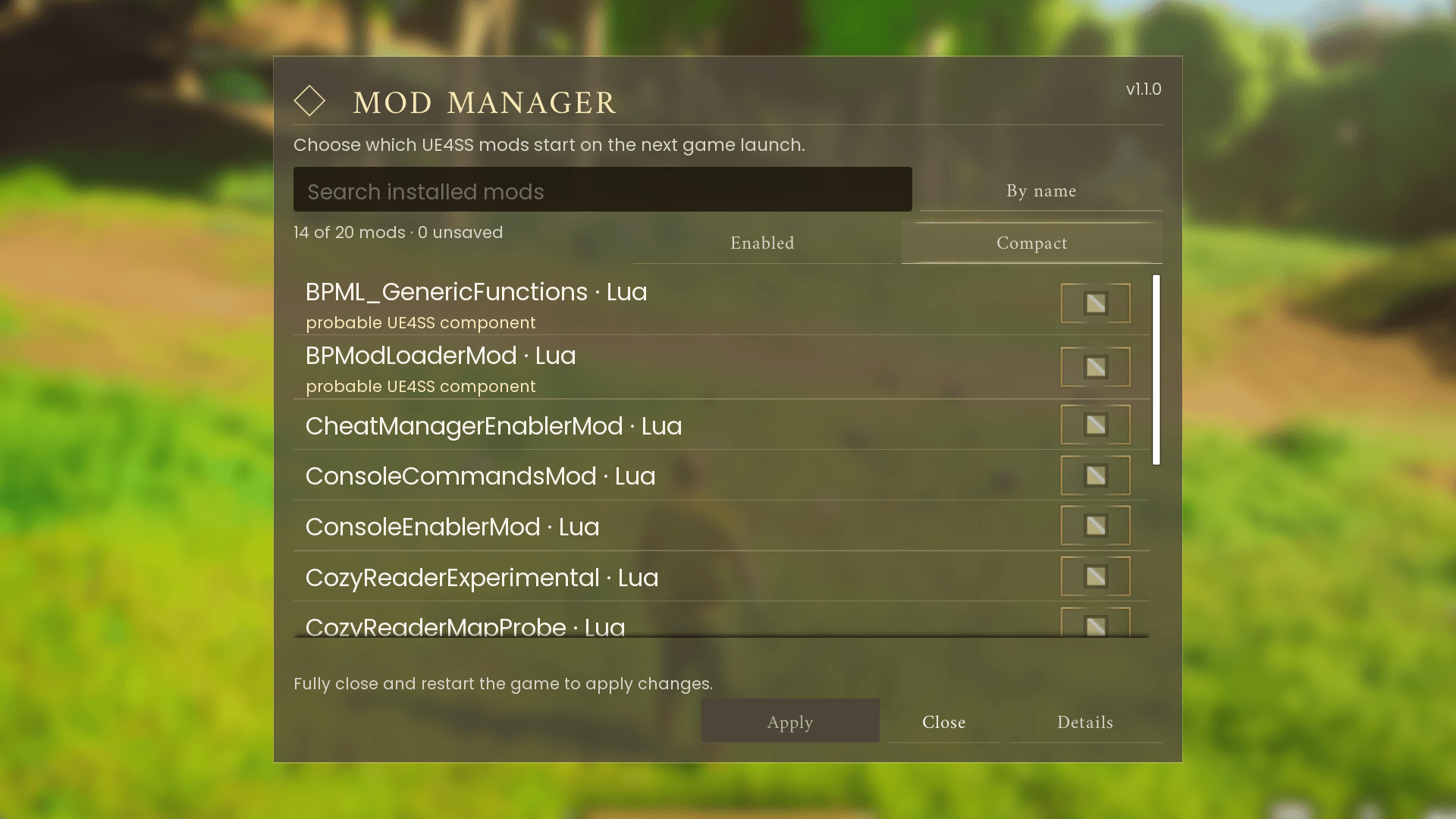
- Search and sort by name or date first discovered.
- Filter All / Enabled / Disabled / Changed, together with search.
- Switch Standard / Compact views; your preference is remembered.
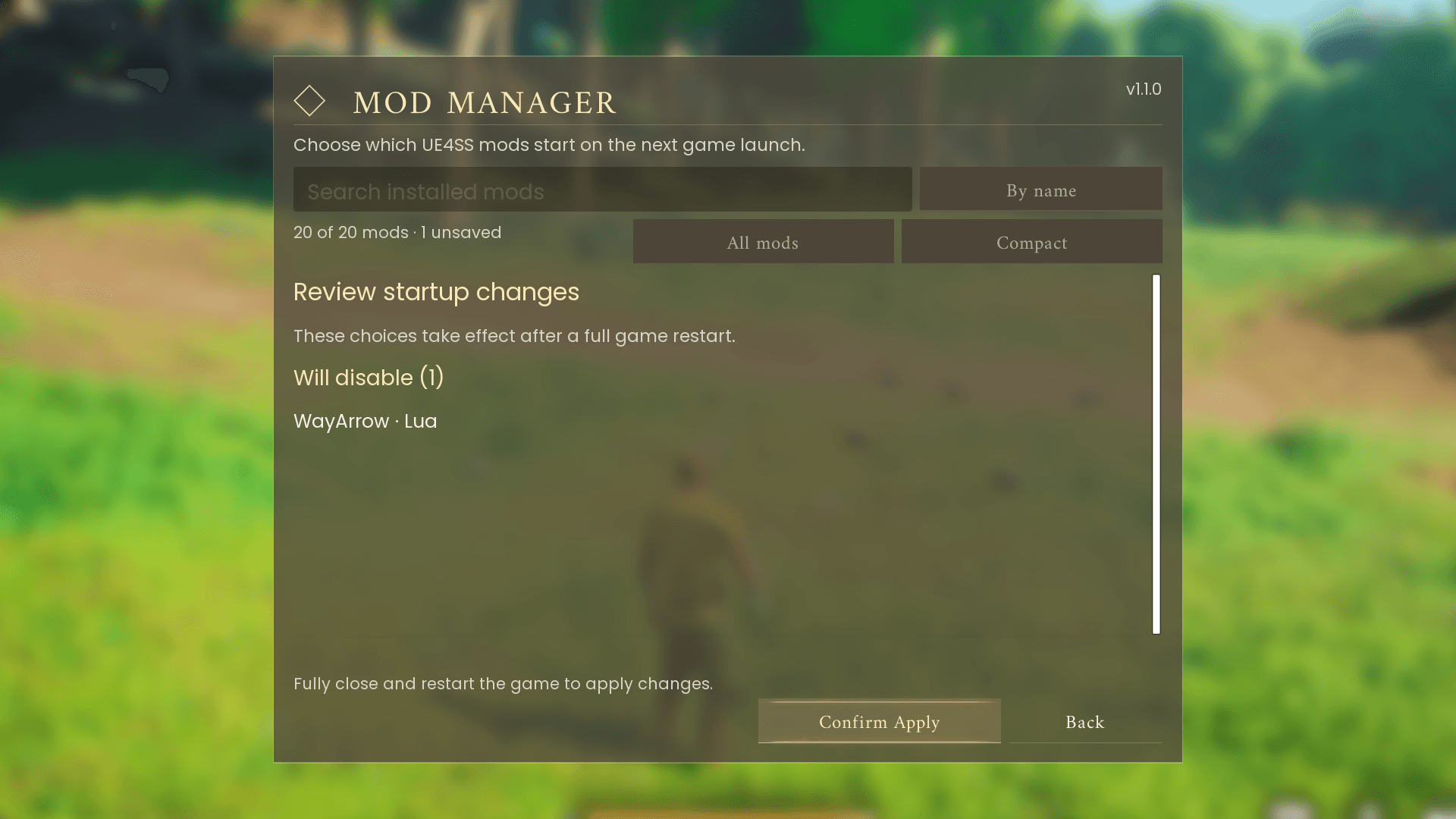
- Review every pending change before Confirm Apply, including hidden mods.
- Preview the selection before your last successful Apply and load it as pending choices.
- Automatically follows all 11 game client languages.
- Protected mods and recovery backups.
Press Apply, review and confirm your choices, then fully close and restart the game.
Previous selection becomes available after a successful Apply with this version. Load selection replaces the draft without saving; Back keeps your current unsaved choices. Missing, protected and externally changed mods are skipped. New and unaffected mods keep their current settings.
UE4SS 3.0.1 Beta (f6d5f942)
Required and tested with this build. Get UE4SS. UE4SS is not included.
Installation
Close the game before installing.
- Install UE4SS in
RSDragonwilds\RSDragonwilds\Binaries\Win64. If updating UE4SS, preserve your existing mods and settings.
- Extract ModManager-1.2.0.zip and copy its
DragonwildsModManager folder into RSDragonwilds\RSDragonwilds\Binaries\Win64\ue4ss\Mods.
When updating, copy over the existing folder and replace supplied files; do not delete the old folder first. Keep your Data, Backups and Scripts/config.lua. The ZIP does not include your saved history, backup records or personal configuration.
Pak and individual RuneSchema mods are outside the scope of this mod.