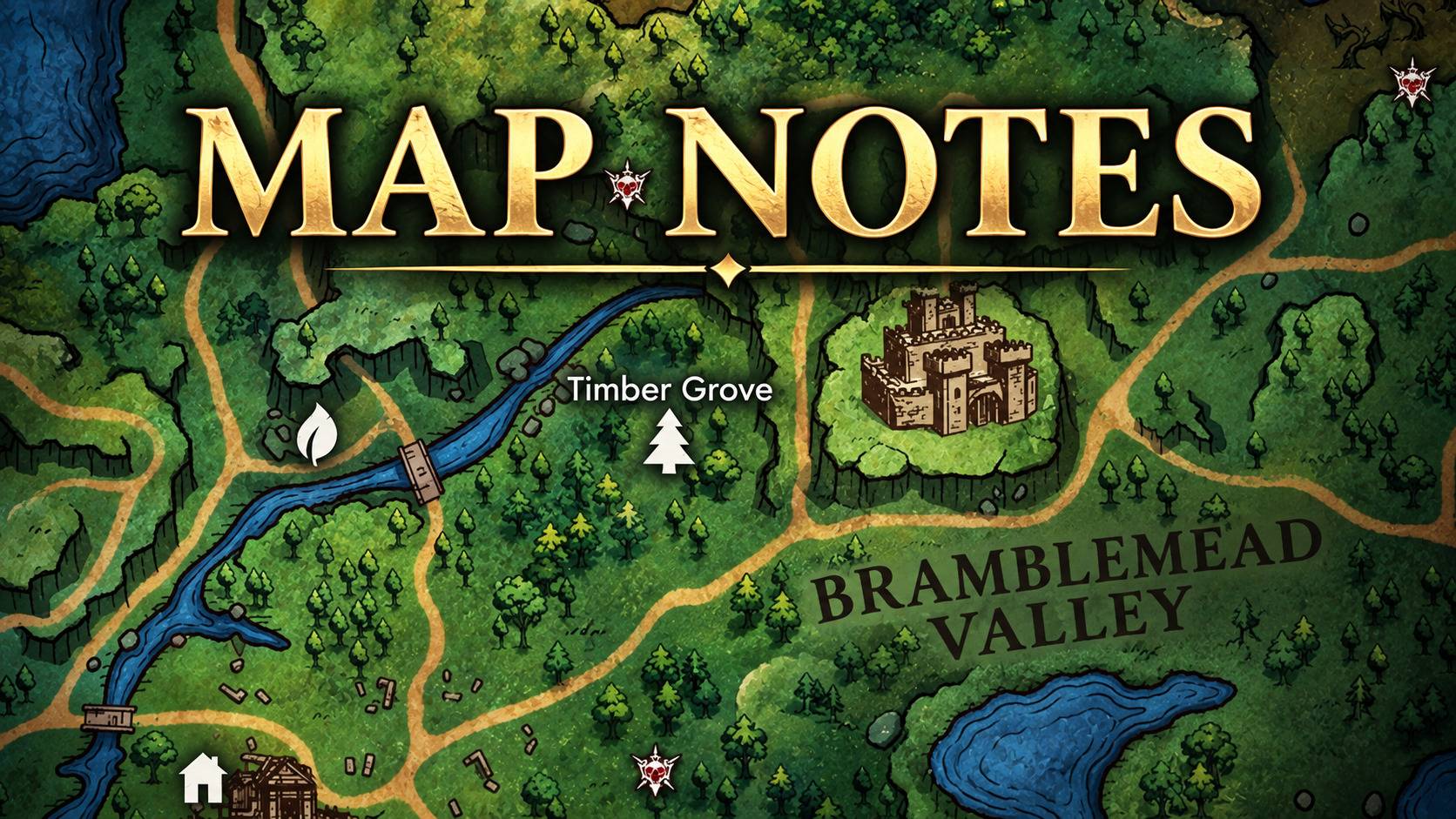
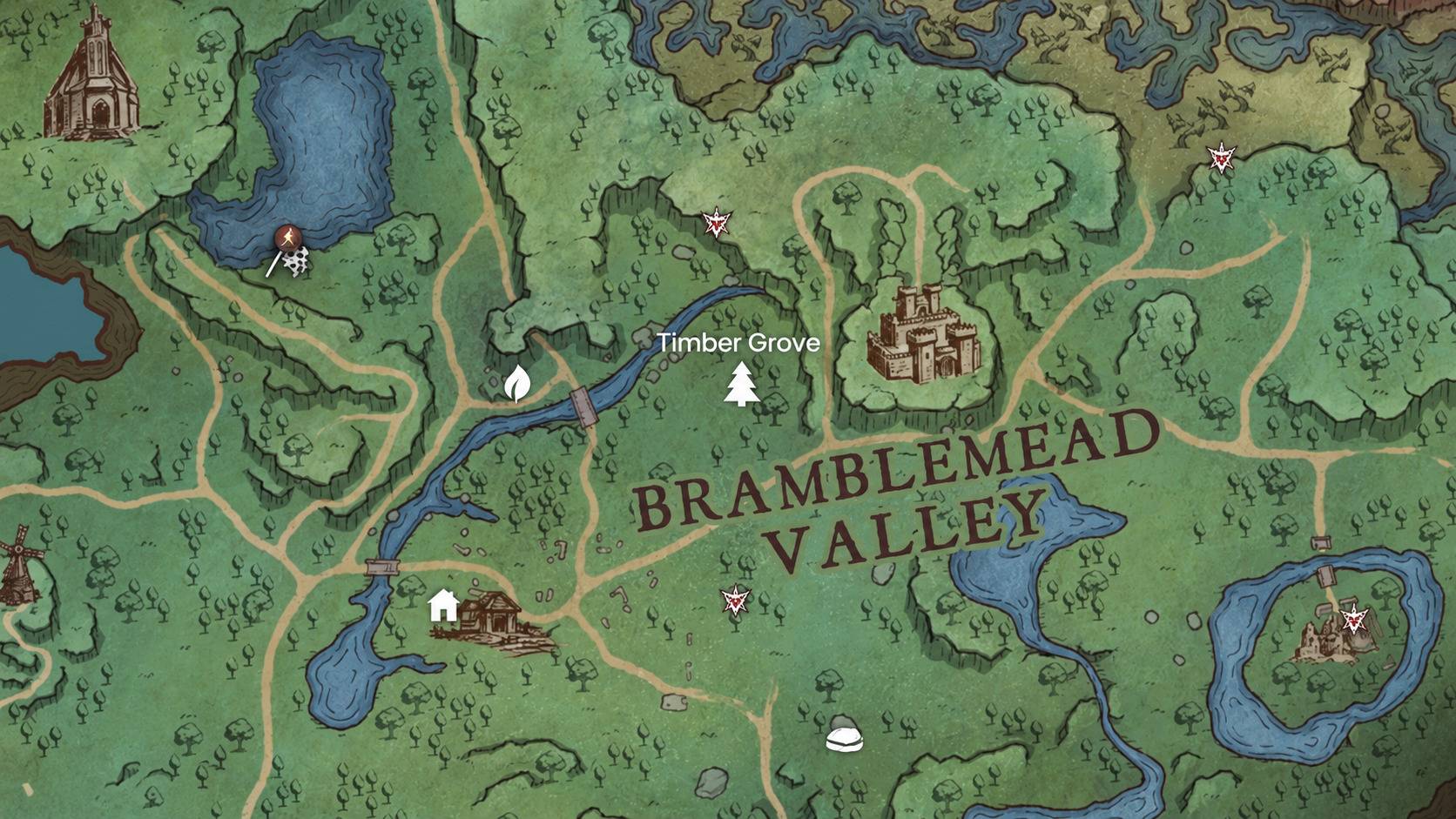
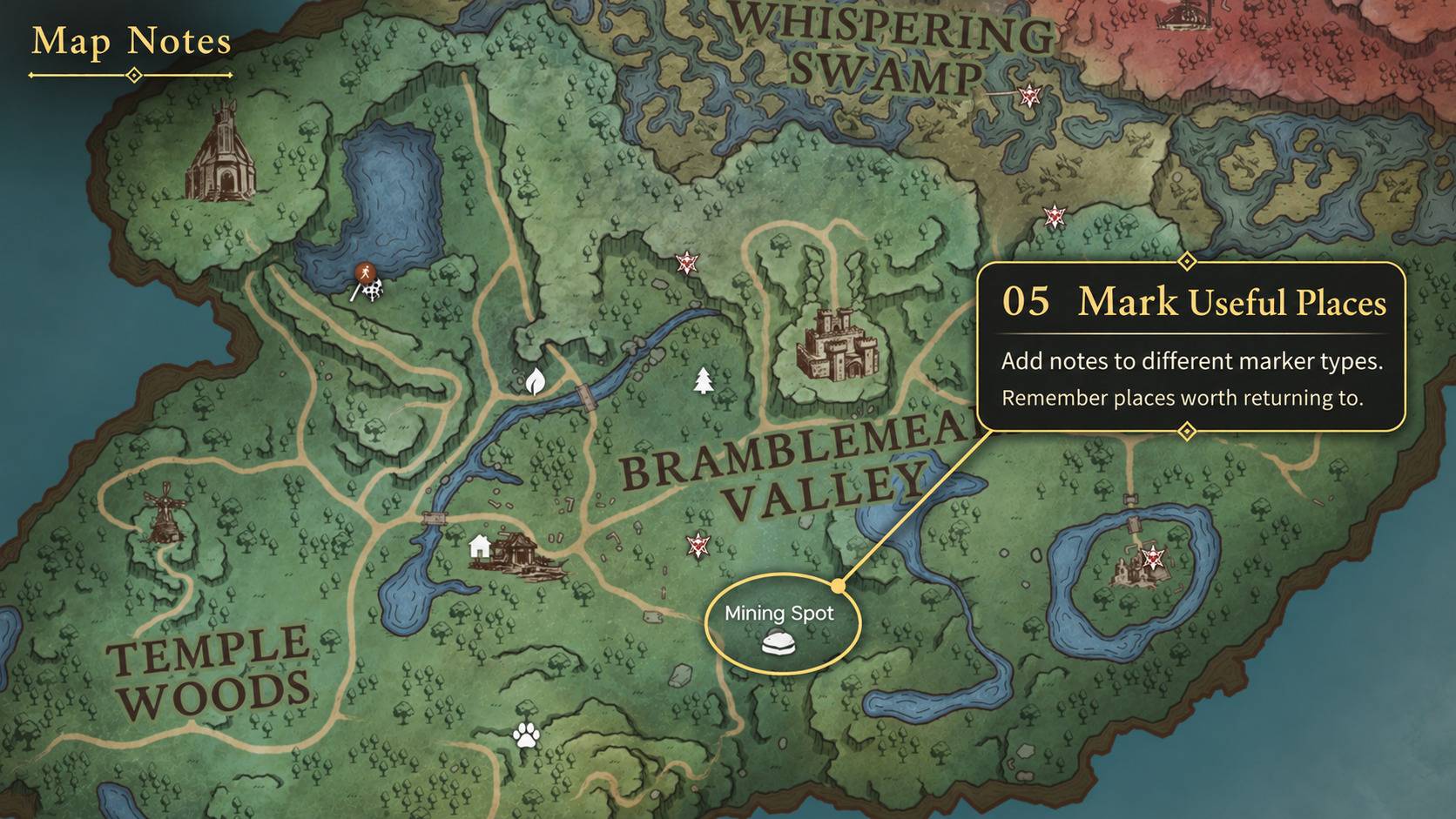
Keep short reminders on your own map markers for resources, bases and places to revisit.
How to use
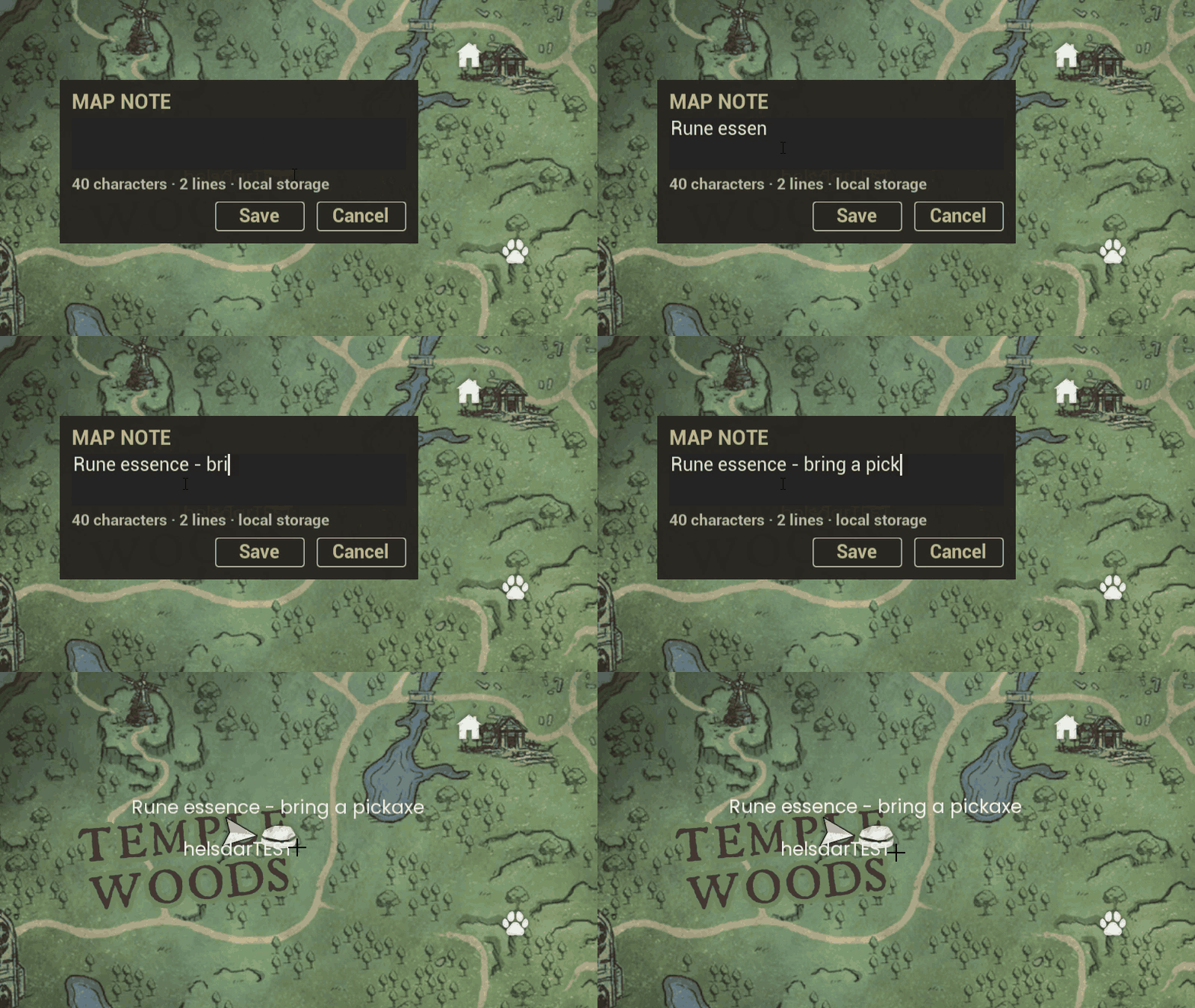
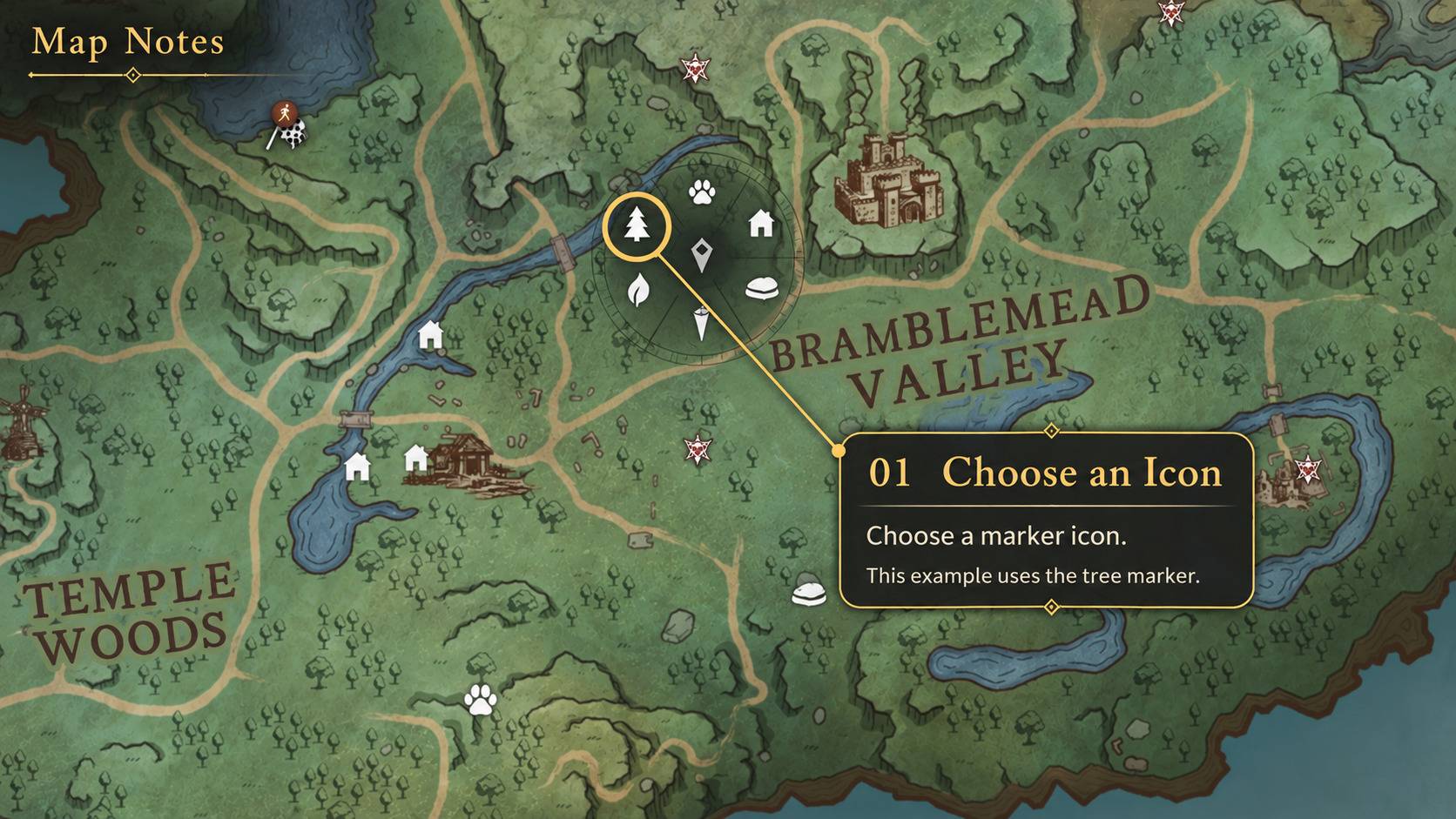
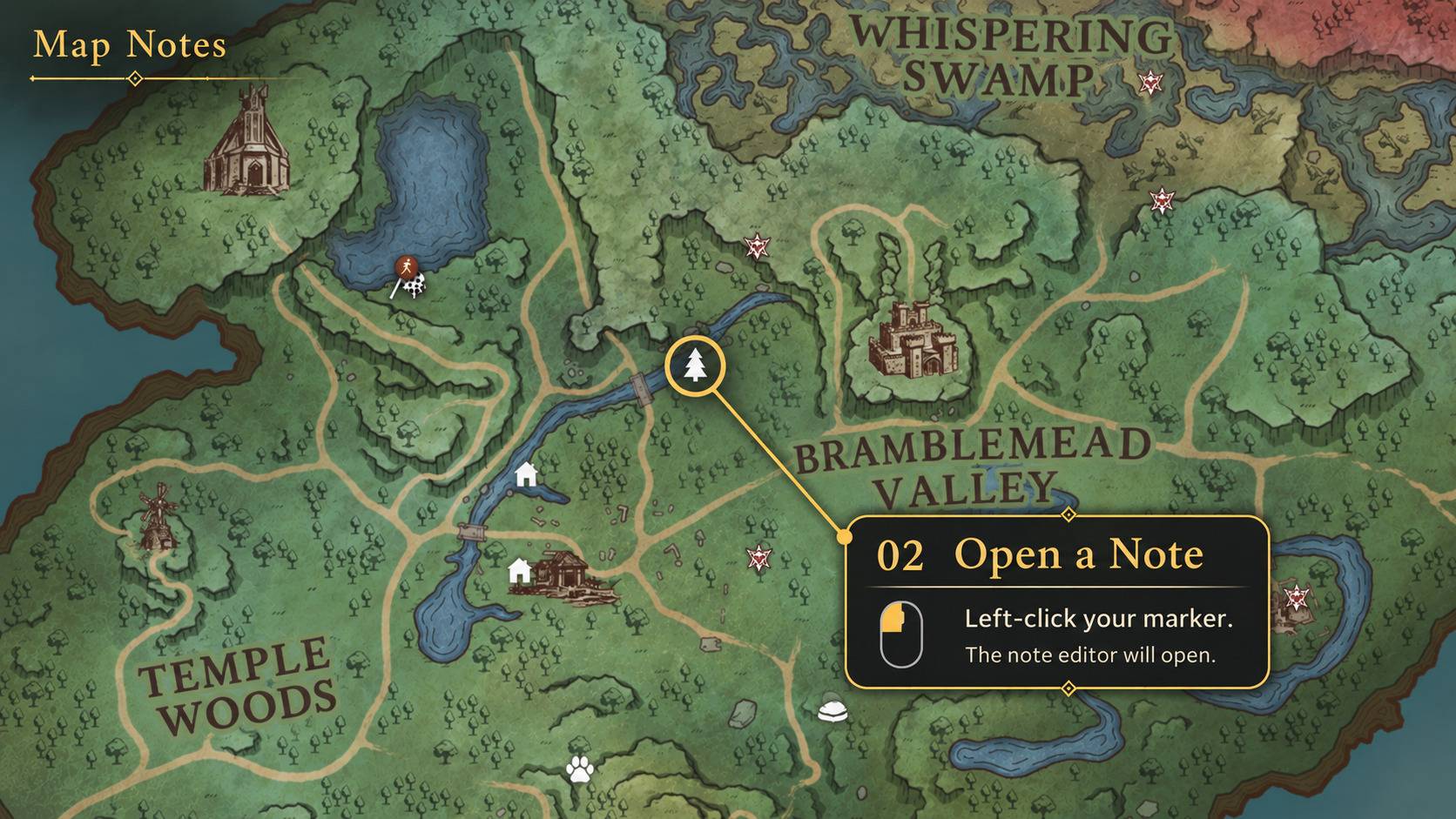
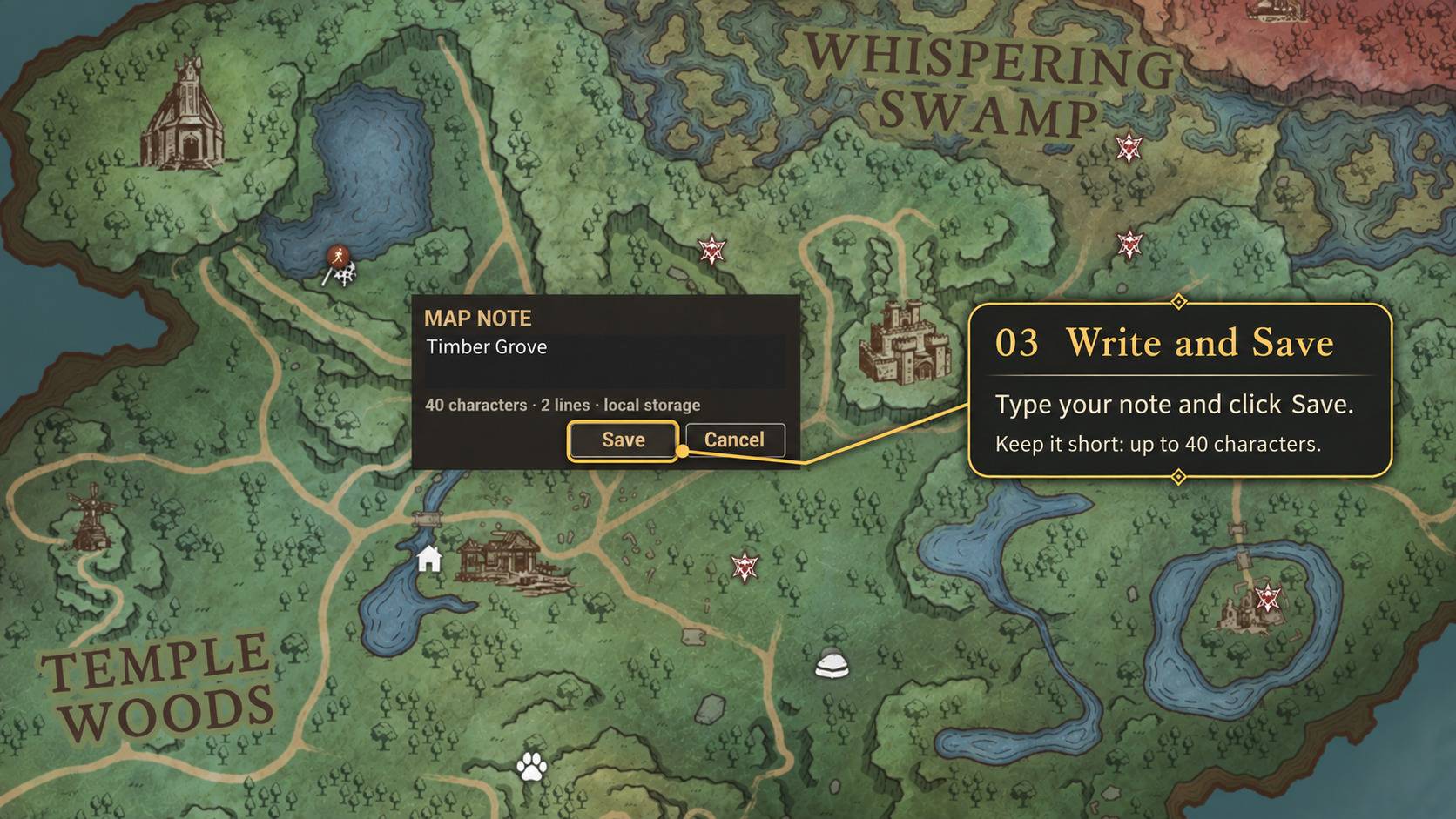
Open the map → Left-click your marker → Write a note → Save
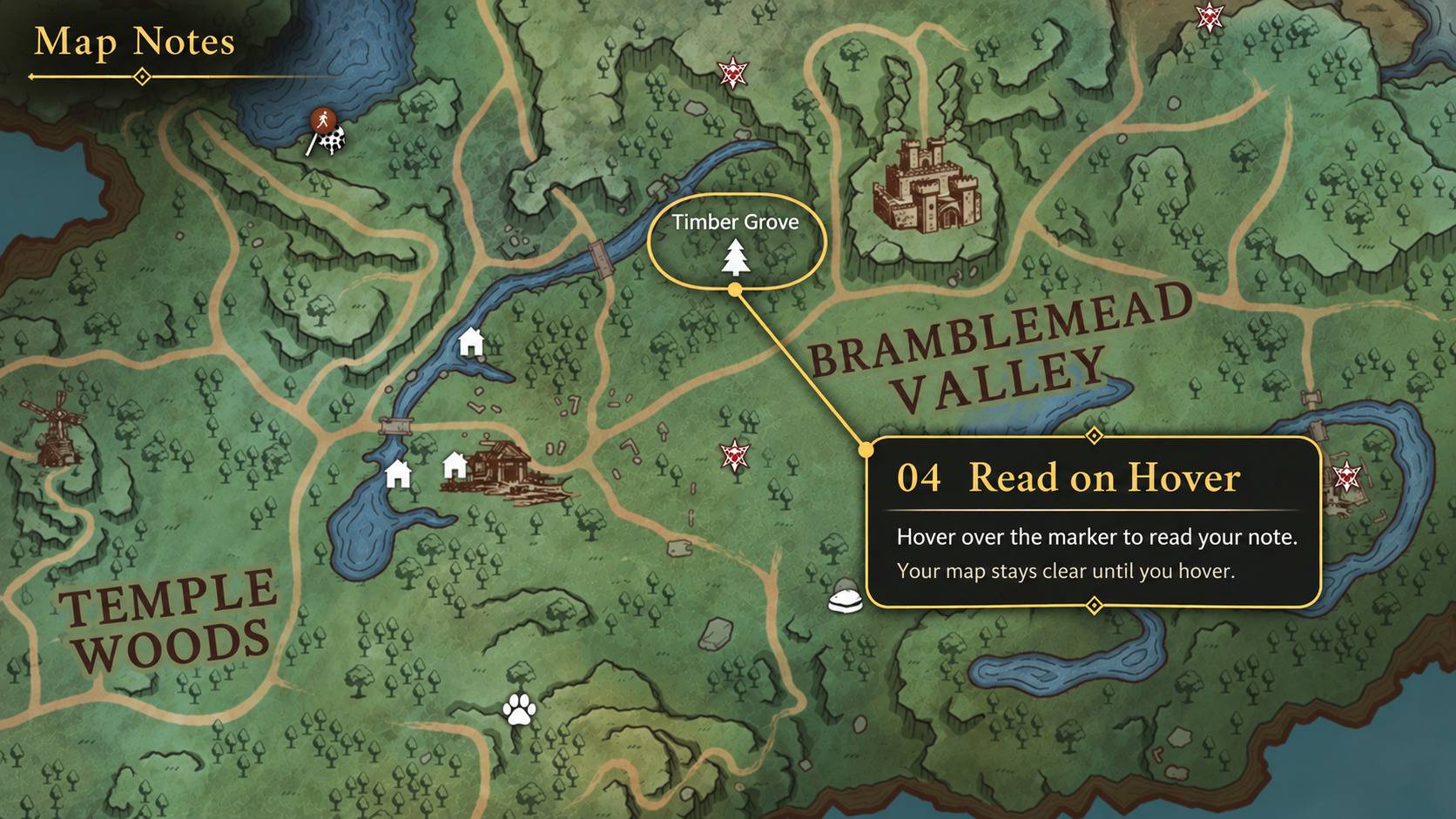
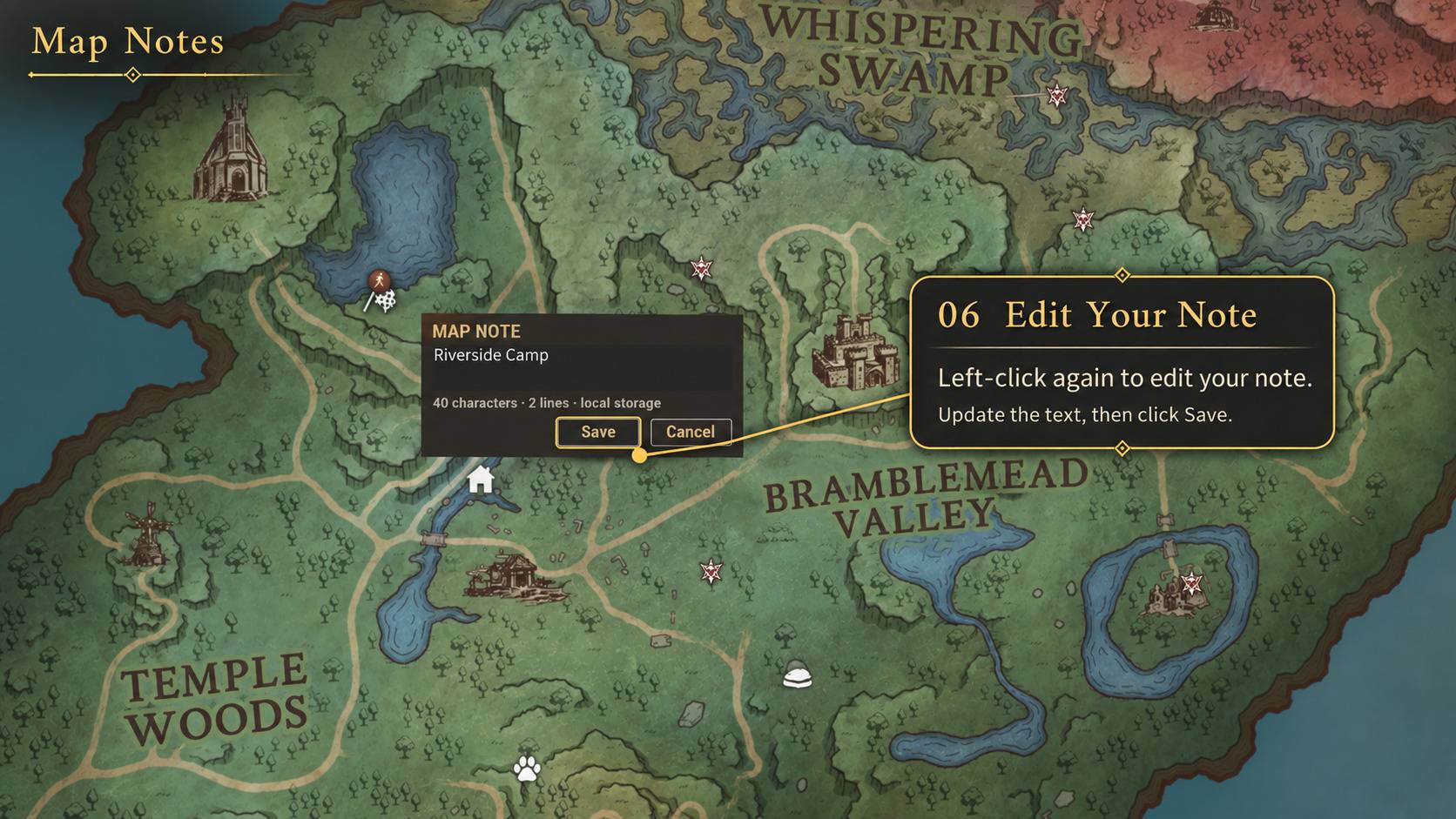
Hover over the marker to read your note; left-click again to edit it. The game's normal right-click removal still works.
Features
- Notes on your own markers — supports the six ordinary player-created icons: tree, leaf, stone, paw, house and the generic pin at the bottom of the marker selector.
- Short reminders — write up to 40 Unicode characters across two lines.
- A clear map — notes appear when you hover over a marker.
- Saved for your character — notes are stored locally for that character and the exact marker. They follow the character's game markers across worlds and are not shared with a server or other players.
Requirements
RuneScape: Dragonwilds on Windows (Steam)
UE4SS 3.0.1-gf6d5f942, installed separately.
Install the required UE4SS loader. The loader is not included.
Installation
- Close the game.
- Install the required UE4SS build.
- Extract the ZIP archive into:
RSDragonwilds/RSDragonwilds/Binaries/Win64/ue4ss/Mods/
- Check that one MapNotes folder sits directly inside Mods, containing
Scripts/main.lua, dlls/main.dll and enabled.txt.
If the shared mods.txt has an explicit MapNotes entry, enable it without replacing that file.
Updating
Close the game and back up your existing MapNotes folder before updating.
Replace only the packaged files. Keep native-pin-notes.dat, its .bak, .tmp and recovery files, plus your settings and other backups.
The ZIP contains no personal note data.
Limitations
Waypoints, quest markers, location markers and other special markers are unsupported. Multiplayer, other game builds and other loader versions are unverified.
Session only means the note is not durable. Keep a copy of its text before leaving the session; saving requires a safely identified character and marker.