WayArrow
A movable gold navigation arrow and distance display for your active Waypoint.
- 16
- October 13, 2026

Cozy Notes
- By
Capture quick reminders and organize your personal notes with search, editing, favorites, and customizable shortcuts.
Description
Cozy Notes — Quick Notes & Notebook
A small notebook for your adventures.
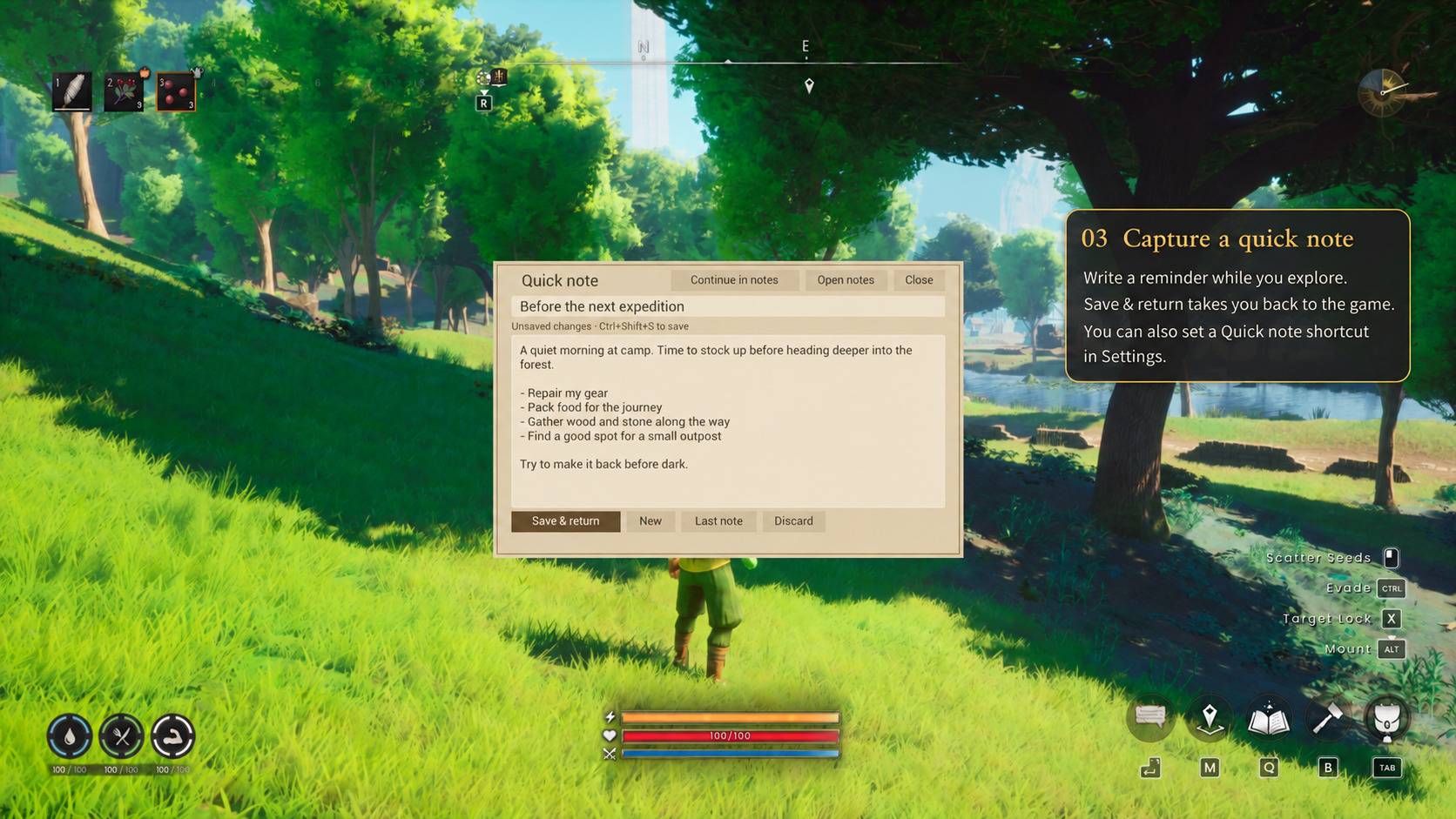
Keep gathering lists, building plans and reminders close at hand in RuneScape: Dragonwilds. Write a quick note, save it and get back to exploring.
Quick to open. Easy to keep.
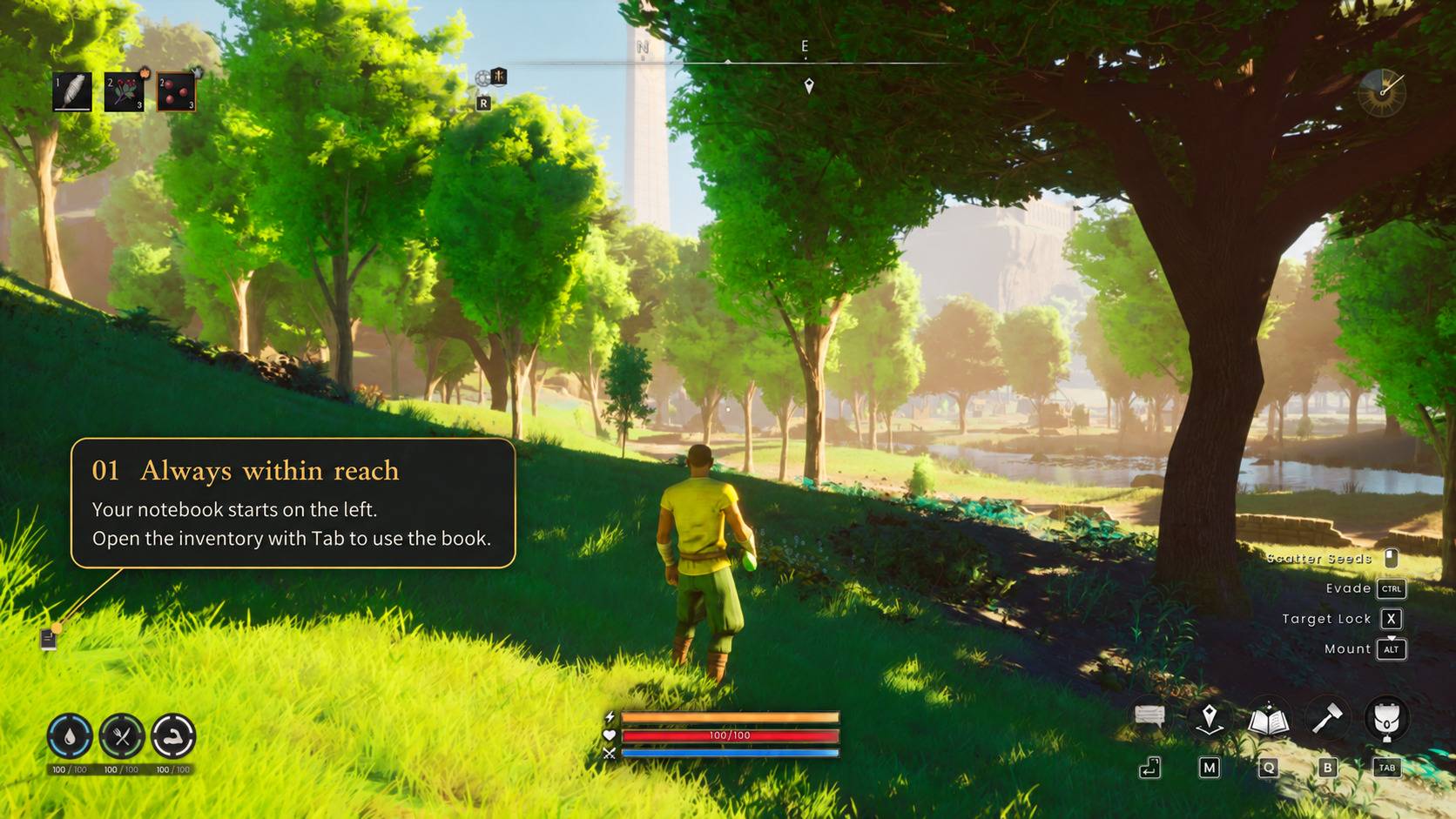
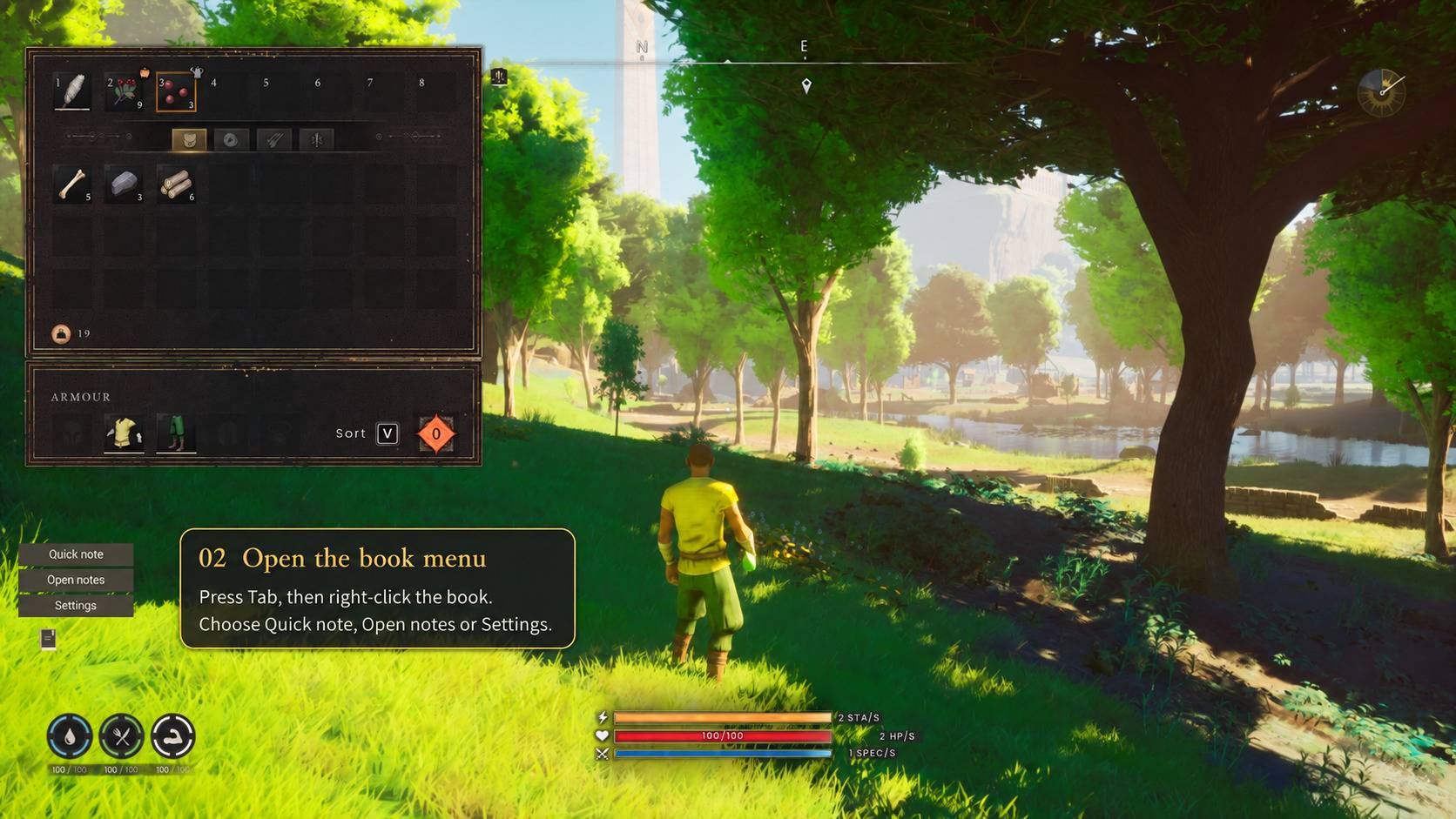
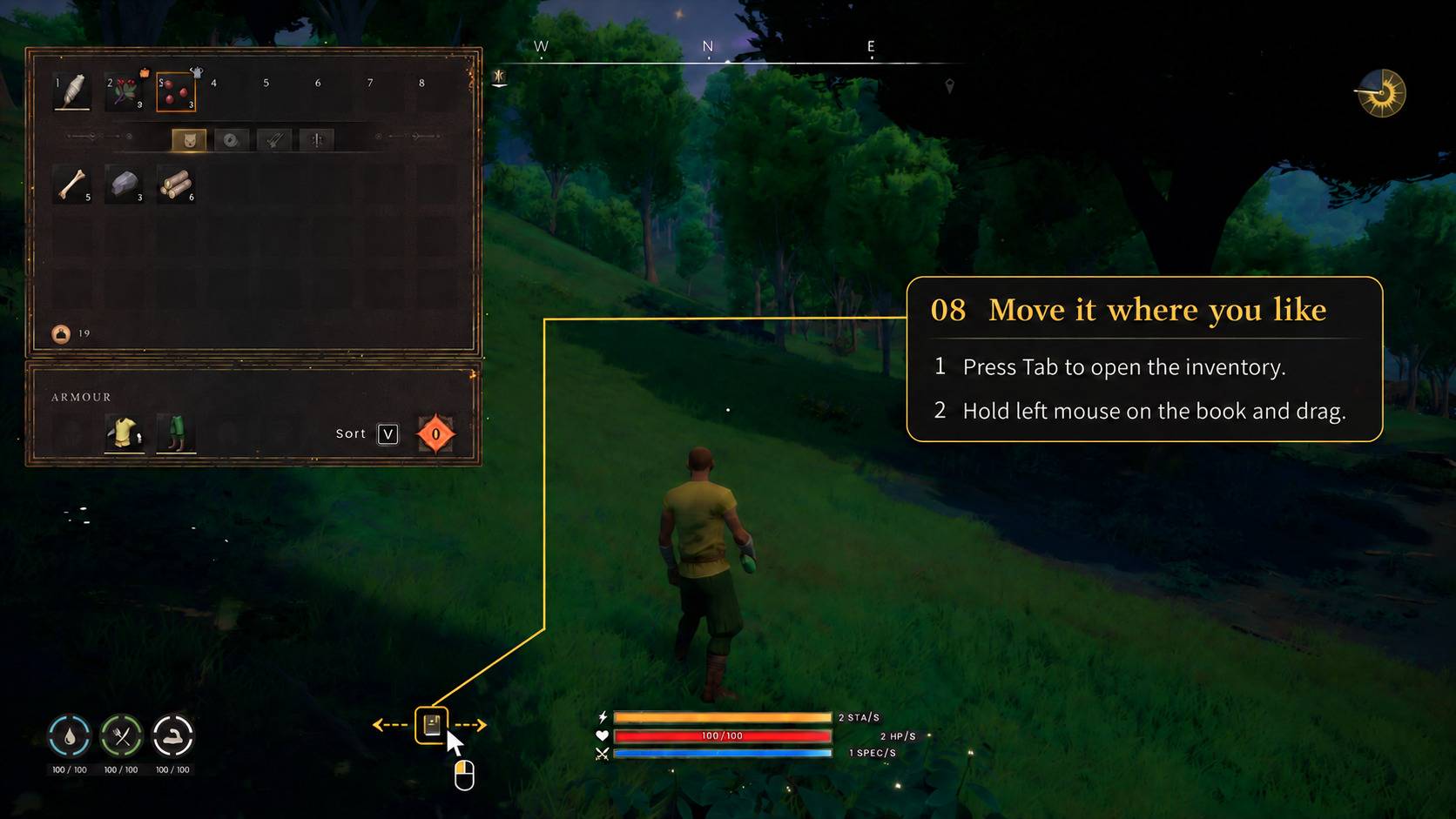
Tab → Left-click the book → Write your note → Save & return
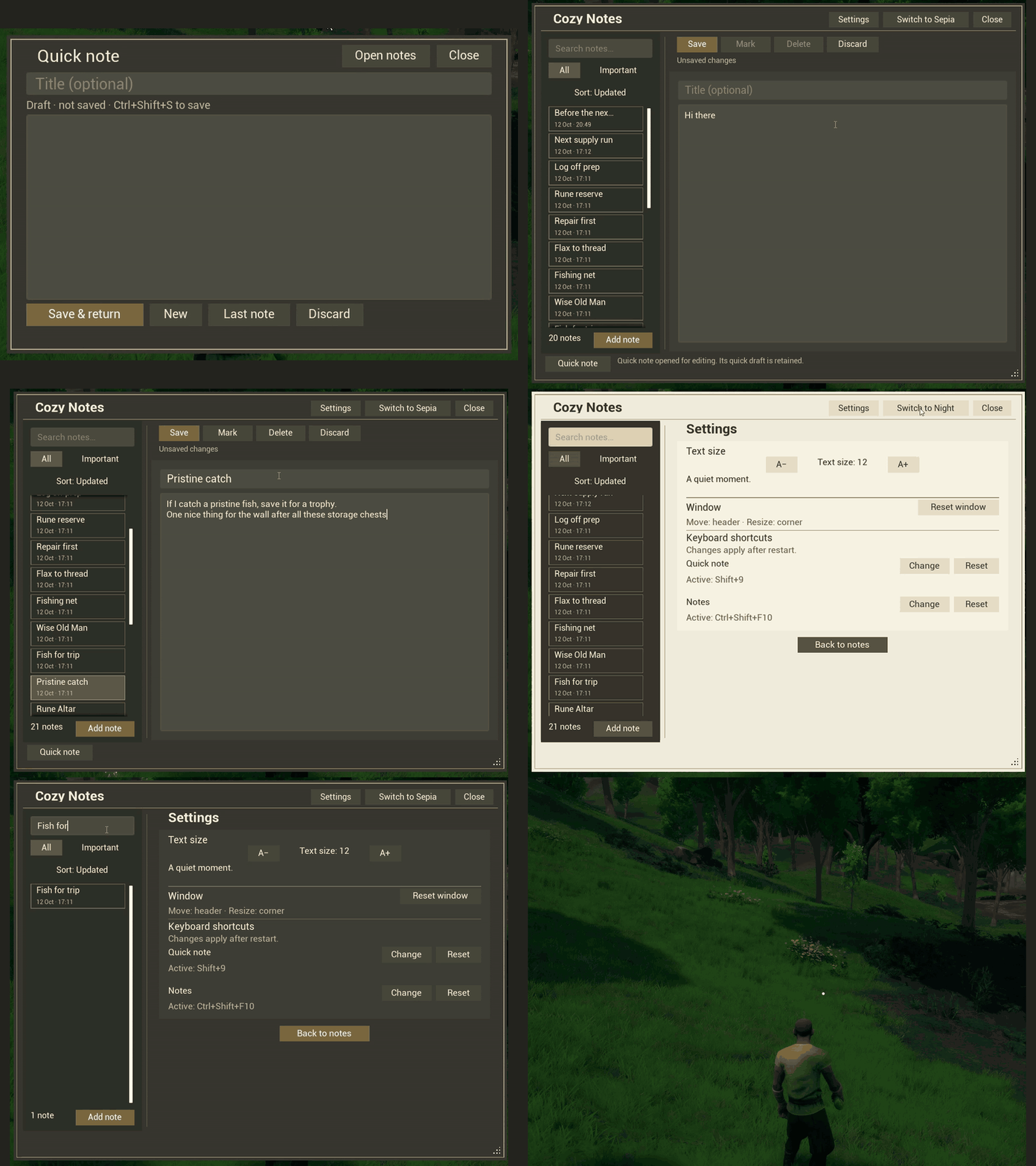
Reopen your last quick note to add something, or choose Continue in notes to work in the larger editor.
Right-click the book for Quick note, Open notes or Settings. Hold the left mouse button and drag the book to place it where you like.
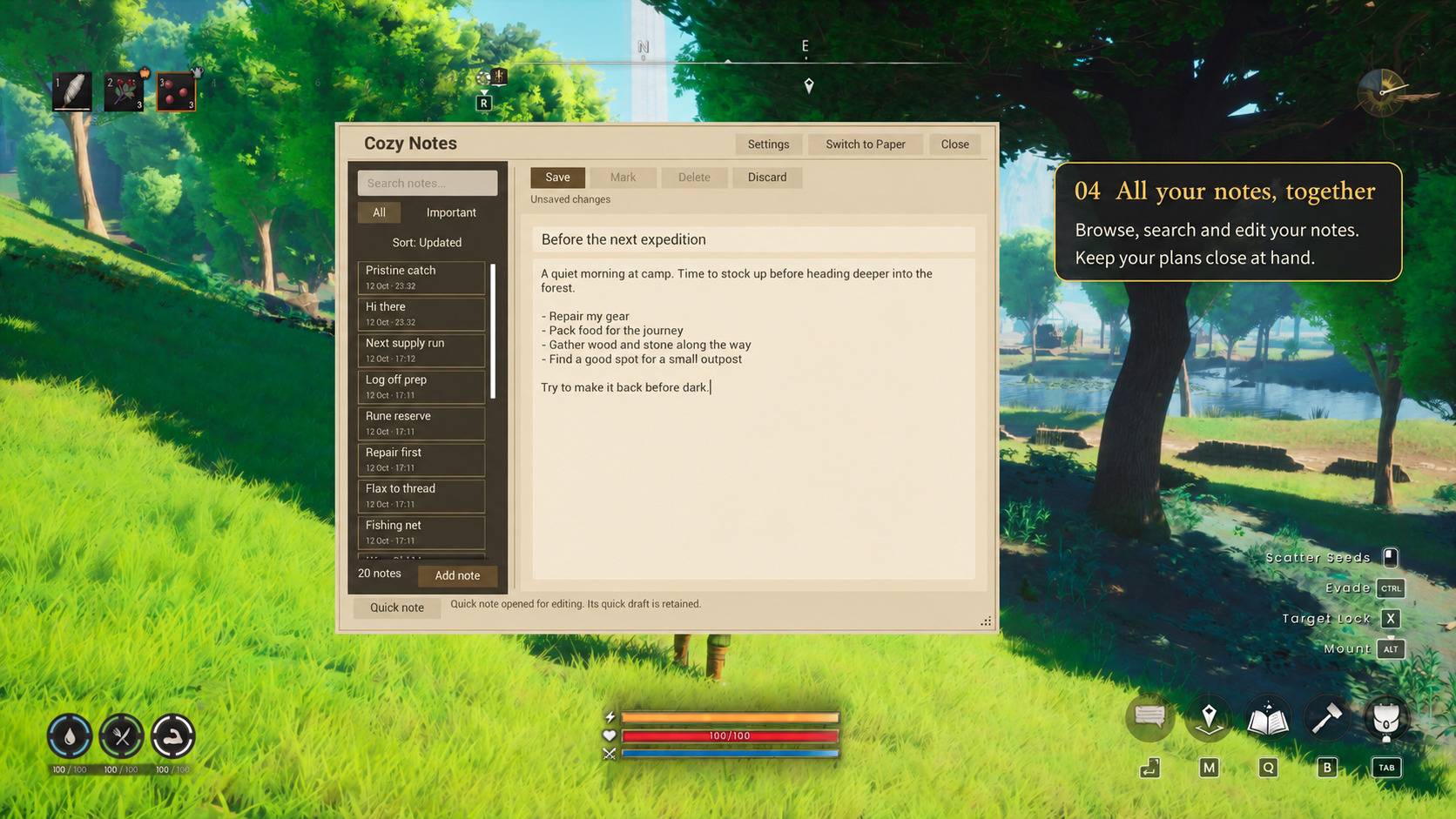
All your notes, together
- Write and edit — add notes, update them and save your changes.
- Find what you need — search note titles and text.
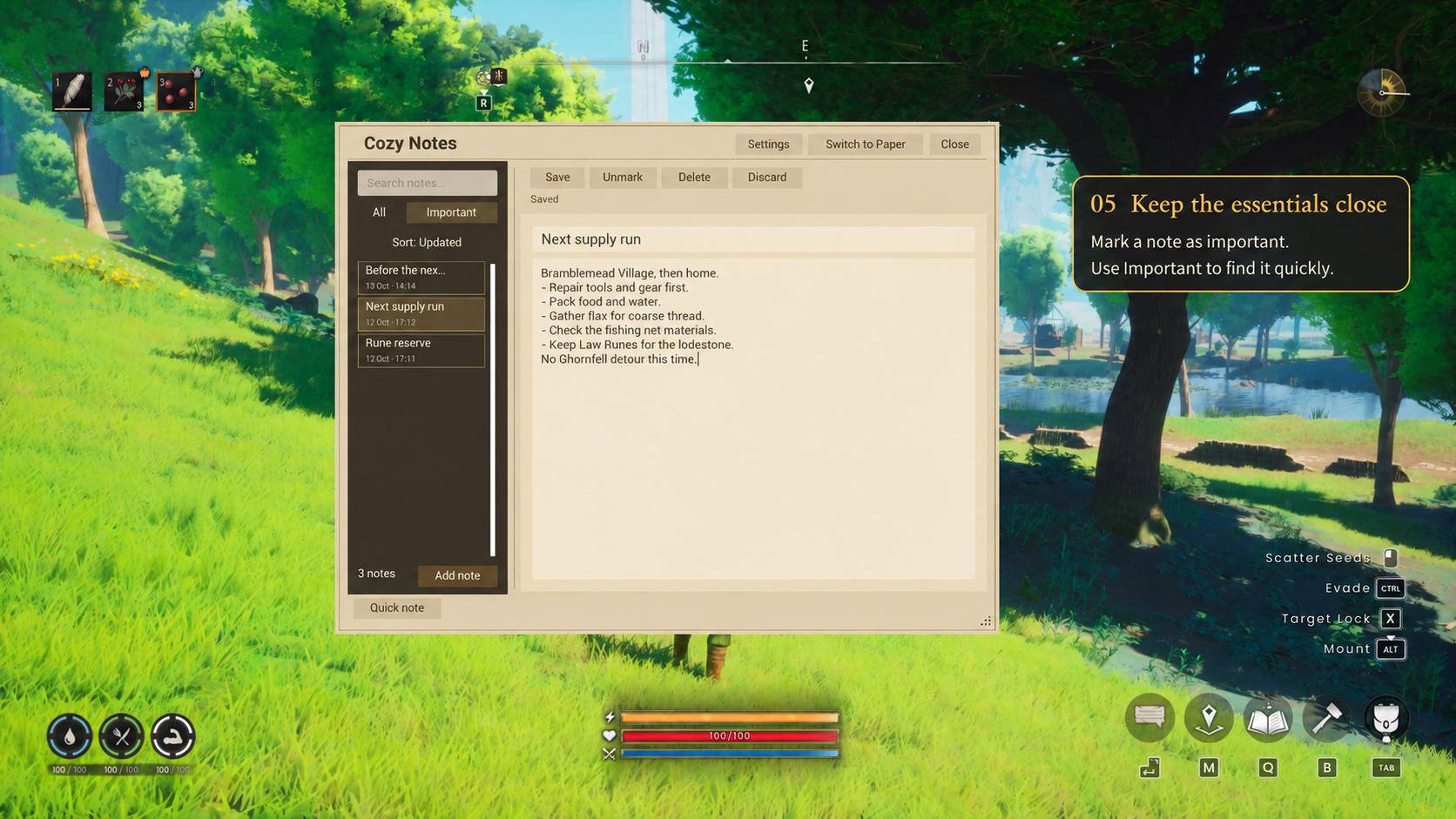
- Keep important reminders handy — mark notes and use the Important filter.
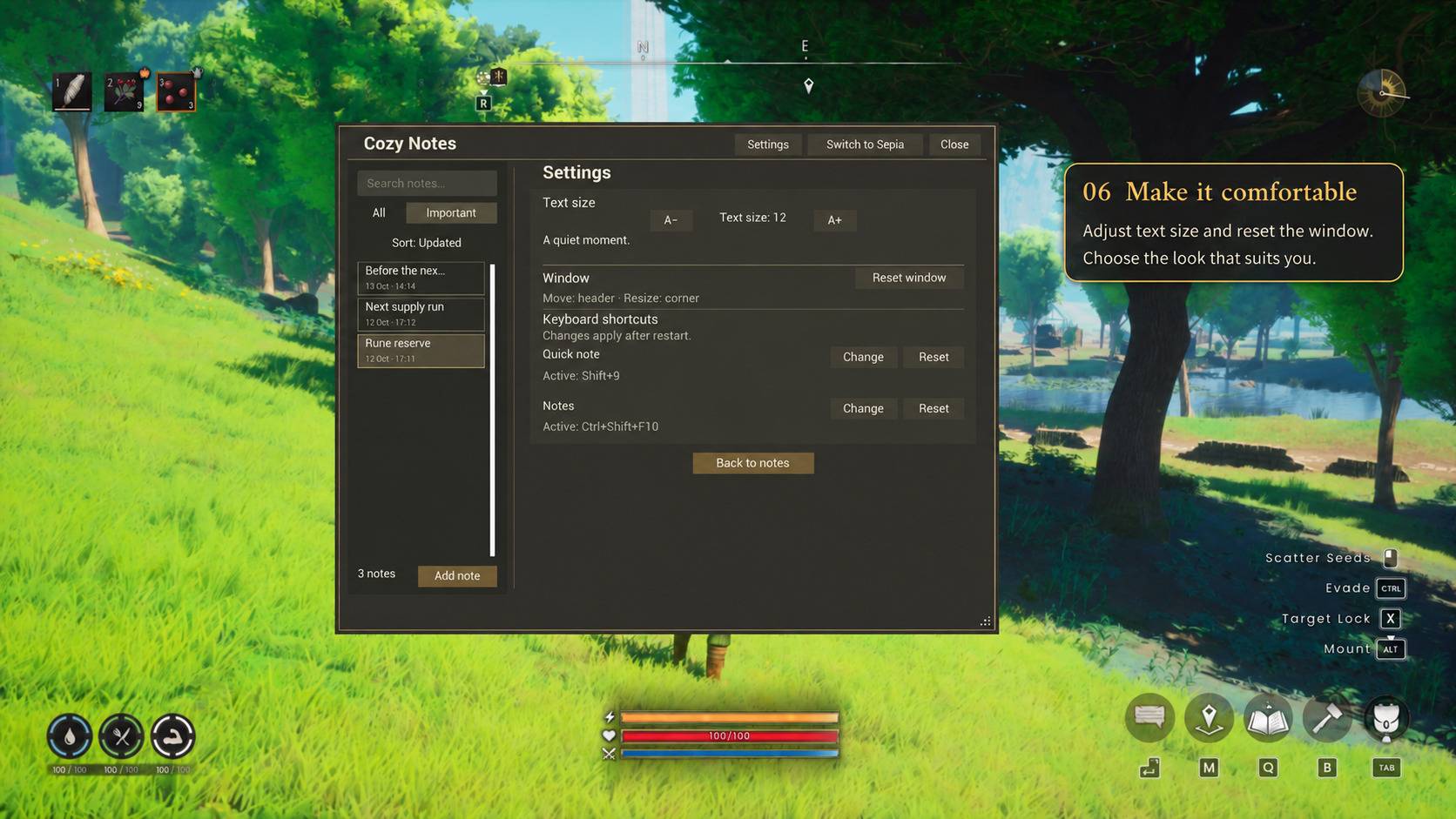
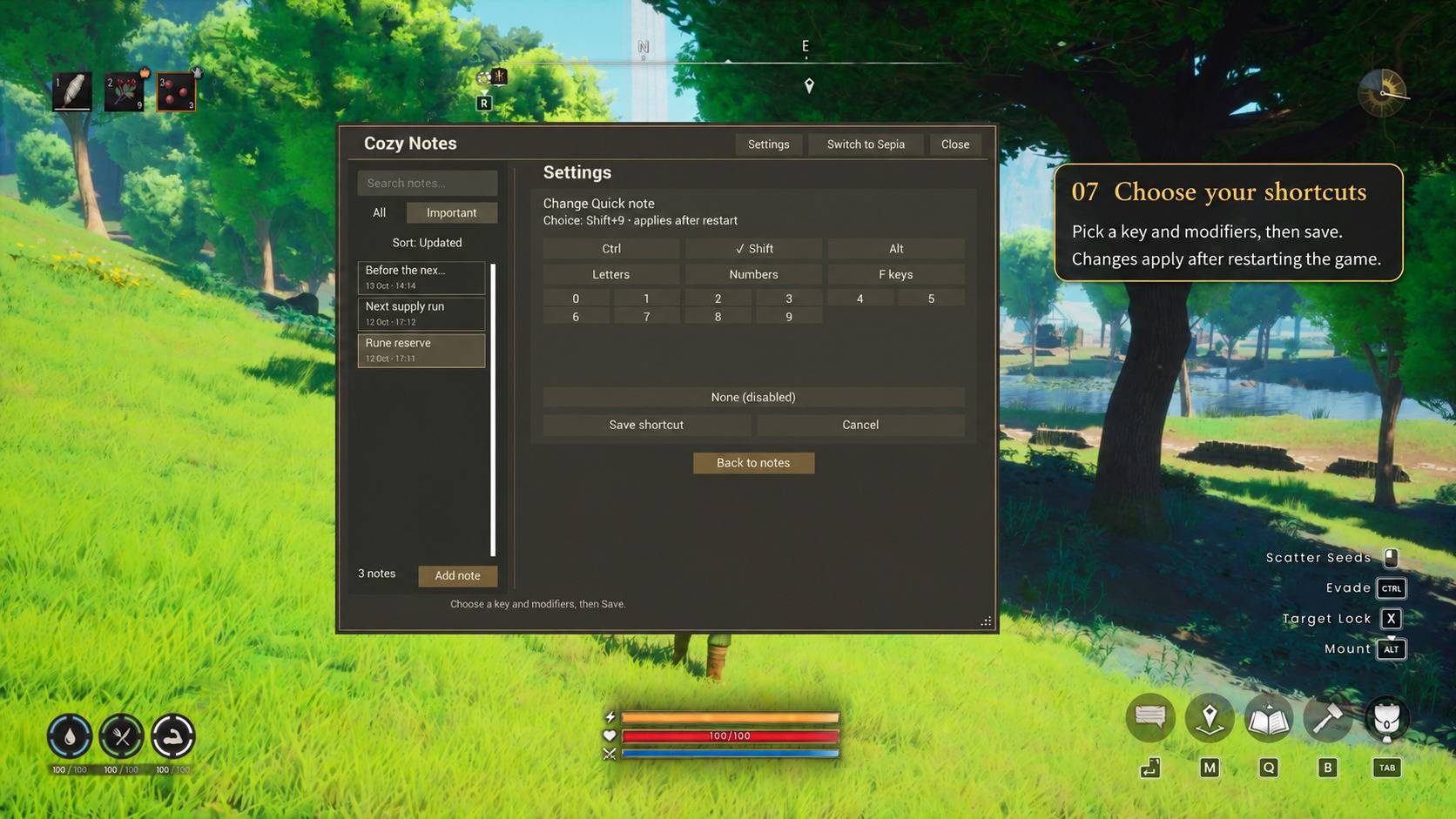
- Choose your shortcuts — assign separate keys for Quick note and Notes in Settings.
- Make it comfortable — choose Paper, Night or Sepia. Your theme is remembered between sessions.
Shortcut changes take effect after restarting the game. Large searches may show Searching… while results appear.
Requirements
RuneScape: Dragonwilds on Windows (Steam)
UE4SS 3.0.1-1135-gf6d5f942, installed separately.
The loader is not included. Tested with Steam build 25741633 / Unreal 5.6. Other builds, loader versions, multiplayer and mod manager deployment are unverified.
Installation
- Close the game.
- Extract the complete CozyReader folder into:
RSDragonwilds/RSDragonwilds/Binaries/Win64/ue4ss/Mods/ - Check that
Mods/CozyReader/Scripts/main.luaexists. - Start the game and open your inventory with Tab.
The ZIP includes enabled.txt for manual activation. If a mod manager controls activation, use its controls. See README.txt for full instructions.
Keep your notes safe
Back up the complete addon folder before updating or removing it.
Update only the packaged files. Keep reader.data, settings.data, hotkeys.ini and launcher.data, along with their .bak, .tmp, recovery files and other backups.
Your notes and preferences are stored locally in the addon folder. Deleting that folder or uninstalling through a manager may remove them, so keep a separate backup.
Cozy Notes Team