



RuneScape Bags (RuneSchema items)
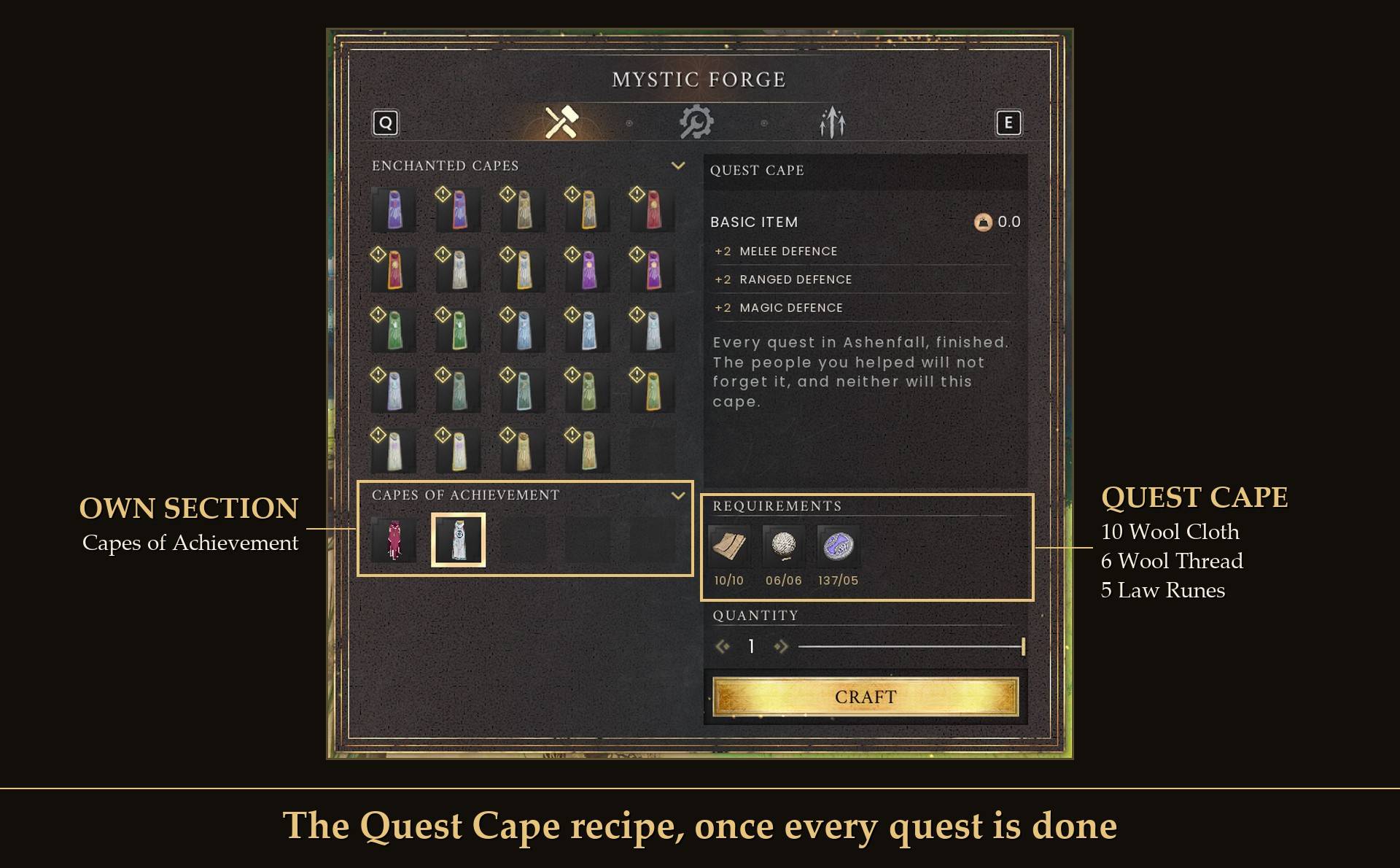
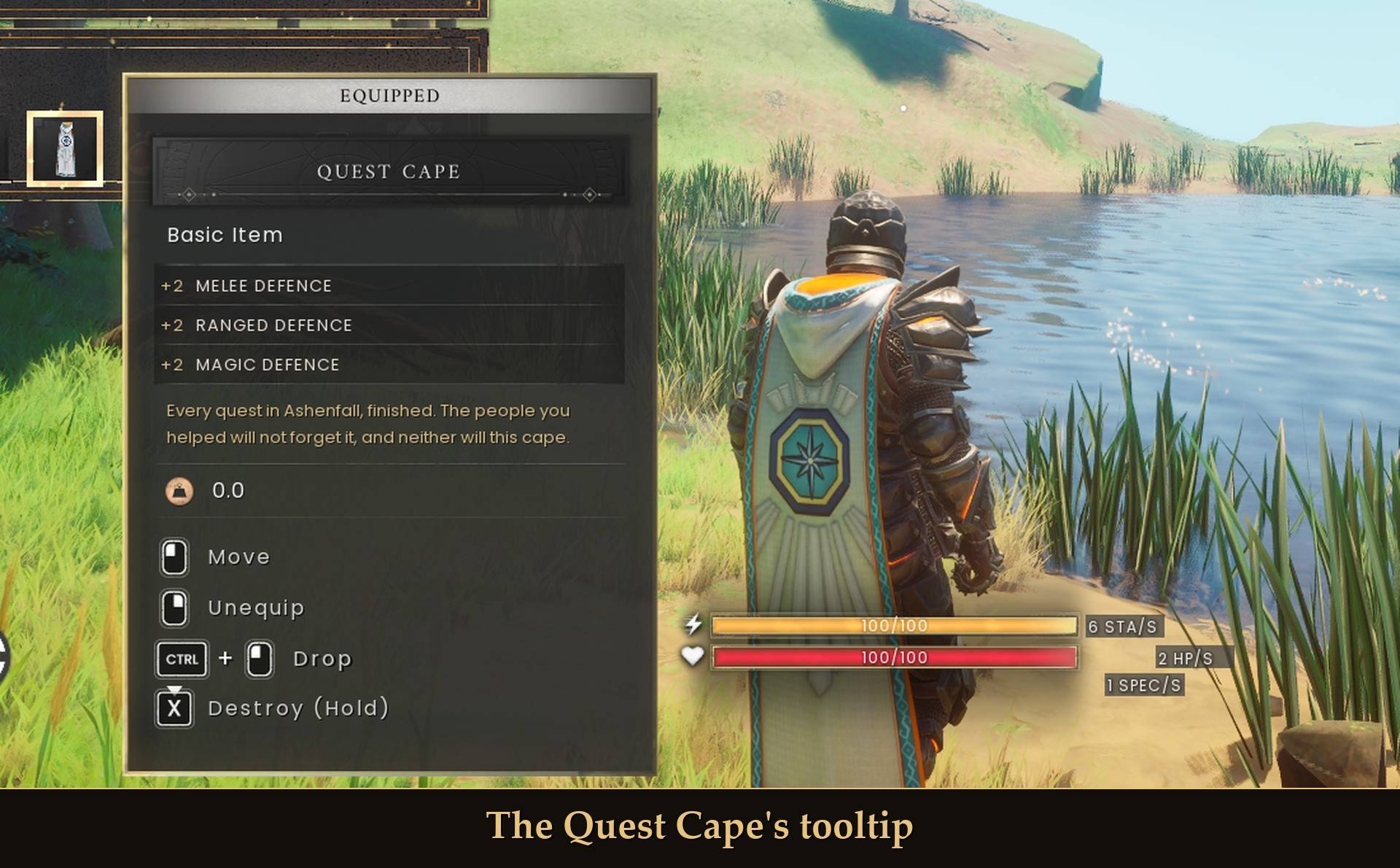
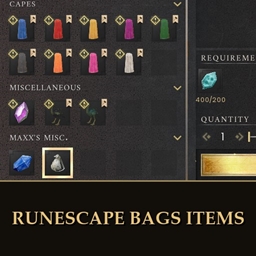
The herb sack, gem bag, ore box, seed box, tackle box and rune essence pouch, and their recipes, as RuneSchema items for RuneScape Bags. Needed by the main project. Keep it installed.
- 15
- October 22, 2026

Tool Belt - A Tab for Your Tools
- 198
- UE4SS Mods
RuneScape's tool belt as a new inventory tab: 16 slots for pickaxes, axes, spades, watering cans, rods, nets and torches, so they take no backpack room. Works with Auto Tool.
- 198
- October 22, 2026
Station Feeder
- 916
- UE4SS Mods
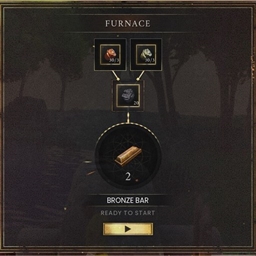
Restocks your furnace, sawmill, loom and other processing stations from the chests around them when you open one.
- 916
- October 22, 2026
Mod Menu
- 3.6K
- UE4SS Mods
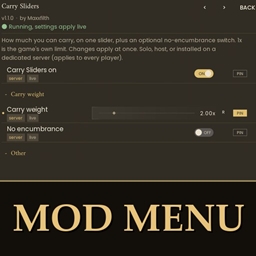
One menu for all your mod settings. Press Esc, click MODS and change them with switches and sliders. 2.0 adds search, a health check that says why a mod isn't running, a keys page that shows clashes, and a Quick Panel for the settings you change most.
- 3.6K
- October 21, 2026
RuneScape Bags (RuneSchema items)
The herb sack, gem bag, ore box, seed box, tackle box and rune essence pouch, and their recipes, as RuneSchema items for RuneScape Bags. Needed by the main project. Keep it installed.
- 15
- October 22, 2026
Tool Belt - A Tab for Your Tools
- 198
- UE4SS Mods
RuneScape's tool belt as a new inventory tab: 16 slots for pickaxes, axes, spades, watering cans, rods, nets and torches, so they take no backpack room. Works with Auto Tool.
- 198
- October 22, 2026
Station Feeder
- 916
- UE4SS Mods
Restocks your furnace, sawmill, loom and other processing stations from the chests around them when you open one.
- 916
- October 22, 2026
Mod Menu
- 3.6K
- UE4SS Mods
One menu for all your mod settings. Press Esc, click MODS and change them with switches and sliders. 2.0 adds search, a health check that says why a mod isn't running, a keys page that shows clashes, and a Quick Panel for the settings you change most.
- 3.6K
- October 21, 2026