Description
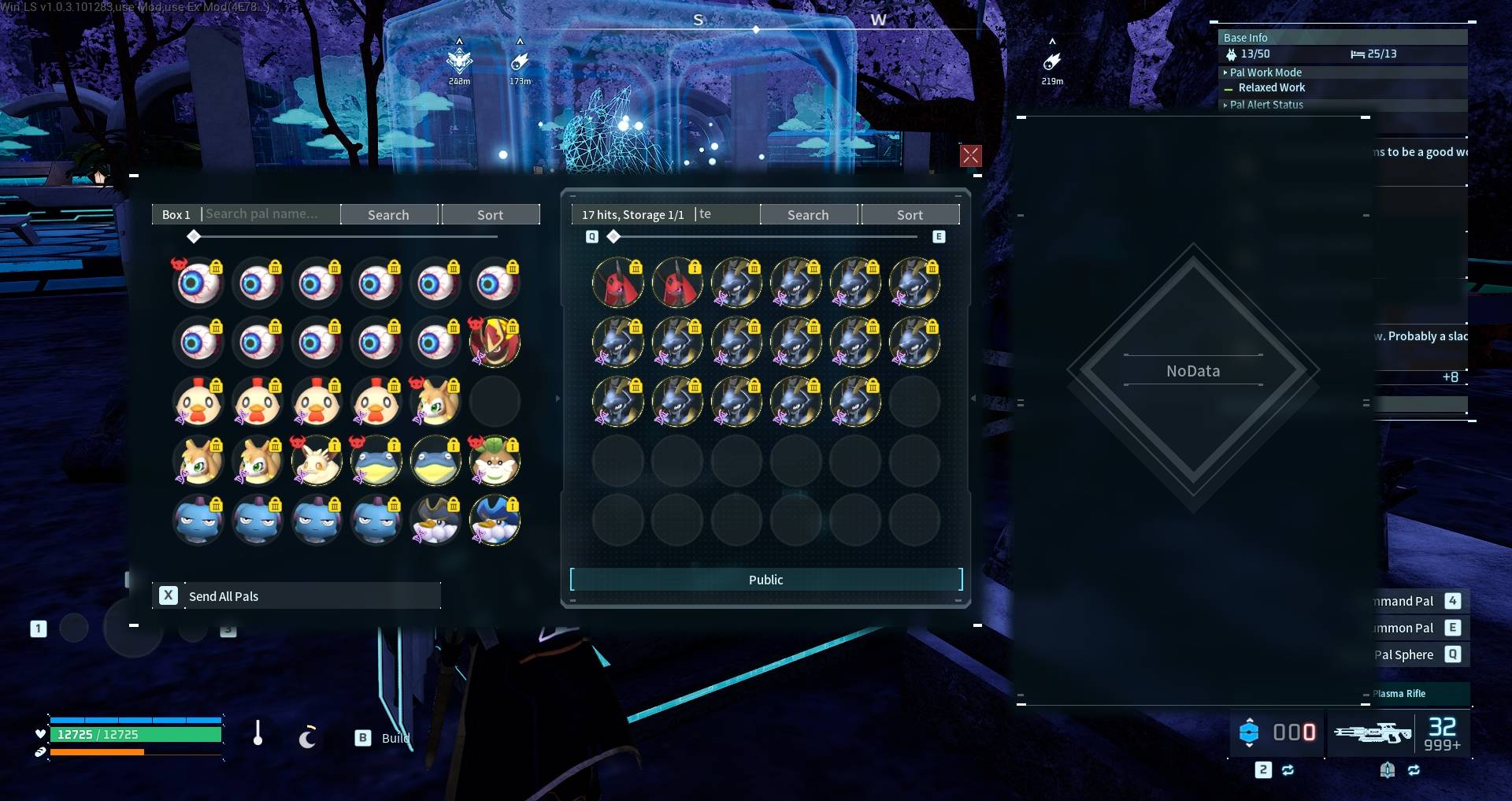
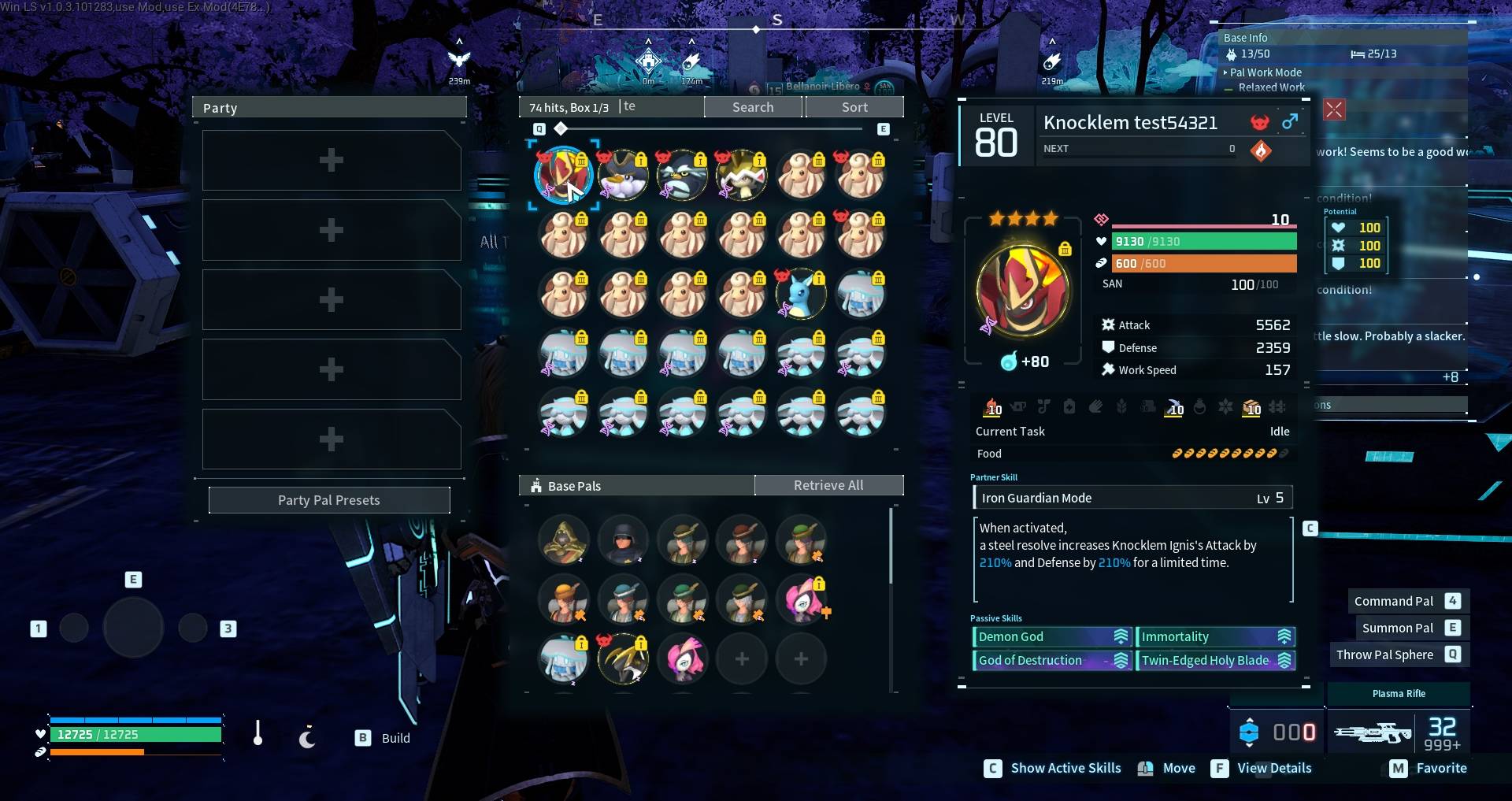
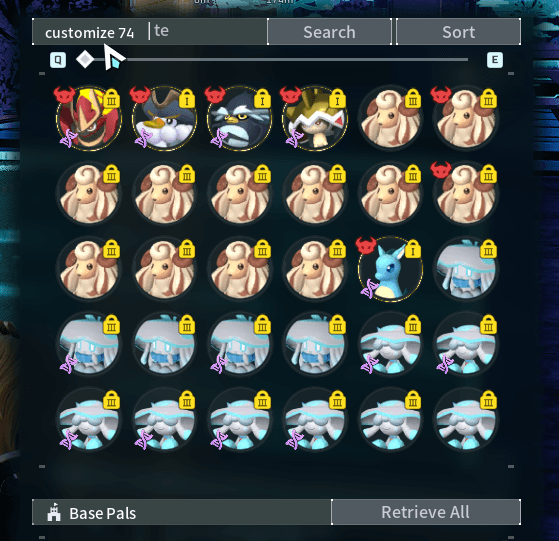
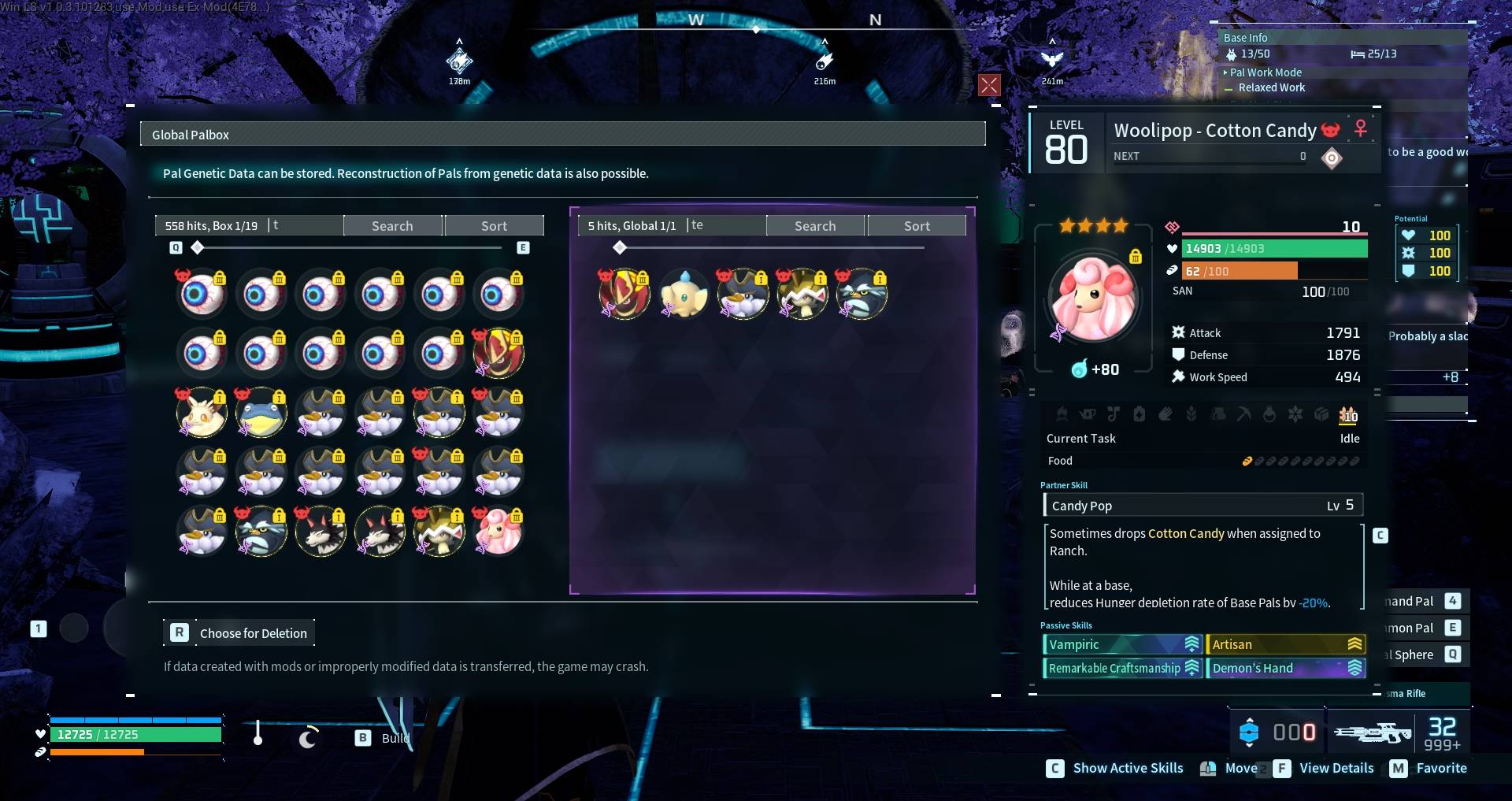
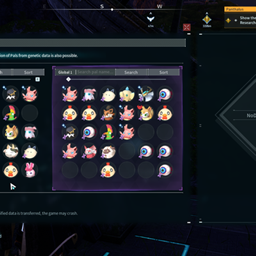
player opens 'Palbox management menu' or 'Global palbox', or 'Dimensional pal storage' a search textfield widget integrates into the 3 windows(5 textfields total as both 'global palbox' and 'Dimensional pal storage' have 'Palbox management menu' inside the same window); allows player to search for pal based on name
GamePass
-
RueWhenWasThis in nexus mods
posts says "i used it and it actually works lol but i didn't have to do anything i just` copied the folder into the same winGDK path and pasted. i have ue4ss installed already too."
Multiplayer
- ✅ stand-alone palbox
- ✅ global storage: palbox(left)
- ✅ global storage: global pal storage(right)
- ✅ dimensional pal storage: palbox(left)
- ❌ dimensional pal storage: dimensional pal storage(right) - currently looking into it -
problem: is how to send data to server from client:
1. in-game chat like command
2. host only
3. highlight matches per page, i dont want to reorder them as risk corruption
4. cache per page, but it take AT BEST: 32 seconds, maybe can be done in background. so many caveats lead to partial results or lag.
5. still looking for hidden cache
- dimensional pal storage tested with ~1600 pals, (9600 max)
"search results text overview" fully customizable - "563 hits, Storage 1/19" : look in config
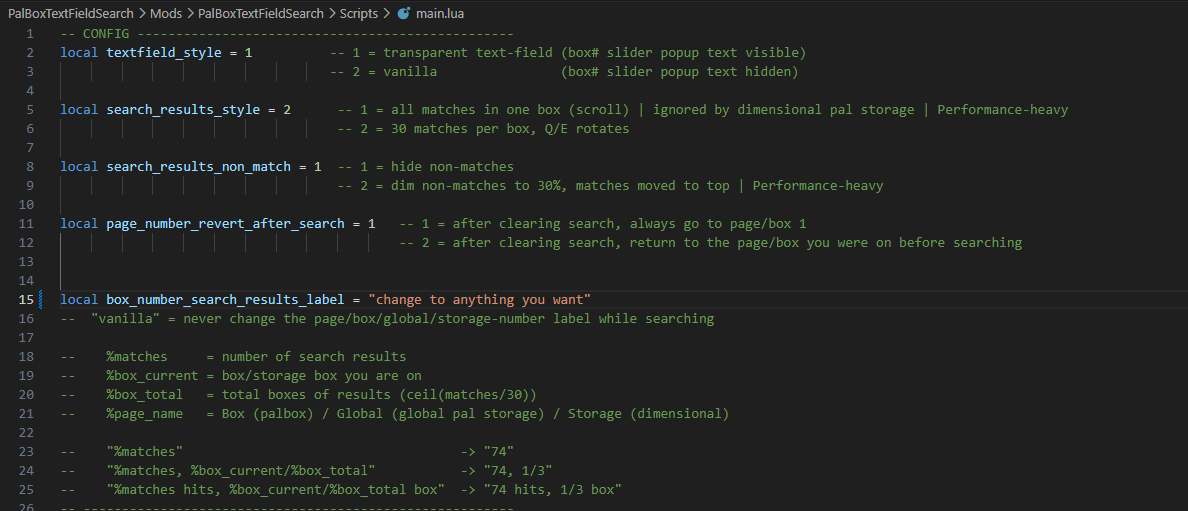
CONFIG | found in main.lua
local textfield_style = 1 -- 1 = transparent text-field (box# slider popup text visible)
-- 2 = vanilla (box# slider popup text hidden)
local search_results_style = 2 -- 1 = all matches in one box (scroll) | ignored by dimensional pal storage | Performance-heavy
-- 2 = 30 matches per box, Q/E rotates
local search_results_non_match = 1 -- 1 = hide non-matches
-- 2 = dim non-matches to 30%, matches moved to top | Performance-heavy
local page_number_revert_after_search = 1 -- 1 = after clearing search, always go to page/box 1
-- 2 = after clearing search, return to the page/box you were on before searching
local box_number_search_results_label = "change to anything you want"
-- "vanilla" = never change the page/box/global/storage-number label while searching
-- %matches = number of search results
-- %box_current = box/storage box you are on
-- %box_total = total boxes of results
-- %page_name = Box (Palbox) / Global (Global pal storage) / Storage (Dimensional pal storage)
-- "%matches" -> "74"
-- "%matches, %box_current/%box_total" -> "74, 1/3"
-- "%matches hits, %box_current/%box_total box" -> "74 hits, 1/3 box"
Installation instructions
Steam Manual: Extract the PalBoxTextFieldSearch.zip folder to:
C:\Program Files (x86)\Steam\steamapps\common\Palworld\Pal\Binaries\Win64\ue4ss\Mods
should look like:
C:\Program Files (x86)\Steam\steamapps\common\Palworld\Pal\Binaries\Win64\ue4ss\Mods\PalBoxTextFieldSearch\Scripts\main.lua
C:\Program Files (x86)\Steam\steamapps\common\Palworld\Pal\Binaries\Win64\ue4ss\Mods\PalBoxTextFieldSearch\enabled.txt
might need to add: "PalTextFieldSearch : 1" to:
C:\Program Files (x86)\Steam\steamapps\common\Palworld\Pal\Binaries\Win64\ue4ss\Mods\mods.txt
worse case: ask in chat, dont be shy.
Source
not yet uploaded to GITLAB
Support
Dev Notes
- for all search mod developers your looking for "PalDimensionLockerControl_2147369165.json" this has the 9600 pal slots