Description
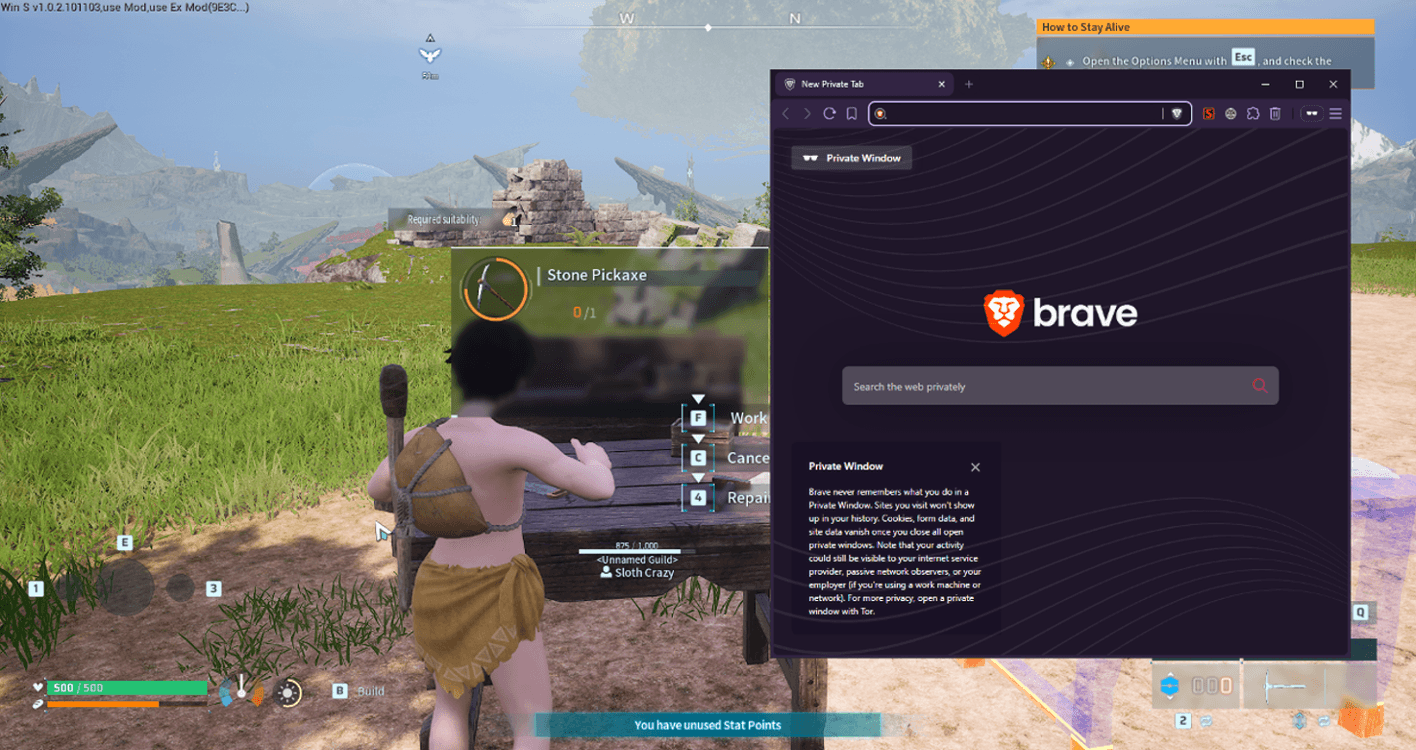
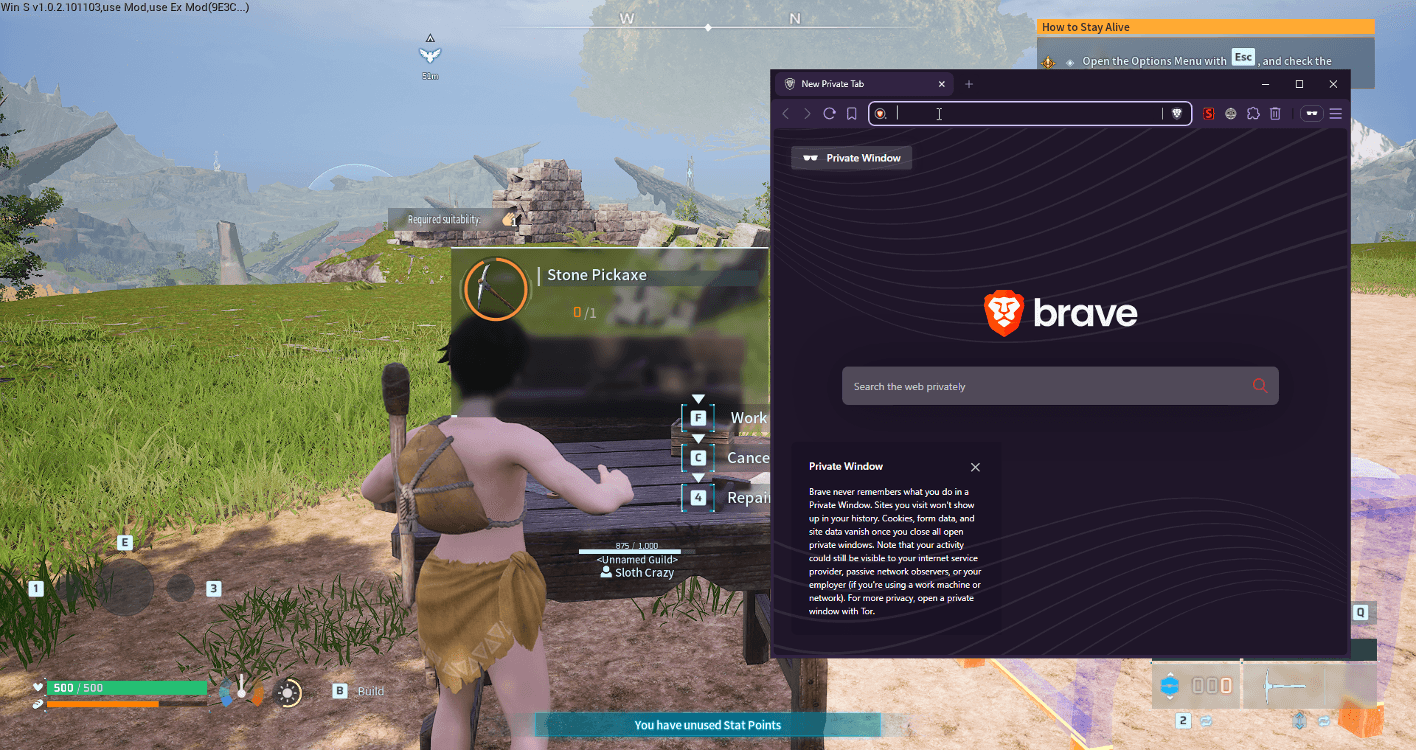
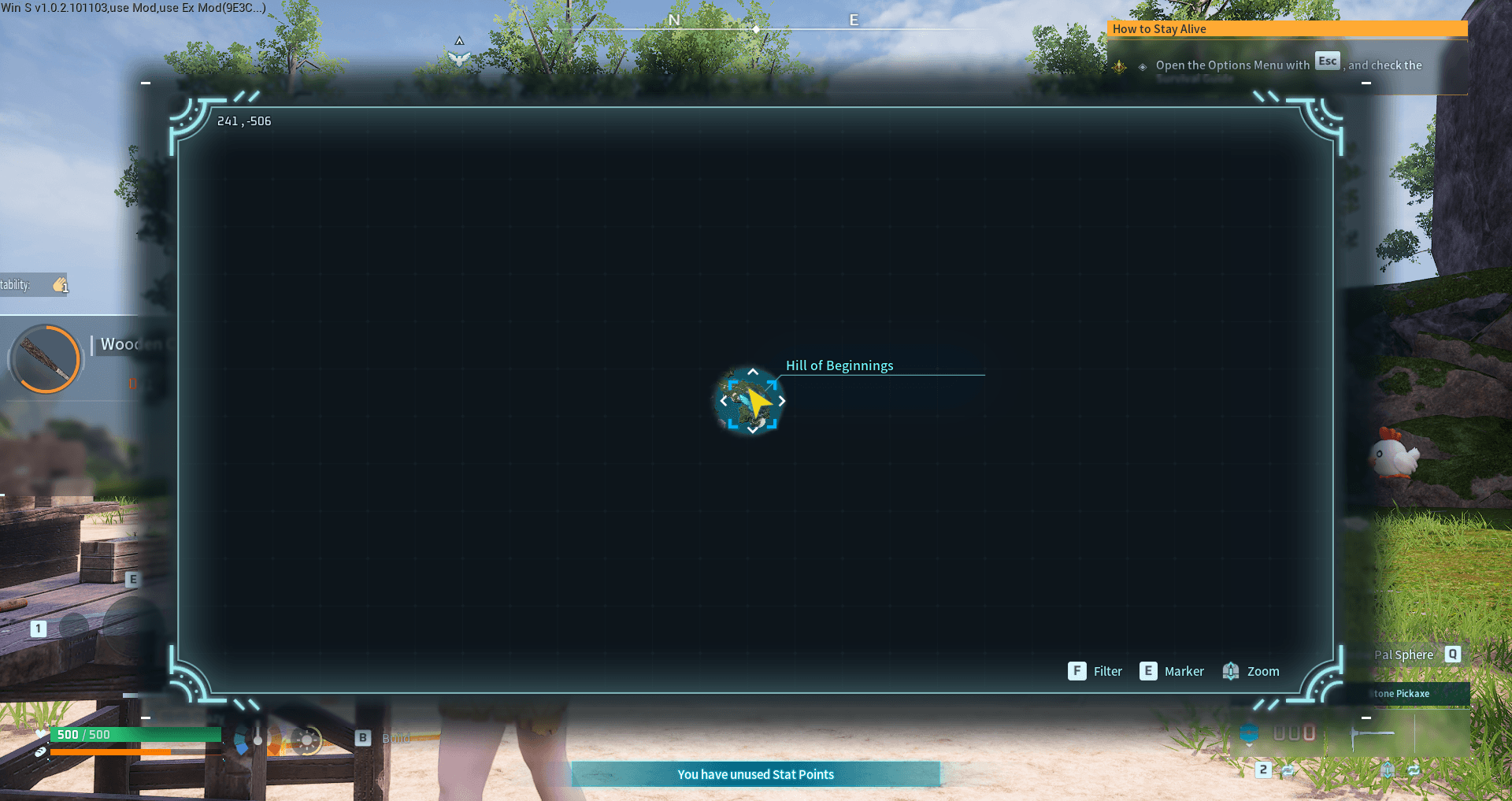
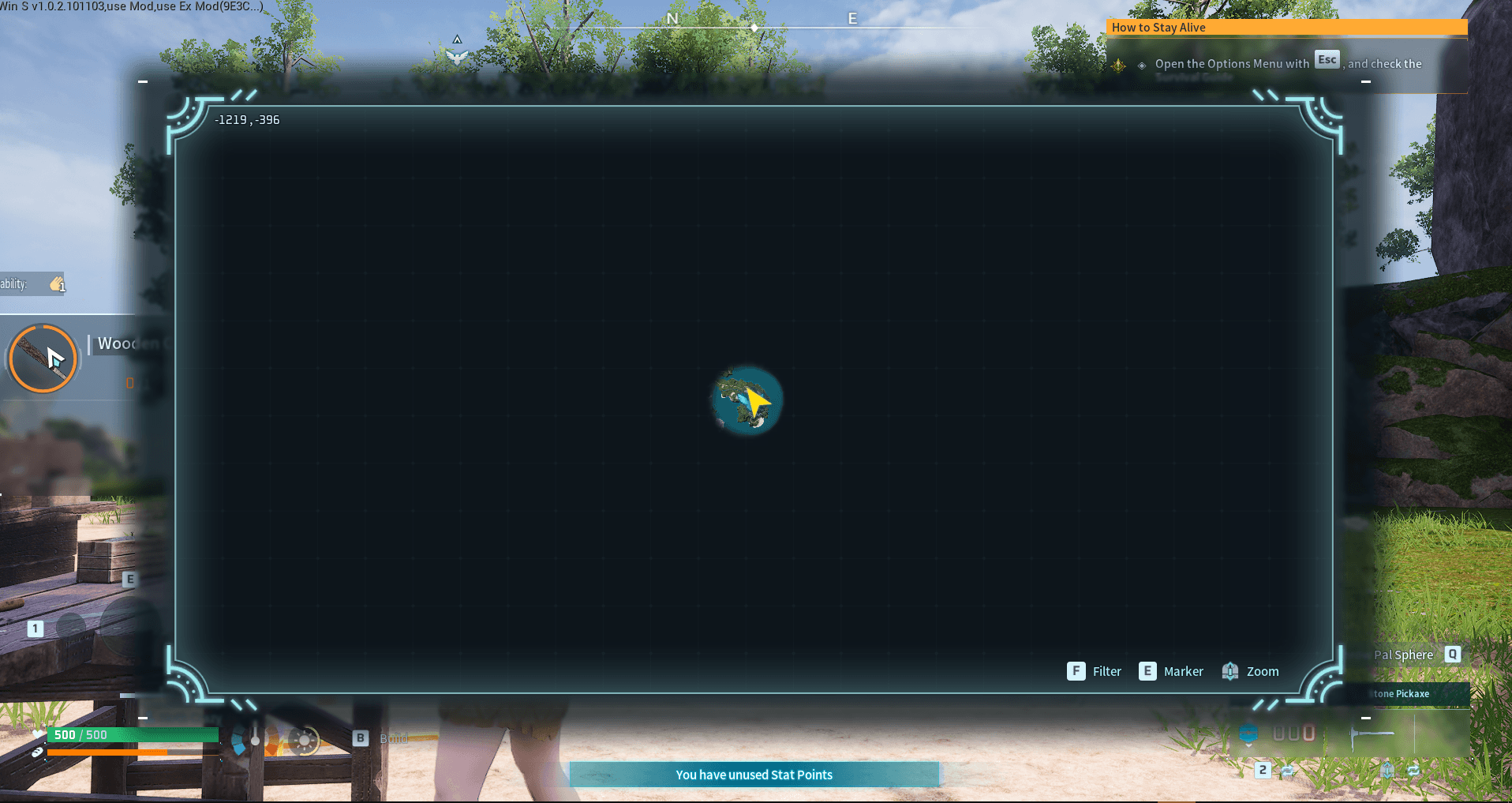
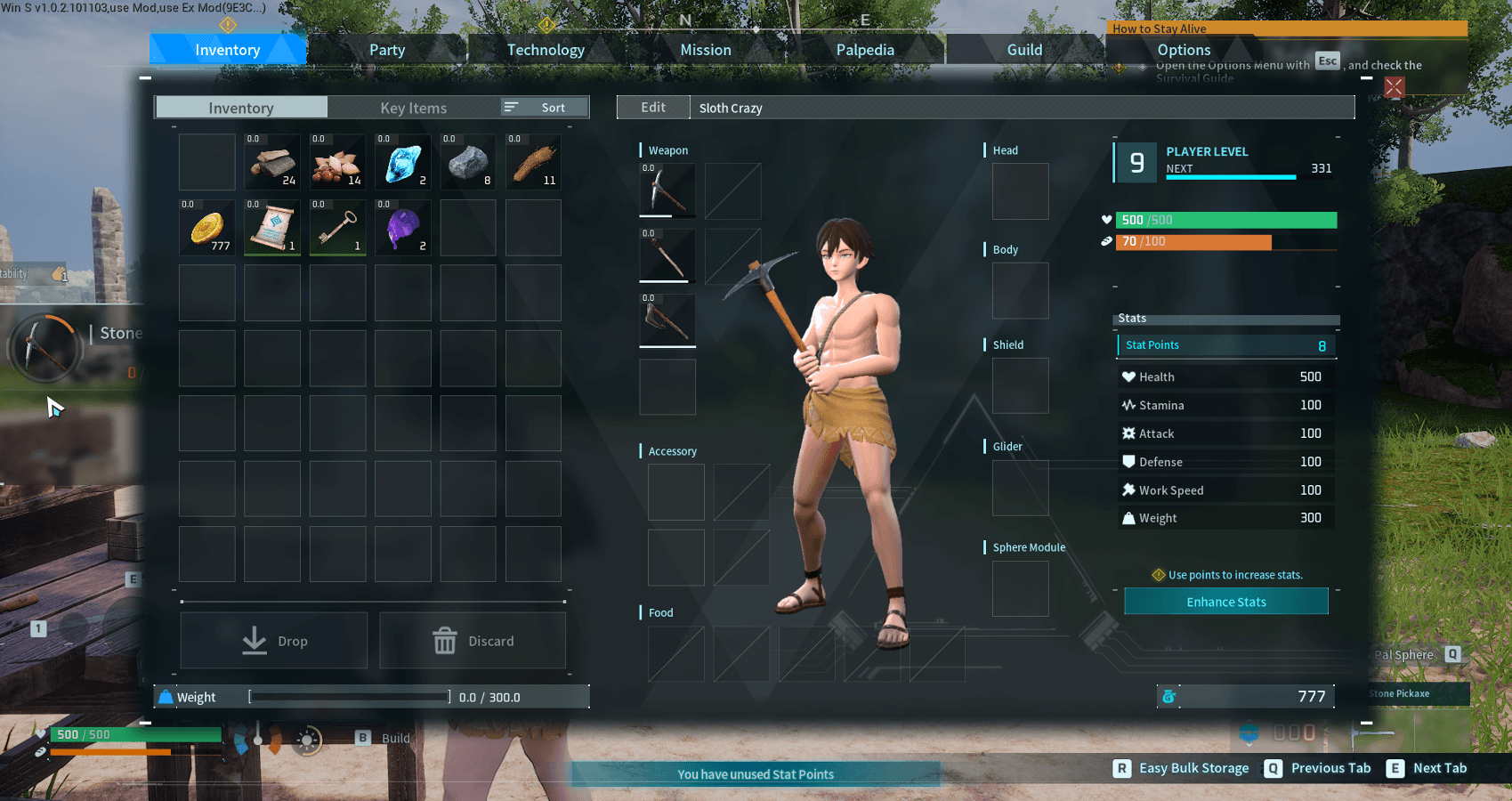
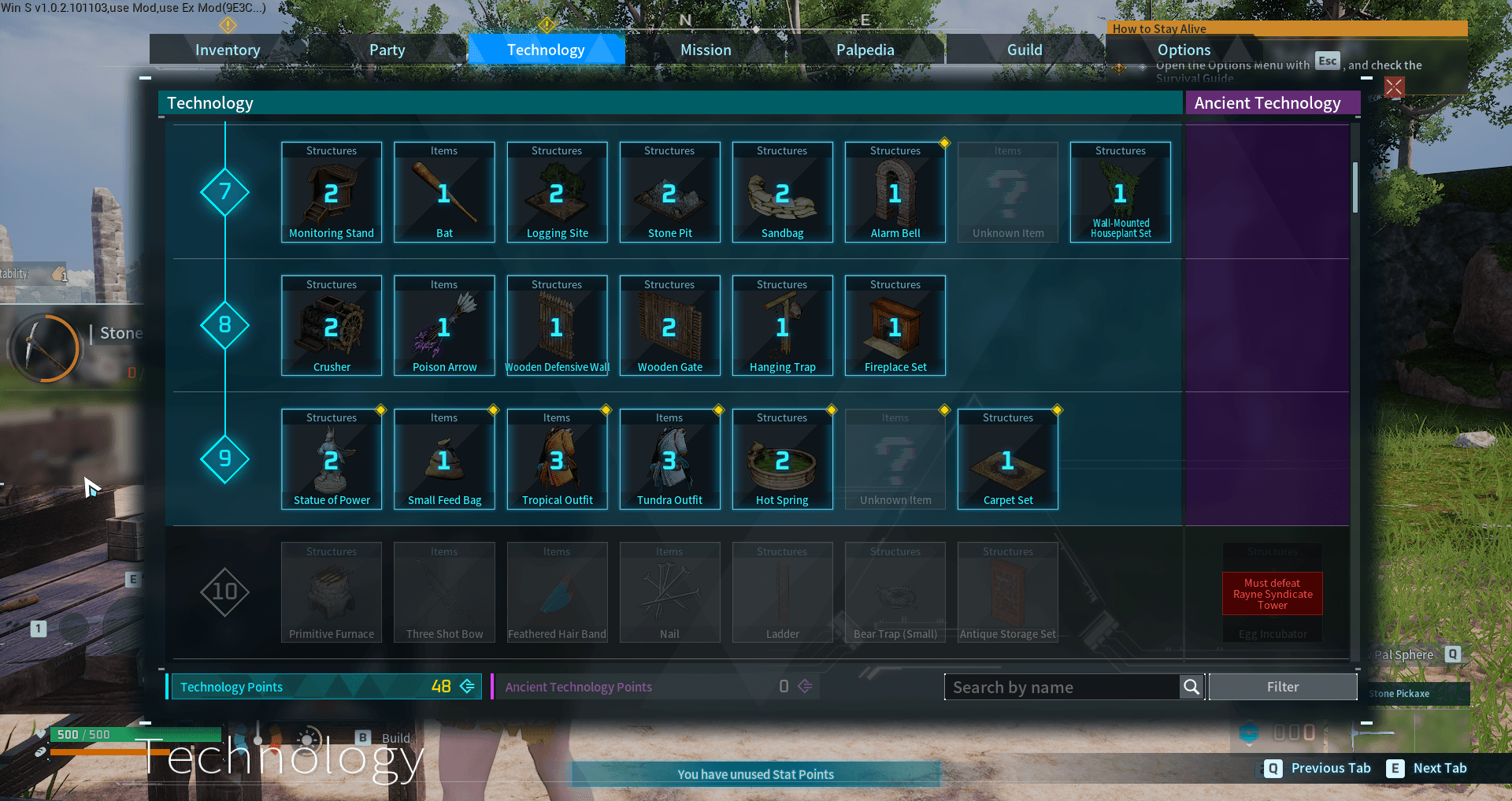
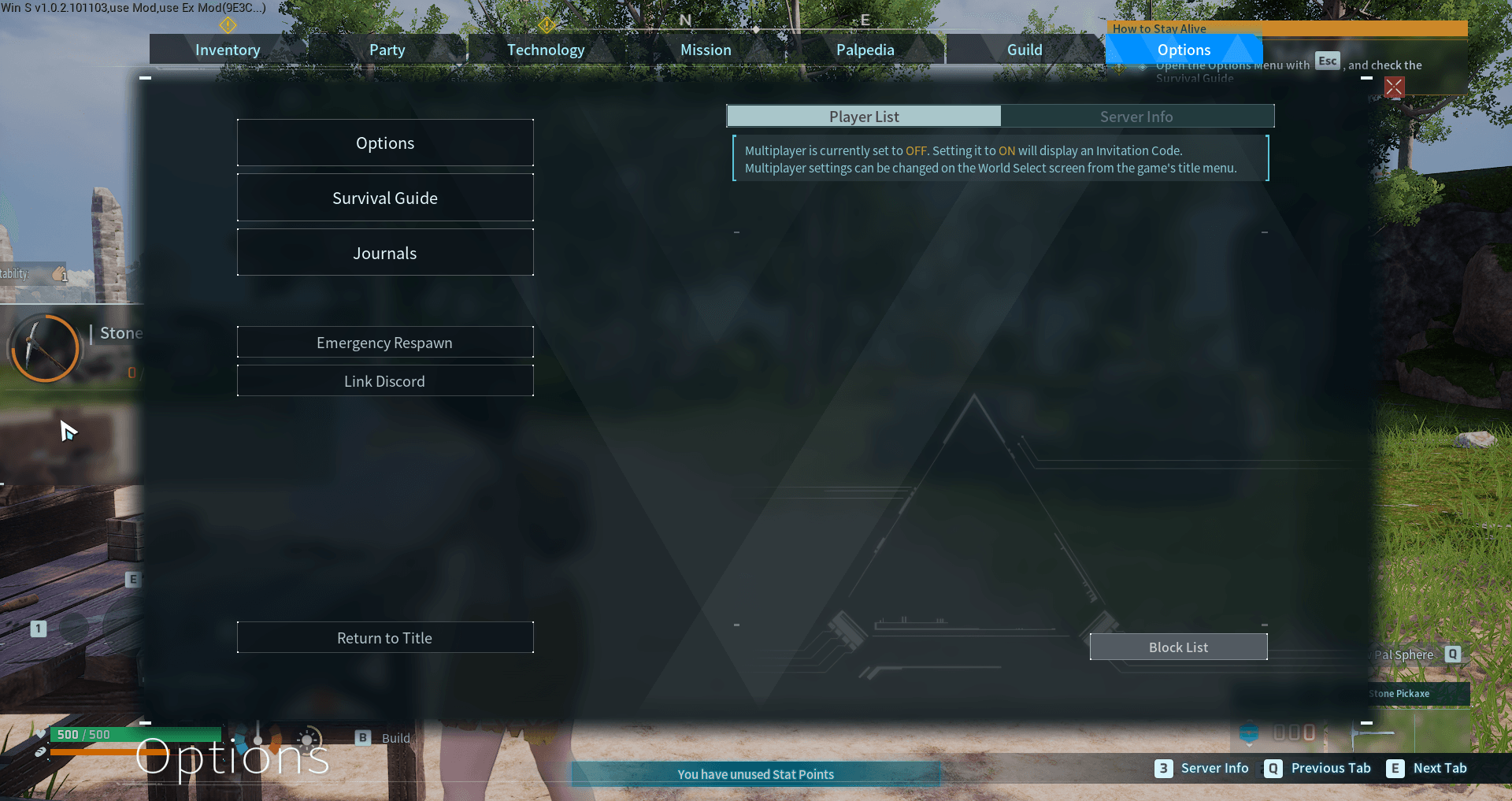
Palworld mod. Your character keeps working at stations while you browse menus, inventory, map, or alt-tab. Moving stops the work.
v1.1 26 lines code - 2026.08.03
v1.2 36 lines code - 2026.08.04
meta reason for minimal lines: was hoping to encourage people to attempt to `fix` it themselves, in the age of LLM brute force questions leads forward. I left the latest updated version on my GITLAB, but traffic tells a clear story. I really just need to mirror the updates and not try to meta game a "DIY" movement.
v1.8.6 161 lines code - 2026.08.24
v2.2.0 246 lines code - 2026.09.11
v2.3.1 335 lines code - 2026.09.20
v2.3.3 440 lines code - 2026.09.21
2.0 Major update:
FIX: in-game menu/window/map now fully bypasses "[F] Acquire".
- Queued items (50x same item) keep working after opening any in-game menu/window/map.
- Logging/mining/quarry sites 1/9999 keep working.
NEW: Return to work on queued (50x same item) without Acquire the item. Works in multiplayer
- hold F to swap "[F] Acquire" to "[F] Work"
Install Windows
Steam Manual: Extract the KeepWorking.zip folder to:
C:\Program Files (x86)\Steam\steamapps\common\Palworld\Pal\Binaries\Win64\ue4ss\Mods
should look like:
C:\Program Files (x86)\Steam\steamapps\common\Palworld\Pal\Binaries\Win64\ue4ss\Mods\KeepWorking\Scripts\main.lua
C:\Program Files (x86)\Steam\steamapps\common\Palworld\Pal\Binaries\Win64\ue4ss\Mods\KeepWorking\enabled.txt
might need to add: " KeepWorking : 1" to:
C:\Program Files (x86)\Steam\steamapps\common\Palworld\Pal\Binaries\Win64\ue4ss\Mods\mods.txt
Install Windows Vortex
Vortex: install KeepWorking Mod: install
Install CachyOS(Arch)
1. Download Okaetsu/RE-UE4SS Palworld experimental build: Okaetsu/RE-UE4SS
- notice: "Okaetsu released this Feb 20, 2025" but UE4SS-Palworld.zip is updated to 2026/07/19
cd /tmp curl -LO https://github.com/Okaetsu/RE-UE4SS/releases/download/experimental-palworld/UE4SS-Palworld.zip
2. Extract into Palworld's Win64 folder
unzip /tmp/UE4SS-Palworld.zip -d ~/.local/share/Steam/steamapps/common/Palworld/Pal/Binaries/Win64/
3. Steam launch option: WINEDLLOVERRIDES="dwmapi=n,b" %command%
4. Download KeepWorking.zip
5. Extract into
/home/usercachyos/.local/share/Steam/steamapps/common/Palworld/Pal/Binaries/Win64/ue4ss/Mods
should look like:
/home/usercachyos/.local/share/Steam/steamapps/common/Palworld/Pal/Binaries/Win64/ue4ss/Mods/KeepWorking/Scripts/main.lua
/home/usercachyos/.local/share/Steam/steamapps/common/Palworld/Pal/Binaries/Win64/ue4ss/Mods/KeepWorking/enabled.txt
Vortext: install
Source
https://gitlab.com/SlothCrazy/keepworking
Support
Support the need for a spicy TACO
Dev Notes
OLD no longer Needed: if you want to help see if you can identify how to bypass "[F] acquire"
enable UE4SS Debugging Tools (OpenGL 3)
C:\Users\Administrator\AppData\Roaming\Vortex\palworld\mods\UE4SS-Palworld\Pal\Binaries\Win64\ue4ss\UE4SS-settings.ini
- bUseUObjectArrayCache = true
- GuiConsoleEnabled = 1
- GuiConsoleVisible = 1
how to use
1. click Live View
2. right-click search textfild: enable "Use Regex for search"
3. in-game start working on queued item like logging site
4. search in the Live View for something like: function.*player.*work
5. list is populated: educated guess and click on a list item:
- right-click Watch value : this will display live change in Watches TAB
or
- scroll through values of the selected list item, and see what changes when you do an in-game action.
new search method
search contents for all 1700+ files at same time, about 30 seconds on nvme
1. open UE4SS "Dumpers" tab
2. click "Dump CXX Headers" button
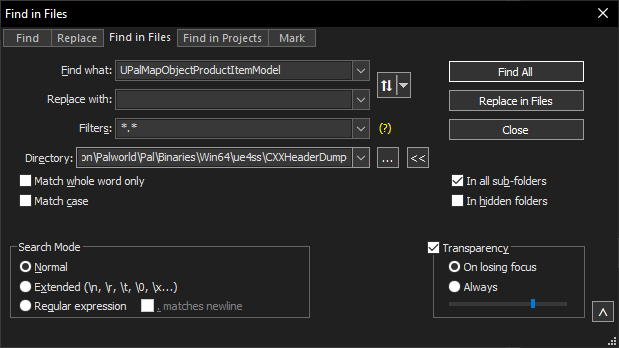
3. notepad++ "ctrl + shift + f" find in files
4. set Directory to "C:\Program Files (x86)\Steam\steamapps\common\Palworld\Pal\Binaries\Win64\ue4ss\CXXHeaderDump"
5. search Find what: UPalMapObjectProductItemModel <- your search
-
Note: can set "Filters" to:
*pal.hpp* to search specific files