Better Pal Summoning (Throw Pal Shere)

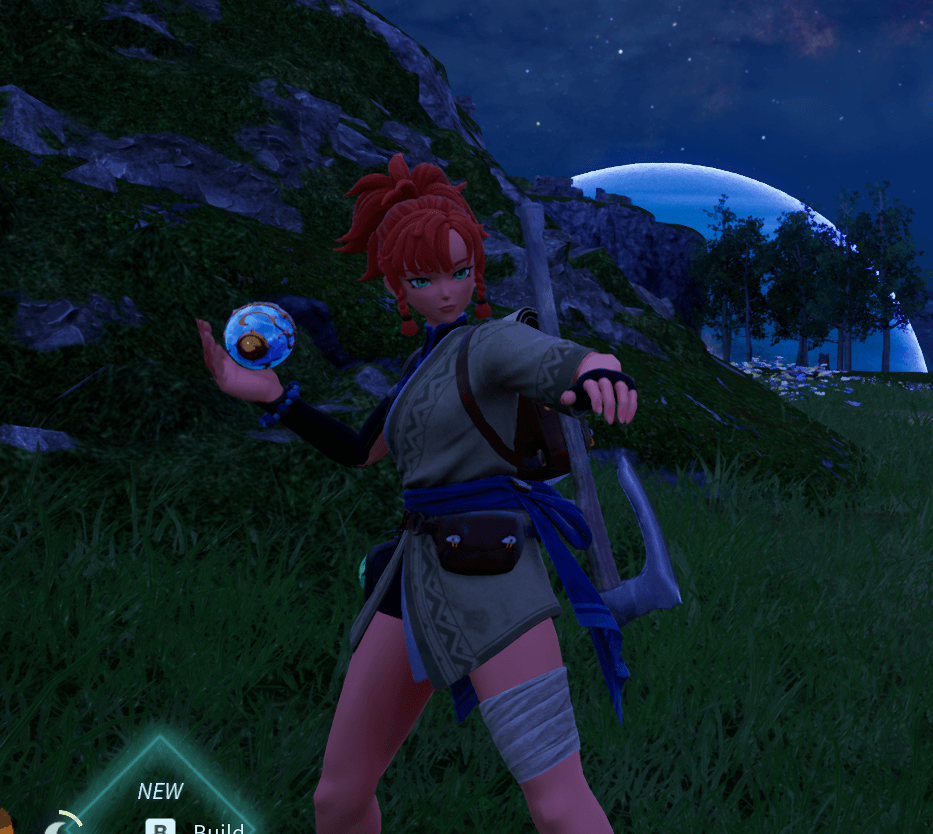
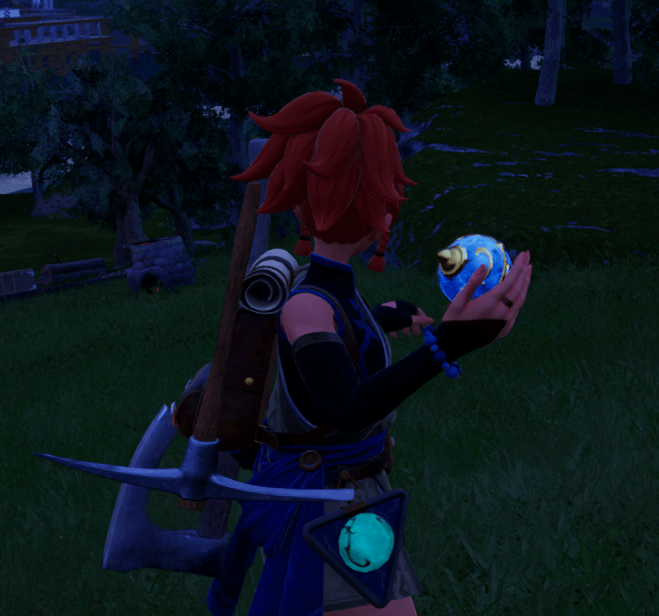
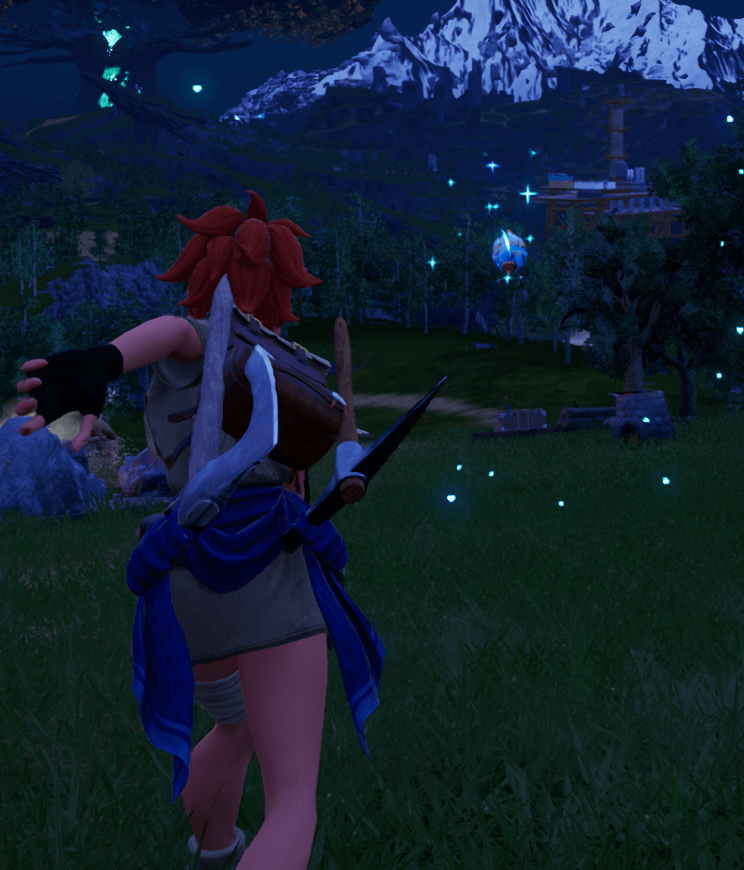
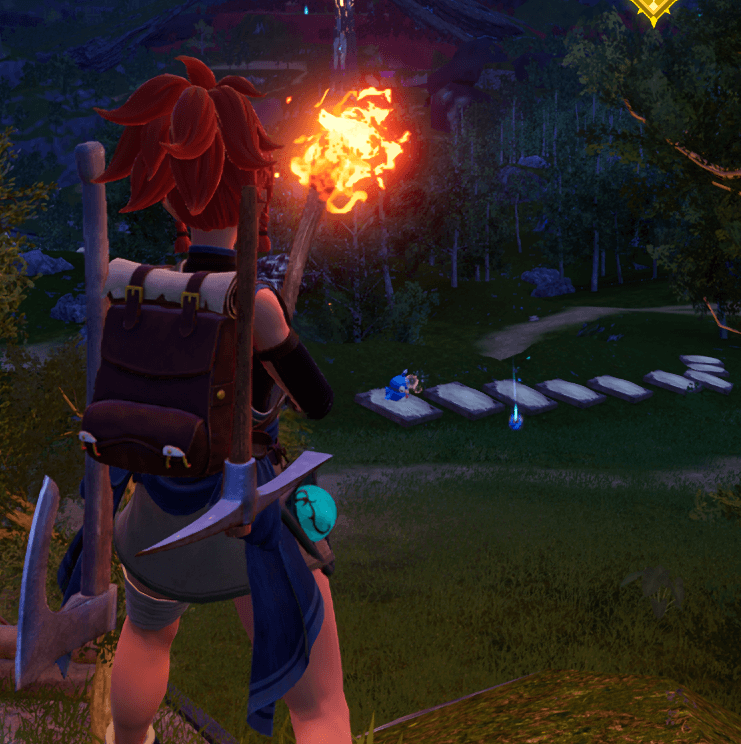
Hold the summon key to aim, release to throw your Pal Sphere and summon from a distance — no more needing to be right next to where you want your Pal.
Screenshot 2026-07-18 001631.png

Screenshot 2026-07-18 001631.png

Screenshot 2026-07-18 001619.png

Screenshot 2026-07-18 001619.png

Screenshot 2026-07-18 001639.png

Screenshot 2026-07-18 001639.png

Screenshot 2026-07-18 001650.png

Screenshot 2026-07-18 001650.png

Description

Better Pal Summoning adds real distance to Pal summoning: hold the summon key to aim, release to throw the sphere with real physics, and your Pal appears wherever it lands (or hits something). Switching to a different Pal while one is already active automatically recalls the current one, then throws the newly selected Pal once the recall finishes — just like a normal Pal swap, just with real distance.

Physics, collision, and landing feel exactly like vanilla — nothing floaty or scripted, just a real thrown sphere.

Features

  • Hold to aim, release to throw — full control over distance and direction instead of always summoning right beside you.
  • Recall-then-throw on Pal swap — switching your active Pal recalls the current one and automatically throws the new one in afterward.
  • Automatic weapon restoration — whatever you had equipped before is re-equipped after the throw completes.
  • Direct-hit aggro — a thrown sphere that hits a wild Pal raises its hate toward you, so you can start a fight from a distance without switching to Aggressive mode.
  • Built-in throw cooldown (2 seconds by default) to prevent spam-throwing.

Requirements

  • UE4SS installed. This is a Lua mod, so UE4SS must already be set up and working before this mod will do anything. If you don't have UE4SS yet, install that first — its own instructions will walk you through it.

Installation

  1. Locate your Palworld installation folder. By default on Steam, this is: <your Steam library>\steamapps\common\Palworld\Pal\Binaries\Win64\ (Right-click Palworld in your Steam library → Manage → Browse Local Files if you're not sure where this is.)
  2. Inside that folder, you should already see a Mods folder (created by UE4SS). Open it: ...\Pal\Binaries\Win64\Mods\
  3. Extract the downloaded zip, then copy the whole PalSphereThrow folder into that Mods folder, so you end up with: ...\Pal\Binaries\Win64\Mods\PalSphereThrow\Scripts\main.lua
  4. In that same Mods folder, open mods.txt in a text editor (Notepad works fine).
  5. Add this line anywhere in the file (or change it if it's already there from a previous install): PalSphereThrow : 1
  6. Save mods.txt and close it.
  7. Restart Palworld (or restart your dedicated server, if that's where you installed it).

The summon key defaults to V. If that collides with something else on your keybinds, it's a one-line change near the top of the script (ThrowKeyName).

Multiplayer / Dedicated Servers

Client-only install works — no server-side install needed, including on dedicated servers you don't control.

One known limitation on dedicated servers: if you don't have host/local authority (i.e. you're a regular client on someone else's dedicated server), the automatic "recall current Pal, then throw the new one" convenience is skipped for safety. In that specific situation, recall your current Pal normally first, then press the throw key to send out the new one — a small extra step instead of one smooth motion. Singleplayer and player-hosted (listen host) games are unaffected and get the full one-motion experience.


Notes

  • The throw cooldown, hit-aggro amount, and various timing values are all adjustable at the top of the script.
  • Safe to add to or remove from an existing save.

The Better Pal Summoning (Throw Pal Shere) Team

profile avatar
  • 3
    Followers
  • 25
    Projects
  • 46.3K
    Downloads

More from ItsZiliyaView all