Palworld's controller layout has a few awkward overlaps that cannot be changed through the normal settings menu.
BetterGamepad makes a small set of targeted controller changes, including melee handling on Square / X, and configurable Riding Skill 3 placement.
WHAT IT CHANGES
• Square / X can also be used for melee attacks
• Riding Skill 3 can be moved to another controller button using the included UserOption.sav presets
• Holding Roll / Crouch / Descend on flying mounts no longer accidentally activates Riding Skill 3
• Partner Skill Arming - hold the Partner Skill button before summoning a Pal and the Partner Skill will activate when the Pal appears
IMPORTANT! USEROPTION.SAV
Palworld does not allow Riding Skills to be reassigned through the normal controller settings.
Because of this, BetterGamepad includes several
UserOption.sav
presets.
The preset you choose determines which button BetterGamepad uses for Riding Skill 3, so this directly affects how the mod behaves.
INCLUDED PRESETS
Standard:
• Square / X — Riding Skill 3
• D-Pad Up — Riding Skill 3
• R2 / RT — Riding Skill 3
• L1 / LB — Riding Skill 3
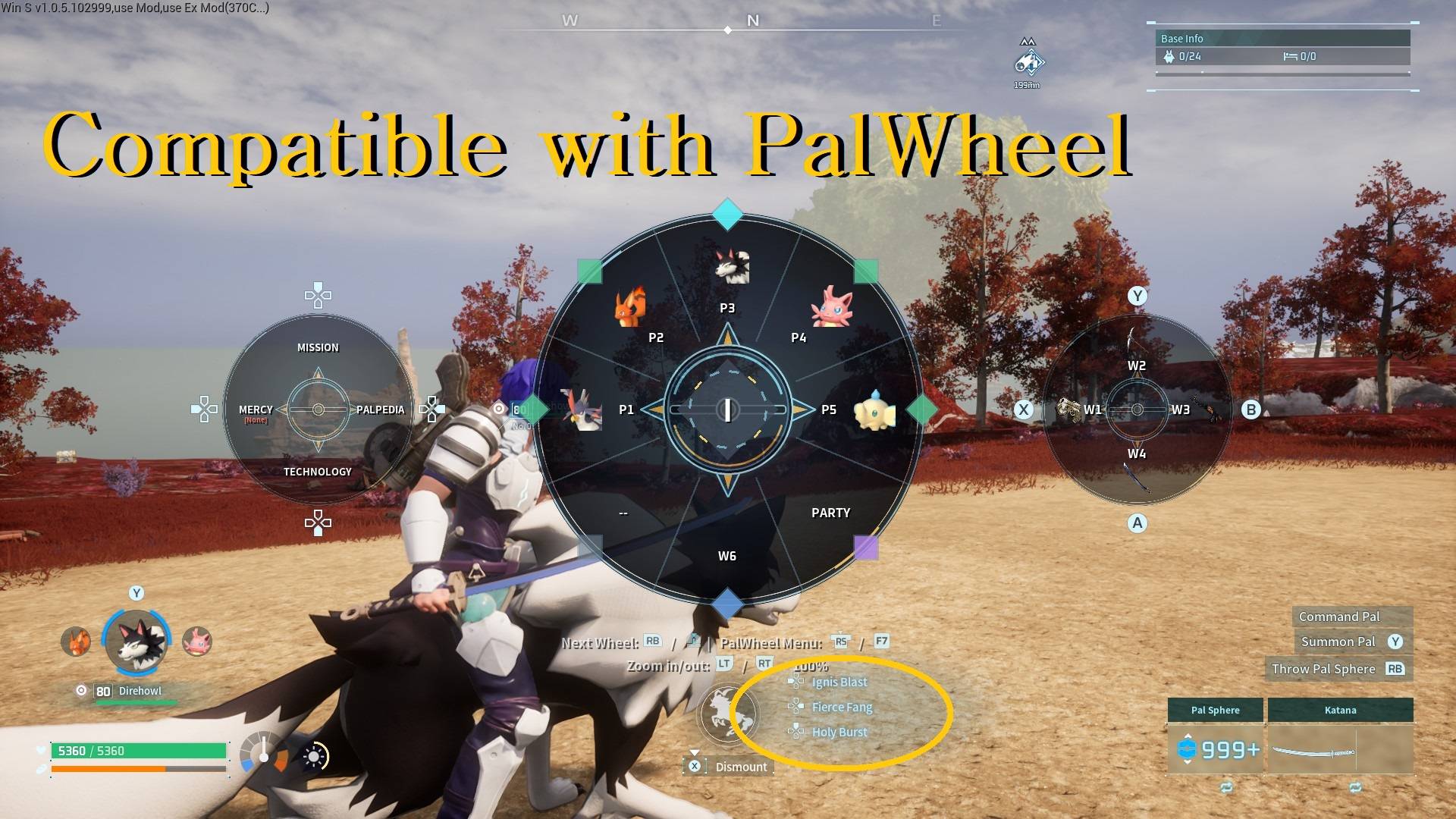
For PalWheel users, separate presets are included:
• Square / X — Riding Skill 3
• D-Pad Up — Riding Skill 3
• R2 / RT — Riding Skill 3
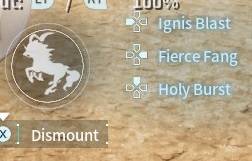
• All Riding Skills on D-Pad:
- Skill 1 — D-Pad Left
- Skill 2 — D-Pad Right
- Skill 3 — D-Pad Up
Only use the PalWheel presets if you are using PalWheel.
INSTALLING A USEROPTION PRESET
1. Close Palworld completely.
2. Open the following folder and choose the UserOption preset with the Riding Skill 3 layout you want:
BetterGamepad\Scripts\UserOption Presets\
3. Open:
%LOCALAPPDATA%\Pal\Saved\SaveGames\
4. Back up your existing:
UserOption.sav
5. Copy the chosen preset into that folder.
6. Rename it to:
UserOption.sav
7. Replace the existing file and start Palworld.
Important:
The included presets are complete UserOption.sav files. Replacing yours may also replace other controller bindings and settings stored in that file.
Keep your original file as a backup.
REQUIREMENTS
Requires UE4SS.
Place the
BetterGamepad
folder in your UE4SS Mods directory.
Common locations:
...\Palworld\Pal\Binaries\Win64\ue4ss\Mods
or
...\steamapps\common\Palworld\Mods\NativeMods\UE4SS\Mods
CREDITS
Created by ChubbyAlvin.
If you modify, redistribute, or use this mod's source code in another project, please retain the included MIT license and appropriate attribution.
SOURCE CODE
Source code and releases are also available on GitHub.
DISCLAIMER
BetterGamepad is an unofficial community mod and is not affiliated with or endorsed by Pocketpair.
Game updates, Palworld changes, or UE4SS changes may affect compatibility.
Use game modifications at your own risk and back up important save or configuration data when appropriate.
SUPPORT
All of my mods are free. If you enjoy BetterGamepad and would like to support my modding work, you can do so through Patreon or Ko-fi.
Support is completely optional.