Original Dimensions: 147p x 26p
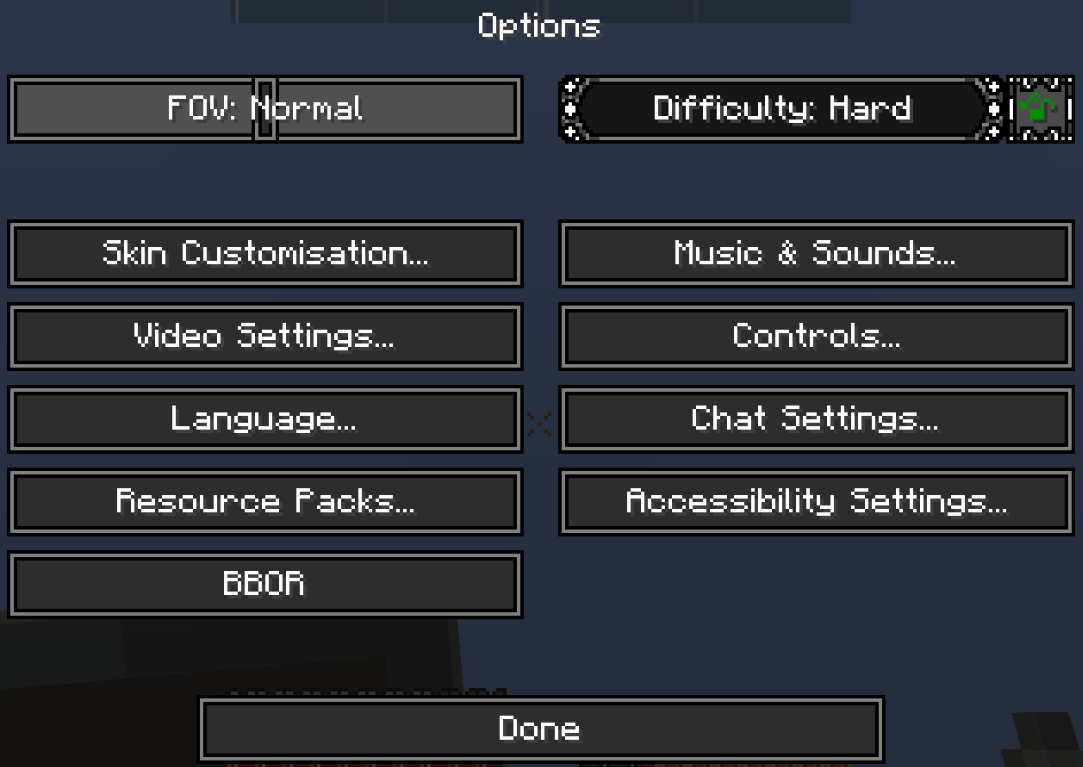
Retexture of my old, ugly, monocoloric buttons. FOV - unclickable, difficulty - hovered over, the rest - clickable

Original Dimensions: 147p x 26p
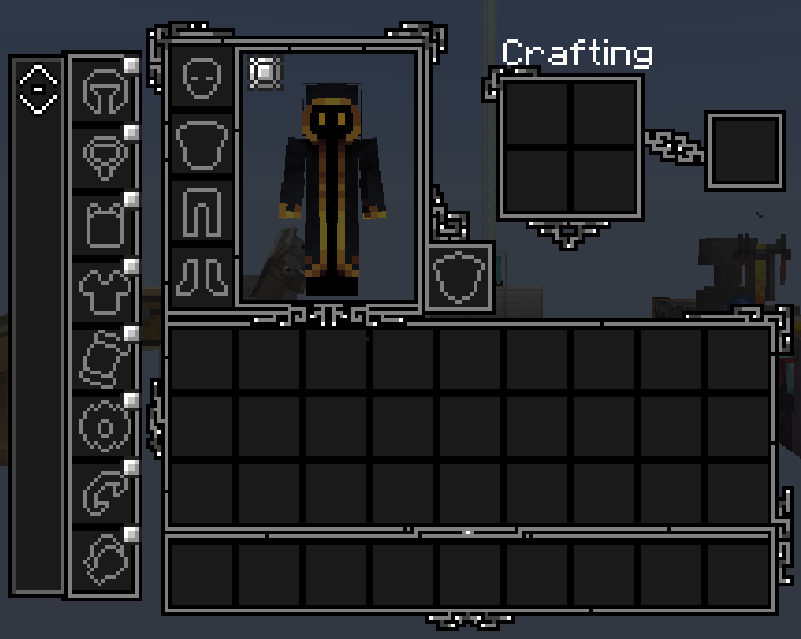
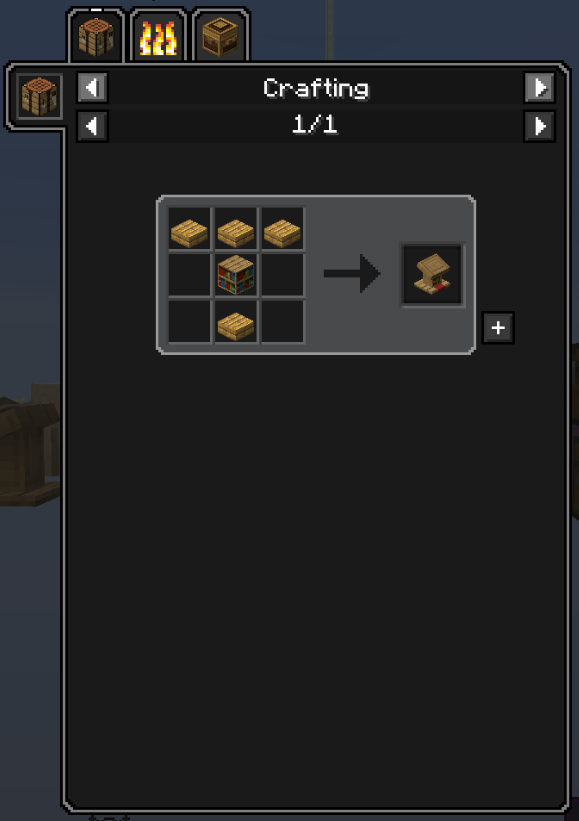
Also shows Enigmatic Legacy compatibility
Original Dimensions: 102p x 91p
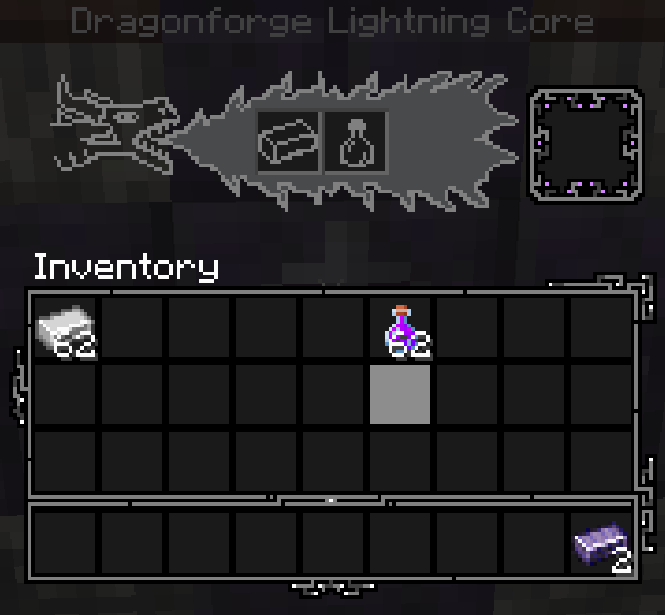
Depending on the type of forge, dragons head shape changes slightly
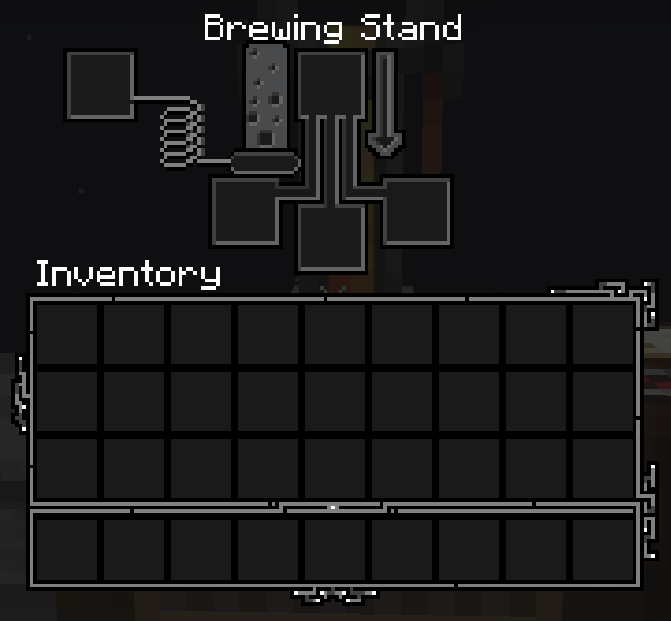
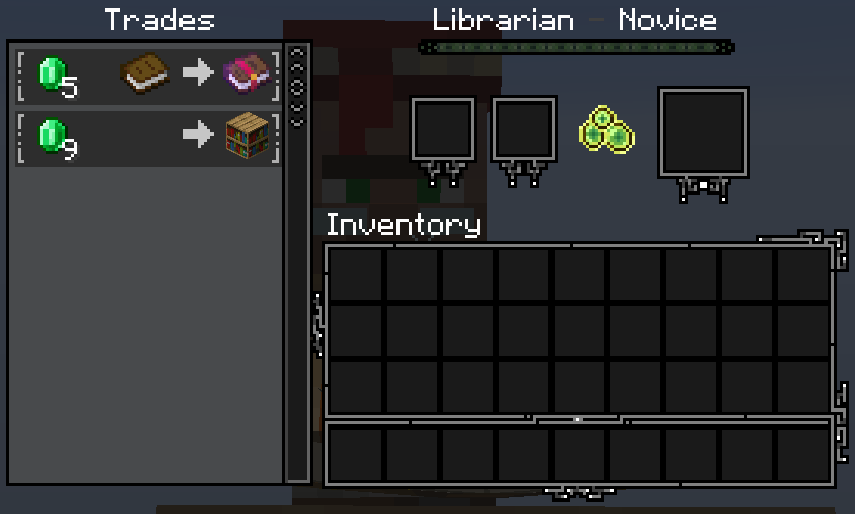
Modded trader names will be displayed in dark colors. Offers buttons outdated.
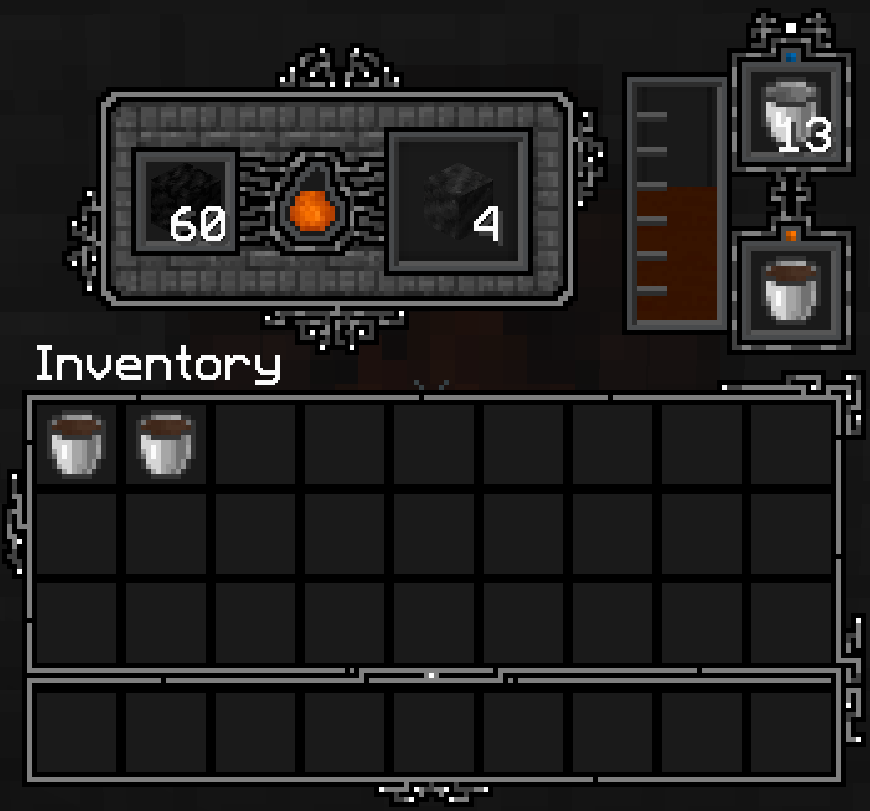
Exemplary GUI for Immersive Engineering
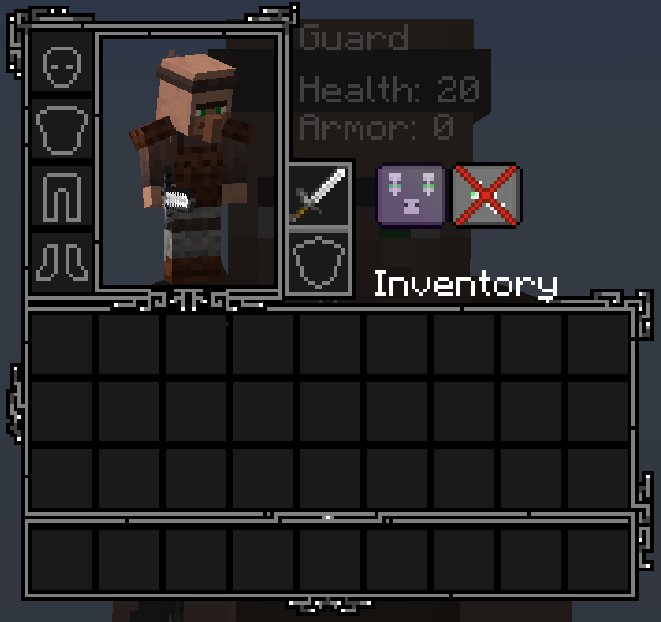
Button textures works similarly to the Echest one from Enigmatic Legacy
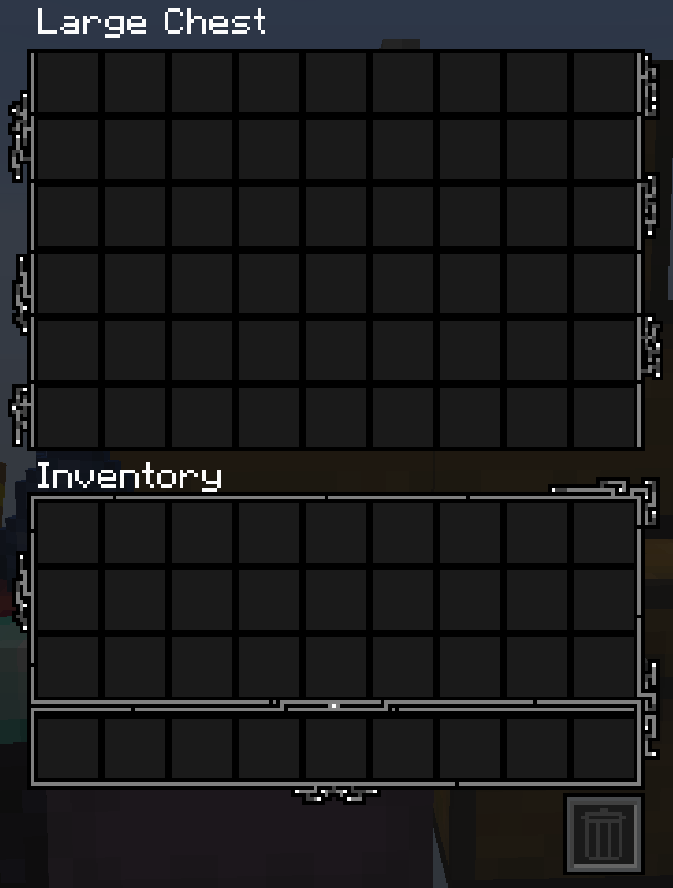
Single chest looks like a half of what's here
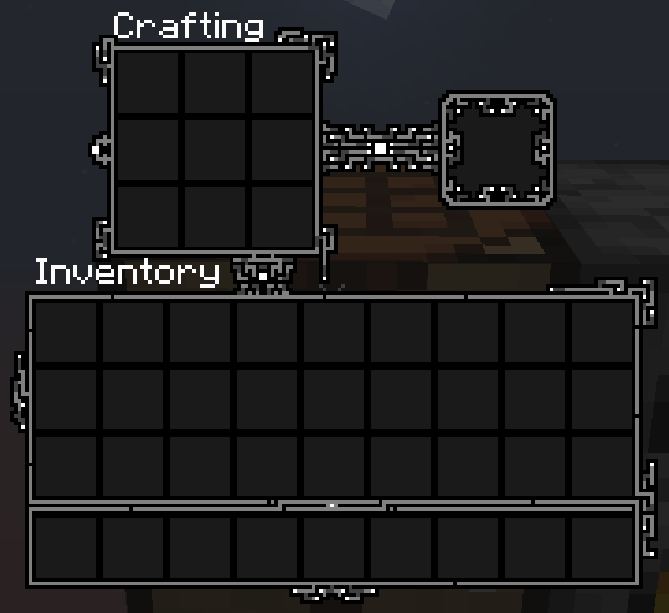
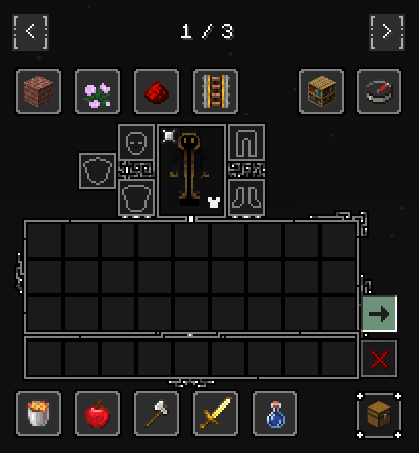
With addition of previous mods and Not Enough Creativity mod button, over item deleting, red cross.
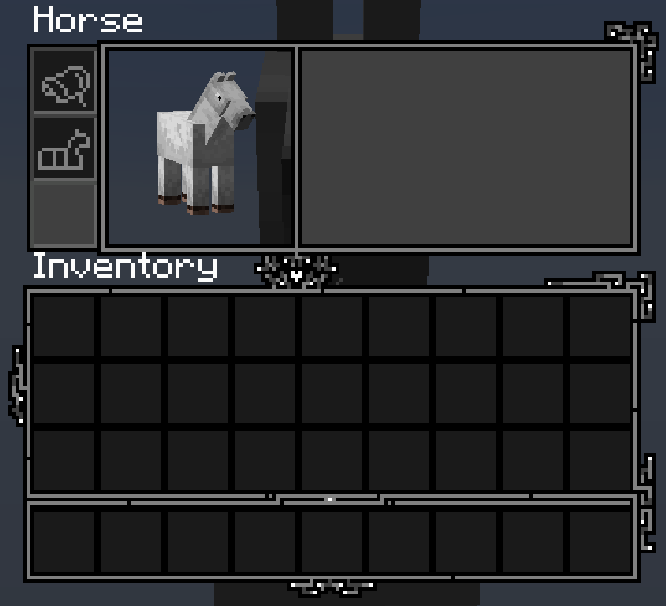
Inventory of your trusty steed, that always wanders off.. somewhere...
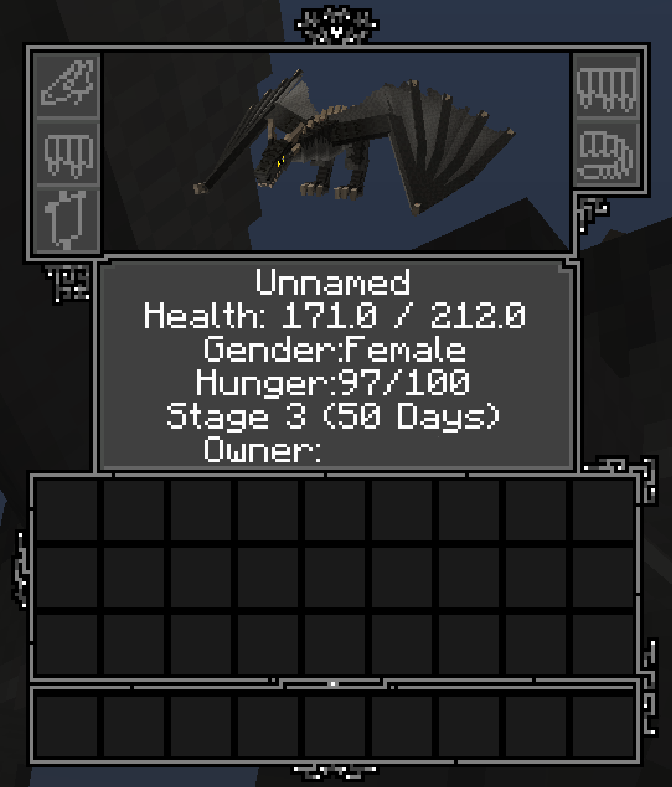
Featuring a cute little dragon, holding a white hearth between his wings ^.^
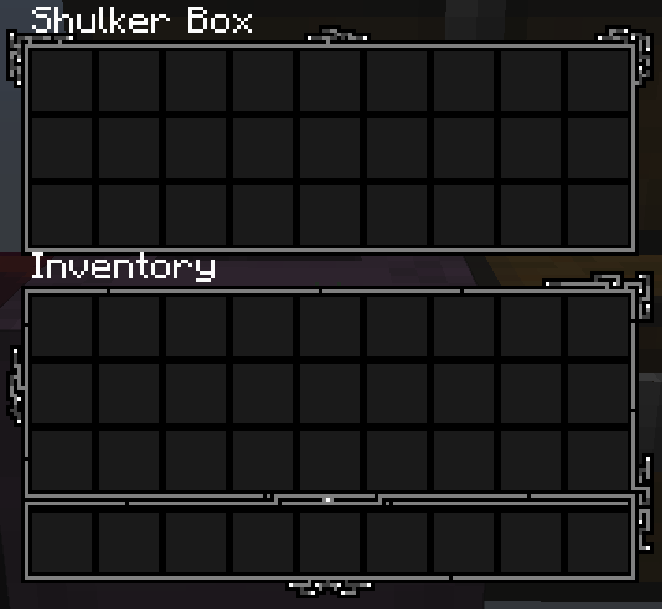
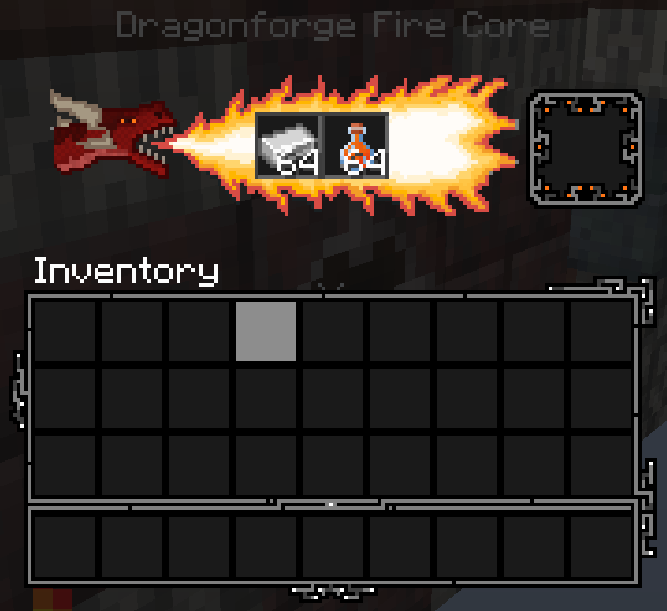
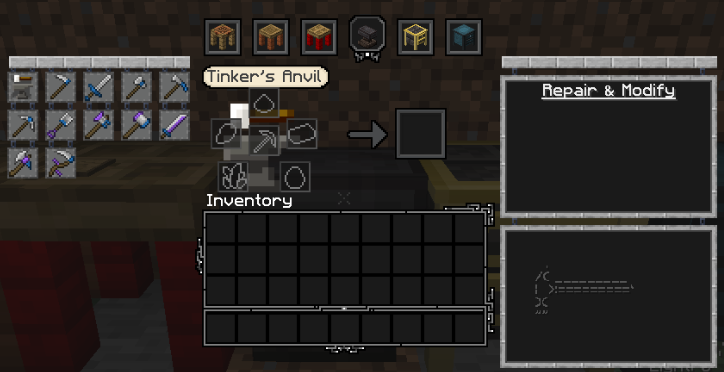
Description

An important announcement...
It's been 2 years since the last update. At this point I no longer have enough time and willpower to continue working on Tetra_GUI.
It was an amazing little passion of mine, but I honestly lost interest in Minecraft, thus also in keeping this resource pack up to date with all of the mods that I supported over that short span of time I actively worked on the thing.
So to anyone interested - I hereby grant anyone permission to use and incorporate parts of this RP in whatever project they may be developing.
Lastly - if anyone is interested in taking over Tetra_GUI let me know in a private message.
Important mentions!
I would like to say "Thank you!" to mickelus for creating Tetra and mutil (formerly mGui). Without his creations there would be no Tetra_GUI.
Another shoutout goes to Anomaliss17 - he helped me with reimagining some designs. I used some of his texturing ideas in the 0.7 update. Cheers mate!
I would also like to thank MR_SPᐰGETTY for updating some Immersive Engineering textures.
Side notes
As stated before - Tetra_GUI supports some - {'ight, let's be honest - a TON of} (Forge) mod menus. Here's a quick list:
1.20.x
- - Aether;
- - Aether Redux (config menu);
- - Alex's Caves;
- - Apotheosis (updated, revamped);
- - Apothic Attributes;
- - Appleskin (raw port);
- - Aquamirae;
- - Backpacked (raw port);
- - Better Archeology;
- - Better End [Fabric] - now it works on Forge thanks to Sinytra Connector!
- - Better Smithing Table;
- - Biome Makeover (raw port);
- - Caupona;
- - Cerbon's Better Beacons;
- - Corpse (raw port);
- - Cosmetic Armor Reworked (raw port);
- - Create (COMPLETE Tetrafication is now LIVE!);
- - Create: Connected;
- - Create: Things and misc;
- - Curios (adjusted);
- - Eidolon: Repraised (port+update);
- - Enigmatic Legacy (port+update);
- - Epic Fight;
- - Farmer's Delight (raw port);
- - Guard Villagers (raw port);
- - Ice and Fire (raw port);
- - Inventory Tabs;
- - Iron's Spells 'n Spellboks (Completely tetrafied)
- - JEI (adjusted);
- - Quark + Oddities (adjusted);
- - RPG HUD (raw port);
- - Storage network (raw port);
- - Supplementaries (updated);
- - Trashslot;
- - Treechop (raw port);
- - Twilight Forest (updated);
1.16.5/1.19:
- - Adorn;
- - Ambience;
- - Apotheosis;
- - AppleSkin;
- - Armirger;
- - Armor Points ++ / Health Stacking;
- - Aquaculture 2;
- - Astemir's Forestcraft;
- - AstikorCarts;
- - Astral Sorcery (Only simple additions);
- - Atum;
- - Babel;
- - Backpacked;
- - Better End;
- - Blood Magic;
- - Blue Skies: Population Update
- - Botania;
- - Caged Mobs;
- - Calemi Utils;
- - Callable Horse;
- - Chisel;
- - Chisels and Bits;
- - Citadel (Whatever that means? O.o);
- - Classic Bars;
- - Cloth-config (Just options buttons);
- - Cold Sweat;
- - Cooking for Blockheads;
- - Copper Pot (Farmer's Delight addon);
- - Corpse;
- - Cosmetic Armor Reworked;
- - Craftable Deeds;
- - Crafting Tweaks;
- - Create (Simple colour change and minor additions, I liked the original textures);
- - Create Plus (Curios inventory icon);
- - Cultural Delights (Farmer's Delight addon);
- - Curios API;
- - Caves and Cliffs Backport;
- - Caves and Cliffs Backport Additions;
- - Diet;
- - Drink Beer;
- - Druidcraft;
- - Effortless Building;
- - Eidolon;
- - Endergetic Expansion;
- - Enigmatic Legacy;
- - Environmental;
- - Expanded Storage;
- - Extreme Sound Muffler;
- - Farmer's Delight;
- - Farmer's Respite;
- - Feywild;
- - First Aid (Simple colour shade change);
- - Flash's NPCs;
- - Forbidden & Arcanus;
- - Guard Villagers;
- - Human Companions;
- - Ice and Fire;
- - Immersive Engineering + Immersive Petroleum addon (without changes to railgun/chemthrower HUD)
- - Infinite Dungeons;
- - Inventorio;
- - Inventory Tweaks Renewed;
- - Iron Chest (Contains small EasterEgg);
- - JEK (Just Enough Keg);
- - JEPB (Just Enough Piglin Bartering);
- - JEP (Just Enough Professions);
- - JEI (Just Enough Items);
- - JER (Just Enough Resources);
- - Mana and Artifice;
- - MCDoom;
- - Mighty Architect (just a small change, just like in the case of Create);
- - MineColonies;
- - Mowzie's Mobs;
- - MrCrayfish's Furniture Mod;
- - Mutant Beasts;
- - Mutant More;
- - Netherite Plus;
- - Pandora's Creatures;
- - PlayerEx
- - Polymorph;
- - ProjectE;
- - Quark + Oddities (All menus should be supported now... If I didn't forget something again :)
- - Quiver Redux;
- - Relics;
- - Reliquary;
- - Revamped Wolf;
- - Roughly Enough Items (You need to use REI dark mode for this to work);
- - RPG HUD (Should also work with 1.18 and above when released);
- - Shrines Structures;
- - Simple Storage Network;
- - Sophisticated Backpacks;
- - Supplementaries;
- - Survivalist;
- - Tinker's Construct;
- - Tool Belt;
- - Tough As Nails;
- - Trash Slot;
- - Traveler's Backpack;
- - Traveler's Index;
- - Treechop;
- - Tubes Reloaded;
- - Twilight Forest;
- - Wings, Horns & Hooves, The Ultimate Unicorn Mod;
- - UnionLib;
- - Vampirism;
- - Waystones;
- - Wyrmroost;
Optional support:
- Custom Cursor mod
Supported Modpacks:
Custom Cursor usage:
IMPORTANT!
I you enabled my cursor and decided to remove Tetra_GUI from your resource pack list, but you still want to use Custom Cursor Mod you first need to revert the changes in the mod config menu to their default state. If you'll close your game without doing it the next time you'll try to run it, it WILL crash on startup.
If it already happened just load your game without the said mod --> activate Tetra_GUI again --> load your game with the mod installed --> revert the changes --> remove Tetra_GUI from RP load order and reload your game.
1. In the game title screen press on "mods" tab. It'll open up your current mod list.

2. Type Custom Cursor Mod in the mod list search bar on the top left side of the screen. After that press "config" which will again lead you to a new menu.

3. This time you'll find yourself in the Cursor Mod main menu. Go ahead and choose "Options..."

4. We're almost at the end of the journey... Still with me? Here we've got a few buttons. The one's that are in our interest are named - from top to bottom - "Pointer", "Hand" and "Grabbing hand". In order to fully utilize my textures you'll need to edit what's under all of them. The process looks the same for every single one, thus in the next step I'll show you just an example.
Also... don't mind the harsh look of those cursor images. They look a bit different on the inventory screens etc.

5. Here's an example of "Pointer" confing menu. What you're gonna do in order to activate the new design is a pretty simple task. Just follow the instruction and provided image.
a) Change X and Y hotspots to 0,0. Alternatively you could use your mouse and press on the peak of the arrow marked by that little white cross on the provided image.
b) Edit the file location by adding "_crystal" (without quotation marks) just before the .png extension.
c) After that press "Done", restart your game and enjoy the new cursor!

Bonus!
If you're a modpack creator and you'd be interested in spreading a word about Tetra_GUI, feel free to utilize my brand new banners on your modpack page (unedited, unscaled versions are available in the Images section)!


Tetra_GUI Team

Owner