ReCased | Example Custom Textures
- By
Example Resourcepack for modpack Creators to make Custom Textures for their Custom ReCased Cases
This is an official template for the ReCased mod. Modpack creators and players have full permission to download this pack, modify the textures and JSON files, and upload their own modified versions to CurseForge or Modrinth.

ReCased - Custom Texture Example Resourcepack
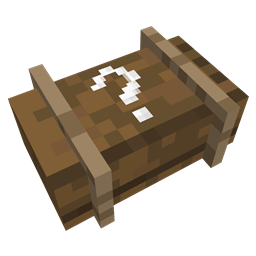
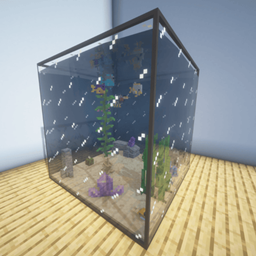
This resource pack is an example template to show you exactly how to add custom textures to ReCased Loot Cases.
The required folder structure has already been set up for you. To add your own custom cases, simply follow the steps below:
HOW TO ADD YOUR CUSTOM TEXTURES
1. Add Your Texture: Place your new texture (.png) file into the textures folder:
assets/recased/textures/item/
2. Create Your Model: Create a new (.json) model file for your texture inside the models folder:
assets/recased/models/item/
(Feel free to use the provided example model as a template!)
3. Register the Model: Open the "custom_loot_case.json" file (located in the models/item/ folder) and add your new model to the bottom of the "overrides" list, exactly like the example shows. Be sure to assign it a unique CustomModelData ID!
4. Register the Texture to the textures.json file located in minecrafts config Folder within the recased folder so they will Show up in the Case Editor Screen. the only important this here is the Id.
For the Name just save it as something you will recognise when Looking for it.
PACK SETUP & CLEANUP
Before using or publishing your customized resource pack, make sure to finalize it:
* Clean Up: Delete all the example texture and model files provided in this template so they don't clutter your pack. DO NOT DELETE THE custom_loot_case.json file!!!!
* Update the Icon: Replace the "pack.png" file in the root folder with your own custom resource pack icon.
* Update the Meta: Open the "pack.mcmeta" file in a text editor and update the description to match your specific modpack or resource pack.
Once you are done with all of These steps, compress the main Folder into a .zip file and place it into minecraft resourcepack Folder.
ReCased | Example Custom Textures Team


Owner