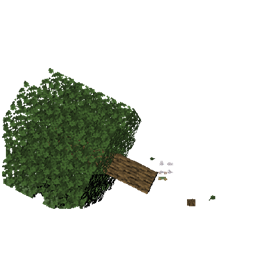
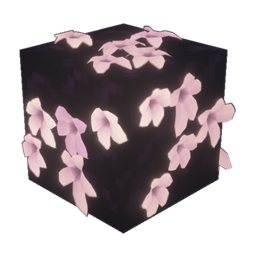
Lush Leaves
- By
Vanilla-style volumetric leaves, round trunks, natural branches, and 3D fruit for Minecraft Java 1.8.x through stable 26.x.
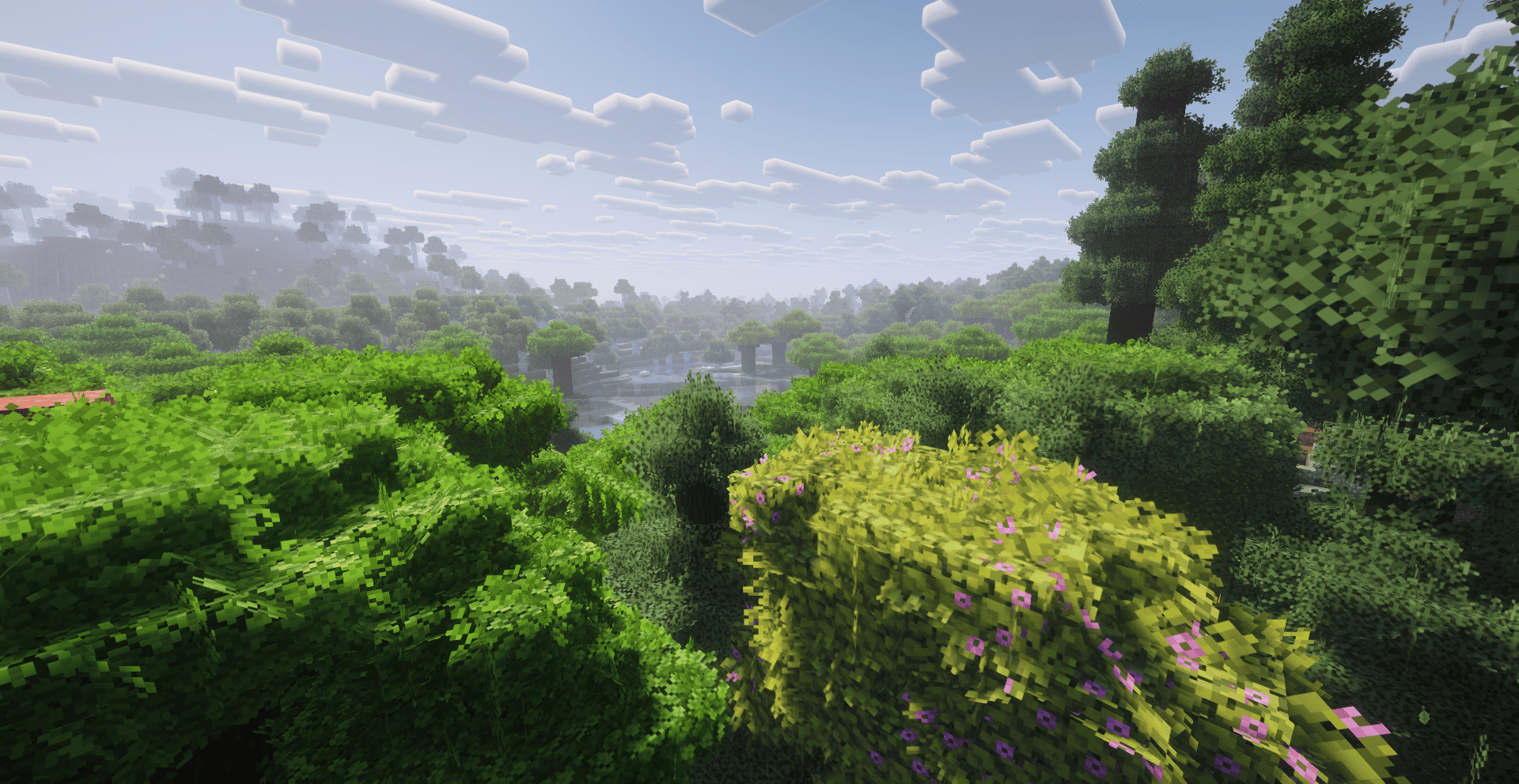
6.png
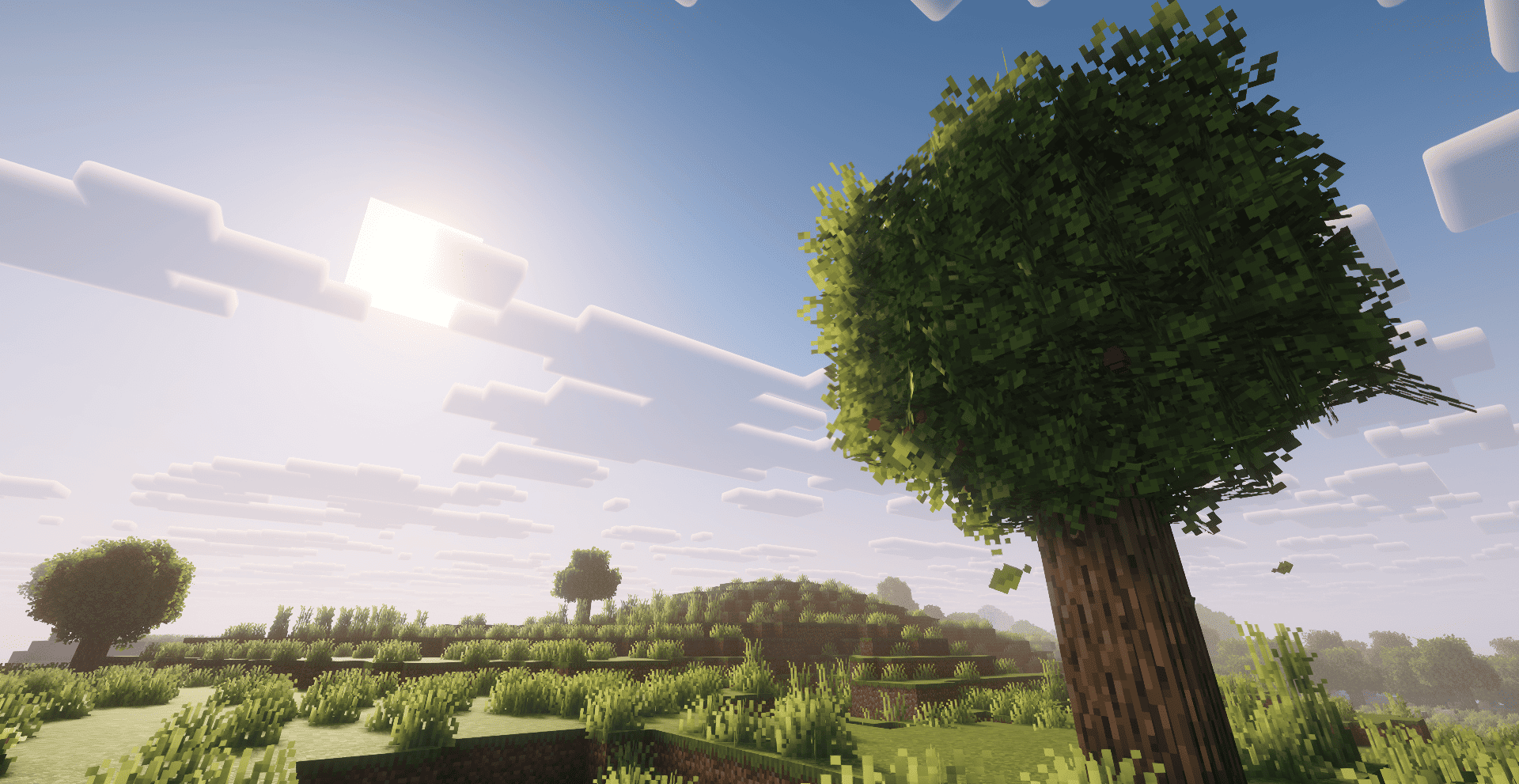
8.png
Description
Transform every canopy without losing Minecraft's identity. Lush Leaves is an original, model-driven resource pack by Haider x, built for players who want richer forests, stronger silhouettes, and carefully controlled performance.
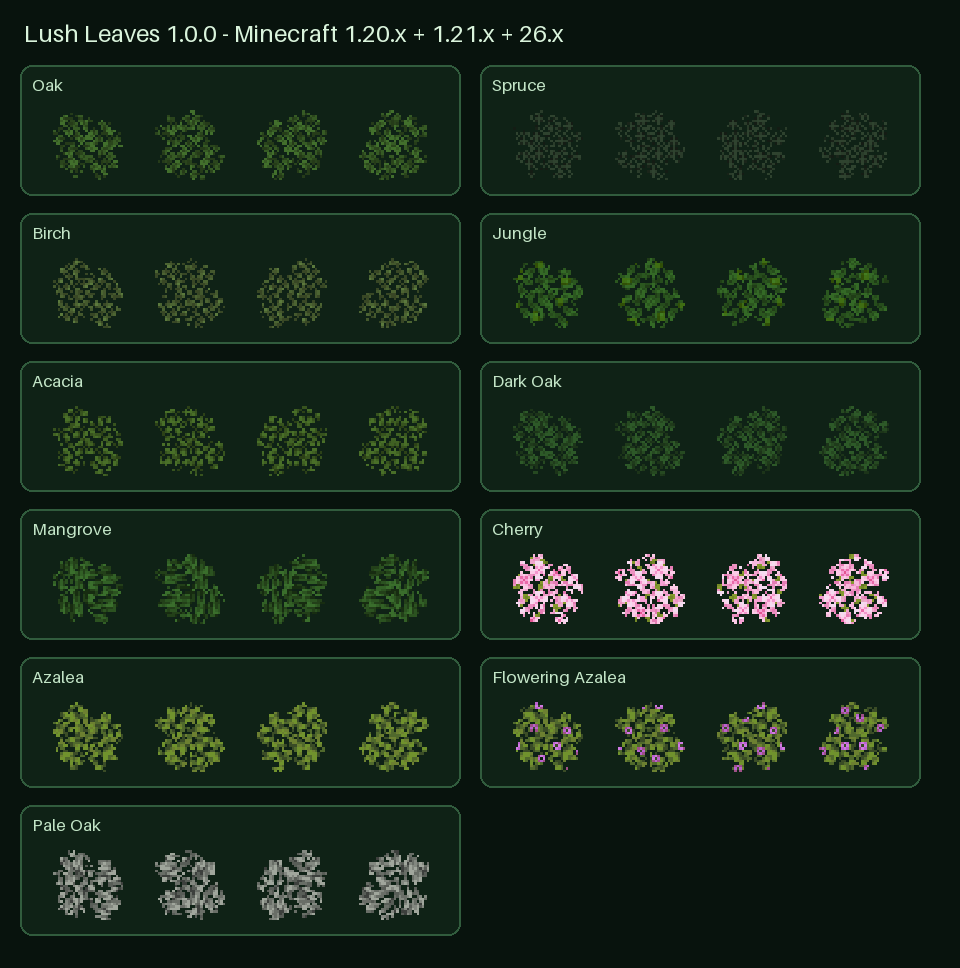
- Volumetric vanilla-style foliage with 32 stable appearances per supported leaf family
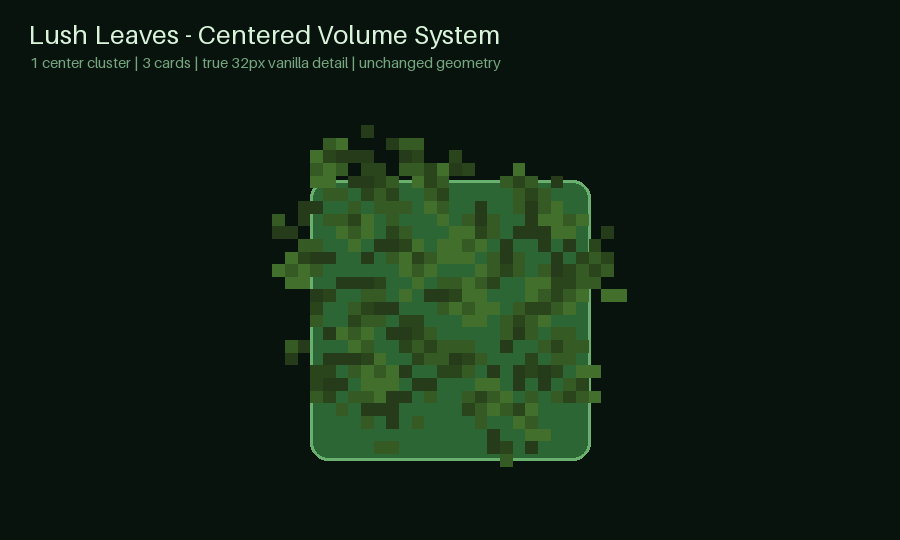
- Three-card centered clusters that add depth without filling every block with excessive geometry
- Position-seeded variation so neighboring leaf blocks remain different and stable after reloads
- Exterior-aware culling that hides unnecessary interior faces between connected leaves
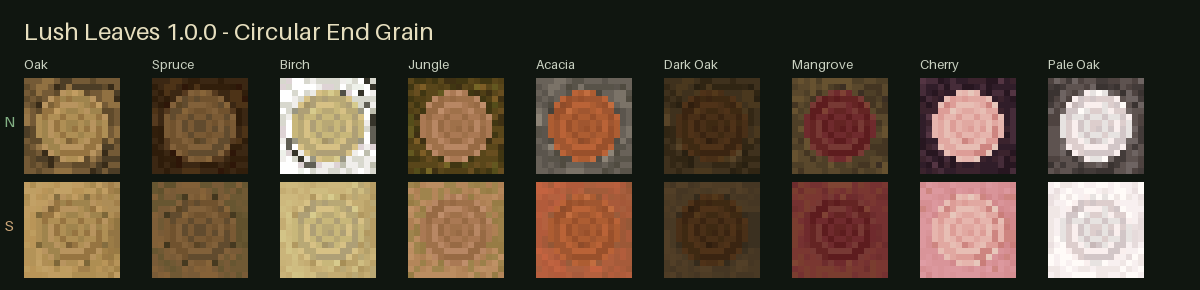
- Circular stepped trunks with species-specific bark and growth rings
- Natural branches using one-, two-, and three-limb layouts
- Lightweight 3D fruit with multiple randomized arrangements
- No mod dependency — no OptiFine, Fabric, Forge, or shader is required
Each supported leaf block receives one enlarged foliage cluster built from three crossed cards. The cluster keeps the familiar pixel colors and transparency of its matching vanilla leaf art while adding an irregular outer silhouette.
Biome tinting, particles, clean inventory icons, and normal pack stacking are preserved. Hidden directions cull independently against neighboring leaf blocks, helping dense forests avoid unnecessary interior geometry.
Round trunks use compact stepped geometry rather than oversized cubes. Each supported species keeps its recognizable bark and end-grain palette, including normal logs, stripped logs, wood, and stripped wood where available.
Upright normal logs can receive stable randomized branch layouts. Horizontal logs and wood blocks remain clean, while collision stays the normal full block because resource packs cannot change collision shapes.
Eight tree families can carry lightweight hanging fruit with four stable layouts. The fruit palettes are designed to complement vanilla foliage rather than overpower it.
The pack uses binary alpha, biome tinting, directional shading, and standard leaf material paths for shader-friendly cutout rendering. Results vary by shader pack, but Lush Leaves requires no shader and remains fully usable in vanilla Minecraft.
Download Supported Minecraft Java releases Modern build 1.20.x, 1.21.x, and stable 26.x 1.19 builds 1.19–1.19.2, 1.19.3, and 1.19.4 1.18 / 1.17 builds Every release in each line 1.16 builds 1.16–1.16.1 and 1.16.2–1.16.5 1.14 / 1.15 builds Every release in each line Legacy builds 1.8.x, 1.9–1.10.2, 1.11–1.12.2, and 1.13.x Fourteen purpose-built ZIP files provide the correct resource format and asset layout for every supported range. Legacy editions automatically exclude trees that did not exist in those versions.
- Open the Versions tab and download the file matching your exact Minecraft release.
- Place the ZIP directly inside
.minecraft/resourcepacks— do not extract it.- Open Options → Resource Packs and enable Lush Leaves.
- Place it above any pack whose leaf textures you want Lush Leaves to decorate.
- Use Fancy graphics for the intended transparent-leaf appearance.

Lush Leaves Team

Owner