Lush Grass & Leaves
- By
Living grass, lush foliage and glowing nights across the Overworld, Nether and End.
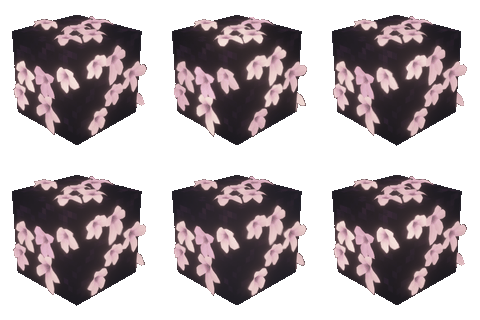

Lush Grass & Leaves brings movement and detail to Minecraft's landscapes: layered grass, fuller leaf surfaces, responsive plants and small pockets of light after dark. Explore a greener Overworld, strange Nether growth and pale gardens among the End islands—all through a client-side visual layer.
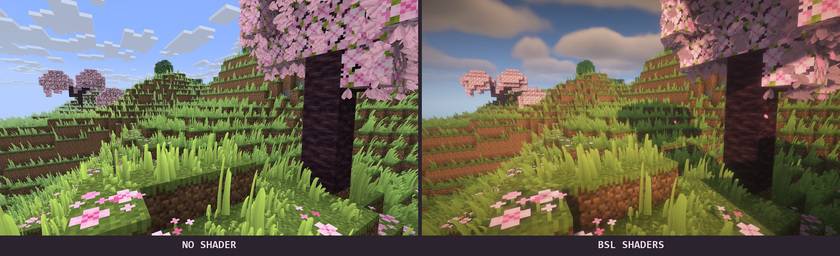
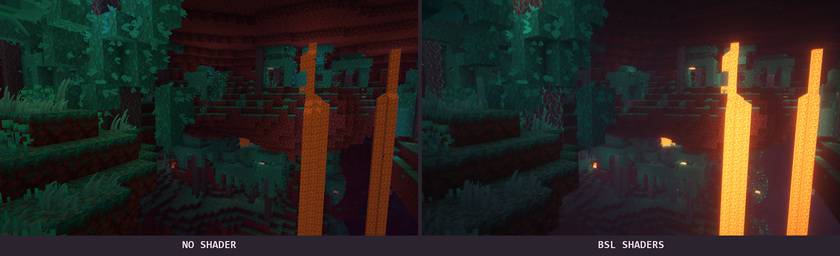
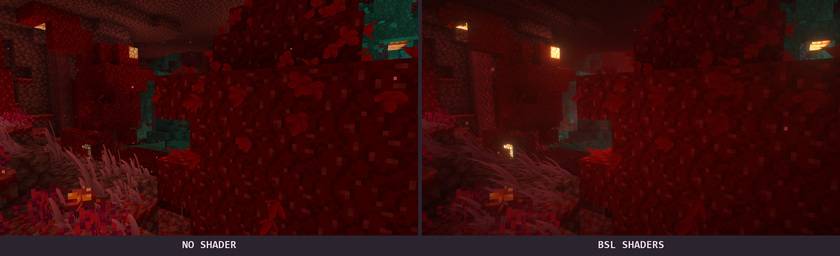
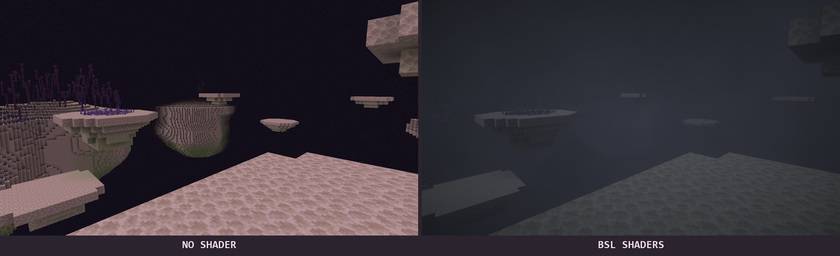
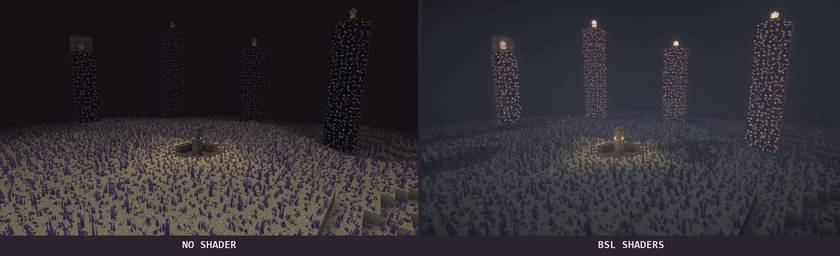
The scenery below is captured in Minecraft itself. Each comparison uses the same viewpoint: no shader on the left, BSL on the right. BSL changes the lighting; the vegetation is provided by this mod.
- Grass with variety. Short, medium and tall blades, subtle texture detail and biome-aware colours.
- Foliage with depth. Extra leaf growth follows supported trees, vines and chorus plants, preserving each plant's character.
- Motion that feels alive. Wind varies across the landscape; nearby movement gently bends the grass, which recovers smoothly.
- Quiet magic at night. Biome-coloured luminous patches, independently moving fireflies and soft footstep effects.

Meadows and woodland feel fuller without sharing one identical look. Dry ground receives its own growth, snowy landscapes take on a colder palette, and tropical foliage keeps the colours of its leaves.
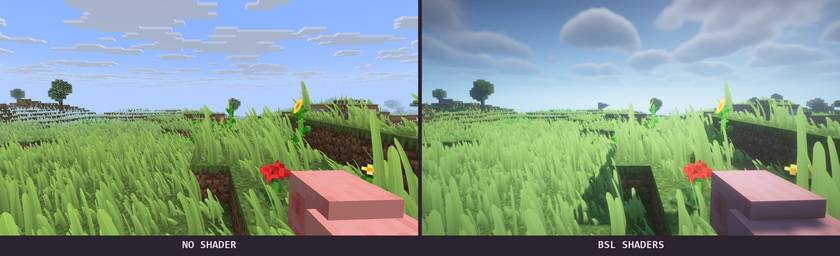
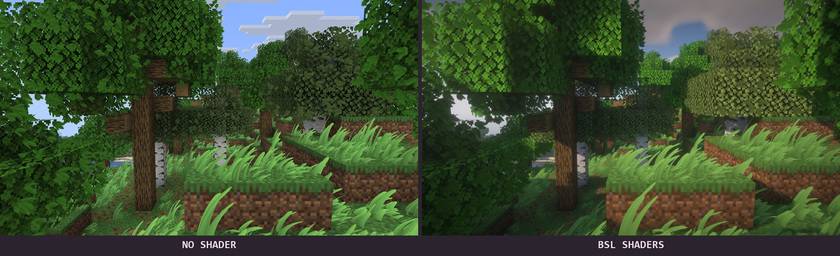
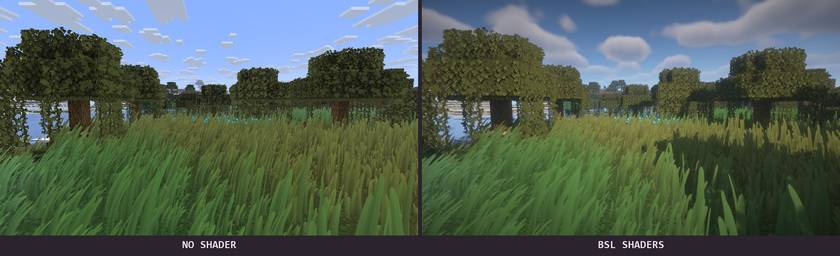
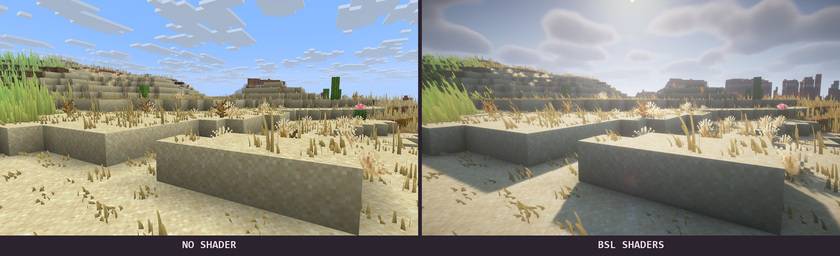
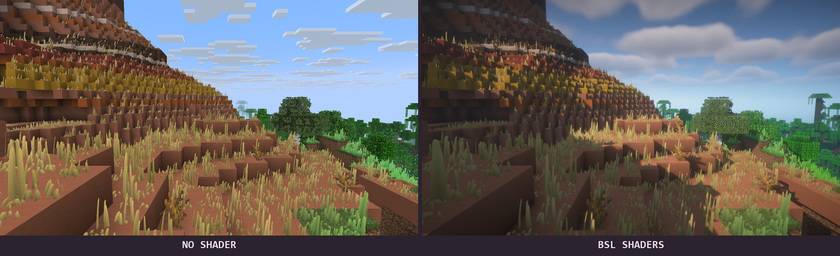
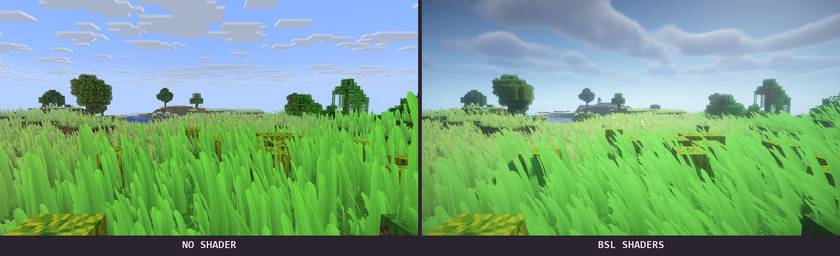
Grass stays out of water. Surface rules keep decorative growth off snowy treetops and unsupported roofs, while excavation tracking prevents newly dug holes from turning into grass-covered tunnels.

The Nether receives habitat-aware plants and foliage in its open, naturally formed spaces. Crimson and warped forests have distinct colours. Digging a tunnel does not create a new decorative meadow inside it.
The End becomes a pale, otherworldly garden. Growth reaches the outer islands and chorus plants, with luminous accents around the main island and its obsidian towers. These decorations do not add harvesting rewards or change the dragon fight.

After dark, selected clearings come alive with colour. Warm golden accents suit dry regions, icy cyan suits the snow, and green light settles into woodland. Fireflies follow varied paths rather than moving in a synchronized pattern, while steps through an active patch leave a brief magical response.
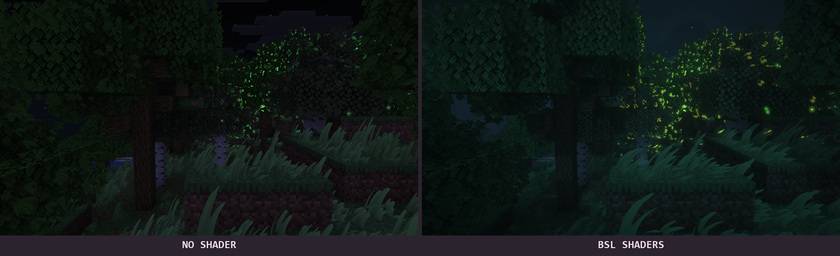
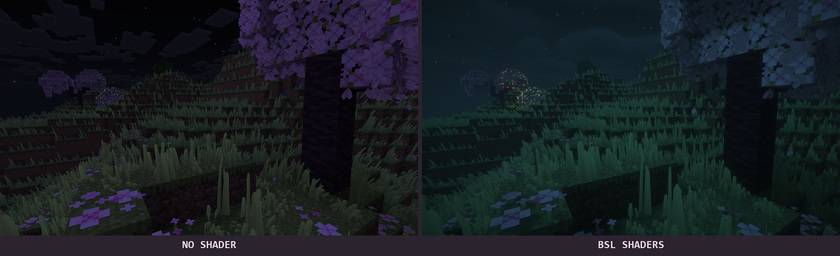
The Overworld's magical display follows the night. Nether and End effects follow their own dimension ambience.

Open the mod's configuration screen to tune the landscape to your taste. Choose Light, Balanced or Lush, then adjust coverage, blade height, view distance, wind, interaction and night effects. Changes preview live; reduced-motion controls are available.
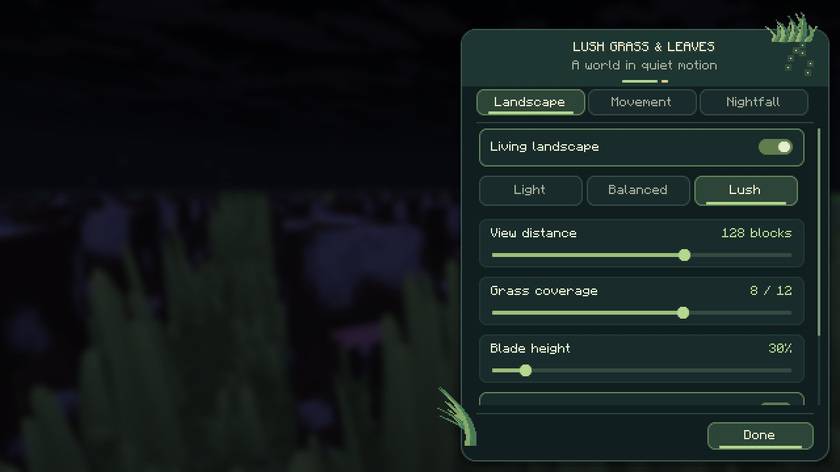
On Fabric, use Mod Menu to open the settings. On Forge and NeoForge, use the mod configuration entry. An optional shortcut can be assigned in Controls → Key Binds; it is unbound by default to avoid reserving Iris's controls.
NOT AN OFFICIAL MINECRAFT PRODUCT. NOT APPROVED BY OR ASSOCIATED WITH MOJANG OR MICROSOFT.
Lush Grass & Leaves Team

Owner