Clear Glass + Clean UI
- By
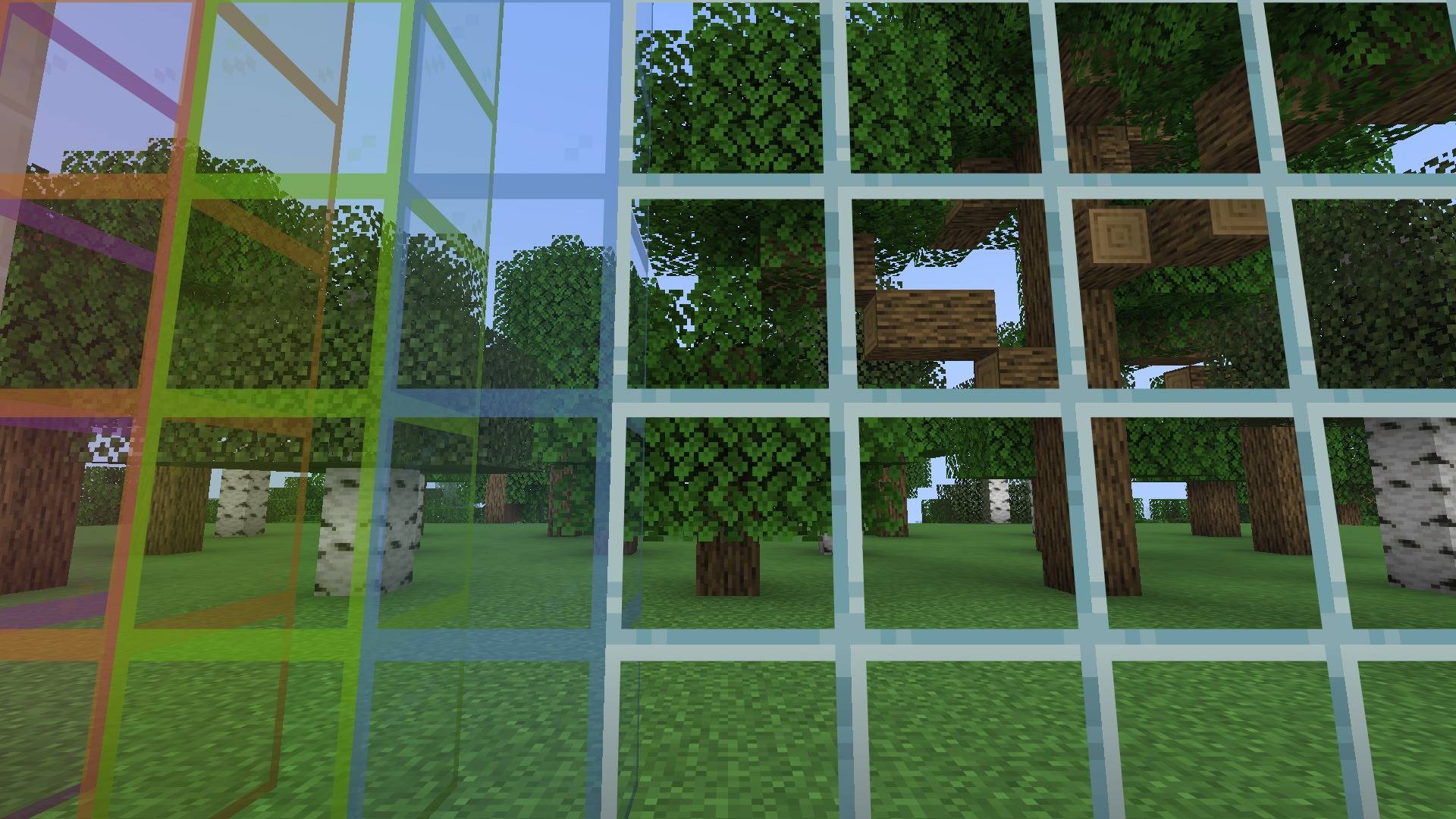
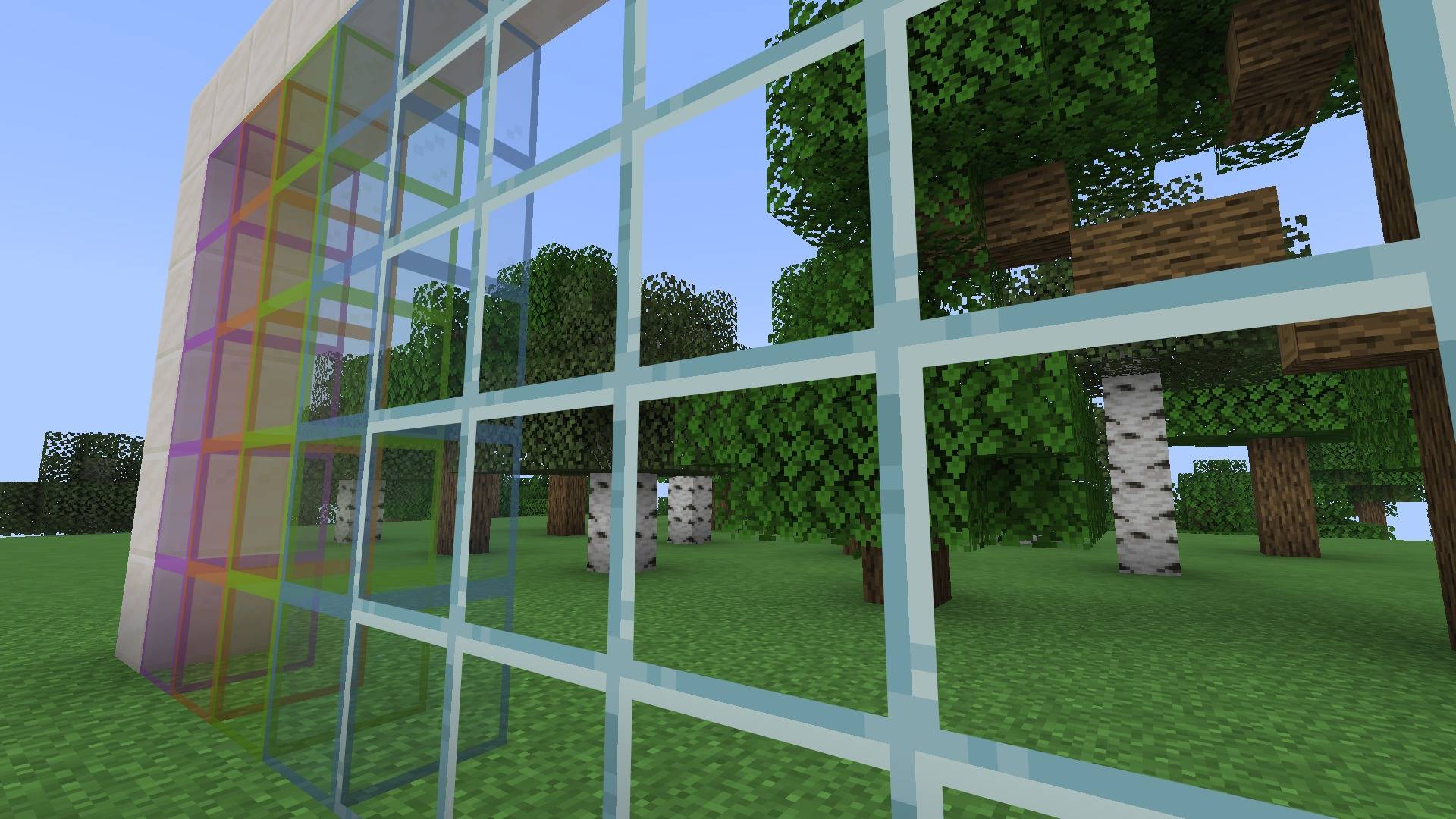
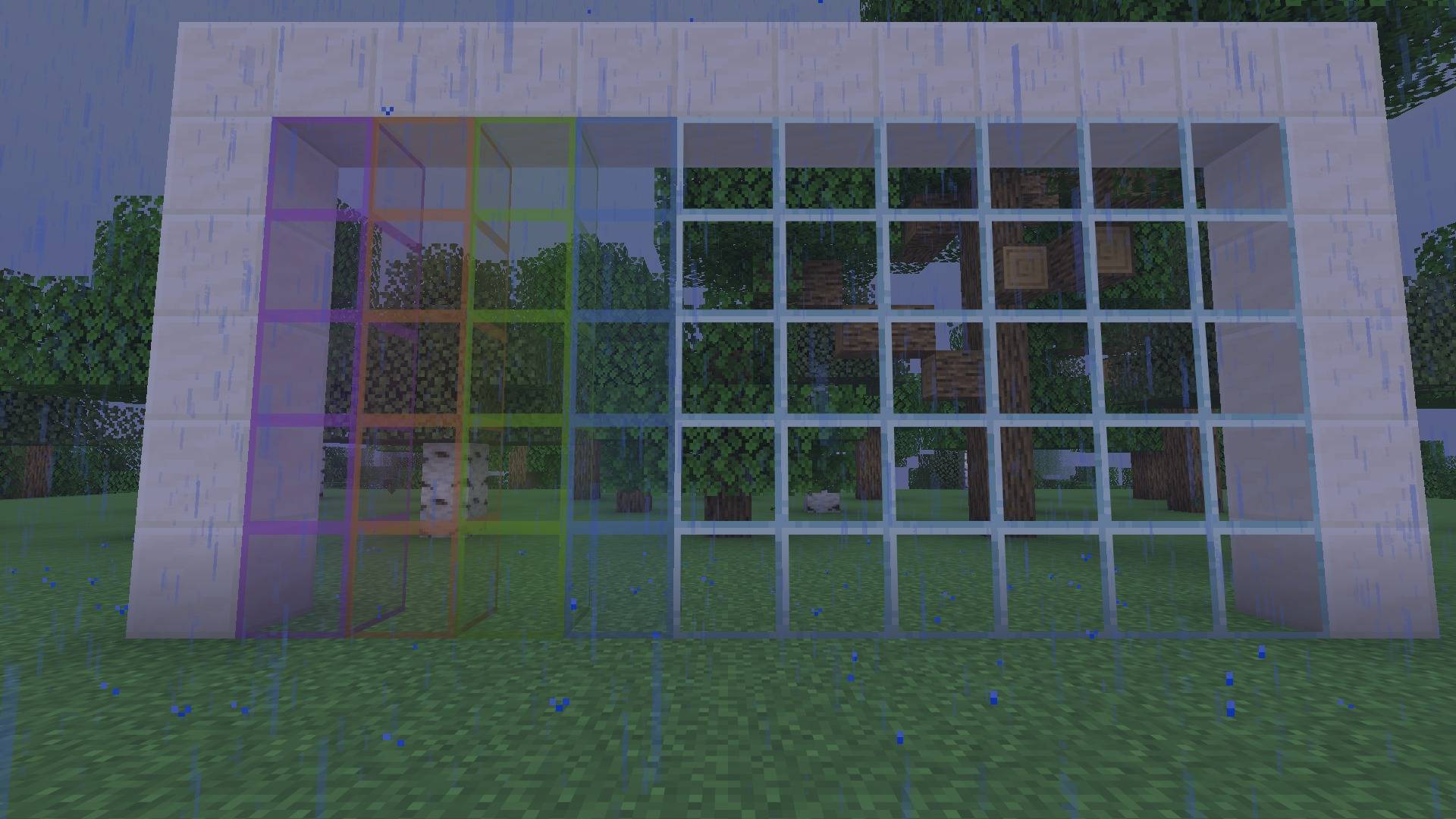
Streak-free glass with a thin border, lighter rain and snow, low fire and less clutter on your screen.
glass-1-window.jpg
glass-2-angle.jpg
glass-3-light-rain.jpg
Description
Clear Glass + Clean UI
Small changes that make the game easier to look at, while keeping the default look.
What it changes
- Glass has no streaks, only a thin border
- Stained glass keeps its color but is much clearer
- Lighter rain and snow
- Low fire
- No pumpkin blur, a softer vignette, and lighter underwater and powder snow overlays
Good to know
- Works on its own. No mods needed
- Files for 1.20.1, 1.21.1, 26.1.2, 26.2 and 26.3. Pick the file that matches your game version
- Works next to other packs. Put this one on top
Screenshots
How to install
- Download the file that matches your Minecraft version (1.20.1, 1.21.1, 26.1.2, 26.2 or 26.3)
- Open Minecraft, go to Options > Resource Packs > Open Pack Folder
- Drop the zip in that folder (don't unzip it)
- Back in the game, click the pack to move it to the right side, then Done
Tip: it works with other packs. Put it at the top of your list so its textures show.
More from nobub
Eclipse: Eclipse Suite · Eclipse Shaders · Eclipse Plus · Eclipse Server
Mods: The Other You · Trader Alert · Daily Quest Board · Banner Claims · Player Bounties · Monthly Wrapped · Player Mailbox · Treasure Expeditions · Past You · Mob Grudges · Chaos Clock · Not A Chest · Pet Totem · Weather Vane · Trophy Hunter
Texture packs: Hearthlight · Better Tools & Weapons · Eclipse Glowing Ores · Cozy Autumn · Eclipse PvP Pack · Eclipse Dark GUI · Cute Mob Faces
Shaders: Hearthlight Shaders
Modpacks: Eclipse Suite Pack · Hearthlight Cozy Survival · Eclipse Friends SMP · Eclipse FPS Boost & PvP · Eclipse Adventures
Clear Glass + Clean UI Team