💬 Join the Eclipse Discord for help, updates and to share your setups.
Eclipse Core
The heart of Eclipse Client. One black + green menu that every Eclipse mod plugs into, with a theme, HUD editor, presets and a settings search.
Press Backspace anywhere to open it.
Features
🖥️ The Eclipse menu
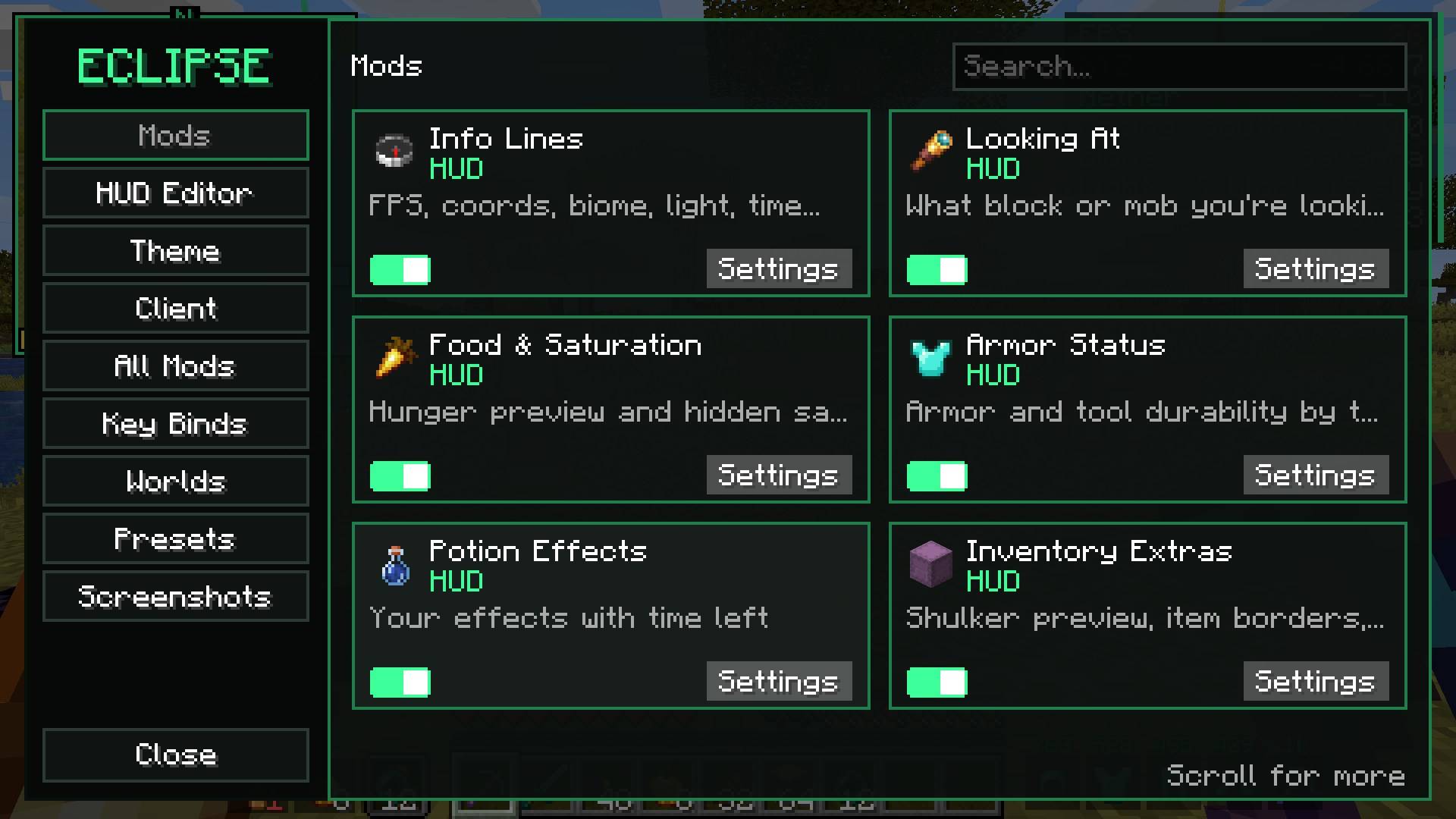
- Every feature is a card with an on/off switch and a Settings button
- Each feature has its own settings page, many with a live preview
- Right click a button to go back one step (undo a click)
- Sidebar: Mods, HUD Editor, Theme, Client, All Mods, Key Binds, Worlds, Presets, Screenshots
🔎 Settings search
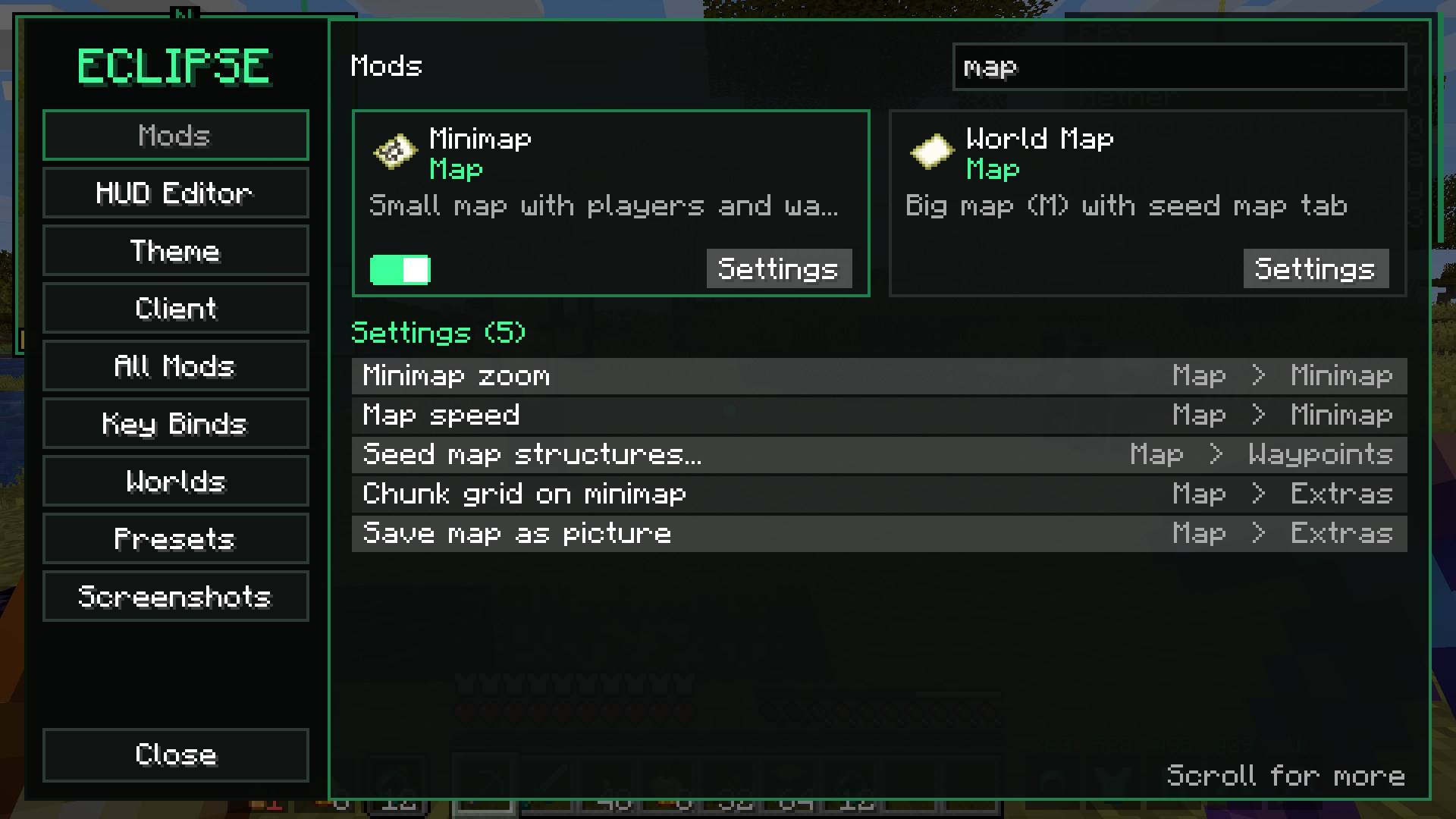
Type anything ("zoom", "map", "auto") and every matching setting shows up with where it lives. Click to jump there.
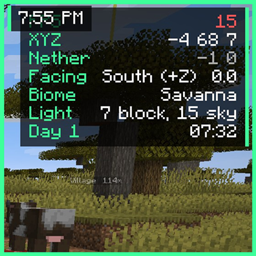
🧩 HUD editor
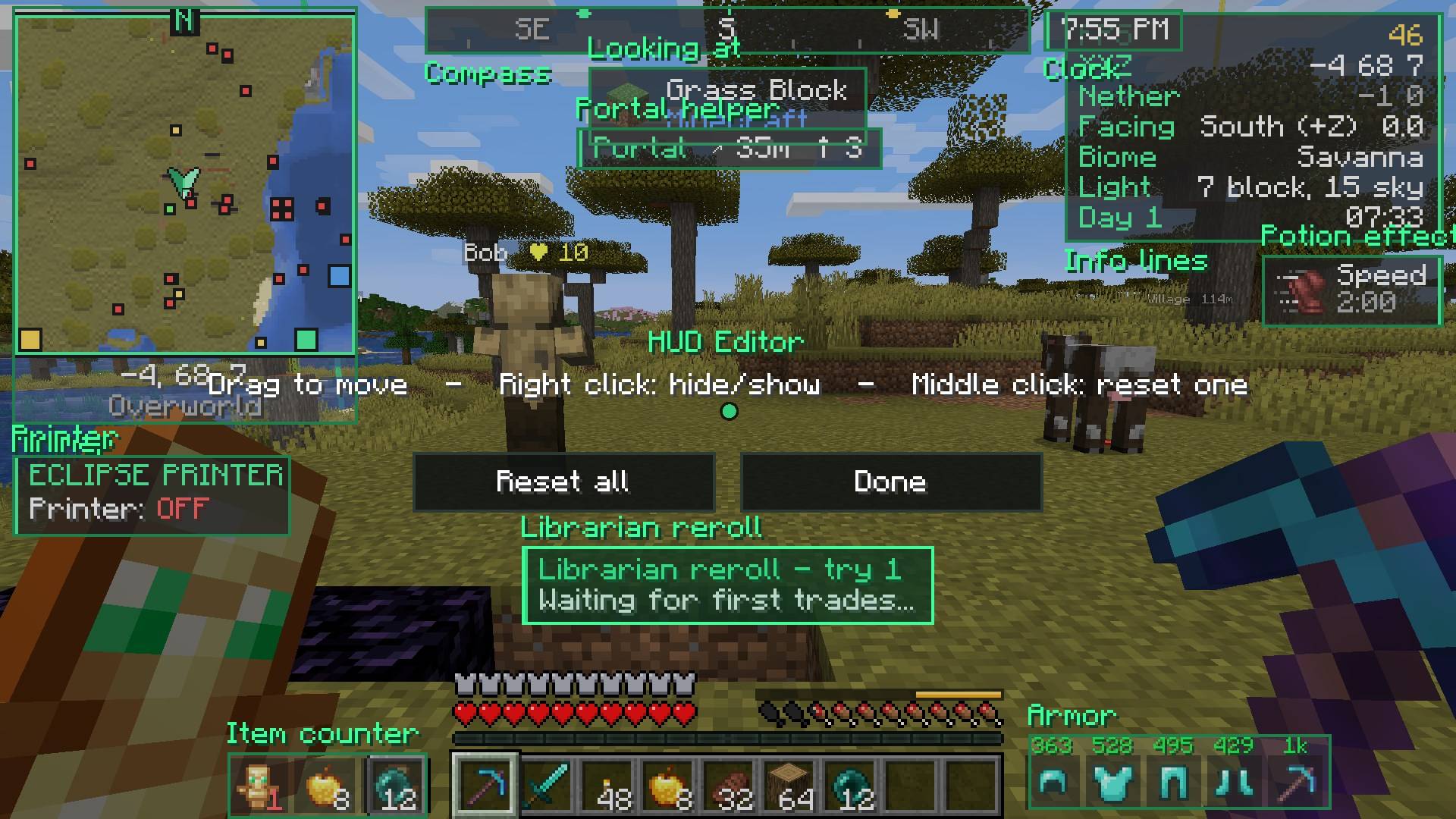
- Drag any HUD element from any Eclipse mod
- Right click to hide or show it, middle click to reset one
- Positions are saved as a share of your screen, so they stay right when you resize
🎨 Theme
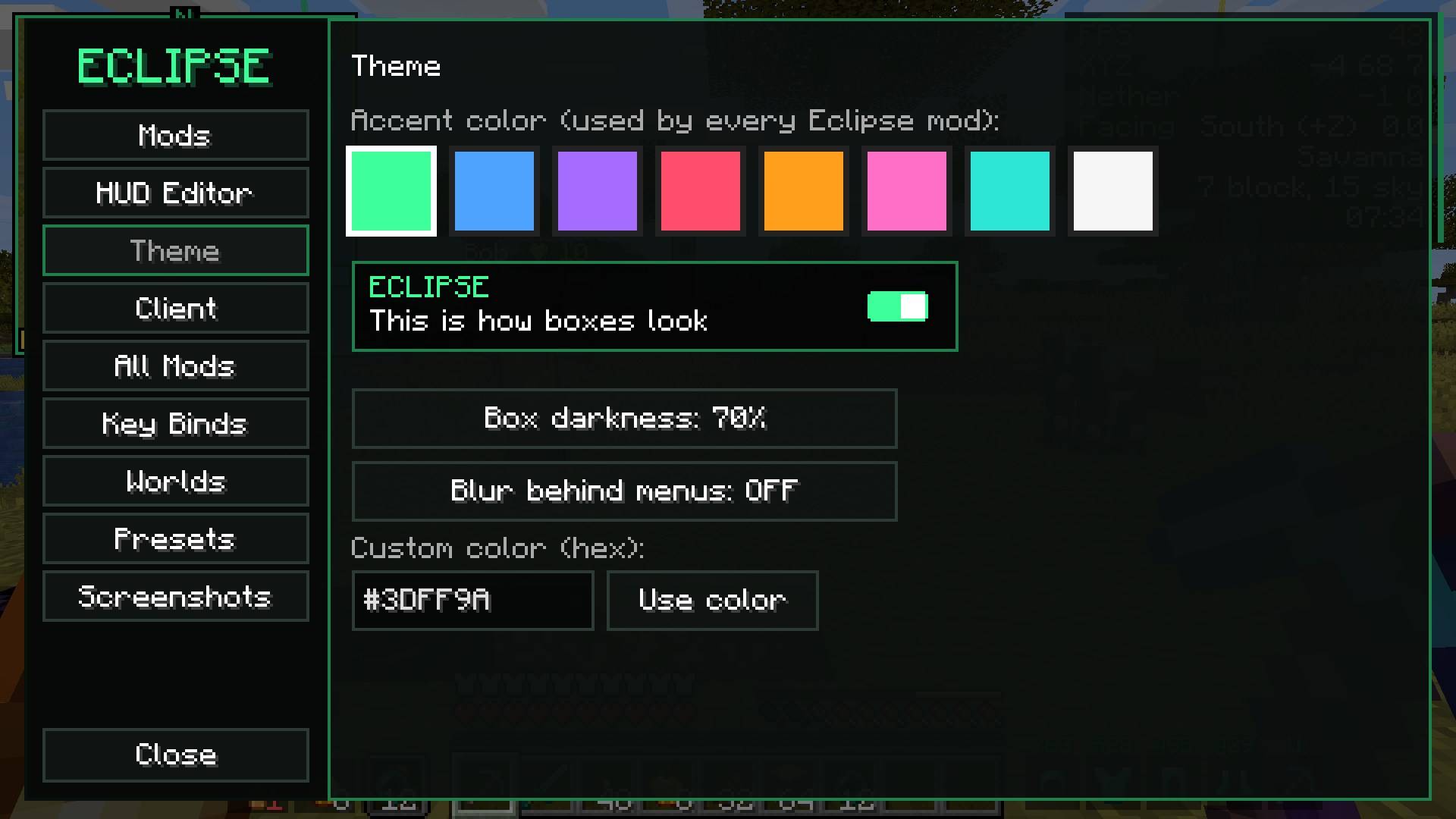
- Pick an accent color or type any hex color
- Box darkness and blur behind menus
- Every Eclipse mod uses the same theme
⚡ Presets
One click sets up everything: Survival, Building, PvP, Max FPS, Pretty.
⌨️ Key binds
- Search key binds, see only clashes, reset one or all
🧾 Client page
- Eclipse title screen, loading screen, window name and button look (each can be turned off)
- Discord status
- Export / import all your Eclipse settings and key binds as one file to share with friends
📚 All mods
Every installed mod with its version and a Settings button. Replaces Mod Menu (don't install both).
👋 Welcome screen
The first time you start, it shows the main keys and lets you pick a preset.
More
- Worlds page with favorite worlds
- Screenshots browser
Requirements
- Minecraft 26.2, Fabric Loader, Fabric API
- Required by every other Eclipse mod
Part of the Eclipse Client modpack.
💬 Questions or ideas? Join the Eclipse Discord