Shader Pastel Settings
- By
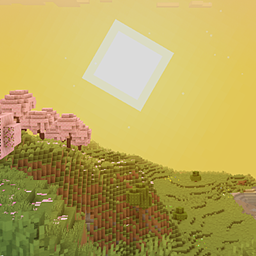
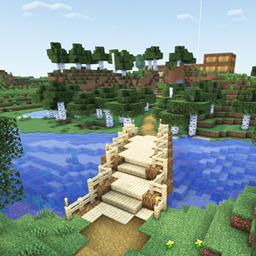
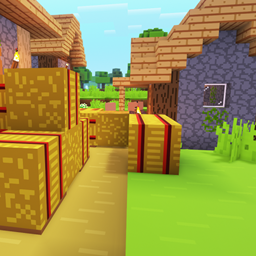
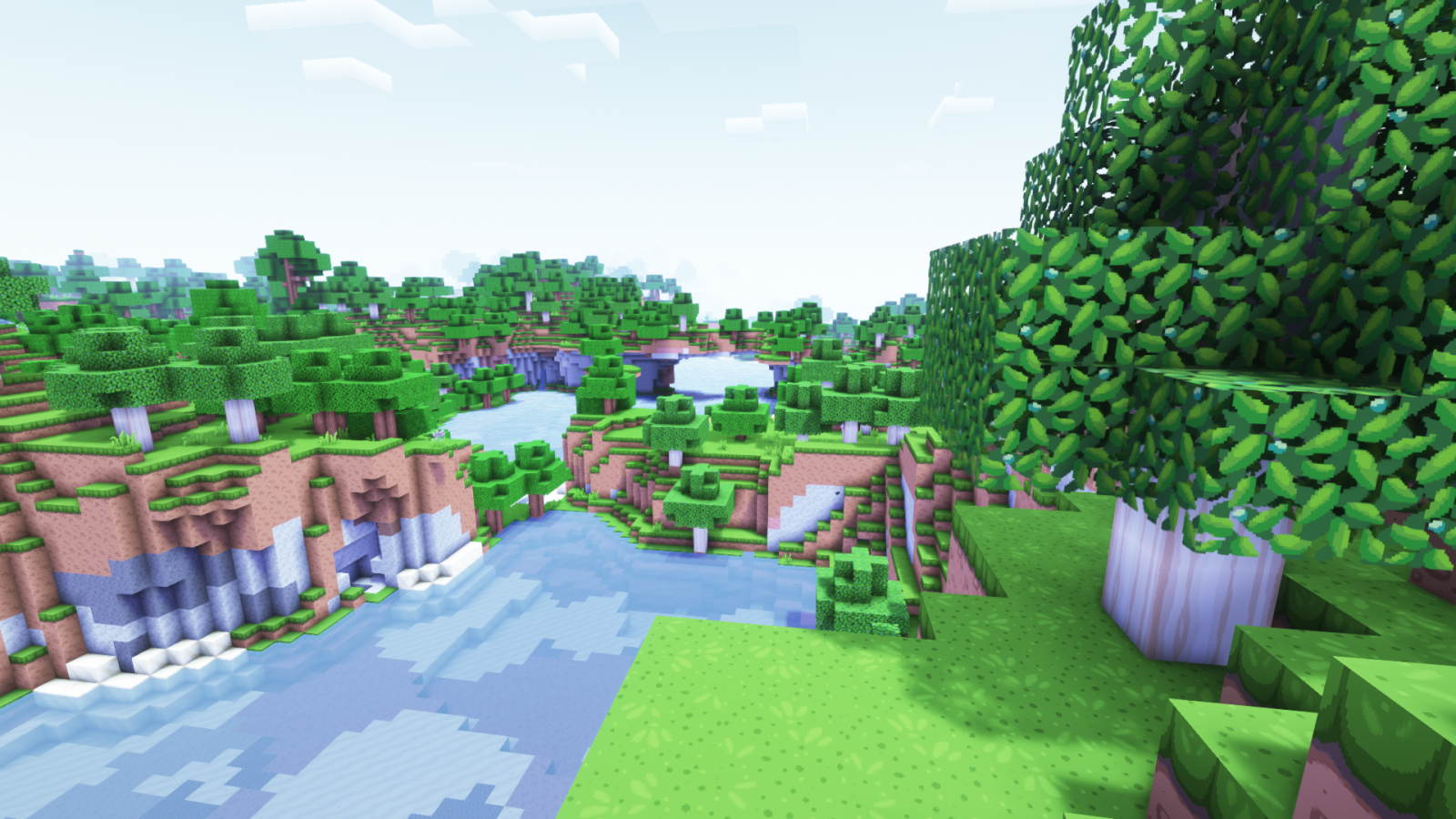
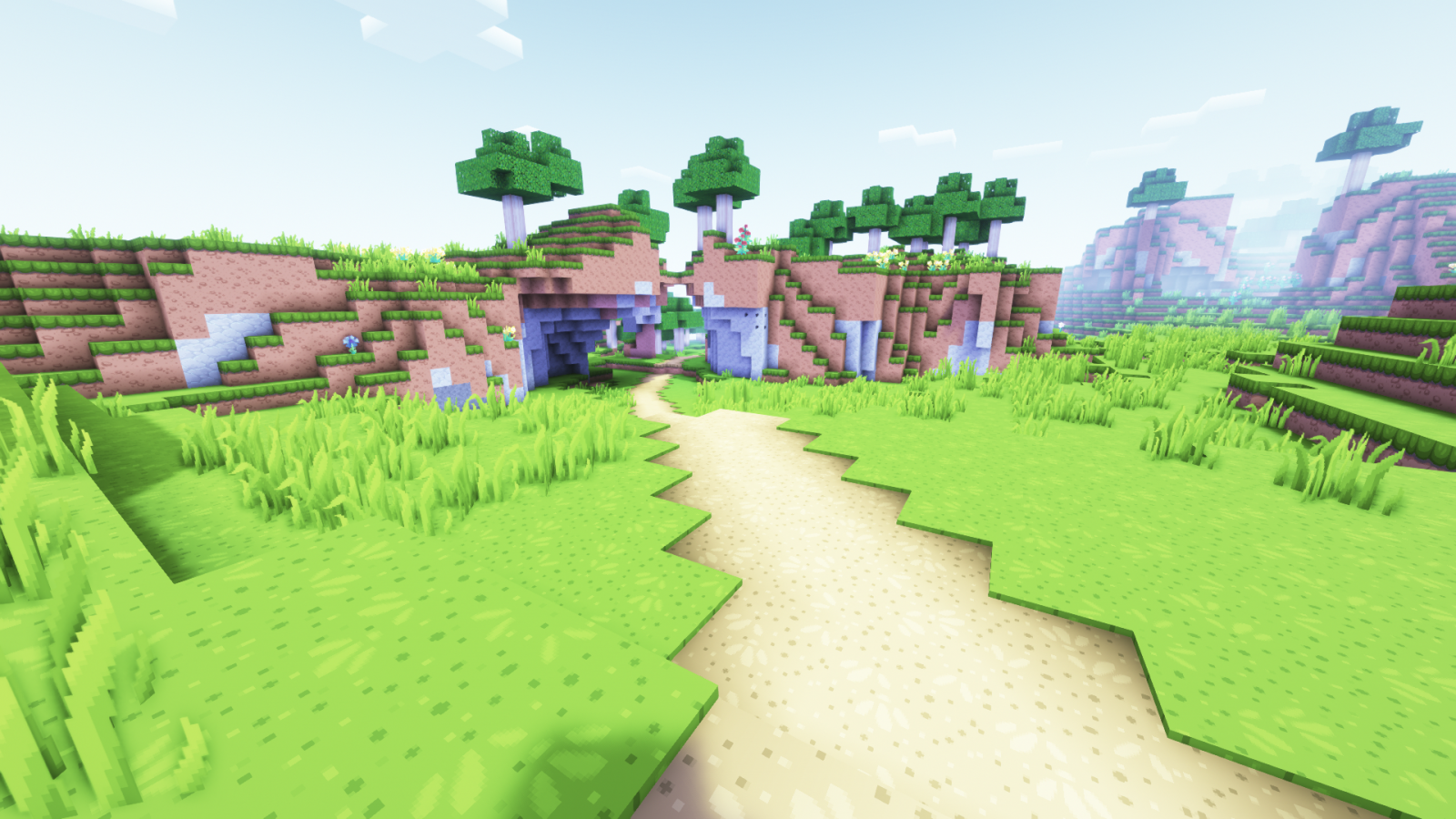
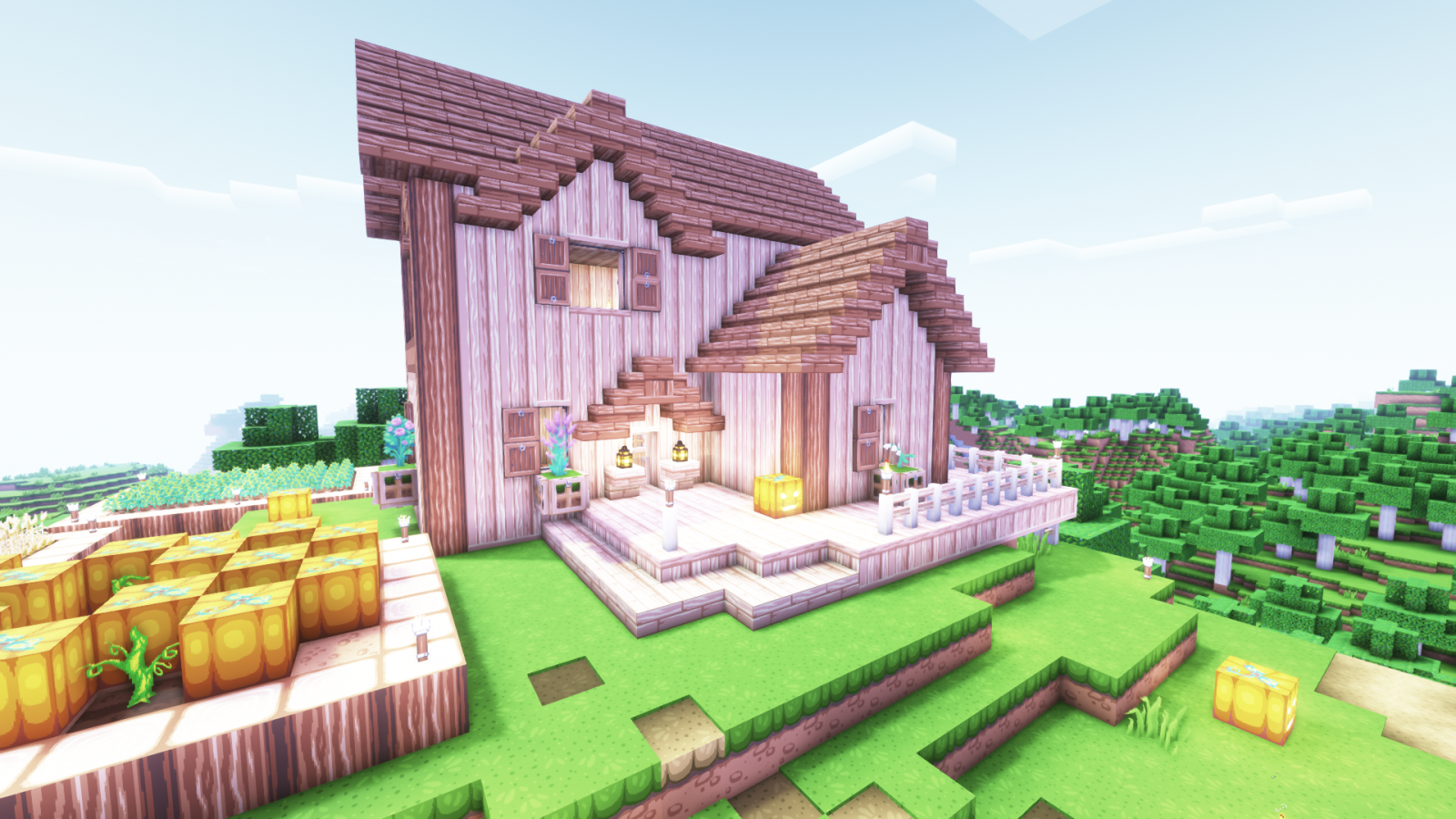
Settings for the Complementary shaders that give a pastel-like appearance
Description
What42's Pastel Settings for Complementary
These settings are designed to pair with the texture pack Dragon Dance, though it should work with other silimar texture packs (with some tweaking).
How to install:
1: Open your shaderpacks folder
1.1: Open Minecraft
1.2: Go to the shaders menu
1.3: Click 'Shaders Folder'
2: Make a copy of Complementary and add "_Pastel" to the end of the name (this step is optional)
3: Copy the entire name of the shader file and paste it into the settings file (the one from this page)
For example, if the shader file is "Complementary_v4.5_Pastel.zip", the settings file needs to be "Complementary_v4.5_Pastel.zip.txt"
4: Move the settings file into the shaders folder.
Shader Pastel Settings Team

Owner