2026-06-14_14.07.08.jpg
2026-06-14_14.02.26.jpg
2026-06-14_14.04.09.jpg
2026-06-14_14.05.57.jpg
2026-06-14_14.06.42.jpg
Description
Proto Monitor
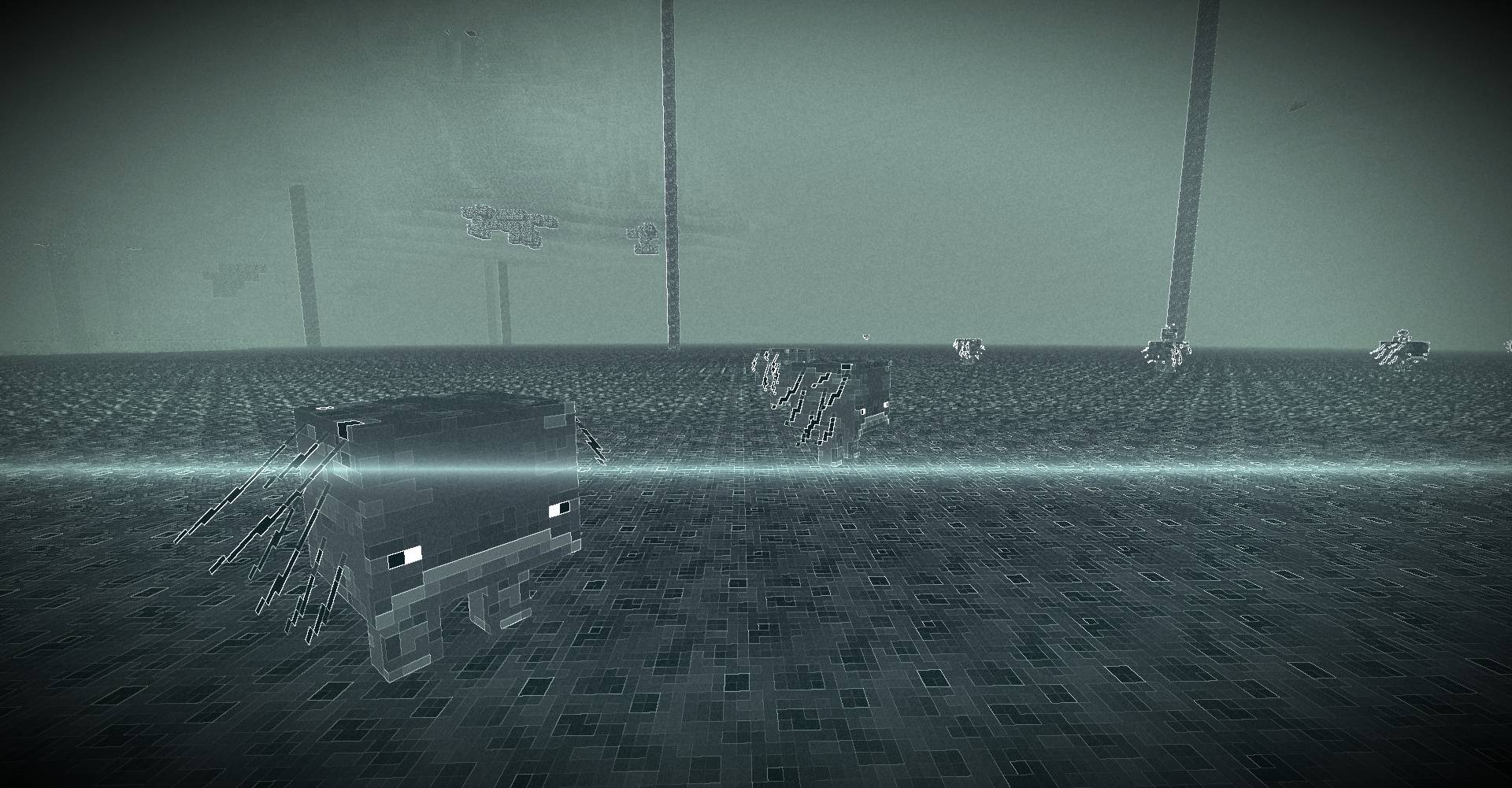
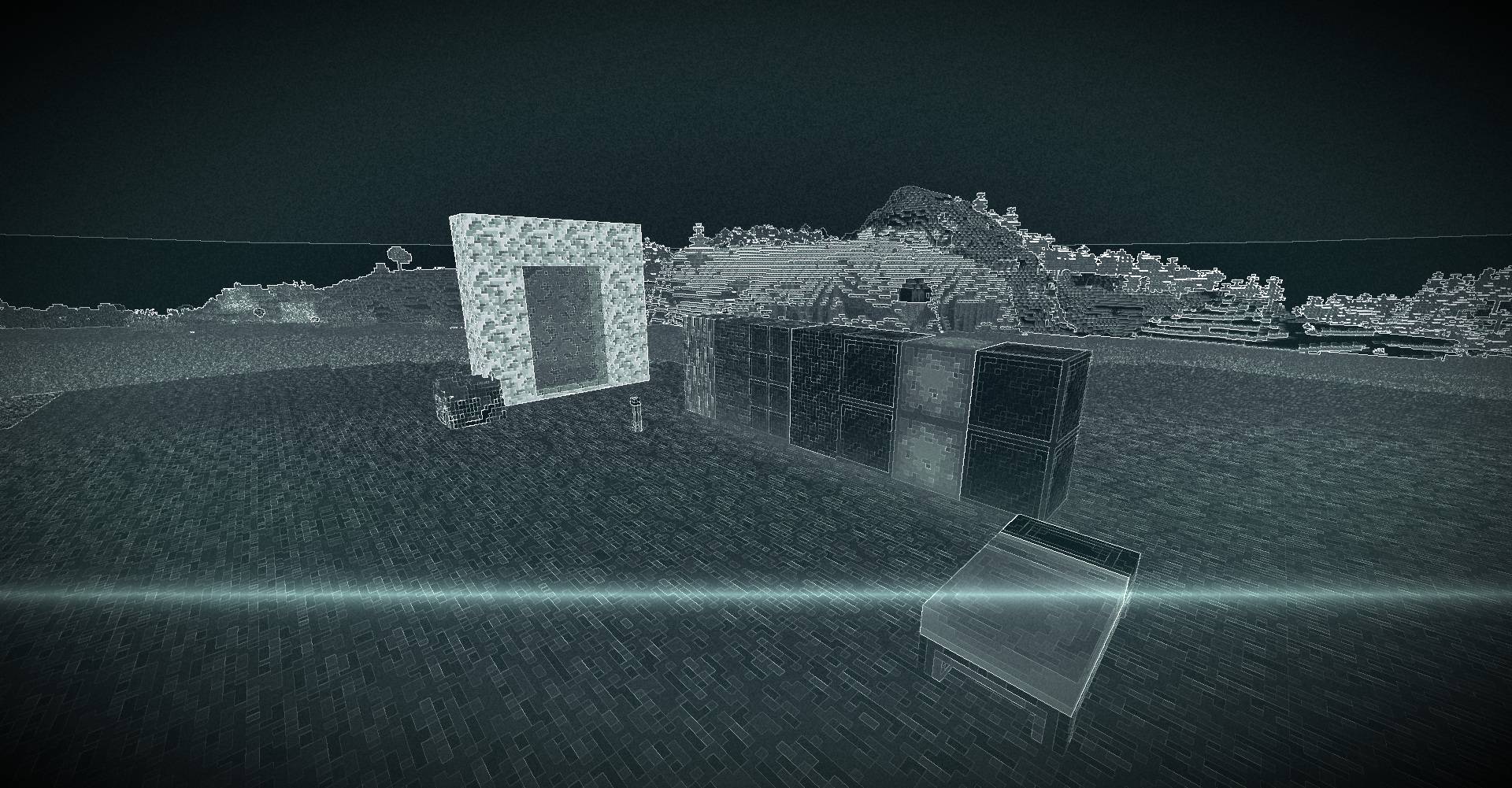
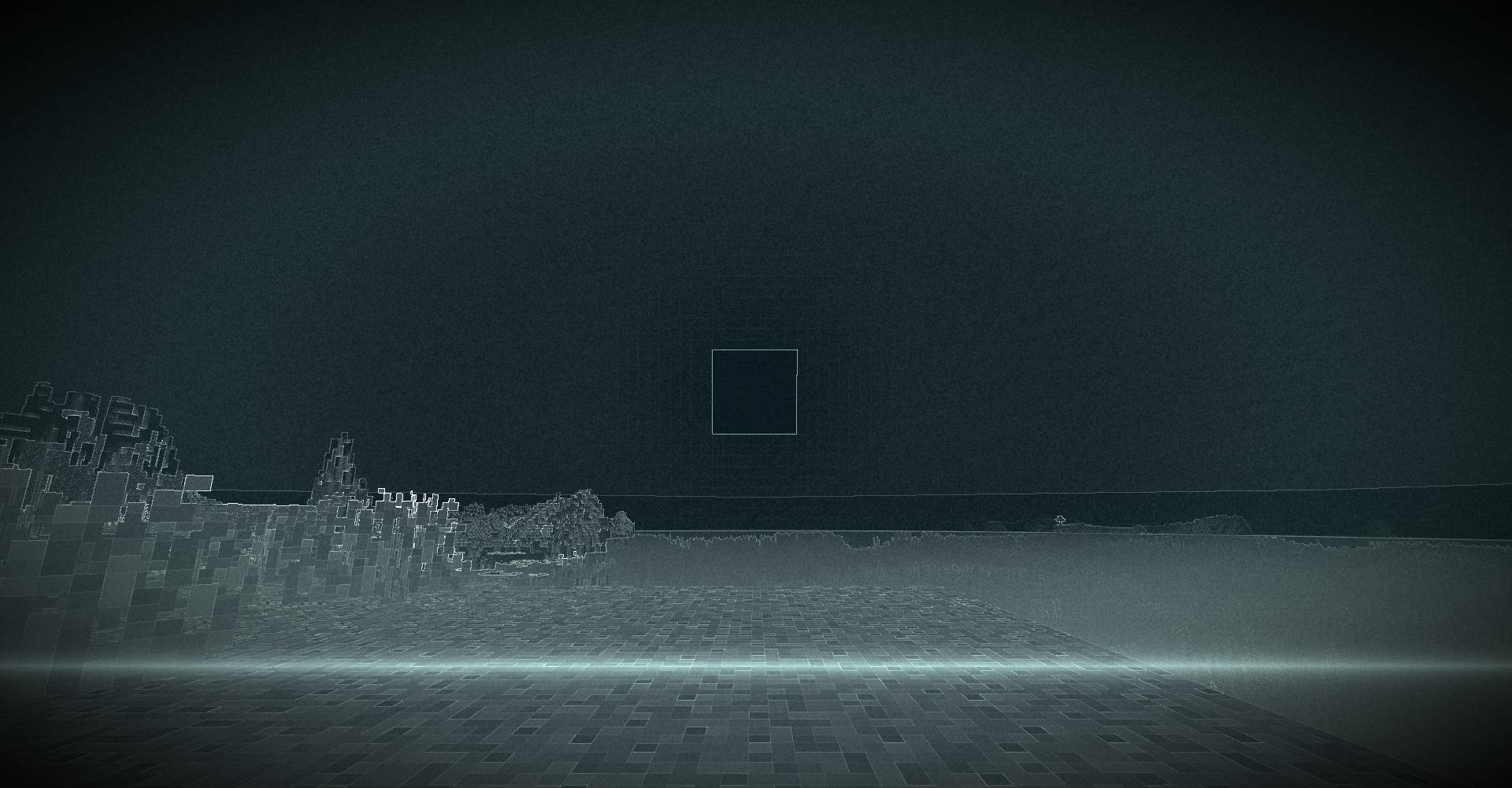
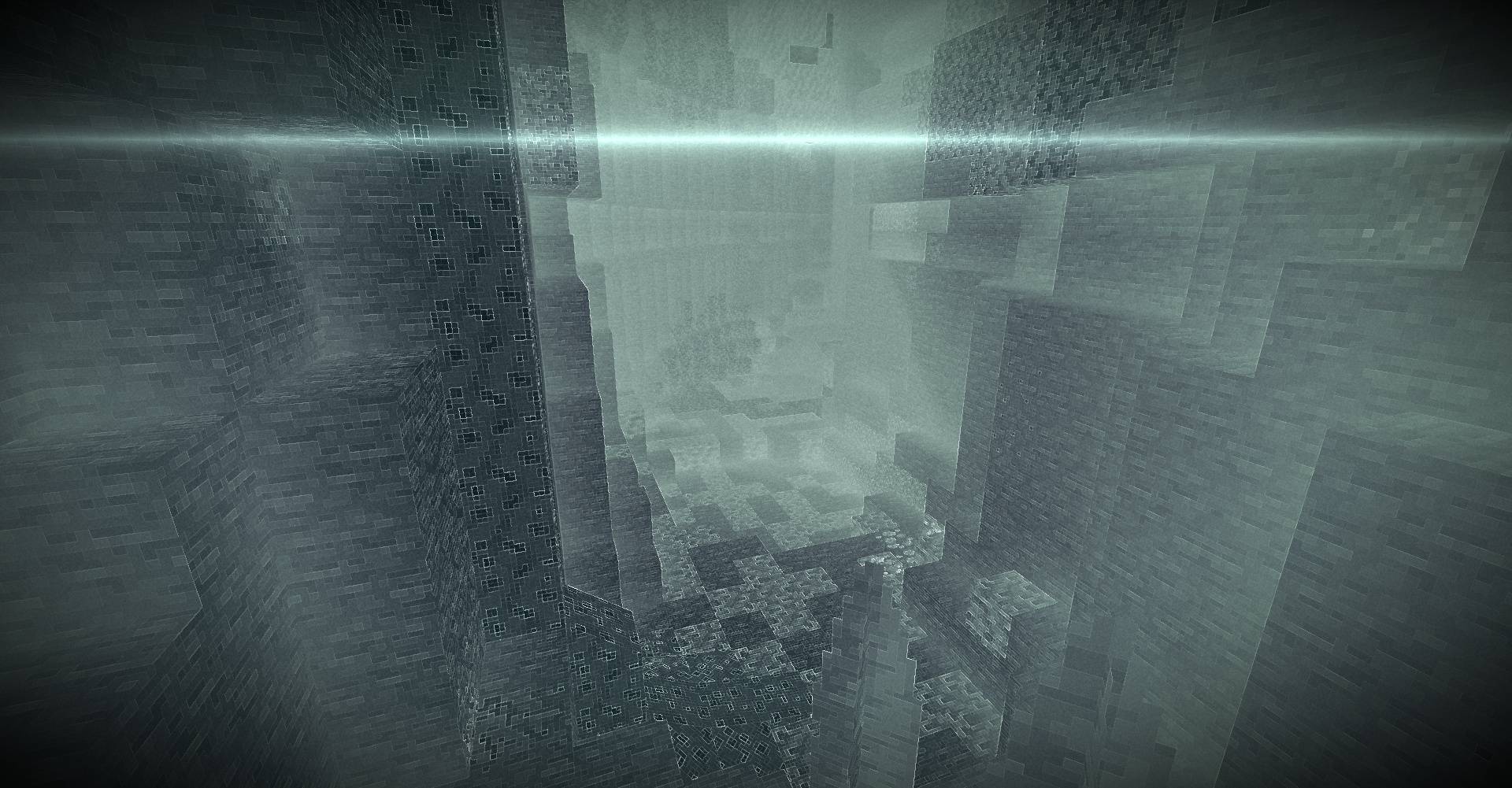
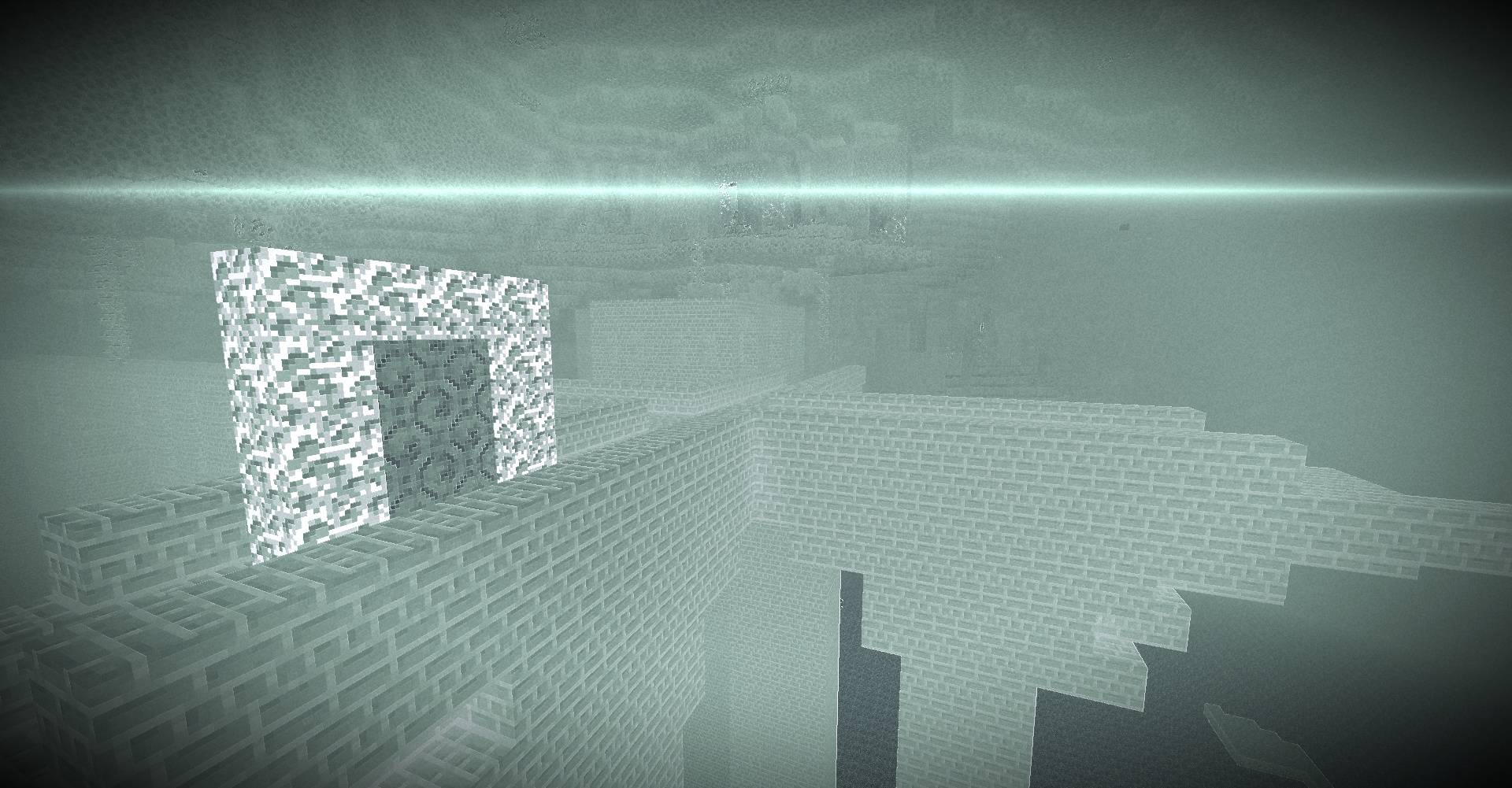
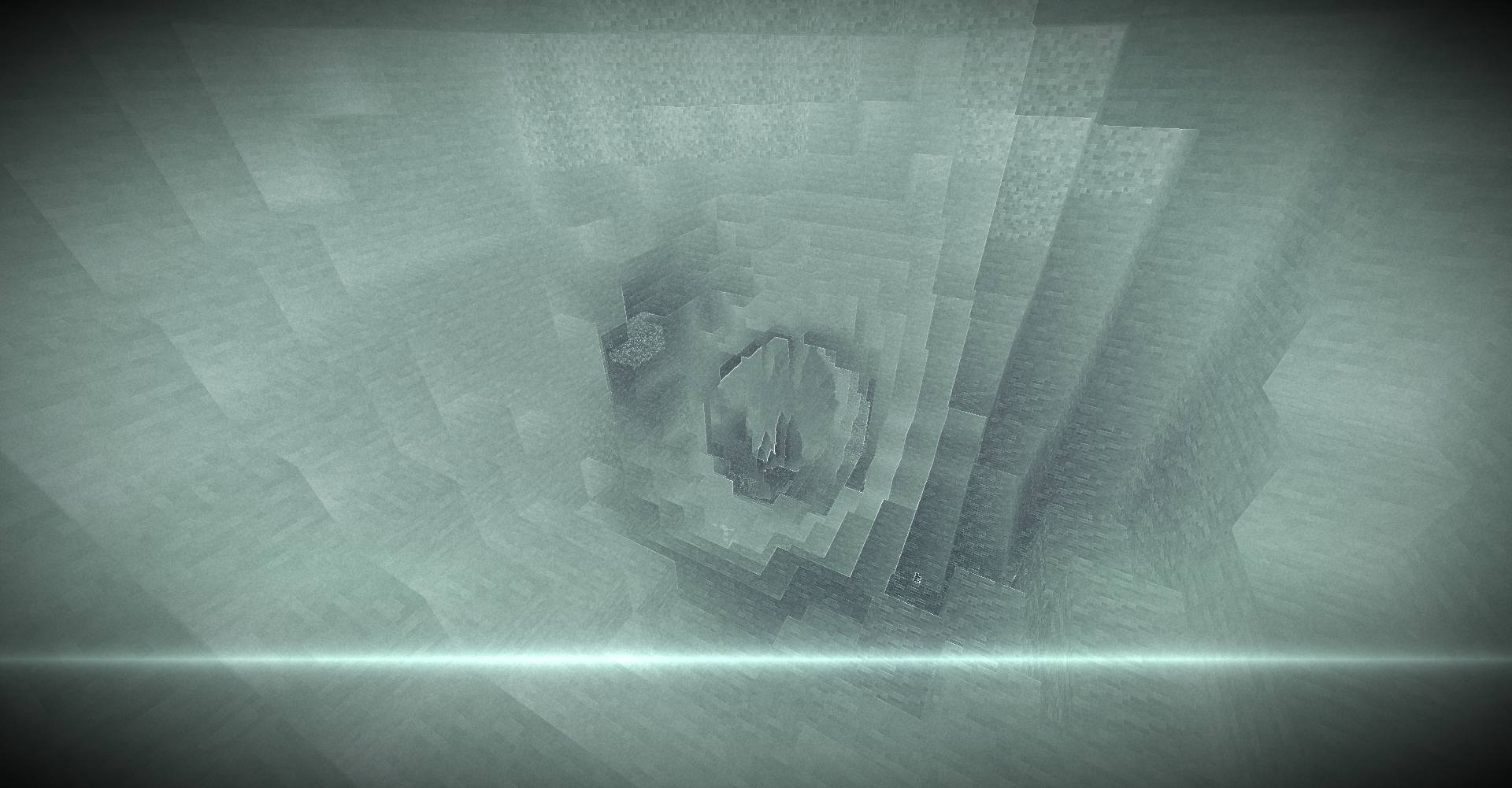
Post-processing X-ray visualization shader with scanline and interference effects.
Overview
Proto Monitor is a lightweight full-screen post-processing shader that transforms the rendered scene into a simulated X-ray monitor view. The effect is applied entirely in the composite pass, converting scene luminance into a high-contrast monochrome image with phosphor-inspired coloration, edge enhancement, film grain, periodic scan sweeps, and intermittent signal interference.
The shader operates on the final rendered image (colortex0) rather than modifying world lighting or material rendering, making it a screen-space visual effect.
Core Features
X-Ray Image Conversion
Visual Effect
The scene is remapped into an X-ray-style image where darker and brighter areas are transformed into a high-contrast negative representation.
Implementation
- Samples the final scene color from
colortex0. - Computes luminance using a standard RGB weighting:
- 0.299 R
- 0.587 G
- 0.114 B
- Applies multiple contrast stages:
- Gamma expansion (
pow(luma, 0.45)) - Inversion
- Additional contrast sharpening (
pow(xray, 1.8))
- Gamma expansion (
This produces the base X-ray appearance used throughout the shader.
Performance
Very low cost. Requires only a single texture sample for the base image.
Edge Enhancement
Visual Effect
Object boundaries become more pronounced, creating stronger outlines within the X-ray image.
Implementation
- Samples neighboring pixels horizontally and vertically.
- Computes a simple Laplacian-style edge response:
- Current luminance compared against right and upper neighbors.
- The resulting edge value is added back into the X-ray intensity.
This increases local contrast around geometry silhouettes and texture transitions.
Performance
Low impact. Adds two additional texture fetches per pixel.
Film Grain
Visual Effect
Subtle noise is layered over the image, simulating grain present in scanned film or imaging equipment.
Implementation
- Uses procedural value noise generated from custom hash functions.
- Noise is evaluated in screen space using viewport dimensions.
- Grain intensity is centered around zero and blended into the X-ray output.
Performance
Low to moderate arithmetic cost with no additional texture lookups.
Scanner Sweep Overlay
Visual Effect
A bright scanning bar periodically moves vertically across the screen.
Implementation
- Uses
frameTimeCounterto generate a repeating scan cycle. - Computes distance from the current scan position.
- Applies:
- Bright leading glow
- Faint trailing band
The sweep repeats continuously over time.
Performance
Minimal. Implemented entirely with mathematical operations.
Phosphor-Based Color Grading
Visual Effect
The grayscale X-ray image is tinted with cold blue-green monitor colors while preserving bright white highlights.
Implementation
- Interpolates between:
- Dark blue-green shadow tint
- Near-white highlight tint
- Applies additional green emphasis in mid-tone ranges through smoothstep masking.
Performance
Negligible.
Interference Burst System
Visual Effect
Brief periods of display instability introduce horizontal corruption and altered image regions.
Implementation
- Driven by a repeating timed cycle.
- Activates only during a narrow time window.
- Uses procedural randomness to:
- Offset horizontal pixel positions
- Re-sample scene luminance
- Blend corrupted image data into selected scanlines
The effect appears as short interference bursts rather than continuous distortion.
Performance
Mostly inactive. During active bursts, additional texture sampling is performed.
Film Edge Response
Visual Effect
Screen edges become slightly brighter while the image simultaneously fades toward the corners.
Implementation
- Radial distance from screen center is calculated.
- Adds:
- Subtle edge glow
- Vignette darkening
This produces a film-viewer style framing effect.
Performance
Negligible.
Compatibility
Rendering Pipeline
- Composite post-processing shader
- Operates on
colortex0 - Full-screen screen-space effect
GLSL Version
- GLSL 1.20 (
#version 120)
Included Shader Stages
composite.vshcomposite.fsh
Detected Uniforms
colortex0frameTimeCounterviewWidthviewHeight
Loader Support
No loader-specific metadata is included in the project files.
Compatibility with OptiFine, Iris, Sodium, or other shader loaders cannot be verified from the archive alone.
Known Constraints
- Entire effect is applied after scene rendering.
- Does not implement custom lighting, shadows, reflections, materials, or world-space rendering features.
- Visual output depends solely on the final rendered frame.
Shader Options / Configurable Settings
No user-configurable shader options were found.
The archive contains an empty shaders.properties file and exposes no configurable parameters through project metadata.
The Proto-Monitor Team