2026-06-13_19.37.15.png
2026-06-13_19.46.35.png
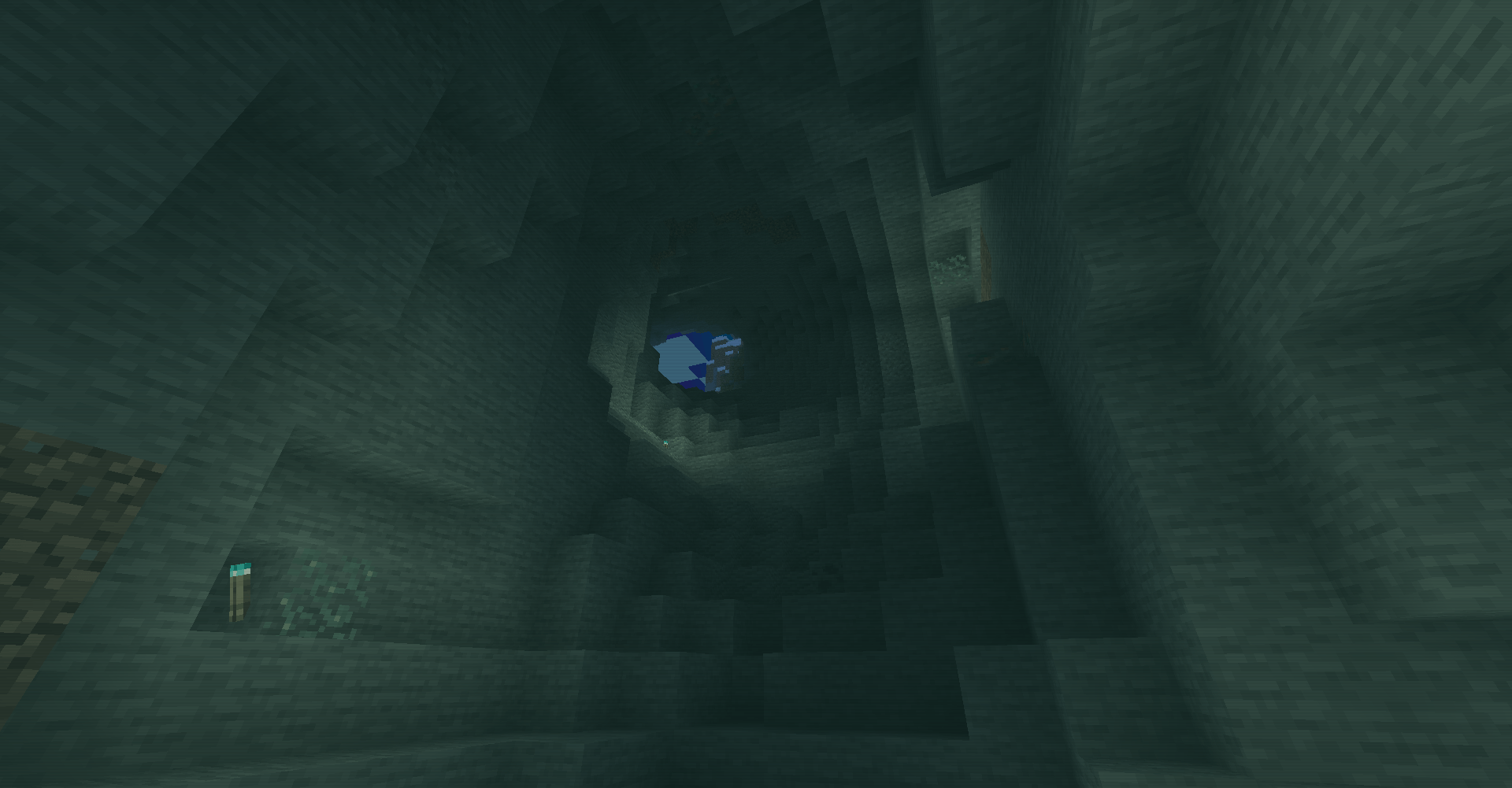
2026-06-13_19.39.07.png
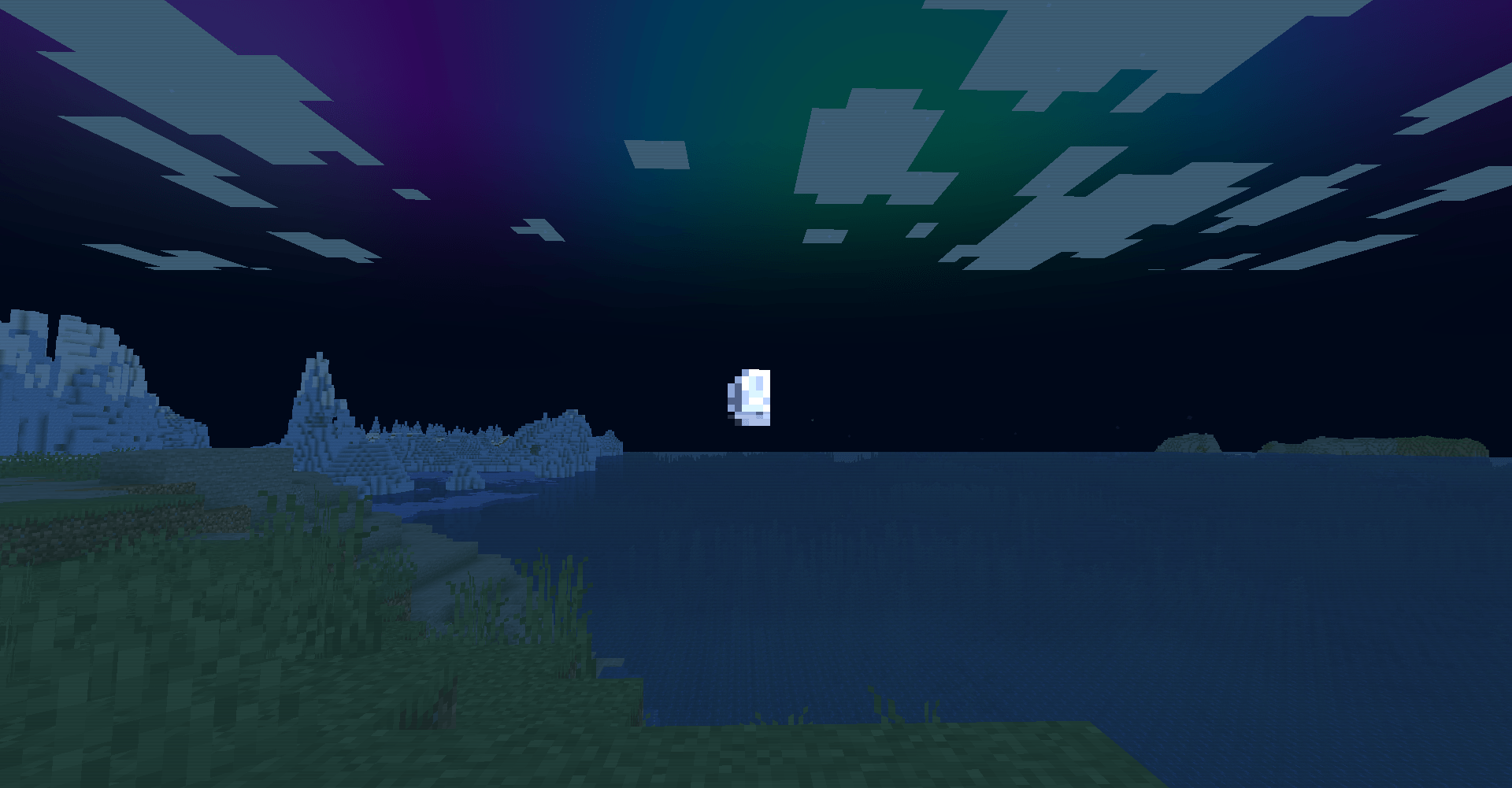
2026-06-13_19.37.38.png
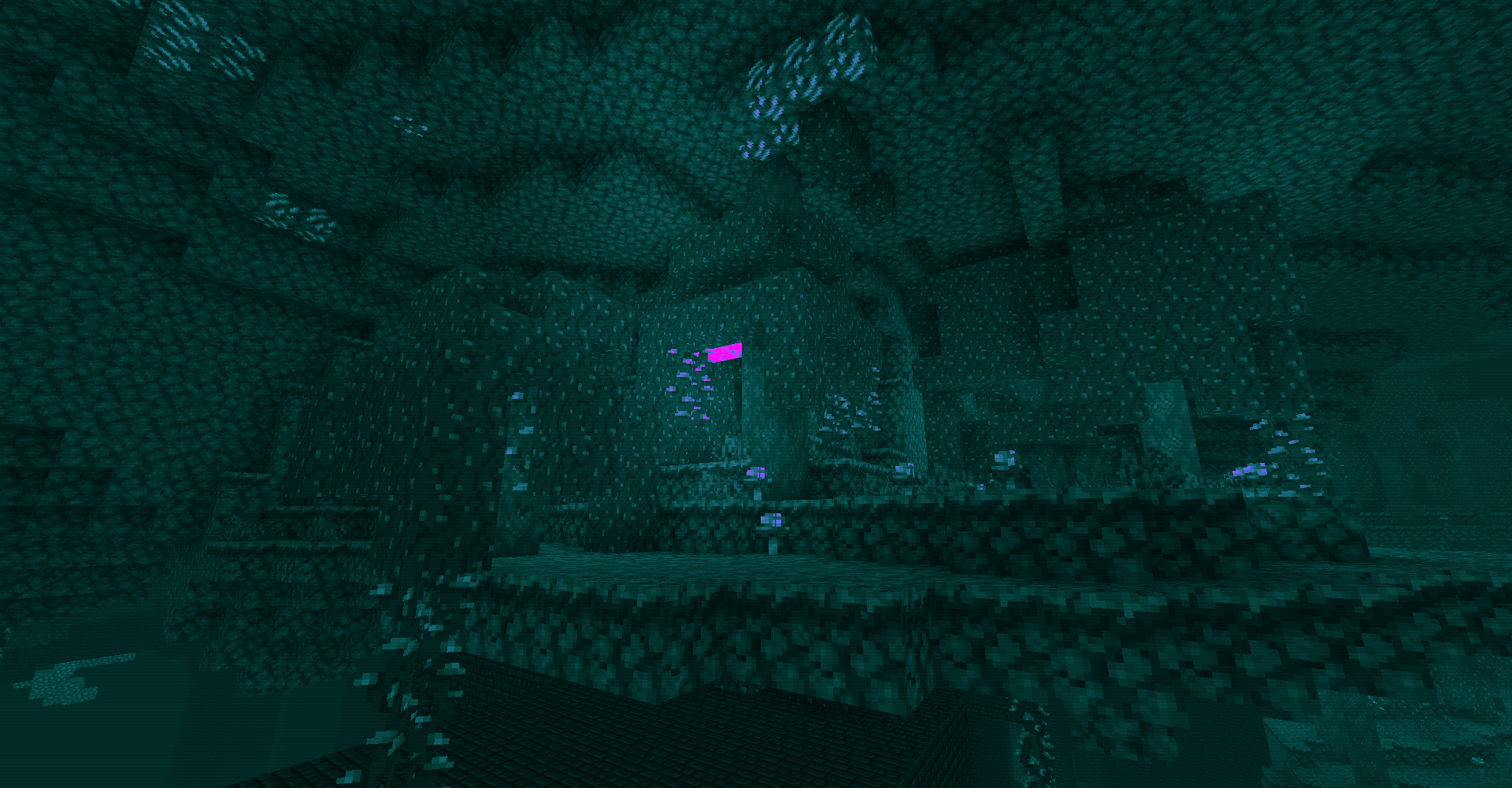
2026-06-13_19.40.35.png
Description
Overview
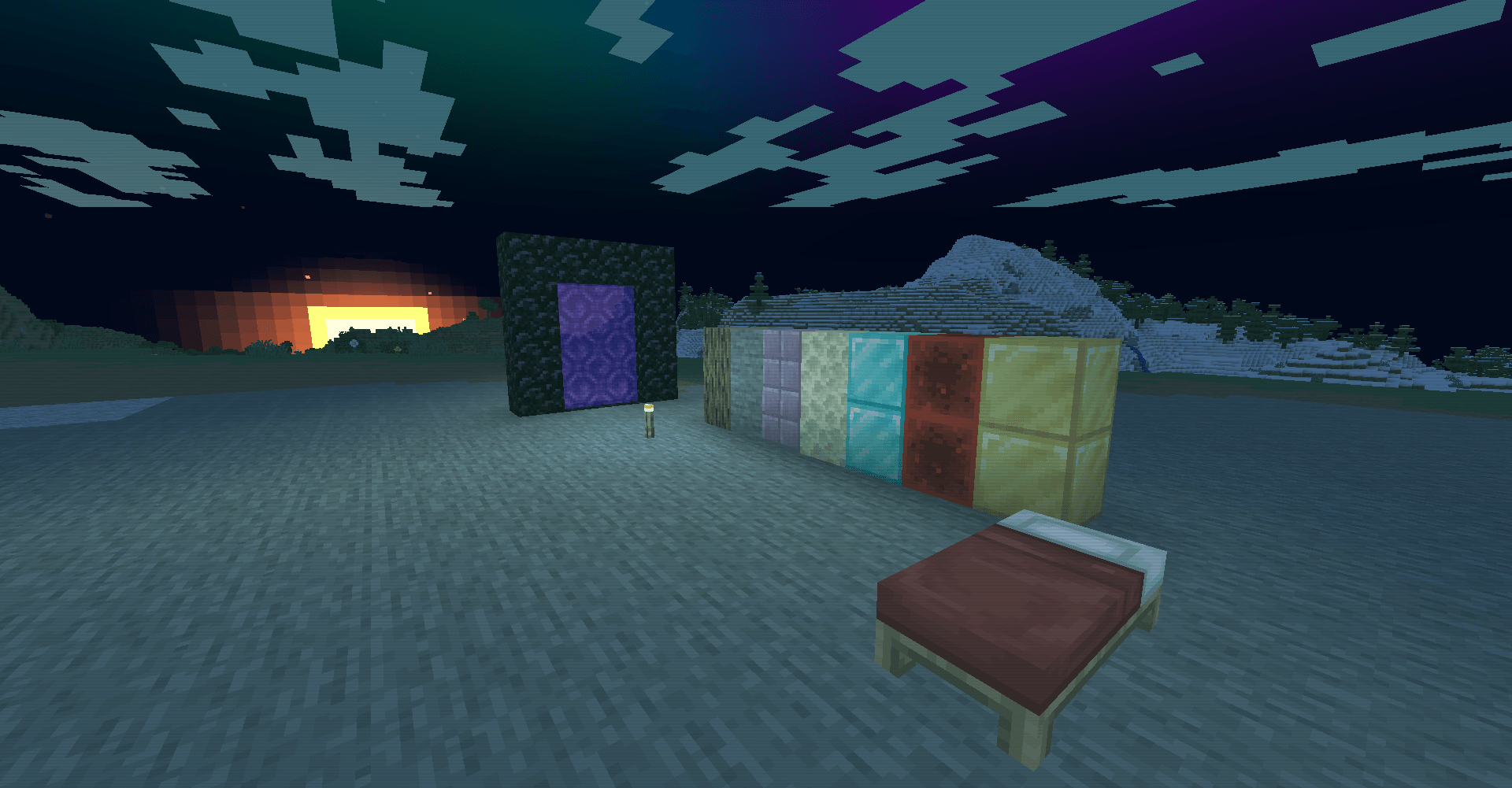
Aurora-inspired color grading and sky replacement built on a minimal GLSL 1.20 pipeline.
This shader pack applies an aurora-themed visual treatment to the overworld and Nether through a small set of post-processing and material shaders. The main rendering work is performed in a composite pass that modifies sky rendering, applies scene-wide color grading, and adds simple animated color modulation. Additional shaders tint clouds and water using time-based aurora color cycles while keeping the player's hand unmodified.
Core Features
Procedural Aurora Sky
Visual Effect
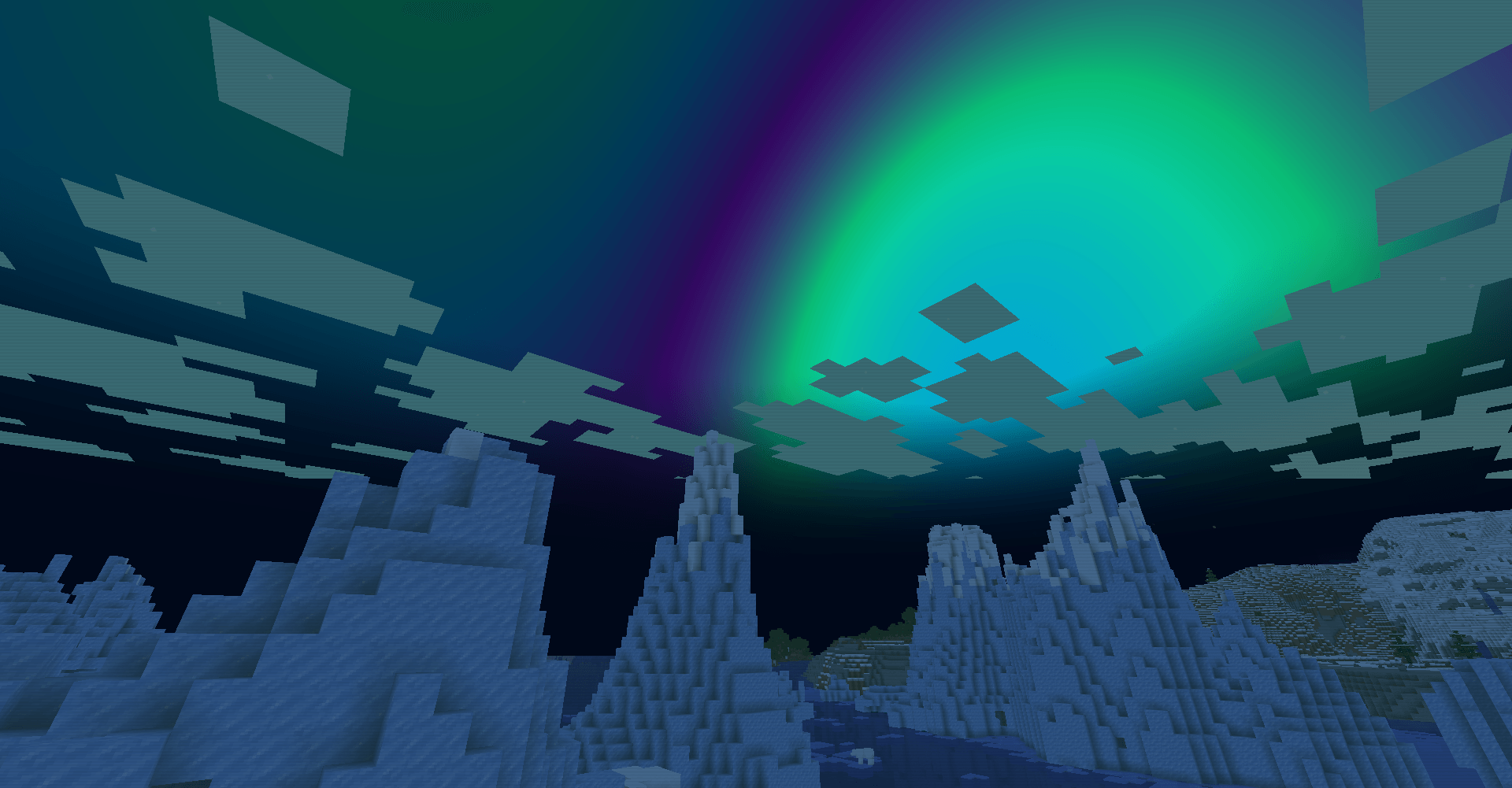
The overworld sky is replaced with an animated aurora effect when rendering sky pixels. The aurora transitions between teal, blue, and purple hues and becomes more prominent at night.
Implementation
The composite pass identifies sky pixels using depth values (depth > 0.9999).
World-space view direction is reconstructed from:
gbufferProjectionInversegbufferModelViewInverse
Aurora bands are generated procedurally using:
sin(viewDir.x * 3.0 + t) * cos(viewDir.z * 2.0 + t * 0.7)Color cycling is performed between three predefined aurora colors using a time-driven interpolation system based on frameTimeCounter.
Aurora visibility is weighted by:
- view direction height (
viewDir.y) - horizon blending
- day/night state derived from
sunAngle
Performance / Limitations
- Single fullscreen composite pass.
- Uses only basic trigonometric functions.
- No volumetric rendering.
- Aurora exists only as a screen-space sky effect.
Global Aurora Color Grading
Visual Effect
World geometry receives an aurora-tinted color filter.
The effect is lighter during daytime and stronger at night, shifting scene colors toward teal and cyan tones.
Implementation
For non-sky pixels, scene luminance is calculated and mapped between:
- dark aurora color
- mid aurora color
- light aurora color
The original image is blended against this target palette using a blend factor controlled by the computed day/night value.
Performance / Limitations
- Executed in the composite pass.
- Entirely screen-space.
- Affects all rendered scene colors except pixels intentionally excluded by depth checks.
Animated Cloud Tinting
Visual Effect
Clouds receive a subtle animated aurora coloration that cycles through green-teal, purple, and blue tones.
Implementation
gbuffers_clouds.fsh:
- Samples the original cloud texture.
- Generates a three-color cycle using
frameTimeCounter. - Blends the aurora hue into the cloud color at a fixed intensity.
Transparent cloud pixels are discarded before processing.
Performance / Limitations
- Lightweight per-pixel color modification.
- Does not alter cloud geometry or movement.
Water Aurora Reflections
Visual Effect
Water surfaces receive a shifting teal-to-purple color reflection effect.
The effect becomes stronger with increasing skylight exposure.
Implementation
gbuffers_water.fsh:
- Generates a two-color animated cycle.
- Uses
lmcoord.yas a skylight factor. - Blends the water color toward an aurora reflection tint.
Water transparency is also adjusted:
texColor.a = clamp(texColor.a * 1.5, 0.2, 0.75);Performance / Limitations
- Pure color manipulation.
- No reflection tracing.
- No wave simulation or water distortion.
Underwater and Lava Fog Tinting
Visual Effect
Additional color fog is applied when the camera is submerged in water or lava.
Implementation
The composite shader checks:
isEyeInWaterand blends the final image toward predefined water or lava colors.
Performance / Limitations
- Simple color blend only.
- No volumetric scattering.
Screen-Space Shimmer Modulation
Visual Effect
A subtle animated brightness fluctuation is visible across the image.
Implementation
Brightness is multiplied by a sine-based factor derived from:
- screen-space Y position
frameTimeCounter
Both overworld and Nether composite passes use this technique.
Performance / Limitations
- Extremely lightweight.
- Pure post-processing effect.
Nether Aurora Color Pass
Visual Effect
The Nether receives a separate aurora-inspired color treatment using teal and violet tones.
Implementation
world-1/composite.fsh:
- Computes scene luminance.
- Generates a teal-to-violet gradient.
- Multiplies the gradient by luminance.
- Blends the result heavily into the final image.
Nearby hand/HUD pixels are excluded using depth testing.
Performance / Limitations
- Entirely screen-space.
- No Nether-specific sky rendering.
Hand Preservation
Visual Effect
The player's hand remains unaffected by most aurora post-processing.
Implementation
A dedicated hand buffer is configured through:
drawBuffers.gbuffers_hand=01Composite shaders also exclude near-depth pixels (depth < 0.56) from aurora processing.
Performance / Limitations
- Prevents excessive color grading on held items and first-person hand models.
Compatibility
Rendering Pipeline
- OpenGL GLSL 1.20
- Uses OptiFine-style shader stages:
compositegbuffers_basicgbuffers_texturedgbuffers_cloudsgbuffers_watergbuffers_hand
Identifiable Requirements
- Requires support for:
colortex0depthtex0- inverse projection matrices
- OptiFine-style gbuffer uniforms
Supported Loaders
The archive does not contain explicit metadata declaring supported loaders. Compatibility with specific loaders (OptiFine, Iris, etc.) cannot be confirmed from the project files alone.
Known Limitations
- No configurable shader menu entries were found.
- No shadow pipeline.
- No deferred lighting system.
- No volumetric effects.
- No normal mapping or PBR features.
Shader Options / Configurable Settings
No user-configurable shader parameters were found.
The project contains only:
drawBuffers.gbuffers_hand=01which is an internal buffer configuration rather than a user-facing setting.
Aurora Veil Team