Ethereal - Vulkan Shader
- By
Ethereal is a Vulkan based Minecraft shader, creating amazing visuals while keeping steady performance.
Description
Ethereal
A cinematic, magical shader pack for Minecraft Java 26.3, made for Aetherium on Minecraft's Vulkan renderer.
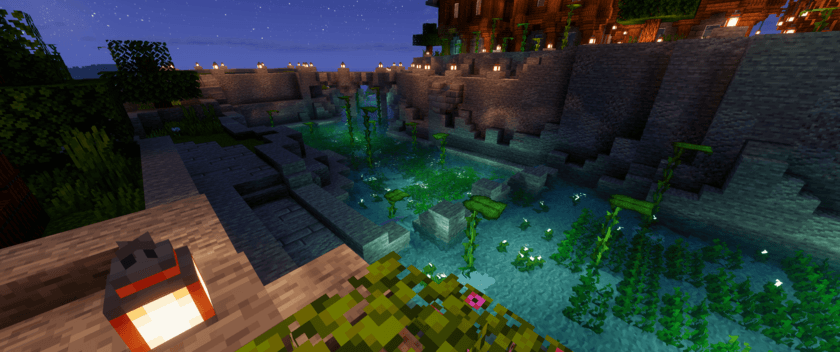
Ethereal makes Minecraft feel like a dream without changing what makes it Minecraft: every block, silhouette and color stays true to the game.
Ethereal runs on Aetherium, not Iris or OptiFine. Aetherium is a mod that runs shader packs on Minecraft's new Vulkan renderer. The installation steps below are a little different from other shader packs, so give them a quick read.
Features
Skies and atmosphere
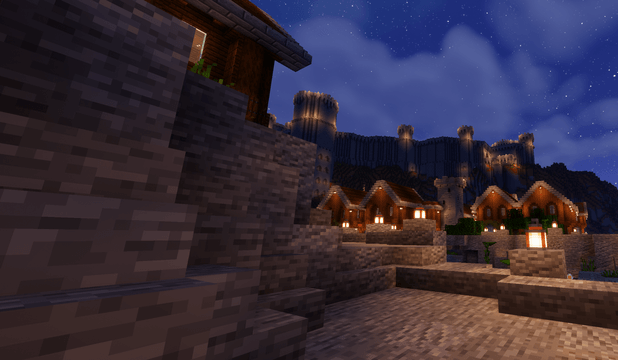
- Twilight in peach, amber, lavender and rose, with sunsets that fade out gradually
- Soft haze that layers distant mountains, and mist that settles in the valleys
- Light shafts through the trees and clouds
- Rich clouds that mountain peaks rise out of, and that clear around you when you fly into them
- Bright stars, a faint Milky Way and a moon whose phases are softly shaded
- Northern lights over snowy biomes on full-moon nights
Light and shadow
- Shadows from the sun and moon
- colored light: lamps, torches and glowing blocks light their surroundings in their own color, and stained glass tints the light that shines through it
- Jack o'lanterns flicker gently, as if a candle burns inside
- Glowstone, redstone lamps and copper bulbs glow only in their lit parts, and powered redstone glows
Water
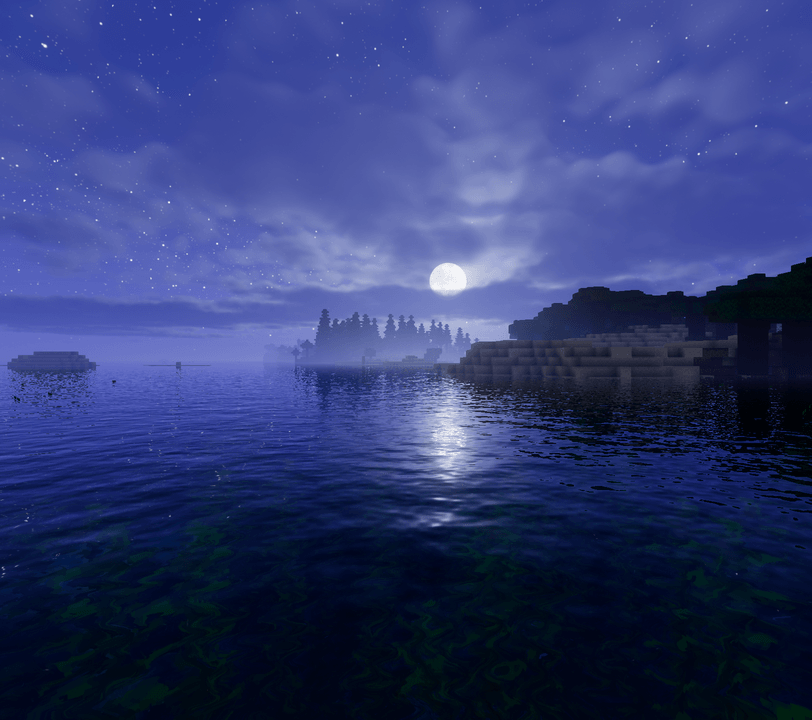
- Clear water with reflections and refraction
- Gentle waves, with the moon and stars mirrored in lakes
- A turquoise underwater world with shimmering caustics and light shafts
- Lily pads that bob on the waves
Weather and nature
- Cinematic rain: fine streaks, ripples on water, wet ground and puddles that reflect the world
- Soft, round snowflakes and glinting snow
- Lightning with a soft flash, a glowing bolt mirrored in water and a brief afterimage
- Leaves and plants that sway in the wind
- Fireflies round firefly bushes at dusk and at night
- White leaves in snowy biomes
Caves
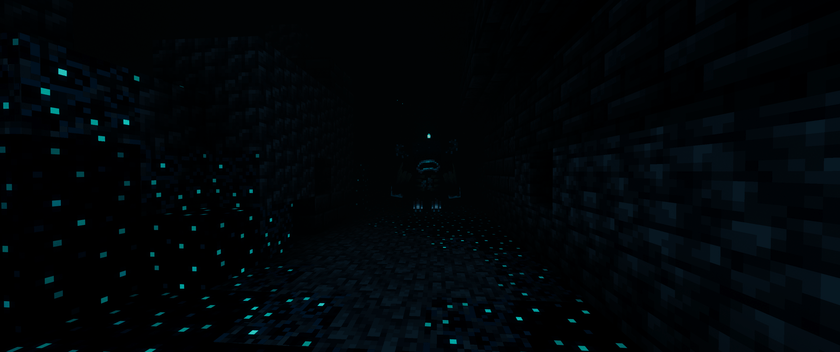
- Dark and moody but always readable, with a cool teal cave fog
- Ores sparkle with glowing specks and sculk glows neon
- The Warden's Darkness becomes a drifting black fog
The Nether
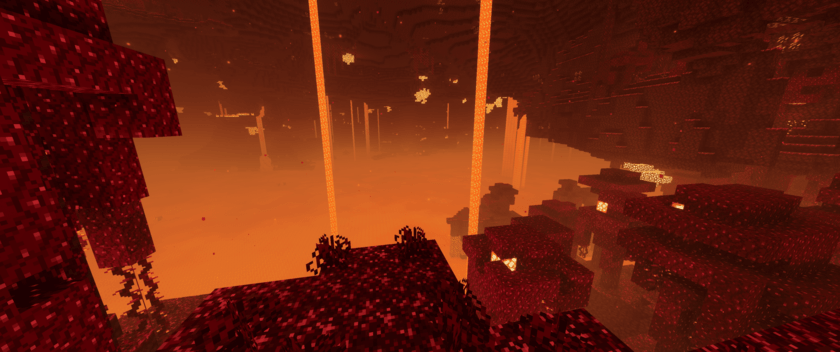
- Each biome gets its own colors and fog
- Lava glows with hot and cool zones and shimmers with heat haze
- Embers, ash and spores drift through the air, and nether fungi glow
- The portal keeps its classic look, or you can switch it to a swirling vortex
The End
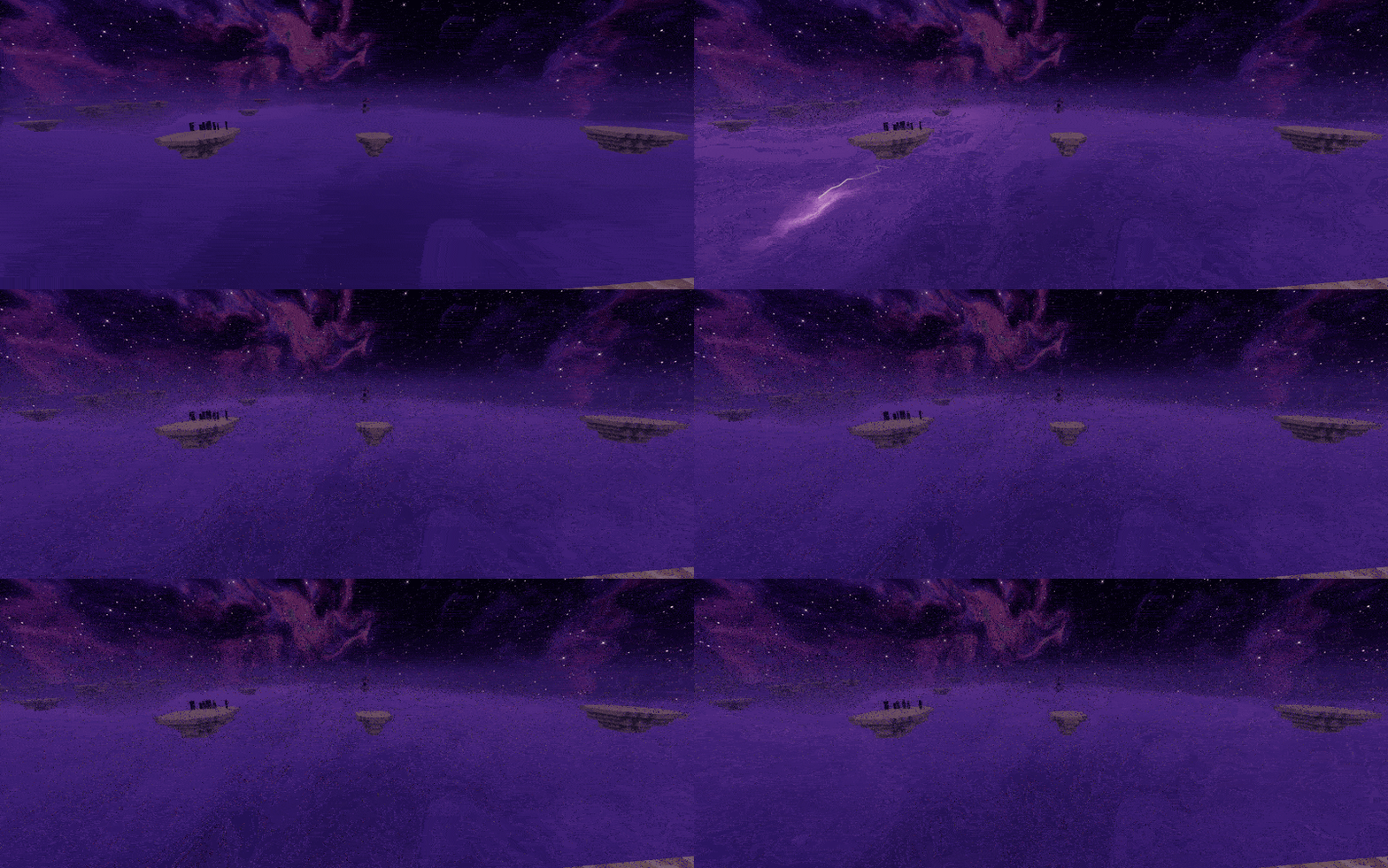
- A sky full of purple stars and nebulae
- A sea of clouds in the void, with purple lightning flickering inside
- Misty end crystal beams and a glowing dragon egg
A touch of magic
- Crying obsidian weeps glowing tears
- Mobs with glowing eyes and parts: guardians, evokers, witches, blazes, magma cubes and more
- Enchanted gear sparkles, and beacon beams pulse like a heartbeat
- Optional extras in the Magic tab (off by default): rainbow fireflies, glowing armour trims and colored candle flames
Distant Horizons
Works with Distant Horizons: far-away terrain and water get the Ethereal look too, and the fog moves out to match.
Requirements
- Minecraft Java Edition 26.3
- Fabric Loader 0.19.5 or newer with Fabric API (or NeoForge 26.3.0.23-beta or newer)
- Aetherium 0.1.1 or newer: the shader mod Ethereal runs on
- Sodium 0.9.2 or newer (the 26.3 version): needed by Aetherium
- Java 25 or newer (most launchers take care of this for you)
- A graphics card that supports Vulkan 1.2
Optional: Distant Horizons 3.3.4 for far terrain.
Not compatible with: Iris, OptiFine or any other shader mod. Aetherium can't be installed alongside them.
Installation
Ethereal installs a little differently from Iris or OptiFine shader packs. You only need to do this once.
- Set up Minecraft 26.3 with Fabric. Use the Fabric installer, or create a 26.3 Fabric instance in a launcher such as the Modrinth App, CurseForge or Prism Launcher.
- Add the mods. Put Aetherium, Sodium and Fabric API into that instance's
modsfolder. If you have Iris or OptiFine installed, remove them. - Start the game and switch to Vulkan. If the game isn't using Vulkan yet, Aetherium offers to switch it for you and closes the game. Start the game again.
- Turn off Sodium's Fog Occlusion. Go to Options → Video Settings → Performance and set Use Fog Occlusion to Off. If you skip this, the world gets cut off about 96 blocks away in the Nether and underwater.
- Add Ethereal. Put the Ethereal
.zipfile into the instance'sshaderpacksfolder (create the folder if it isn't there). Don't unzip it. You can also drag the zip straight onto Aetherium's shader pack screen. - Turn it on. In game, press O (or go to Options → Shader Packs...) to open Aetherium's shader pack screen. Select Ethereal, pick a profile and press Apply.
Tip: launchers keep a separate folder for each instance. Use your launcher's "Open folder" button to make sure you're adding files to the instance you actually play.
Choosing a profile
At the top of Ethereal's settings are six profiles. Each one sets everything that affects performance in a single click. Your look settings (brightness, fog, colors) stay the way you set them.
- Potato: the lightest, for older graphics cards and laptops
- Low: light, and still pretty
- Fantasy · Medium: a good balance for mid-range cards
- Enchanted · High: the default, with the full Ethereal look
- Ethereal · Ultra: cinematic, for high-end cards
- Celestial · Extreme: everything turned up, for the very fastest cards
For reference, Celestial runs at about 85 fps at 3440×1440 on an RTX 5080.
Need more speed? Pick a lower profile first. Then try Aetherium's render scale (Options → Aetherium... → Shaders → Render scale, around 70 to 85 %). It draws the world at a lower resolution and sharpens it back up, while menus and text stay crisp.
Settings
Open Ethereal's settings from the shader pack screen. Every setting has a short description.
- Normal Settings: the ones most players want.
- Look: brightness, color, glow, haze and wind
- Effects: switch the big effects on or off
- Performance: the few settings that cost the most
- Advanced Settings: every setting, grouped by what it changes: atmosphere, sky, lighting, shadows, world, water, weather, magic, caves, the Nether, the End, camera and color, and quality.
Troubleshooting
- The world ends about 96 blocks away in the Nether or underwater: turn off Sodium's Use Fog Occlusion (installation step 4).
- Ethereal doesn't show up in the list: check that the zip is in the
shaderpacksfolder of the instance you're playing, that it's still zipped, and that Aetherium is installed. Iris and OptiFine can't load Ethereal. - The game won't use Vulkan: accept Aetherium's offer to switch the graphics API, then restart the game.
- Low frame rate: choose a lower profile, or lower Aetherium's render scale.
- Vulkan not working when enabled: Lunar Client forces OpenGL, try without it may fix it.
Ethereal - Vulkan Shader Team