FORT - Fortify, Outlast, Reclaim, Thrive
Always return to your Fort before dark.
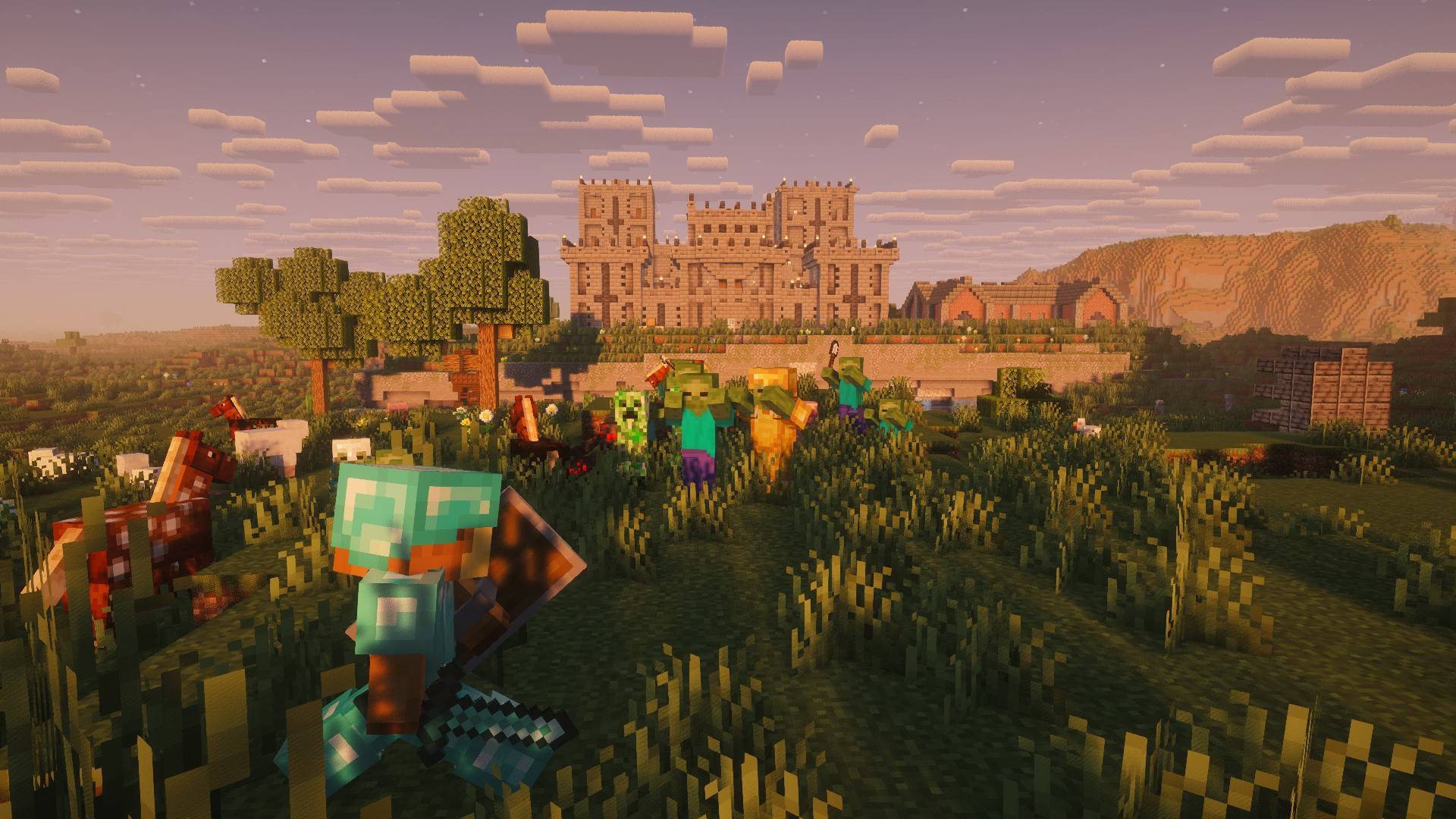
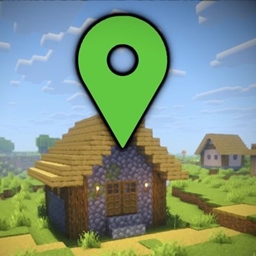
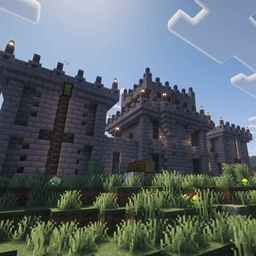
As your vision clears, you see it for the first time. The Fort.
Where you are, or why you are here doesn't matter.
You feel at peace.
Exploring the Fort doesn't yield enough to satisfy you. It doesn't take long before you find yourself walking the walls, looking out at the world beyond.
There are monsters everywhere. But perhaps, while it's still light out, you can have a look around.
You don't make it far before the sun begins to set.
You immediately know you made a mistake.
They all come for you.
You run. Focused on the one thing you know for certain:
The Fort will always save you.
Features
- Always start inside a carefully engineered Fort that is meant to be a long-term home
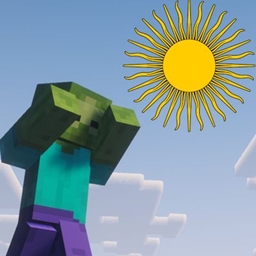
- Hostile mobs spawn during the day
- Mobs detect you from further away
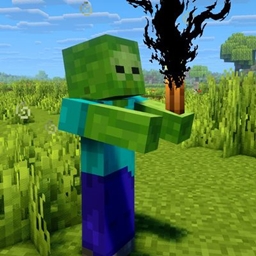
- Mobs can destroy your light sources
- Food can be difficult to come by
- Custom mob encounters inside the Fort
- Secrets, hidden passages and underground areas in the Fort
- Complementary Shaders
Welcome Home
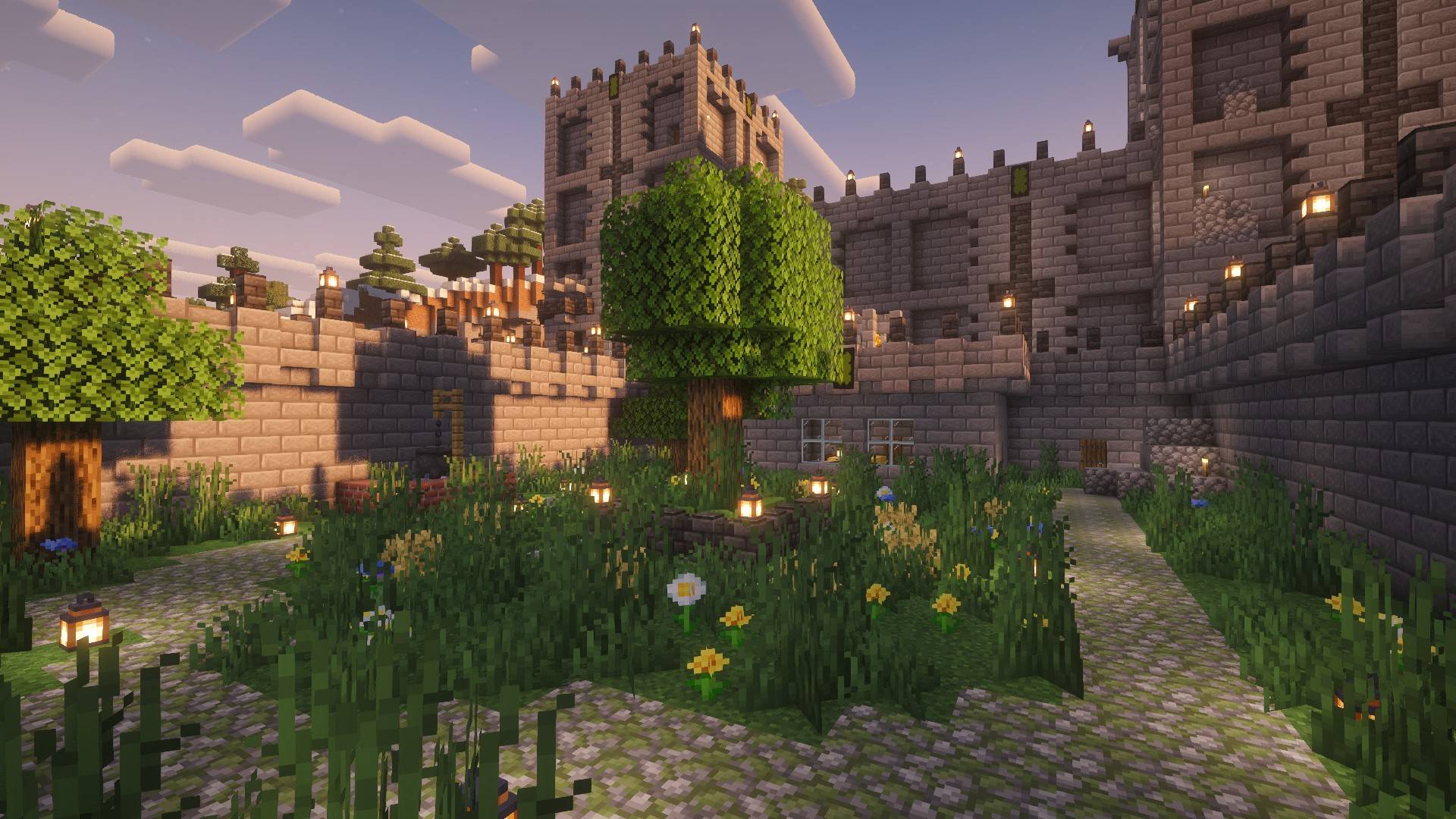
Getting into the game is as simple as installing the pack and creating a world. Surviving is definitely not as simple.
FORT is an apocalypse themed modpack.
The idea is simple. The world outside is dangerous. The Fort is safe.
The longer you stay outside the more mobs will be coming for you.
Prepare well. Venture out. Grab only what you need. And get back before dark.
Always know where your next meal is coming from. A food shortage can lead to disaster.
Light only offers protection as long as you can keep your light sources safe from the mobs that hunt them.
The compass will always guide you home.
And always remember that the fort is your one beacon of hope.
If you find that your Fort is in a very awkward location you can change it by running the command /structurespawnpoint reset blacklist (OP required)
Core Mods
Ohayden's Mob Control is in charge of the difficulty progression by adjusting mob spawn rates and follow distance.
Farsighted Mobs increases the aggro distance.
Universal Graves will keep your items safe if you happen to die. Plan and prepare before attempting to reclaim what you lost, you have time.
Bridging Mod helps with block placement so that you can build your way out of sticky situations.
More Overlays Updated will help you see block light levels when you press F7 (by default) so that you can make sure your Fort remains safe.
Mods made for this pack
Mobs Love Darkness makes some mobs hunt your light sources.
Mobs Love Sunlight lets mobs spawn during the day.
Structure Spawn Point locates a structure and sets it as world spawn. It is looking for the structure Starter Fort that was also made specifically for this modpack. Additionally, Structure Spawn Point and Starter Fort work together to create enemy encounters in the barricaded tower. Starter Fort can be used on its own. Using it together with Structure Spawn Point is not required, but doing so enhances the experience.
Recommendations
- Start a new world when beginning a new playthrough - while possible to use an old world, you will immediately get teleported into your Fort which could be far away from where you were
- Keep the Starter Fort datapack enabled, it is included and enabled by default through Global Packs
- Modifying the Mob Control spawn rules might change your experience significantly, make sure you know how the rules work before you edit them
- Use whatever shaders suit you. Complementary Shaders is my preference and my intended visual presentation
- Flashback mod is compatible
Credits
This modpack includes Complementary Shaders by EminGTR/Complementary Development. The shaders are provided through CurseForge/Modrinth and are not modified or redistributed inside this modpack. I acknowledge that any issues arising from the use of shaders in this modpack are the responsibility of the modpack author.
Big thanks to Complementary Shaders for making our games beautiful.
Complementary Shaders - Reimagined (Modrinth)
Complementary Shaders - Reimagined (CurseForge)
Known Log Messages
Block-attached entity at invalid position This message can appear when creating a new world and when resetting the structure spawn point. It appears to be related to entity generation in the Starter Fort but the exact cause is unknown. The error is not fatal and can safely be ignored.
Feedback
Feel free to ask questions, report issues or make feature requests on GitHub.
Please use the template that best fits your purpose.
If you experience issues related to Complementary Shaders please report them to the modpack Author. Some issues may result from interactions between the shaders and other mods in the pack.
Requirements
- Minecraft 1.21.1
- Fabric Loader 0.19.5
- Java 21
- 6–8 GB RAM recommended
FORT Team