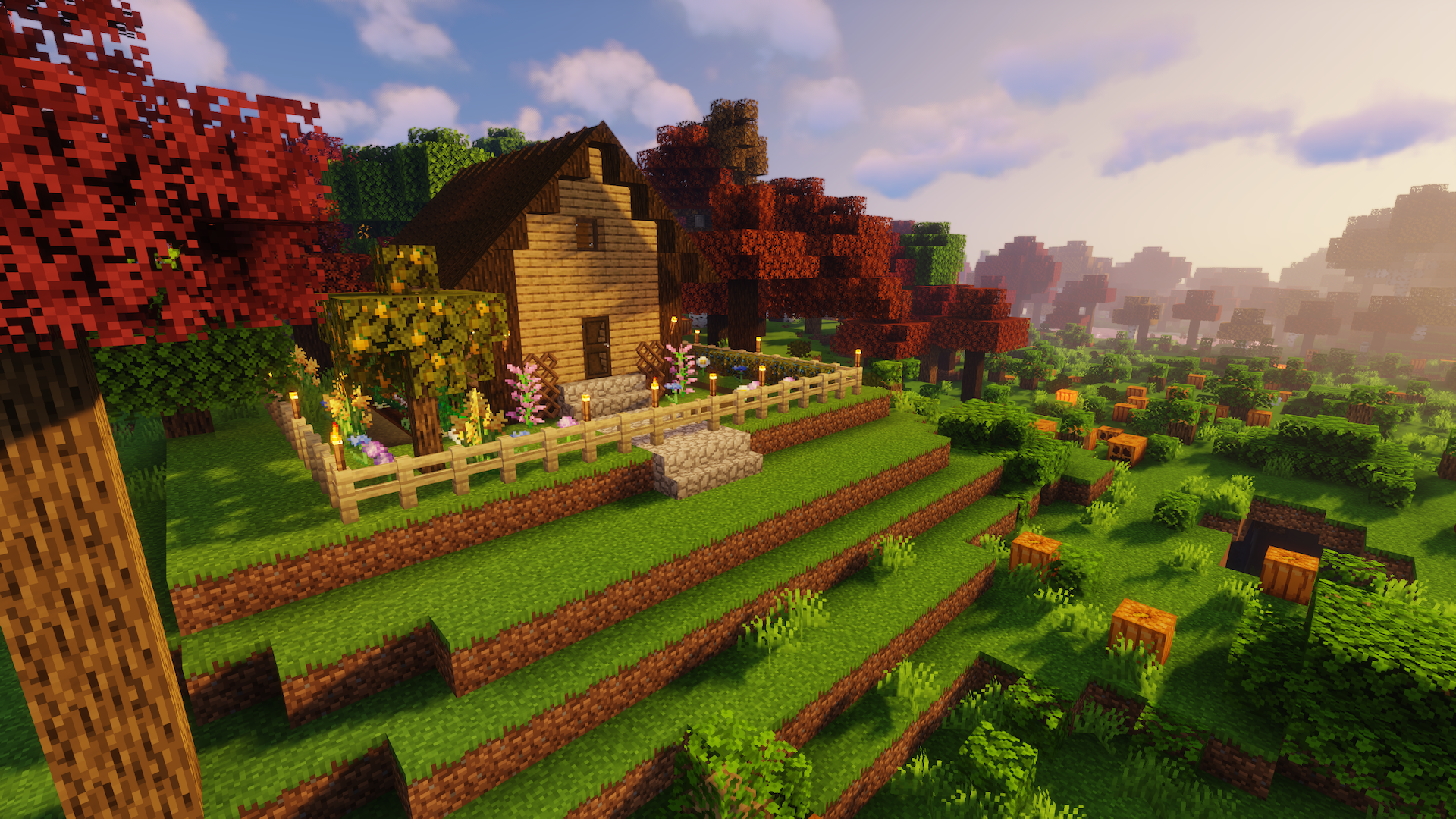
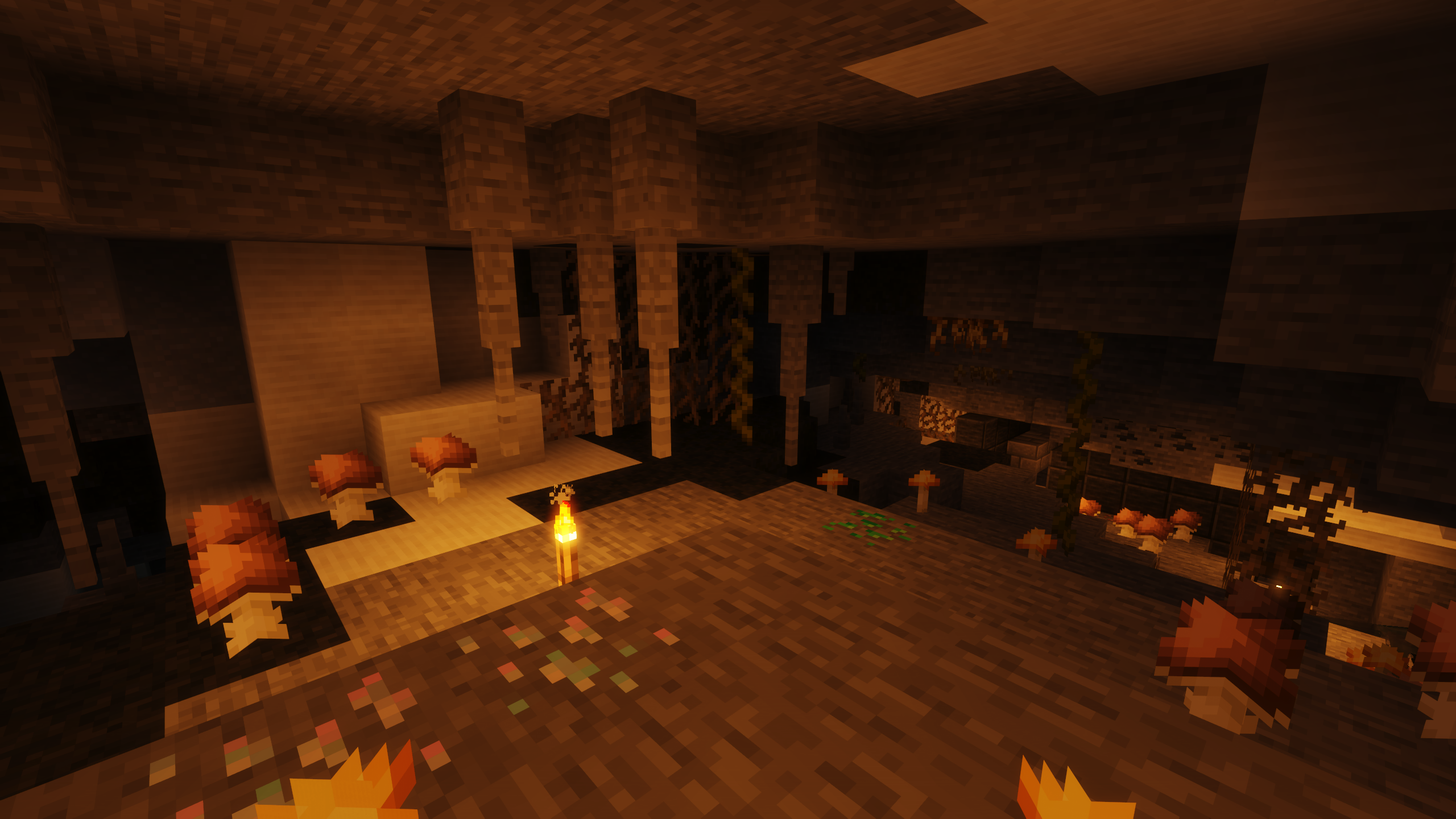
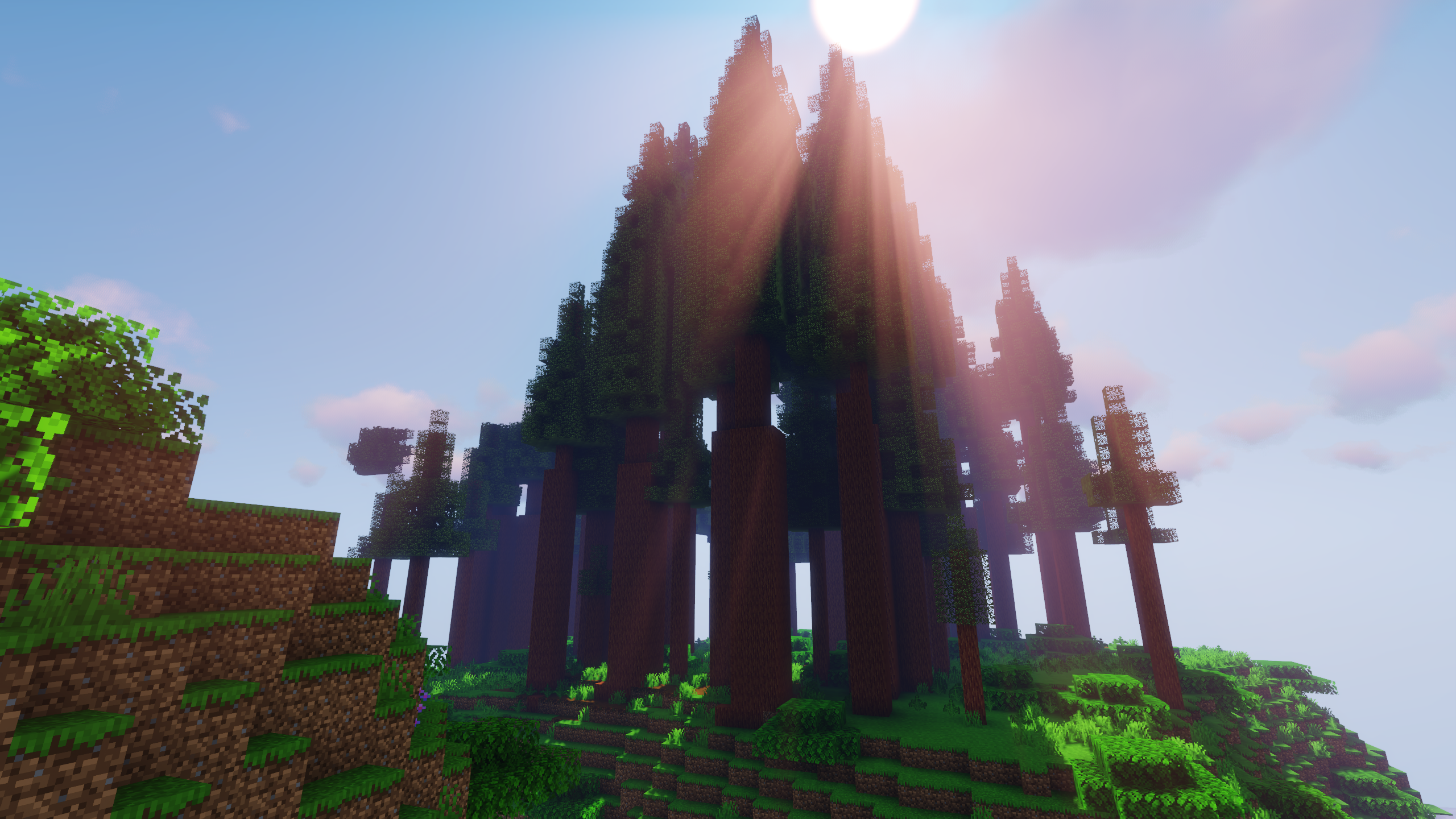
Description

A.M.A.D.A. - Alliance Making Awesome Design & Art
The community of danatur.tv. For a long time I wanted to start a nice little community server and here it is. With this mod pack you can join the A.M.A.D.A. Earth Station - now officially sponsored by BisectHosting - as a subscriber or streamer or you can build your own. It is close to Vanilla with some helpers to make your live easier and some extensions to be able to create the things the way you like. We also added a tech mod for those who are more interested in machines.
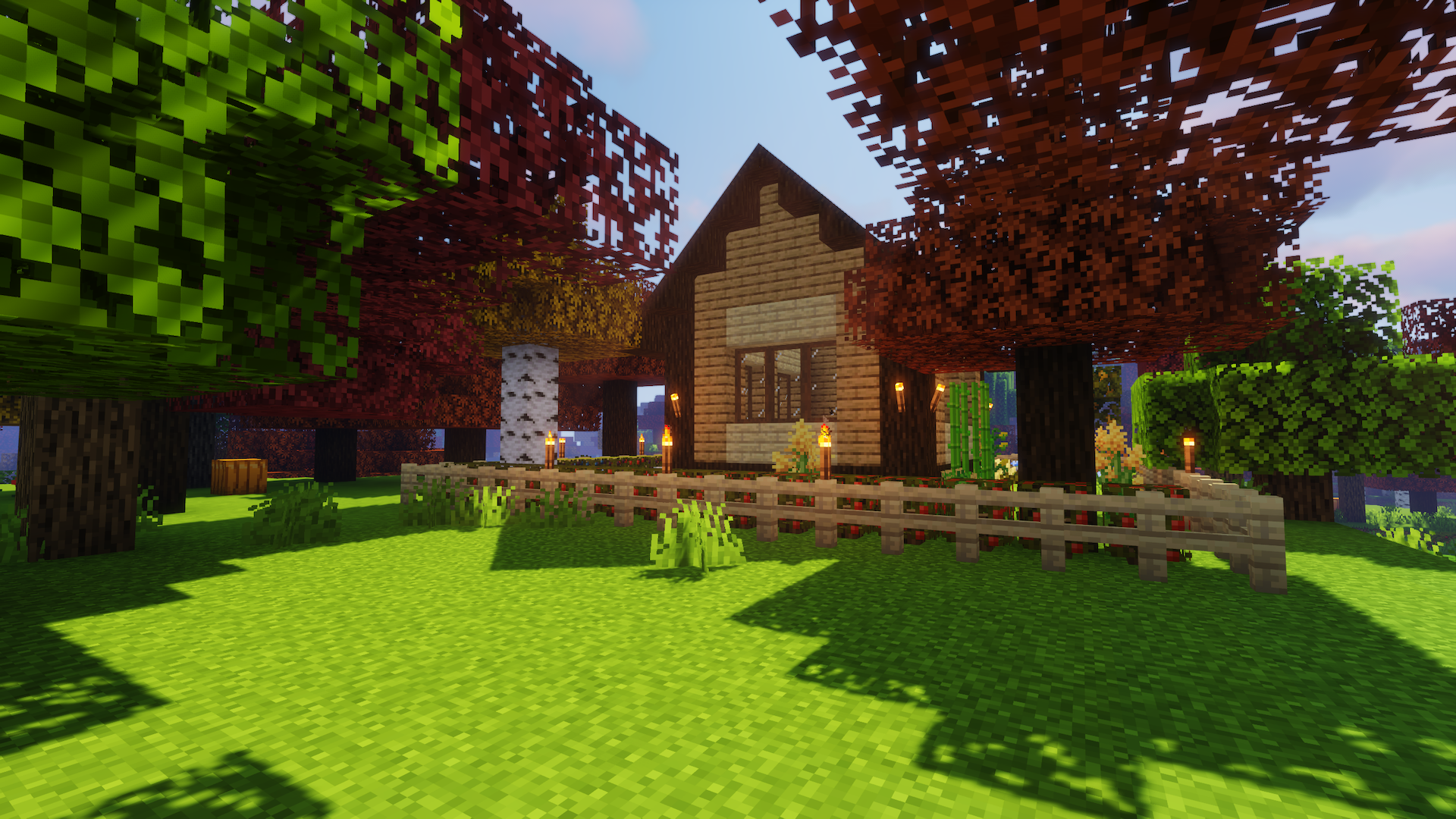
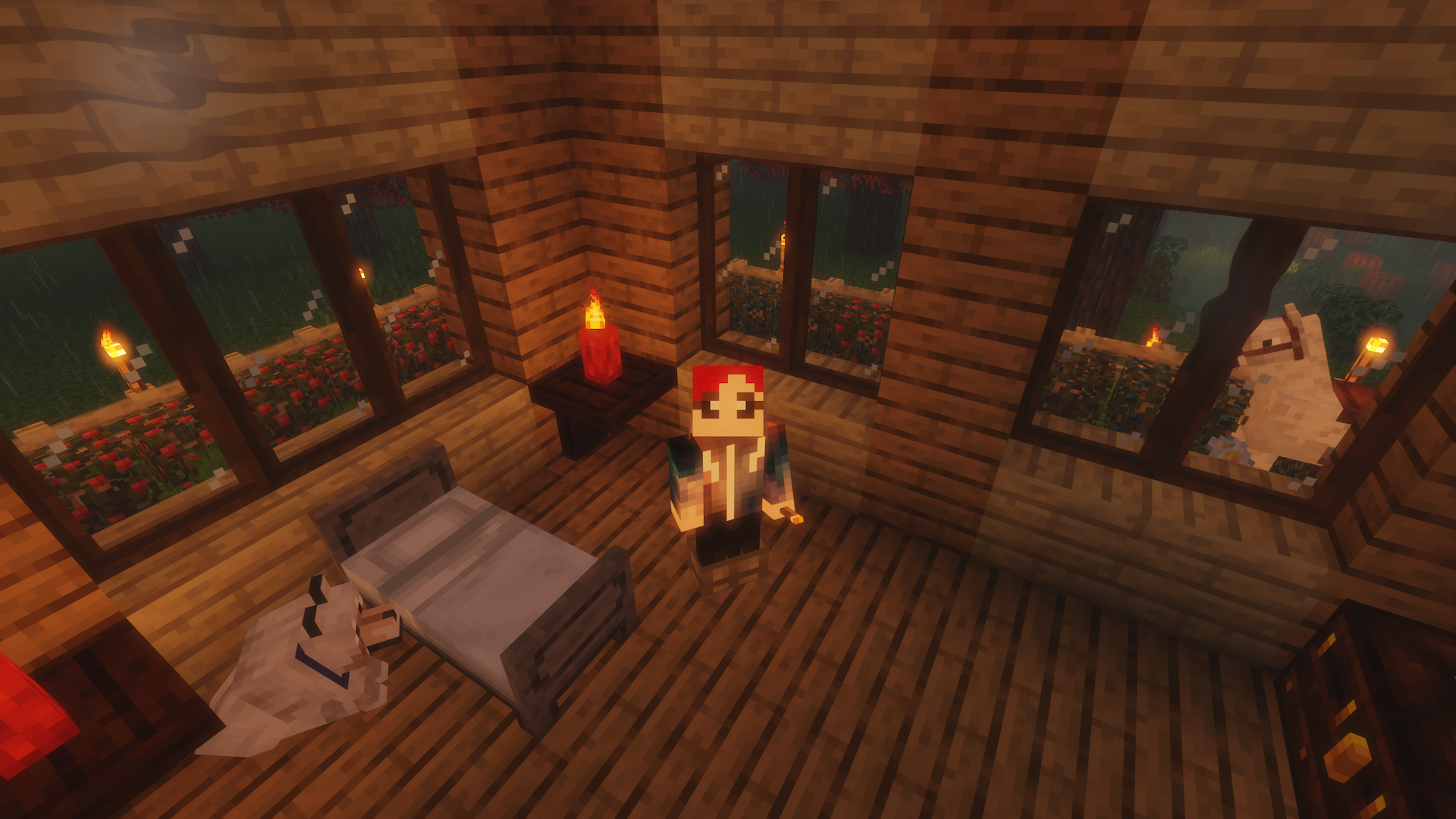
Our server shall be a world to be explored and a place for beautiful creations, houses, castles, cities what ever you like. Please follow the rules if you want to join.
You don't want to join the A.M.A.D.A. Earth Station but want to play on your own server with friends?
Don't know how to setup one? Just rent already configured server! Click on the picture below, select a plan (at least 4GB), use the code AMADA get 25% off your first month and enjoy playing with your friends!

Community Server for 1.16.1
With the FTB mods we added the possibility to give ranks to the users and to claim chunks to protect your property. With the Content Creator integration (CCI) it is even possible to have the Twitch chat and events in the game. With one step further you also can have your audience to influence your game.
Everyone is welcome to join the server if you
Mods
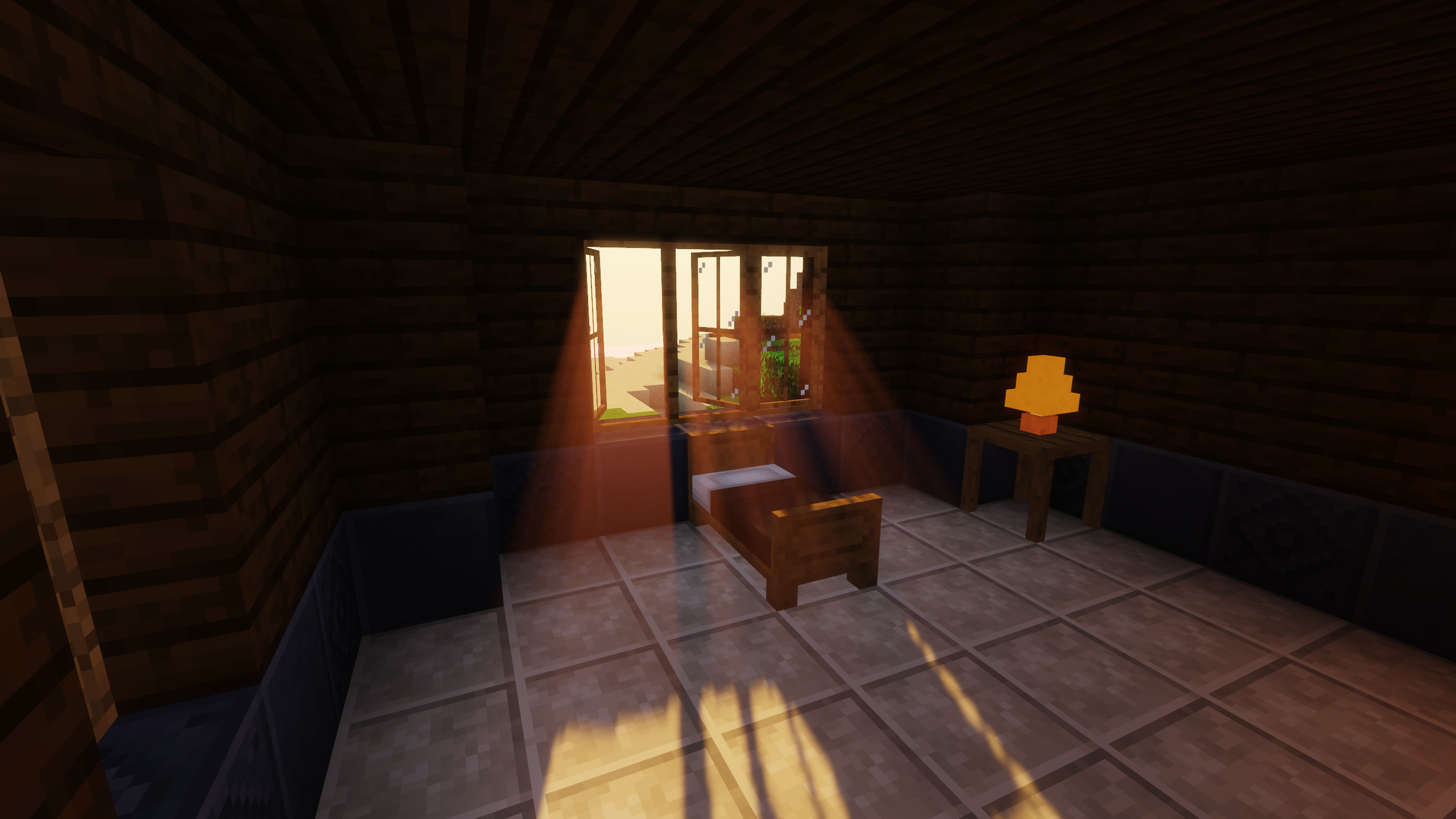
I tried to have a Vanilla like experience with some extras to make life a little easier and more beautiful.
However we also added one tech mod (Mekanism) and Refined Storage. (basically a good combo for couples =D)
Here are some highlights. See all included mods and relations here.
Additional Lights
AmbientSounds 3
Biomes O'Plenty
Content Creator Integration
Decorative Blocks
Dye Extension
EmbellishCraft
Extended Caves
Extended Lights
Lantern Colors
Lotta Terracotta
Macaw's Bridges
Macaw's Doors
Macaw's Roofs
Macaw's Trapdoors
Macaw's Windows
Mekanism
Mermaid Tail Mod
More Flower Pots
Morpheus
Nature's Compass
Packing Tape
Refined Storage
Simple Farming
Simple Planes
Storage Drawers
Sweet Concrete
Waystones
YUNG's Better Caves
YUNG's Better Mineshafts
Help
OptFine
Due to licensing restrictions it is not allowed to include OptiFine to the mod pack. If you want to use OptiFine you need to install OptiForge to the Modpack and install OptFine as well.
You can download OptiForge here or add it to the A.M.A.D.A. MC mod pack via the Twitch app. You can download OptiFine 1.16.1 here.
Content Creator Integration (for streamers who want to use Content Creator Integration in their stream)
This mod pack includes the Content Creator Integration mod. With this mod you can connect Streamelements or Streamlabs with Minecraft. If connected you can have the Twitch chat in your Minecraft chat, alerts on events like follows, subs, raids, hosts and so on. Viewers also can send chat commands to do something in your game. However there is no detailed documentation. So here are some basic points to set it up.
Streamelements
1. Copy your Streamelements JWT token from the Streamelements backend (the long one on the left side).

2. After you started the mod pack for the first time you will find a folder in you Minecraft installation: A.M.A.D.A. MC/config/contentcreatorintegration In this folder you find a file called contentcreatorintegration.toml Open it with an editor.
3. Paste the token between the empty brackets behind streamElementsTokens = [] Don't forget the quotes around the token.
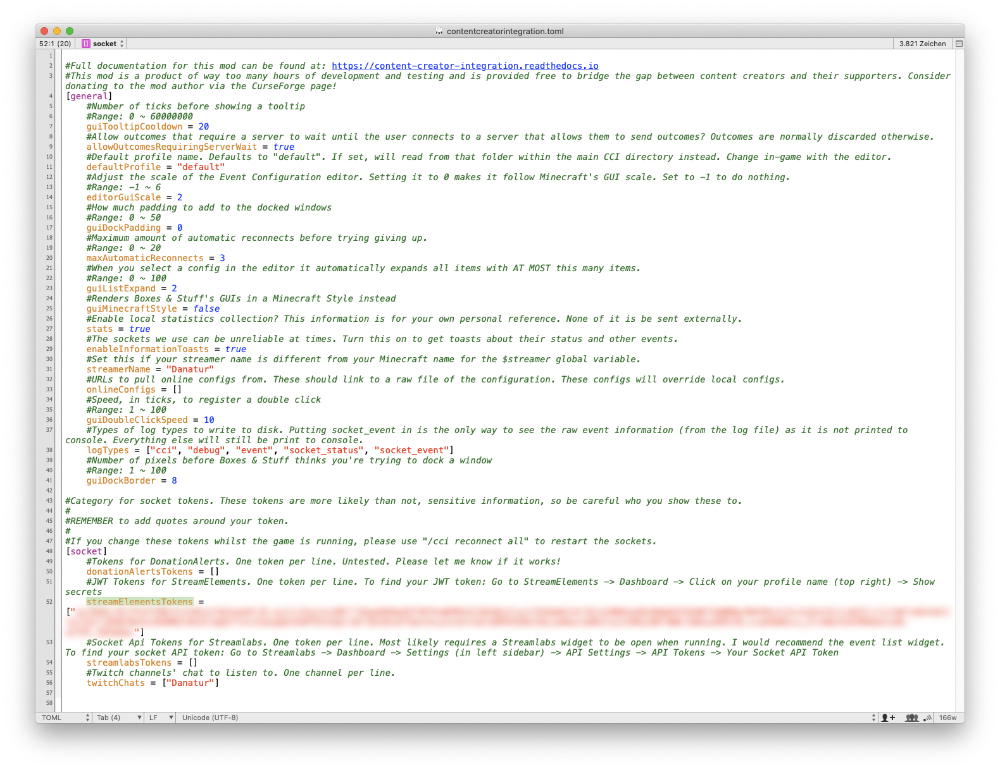
4. Start the game. While the game is starting you should get some toast messages on the side that you connected to Streamelements and Twitch chat. (It is possible that you only see squares instead of text. I think it's happening because the fonts are not loaded. When the game is fully loaded you also see the text.)
Streamlabs
1. Copy your Streamlabs socket token from the Streamlabs backend.

2. After you started the mod pack for the first time you will find a folder in you Minecraft installation: A.M.A.D.A. MC/config/contentcreatorintegration In this folder you find a file called contentcreatorintegration.toml Open it with an editor.
3. Paste the token between the empty brackets behind streamlabsTokens = [] Don't forget the quotes around the token.

4. Start the game. While the game is starting you should get some toast messages on the side that you connected to Streamlabs and Twitch chat. (It is possible that you only see squares instead of text. I think it's happening because the fonts are not loaded. When the game is fully loaded you also see the text.)
Contact
Join our Discord: discord.danatur.tv
Watch the live streams here: danatur.tv
A.M.A.D.A. MC Team