X Marks the Spot: Treasure Map Distance
- By
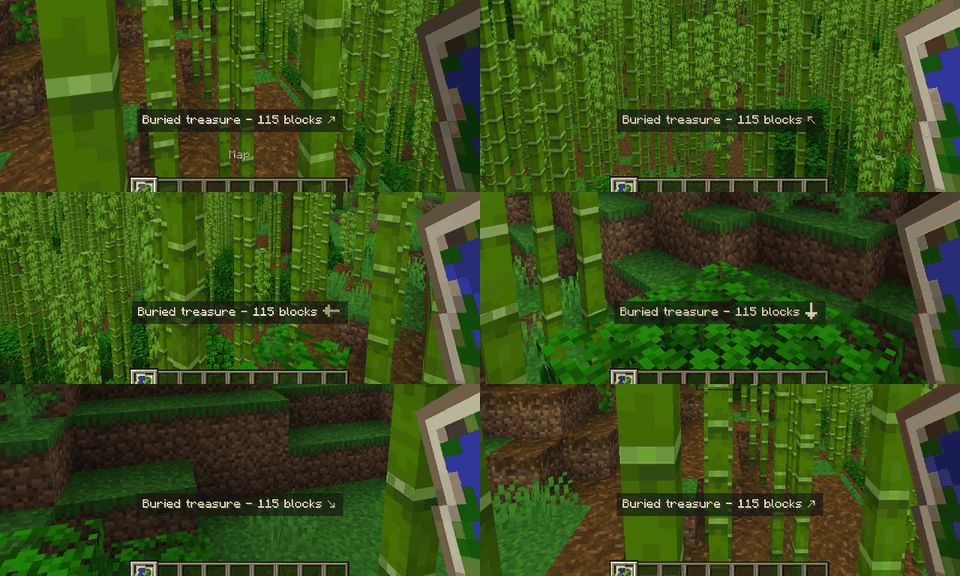
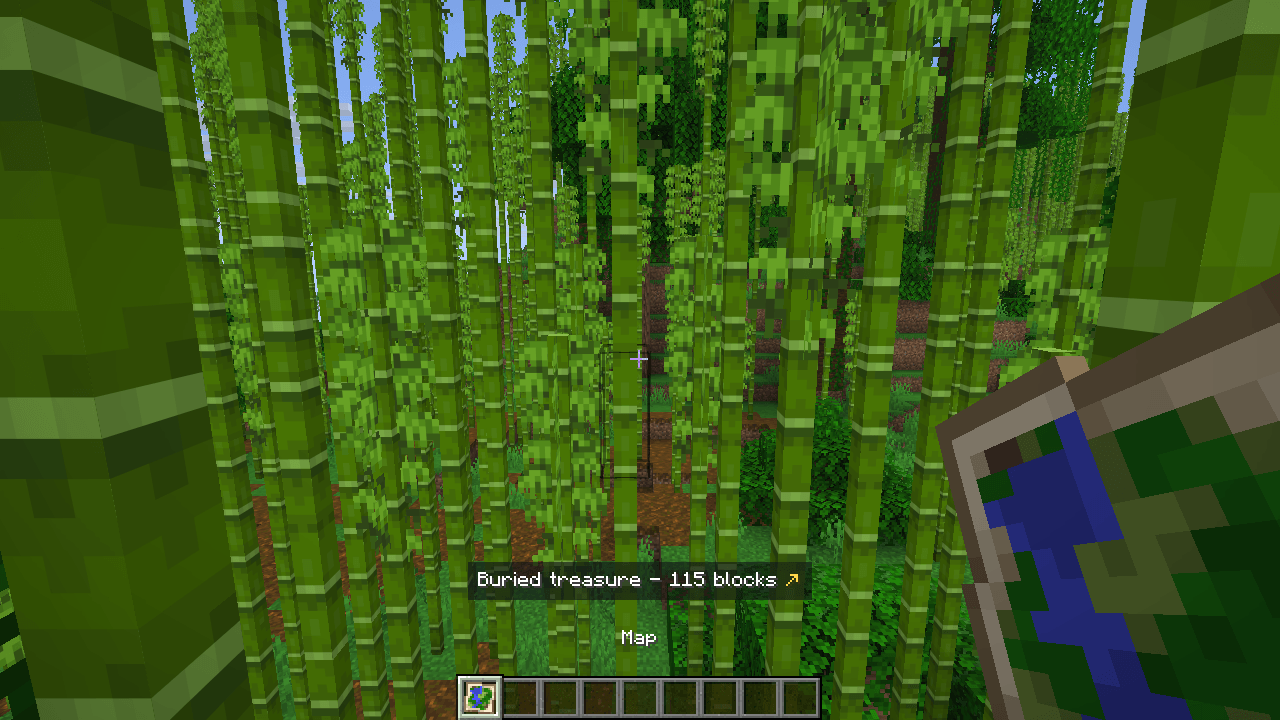
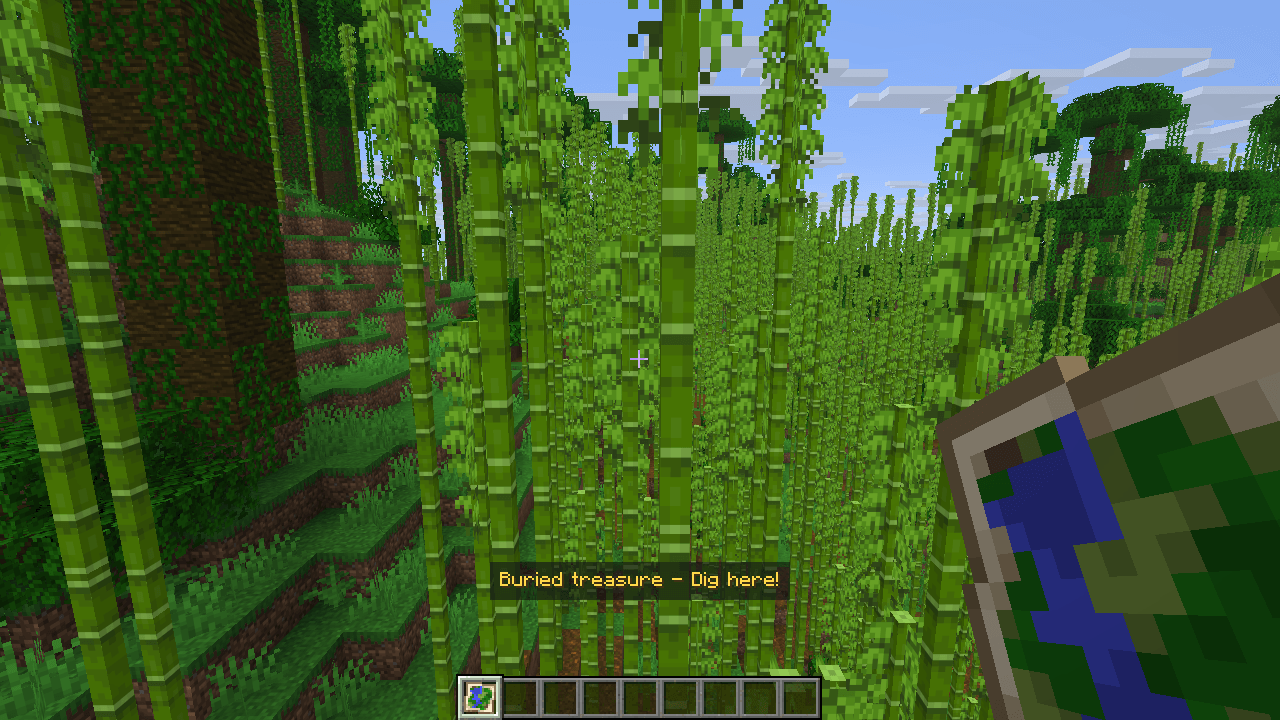
Hold a treasure or explorer map to see how far its target is and which way to go, with a big arrow - and "Dig here!" when you stand on the X. The position comes from the map itself. Client-side.
tesouro.png
cave-aqui.png
mansao.png
Description
Stop pacing around the X.
Hold a treasure map and a line above your hotbar tells you how far the X is and which way to turn, with a big arrow. Stand on the X and it says Dig here!
- Buried treasure maps (from shipwreck and ocean ruin chests): the distance, an arrow that keeps pointing at the X as you turn, and "Dig here!" on the spot.
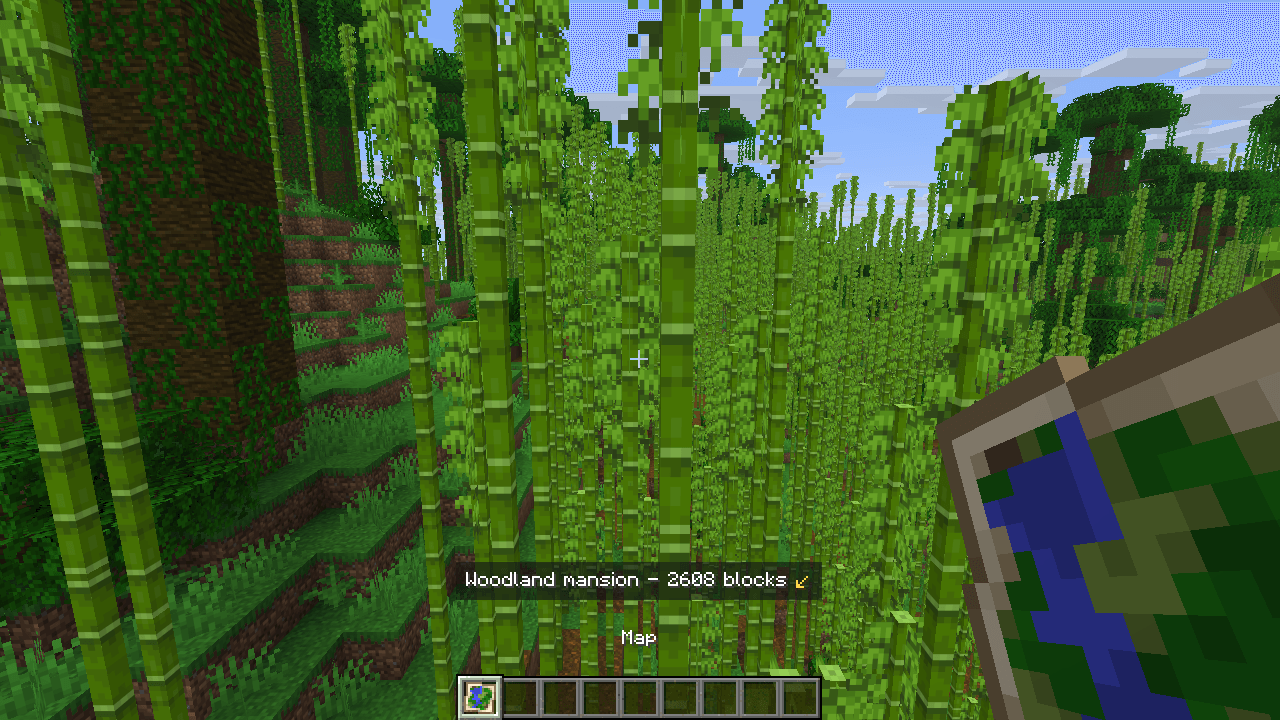
- Explorer maps from cartographers: the woodland mansion shows its distance and arrow too.
- The other targets a map can carry (ocean monuments, trial chambers, villages, temples and more) are read the same way, each with its own name.
- The position comes from the map item itself: exact, nothing guessed from the picture and nothing asked of the server.
Tested in game
- Fabric 26.3 and 26.2: a buried treasure map (distance and arrow, a full turn with the arrow holding on the X, then "Dig here!" on the spot) and a woodland mansion map.
- NeoForge 26.2: loads cleanly to the main menu.
Client-side
Nothing to install on the server. Works on any server, in single player and on Realms.
English and Portuguese.
Made by an indie dev with help from AI tools; every version is tested in game.
X Marks the Spot: Treasure Map Distance Team