Tool Tooltips: Mining Speed & Break Time
- By
See a tool's mining speed (with Efficiency) and how long it takes to break the block you're looking at. Client-side.
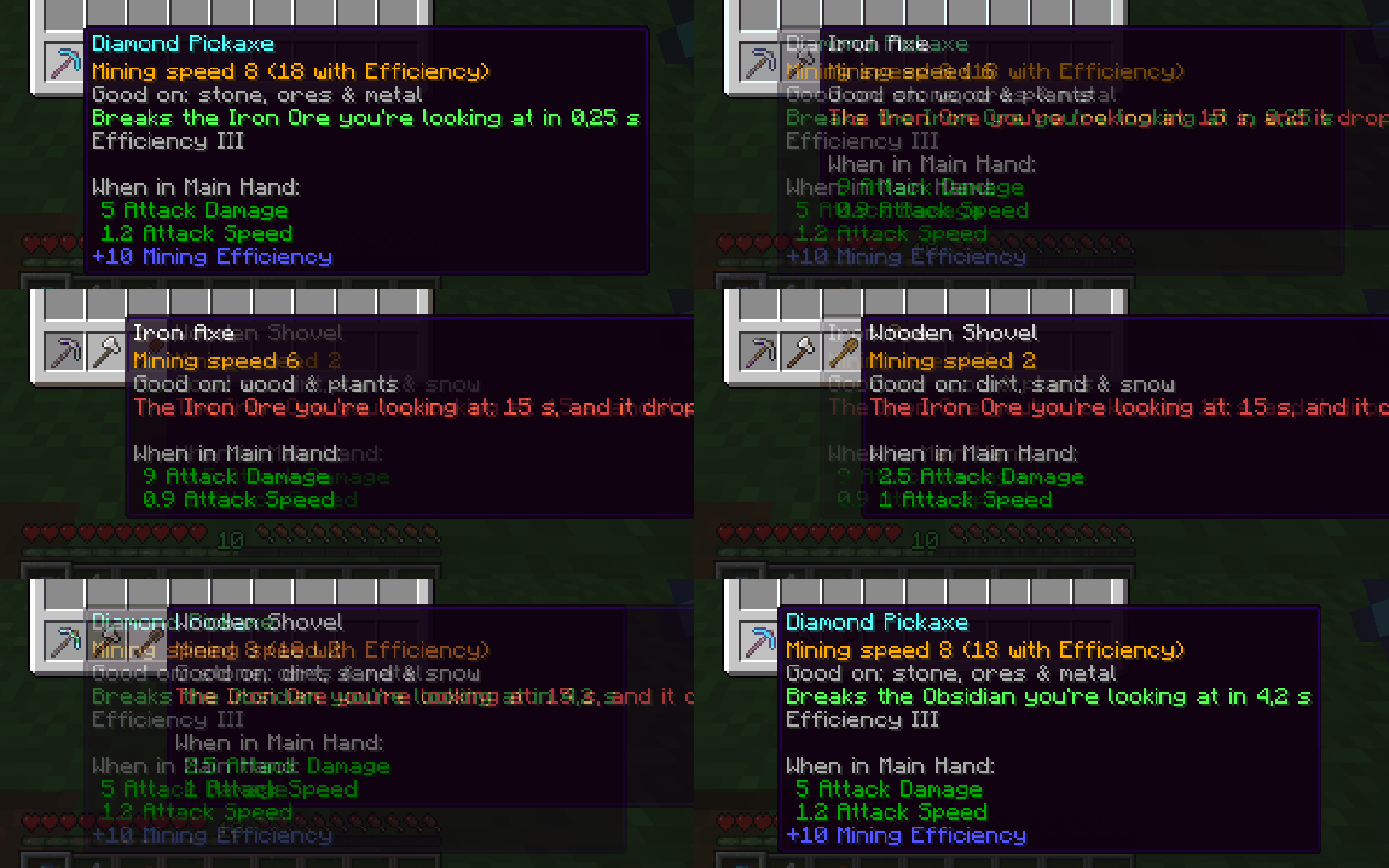
capa.png
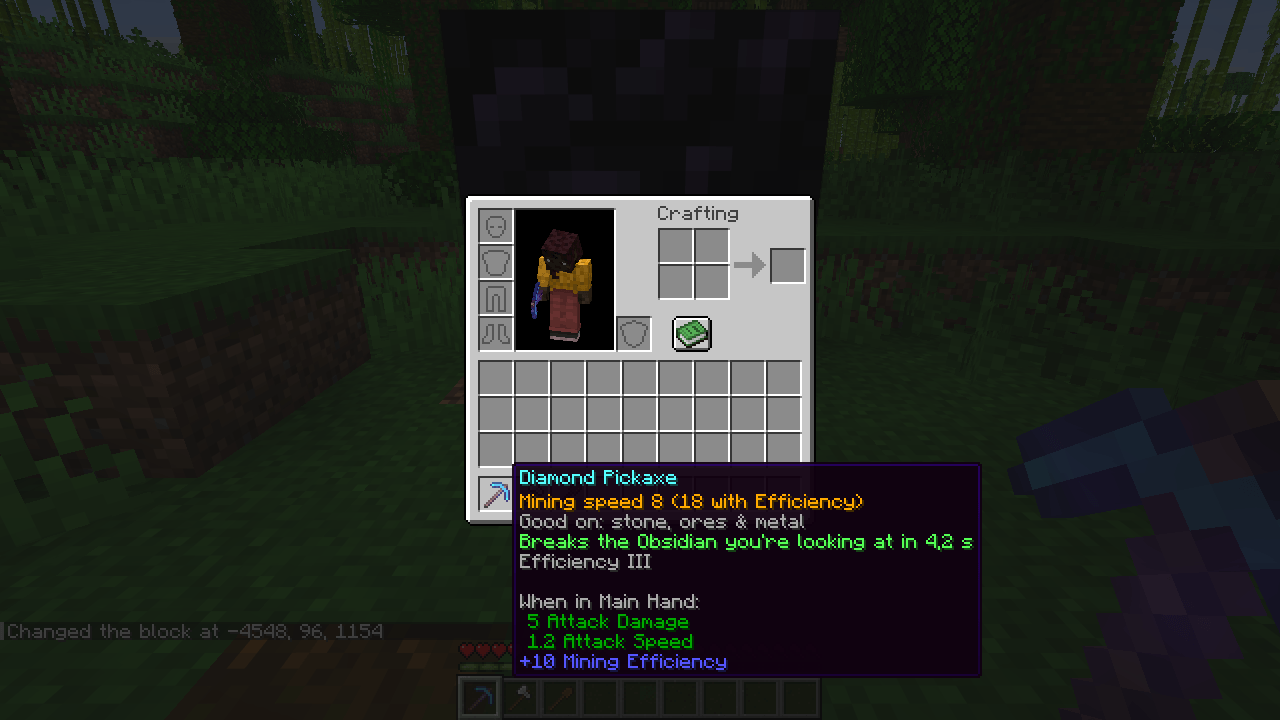
obsidiana.png
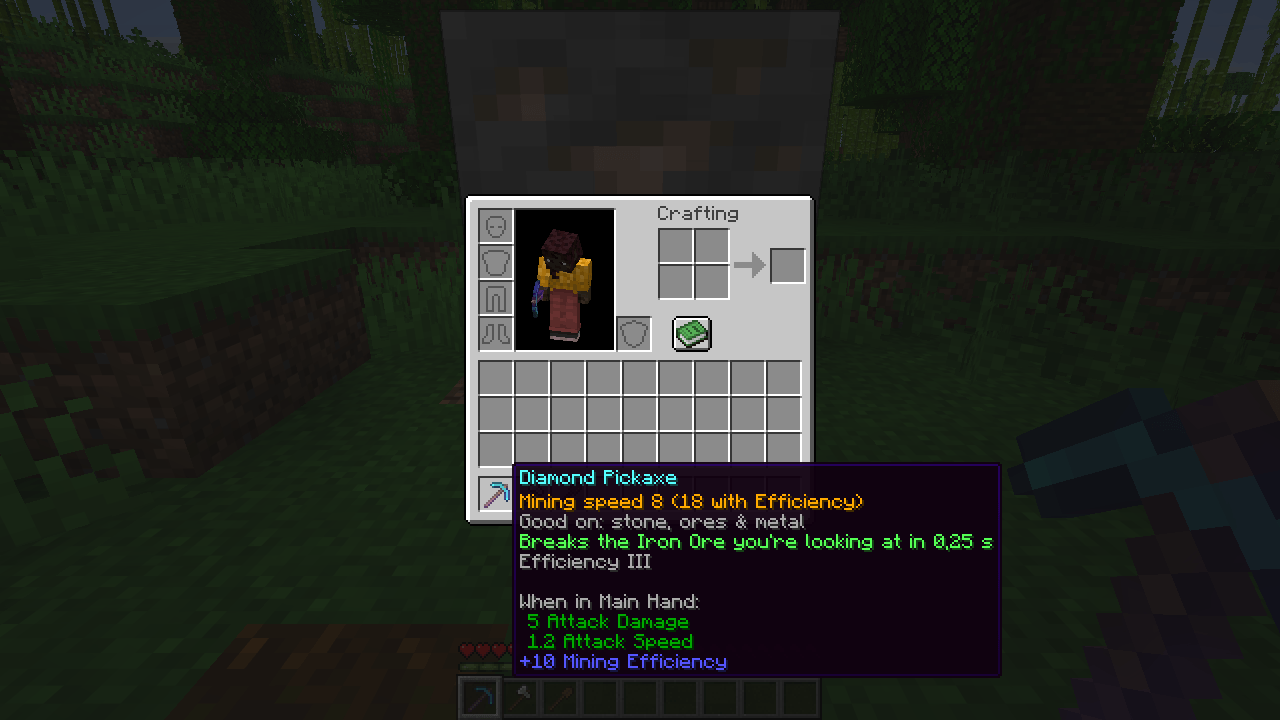
picareta.png
machado.png
Description
Which tool is faster? Now the tooltip tells you.
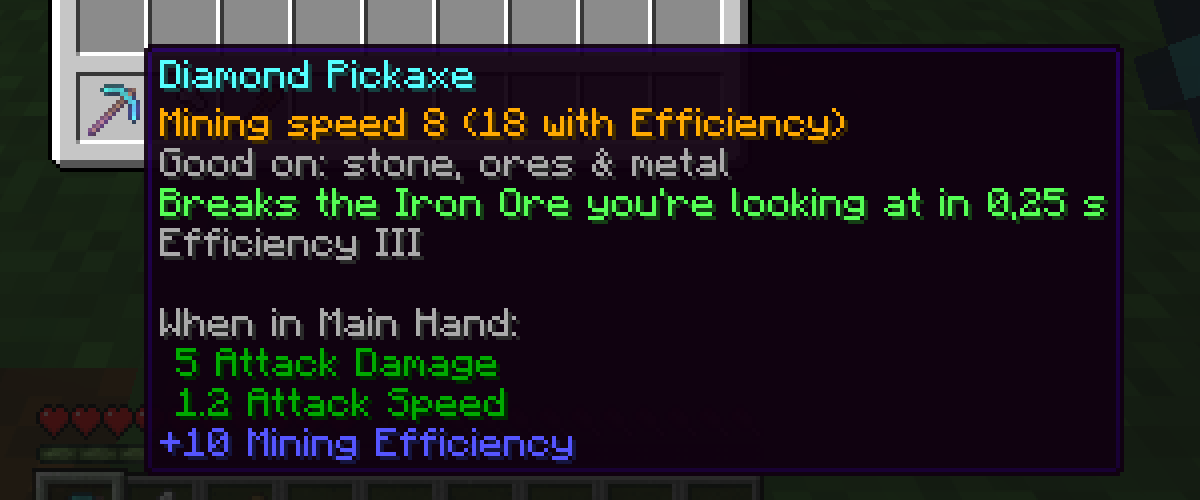
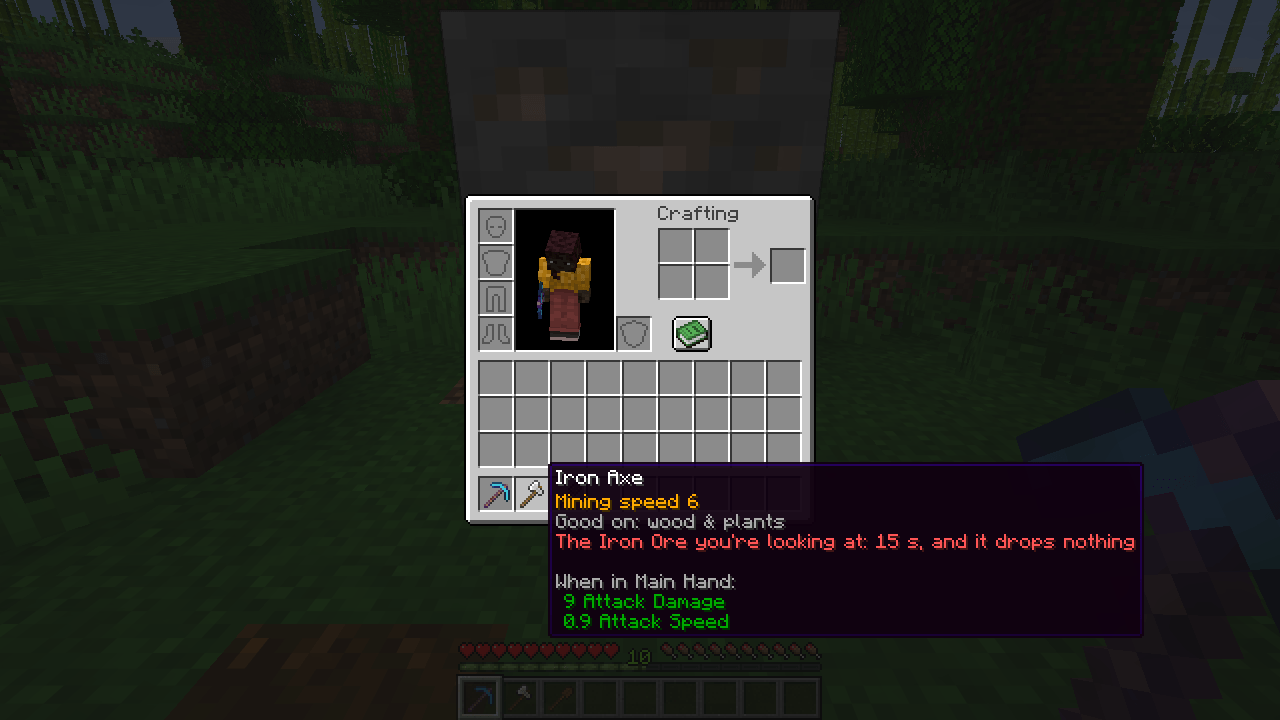
Every tool's tooltip gets three lines:
- Mining speed, with Efficiency already added: "Mining speed 8 (18 with Efficiency)".
- Good on: stone, ores & metal - wood & plants - dirt, sand & snow...
- Break time for the block you're looking at: "Breaks the Obsidian you're looking at in 4.2 s" - or, in red, that the tool won't drop anything from it.
Read from the tool's own data, so modded tools work too. The time uses the game's own rule.
Client-side
Nothing to install on the server. Works on any server, in single player and on Realms.
English and Portuguese.
Tested in game
- Fabric 26.3 and 26.2: a scripted run inside the game - looking at iron ore and obsidian with different tools, the three lines show the right speed and break time.
- NeoForge 26.2: loads cleanly to the main menu.
Made by an indie dev with help from AI tools; every version is tested in game.
Tool Tooltips: Mining Speed & Break Time Team