WeatheringBlocks
- By
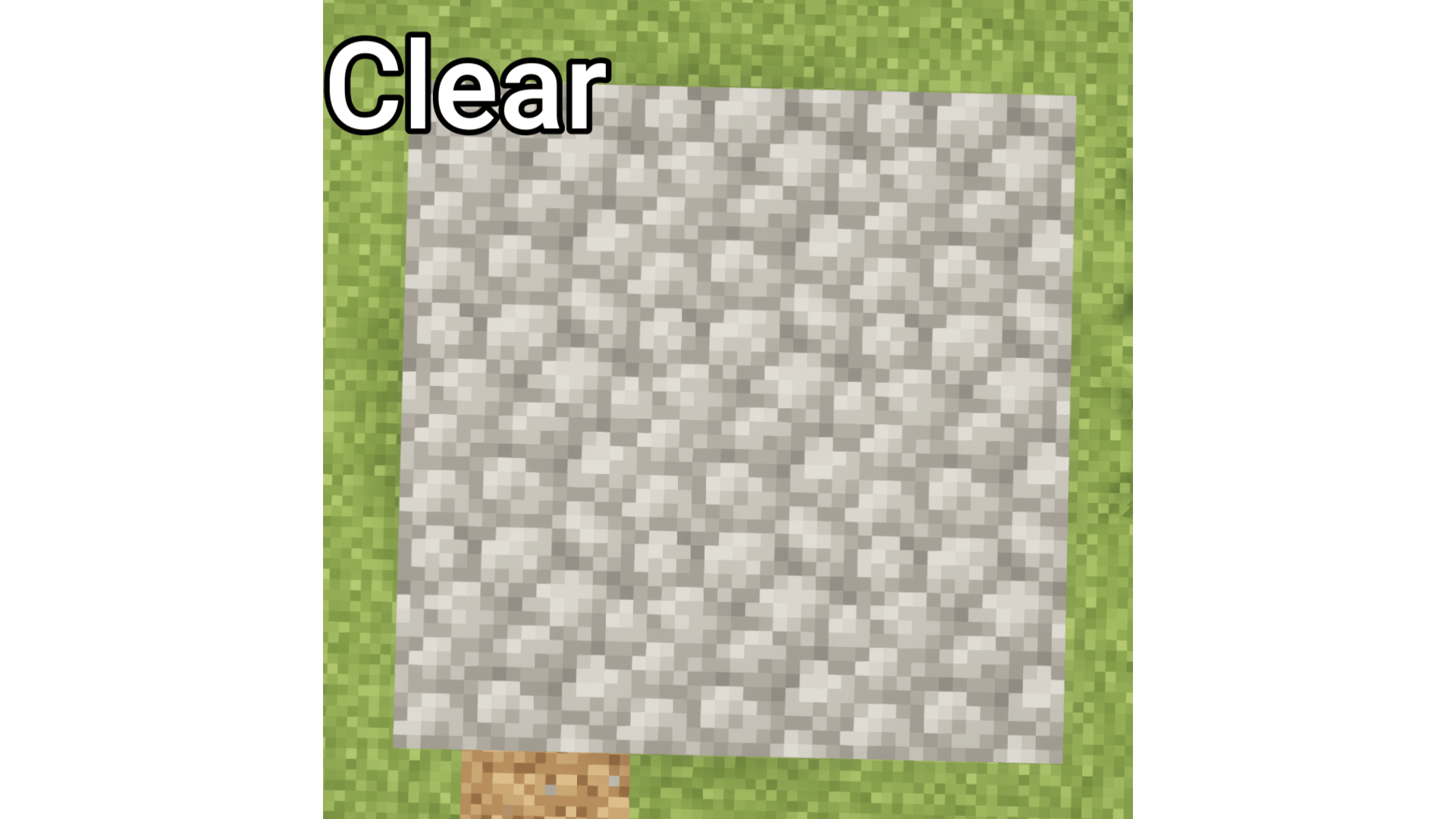
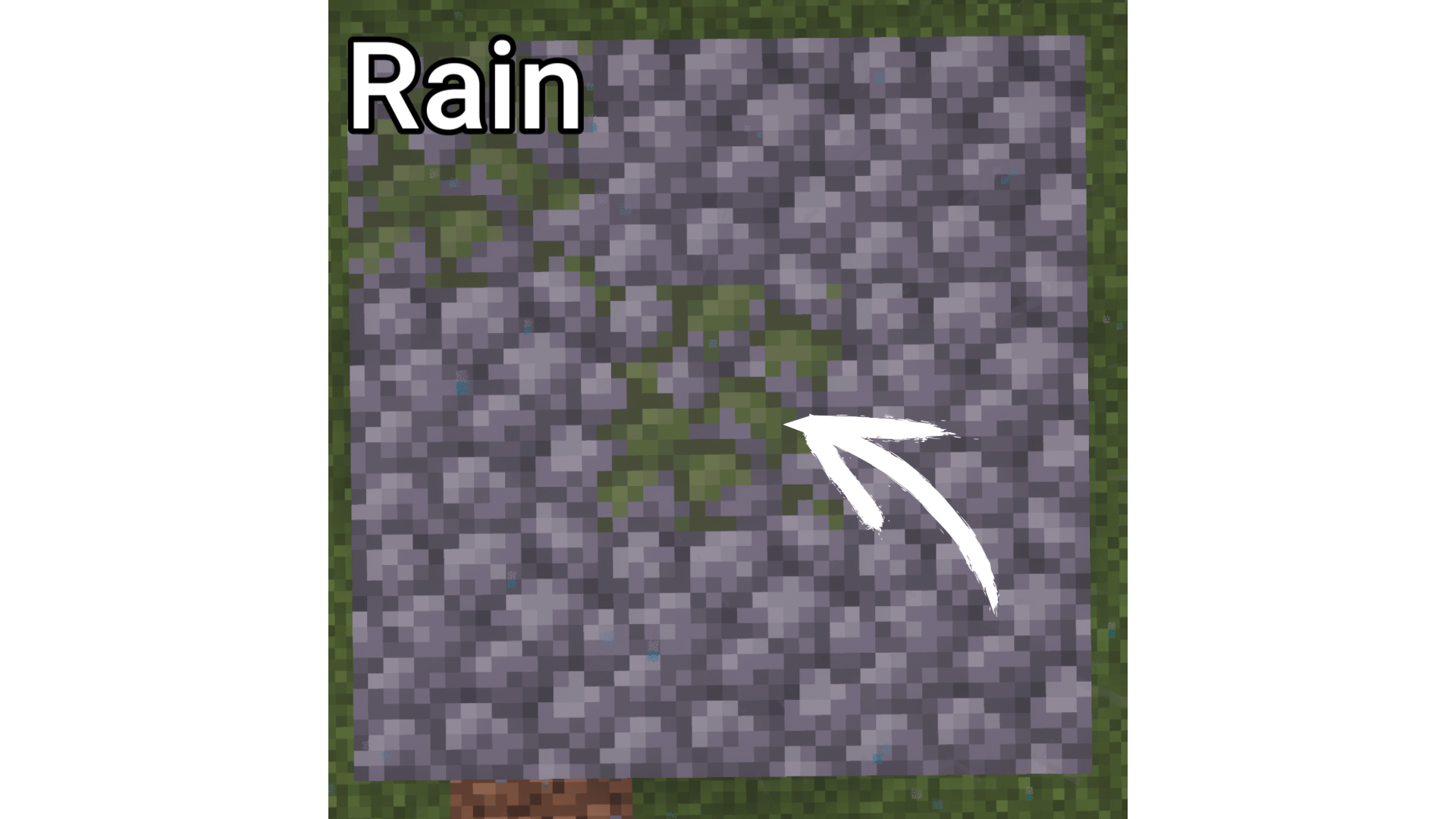
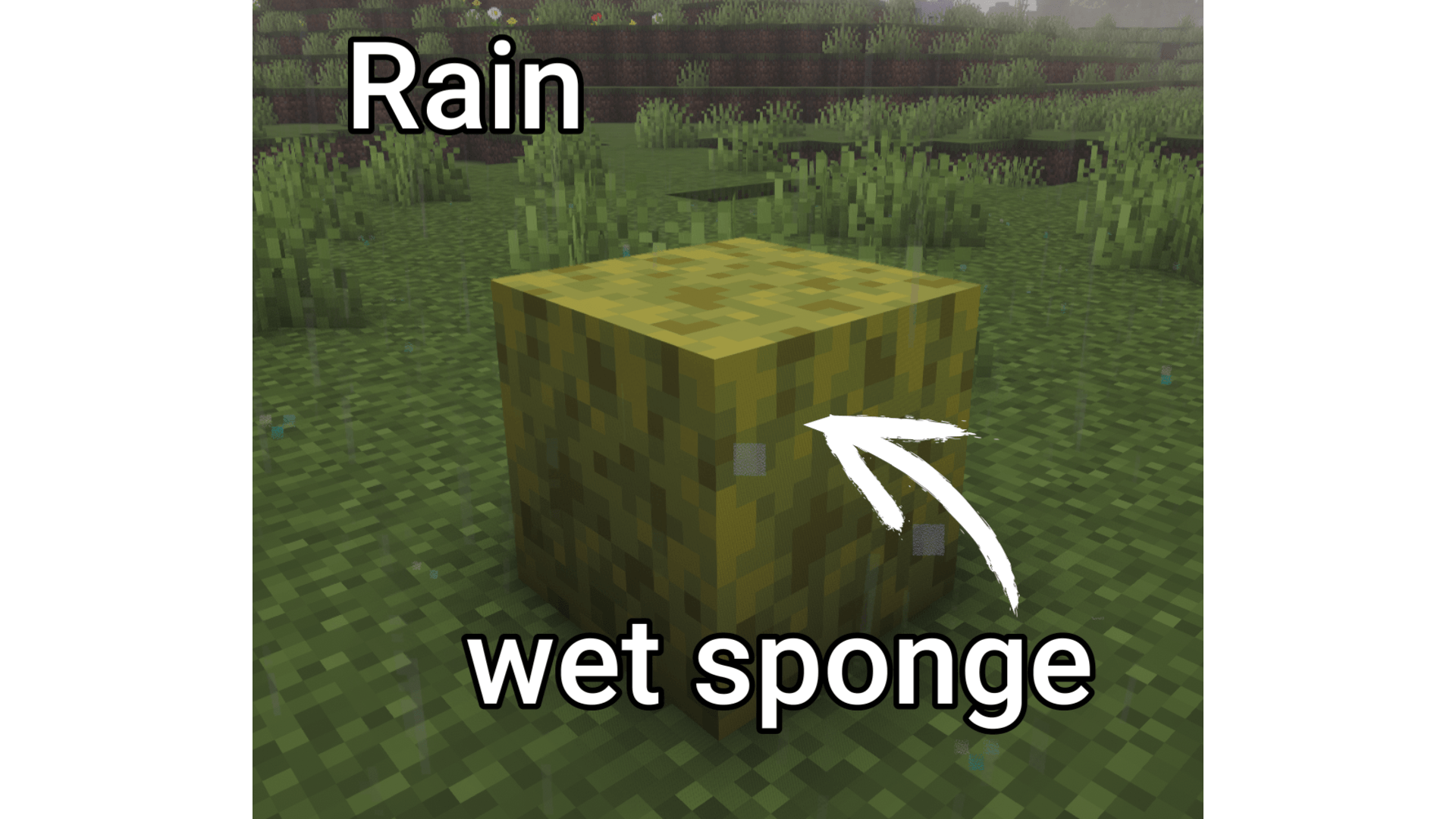
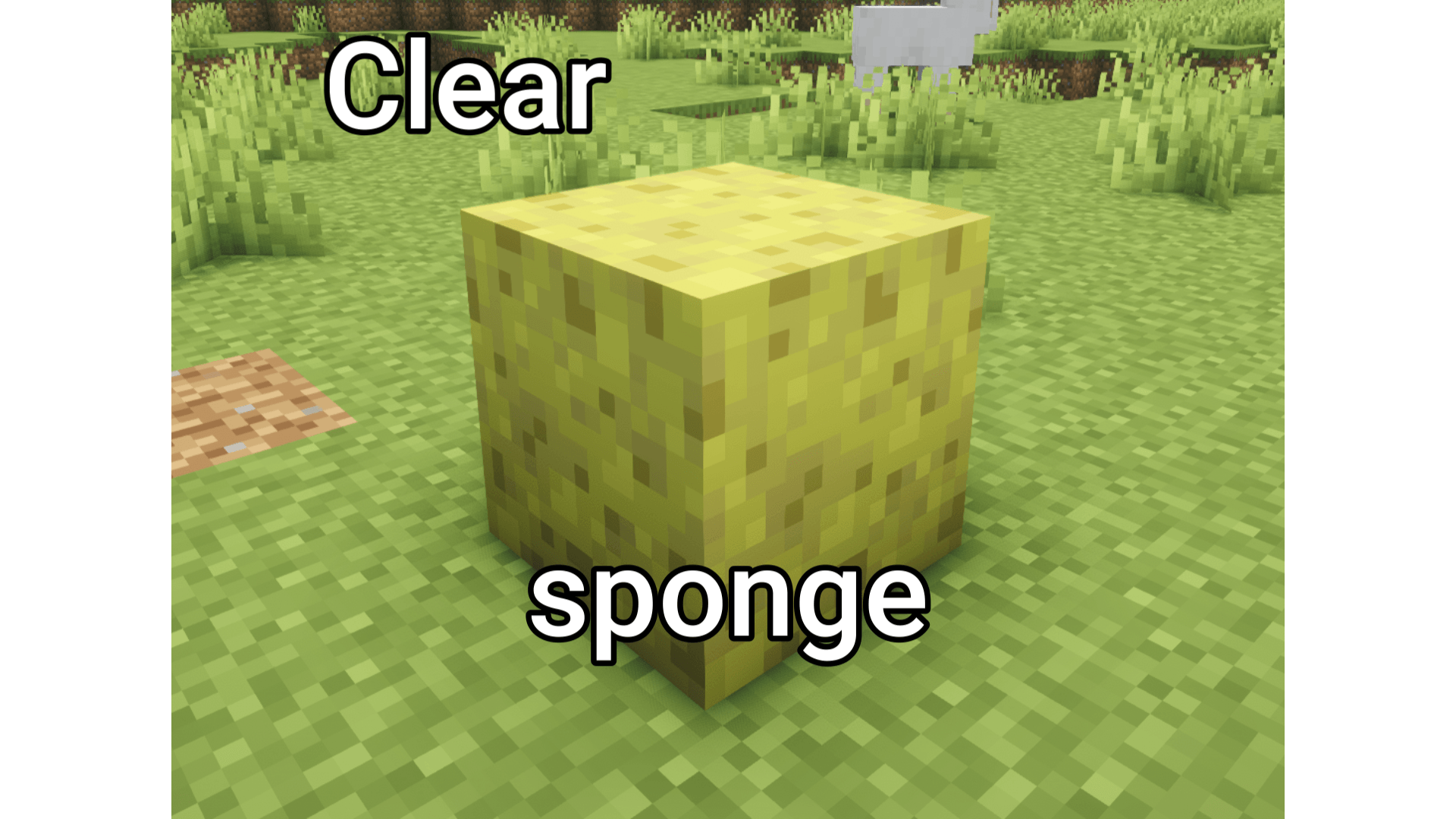
Blocks in your world naturally age over time — stone cracks under your feet, cobblestone grows mossy in the rain, and wet sponges dry in the sun.
Snapshot_19.PNG
Snapshot_18.PNG
Snapshot_21.PNG
Snapshot_20.PNG
Description
Features
🌧️ Rain — Moss Growth
Blocks exposed to rain will slowly become mossy over time.
- Cobblestone → Mossy Cobblestone
- Cracked Stone Bricks → Mossy Stone Bricks
- Cobblestone Wall → Mossy Cobblestone Wall
- Stone Brick Wall → Mossy Stone Brick Wall
- Cobblestone Stairs → Mossy Cobblestone Stairs
- Stone Brick Stairs → Mossy Stone Brick Stairs
- Cobblestone Slab → Mossy Cobblestone Slab
- Stone Brick Slab → Mossy Stone Brick Slab
- Sponge → Wet Sponge
👣 Walking + Time — Cracking & Erosion
Blocks degrade slowly over time. Walking on them speeds up the process — frequently used paths will show wear first.
- Stone Bricks → Cracked Stone Bricks
- Stone → Cobblestone
- Stone Stairs → Cobblestone Stairs
- Prismarine Bricks → Prismarine
- Prismarine Brick Stairs → Prismarine Stairs
- Polished Blackstone Bricks → Cracked Polished Blackstone Bricks
- Polished Deepslate → Cobbled Deepslate
- Deepslate Bricks → Cracked Deepslate Bricks
- Deepslate Tiles → Cracked Deepslate Tiles
- Nether Bricks → Cracked Nether Bricks
☀️ Sunshine — Drying
When the rain stops and the sky is clear, wet blocks will gradually dry out.
- Wet Sponge → Sponge
Commands (Debug)
Command
- /weathering speed
- /weathering status
Use /weathering speed 100 to test changes quickly, or /weathering speed 0 to pause all weathering.
How It Works
- All transformations use vanilla blocks only — no new blocks or textures are added.
- Block properties (stair direction, wall connections, waterlogged state, etc.) are preserved during transformation.
- Weathering only occurs around players within a 16-block radius.
- Rain-based changes require the block to actually be exposed to rain (blocks under roofs are safe).
- Changes happen gradually and randomly, so your world ages naturally over many play sessions.
Compatibility
- Server-side only — no client installation required for multiplayer.
- Works with all vanilla blocks. Does not modify or replace any existing block behavior.
- Safe to add to existing worlds. Safe to remove — already-changed blocks remain as normal vanilla blocks.
WeatheringBlocks Team