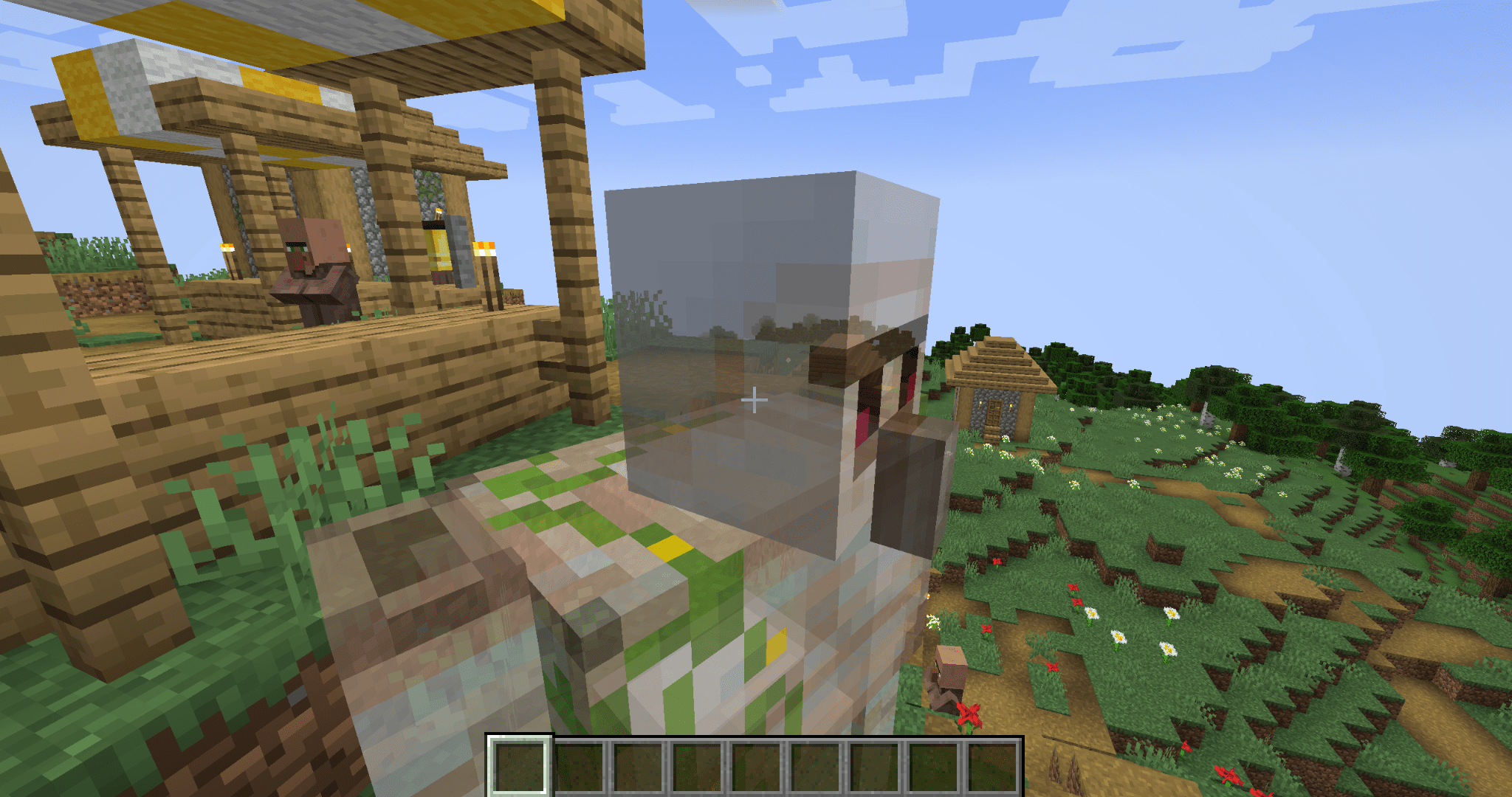
2026-09-16_03.05.35.png
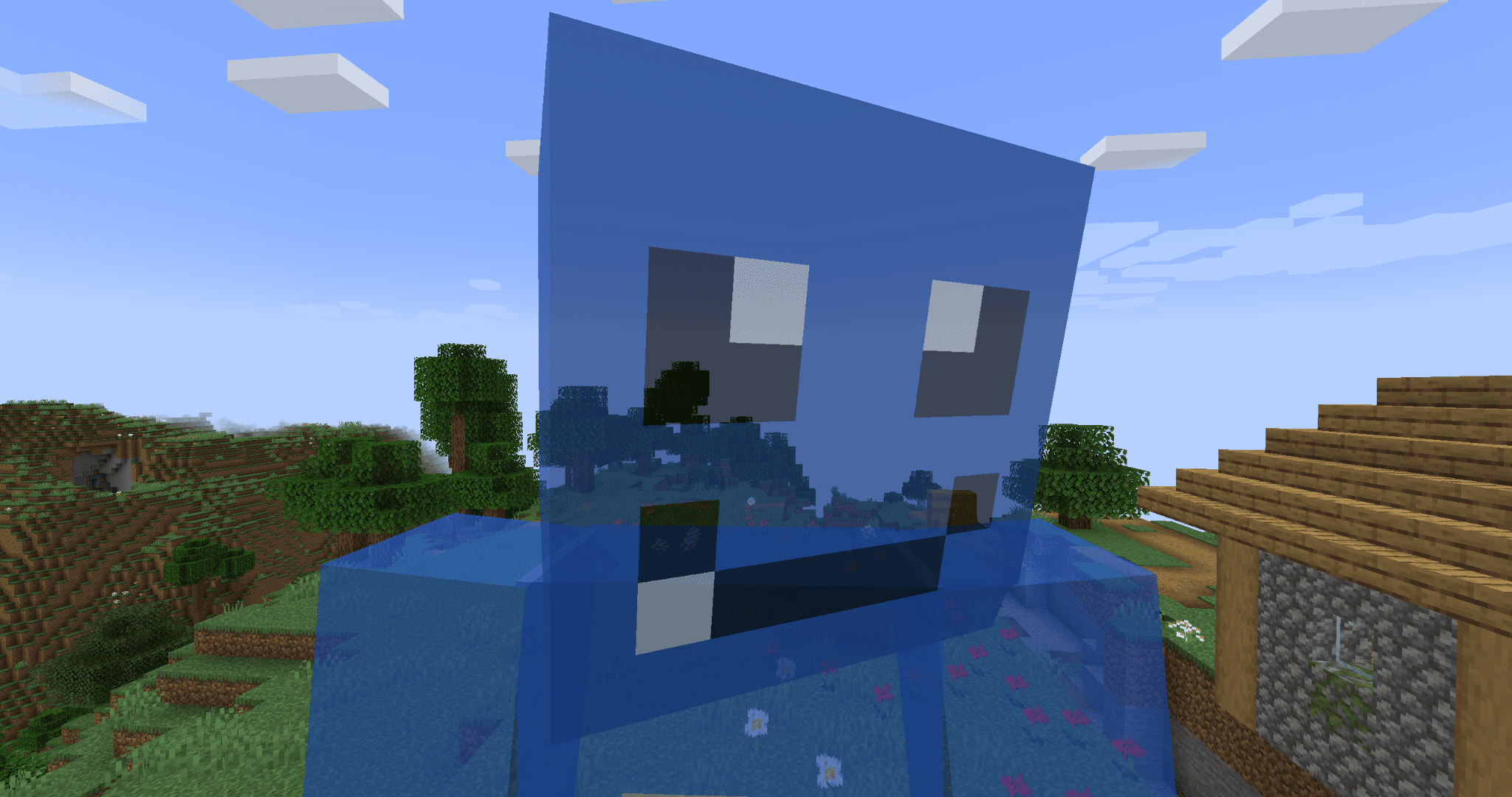
2026-09-16_03.06.17.png
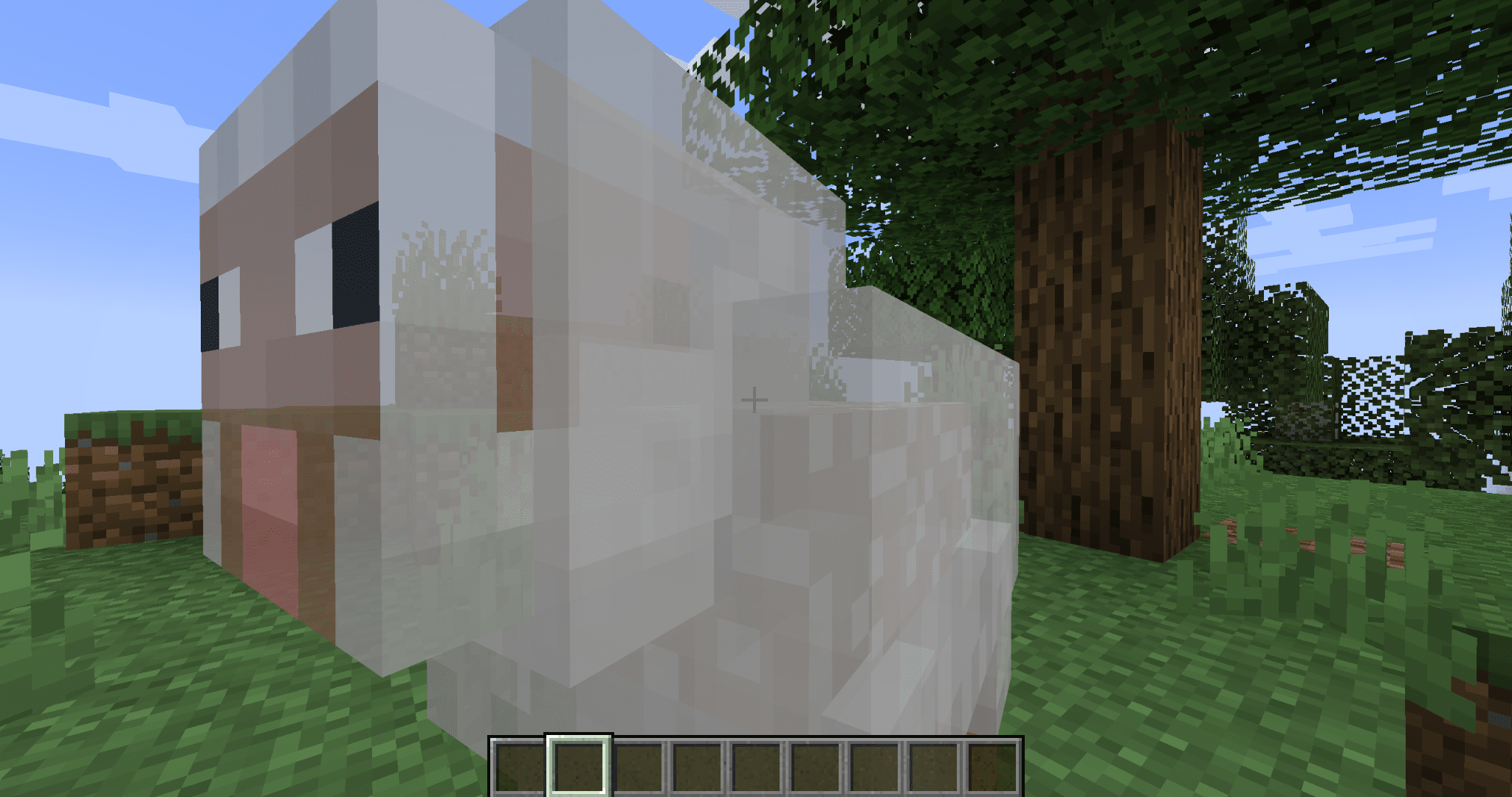
2026-09-16_03.07.00.png
Description
EntityFade
Stop seeing the inside of mobs when your camera clips into them.
When a mob gets right up in your face, or your third-person camera slides into one, Minecraft draws the model inside-out. You end up staring at the backs of its faces, mirrored textures and all.
EntityFade fixes that. Mobs that get too close to the camera smoothly turn semi-transparent, and the faces you shouldn't be able to see are simply not drawn.
Features
- No more inside-out mobs. The part of the model your camera is clipping through disappears cleanly instead of showing a mirrored, inside-out texture.
- Smooth fade. Mobs fade gradually as the camera gets closer instead of popping in and out. They never vanish completely, so you can still tell what's hugging you.
- Only kicks in up close. Nothing changes until a mob is within about half a block of the camera. Everything else renders exactly like vanilla.
- Armor and held items fade too, so nothing is left floating in mid-air.
- Name tags stay readable.
- Leaves your inventory alone. The player preview in the inventory screen is never faded.
- Works in first and third person.
- Client-side only. Install it on your client. Servers don't need it.
- No configuration needed. Drop it in and it just works.
How it works
Most mobs are drawn with back-face culling turned off, so both sides of every face get rendered. Normally you never notice, because you only ever see the outside. But once the camera gets inside a model, the front faces are cut away by the camera's near clipping plane, and you see straight through to the back faces on the other side. That's the inside-out view.
When a mob is close to the camera, EntityFade redraws it with back-face culling turned on and a little transparency. The hidden faces are skipped, and the fade softens the moment a body part slips out of view. Mobs farther away are left completely untouched.
Compatibility
- Works on vanilla mobs, players, and modded mobs that use Minecraft's standard living-entity renderer.
- Mobs drawn by their own rendering systems (for example, some animation libraries) are not affected.
Known issues
- Glowing overlays, such as spider and enderman eyes, lose their glow while the mob is faded.
- Enchantment glint on armor and held items stays at full strength while the rest of the mob fades.
- Modded models built with inside-out faces may show small gaps when you're pressed right up against them.
The EntityFade Team