Unleash the Rage
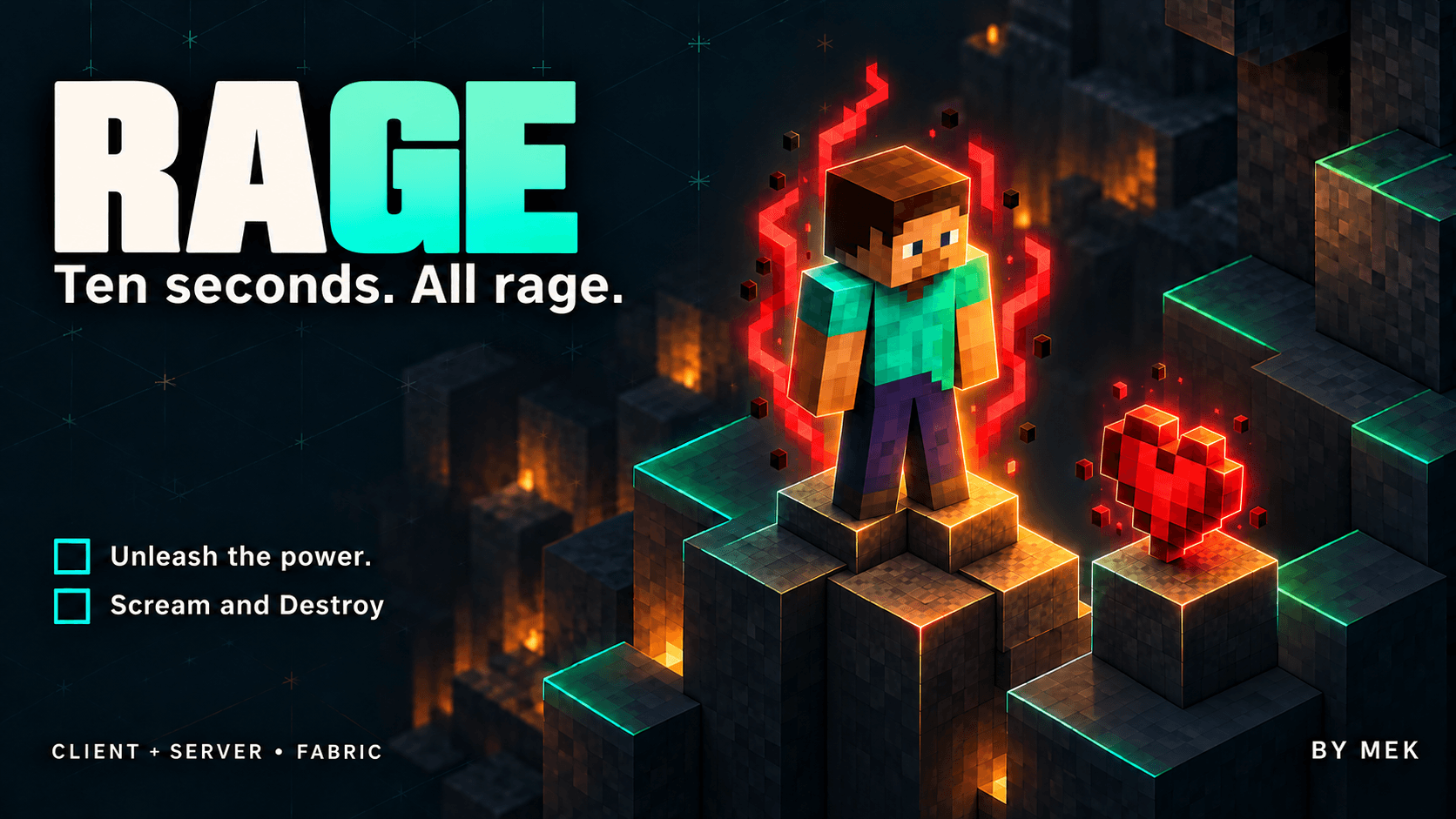
Ten seconds. All rage!
Press R and turn a dangerous moment into a burst of crimson energy. Rage surrounds your character with a moving red aura, dark rising particles, an activation scream and a positional energy hum. Hit harder, move faster and jump higher, then earn the next burst through time spent playing.
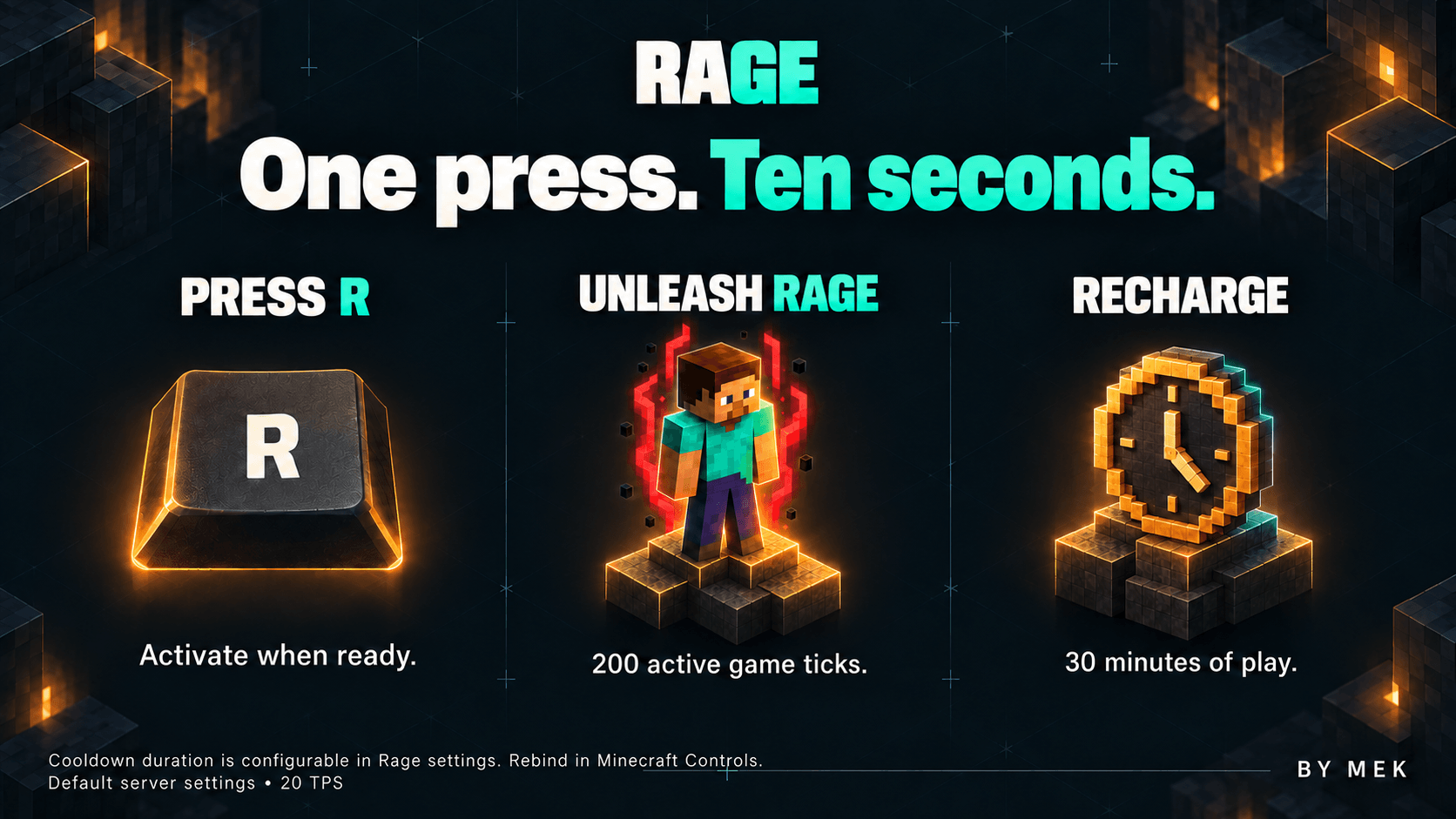
ONE PRESS. TEN SECONDS
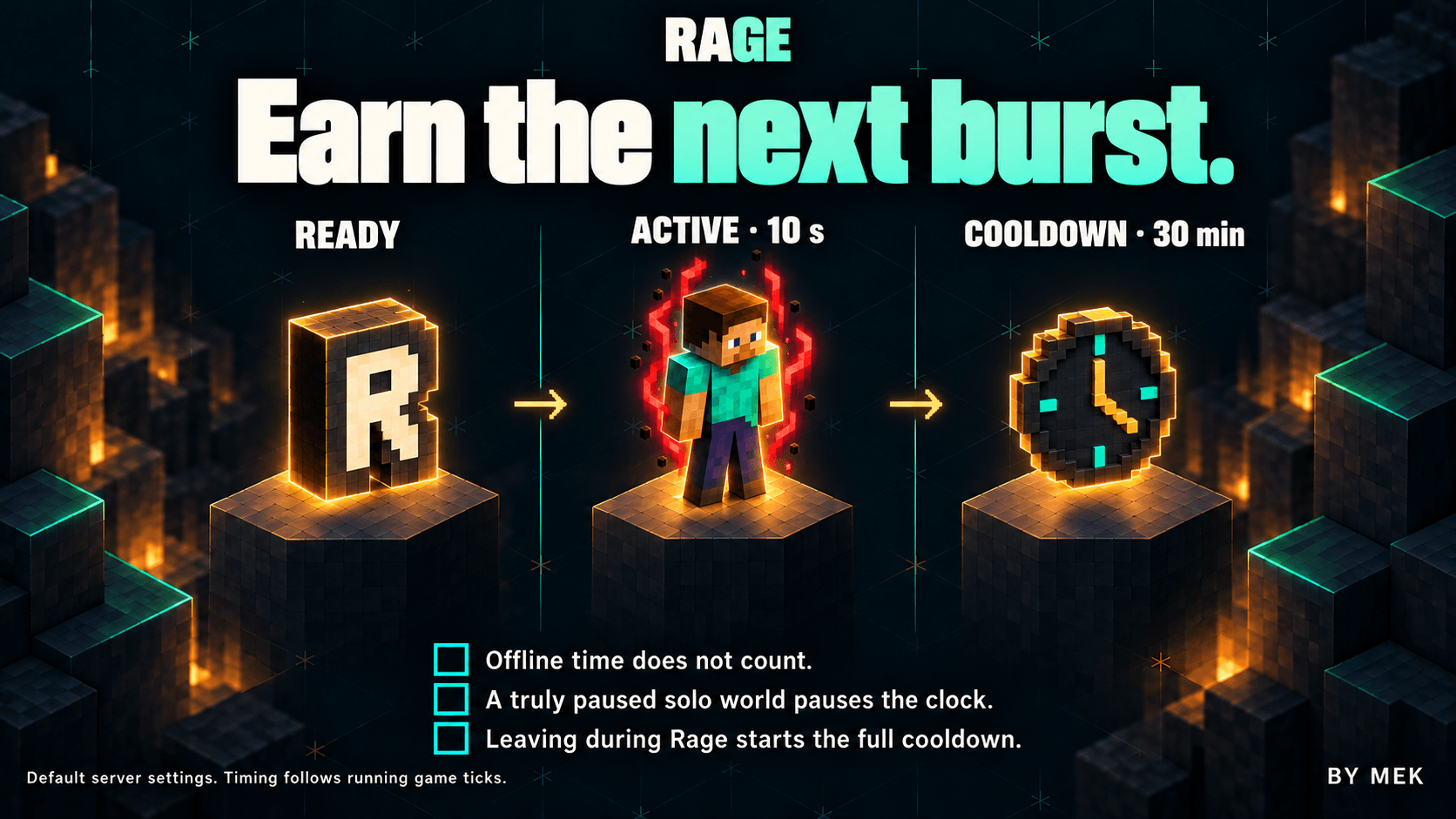
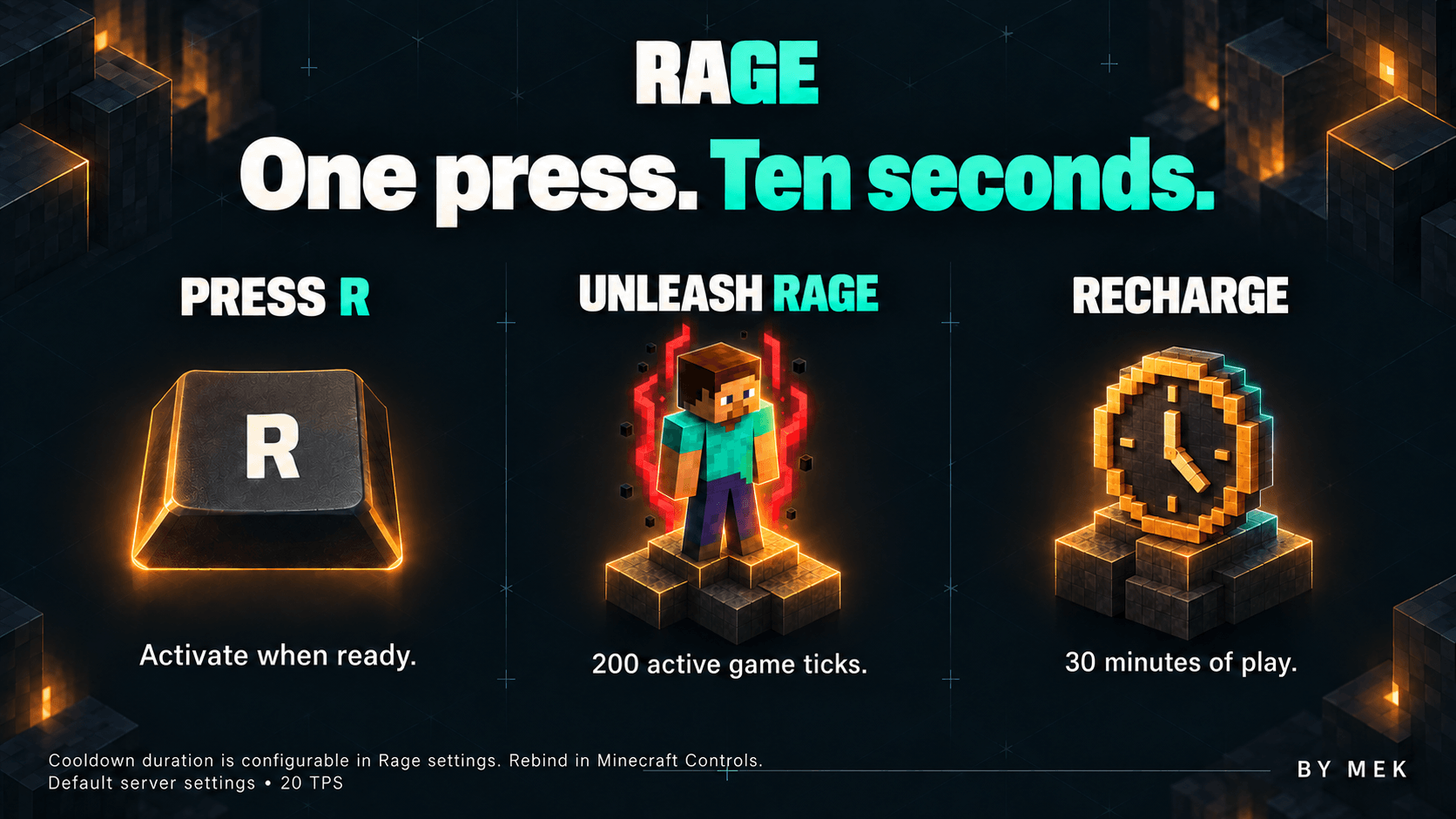
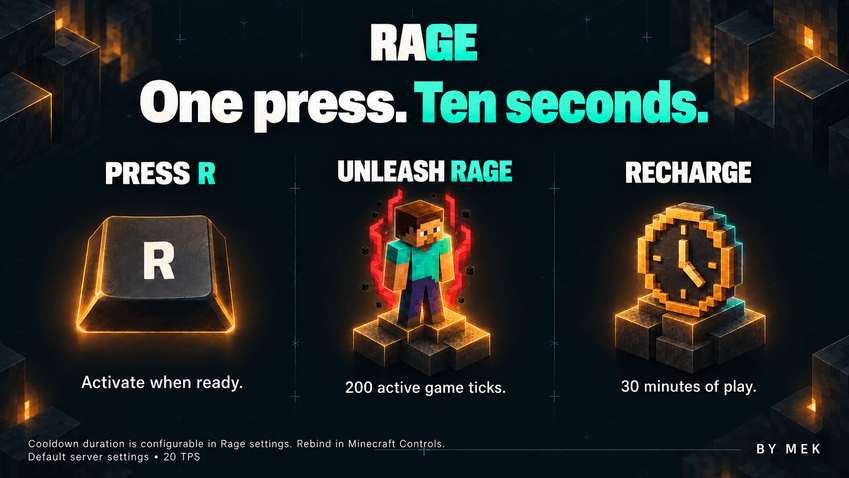
Press R when the HUD flame is fully lit. With the default server settings, the transformation lasts 200 running game ticks: ten seconds at 20 TPS.
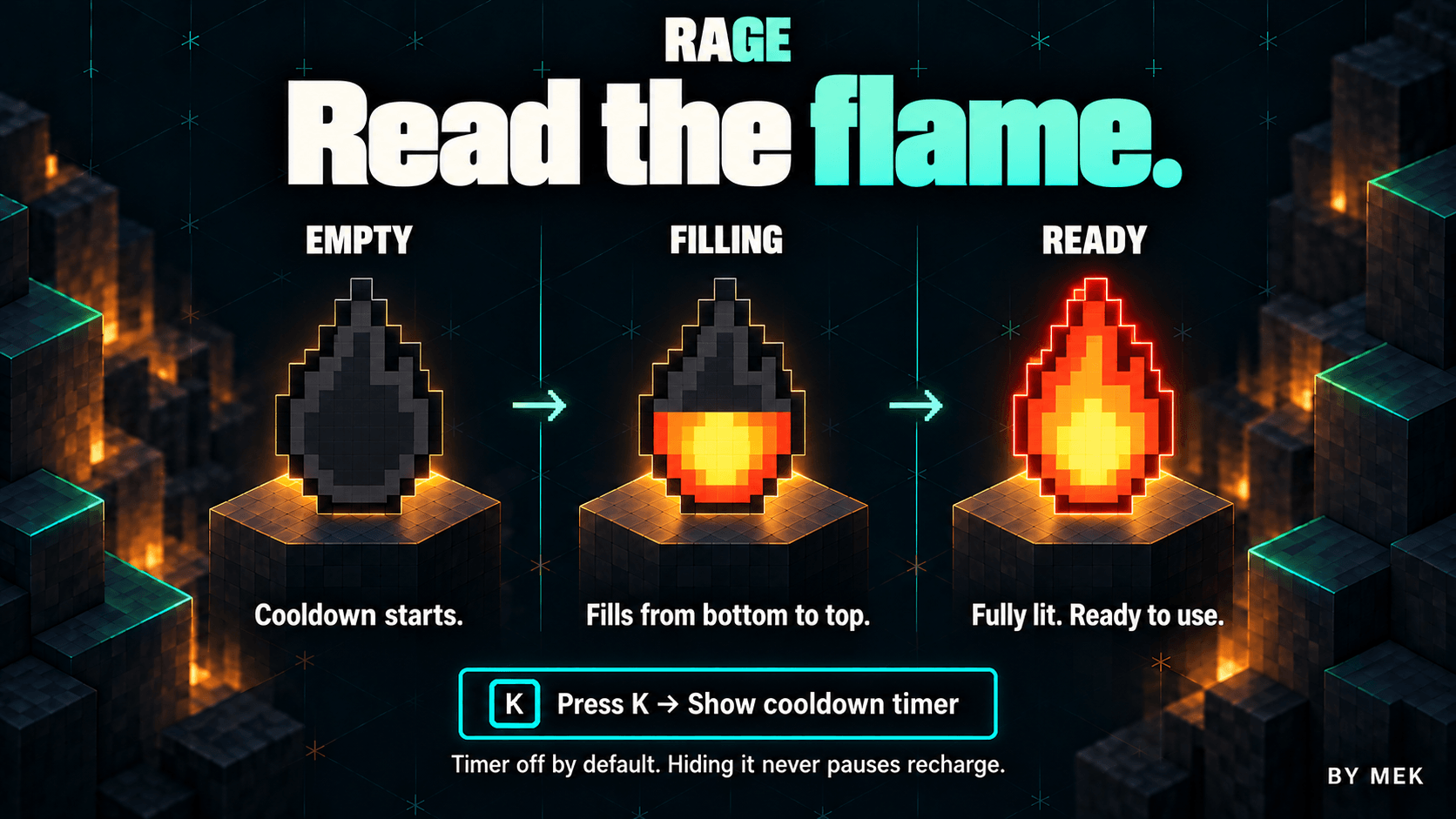
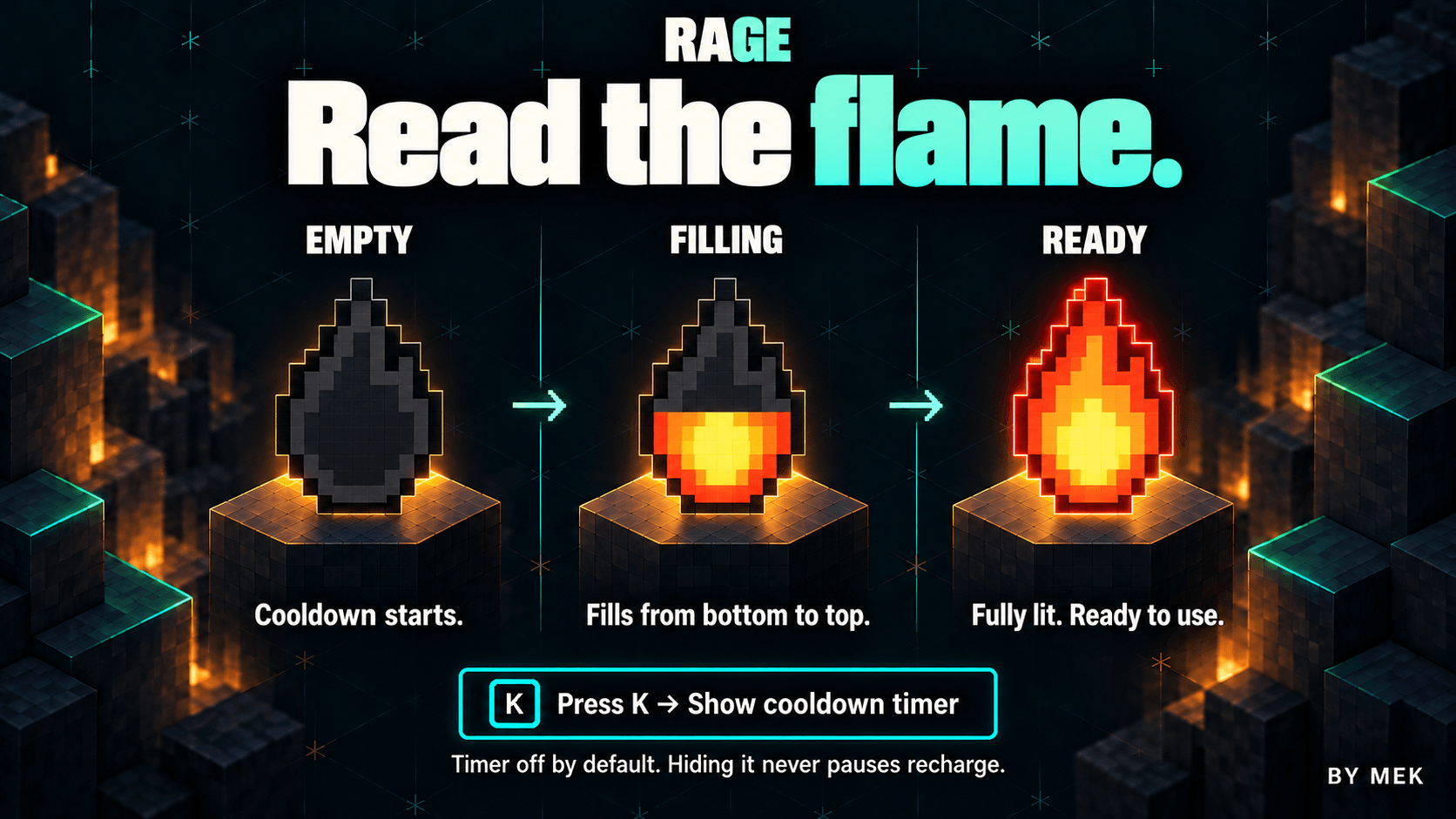
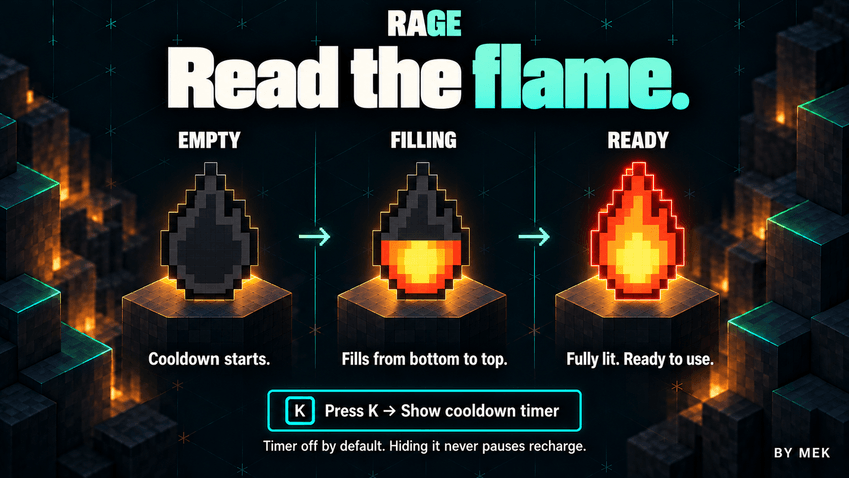
One press starts the whole burst. Holding or repeatedly pressing the key cannot extend it, stack its powers or cancel it early. A compact flame at the top left shows your actual activation key. After Rage it is dim and empty, then fills from bottom to top as the cooldown elapses. A fully lit flame means ready.
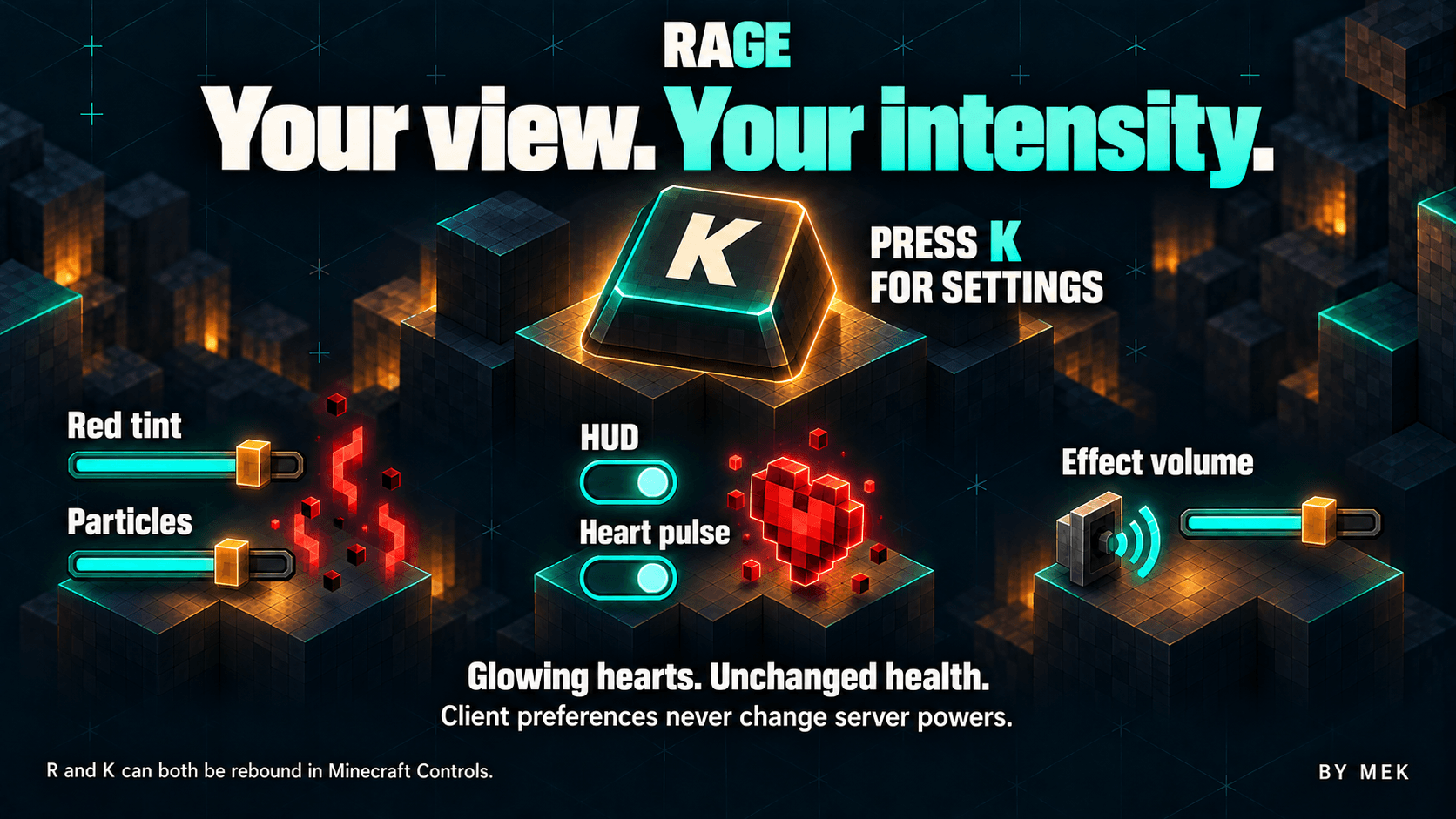
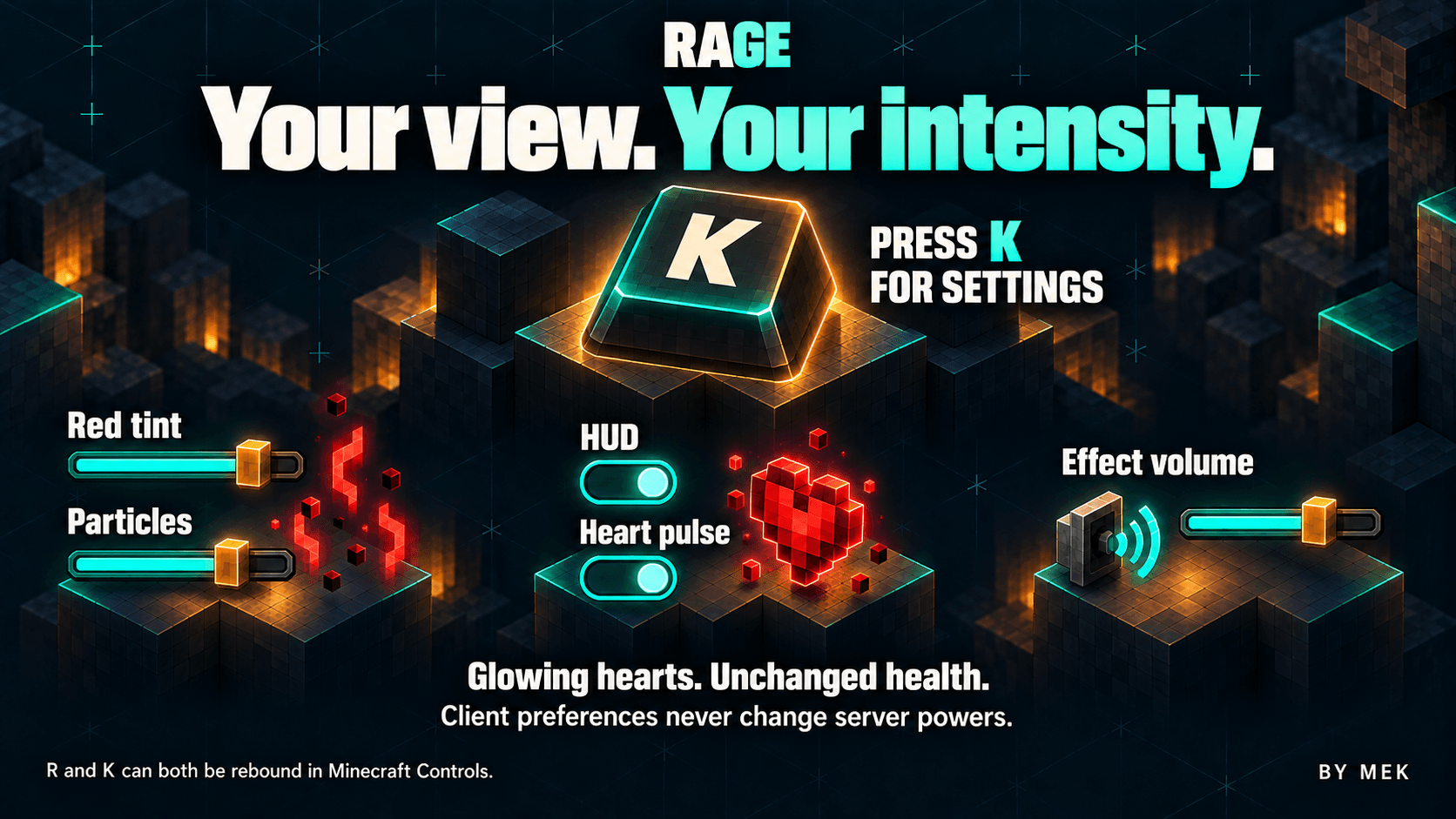
R activates Rage and K opens its settings. Both shortcuts can be changed in Minecraft's Controls under Rage.
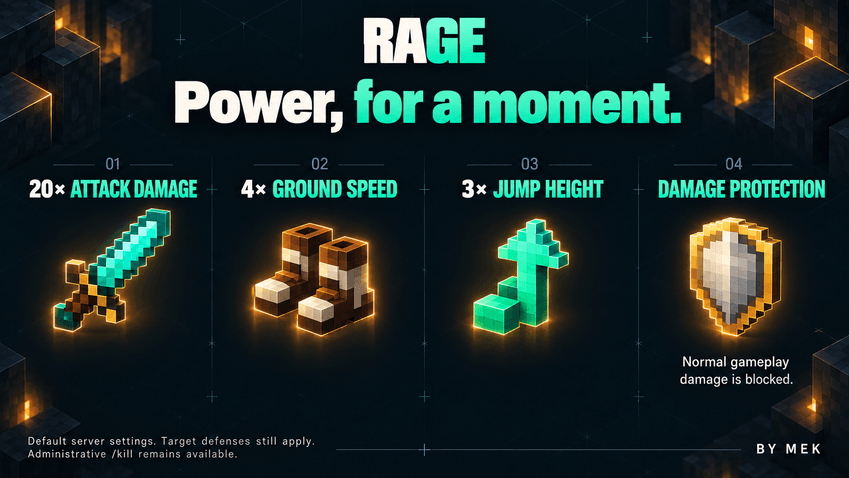
POWER YOU CAN FEEL
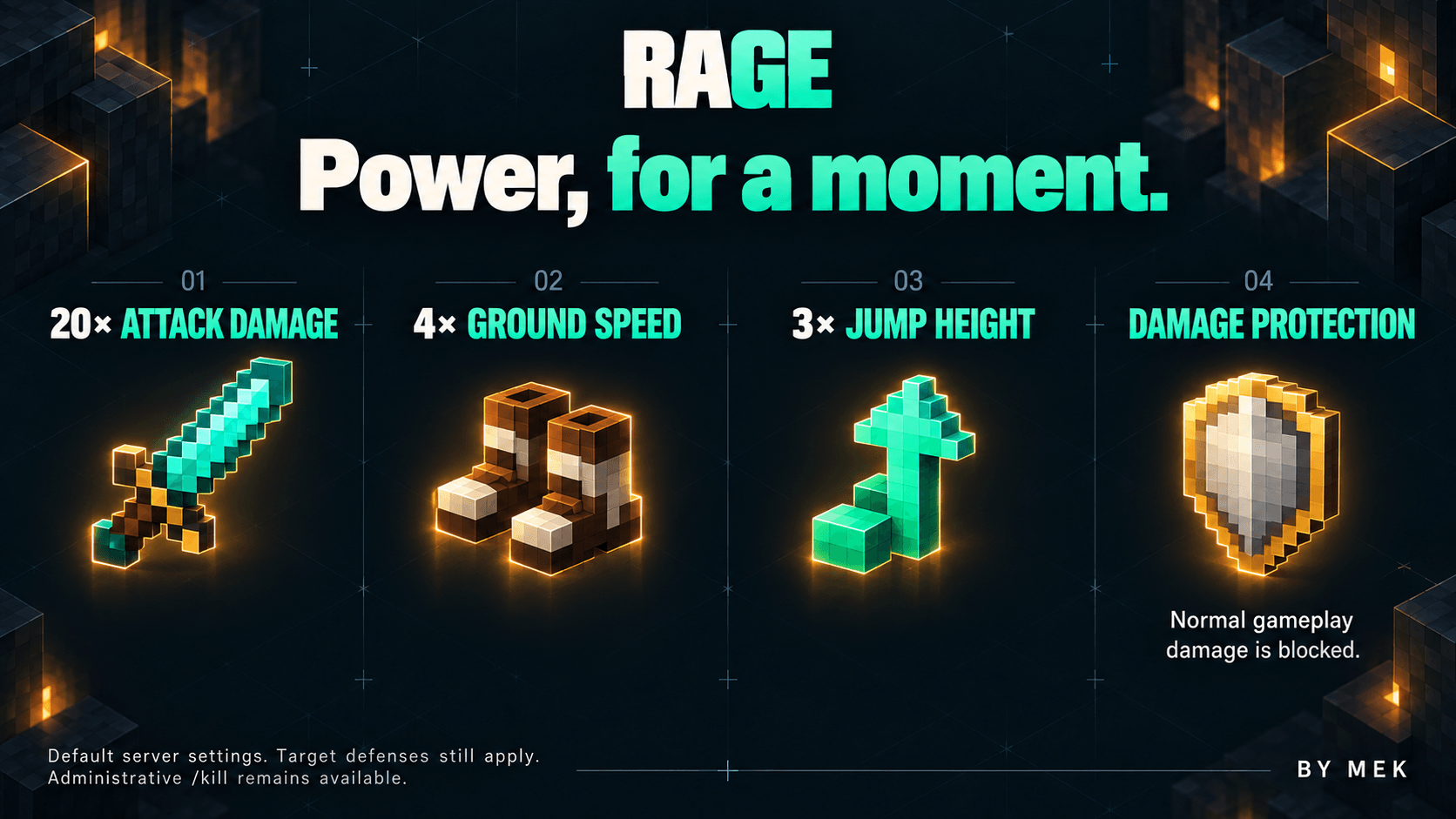
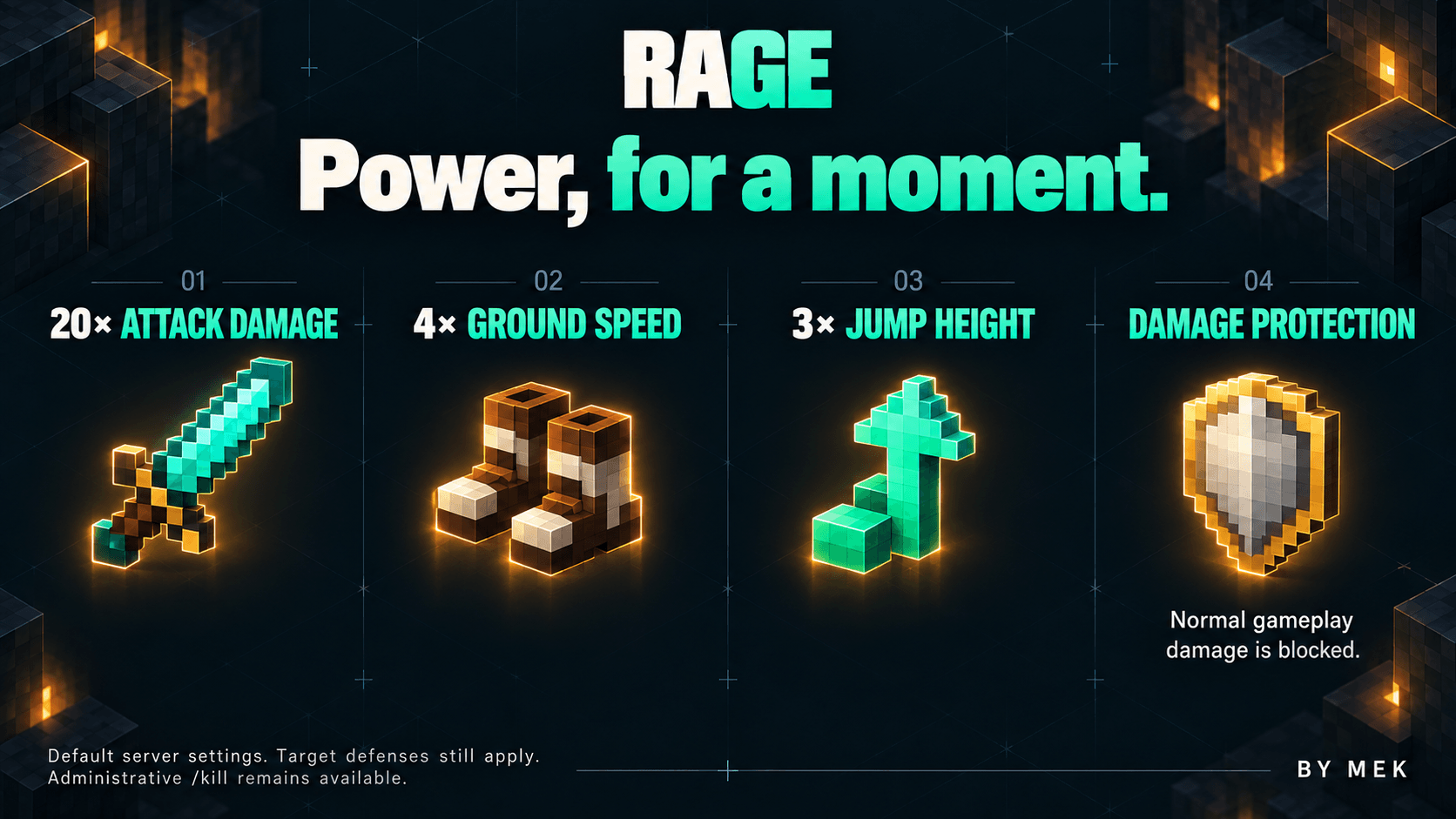
With the default server settings, active Rage gives you:
- Protection from normal gameplay damage, including void damage.
- 20 times the base damage of your attacks and owned projectile impacts.
- 4 times your ground movement speed.
- Ground jumps targeting about 3 times their normal height.
Existing equipment and effects still matter. Target armor, shields, resistance and other normal protections can reduce damage. A projectile gains the damage multiplier only if its owner is in Rage when it hits. Rage does not heal you or grant Creative abilities.
The speed bonus applies to ground movement. It does not accelerate swimming, vehicles, flight, gliding or airborne movement. Jump height remains subject to ceilings, liquids, levitation and altered physics. Administrative /kill and explicit minecraft:generic_kill damage still work; direct entity removal or health changes outside normal damage processing are not blocked.
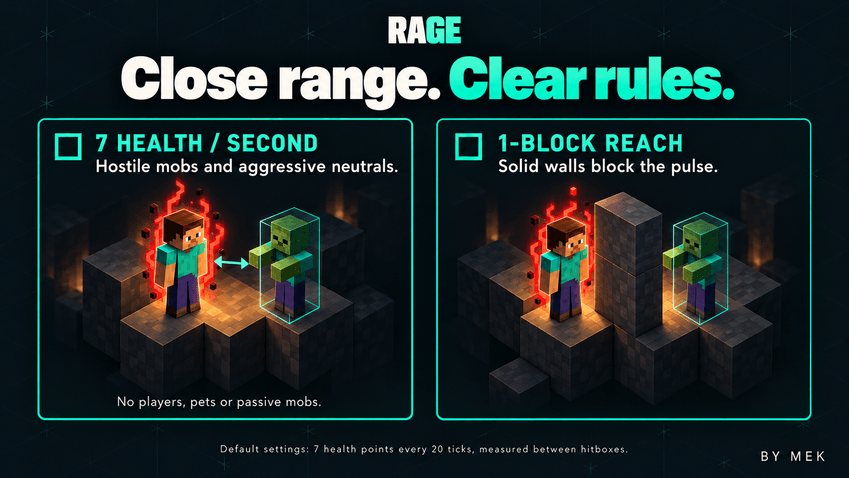
AURA WITH A TARGET
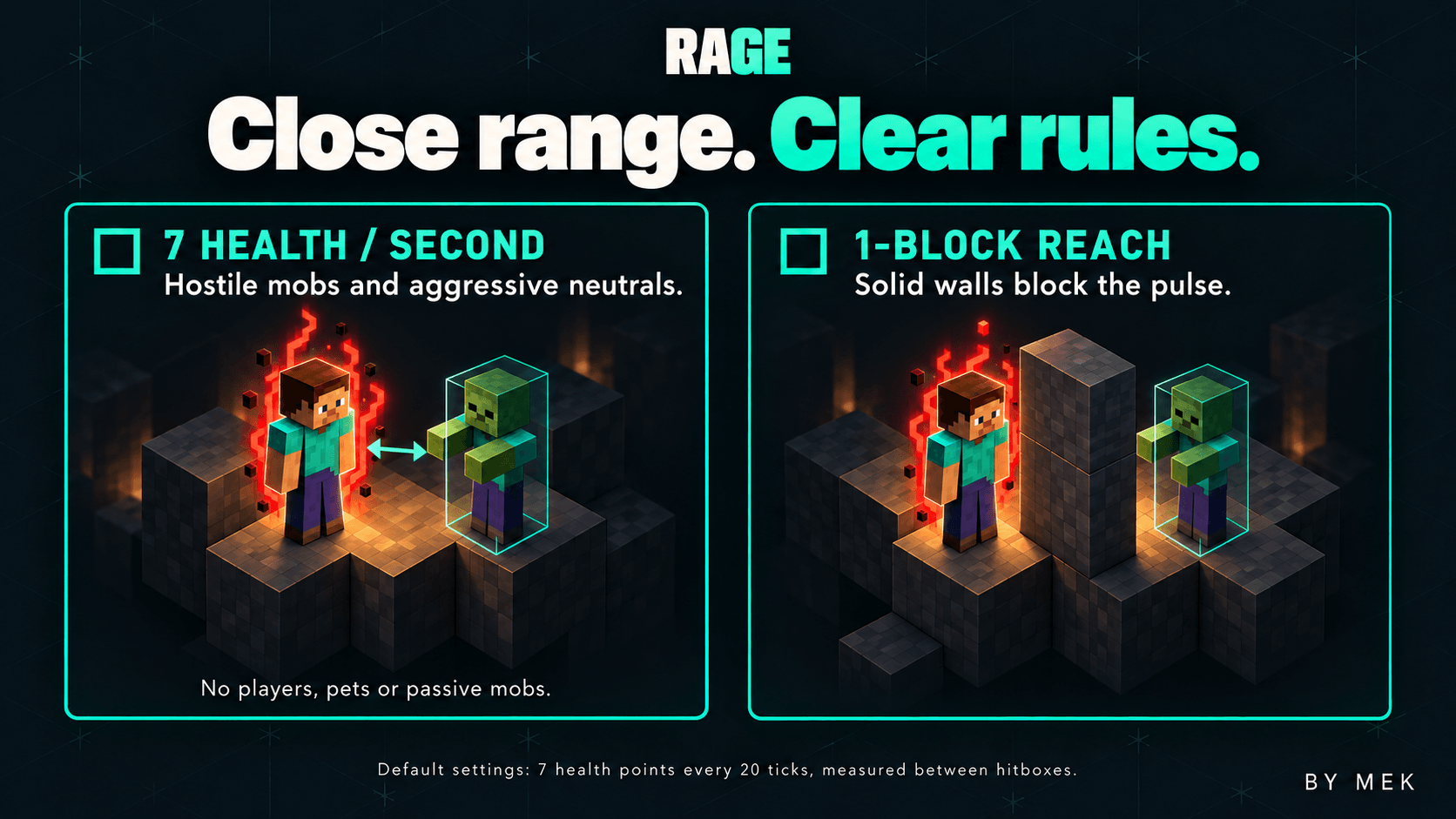
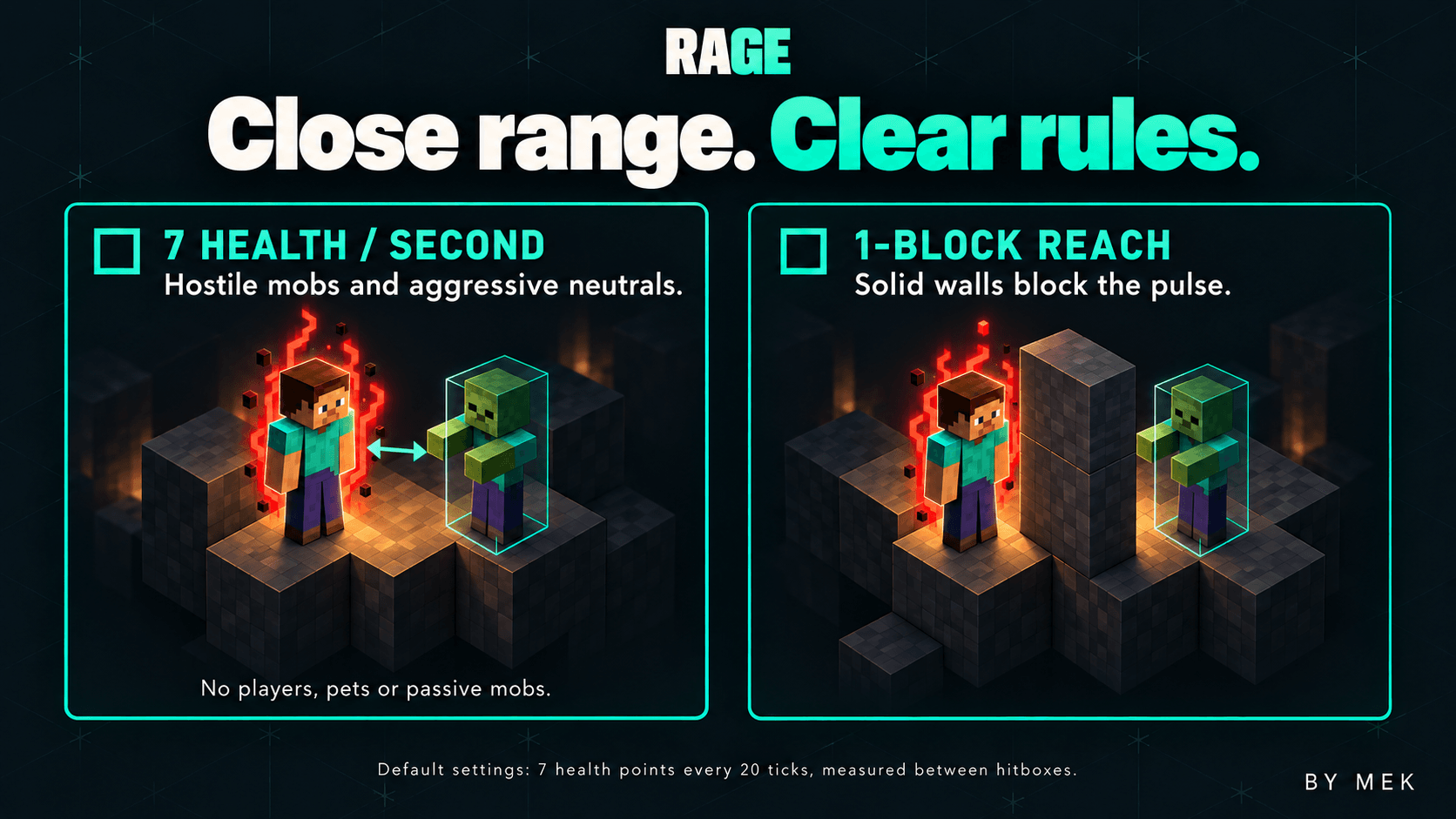
The aura attacks eligible enemies close to your character. By default, it deals 7 health points of base damage, equivalent to 3.5 hearts, every 20 ticks. The first pulse happens after 20 ticks, with up to ten pulses in a full default activation.
Targets must be within one block of your hitbox and visible to you. Distance is measured between hitboxes, and walls block the pulse. Hostile mobs and neutral mobs actively targeting you are eligible. Players, passive animals, villagers, tamed animals and allies are excluded.
Aura damage is separate from the 20-times attack bonus. It is not multiplied again, and normal target protections still apply.
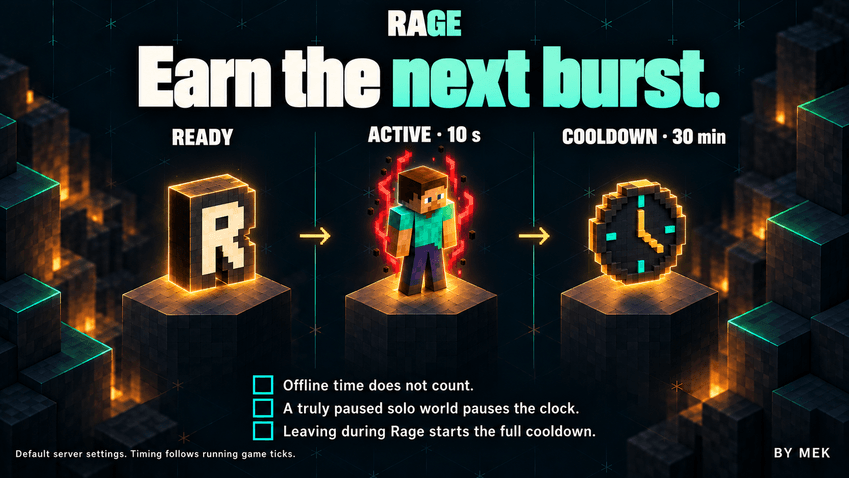
EARN THE NEXT BURST
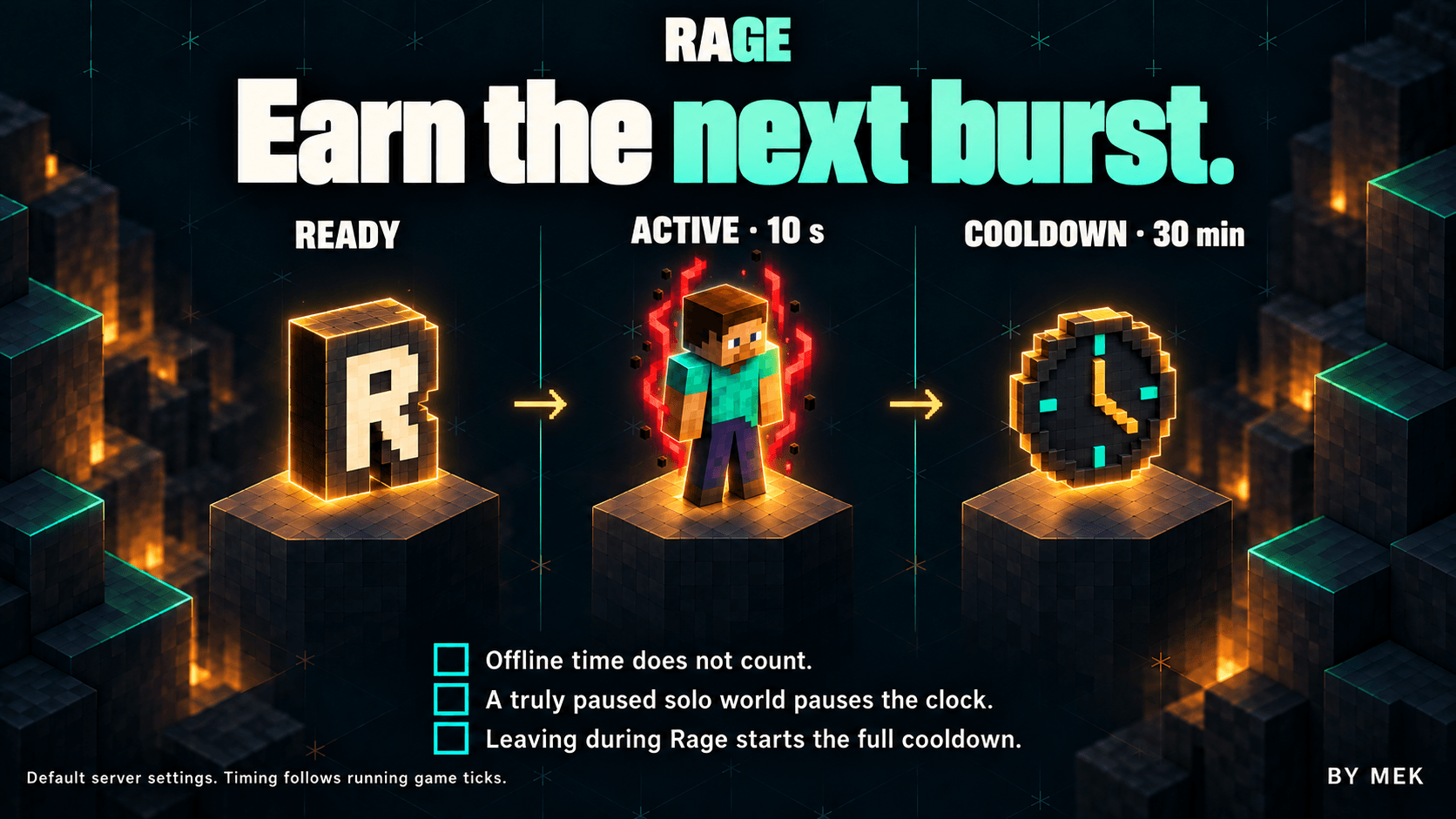
After Rage ends, the default cooldown is 36,000 running game ticks: 30 minutes at 20 TPS. It advances only while you are connected to a running world. Offline time does not count, and a truly paused singleplayer world pauses the clock.
Leaving or stopping the server during Rage ends the transformation and saves the full cooldown for your return. Death, respawn, dimension travel and ordinary restarts do not reset the cooldown. Your remaining wait belongs to your player in that world.
Timing follows game ticks, so a slow server takes longer in real time. An unexpected crash can restore an older saved cooldown and lengthen the wait.
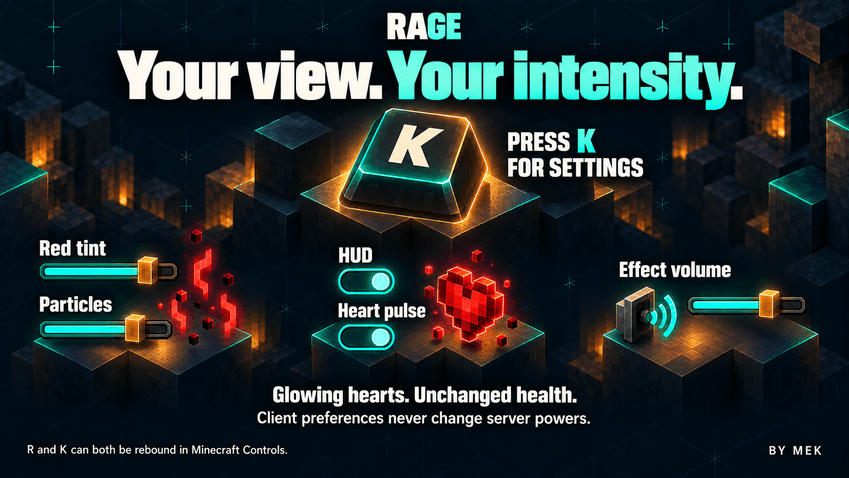
YOUR VIEW. YOUR INTENSITY
Press K to adjust red tint, particles, HUD visibility, flame icon size, animated hearts and effect volume. Choose a flame size from 50% to 200%, with 50% as the default; your preference is saved between sessions. Show cooldown timer is a separate setting, off by default. Enable it to display the numeric countdown on screen; hiding it or the HUD never pauses cooldown. The first-person effect leaves the center of your view clear, while third person shows the aura around your character.
The optional heart pulse adds a red animation to the health display during Rage. Your actual health and absorption stay unchanged. These preferences affect presentation; gameplay powers remain controlled by the server.
The controls, settings, notifications and sound subtitles follow Minecraft's language setting. English, Italian, French, German, Spanish and Russian are included.
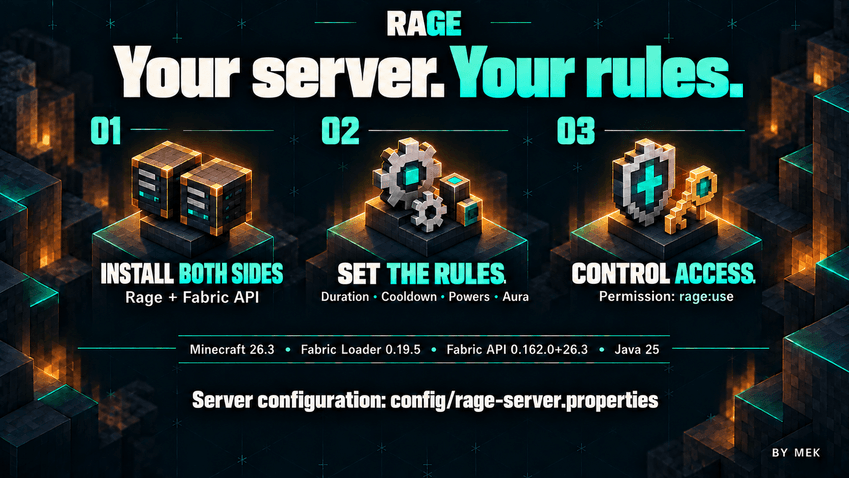
YOUR SERVER. YOUR RULES
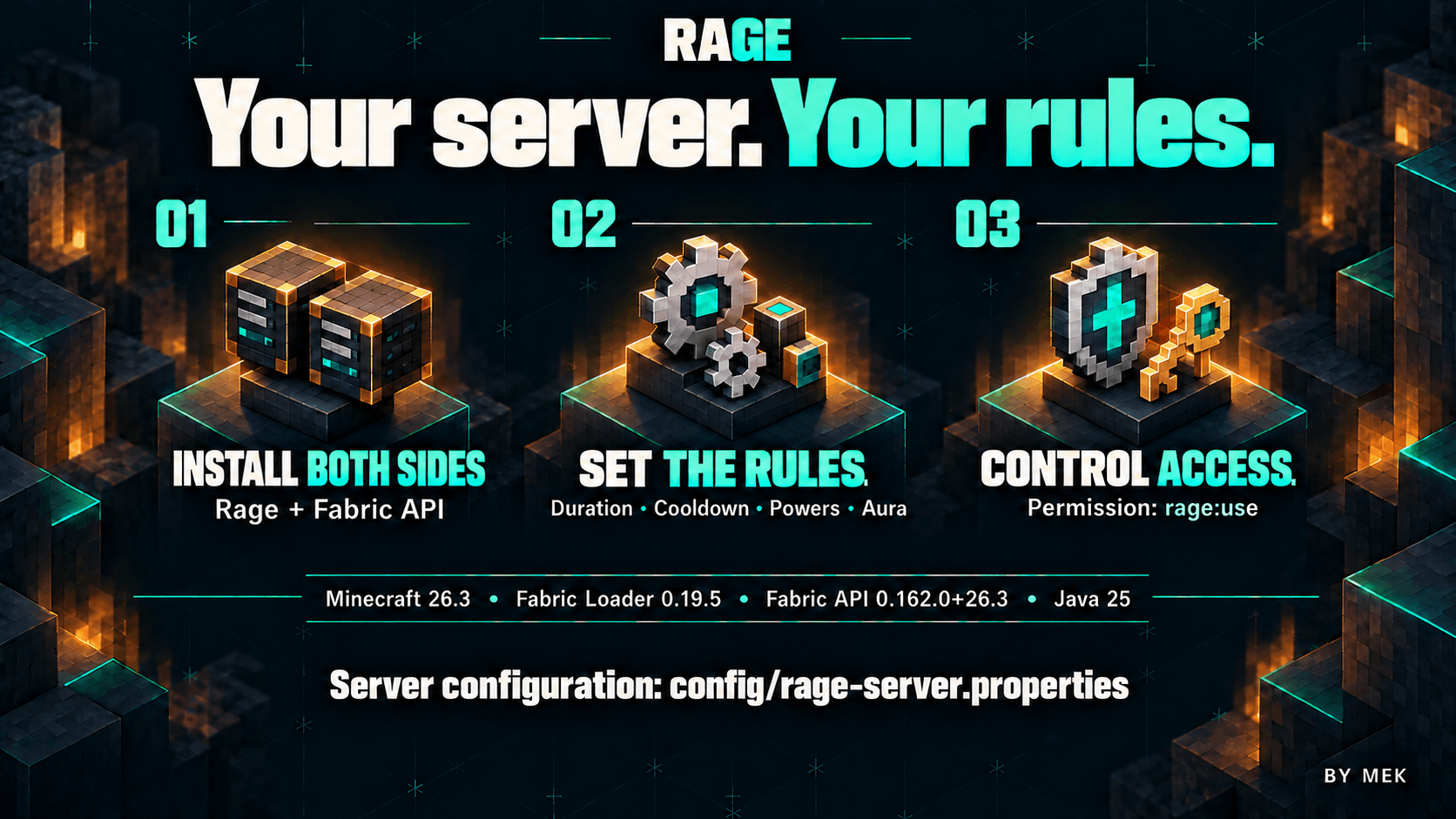
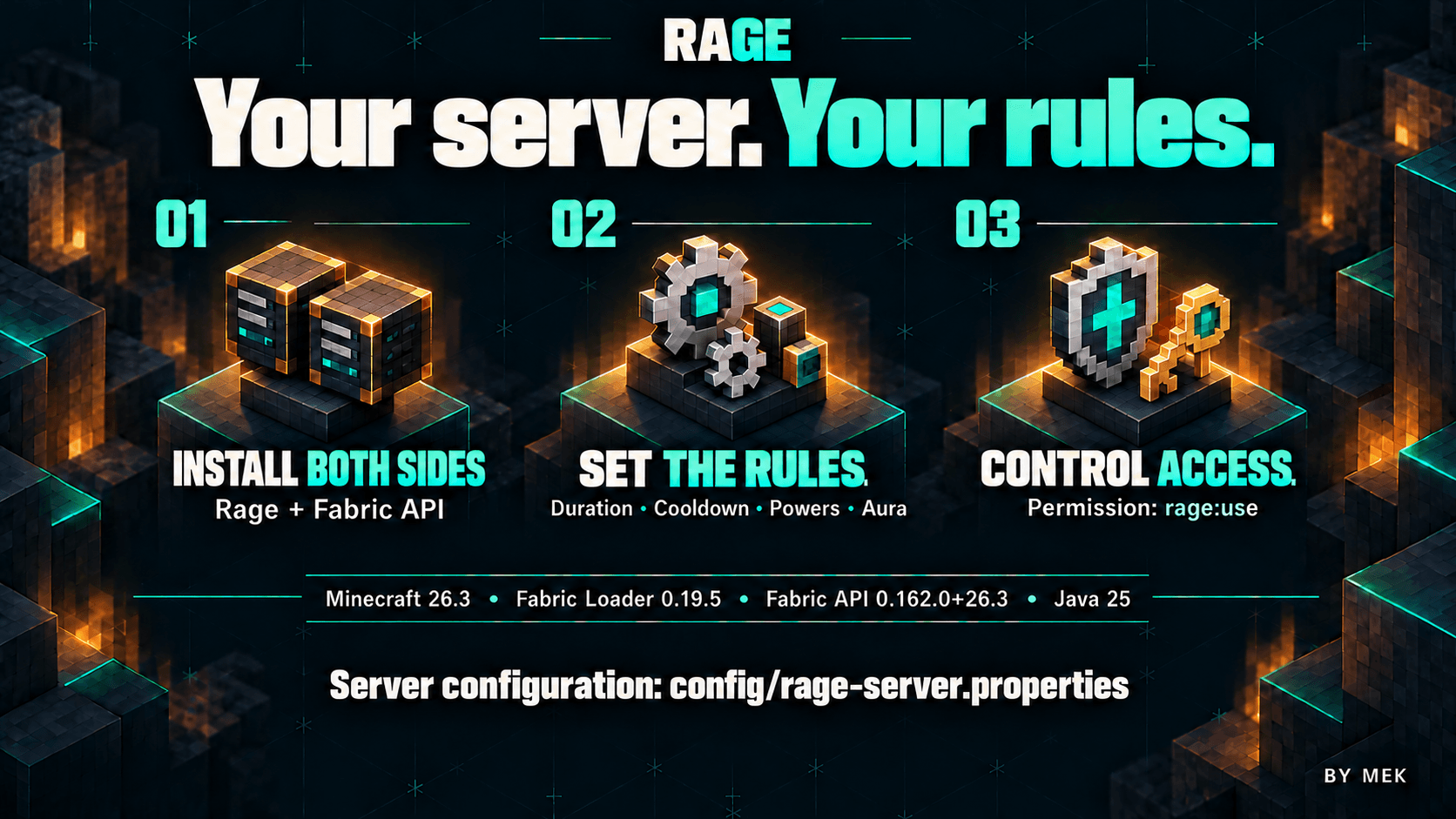
Server owners can edit config/rage-server.properties to choose the active duration, cooldown, invulnerability, attack multiplier, ground speed, jump height, aura damage, range and pulse interval. Restart the server to apply changes. Existing cooldown debts are preserved when settings change.
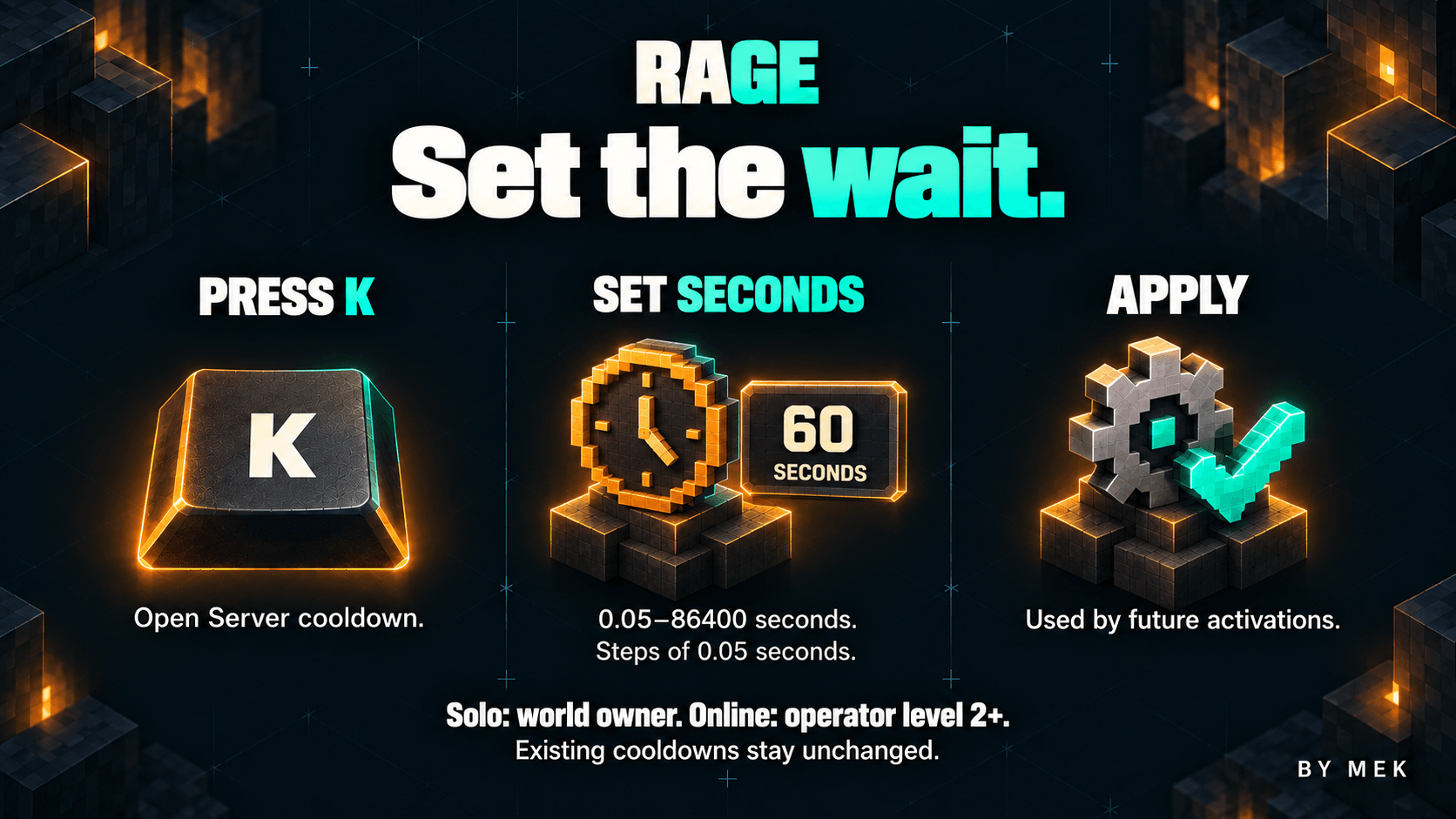
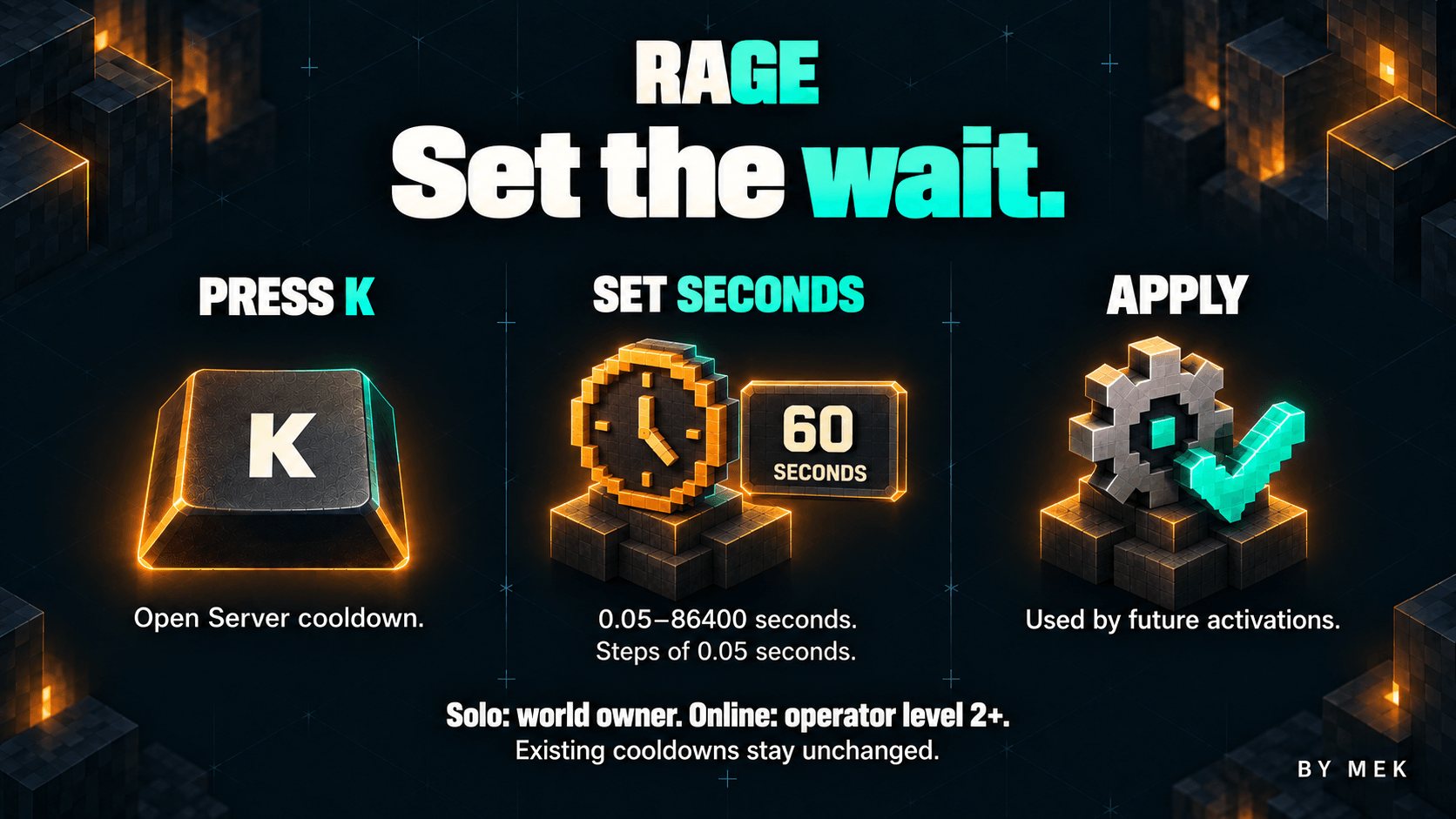
The K settings screen also shows the configured server cooldown duration in seconds. The integrated singleplayer world owner can edit it even with cheats off; on an online server, native operator permission level 2 or higher is required. Other players can view the value but cannot edit it. Enter 0.05 to 86400 seconds in steps of 0.05 and save. It is saved in config/rage-server.properties and applies without restarting, for future activations only. Existing waits and the cooldown already captured by an active Rage remain unchanged.
Access defaults to everyone. Set default-access to operators for operators of level 2 or higher, or deny for no default access. A compatible Fabric permission provider can override that fallback through the rage:use permission node. Gameplay requests are checked by the server.
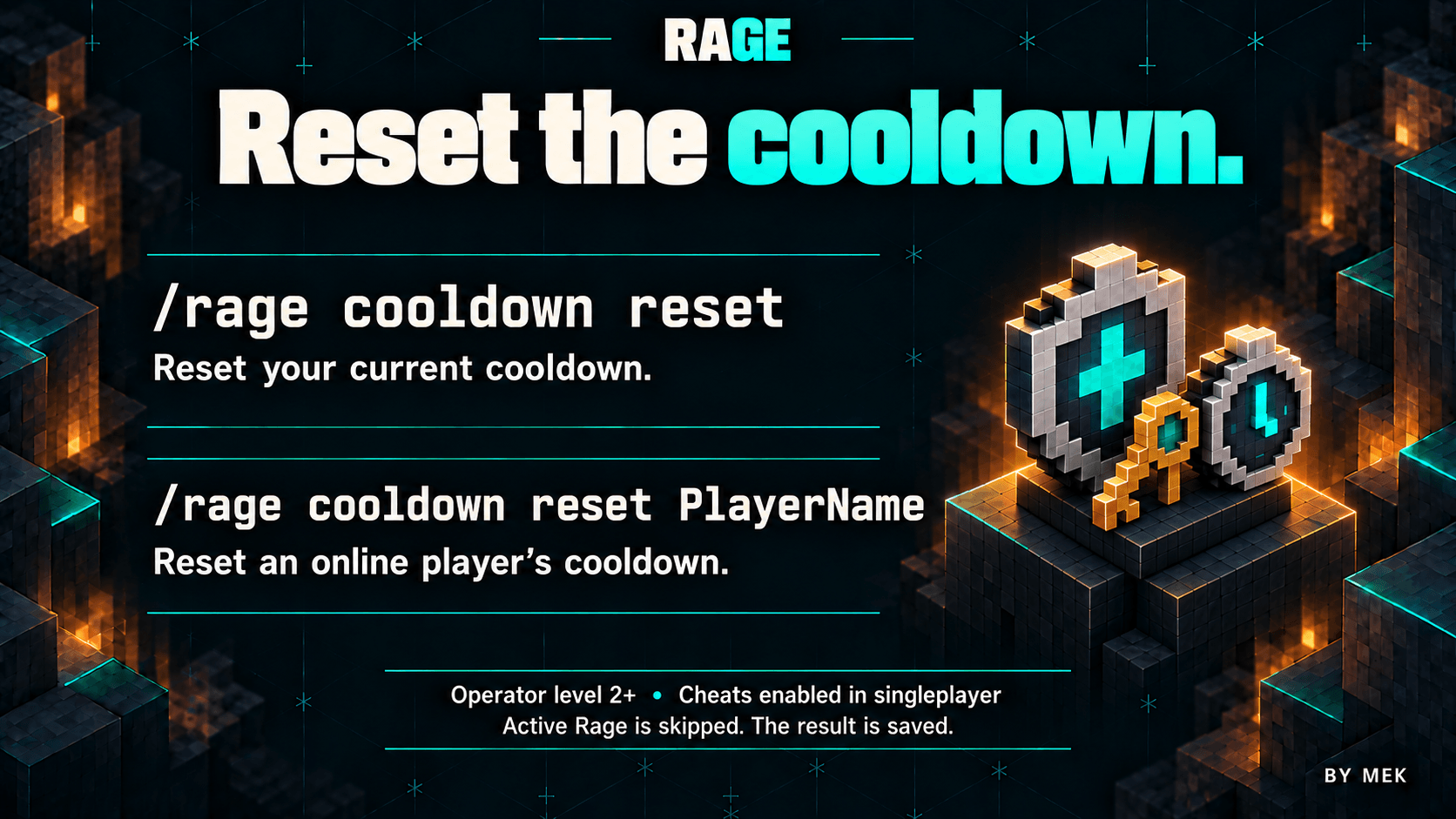
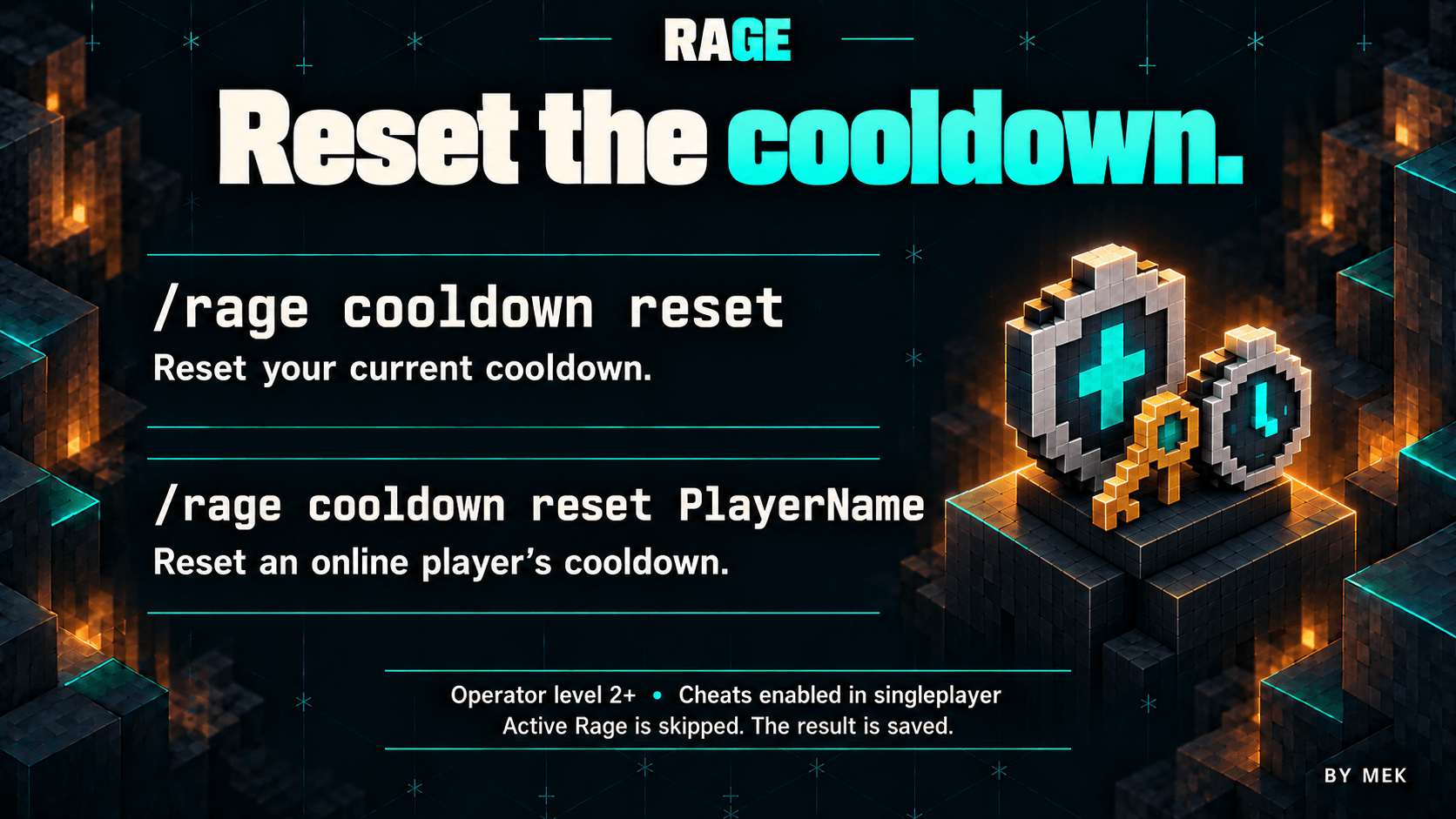
Operators with permission level 2 or higher can use /rage cooldown reset [targets]. In game, omitting targets resets the operator's own current cooldown. The console must supply targets. Online player names and standard player selectors are supported, such as /rage cooldown reset @a for all online players.
The result is saved and synchronized immediately. The command skips players currently in Rage without interrupting their transformation or clearing its future cooldown; players already ready are unchanged. Ordinary players cannot use it, and rage:use alone does not grant it.
MANUAL INSTALL OR USE CURSEFORGE APP
Rage 1.0.0 for Minecraft Java Edition 26.3.
Use these versions:
- Minecraft Java Edition 26.3
- Fabric Loader 0.19.5
- Fabric API 0.162.0+26.3
- Java 25
Fabric Loader and Fabric API are separate requirements. Close Minecraft, install the matching Fabric profile, then put rage-1.0.0.jar and Fabric API in that instance's mods folder. Install the JAR itself without extracting it, and keep only one Rage version installed.
Singleplayer uses the same server-controlled rules. For multiplayer, install Rage and Fabric API on the Fabric server and on each participating client. The ability is unavailable on servers without Rage.
Other renderers, shaders, combat overhauls and movement mods may need compatibility testing with your chosen setup.

By Mek