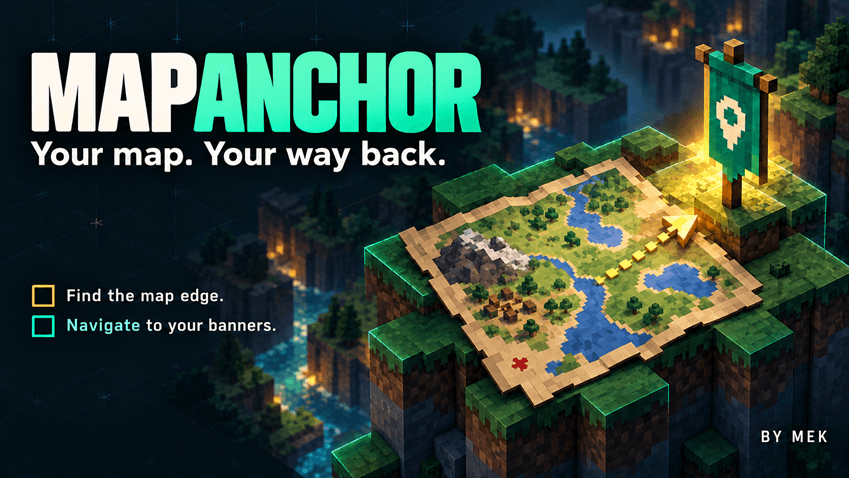
MapAnchor
Keep your map. Find your way.
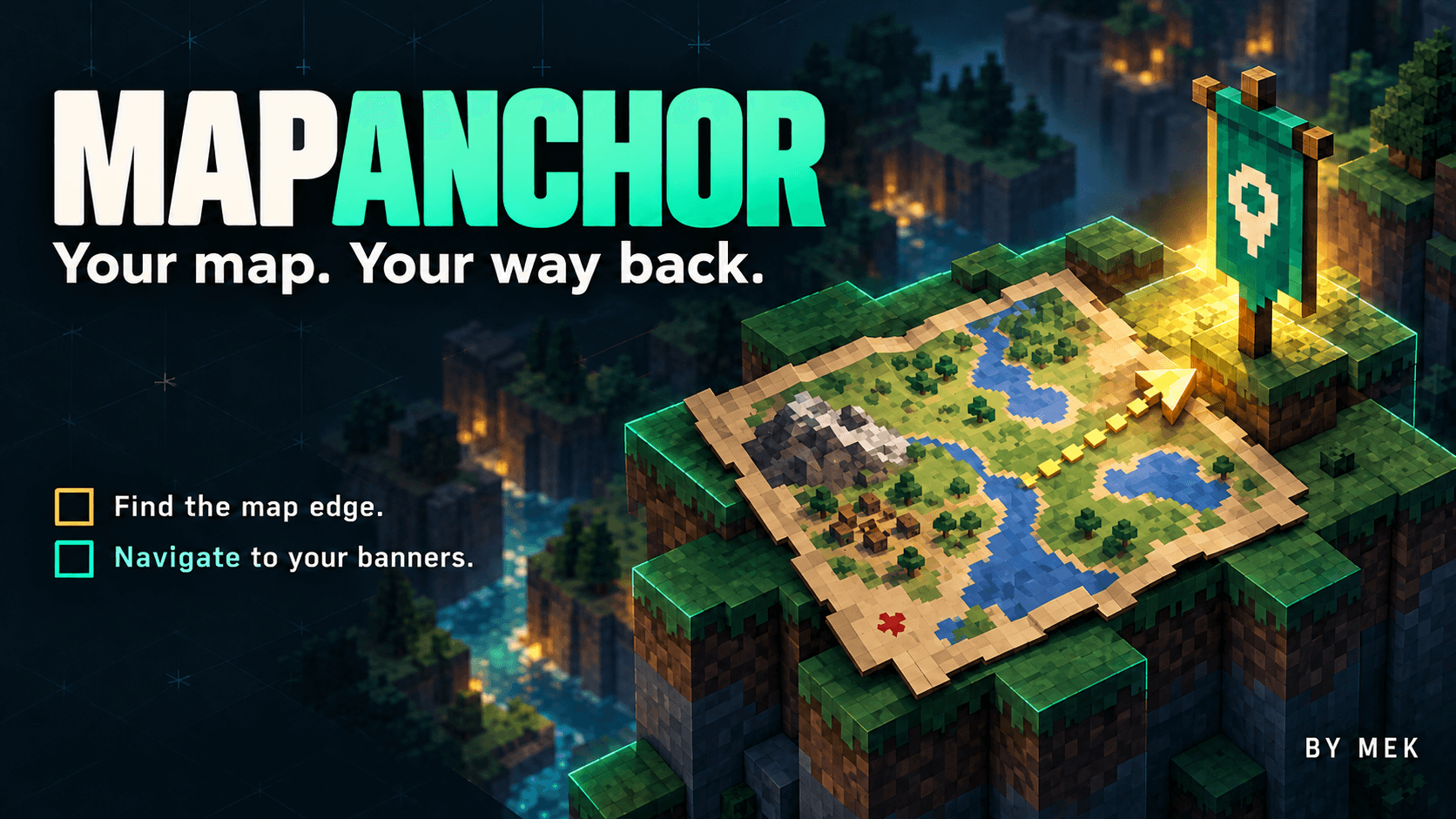
MapAnchor gives Minecraft’s paper maps a clear sense of direction, finally turning them into practical, fun tools for RPG-style exploration.
Keep your player marker at the map's edge when you travel beyond it, follow a registered banner, and share your marked maps with friends.
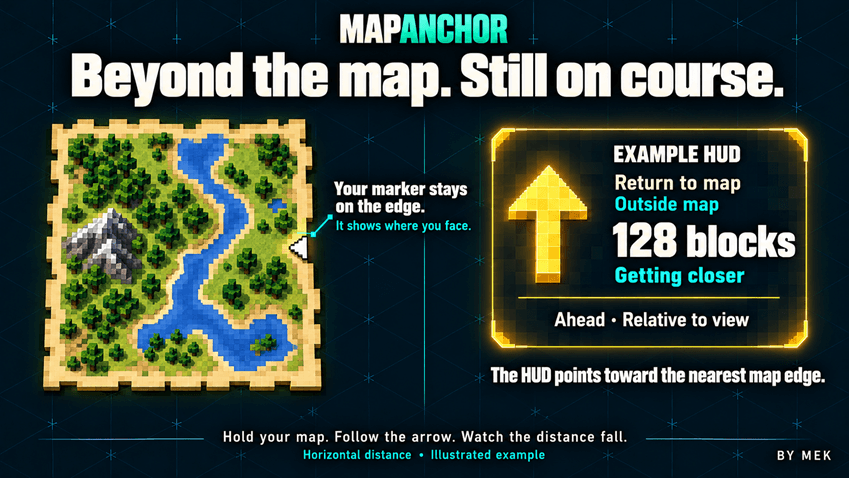
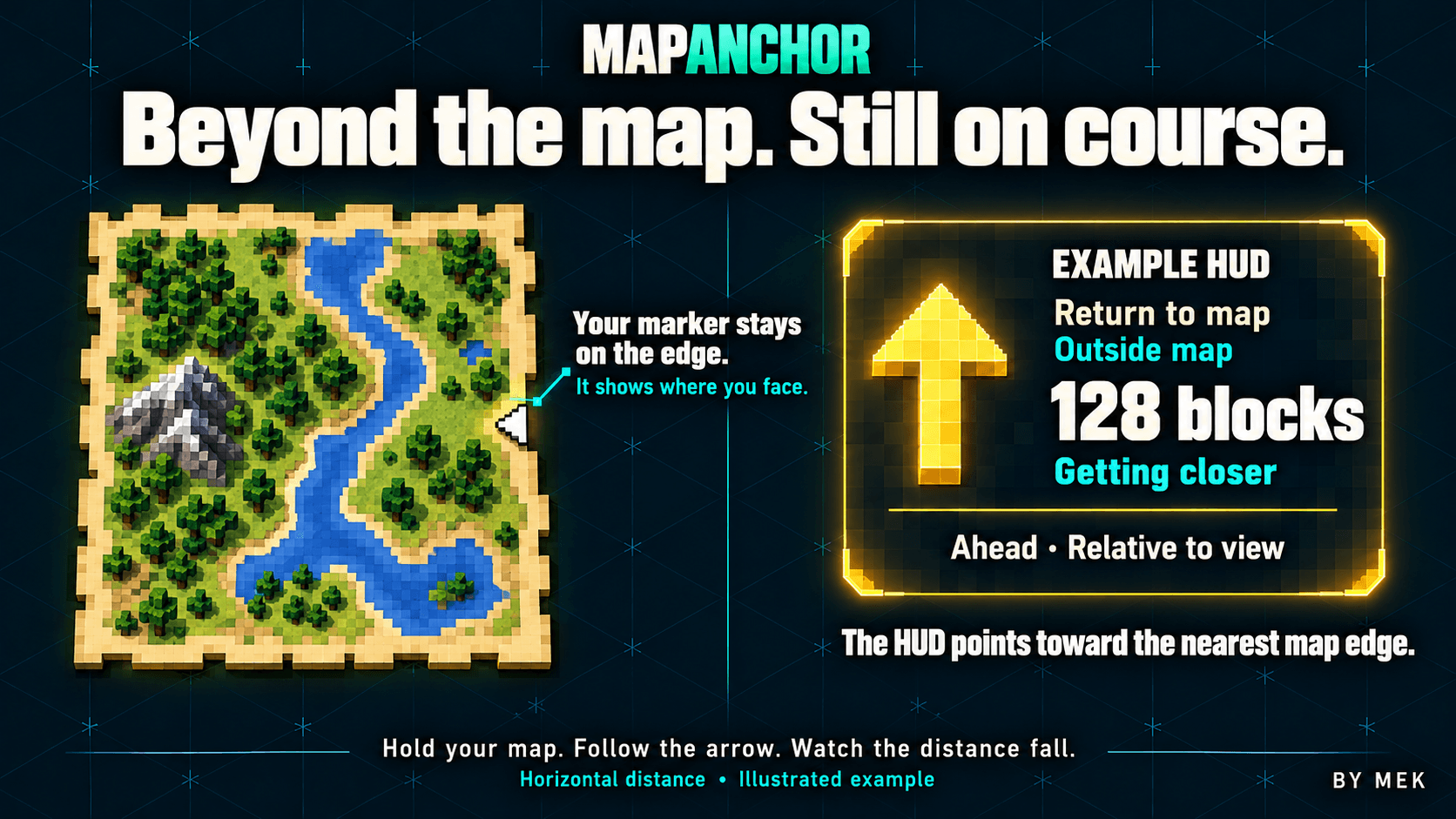
Outside the mapped area, your player marker stays on the edge. The navigation HUD points toward the nearest point of the mapped area and shows the horizontal distance back.
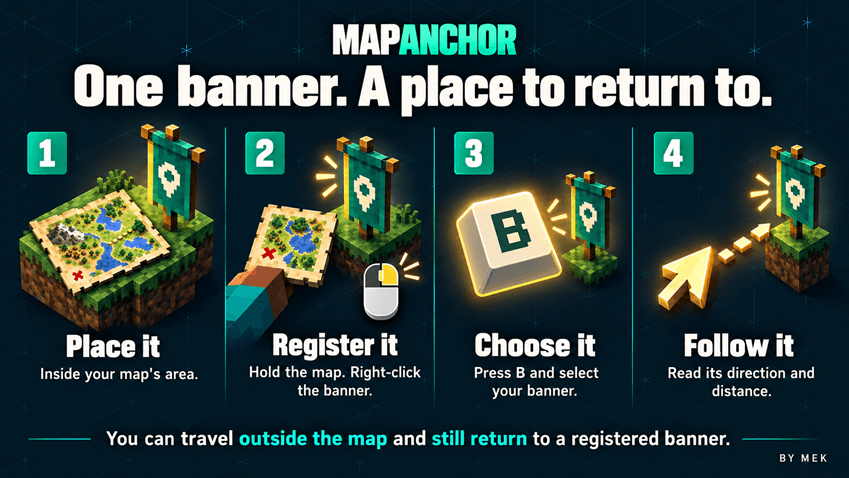
Select a banner instead to follow that destination, even when you are outside the map. The arrow follows your viewing direction, and the distance indicator shows whether you are getting closer or moving away.
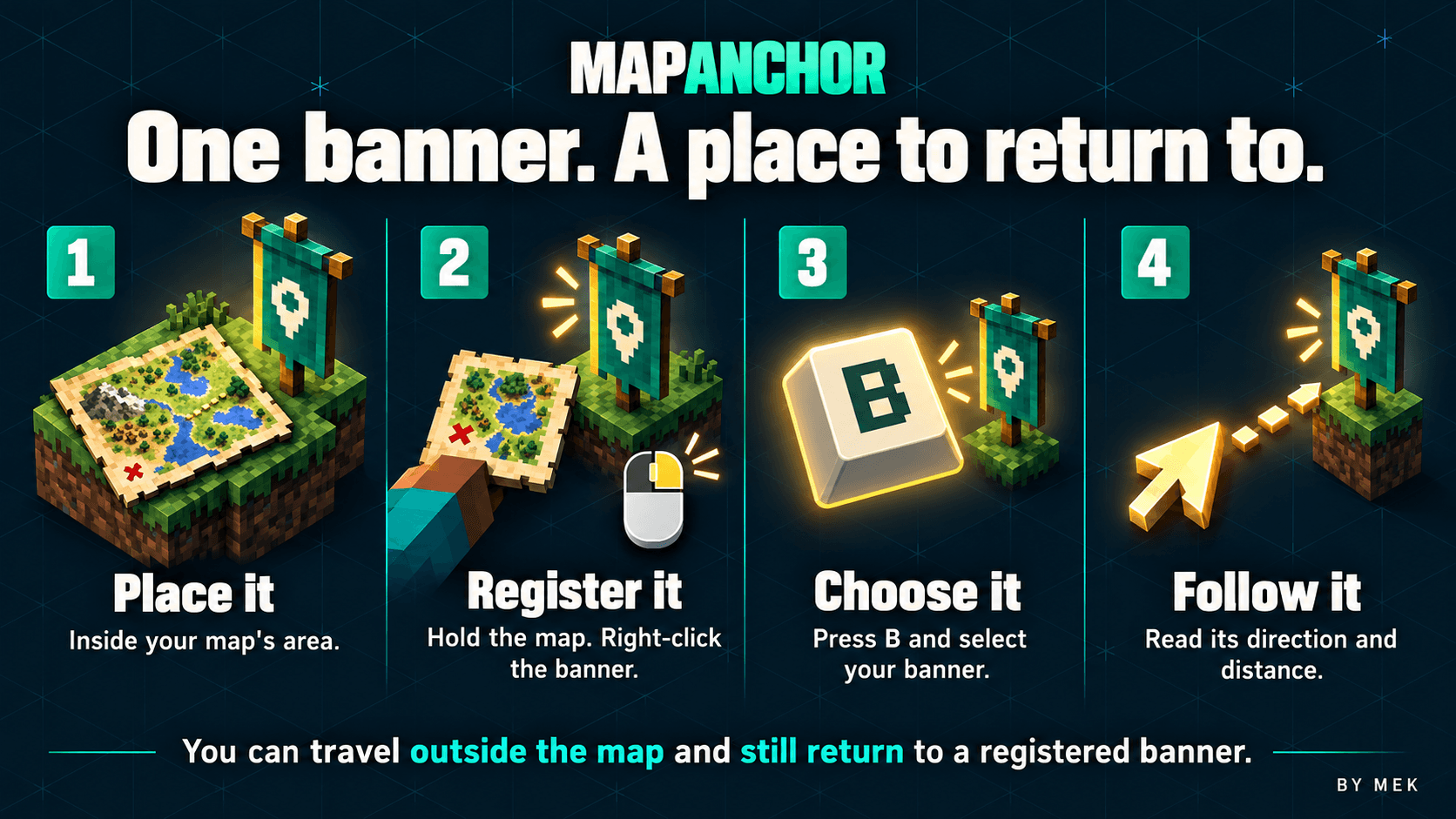
Turn a banner into a destination
1. Give a banner a memorable name using an anvil, if you want.
2. Place it inside the area covered by your map.
3. Hold that map and right-click the banner to register it.
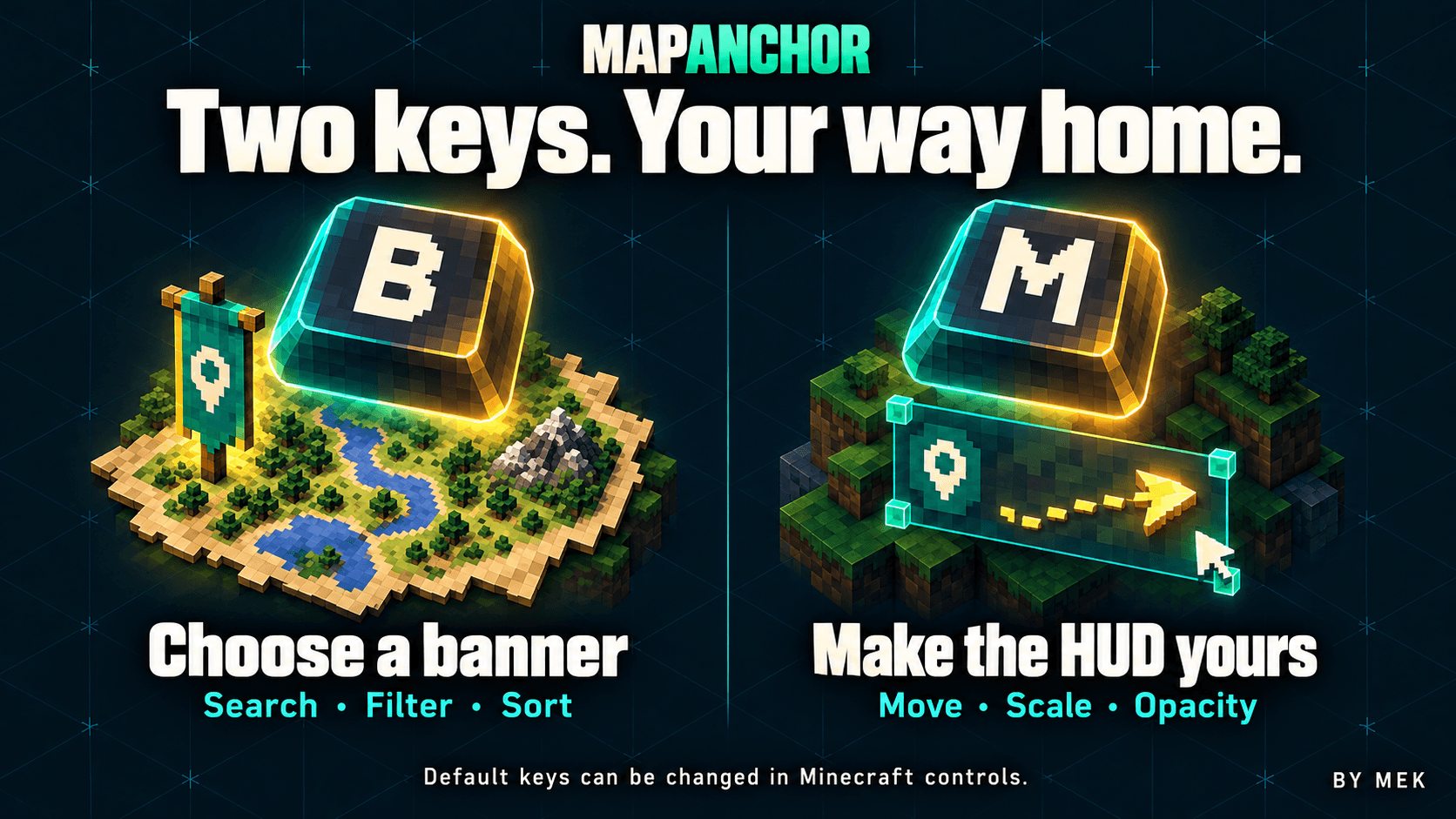
4. Press B and choose the banner as your destination.
Share your banners
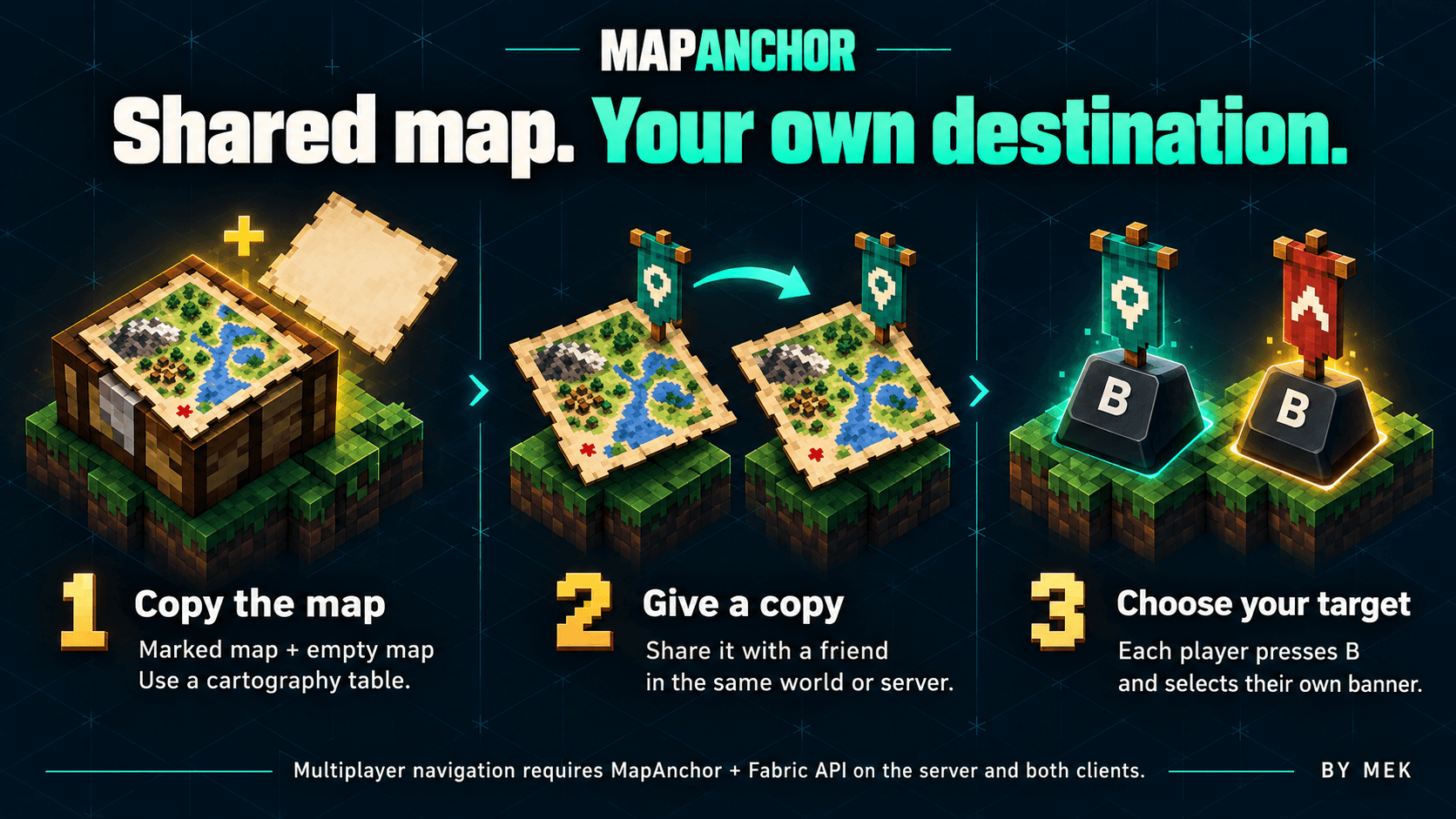
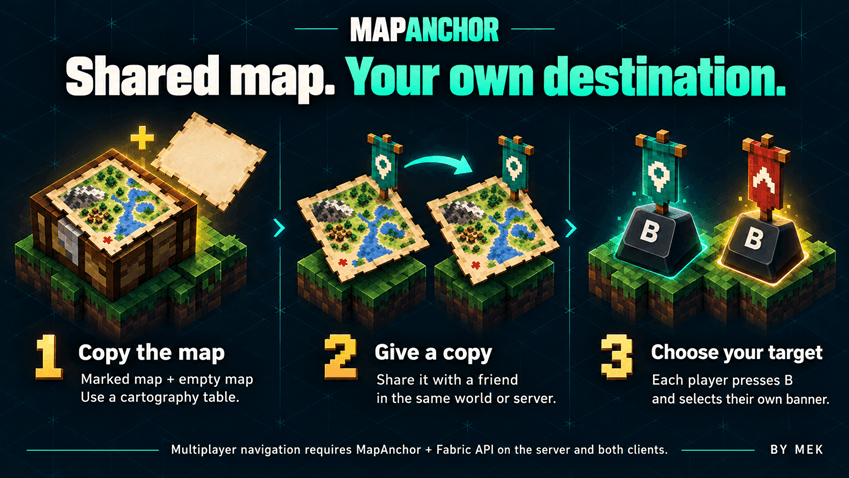
At a cartography table, combine your marked map with an empty map to make two copies. Give one to a friend in the same world or server.
The copies share their banner markers through normal map updates. Each player chooses their own destination with B, so sharing a map does not change another player's selected target.
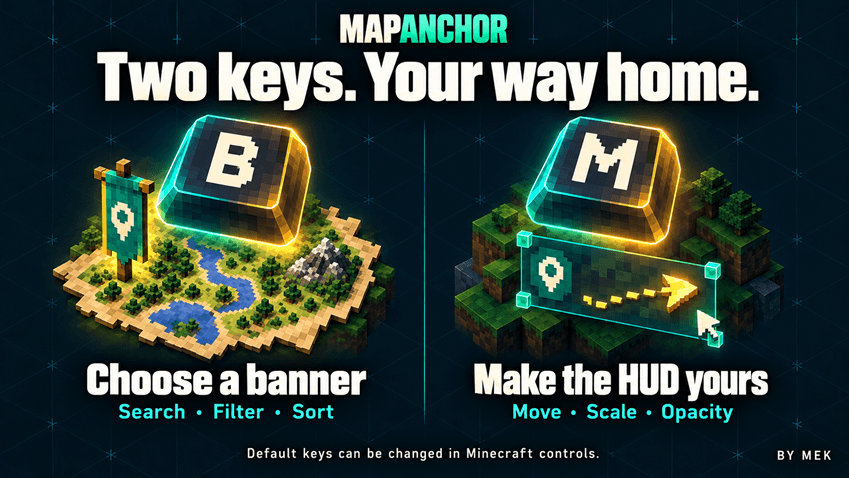
Press M to open settings. Move the HUD using the draggable preview, choose a screen corner, adjust its size and opacity, or enable compact mode.
You can also configure the proximity notification.
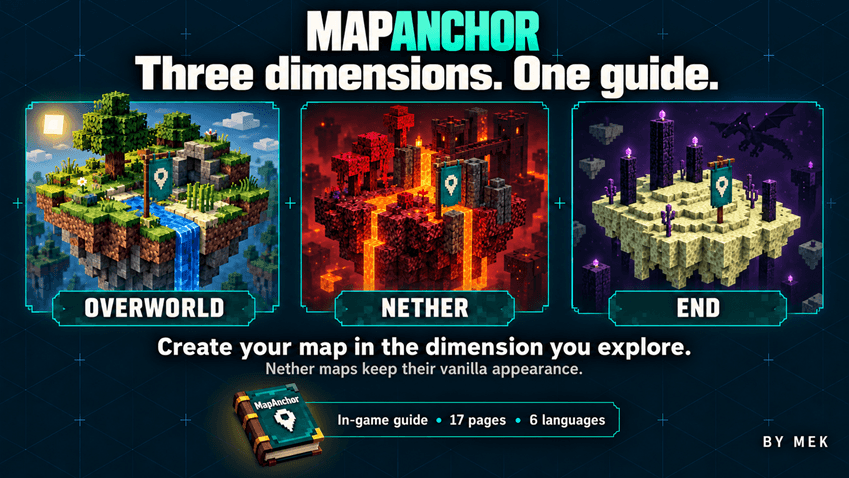
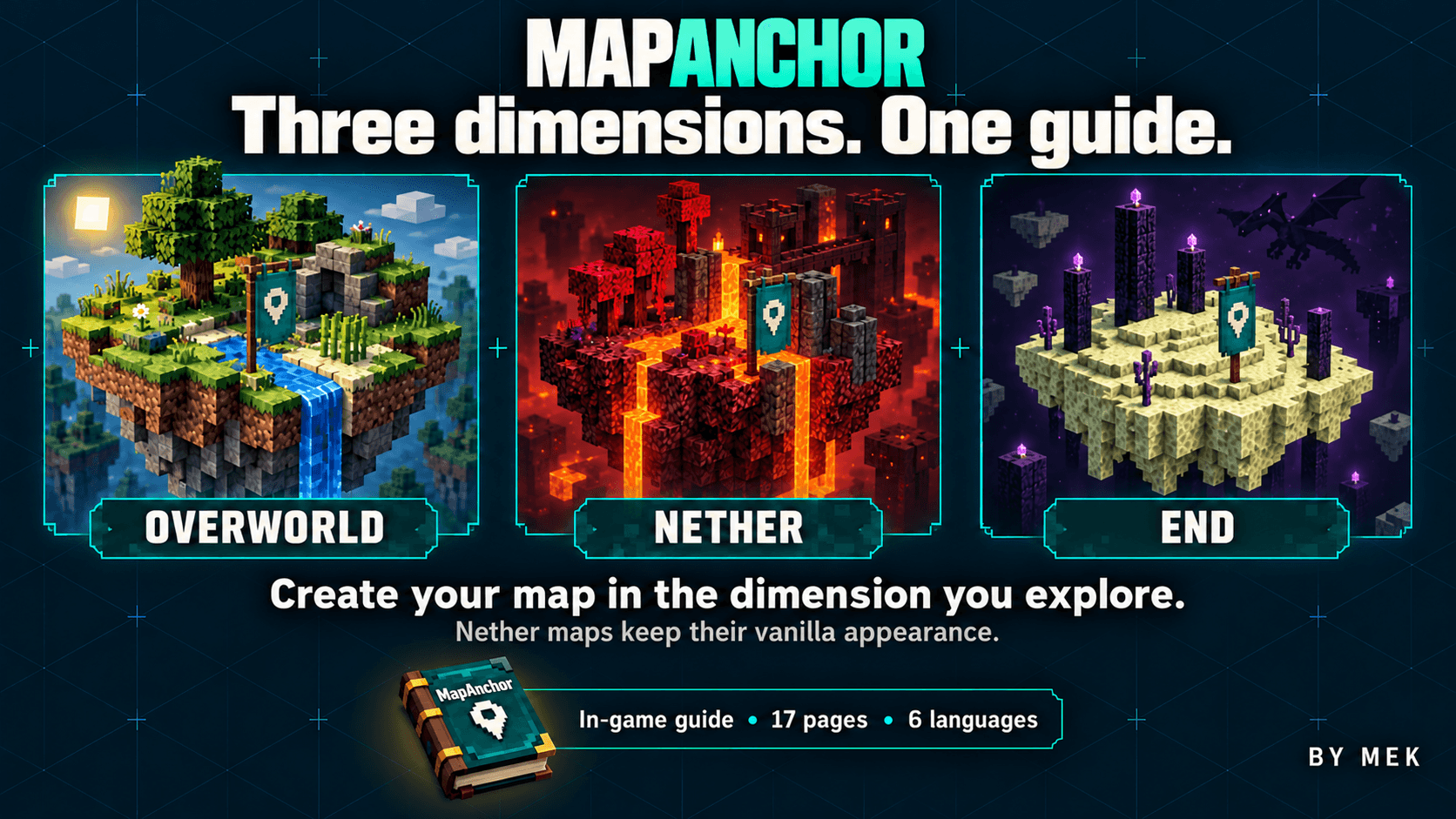
Overworld, Nether and End
Create your map in the dimension where you want to use it. Navigation to registered banners works in the Overworld, Nether and End.
The Nether's vanilla map does not show useful terrain, but MapAnchor can still guide you using the destination's coordinates.
A guide in your language
On your first join with the mod active, you receive the MapAnchor instruction book, including banner sharing and dimension guidance. The book, menus and HUD follow your selected Minecraft language: English, Italian, French, German, Spanish or Russian. The book also updates when you change language. The book is delivered once per player per world, including existing worlds. If your inventory is full, free a slot and wait. Lost books are not automatically replaced.
Manual Install and play or use CurseForge App
- Minecraft Java Edition 26.3 and Java 25.
- Fabric Loader 0.19.5 or a later version compatible with Minecraft 26.3.
- Fabric API 0.162.0+26.3, installed separately.
Close Minecraft, place `mapanchor-1.0.jar` and Fabric API in your Fabric instance's `mods` folder, then launch Fabric. Keep only one MapAnchor version installed.
Singleplayer is ready after that installation. For multiplayer, use the same MapAnchor version on the Fabric server and participating clients. Navigation data is unavailable on a vanilla server or a server without MapAnchor.
Mod Menu is optional but compatible.
By Mek