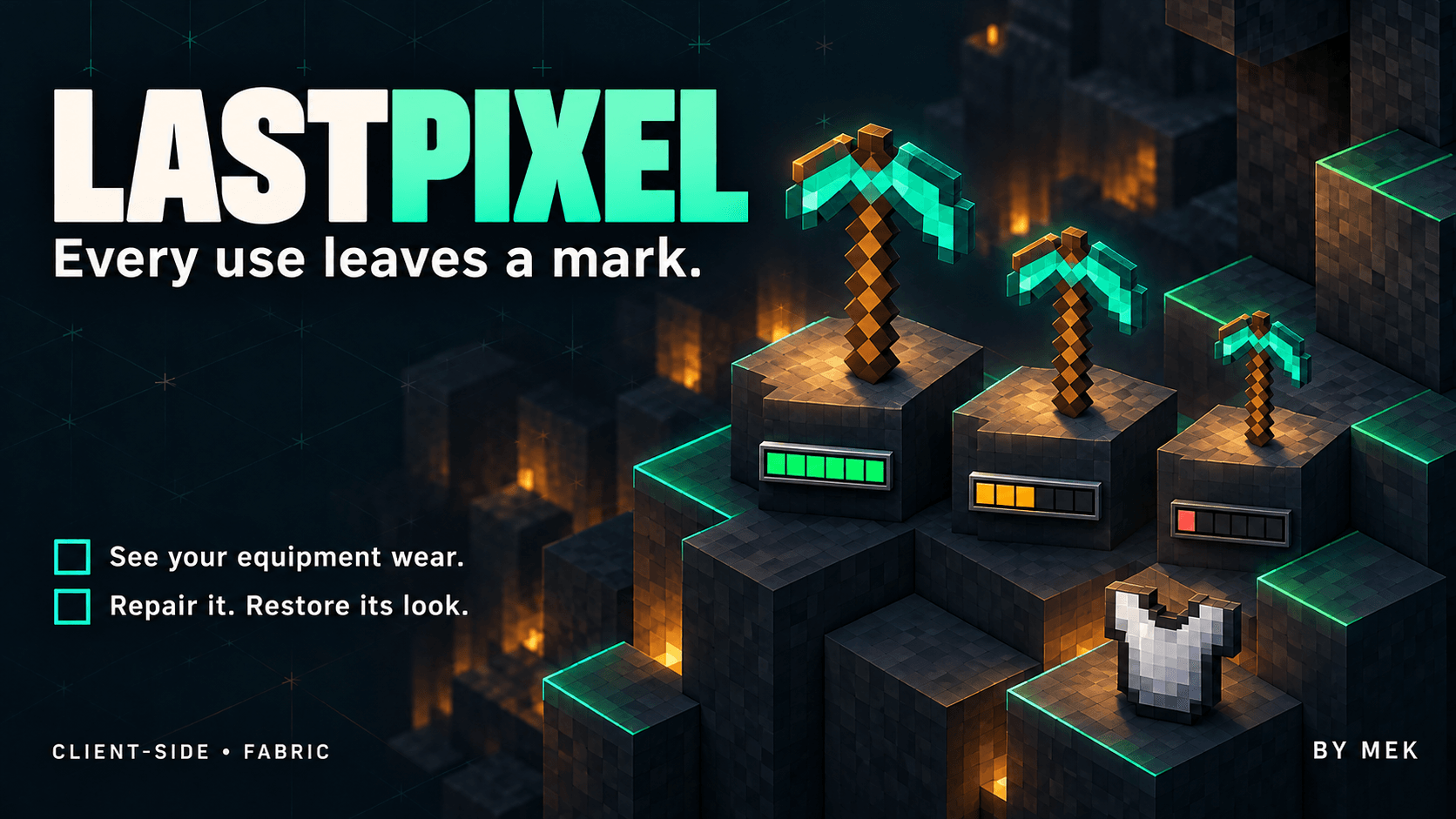
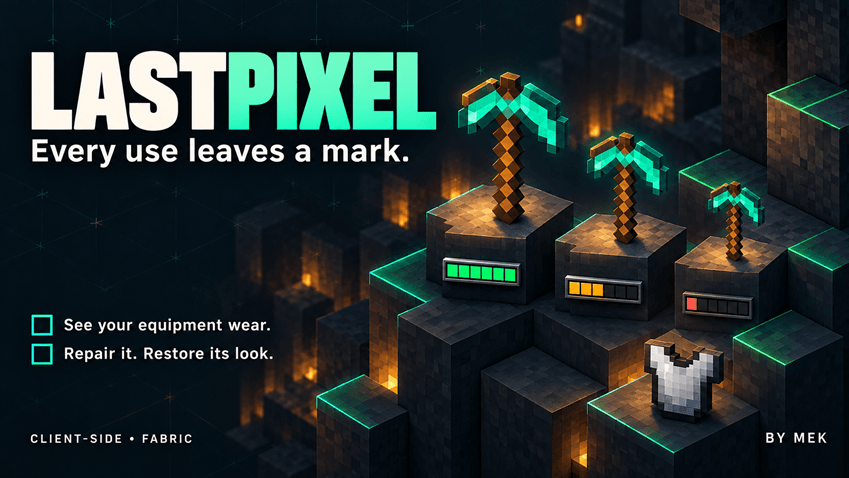
 Every use leaves a mark.
Your equipment tells the story.
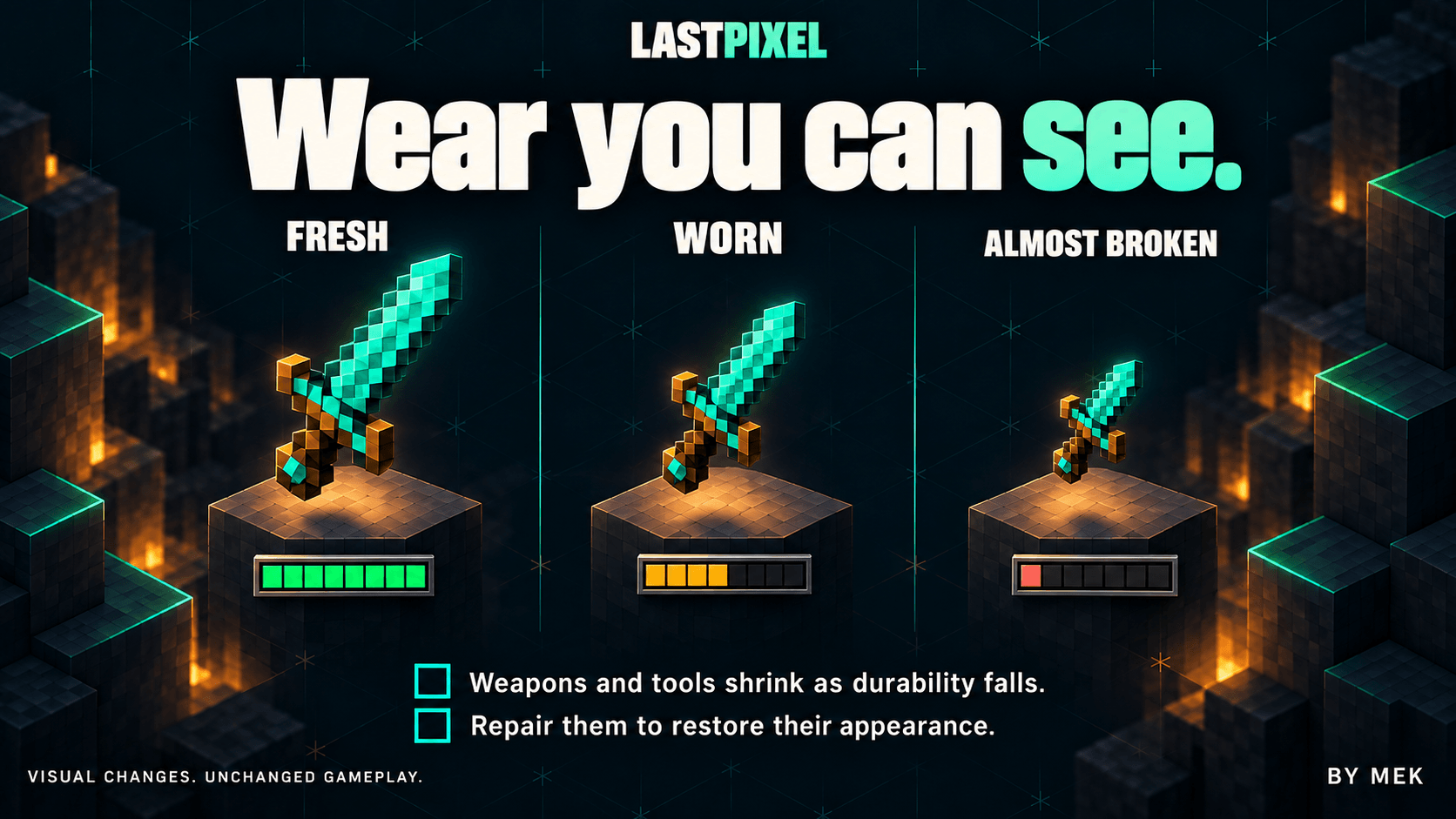
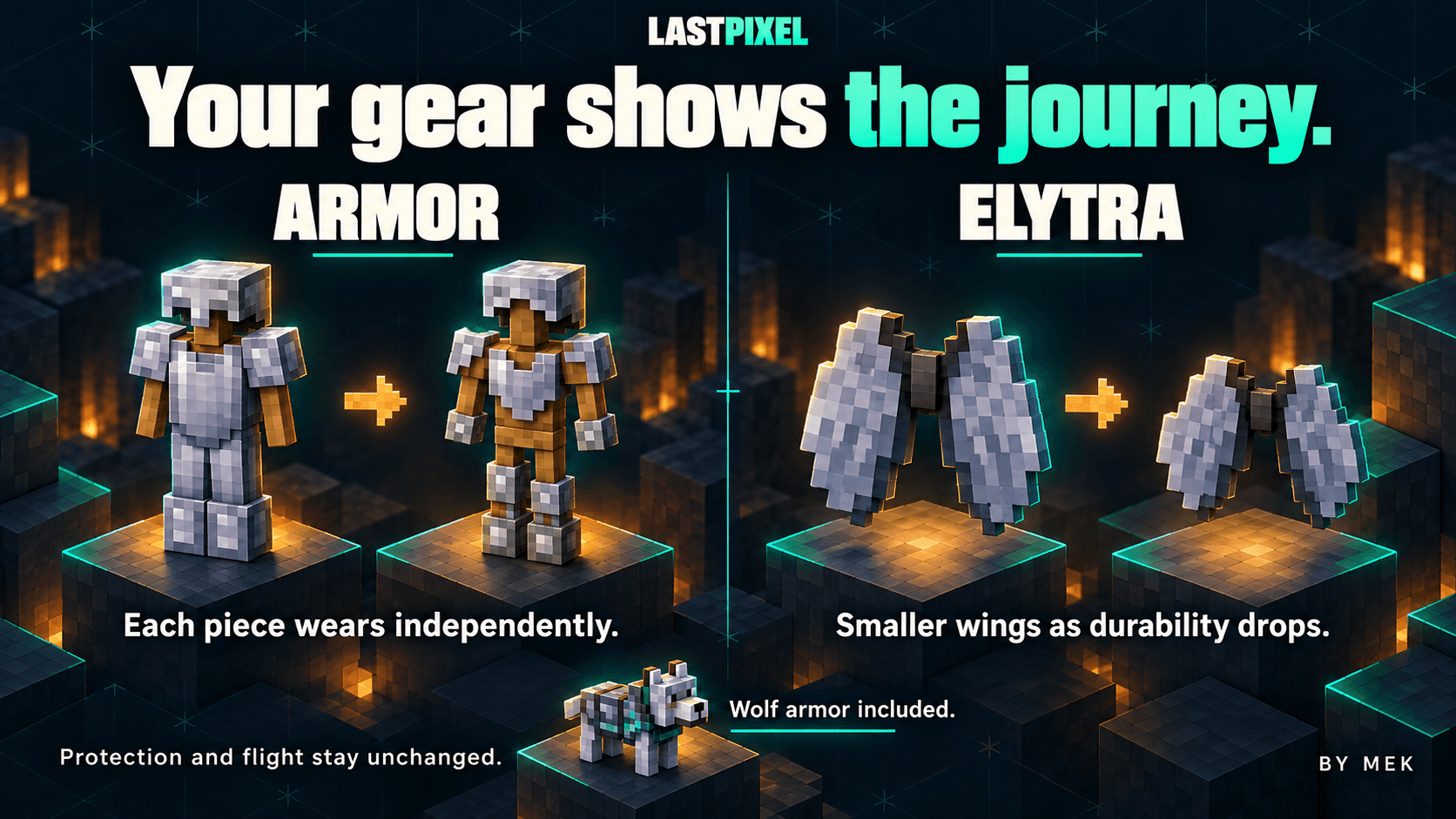
LastPixel makes equipment wear visible. Weapons and tools become smaller as their durability falls. Worn armor gradually exposes more of the character underneath, while damaged elytra have smaller wings. Repair an item, including with Mending, and its appearance recovers with its durability.
The effect is purely visual. Damage, protection, reach, collisions, enchantments, flight and breaking rules stay unchanged. Your character's skin and body proportions stay intact.
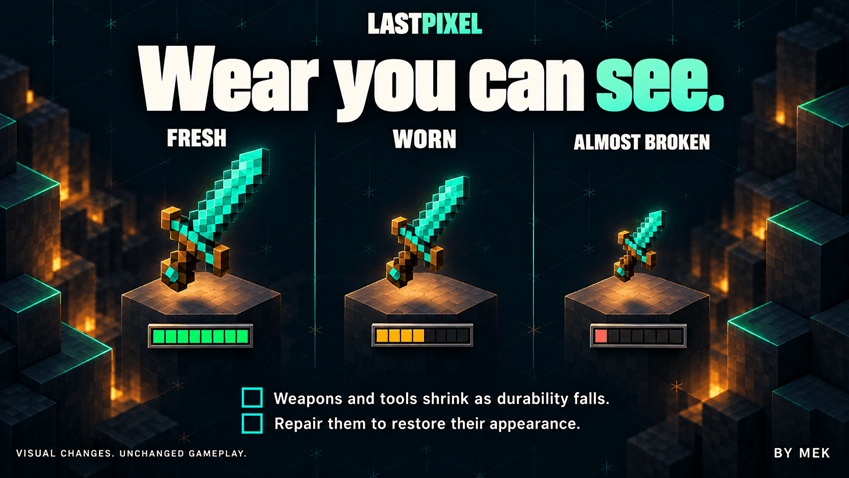
VISIBLE WEAR, FAMILIAR GAMEPLAY
Weapons and tools respond to their actual remaining durability.
- Each worn armor piece loses coverage independently. Leather colors, armor trims and enchantment glint follow the visible surfaces.
- Includes damageable wolf armor and elytra.
- See the effect in first and third person, in either hand, on the inventory character preview and on dropped items.
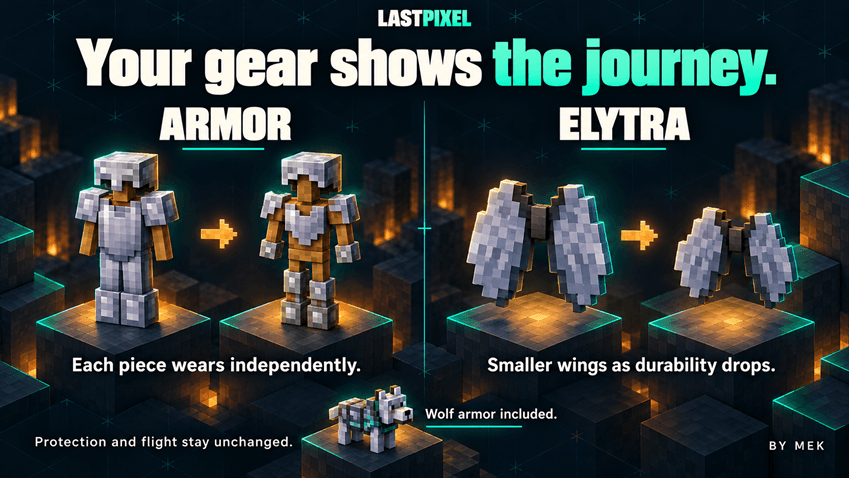
Show wear on other players and entities when the necessary equipment data is available.
Repairing equipment restores its appearance. Unbreakable items and items without durability keep their normal appearance. Inventory and hotbar icons keep their usual size by default, with an optional setting to shrink interface icons too.
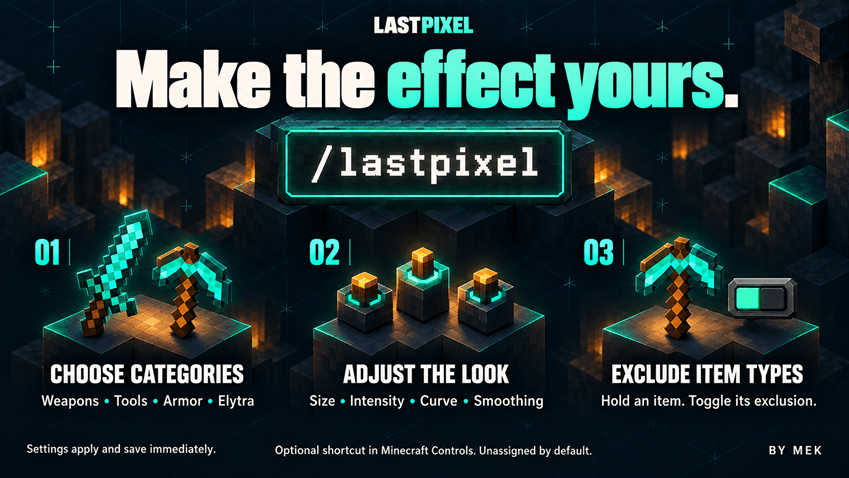
MAKE THE EFFECT YOURS
Open chat in a world and enter:
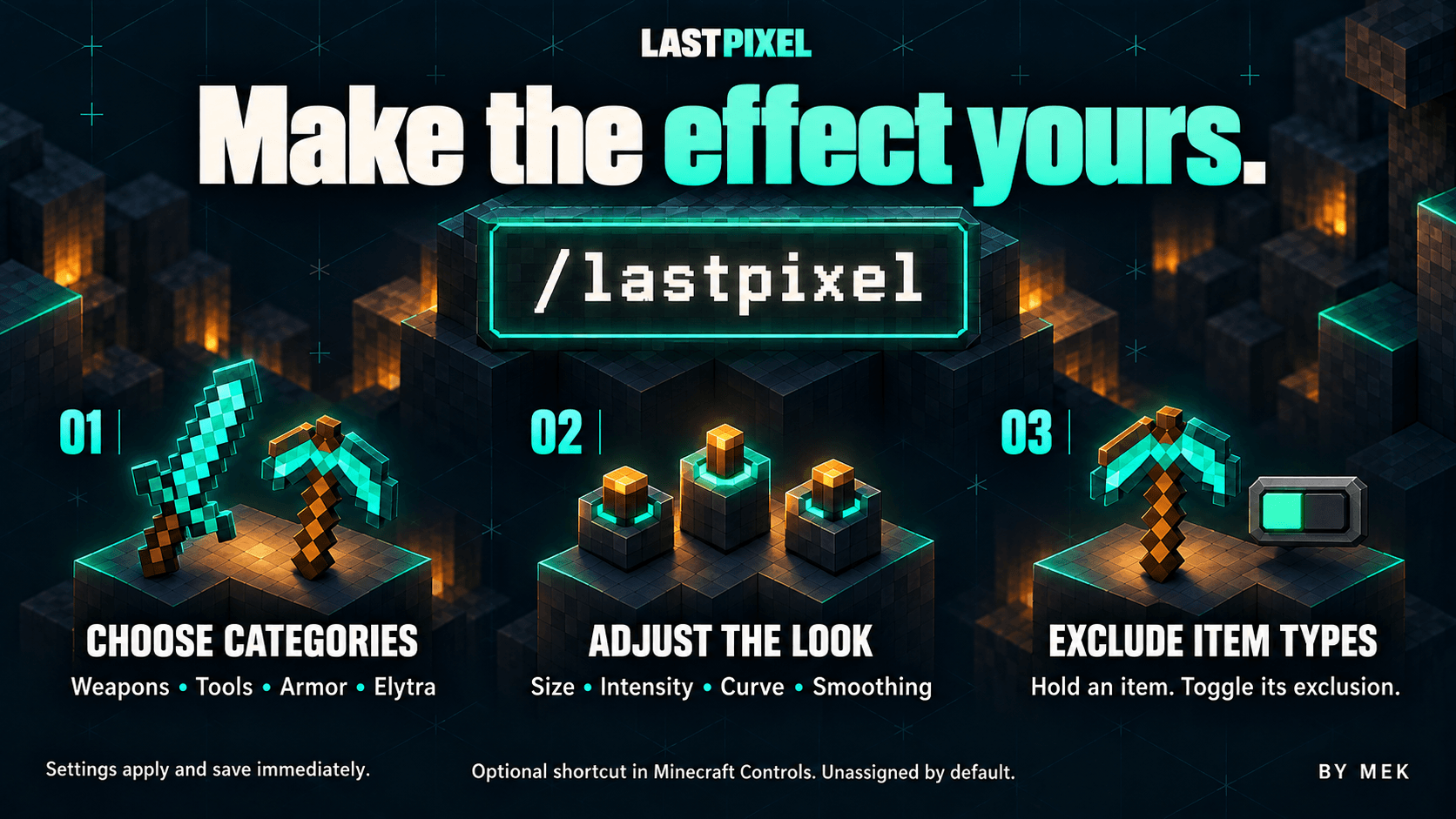
/lastpixel
Enable or disable weapons, tools, armor and elytra separately. Adjust minimum size, intensity, curve and transition smoothing. Choose whether the effect appears on other players, other entities, dropped items and interface icons.
Axes follow the Tools setting; shields follow Weapons.
Want one item type to keep its normal appearance? Hold it in your main hand and select "Toggle held exclusion". The choice applies to every item with that identifier, not just the one you are holding.
Changes apply and save immediately. The settings screen does not pause the game. You can also assign a shortcut under Minecraft's Controls settings: look for "Last Pixel settings". No shortcut is assigned by default.
For manual configuration, edit config/lastpixel.json in your game directory, then enter /lastpixel reload.
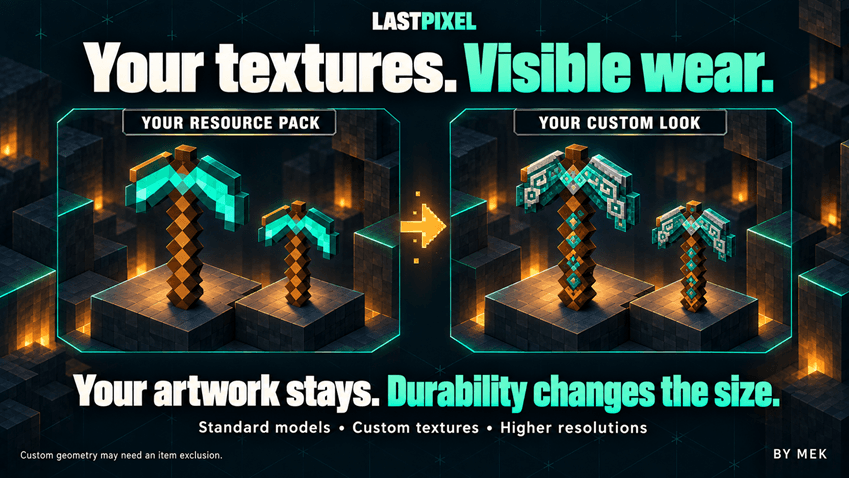
YOUR TEXTURES. VISIBLE WEAR
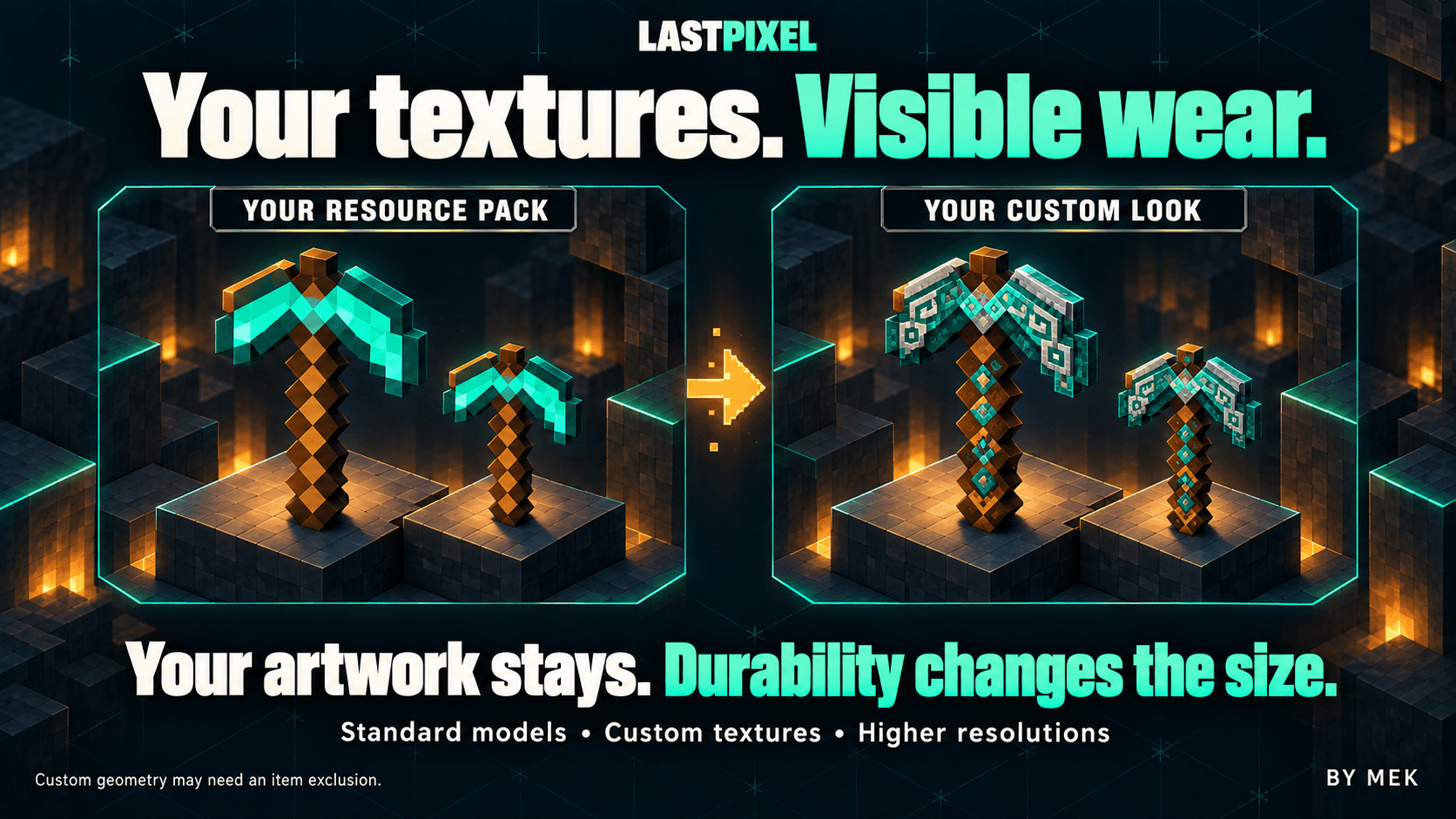
Use your resource packs as usual. LastPixel uses the currently loaded equipment textures, including higher-resolution replacements on standard models. Colors, transparent regions and equipment layers remain part of the look.
Packs that move an item's drawn handle or replace its geometry may need an exclusion. Unsupported custom rendering paths retain the normal appearance. Compatibility with every model, renderer or shader is not guaranteed.
SIX LANGUAGES, AUTOMATICALLY
The interface follows the language selected in Minecraft, with translations for English, Italian, French, German, Spanish and Russian. There is no separate language selector to configure.
MANUAL INSTALL OR USE CURSEFORGE APP
Install it on your client. It works in singleplayer and on vanilla servers. Each player who wants to see the effect needs the mod locally; it does not change what an unmodded client sees.
Use the following versions:
- Minecraft Java Edition 26.3
- Fabric Loader 0.19.5
- Fabric API 0.162.0+26.3
- Java 25
Fabric Loader and Fabric API are separate requirements.
1.Close Minecraft and install Fabric Loader for Minecraft 26.3.
2. Open the game directory used by that Fabric profile, then open its mods folder.
3. Add Fabric API for Minecraft 26.3 and lastpixel-1.0.2-mc26.3-fabric.jar.
4. Keep only one LastPixel JAR in that folder.
5. Launch the Fabric profile and enter a world.

By Mek