UltraTerraForged
- By
Realistic, configurable terrain: continents, winding rivers, coasts, caves and sea floors. An unofficial, AI-assisted continuation of TerraForged and ReTerraForged.
2026-09-30_20.36.25.webp
2026-09-30_20.42.26.webp
2026-09-30_20.47.52.webp
2026-09-30_20.46.17.webp
2026-09-30_20.39.26.webp
Description
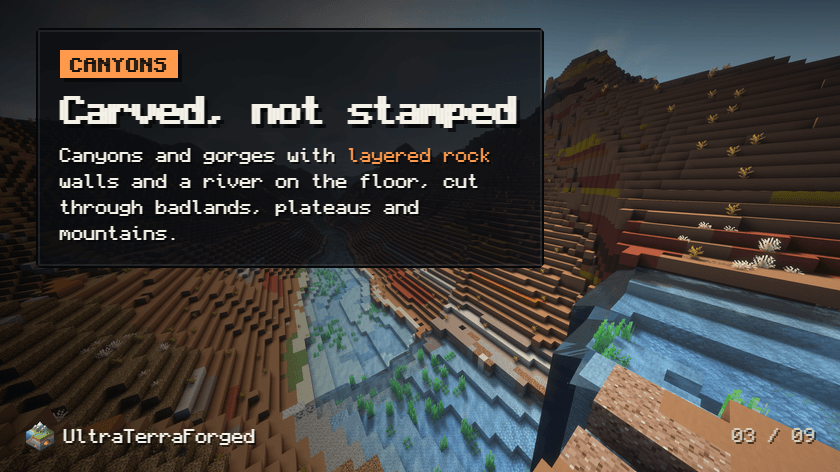
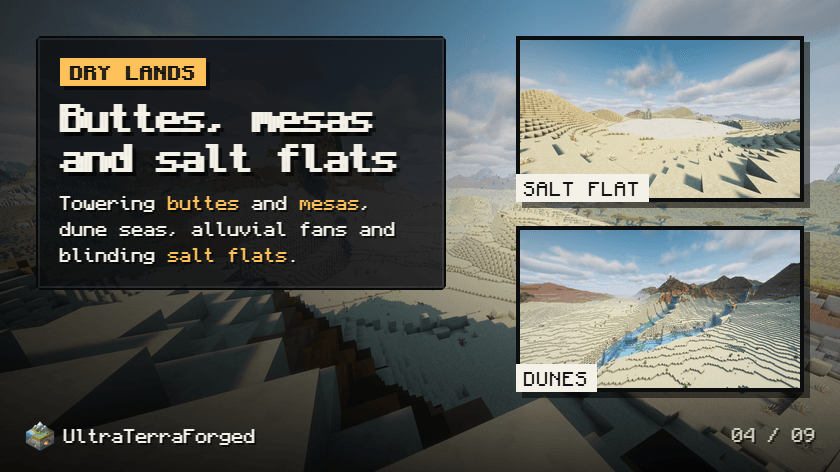
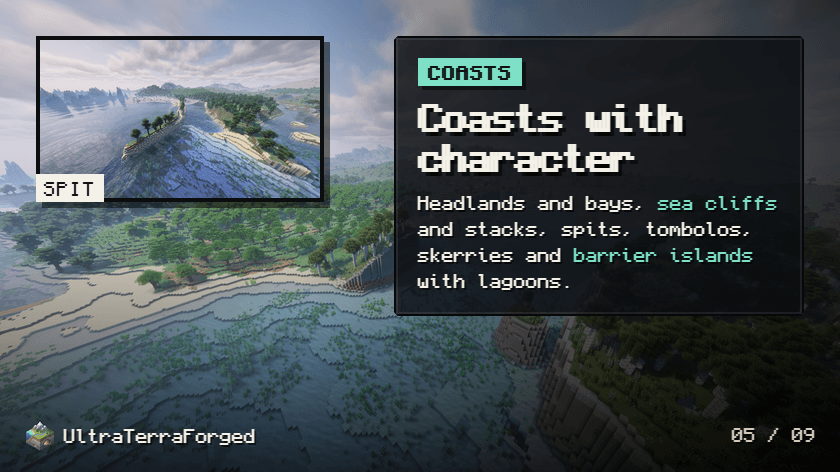
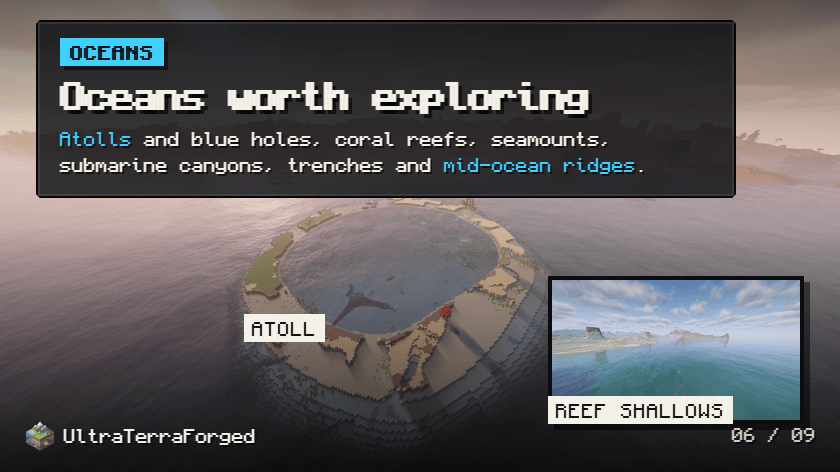
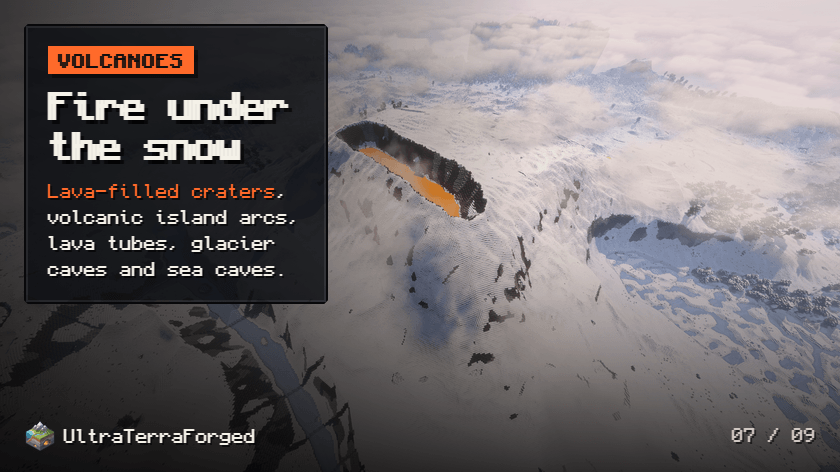
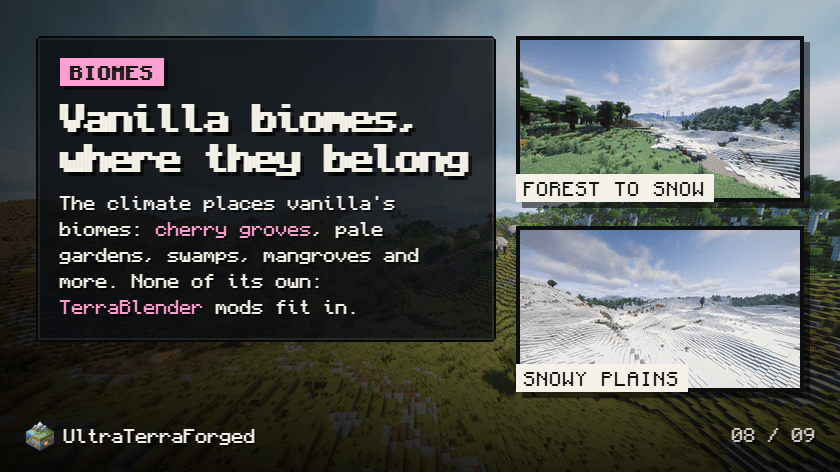
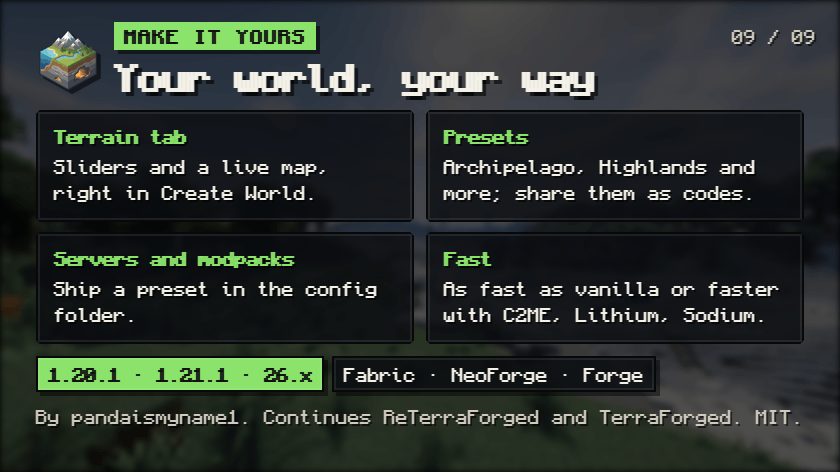
UltraTerraForged is a new project that continues the old one. It is an unofficial port of TerraForged (by dags and Won-Ton) and its continuation ReTerraForged (by raccoonman, Steveplays28 and EdoEquin0x). It is not made or endorsed by their authors, so please report UltraTerraForged problems here, not to them.
UltraTerraForged is developed with the help of AI, so it can move fast and keep up with the latest Minecraft releases.
Realistic, configurable terrain for Minecraft: continents and mountain ranges, rivers that follow the land, coasts, caves and sea floors worth exploring, all set up from a Terrain tab when you create a world. It only shapes the world: it adds no biomes, and works alongside the mods that do.
- Minecraft 1.20.1 on Fabric (with Fabric API), Forge 47.1+ and NeoForge 47.1. Next: 1.21.1 and the 26.x releases (Fabric and NeoForge).
- Has its own mod id,
ultraterraforged: it isn't compatible with worlds made with TerraForged or ReTerraForged, and can be installed next to ReTerraForged. The first start copiesconfig/reterraforgedtoconfig/ultraterraforged, keeping saved presets and modpack setups. - Source, changelog and issues: github.com/Pandaismyname1/ultraterraforged
Why a continuation
ReTerraForged was left partway through: its 1.20.1 branch no longer compiled, and the newest work, for 1.20.2, was unfinished (plateau-only terrain, rivers generated before the terrain they cut, and cave and structure settings removed). The mod did nothing until a preset was applied, and its settings were hidden behind a Customize button. UltraTerraForged picks it up to:
- make it work, polished, on 1.20.1 for Fabric, Forge and NeoForge, with settings anyone can find;
- take the terrain much further, with landforms, coasts, oceans and caves the original never had;
- keep it fast, and measured;
- then carry it to current Minecraft versions (1.21.1 and the 26.x releases, on Fabric and NeoForge).
What's new
Creating a world
- Terrain tab in Create World: pick a preset, adjust the main settings with sliders, and watch a live map of the result (biomes, terrain types, heights). UltraTerraForged is the default world type (configurable).
- Full editor a click away: every setting, with search, per-page reset, a marker on what differs from the preset you started from, and translated names.
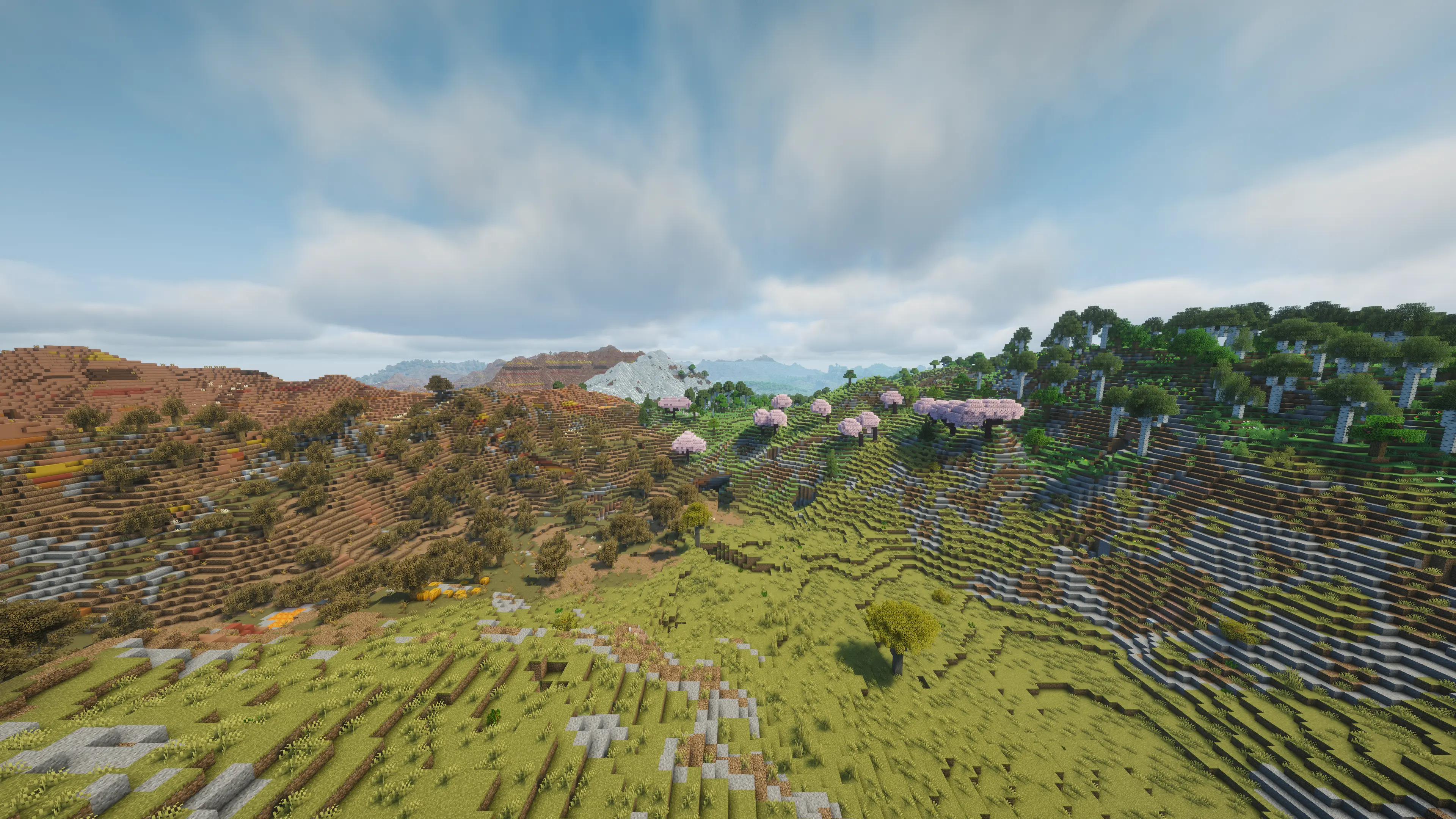
- Presets: a set of distinct built-in worlds (Default, Archipelago, Supercontinent, Highlands, Prairie, Badlands, Frozen North, Tropics, Volcanic Isles, Waterlands, Patchwork) plus the original TerraForged presets. Save your own, or share one as a short code to copy and paste.
- Dedicated servers create UltraTerraForged worlds from a preset file (see below).
Landforms
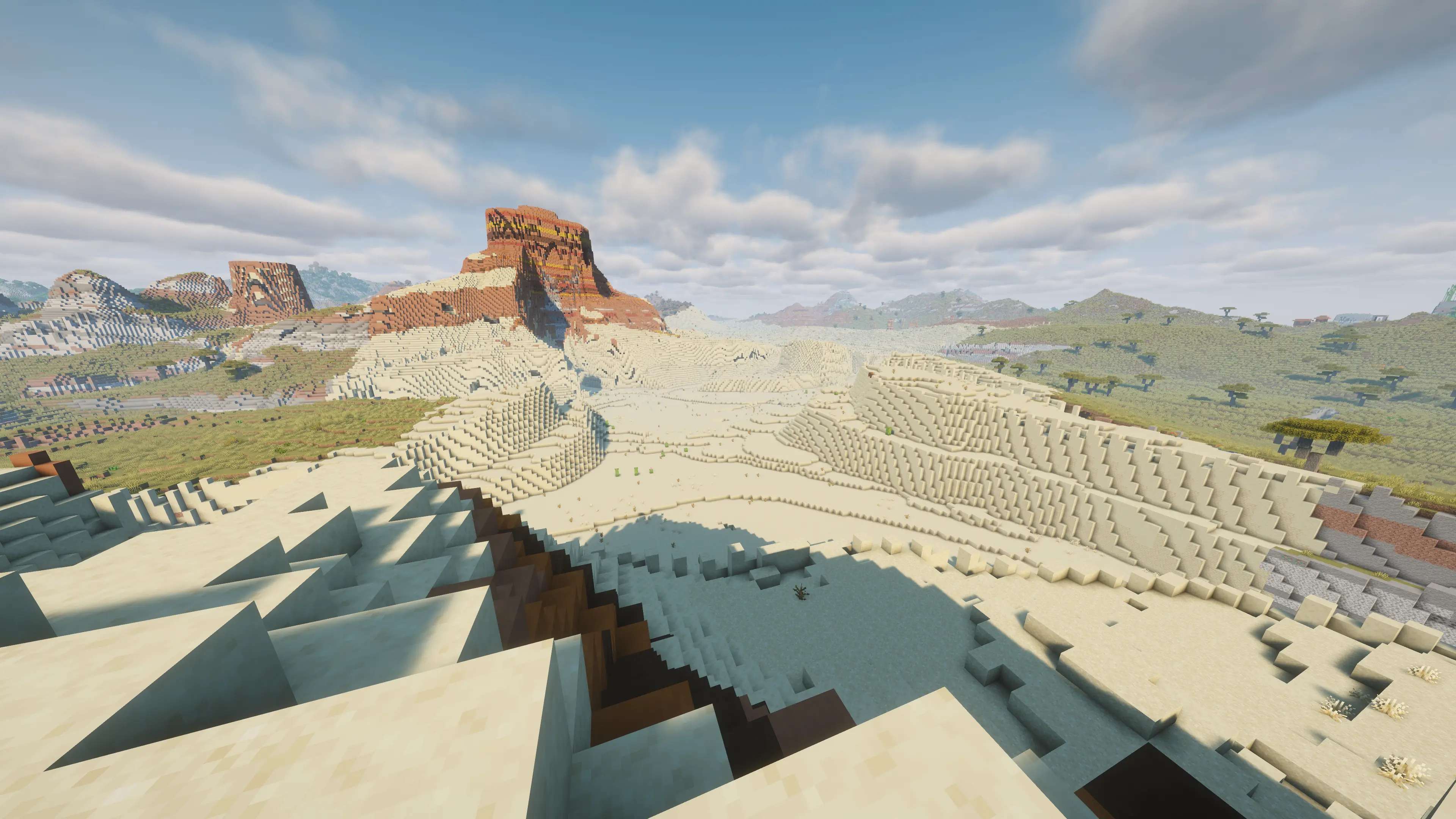
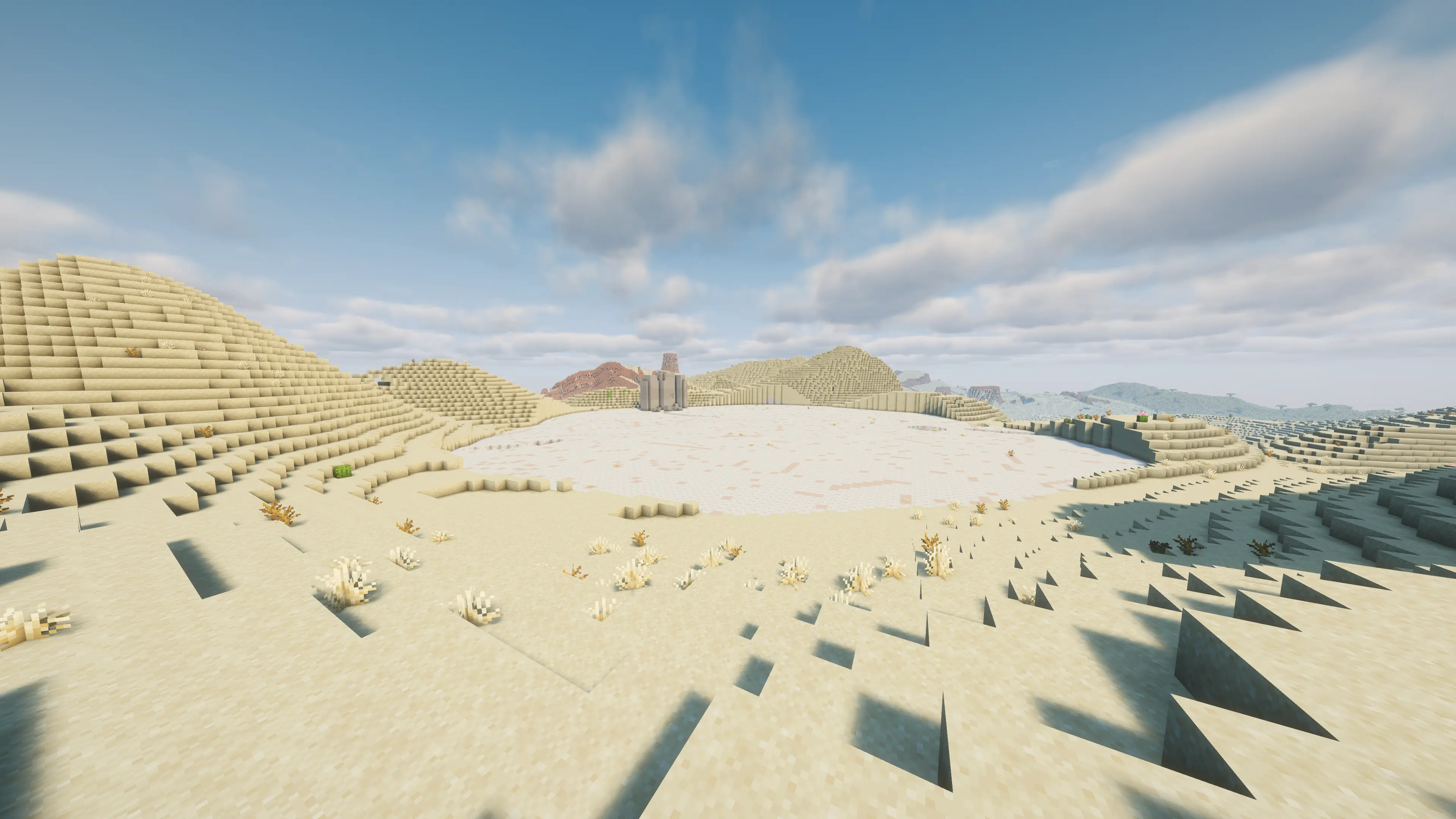
Buttes and mesas, canyons, sea cliffs and sea stacks, volcanic surfaces, fjords, atolls, dunes, tors, salt flats, alluvial fans, glacial valleys and cirques, moraines and drumlins, barrier islands with lagoons, karst with sinkholes and cenotes, and river deltas. Each can be switched off or tuned.
Rivers
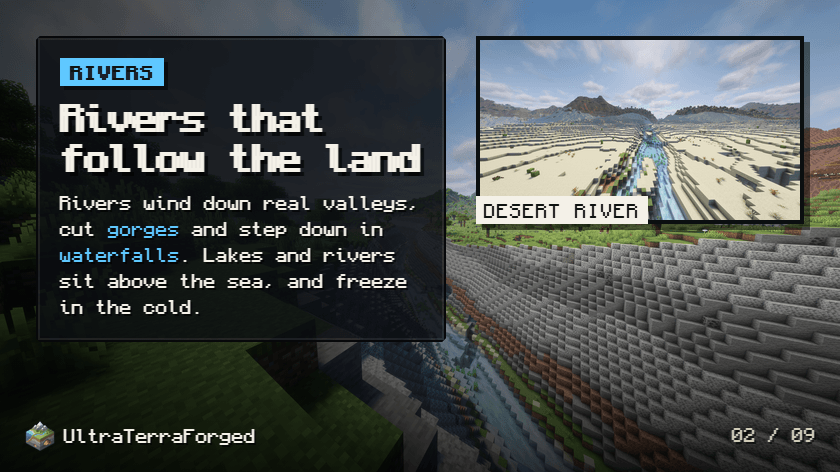
- Rivers wind through the land instead of cutting straight across it.
- Rivers and lakes can sit above sea level, stepping down in waterfalls; in cold places the falls freeze.
- River beds and banks suit their setting: gravel and cobbles in the mountains, sand and mud in the lowlands.
- Gorges where rivers cut through high ground.
Coasts
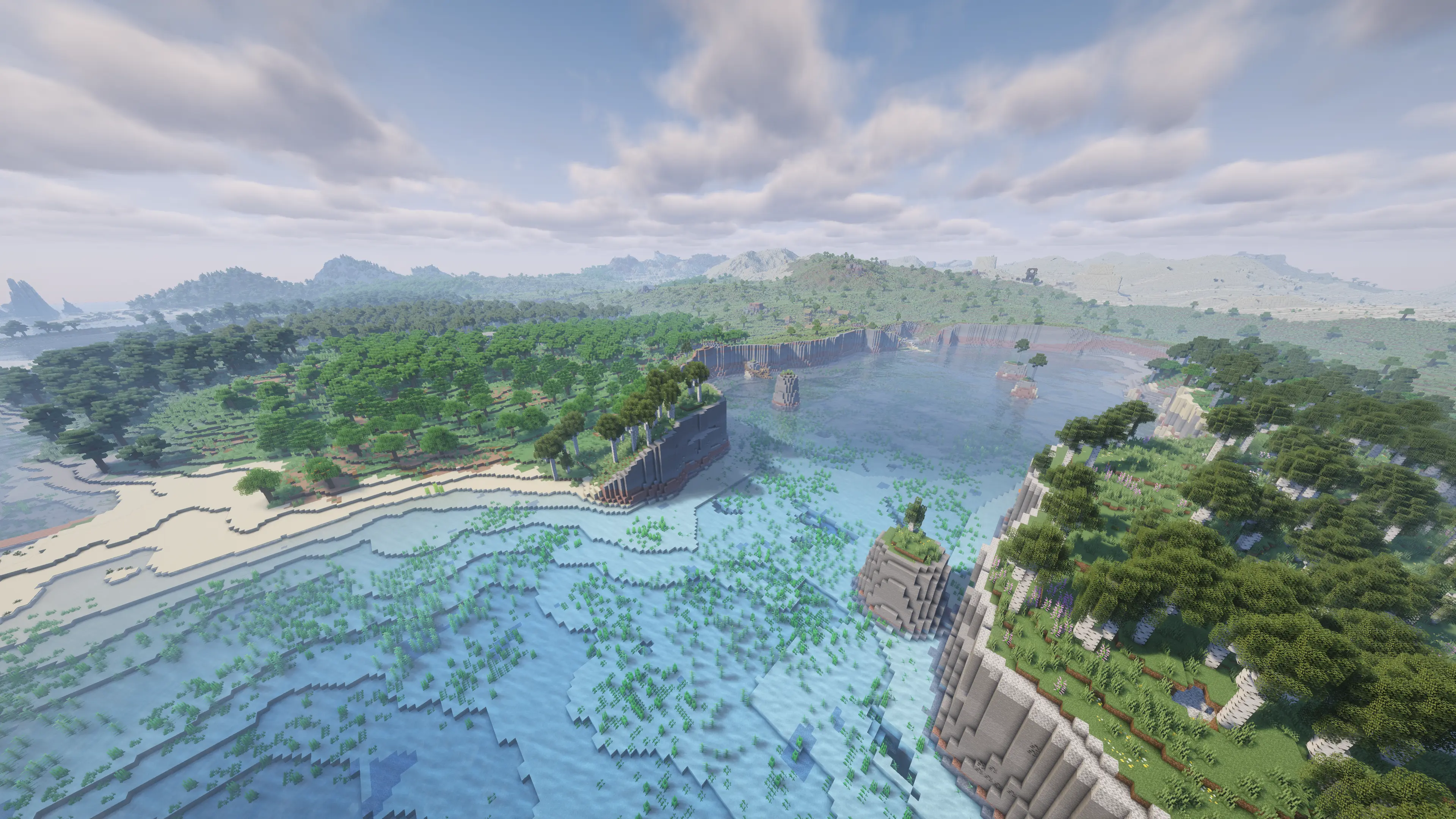
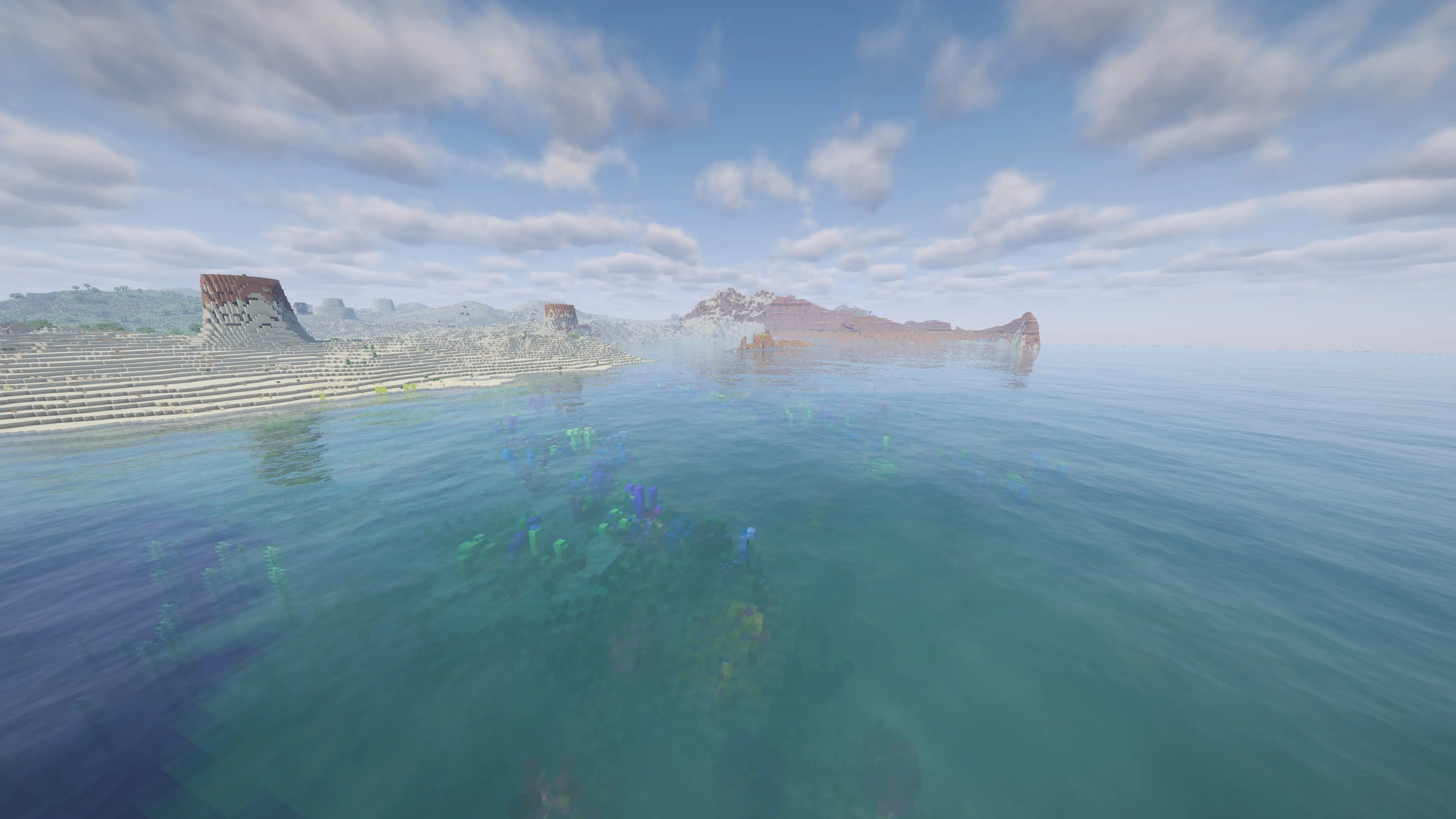
Peninsulas, headlands and bays, coastal islands tied to the shore by tombolos, sand spits, skerries, chains of volcanic islands, and islands in rivers and lakes. Beaches and biomes follow the reshaped coastline.
Oceans
Continental shelves ending in a drop-off, submarine canyons, deep trenches, seamounts and flat-topped guyots, mid-ocean ridges with hydrothermal vents, blue holes, coral reefs near the surface, rippled sand waves, whale falls, and a sea floor of sand, gravel and clay instead of bare rock.
Caves
Caves shaped by the land above them, without changing any biome: underground rivers, springs on hillsides, karst caves, lava tubes below volcanoes, sea caves and arches in cliff coasts, caves along the rock layers, giant caverns with underground lakes, rock shelters under cliffs, and ice caves under glaciers. Cave mouths open in slopes and cliffs rather than in flat fields.
Surface
- The snow line follows the sun: lower on north-facing slopes.
- Rock layers built from the stone of vanilla and any installed mod that tags its rocks, varying by region.
Finding things
/utf locate <terrain> finds the nearest landform, coast or sea-floor feature and puts you on its surface, e.g. /utf locate cirque, /utf locate blue_hole.
Performance
- The Terrain tab recommends performance mods and shows which of them are installed: C2ME, Noisium(ed), Lithium (Radium or Canary on Forge), ModernFix, AllTheLeaks and Sodium (Embeddium on Forge). On Forge, C2ME also runs through Sinytra Connector. With them, UltraTerraForged generates new land as fast as vanilla, or faster.
- Rock shelters no longer recompute the terrain for every block around a chunk (up to a third faster chunk generation in badlands and plateaus).
Fixes over ReTerraForged
Rivers generated before the terrain (no rivers at all), cave and structure settings missing, terrain presets losing their scales, /rtf locate (now /utf locate) sending players to random places, bare rock over every sea floor, crashes when generating chunks and when placing some trees, and a startup crash on Forge next to mods that bundle MixinExtras (ModernFix, Noisium, AllTheLeaks and many more).
Dedicated servers
Set level-type=ultraterraforged:ultraterraforged in server.properties before the world is created. The first start writes the default preset to config/ultraterraforged/server-preset.json; edit it, or ship your own, to choose the server's terrain.
For modpack authors
A modpack can choose the terrain its players start with, without taking away their ability to change it: save a preset from the Terrain tab, put it in config/ultraterraforged/modpack-presets/, and pick it as the default in config/ultraterraforged/modpack.json. Players can still switch presets, edit every setting and save their own. Details are in the README.
Compatibility
- Biome mods (TerraBlender-based ones included) place their biomes into UltraTerraForged's terrain.
- World Preview shows UltraTerraForged worlds.
- Rock mods join the rock layers automatically when they tag their stone as vanilla does.
Credits and contributors
UltraTerraForged stands on years of other people's work:
- TerraForged, by dags and Won-Ton (with a contribution from codehz), created the terrain engine: continents, climate, terrain regions, rivers and erosion. The heart of the world generation is still theirs.
- ReTerraForged, by raccoonman, with Steveplays28 and EdoEquin0x (and contributions from Nicolas Bourgois and meteorshower2004), brought TerraForged to Minecraft 1.19 and later, rebuilt on the vanilla noise router, with presets as datapacks.
- UltraTerraForged is maintained by pandaismyname1. Its repository is a fork of ReTerraForged, so the full history of both projects, and everyone's commits, are kept in it.
All three are MIT licensed, and the original copyright notices are kept. If you enjoy this mod, the credit for the ideas it's built on belongs to them.
The original TerraForged description
Kept as it was. Its installation steps and FAQ describe the original mod: for UltraTerraForged, see above.
About:
TerraForged is a world generation mod for Minecraft (Java Edition) that creates more immersive, inspiring worlds to explore. It overhauls the vanilla generation system with all new terrain, better rivers, custom biome features and tonnes of configuration options to boot!
Discord:
Installation:
1) Install forge for the target version of Minecraft (ie 1.15.2) 2) Add the TerraForged mod jar to your profile's mods folder 3) Select the 'TerraForged' world-type when creating a new world
FAQ:
1) "Will this work with other mods' biomes?"
Yes, it should do. When you select 'TerraForged' as the world type, it will look for all available overworld biomes (vanilla & modded) and incorporate them into world-gen as best as possible.
2) "How can I use this on my server?"
You need to be running a Forge server. Simply add the TerraForged mod jar to your server's mods folder and set level-type=terraforged in your server.properties file (do this before starting the server)
3) "Will this be ported to Fabric/Bukkit/Spigot/Sponge or old Minecraft versions?"
No. Other modders are welcome to do so though
Info For Mod Authors
- Biomes - if you'd like TerraForged to use your custom biomes in world-gen please see this information
- Blocks - if you'd like your custom blocks to show up in TerraForged's strata layers please see this information
The UltraTerraForged Team


Owner


![[Let's Do Addon] EMI Compat project image](https://media.forgecdn.net/avatars/thumbnails/1039/983/256/256/638565756572468180.png)