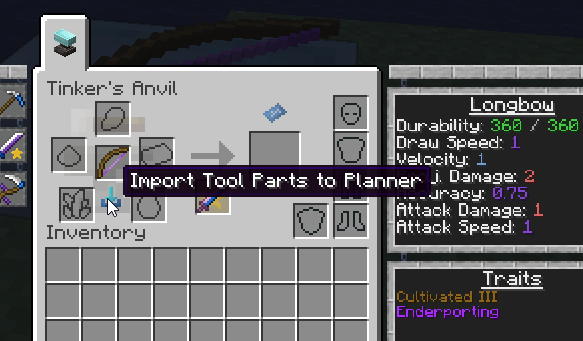
If you have an existing tool, you can import it into the planner to play around with it.
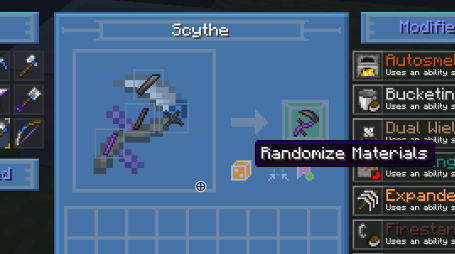
The randomizer feature allows you to generate tools with random part materials.
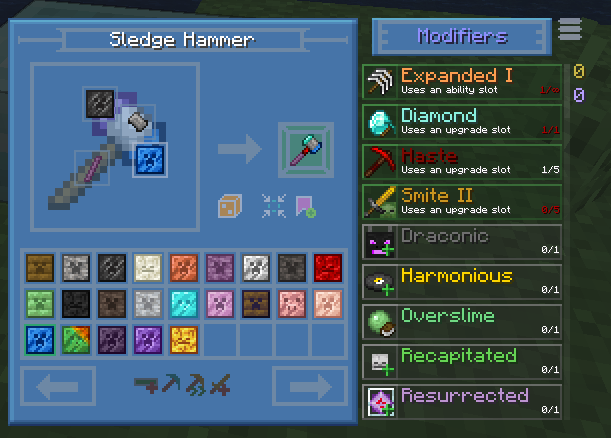
You can add and remove modifiers, with the restrictions on modifiers being the same as if you were making the tool for real.
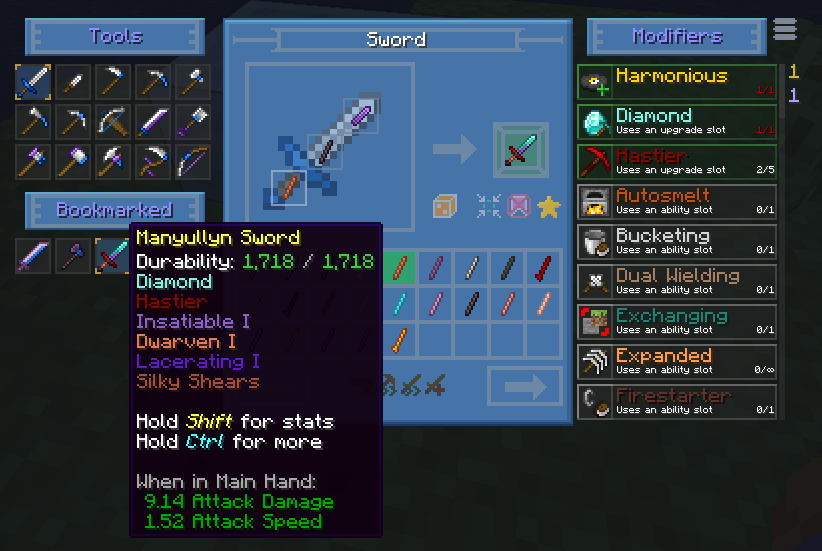
Bookmarking tools that you've created allows you to reference them and bring them up again later.
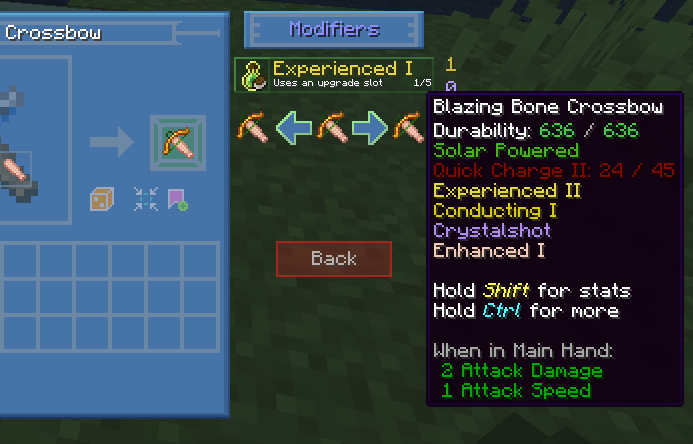
You can preview what the tool would be like before adding or removing a modifier, as well as upgrading or downgrading a modifier level.
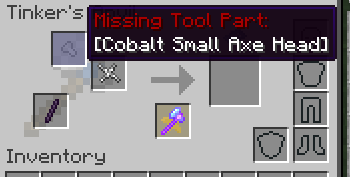
An example - the Binding and Tool Handle are automatically moved from inventory, into the slots. The Small Axe Head is missing as indicated.
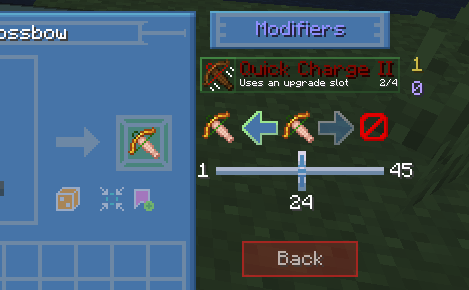
For modifiers that can have a variable amount added, such as Haste, there's a slider so you can customize as exactly as you'd like.
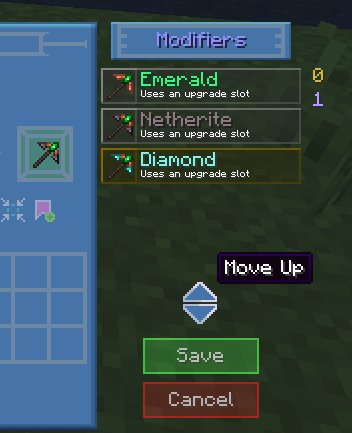
The order modifiers are added to the tool can be changed (hamburger menu in top right). Useful when dealing with modifiers with prerequisites.
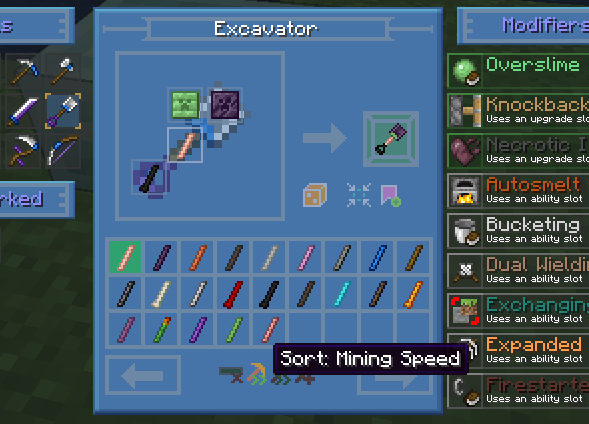
Sorting allows you to easily compare the stats of different tool part materials.
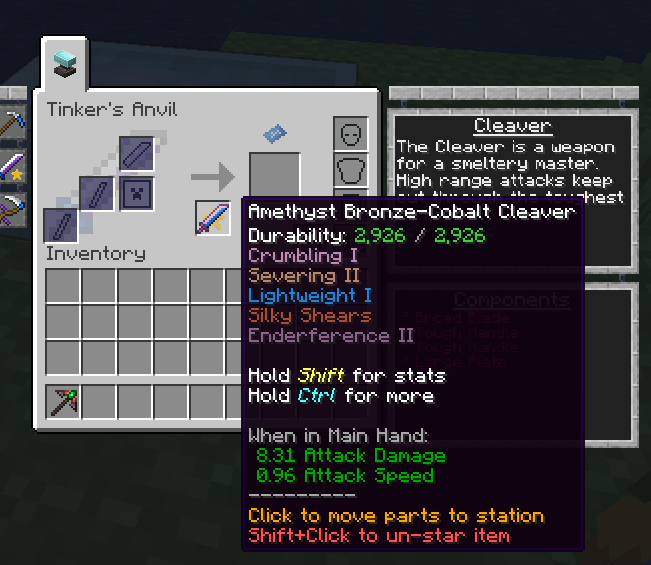
Starring a bookmarked tool blueprint makes it show up in the main Tinkers UI. Clicking on the tool will try to automatically place any matching tool parts in your inventory into the correct slots, as well as let you know what is missing or incorrect.
Description
Tinker's Planner is an addon to Tinkers' Construct that allows you to easily preview the stats of TiCon tools with any tool parts. This mod is entirely client-side!
 This mod adds a blueprint icon to the Tinker Station and Tinker's Anvil and clicking this icon will open the Planner UI.

From here, you can draft out tools and view their stats.
You can bookmark tools you've "created" to reference later, as well as sort tool part lists by certain attributes (such as mining speed or durability). You can even generate random tool combinations for fun! When you're ready to create your final tool, you can "star" a bookmarked tool to pin it to the Tinker Station or Tinker's Anvil UI. From there, clicking on that tool's icon will try to automatically place the tool parts needed into the correct slots, if you have them in your inventory. It will also let you know what tool parts are missing or incorrect for completing the craft.
This mod is also available on Modrinth!
This mod adds a blueprint icon to the Tinker Station and Tinker's Anvil and clicking this icon will open the Planner UI.
From here, you can draft out tools and view their stats.
You can bookmark tools you've "created" to reference later, as well as sort tool part lists by certain attributes (such as mining speed or durability). You can even generate random tool combinations for fun! When you're ready to create your final tool, you can "star" a bookmarked tool to pin it to the Tinker Station or Tinker's Anvil UI. From there, clicking on that tool's icon will try to automatically place the tool parts needed into the correct slots, if you have them in your inventory. It will also let you know what tool parts are missing or incorrect for completing the craft.
This mod is also available on Modrinth!
Tinker's Planner Team

Owner