The Shooting Star [Demo]
- By
A random TV remote you found lying around. It probably does nothing... right?

Description
The Shooting Star (© ARR)
Please only report bugs related to our official mods. We cannot provide support or help fix issues caused by third-party mods or unofficial add-ons.
SS-01 · Railgun
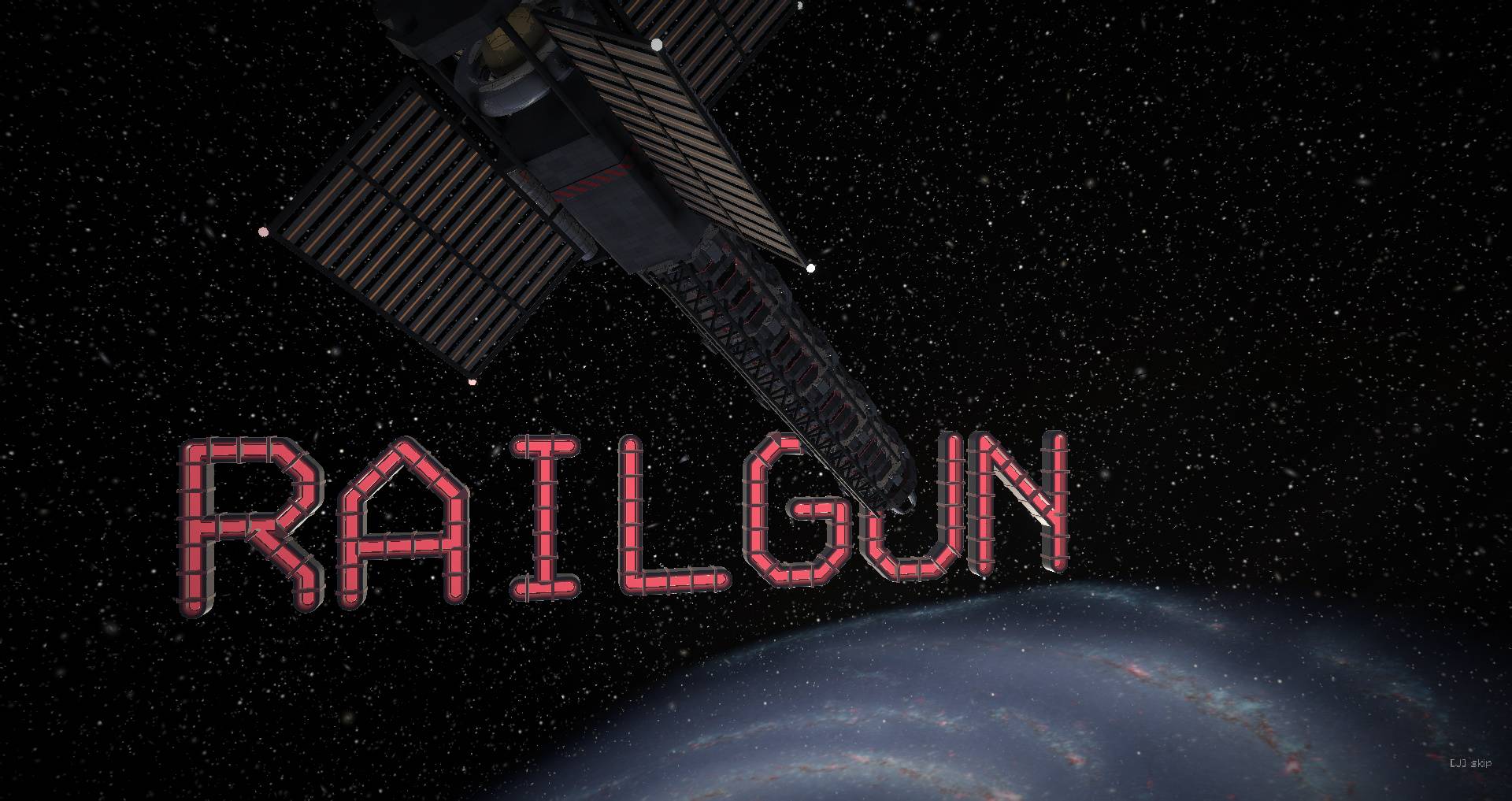
Flip the cover and hit the button. A red laser from orbit marks the ground at your crosshair. The camera shoots up the beam, racing past Earth, Saturn, and the edge of the Milky Way to a massive railgun waiting in deep space. Once it charges and fires, you ride the shot all the way back down. It punches a 200-block-radius cylinder straight through the world from build limit to the void, erasing everything inside. You can tweak the radius from 10 to 1,500 blocks and adjust the damage in the skill menu. Standing in the blast zone kills you in Survival, though Creative mode lets the beam pass right through you.
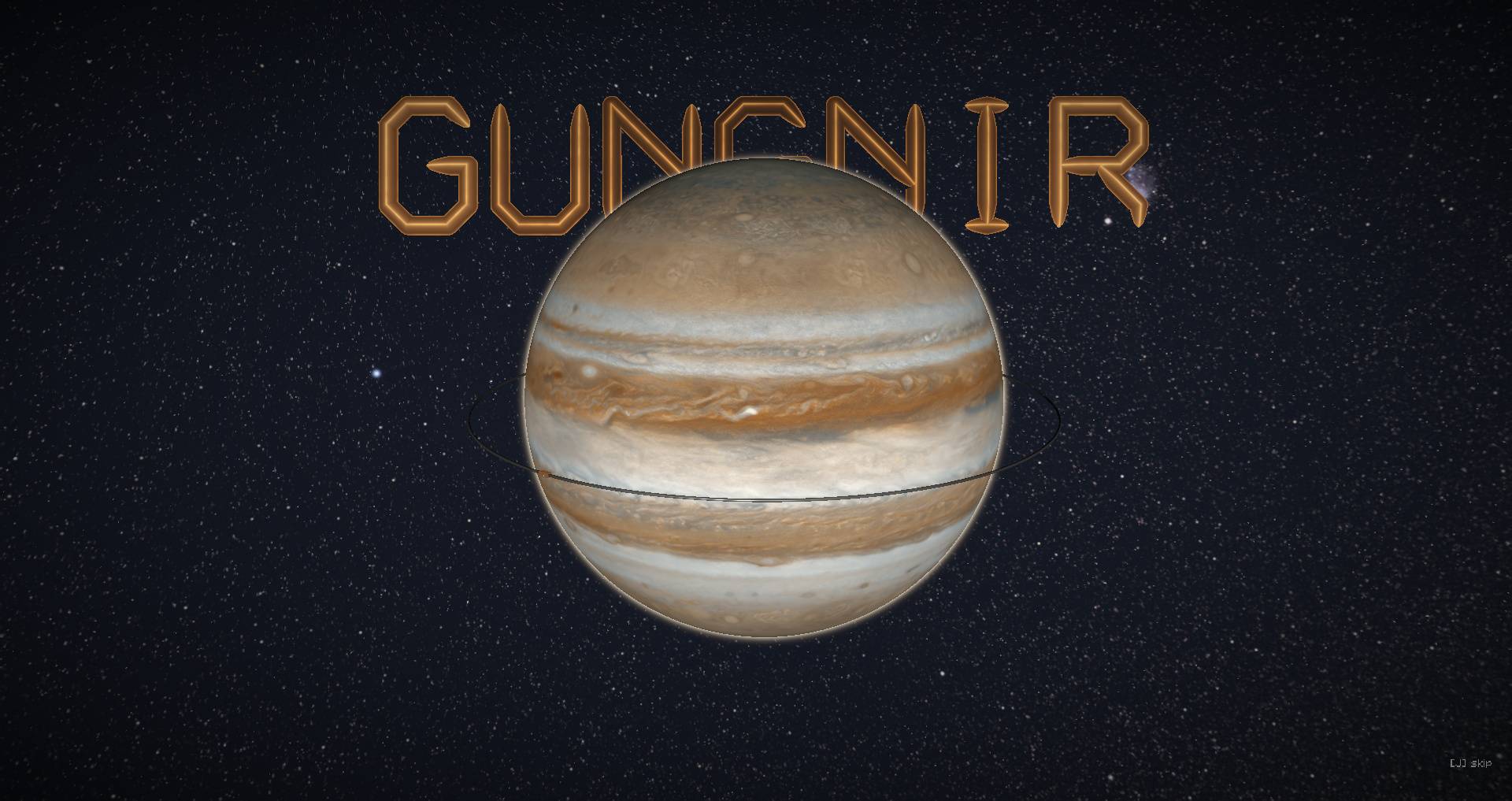
SS-03 · Gungnir
An ember target locks onto your crosshair. Out near Jupiter, a kilometer-long black needle loads into an accelerator ring, spins through seven laps, and launches toward Earth. Because it drops out of the sky faster than sound, the impact is dead silent. A shockwave carves a stepped crater 400 blocks wide down to molten bedrock before the sonic boom even catches up. Default power sits at 4x, scaling from 0.1x to 20x on the slider. The strike vaporizes everything inside the crater including Survival players while the outer shockwave blasts back anything nearby. Afterward, the needle remains embedded from bedrock to the build limit; you'll need a netherite pickaxe to mine it out.
SS-04 · Seven Stars
The Big Dipper projects onto the terrain across 1,440 blocks, centering Megrez (where the handle meets the bowl) on your crosshair. Power defaults to 4x and scales between 0.1x and 10x. Deep in Ursa Major, the seven stars flare up as a stellar array and open fire. Shooting stars slam down one after another, each carving a crater proportional to its star's brightness and leaving a glowing star-core crystal behind. Fiery trenches then ignite along the constellation lines until the entire Big Dipper is branded into the landscape. Anything caught in a crater or trench is wiped out. Survival players in the path are killed instantly, while Creative mode spares the blocks directly beneath your feet.
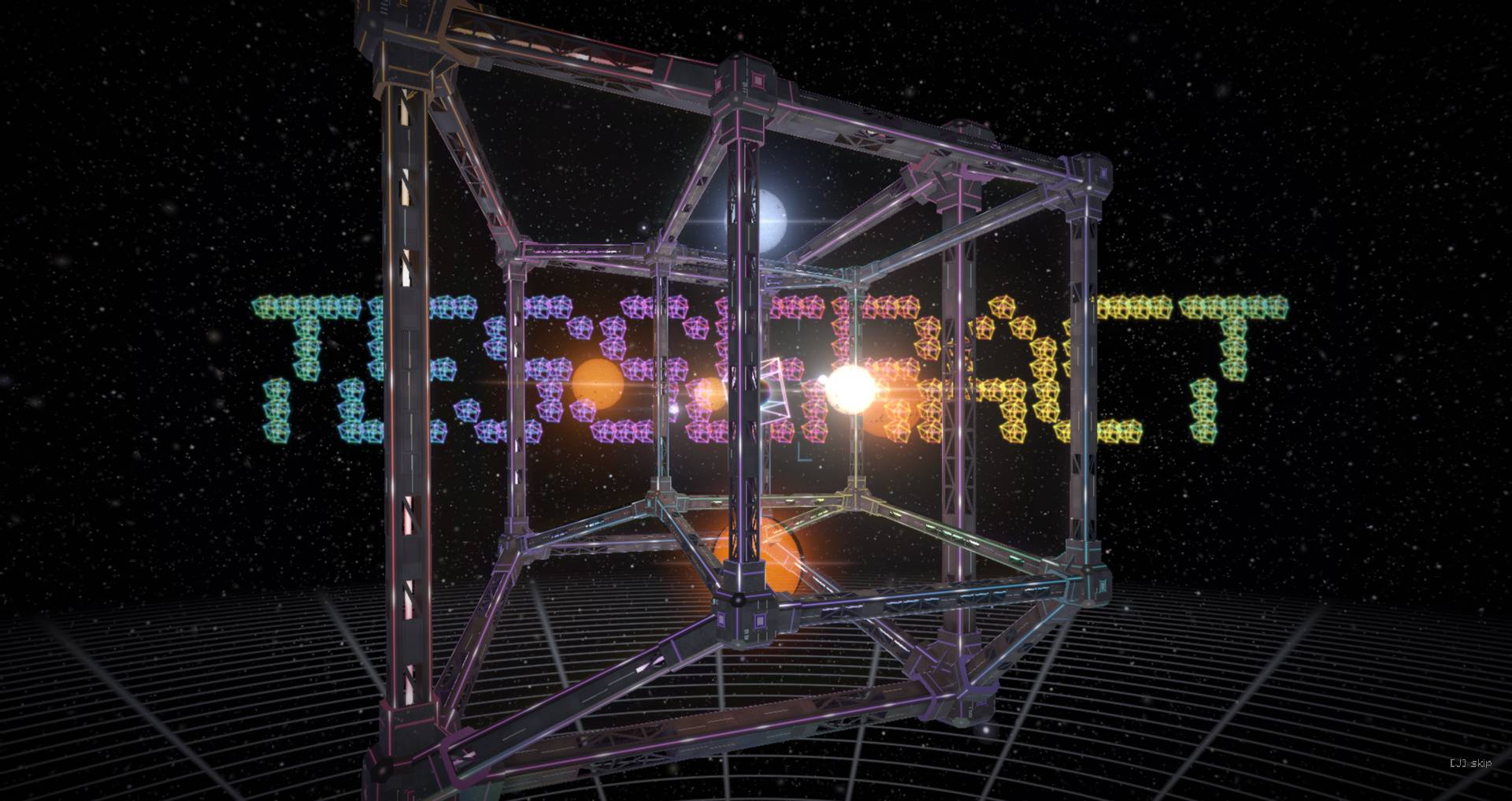
SS-05 · Tesseract
A seven-color prismatic grid paints a 640-block square over your crosshair, dividing the ground into 64 cells (adjustable from 0.05x to 10x). Above you, a wormhole opens up and drops a hypercube machine out of the fourth dimension. Cracks race along the grid lines as it lands. In four waves, every cell is ripped out a full cube deep taking rock, ore, and caves with it and hauled high into the air at tilted angles. Below, the pit drops away in rainbow-lit tiers with a wireframe tesseract suspended over the center. Survival players caught inside the square are killed; Creative players simply drop into the pit.
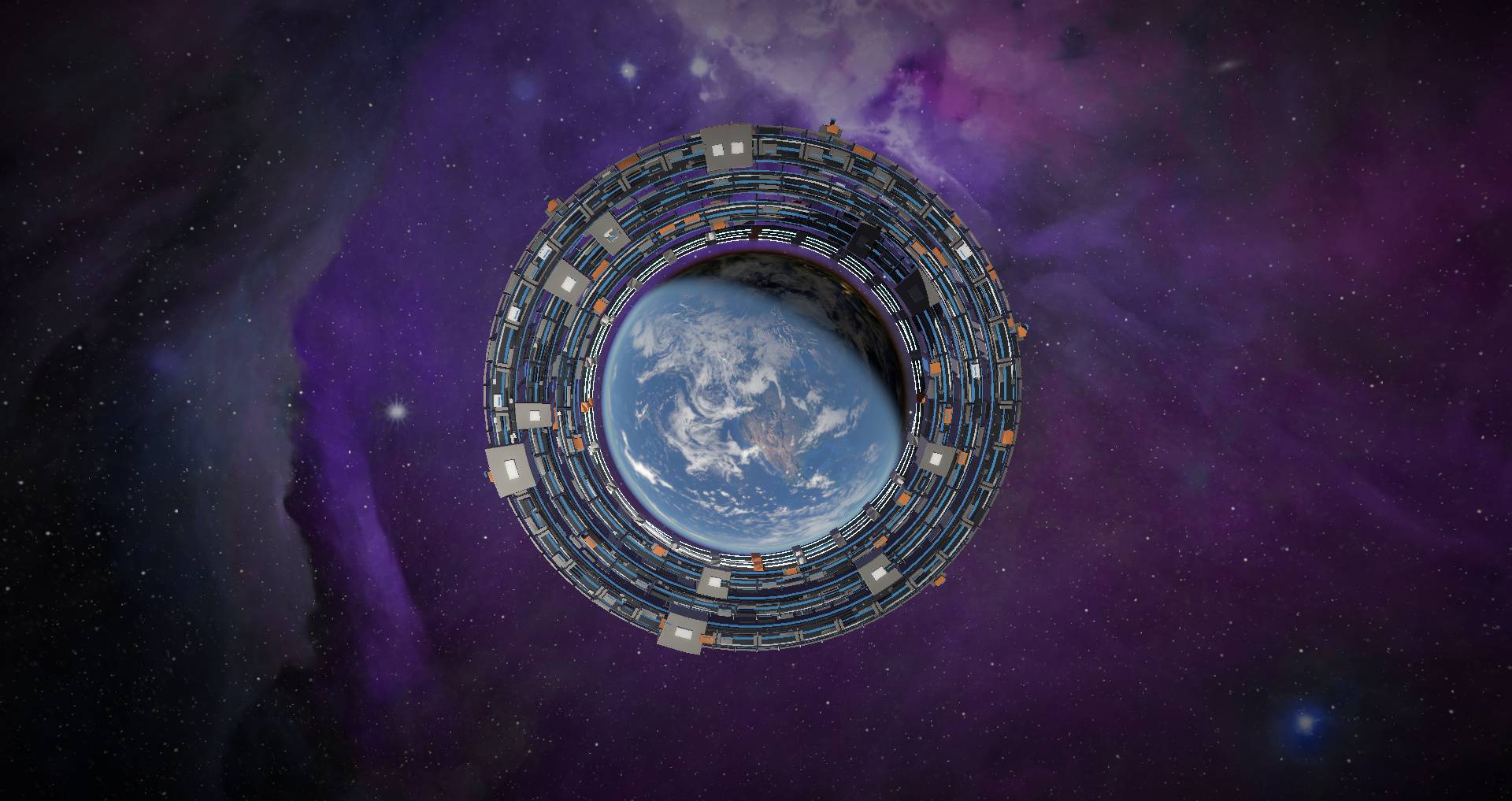
SS-06 · Gravitia
Flip the cover and press the button. The camera pulls far back into orbit as a massive ring structure assembles itself around the planet. When it fires, space warps outward and the Earth shatters. Your entire world along with everyone and everything in it is permanently deleted and replaced with an imaginary space under a blue galactic sky. When you respawn in the imaginary space, you'll float in Creative or fall endlessly in Survival. Because of what it does, SS-06 has no keybind or sliders; you have to select it manually from the skill menu and confirm a warning prompt.
How to use
1) Grab the Stellar Remote from The Shooting Star (Demo) creative tab (or the Combat tab). To craft it, run a spyglass, redstone block, and eye of ender down the center column, flanked by three netherite blocks on either side. Looking through a spyglass unlocks the recipe in your book.
2) Press K for SS-01, I for SS-03, U for SS-04, or Y for SS-05 (SS-06 is menu-only). You can also press H to open the skill menu, which turns the screen white and floats the options around you. Left-click a skill with your crosshair to equip it, or right-click to view details and rebind its key.
3) Every skill in the menu has three sliders: Power (blast size), Damage (per hit, from 2 up to ∞ for full block erasure), and Speed (scales the animation and audio from 0.3x to 3x). Drag the sliders, click them, or hover and scroll your mouse wheel. Use the Cutscenes toggle under the item panel to turn animations on or off. If you also have Military (Demo) installed on Fabric 1.21.11, its Field Radio appears in this same menu.
4) Right-click to fire. Sneak + right-click cycles to the next skill.
5) Press J to skip an active cutscene or toggle cutscenes altogether.
Notice
- World damage is permanent: Back up any world you care about before firing.
- Photosensitivity warning: Includes full-screen flashing impact frames and intense strobing lights.
- Hardware note: The mod uses heavy post-processing shaders, so a solid GPU is recommended. First launch takes a moment to compile them.
Requirements
- Fabric: Minecraft 1.20.1, 1.21.1, 1.21.11, or 26.3 · Fabric Loader 0.15+ · Fabric API
- Forge: Minecraft 1.20.1 (Forge 47.1+) or 1.21.1 (Forge 52.1+)
- NeoForge: Minecraft 1.20.1 (NeoForge 47.1) or 1.21.1 (NeoForge 21.1)
- Rimulib 1.1.5+: Our shared core library.
- Download the single file that matches your loader (Fabric, Forge, or NeoForge).
- Java: Java 17+ for 1.20.1, Java 21 for 1.21.1 and 1.21.11, or Java 25 for 26.3.
- Multiplayer: Must be installed on both the server and every connecting client.
Credits
Space imagery, licensed CC BY 4.0:
- Earth: NASA Earth Observatory Blue Marble: Next Generation (Reto Stöckli), Black Marble 2016 (Joshua Stevens / Miguel Román), GEBCO_08 topography (Jesse Allen), Blue Marble clouds (Reto Stöckli / Robert Simmon); Moon: NASA SVS CGI Moon Kit
- Milky Way panorama: ESO/S. Brunier (eso0932a) · Milky Way illustration: NASA/JPL-Caltech/ESO/R. Hurt (eso1339g)
- Planets and Saturn's rings: Solar System Scope (INOVE)
- Orion Nebula (heic0601a): NASA, ESA, M. Robberto (STScI/ESA) and the Hubble Orion Treasury Project Team (ESA/Hubble)
All rights reserved: do not reupload or redistribute without permission. You are free to include this in modpacks.
The Shooting Star [Demo] Team

Owner