Thaumic Tracker
Keep your Thaumaturge research requirements in view while you play.
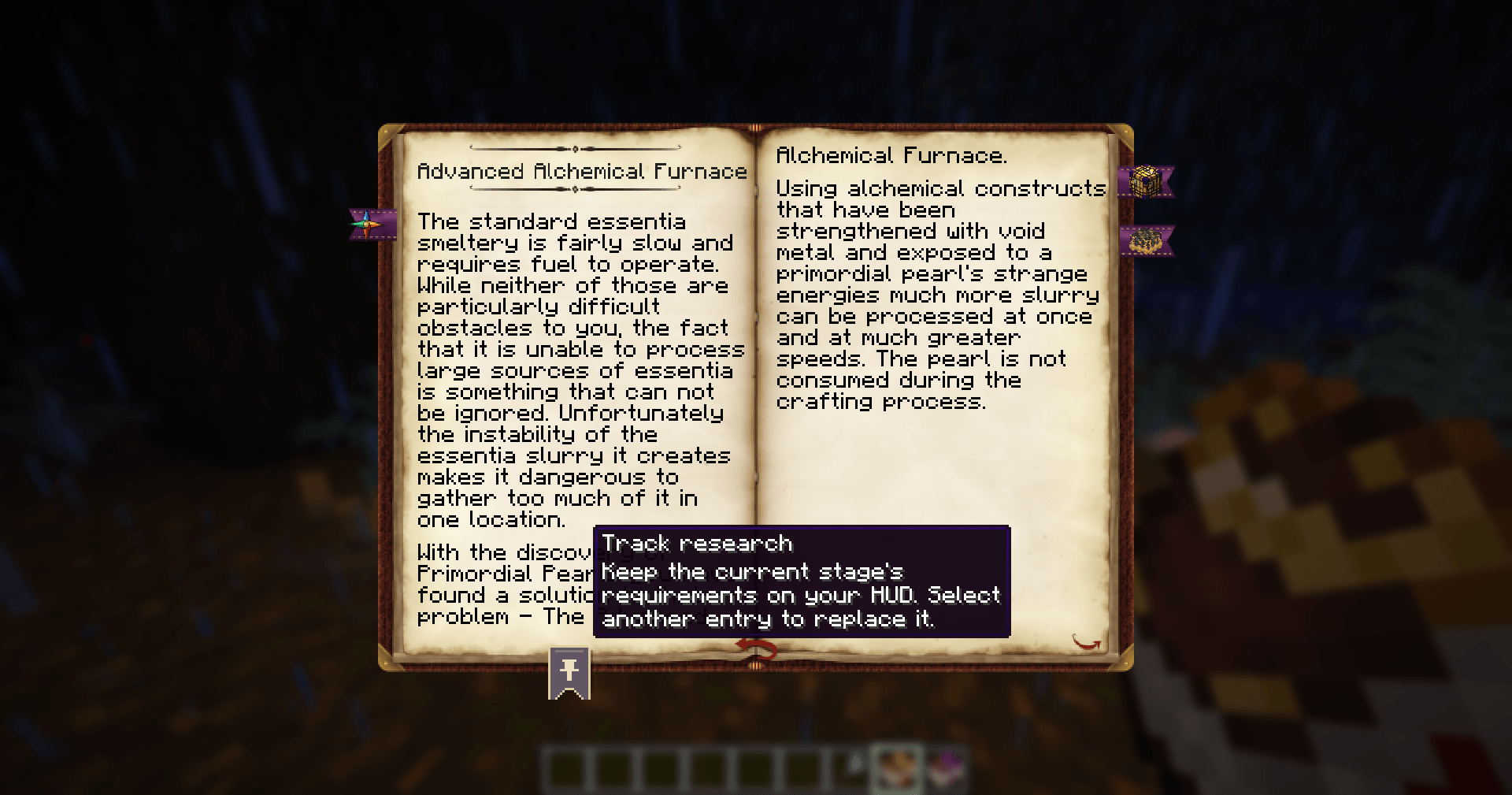
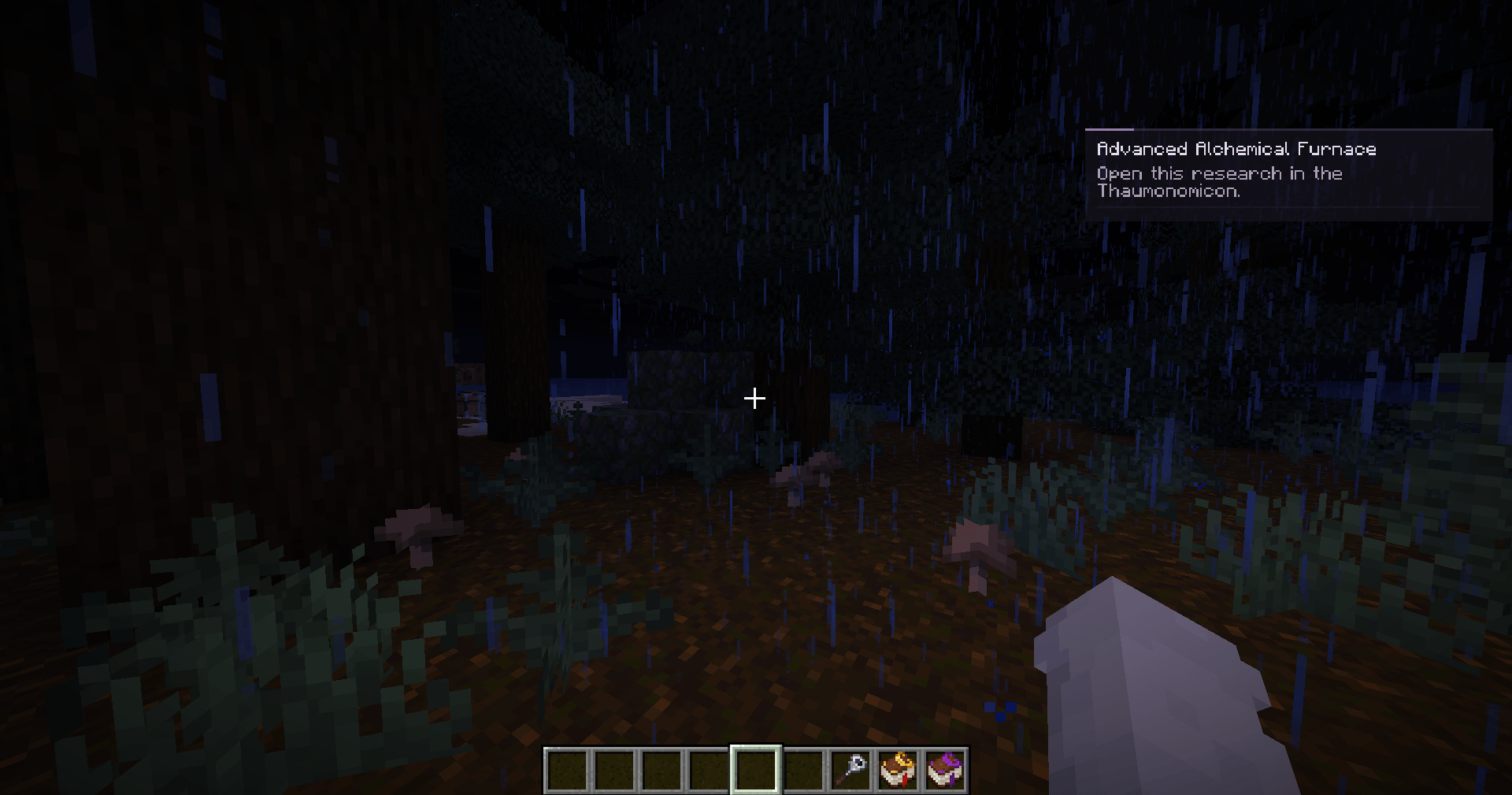
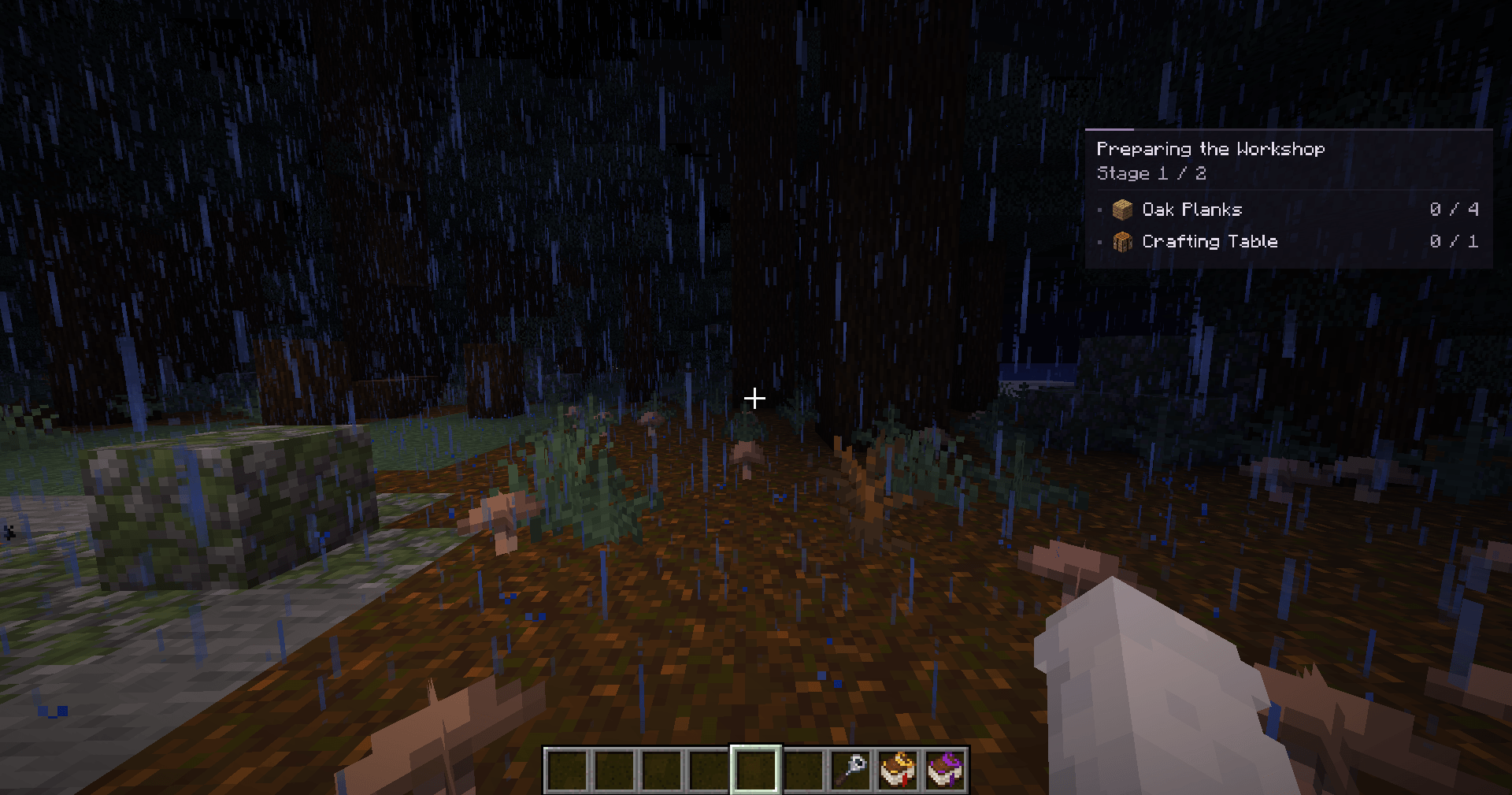
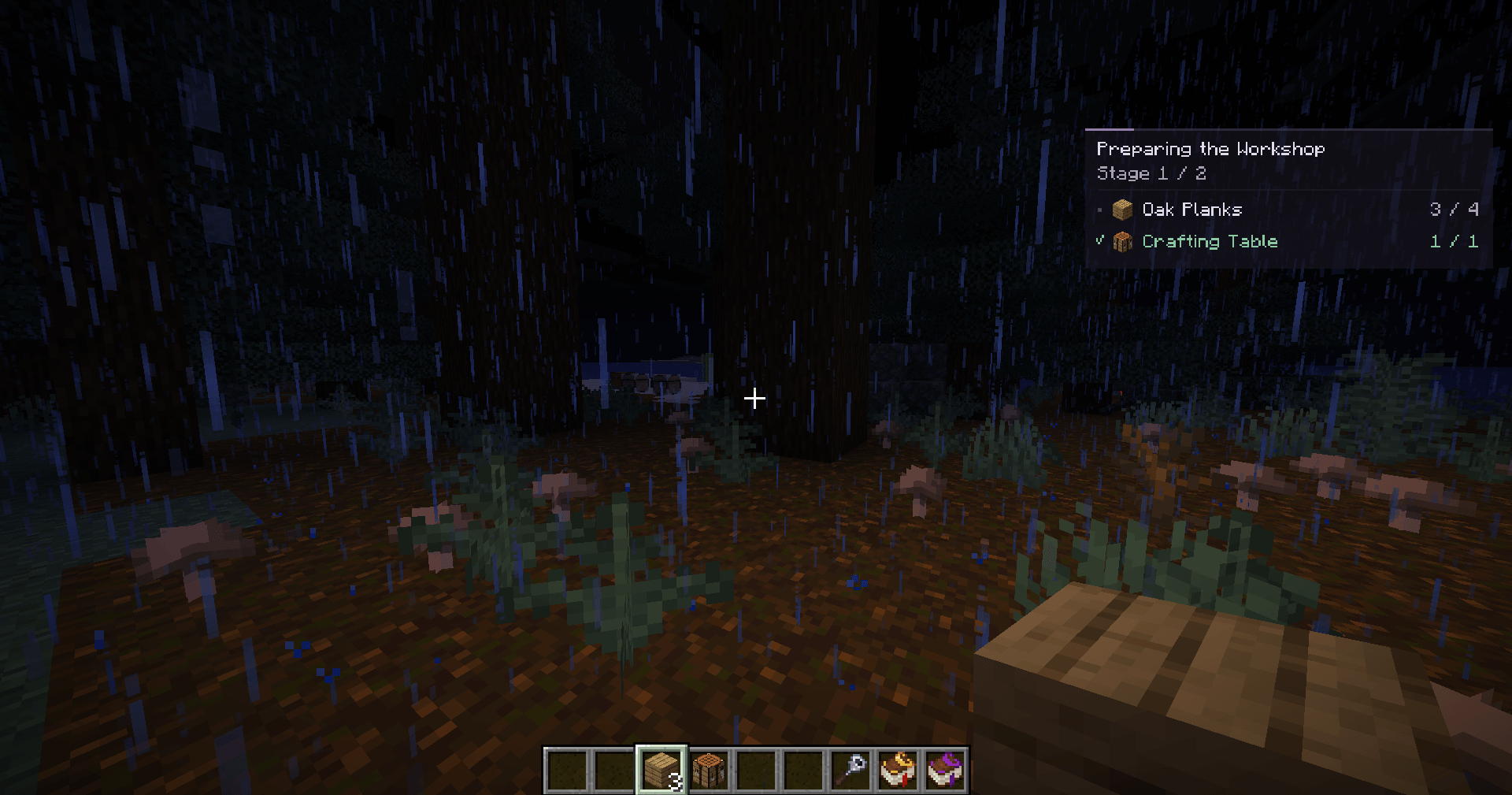
Thaumic Tracker adds a compact research panel to your HUD. Pin an entry in the Thaumonomicon, close the book, and see what you still need while gathering resources, crafting, or exploring.
Features
- Research tracking: follow one selected entry and its current stage.
- Item requirements: see how many matching items you have in your inventory.
- Crafting progress: check requirements using Thaumaturge's crafting history.
- Research prerequisites: see which required research entries are complete.
- Theory and observations: track learned theory notes and available aspect-pool points.
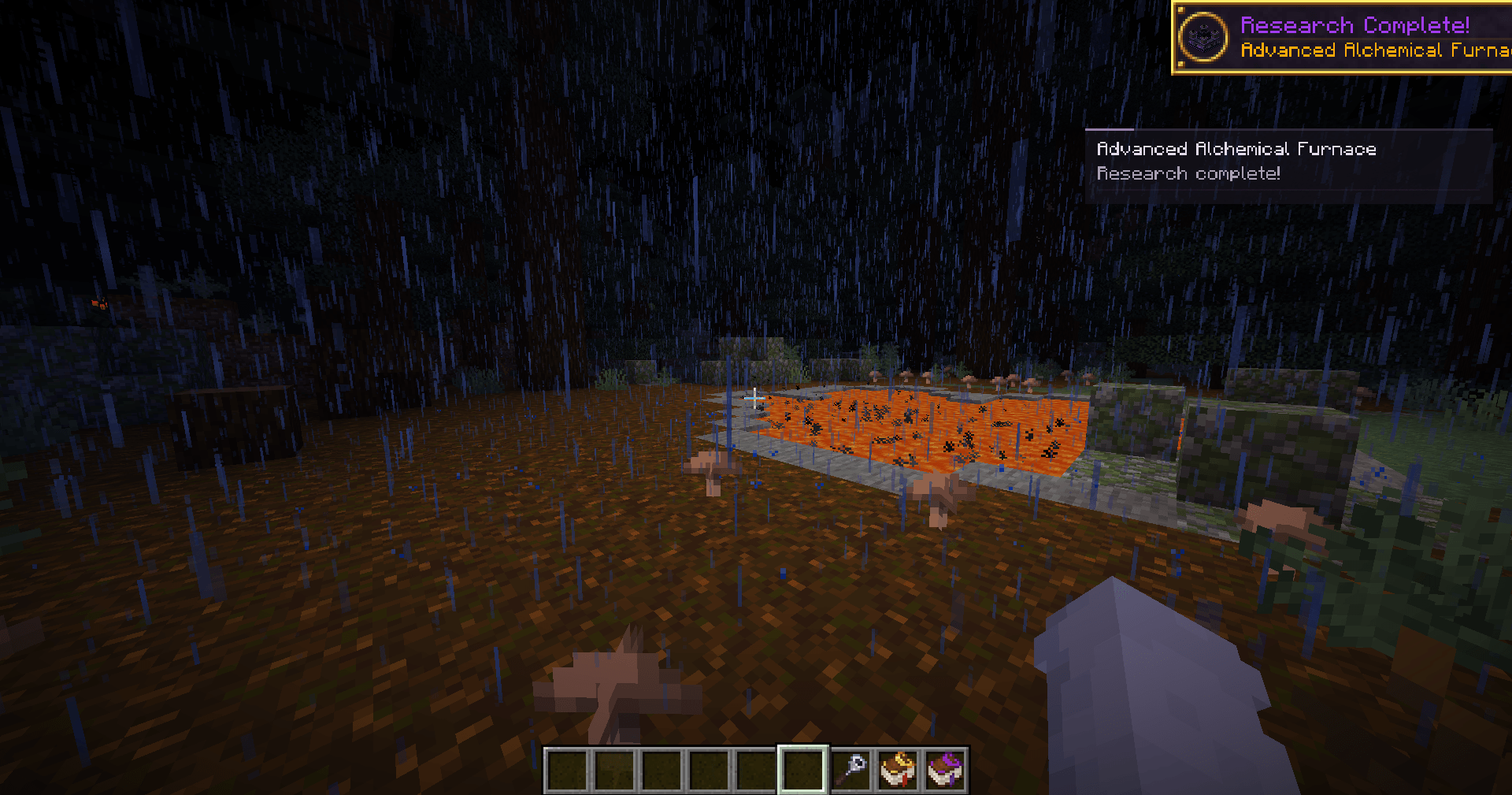
- Automatic stage updates: the panel follows your progress and shows research completion.
- Compact interface: completed requirements receive green check marks, and long lists are split into pages.
- Saved selections: remember a separate selection for each world, server, and player account.
- Custom research support: track entries from datapacks and KubeThaum without additional configuration.
- Localization: English and Russian included.
Getting started
- Open a research entry in the Thaumonomicon.
- Click the small pin bookmark at the bottom edge of the left page.
- Close the book to see its requirements on your HUD.
To track another entry, click its bookmark. To stop tracking, click the selected entry's bookmark again.
When all requirements are met, return to the Thaumonomicon to advance the stage. The panel then updates automatically.
Controls
- J: show or hide the panel.
- ]: switch pages when the requirement list spans multiple pages.
Both keys can be changed in Minecraft's Controls menu under Thaumic Tracker.
The panel hides while menus are open, the F3 debug overlay is displayed, or the HUD is hidden with F1.
Installation and requirements
Client-side: install Thaumic Tracker in the client's mods folder. It is not required on the server.
- Minecraft: 26.1.2
- NeoForge: 26.1.2.109 or later within Minecraft 26.1.2
- Java: 25
- Thaumaturge: 1.0.2 and its required dependencies
KubeThaum is optional. Custom research uses the same tracking interface as built-in research.
Guides and links