KubeThaum
Create your own Thaumaturge research with KubeJS.
KubeThaum connects KubeJS to Thaumaturge’s native research system, giving modpack creators a way to build custom progression through JavaScript.
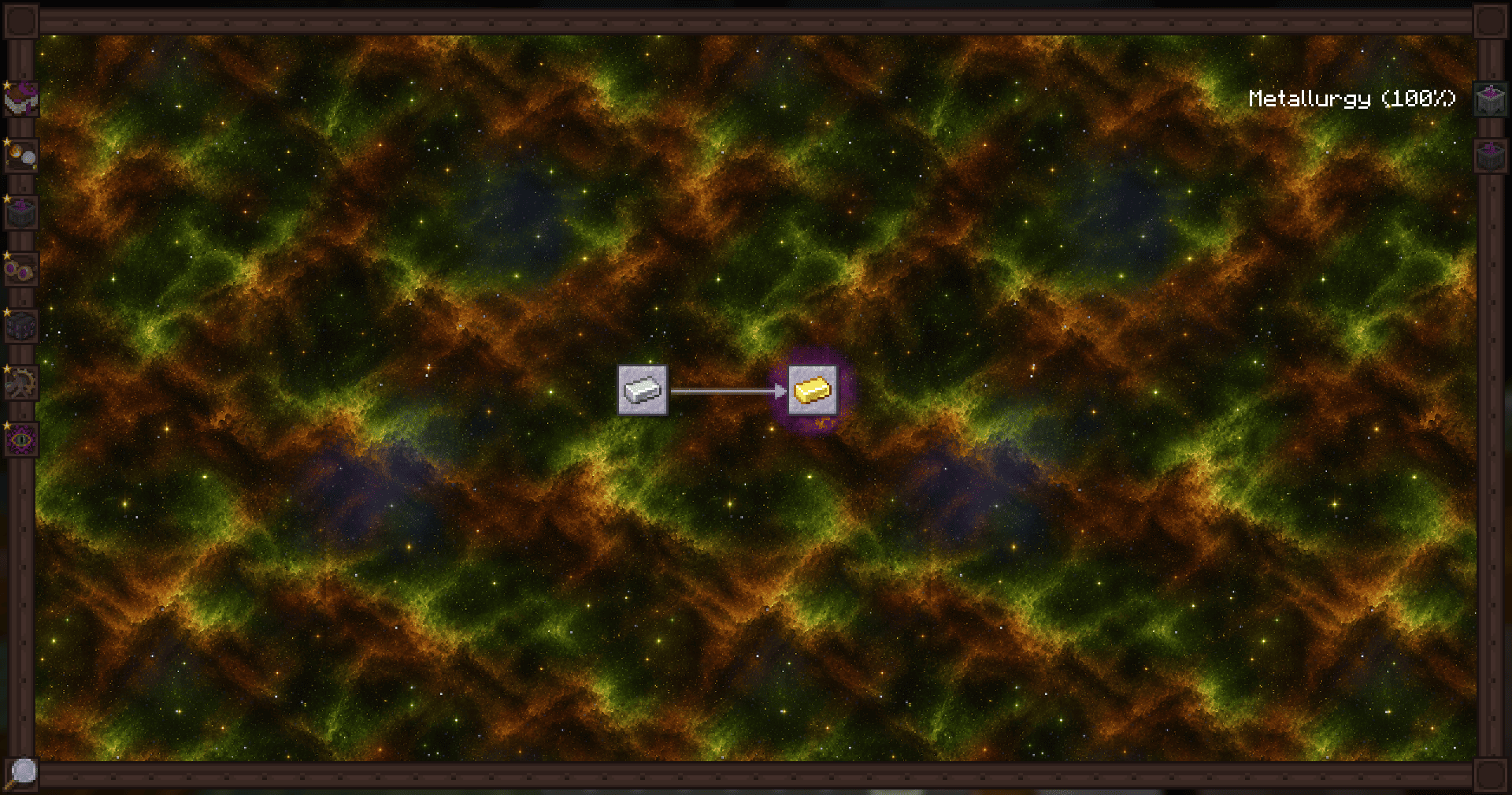
Add entries to the Thaumonomicon, create your own research tabs, customize existing research, and unlock supported Thaumaturge recipes as players advance.
Features
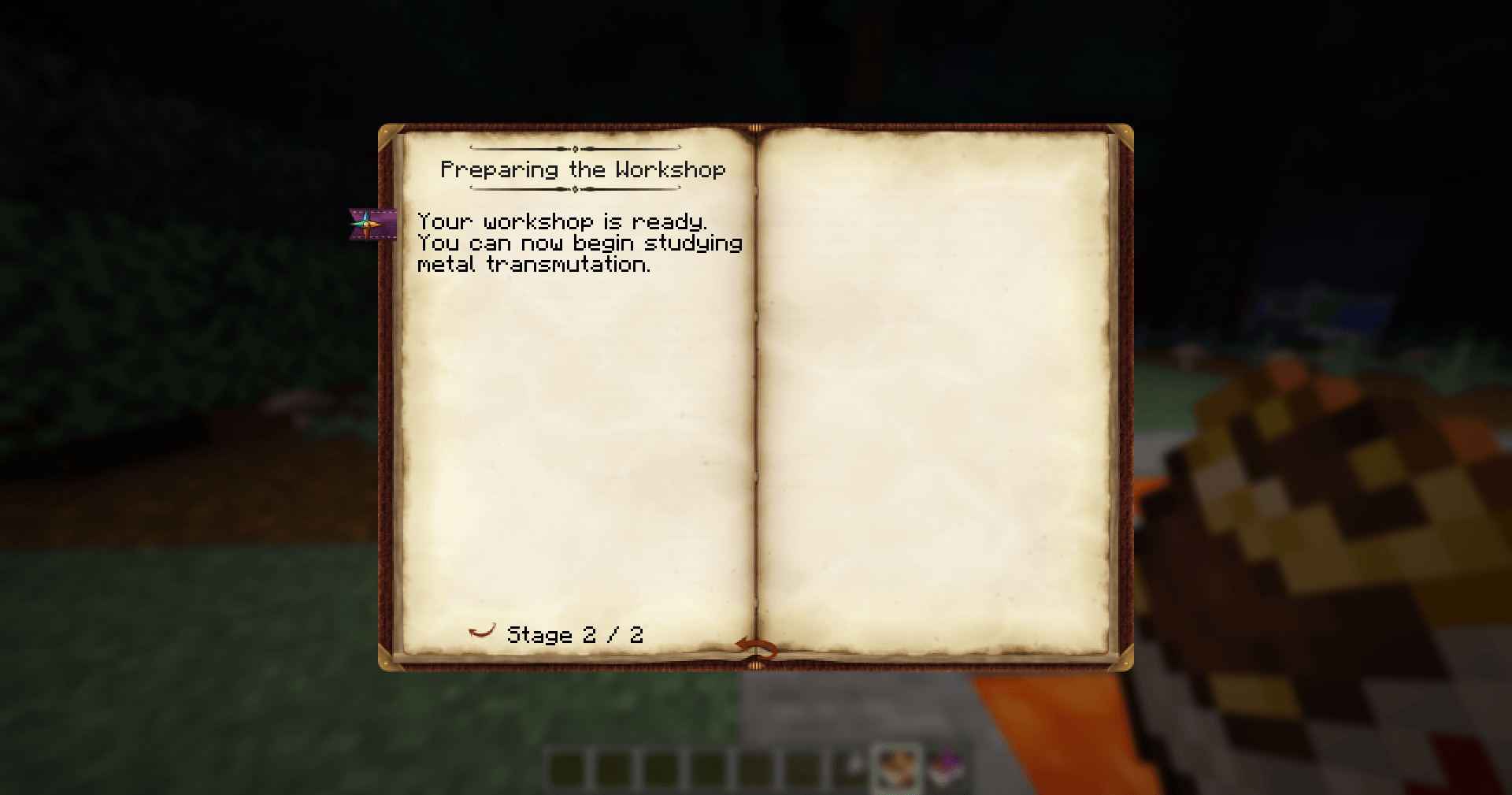
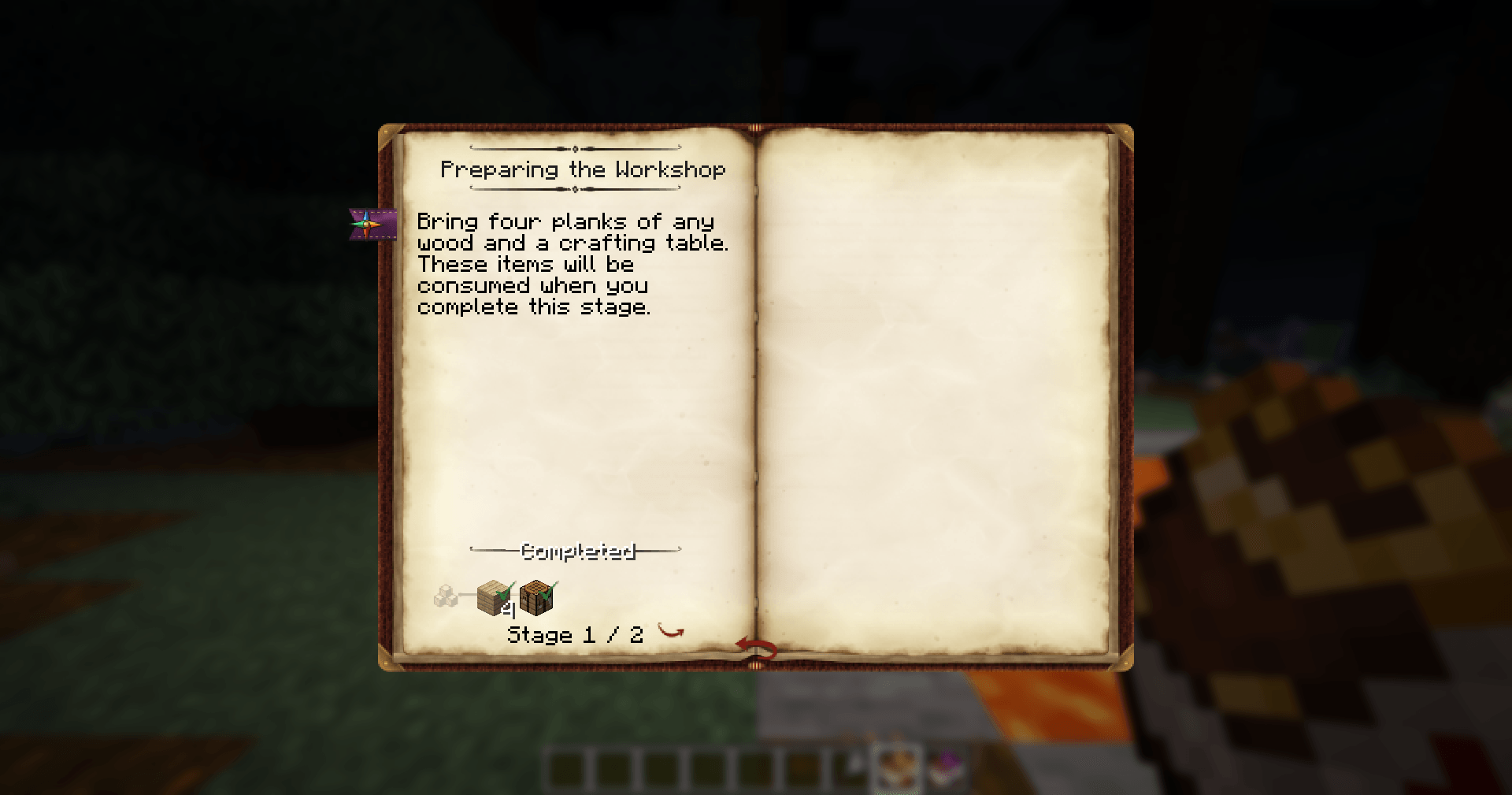
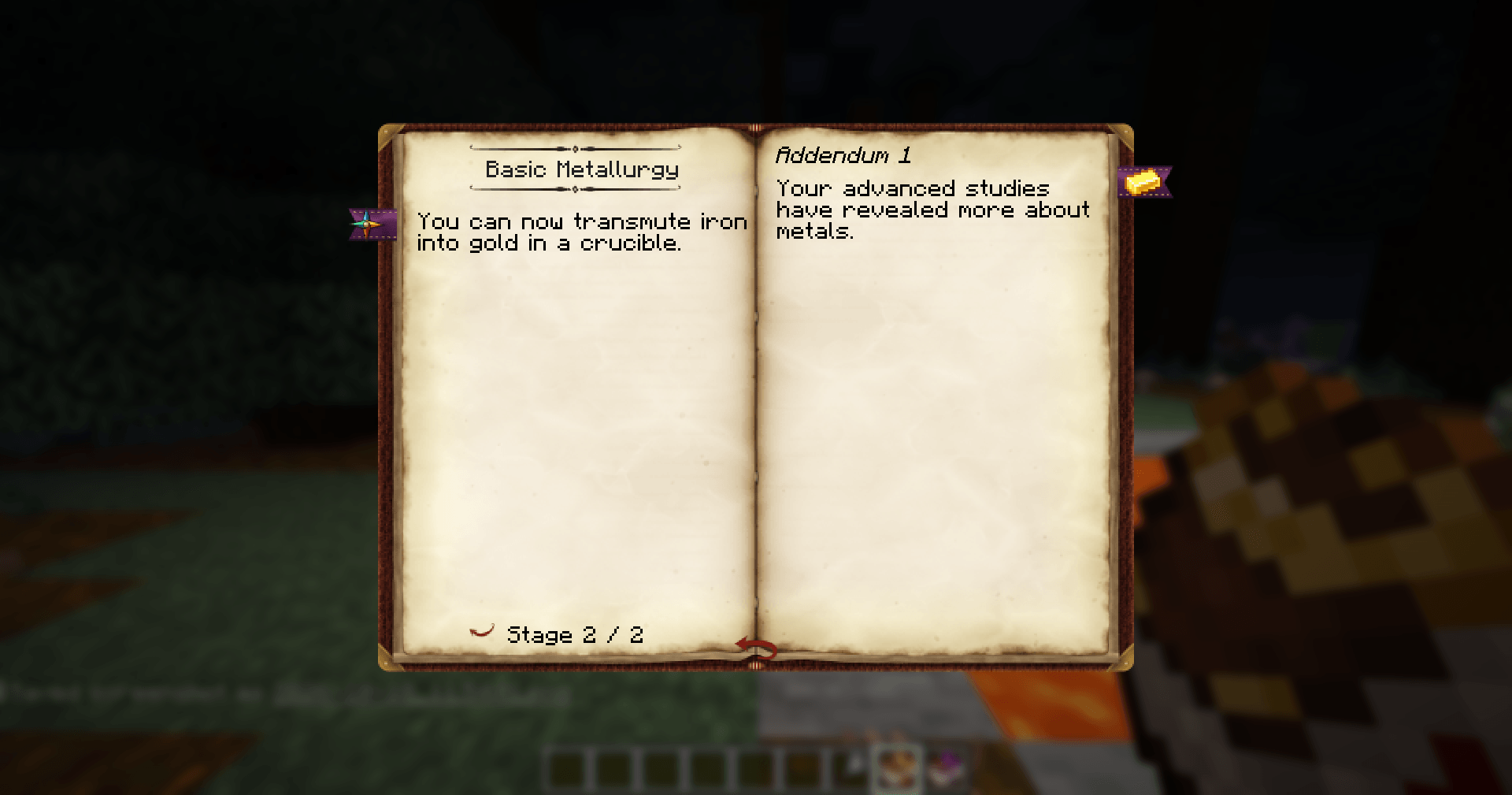
- Custom research: create entries with multiple stages, descriptions, icons, and positions in the Thaumonomicon.
- Stage requirements: require items, crafting, and knowledge to advance.
- Research chains: connect entries through dependencies and build your own progression paths.
- Custom tabs: organize research into categories with their own names and appearance.
- Existing research customization: edit, copy, or replace Thaumaturge research.
- Rewards and additional pages: configure knowledge rewards, warp, and extra research pages.
- Recipe unlocks: link supported Thaumaturge recipes to research progress.
- Script diagnostics: check saved research scripts with
/kubethaum check.
- Editor support: autocomplete declarations and ready-to-use examples.
Getting started
Place this example in kubejs/server_scripts/my_research.js:
ThaumaturgeEvents.research(event => {
  event.create('my_pack:first_experiments')
    .category('thaumaturge:alchemy')
    .title('First Experiments')
    .icon('minecraft:iron_ingot')
    .position(8, 0)
    .stage(stage => {
      stage.text('Bring four iron ingots to begin your experiments.')
      stage.obtain('minecraft:iron_ingot', 4)
    })
    .stage(stage => {
      stage.text('Your study of metals has begun.')
    })
})
Reopen the world to find First Experiments in the Alchemy tab.
Start with a single entry, then expand it into a research chain, add your own tab, or connect recipe unlocks to its completion.
KubeThaum provides the scripting tools. It does not add research until you install scripts.
Checking your scripts
Run /kubethaum check to check saved research scripts without applying their changes.
The command reports syntax errors and research validation problems, including file and line information where available. It requires operator permissions and checks research scripts without executing recipe callbacks or other gameplay events.
After changing research, reopen the world or restart the server to apply it. /reload updates recipes but does not reload research.
Requirements
- Minecraft: 26.1.2
- NeoForge: 26.1.2.109 or later within Minecraft 26.1.2
- Java: 25
- KubeJS: 26.1.2-8.0.6, with Rhino
- Thaumaturge: 1.0.2 and its required dependencies
Guides and examples
Learn how to create research entries, configure requirements, build research chains, add custom tabs and translations, and unlock recipes.
Links