Texture Mixer
- By
Mix your resource packs: pick which pack wins for every block, item, mob, GUI texture, particle and sound, with live 3D previews.

1-minecraft-vs-your-packs.png
2-different-in-inventory.png
3-in-game.png
4-every-sword.png
5-3d-preview.png
6-chests-too.png
Description
Texture Mixer
You've got five resource packs turned on, but you only really like the swords from one, the grass from another and the hotbar from a third. Normally that means unzipping packs and copying files around by hand. With Texture Mixer you just pick.
It lists everything your packs change, one row per thing, and you choose which pack wins for each row. Your packs are never touched: your picks go into a small pack of their own that always sits on top.
Client-side · Fabric, NeoForge and Forge · Minecraft 1.16.5 – 26.3
How to use it
Turn your packs on in Options → Resource Packs like you always do. Then press V (or open Texture Mixer from Mod Menu on Fabric, or from the Mods list on NeoForge and Forge).
Find what you want to change and pick a pack, or pick Minecraft if you want the original back. Press Apply, resources reload once, and you're done. Your picks are saved, so they're still there the next time you start the game.
What it does
- One row per thing. A block and its item are one row. A door is one row, not "door_top, door_bottom, door item". Sounds are grouped by what they are, like "Stone breaking" or "Pig say".
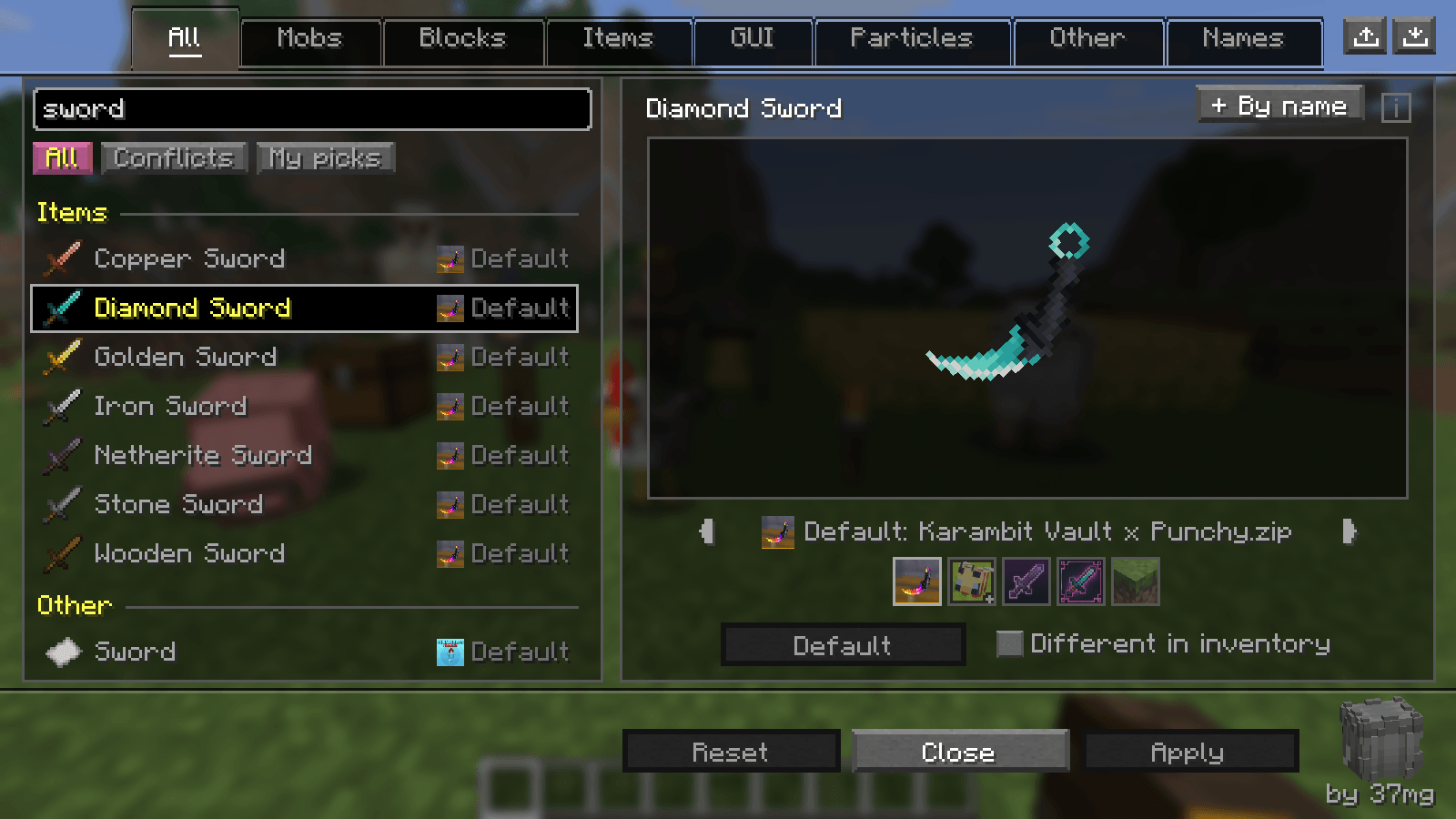
- Sorted like the creative inventory, under headers like Wood, Glass, Ores, Swords and Armor, with Minecraft's own names and icons.
- Search finds anything. Type a pack's name and you'll see everything that pack changes.
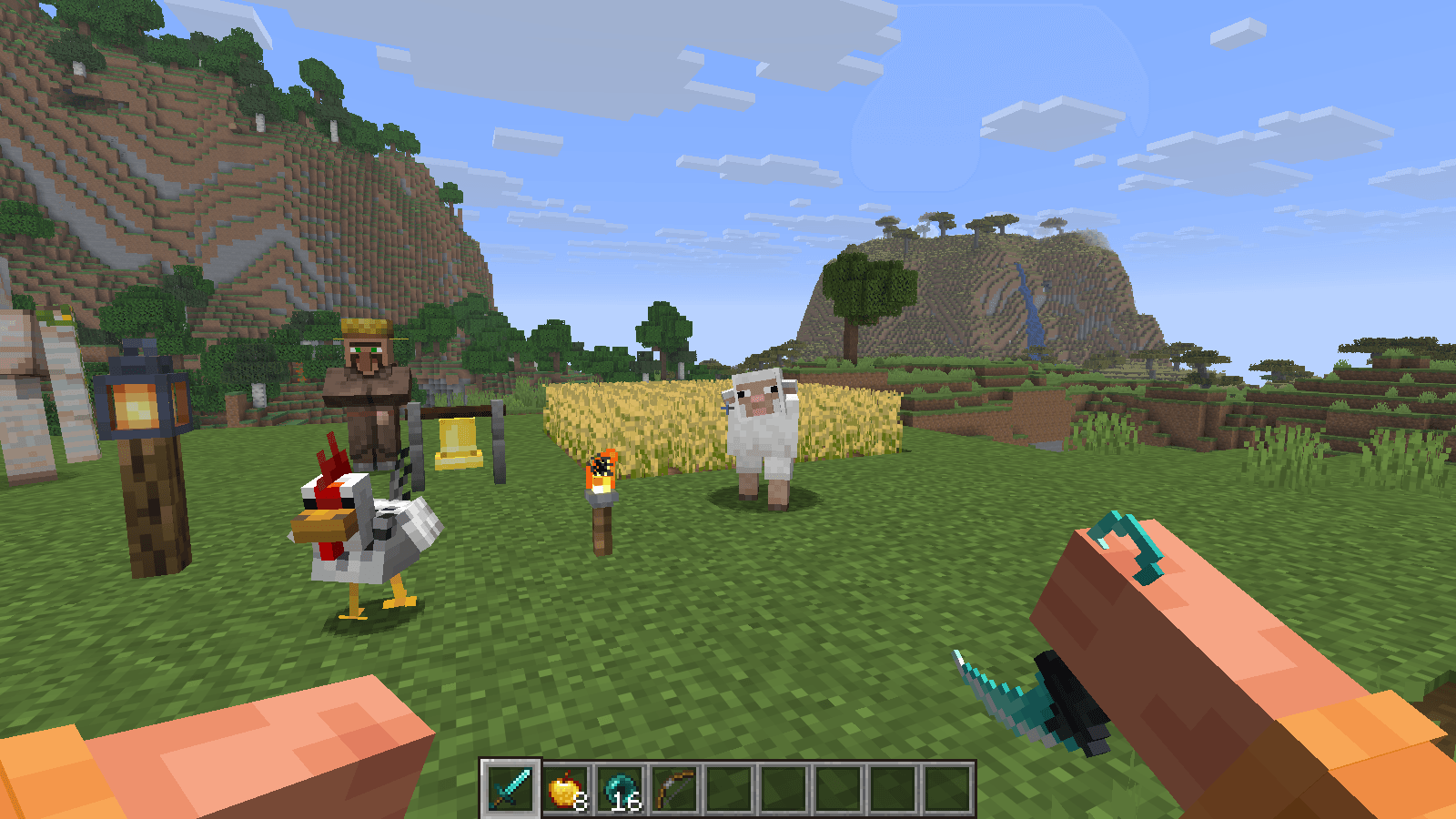
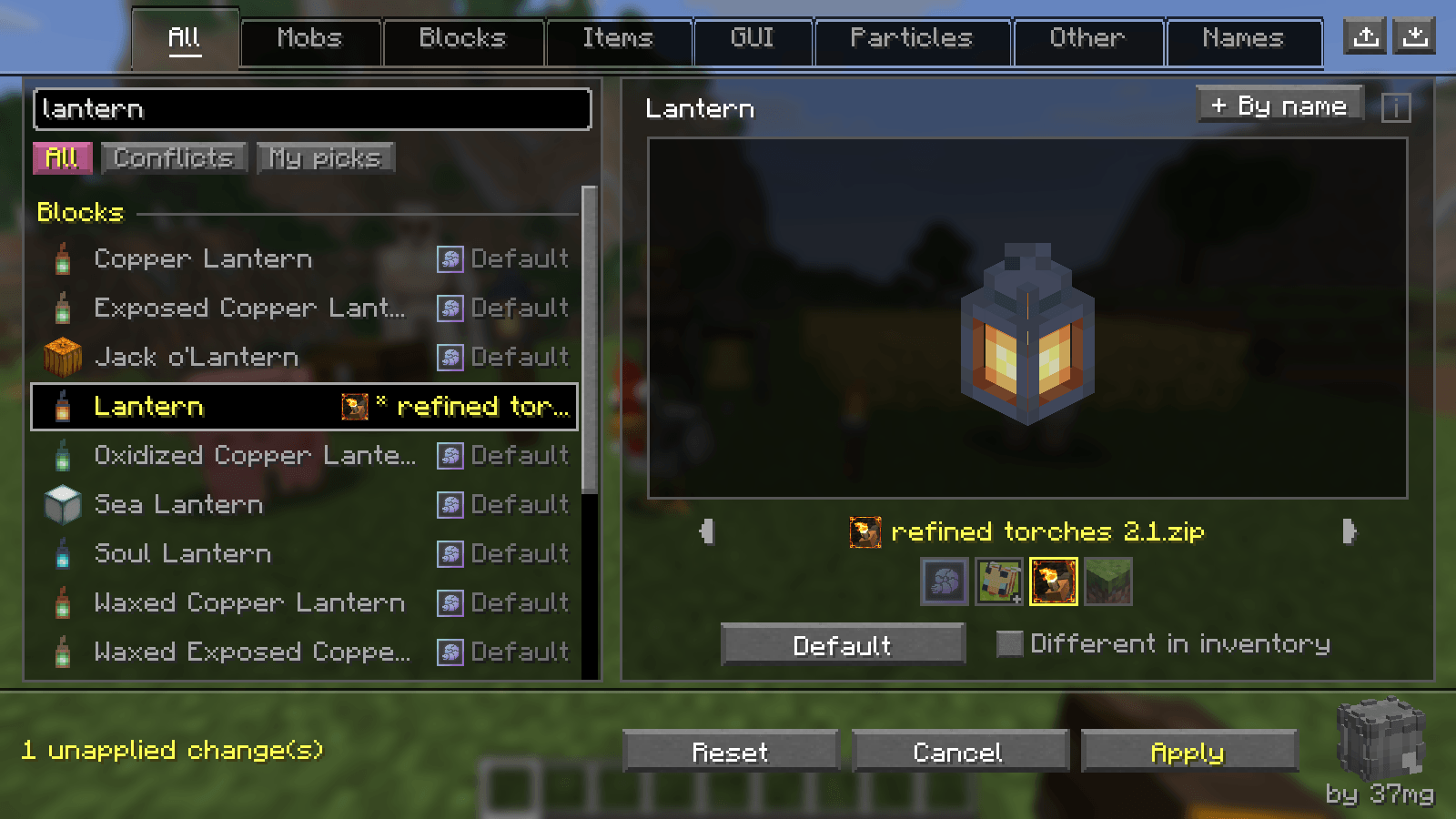
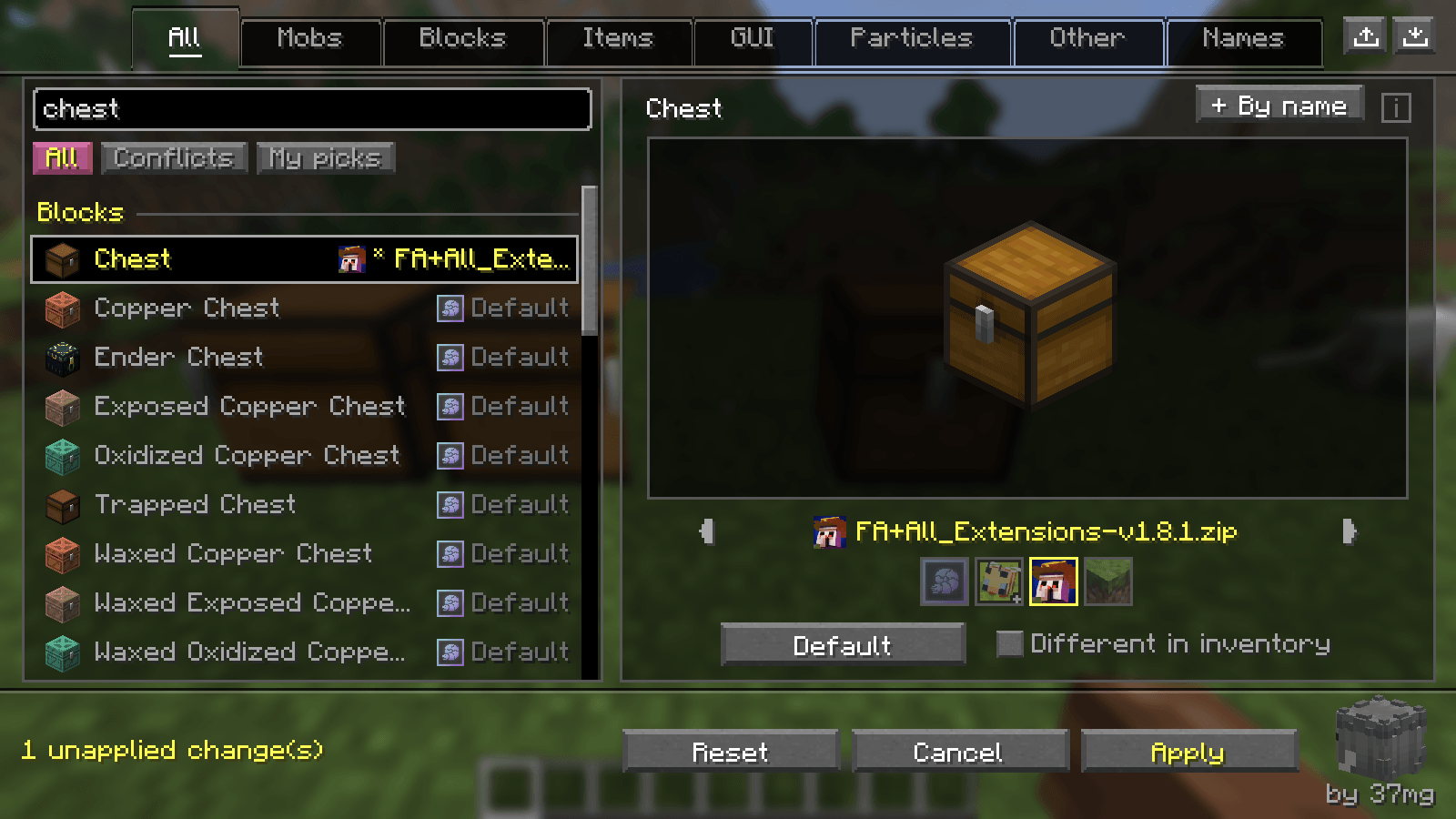
- See it before you apply it. Blocks are built from the pack's own models, items look like they're in your hand, and chests, signs, beds, banners and mobs show up in 3D. Animated textures move, and sounds have a play button.
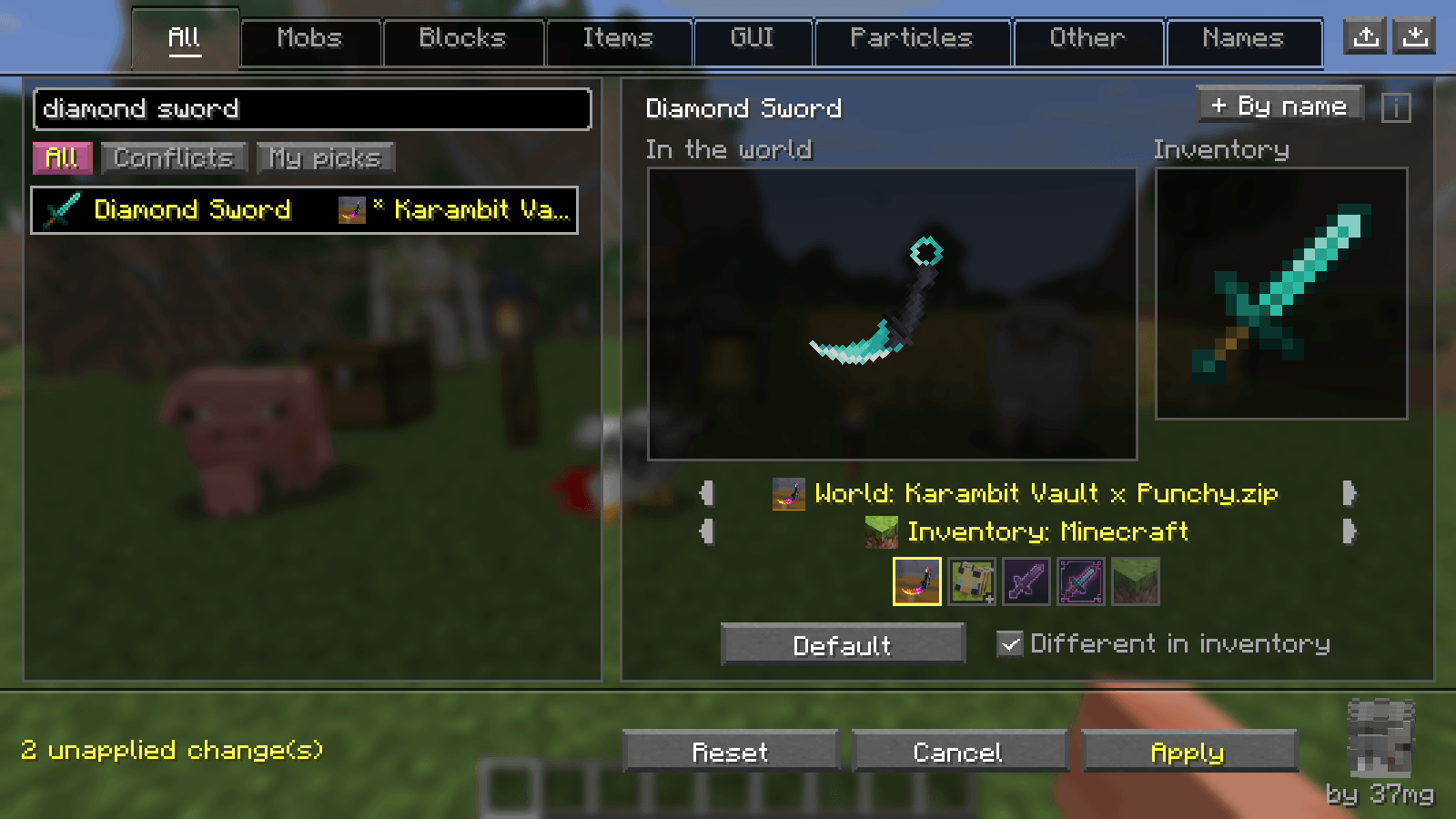
- Different in inventory. Keep one pack's look for a block or item in the world and use another pack's icon in your inventory.
- No half-and-half results. When you pick a pack, everything that thing needs from it comes along (models, textures, animations, EMF models), and the other packs' versions get switched off.
- Connected textures (OptiFine / Continuity CTM) show up under their block, so your connected glass or custom nether portal can come from any pack.
- Pack covers next to every choice, filters for All / Conflicts / My picks, and export / import so you can share your mix with friends.
- 14 languages: English, Turkish, Chinese (Simplified and Traditional), Spanish, Portuguese, Russian, Ukrainian, German, French, Italian, Polish, Japanese and Korean.
Using mob packs?
Get Variant Picker too. It turns the Mobs tab into one row per mob and shows every variant and baby moving in 3D, with the pack's own animations.
Versions
| Loader | Minecraft |
|---|---|
| Fabric | 1.16.5, and every version from 1.17 to 26.3 |
| NeoForge | 1.20.6, 1.21 – 1.21.1, 1.21.3, 1.21.4, 1.21.5, 1.21.8, 1.21.10, 1.21.11, 26.1.2, 26.2, 26.3 |
| Forge | 1.20.1 |
Variant Picker works from 1.18 up. Playing on 1.7.10 – 1.12.2? There's Texture Mixer Legacy.
Requirements
- Fabric: Fabric API and Mod Menu.
- NeoForge and Forge: nothing else.
- For mob packs: Entity Texture Features and Entity Model Features (optional).
FAQ
Does it work on servers? Yes. It's client-side only and works like a resource pack. If a server sends its own pack, you'll see it in the list, but it stays locked.
What about shaders? Shader packs are left alone. Shader files inside resource packs are never mixed, because they break when they're split between packs.
How do I undo everything? Press Reset, then Apply.
Made by 37mg · All rights reserved. Free to use in any modpack; please don't re-upload it to other sites.
Texture Mixer Team