TerraForged Reimagined
- By
An unofficial port of TerraForged that replaces the overworld with large-scale, erosion-shaped landscapes: continents, mountain ranges, rivers and climate-based biomes.
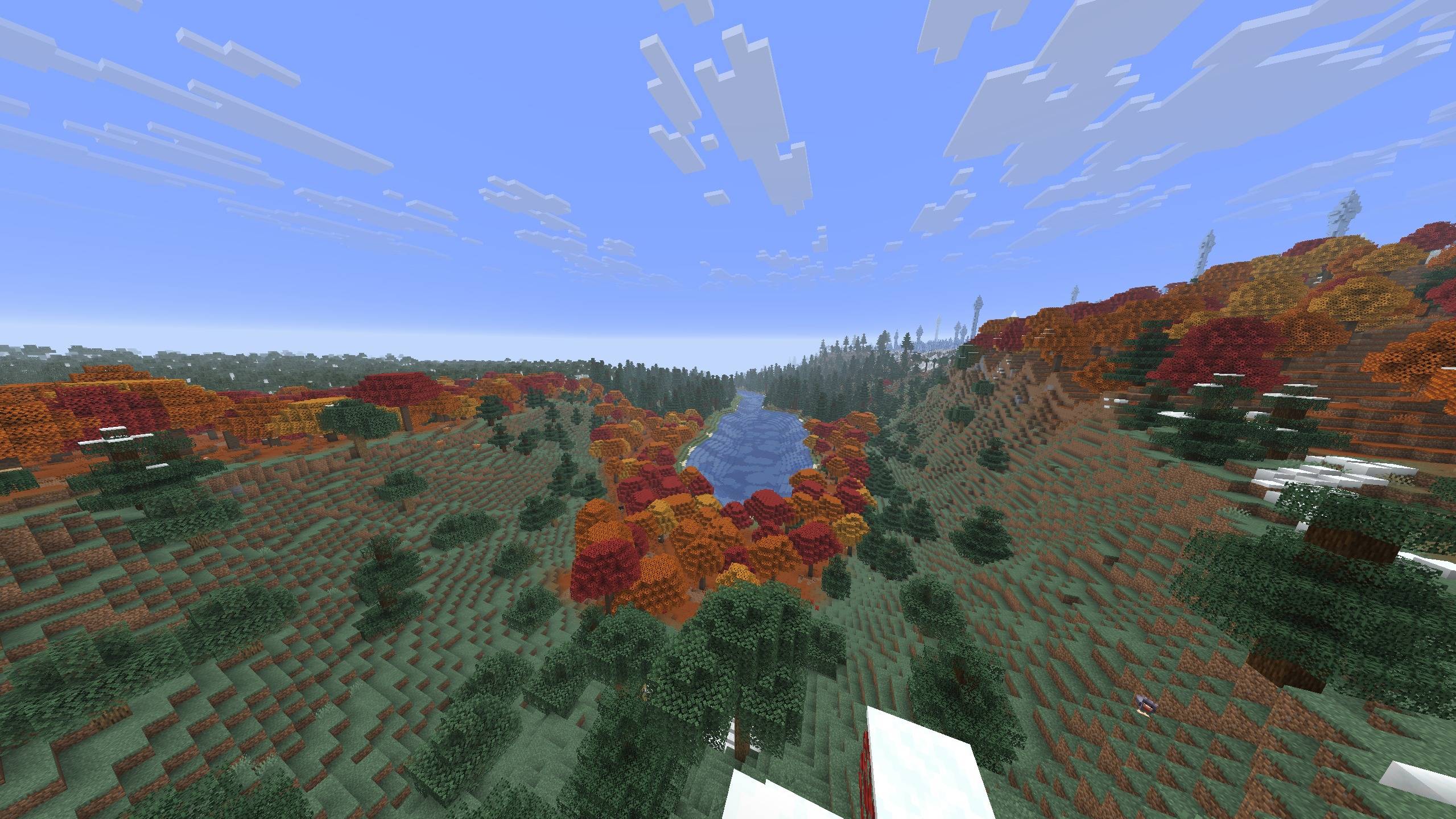
terraforged-reimagined-autumn-valley.jpg
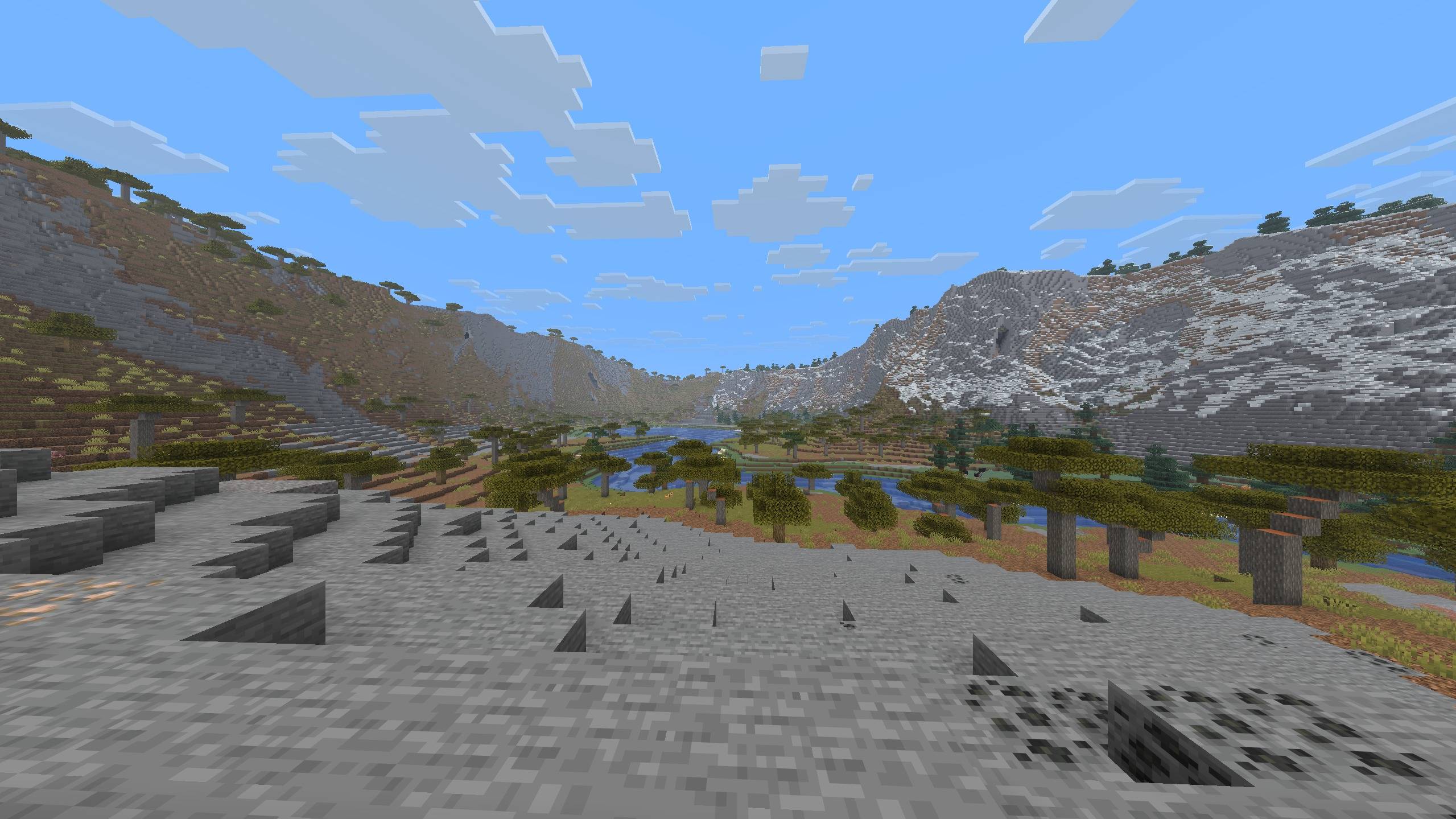
terraforged-reimagined-savanna-valley.jpg
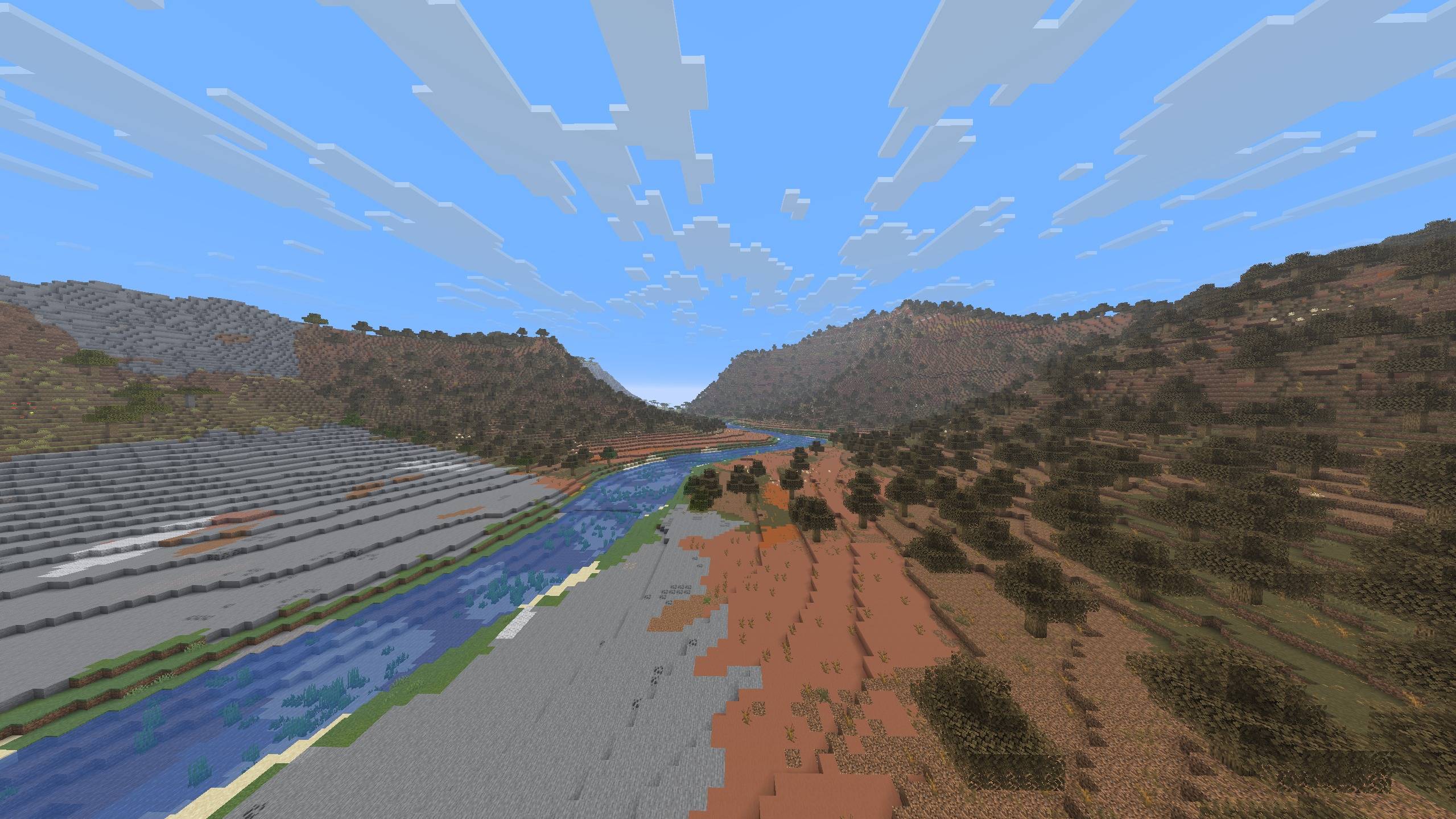
terraforged-reimagined-river-valley.jpg
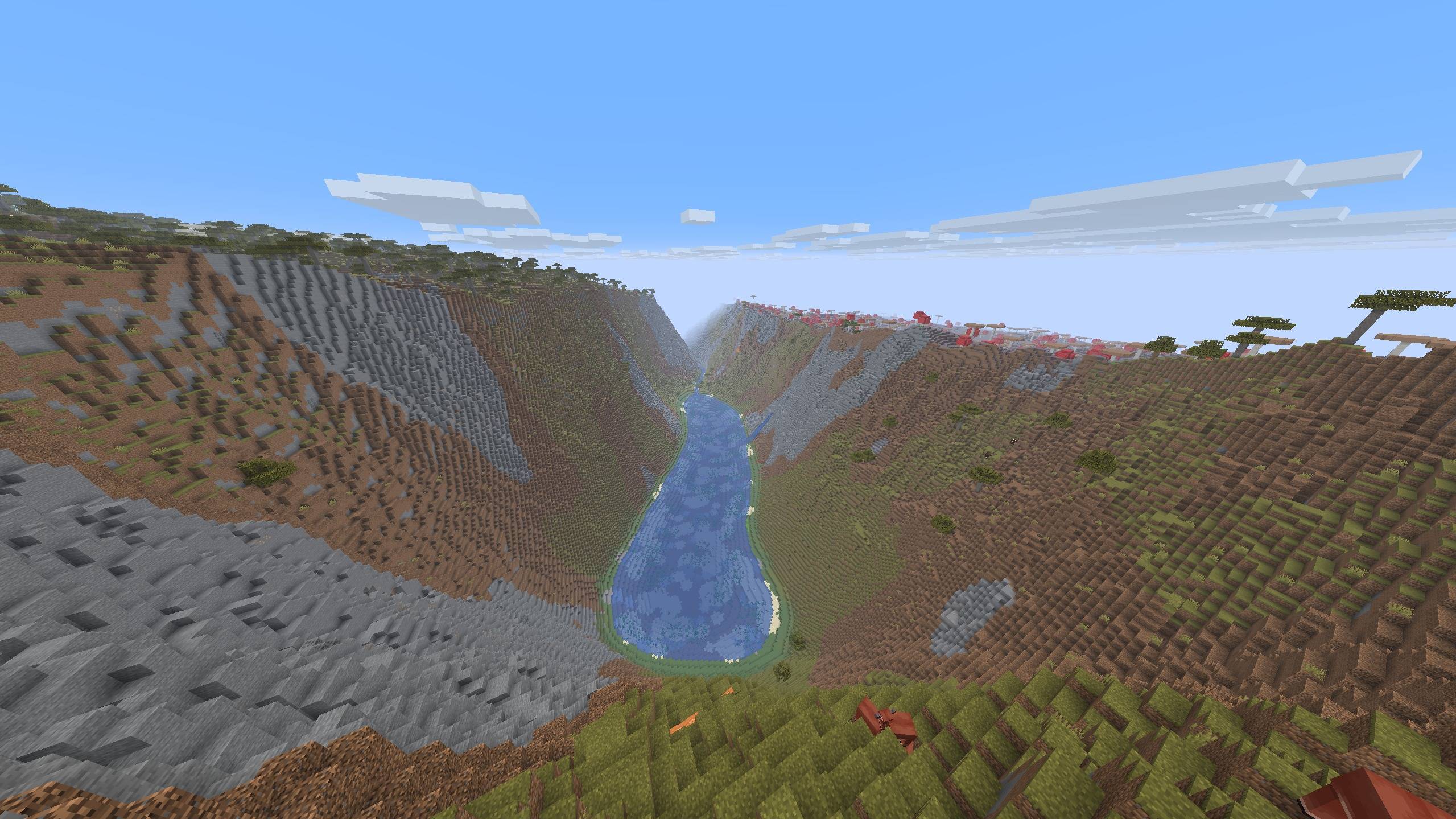
terraforged-reimagined-canyon-lake.jpg
Description
TerraForged Reimagined
An unofficial port of TerraForged to Minecraft 26.2, 26.3, 1.21.1 and 1.20.1, for Fabric, NeoForge and Forge. It replaces the overworld generator with large-scale, erosion-shaped landscapes: continents, mountain ranges, river networks and climate-driven biome placement.
Original mod and credit
This is a port of TerraForged, created by the TerraForged team: dags (dagsu on CurseForge, author) and Won-Ton (won_ton_ on CurseForge, contributor).
- Original mod: TerraForged on CurseForge
- Original source code: github.com/TerraForged/TerraForged
TerraForged's terrain, erosion, river and climate systems are their design and their code. This project carries them to current Minecraft versions and to Fabric, NeoForge and Forge. The original is no longer updated; its last release is for Minecraft 1.18.2 on Forge. This port is unofficial and is not affiliated with or endorsed by the TerraForged team, so please report problems with it here rather than to them.
Beta
This is a beta release. It has been tested in game and with automated world-generation checks, but there may be issues in areas that have not been explored yet. Back up worlds you care about, and please report anything odd on GitHub with your seed, the coordinates, and your mod list.
Features
- Large-scale terrain shaped by erosion: continents, mountain ranges, rivers and lakes
- Biomes placed by climate, including biomes added by other mods
- Underground biomes and deep caves, so lush caves, the deep dark and ancient cities all generate
- A settings screen with pages for world, climate, terrain, rivers, filters, structures and miscellaneous options, a preview map, and built-in and user presets. Settings are saved with the world.
Usage
Choose the TerraForged world type on the create-world screen. Customize opens the settings screen.
Requirements
- Minecraft 26.2 or 26.3 with Java 25, 1.21.1 with Java 21, or 1.20.1 with Java 17. Pick the file for your Minecraft version and loader; each file's name says which.
- Fabric: Fabric Loader 0.19.3 or newer on 26.2, 0.19.5 or newer on 26.3, 0.16 or newer on 1.21.1 and 1.20.1, and Fabric API
- NeoForge: NeoForge for your Minecraft version (NeoForge 21.1 on 1.21.1, NeoForge 47.1 on 1.20.1)
- Forge: Forge 65 or newer on 26.2, Forge 66 or newer on 26.3, Forge 52 or newer on 1.21.1, Forge 47 or newer on 1.20.1
Dedicated servers
The world type comes from a datapack the mod ships, which the create-world screen installs on a client. A dedicated server has no such screen, so the datapack has to be in the world before it is first generated.
- Easiest: create the world in single-player and copy its folder to the server. It already carries the datapack.
- On the server: start it once with the mod installed, then stop it. That extracts the datapack to
config/terraforged/pack-v0.2. Delete the world folder that start created, copyconfig/terraforged/pack-v0.2toworld/datapacks/terraforged, setlevel-type=terraforged\:normalinserver.properties, and start the server again.
Without the datapack the server logs Failed to parse level-type terraforged:normal and generates a vanilla world.
Compatibility
- Overworld only. The Nether and the End are vanilla.
- Biome mods work. Biomes added by other mods are picked up and placed by climate alongside vanilla's.
- Terrain-shaping mods have no effect. Mods that change vanilla's noise settings or density functions are never consulted, because TerraForged computes its own heightmap.
- Updates can change generation. Chunks generated by a newer version may not line up with chunks from an older one, so start a fresh world when you can.
How this differs from the original
This port is based on the source code of TerraForged's last development branch (0.3.x, written for Minecraft 1.19 on Forge). The last TerraForged release on CurseForge is 0.3.1-ALPHA-2, for Minecraft 1.18.2.
- Minecraft versions and loaders. Runs on Minecraft 26.2, 26.3, 1.21.1 and 1.20.1, with Fabric, NeoForge or Forge. The original supports Forge only, up to Minecraft 1.18.2.
- Rebuilt terrain engine. The 0.3.x code depended on a library whose source and published builds no longer exist. It was rebuilt from a surviving older fork and from the code that calls it. As a result, mountains have no valley carving, and fine erosion detail differs. The overall terrain shape is the same.
- Underground biomes and deeper caves. Cave biomes such as lush caves, dripstone caves and the deep dark are placed in a layer below y=0, so ancient cities can generate. A deep cave pass based on vanilla's cave noise fills the depth that newer Minecraft versions added. TerraForged's own cave layers are kept.
- Newer Minecraft content. Biomes and structures added since Minecraft 1.19 are part of generation wherever that Minecraft version has them: cherry groves on every version, trial chambers from 1.21.1, and the pale garden on 26.2 and 26.3.
- Settings screen. A settings screen modelled on TerraForged's 1.16.5 version, with pages for each group of options, a preview map, and built-in and user presets. The 0.3.x branch's Customize button never worked.
- Trees. Forests use vanilla tree placement. TerraForged's own vegetation placement system is included but switched off, as it effectively was in the 0.3.x code.
- Fixes. Generation bugs found during the port are fixed, including seams at chunk borders, terrain that could differ between runs of the same seed, and structures placed at the wrong height or undermined by caves.
License
TerraForged is released under the MIT License (Copyright (c) 2020 TerraForged). This port is released under the same MIT License. It keeps TerraForged's copyright and permission notice, unchanged, in its source repository and inside the mod jar (LICENSE).
The jar also includes code from, and ships the MIT notices of:
- Noise2D by dags (Copyright (c) 2018 dags), TerraForged's noise library (
LICENSE-Noise2D) - FastNoise by Jordan Peck (Copyright (c) 2017 Jordan Peck) (
LICENSE-FastNoise) - Cereal, TerraForged's serialization library, covered by TerraForged's own notice
Source code of this port: github.com/Romoslayer/TerraForged-Reimagined
TerraForged Reimagined Team