Style & Threads
- By
80 garments and accessories for your character: sew, dye, print your own designs (up to 1024x1024) and wash them, then wear them over your armor. Wardrobe, Fashion Dummy and a Sewing Book.
02-streetwear.png
03-casual.png
04-formal.png
05-sport.png
Description
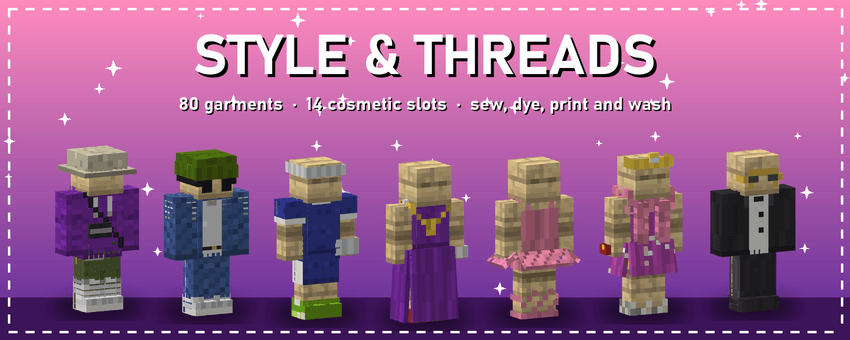
Style & Threads
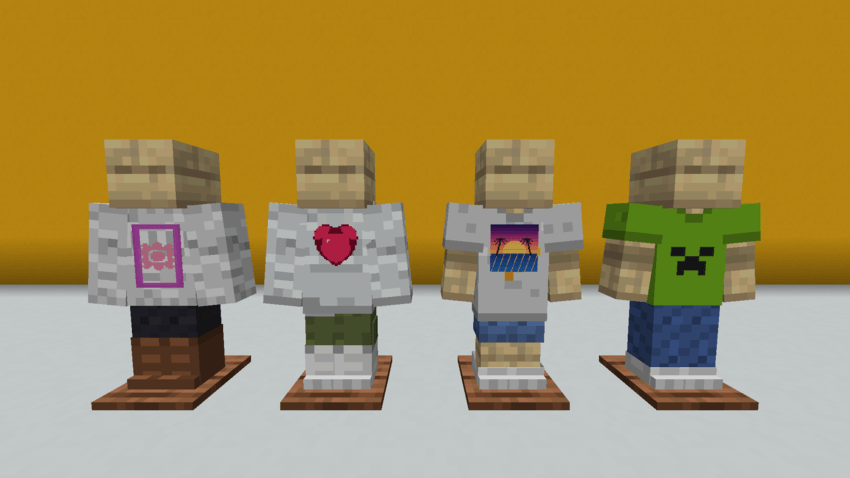
Fashion for your character. 80 garments and accessories in seven collections, worn in their own cosmetic slots over your armor: your armor keeps protecting you, and clothing hides the armor piece under it. Sew them at the Sewing Table, dye them in any colour, print banners or your own pixel-art designs (up to 1024x1024) on them, wash them in the Washing Tub, keep your outfits in the Wardrobe and show them off on a Fashion Dummy.
Every model and texture was made for this mod in the vanilla style, every item explains itself in its tooltip, and everything is in English and Spanish.
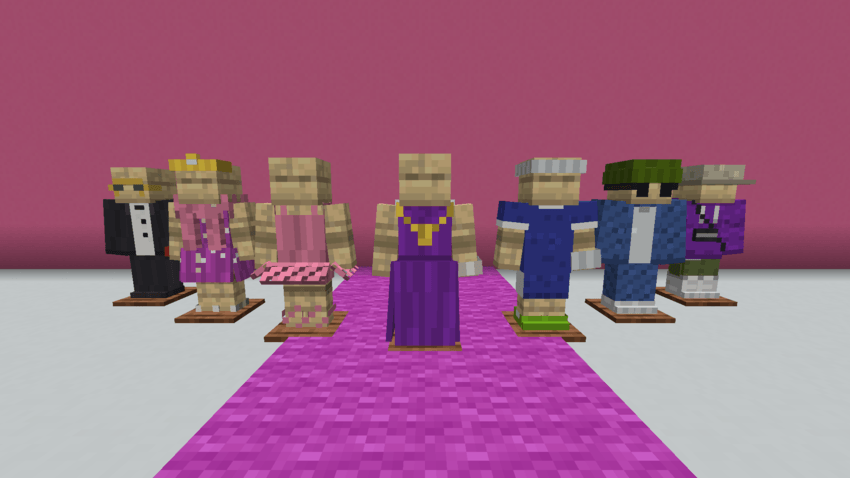
✨ Highlights
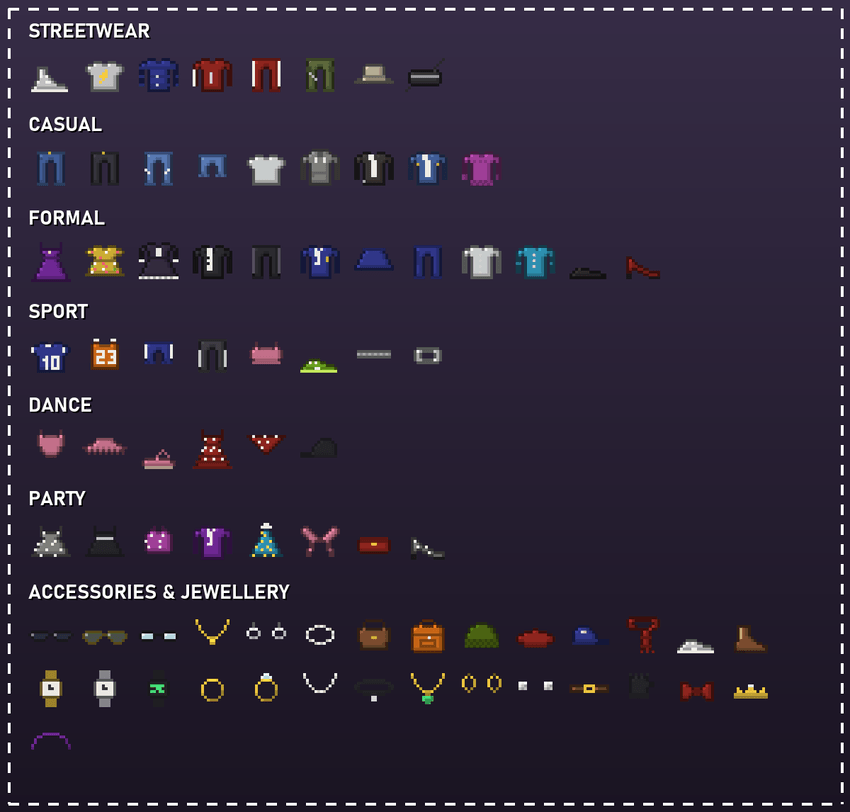
- 80 garments: streetwear, casual, formal, sport, dance, party, and accessories and jewellery.
- 14 cosmetic slots (Trinkets on Fabric, Curios on NeoForge): hat, face, earrings, necklace, top, jacket, bag, bracelet, watch, ring, gloves, belt, bottoms and shoes.
- Wear them over your armor: clothing hides the armor piece under it, but your armor still protects you. Accessories leave it visible.
- 50 garments can be dyed in any vanilla colour, and dyes mix (red and white give pink).
- Print banners or your own designs on tees, hoodies and sweaters, on the front or the back.
- A pixel editor for your designs, from 16x16 up to 1024x1024, and you can load an image from your computer.
- Dresses and skirts that move: they swing open with every step.
- The Wardrobe, the Fashion Dummy and the Sewing Book (every recipe, with a 3D preview of every garment).
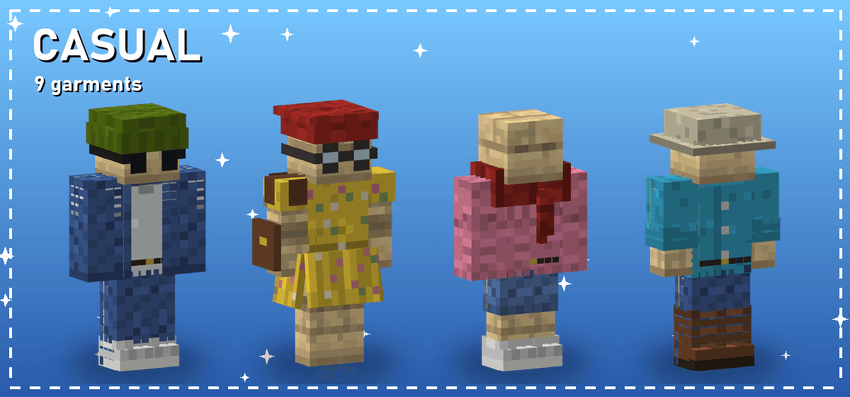
👗 The collections
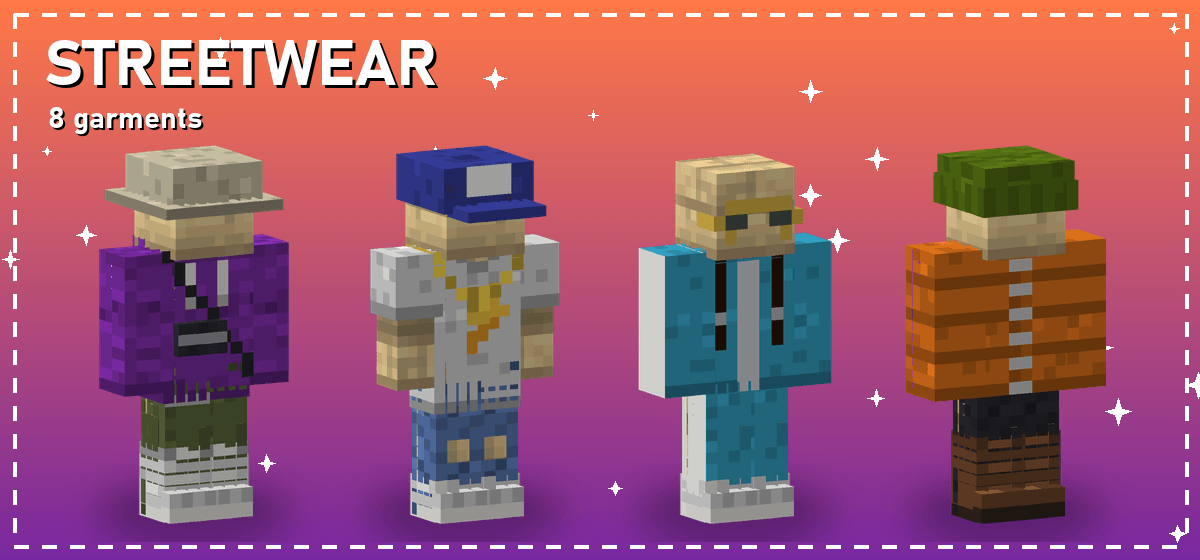
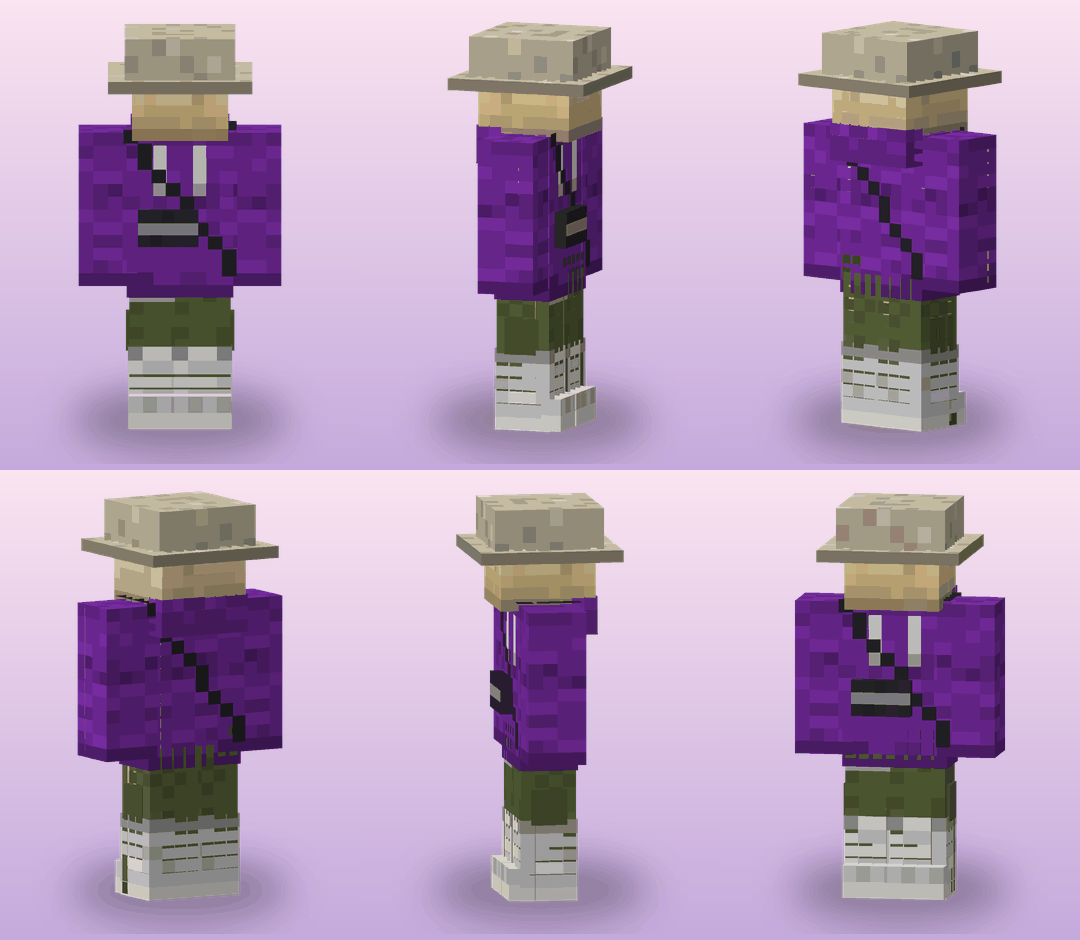
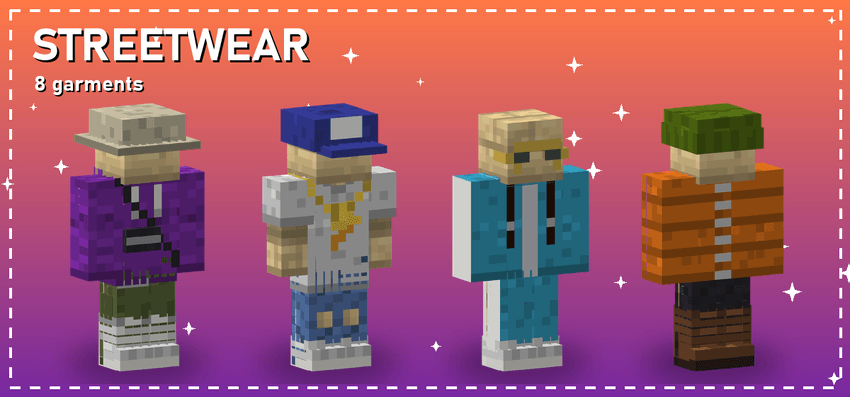 Oversized hoodies and graphic tees, cargo joggers, ripped jeans, tracksuits, a puffer jacket, high-top sneakers, caps and bucket hats.
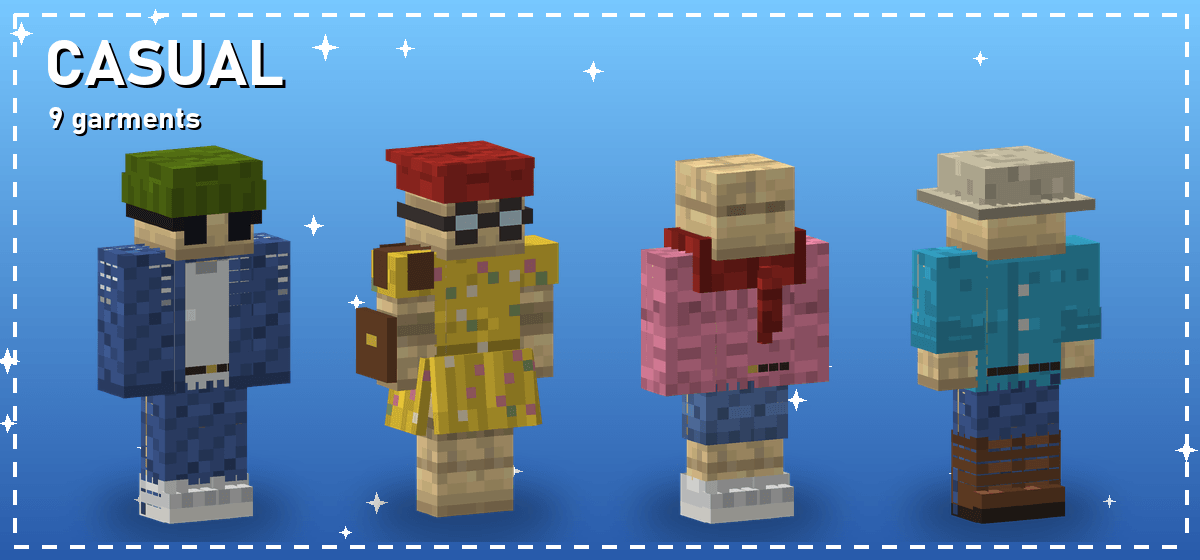
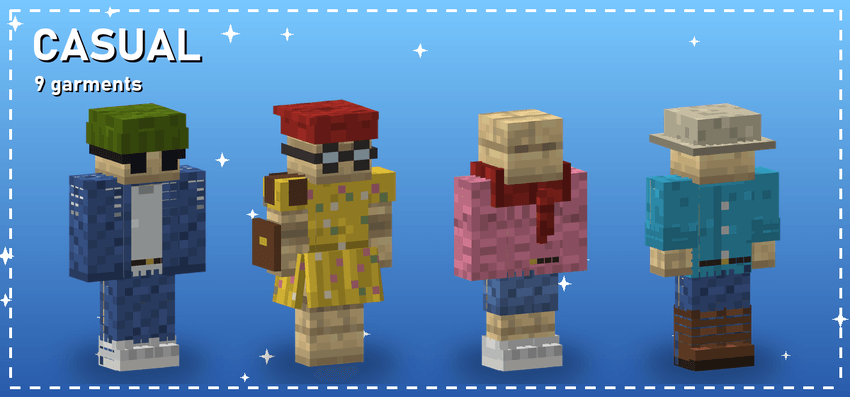 Basic tees, denim jackets and jeans, a summer dress, sweaters, button-up shirts and berets.
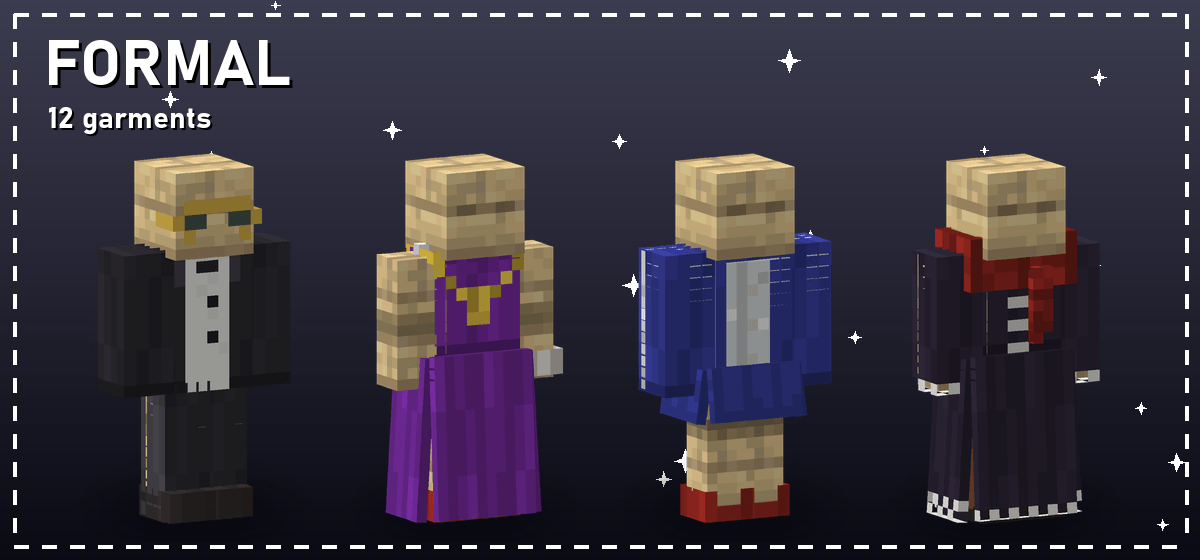
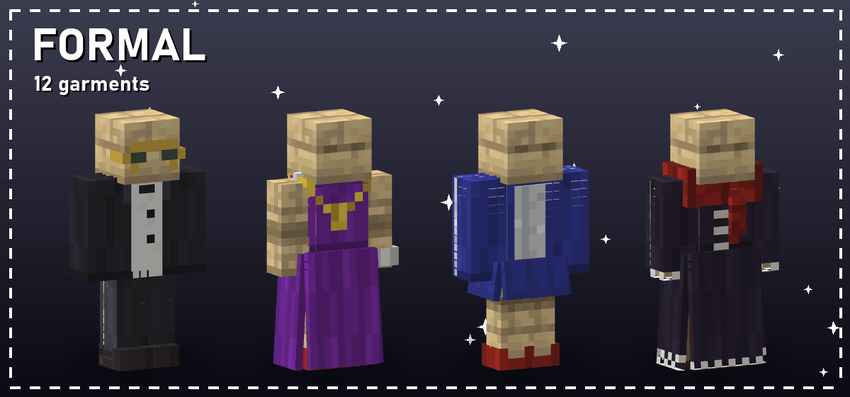 A tuxedo, blazers, suit pants and a suit skirt, and the gala and gothic dresses.
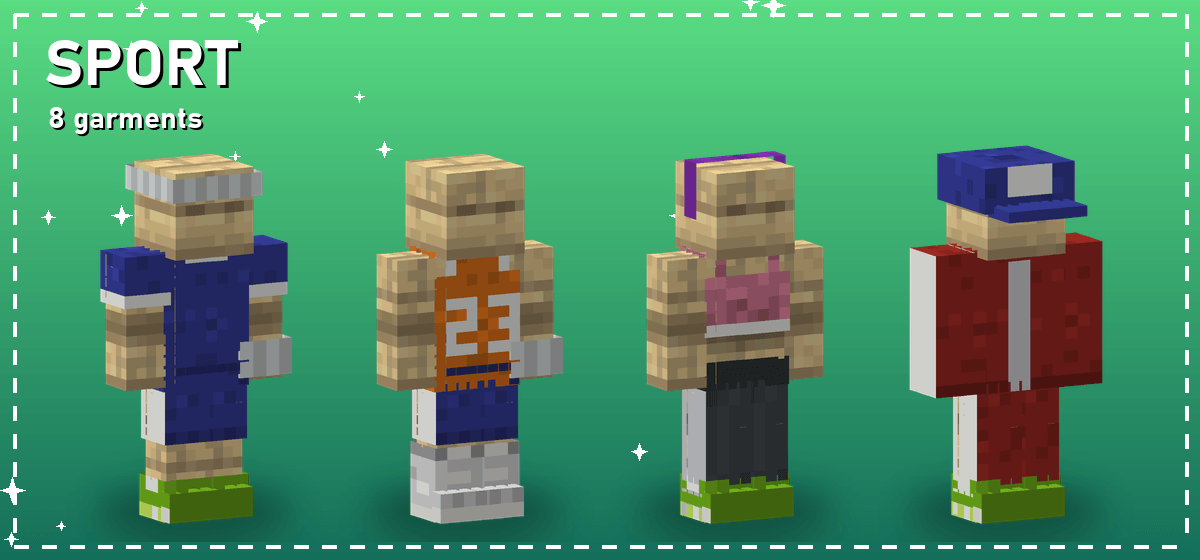
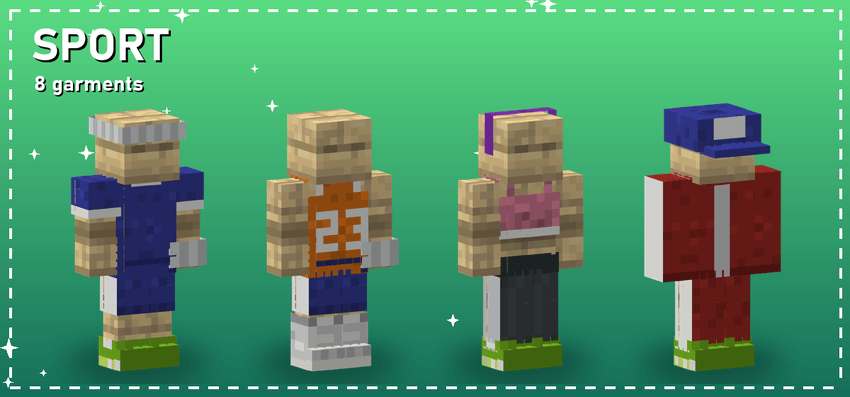 Football and basketball jerseys, sports tops, leggings and shorts, running shoes, headbands and wristbands.
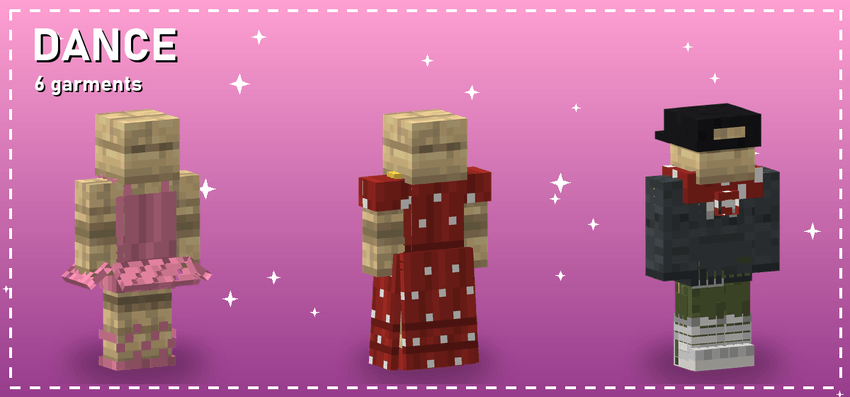 A ballet leotard, a tutu and ballet flats, a polka-dot flamenco dress, a bandana and a backwards cap.
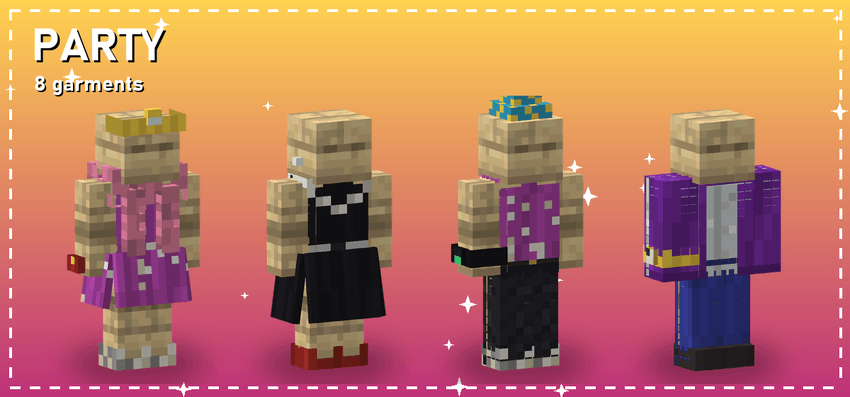 Sequin and cocktail dresses, a party top, a velvet blazer, glitter heels, a feather boa, a tiara, a party hat and a clutch.
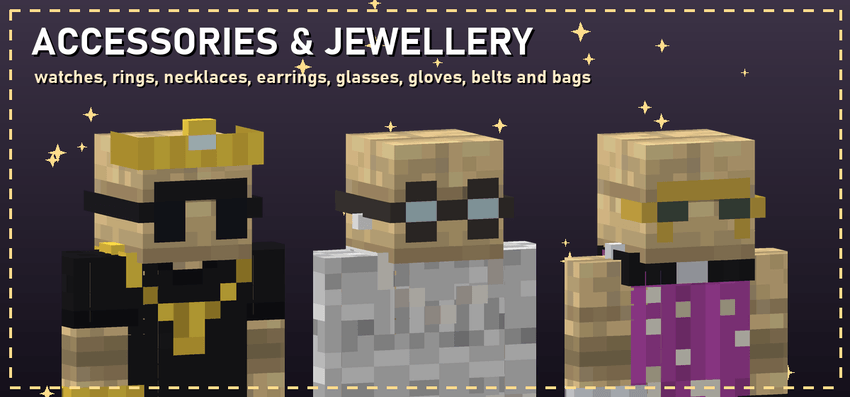 Gold, silver and digital watches, rings, pearl necklaces, a choker, a gem pendant, hoops and studs, glasses, gloves, belts, bags, a hair bow and a tiara.
🎒 Cosmetic slots
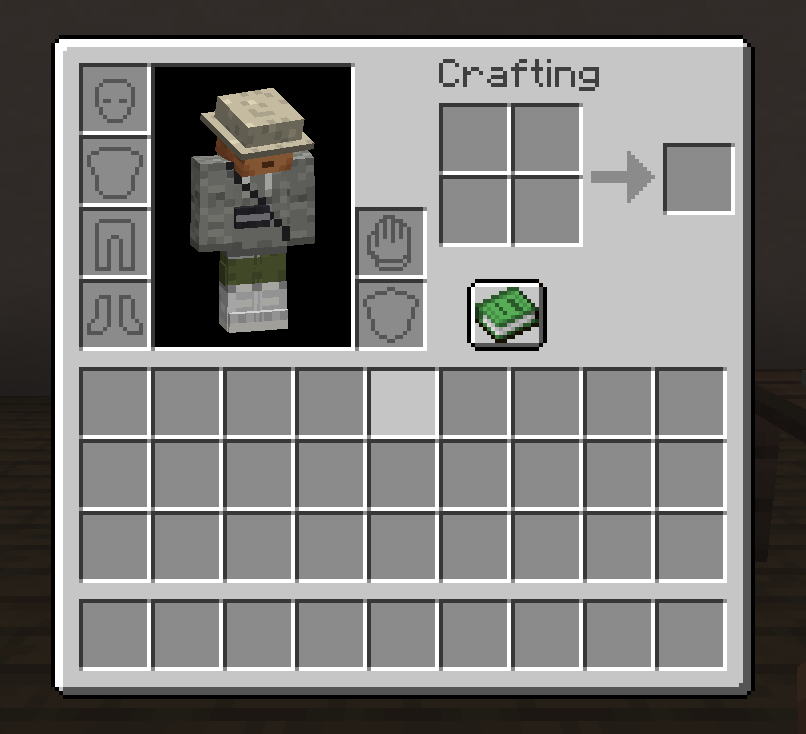
Right-click a garment to put it on; the one you wore comes back to your hand. Each garment goes in its own slot next to your armor, so you can wear a full outfit and a full set of armor at the same time.
🧵 The Sewing Table
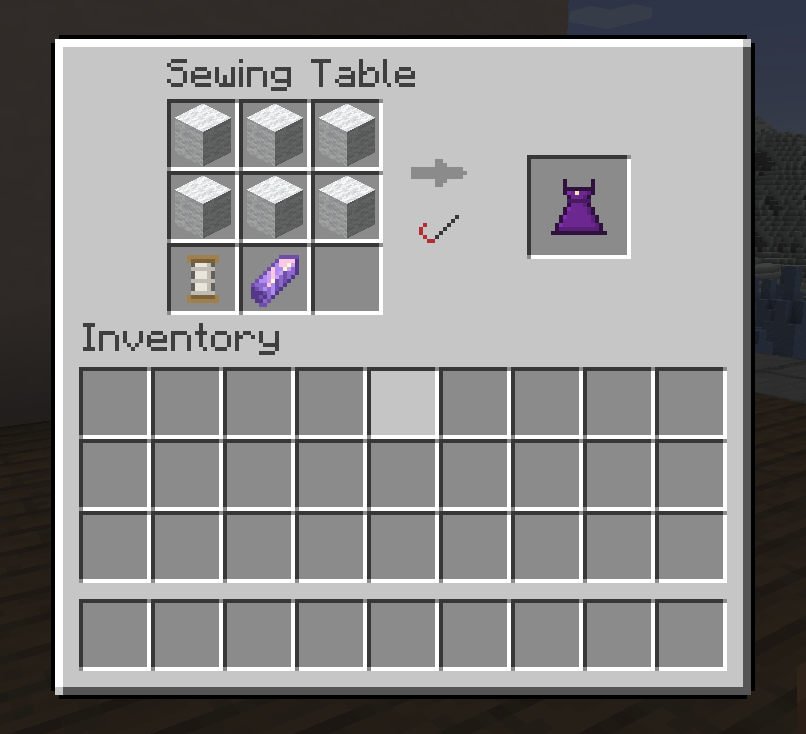
Every garment is sewn here from wool, leather and Spools of Thread, in a 3x3 grid like the crafting table's. The crafting table does not sew clothes.
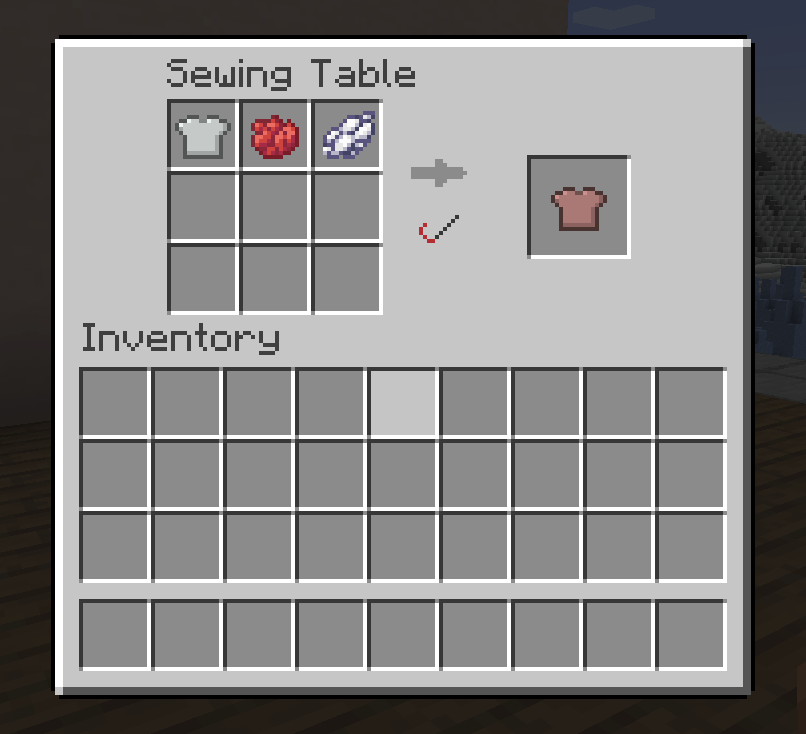
Dye a garment with one or more dyes in the same grid:
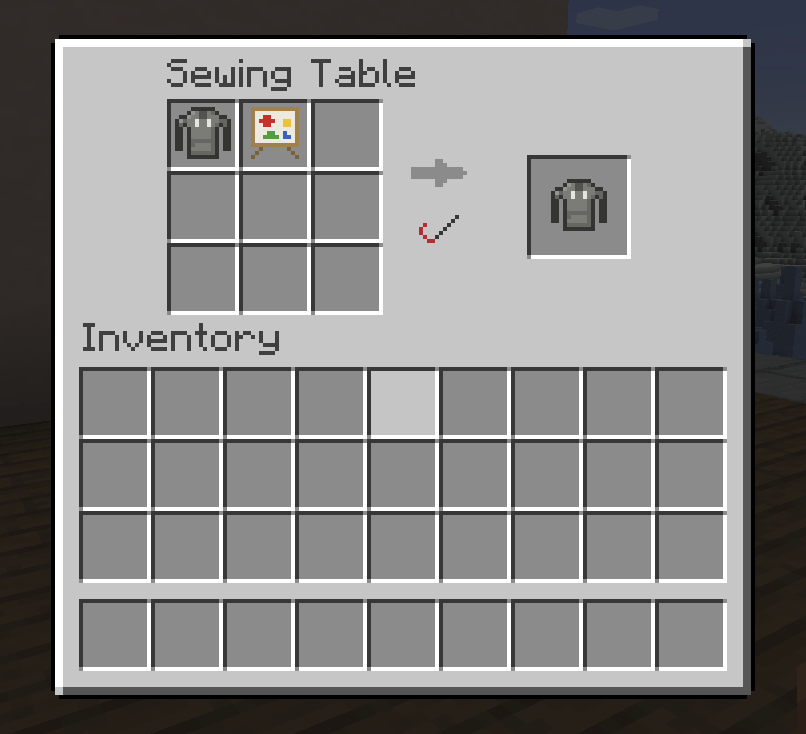
Print a banner's design, or a Design Canvas, on a Basic Tee, an Oversized Graphic Tee, an Oversized Hoodie or a Knitted Sweater:
🎨 Design your own prints
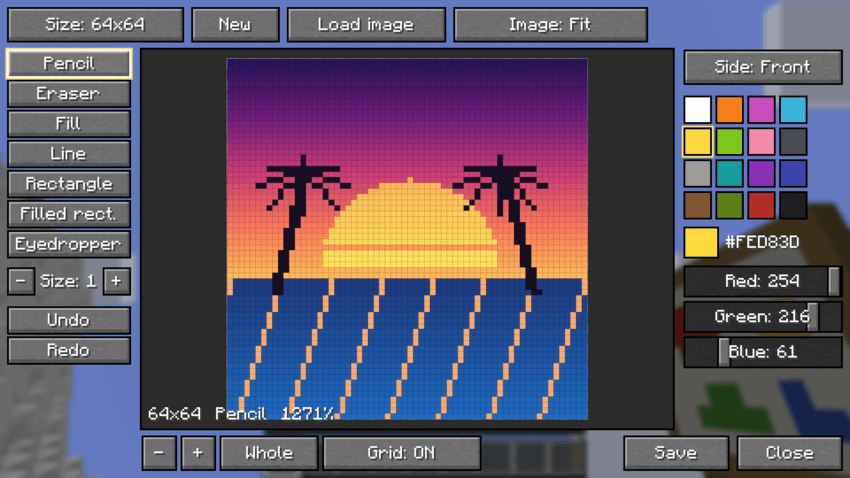
Right-click a Design Canvas to open its pixel editor:
- sizes 16, 32, 64, 128, 256, 512 or 1024 pixels;
- pencil and eraser with a brush size, fill bucket, line, rectangles and eyedropper;
- the 16 dye colours and an RGB picker, undo and redo, zoom, pan and a grid;
- load an image from your computer (PNG or JPG), fitted or cropped;
- choose the front or the back, then save: the design stays on the canvas, so one canvas prints many garments, and a blank canvas copies it.
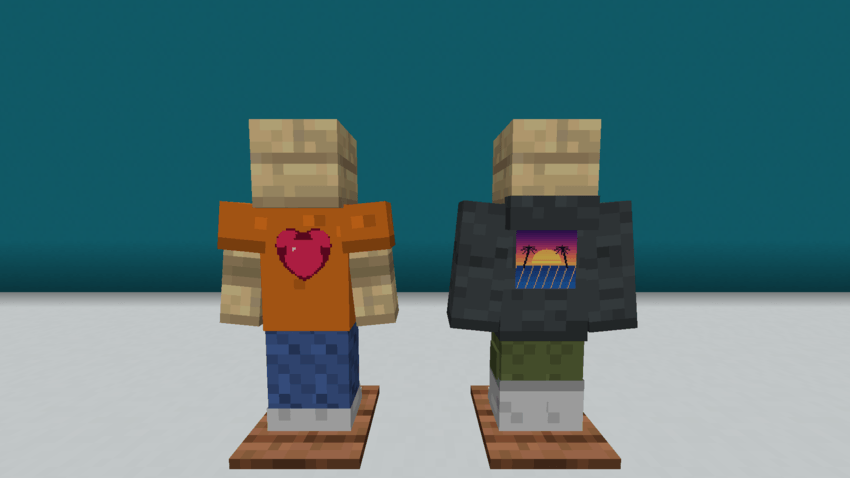
Designs are stored by the server in the world folder and sent to players in parts, so everyone on a server sees them. Operators can set the largest size, whether images can be loaded and how many designs each player keeps (game rules styleAndThreadsMaxDesignSize, styleAndThreadsDesignImports and styleAndThreadsDesignsPerPlayer), and put an image on a canvas with /styleandthreads design import.
🫧 The Washing Tub
Fill it with a water bucket (three washes) and use a dyed or printed garment on it to get it back plain.
🚪 The Wardrobe
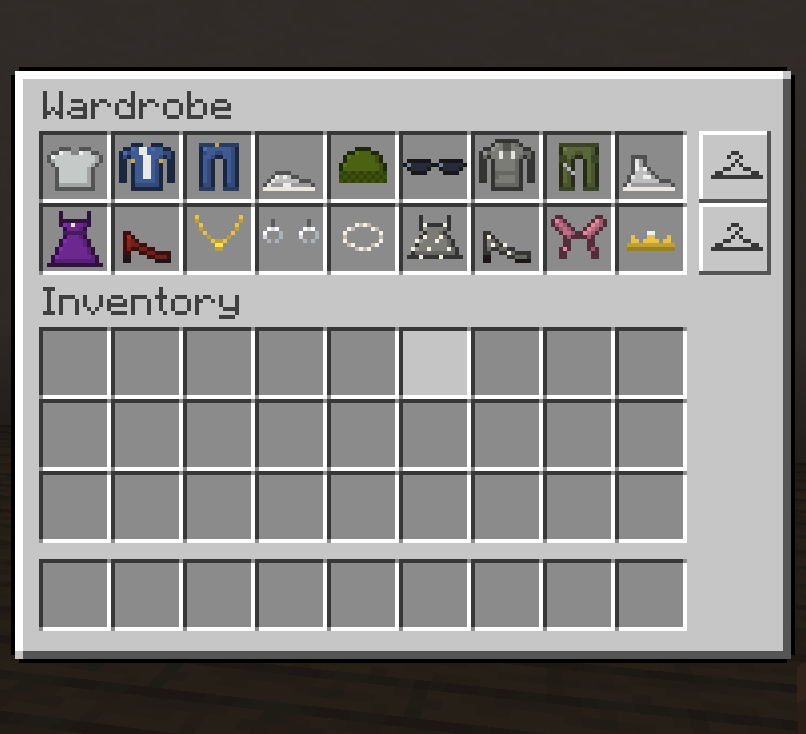
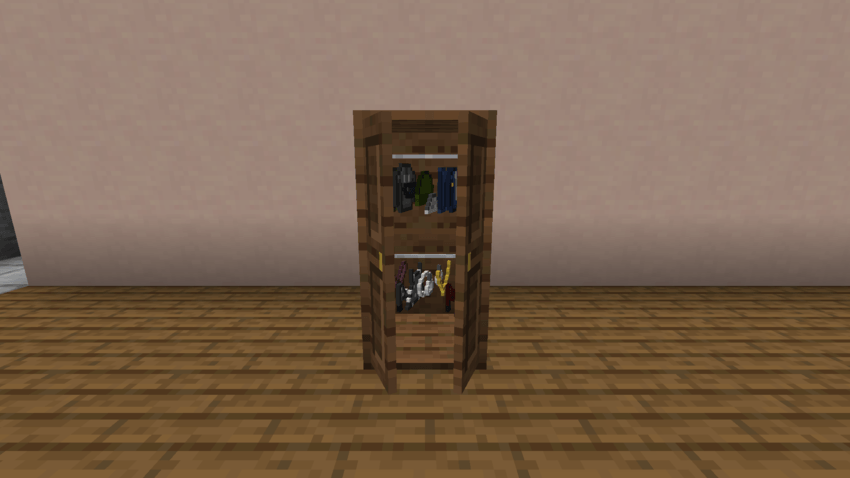
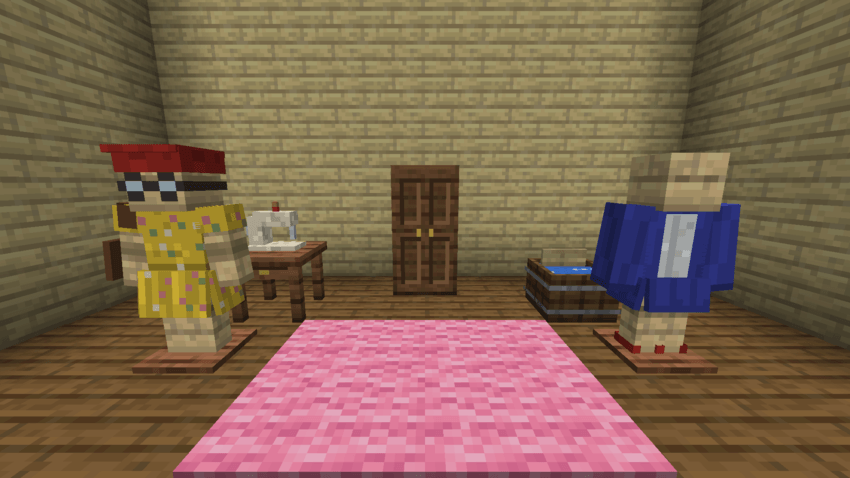
Two blocks tall, it keeps 18 garments in two rows, and each row is an outfit. The hanger button beside a row swaps it with the clothes you wear in one click. Its doors swing open while you use it, and your clothes hang inside.
🧍 The Fashion Dummy
Place it like an armor stand and right-click it to swap your whole outfit with its own. Hit it to break it: it drops itself and its clothes.
📖 The Sewing Book
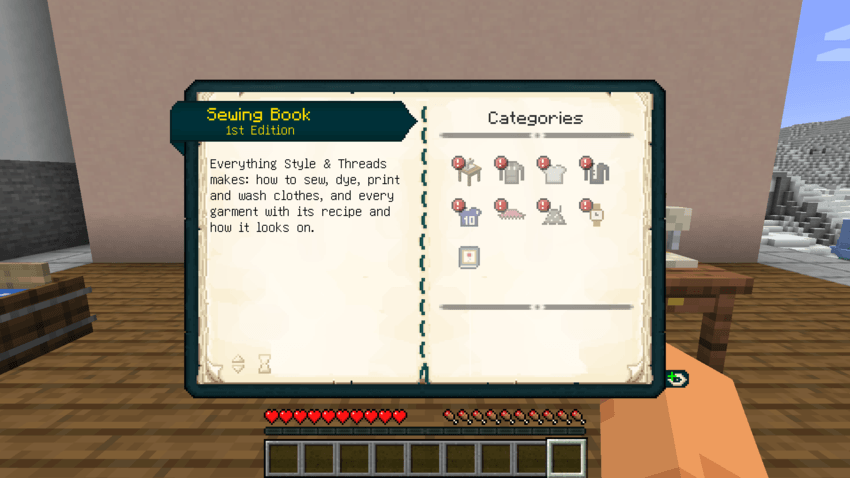
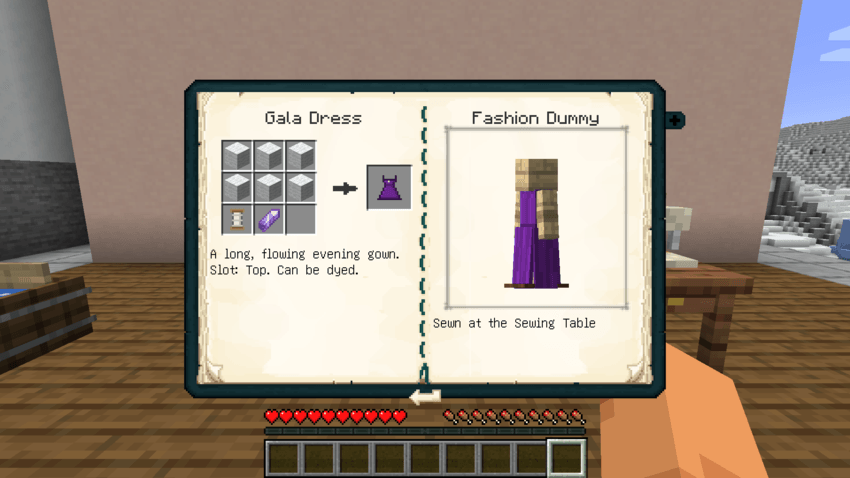
A book and a Spool of Thread, in any crafting grid (even your inventory's). It has help for every block and tool, and every garment with its recipe in the Sewing Table's grid and a turning 3D preview of a Fashion Dummy wearing it.
🗂️ Every item
Requirements
- Fabric: Fabric API, Trinkets and Patchouli.
- NeoForge: Curios API and Patchouli.
- JEI (optional): shows the Sewing Table's recipes and how dyeing, printing and washing work.
The mod is needed on both the server and the client. Minecraft 1.21.1.
A Bedrock version is also available as its own project. There, garments are worn in the armor slots, and the editor and the Wardrobe are Java only.
Languages
English and Spanish.
Style & Threads Team

Owner