Sol's Party System (Ping, Track, Team, and more!)
- By
A party mod that allows players to team up, track each other, and coordinate seamlessly. Whether you're exploring vast worlds, or just adventuring with friends, this mod keeps your party connected.
Description
Sol's Party System
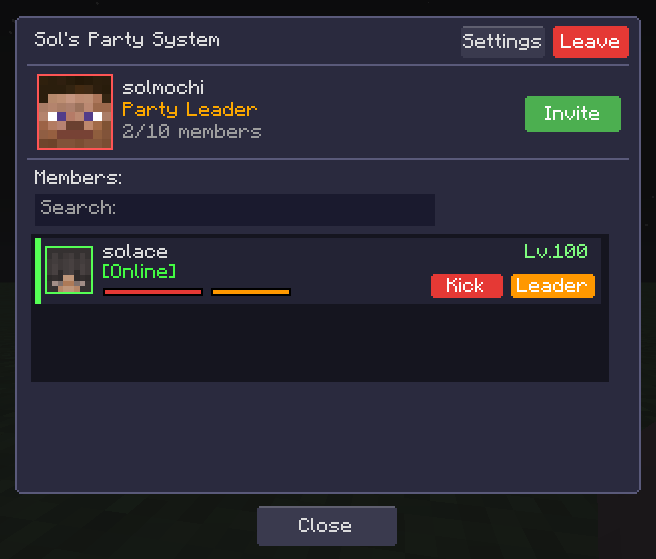
Sol's Party System is a lightweight yet powerful multiplayer party mod that allows players to team up, track each other, and coordinate seamlessly. Whether you're exploring vast worlds, tackling dungeons, or just adventuring with friends, this mod keeps your party connected.
Note: Required to be installed both Server and Client.
Need help, want to suggest a feature, or found a bug?
Join our community to catch exclusive early previews and upcoming changelogs before they go live!

Features
Party Management
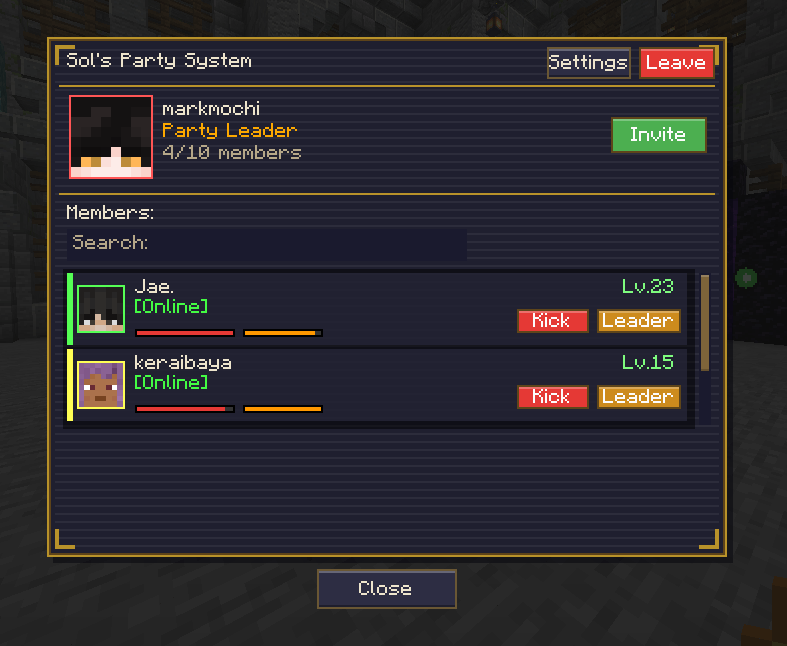
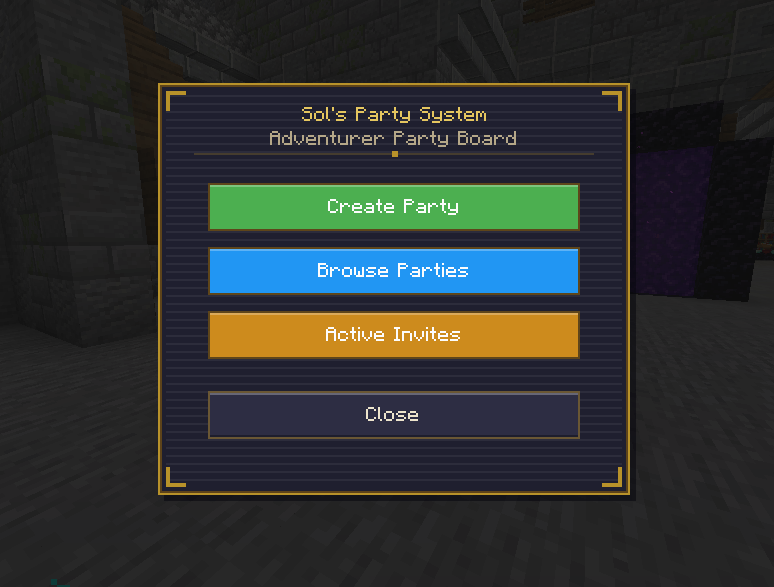
- Create & Join Parties - Easily create your own party or join existing ones
- Party Browser - Browse available public parties with search functionality
- Invite System - Invite friends to your party
- Party Capacity - Configurable maximum party size
Party HUD
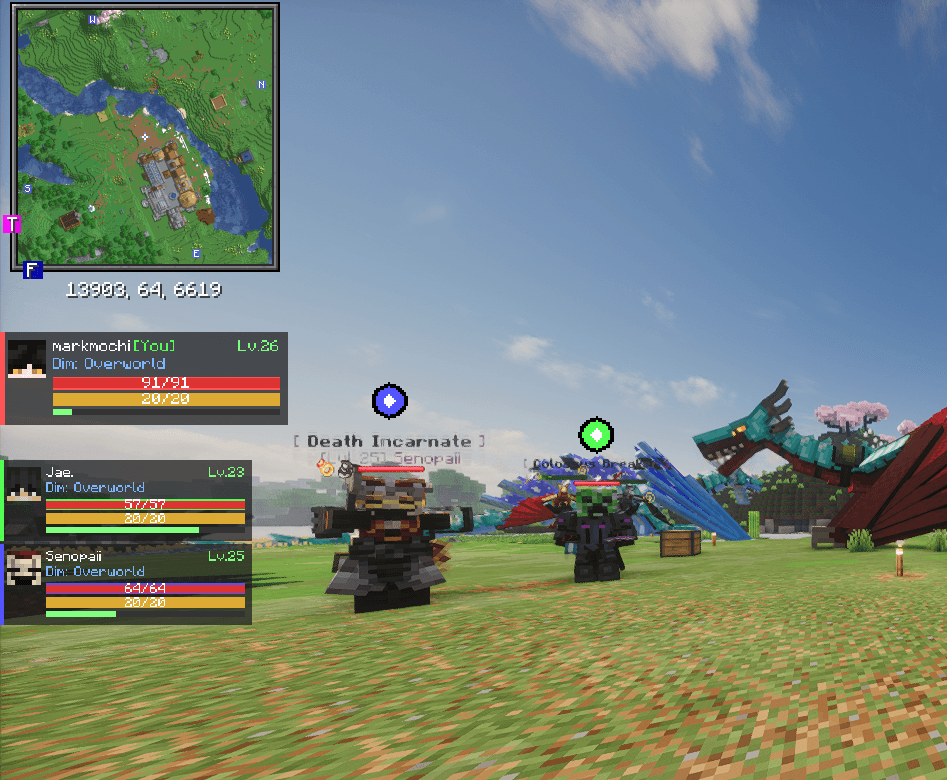
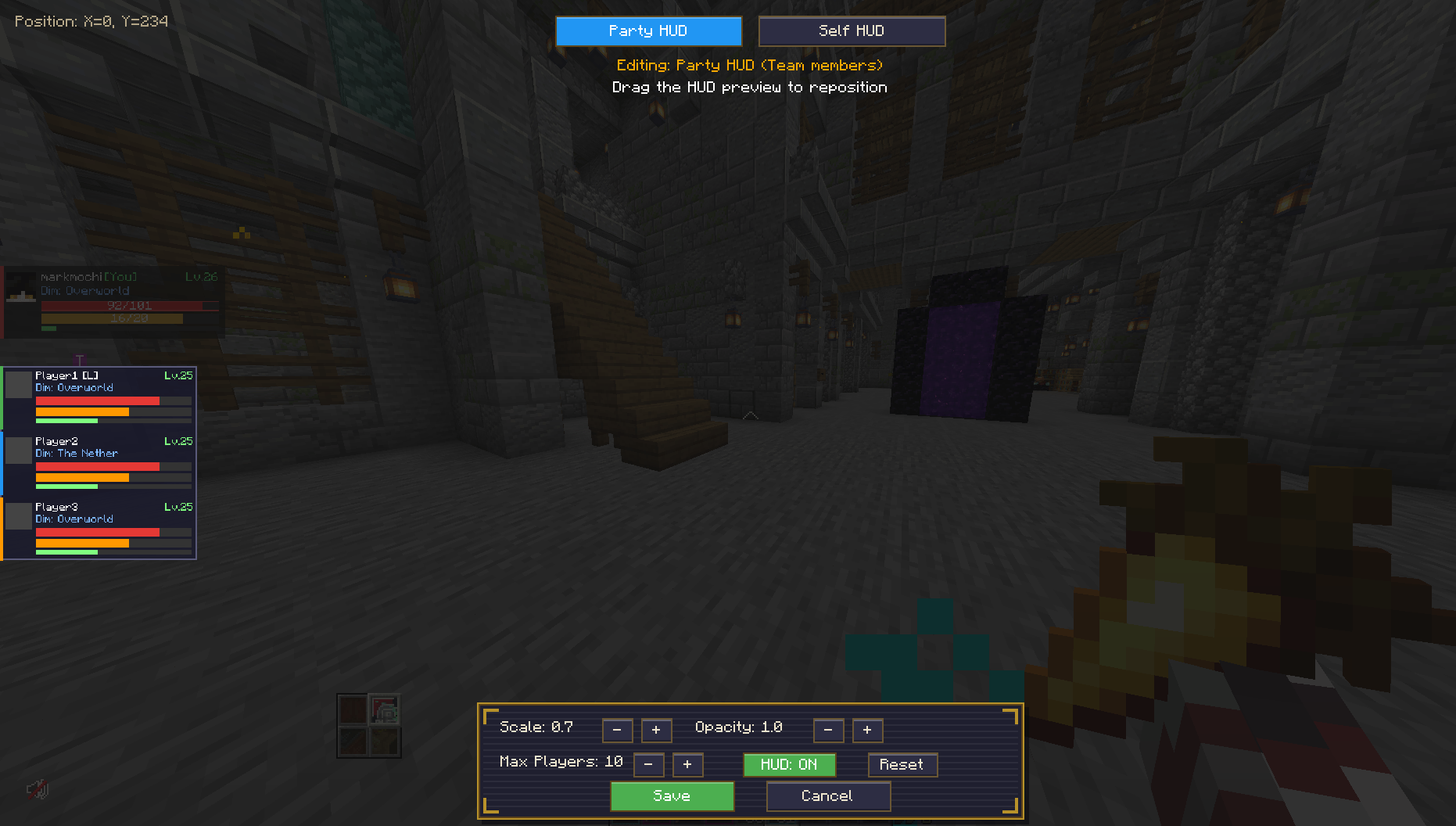
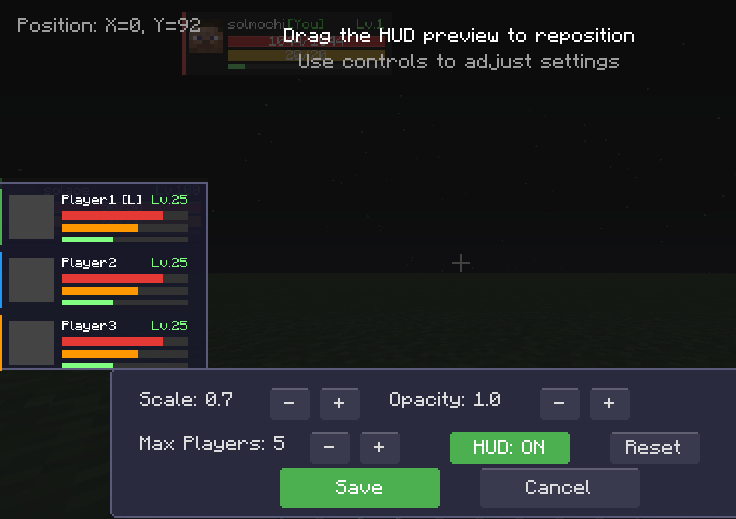
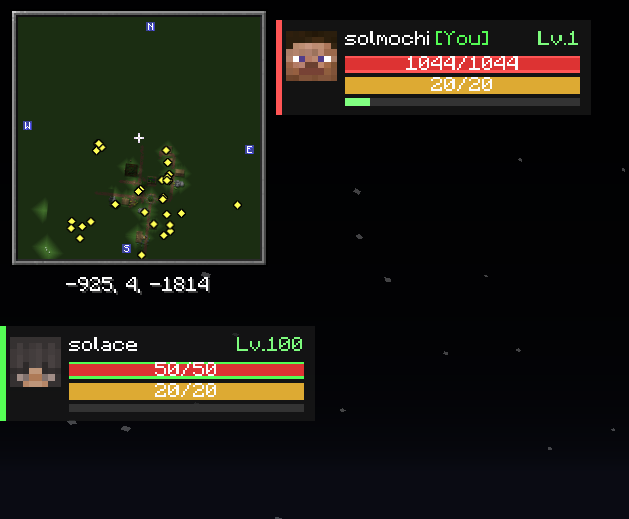
- Real-time Member Tracking - See your party members' health, hunger, and armor at a glance
- Self HUD - Separate customizable display for your own stats
- Fully Configurable - Adjust position, scale, and visibility of all HUD elements
- Clean Design - Minimalist interface that doesn't clutter your screen
Ping System
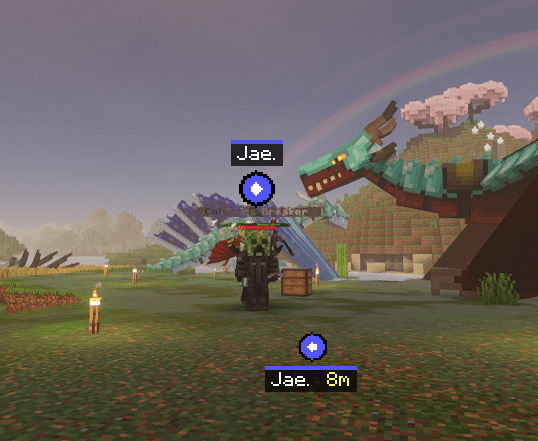
- Location Pings - Ping any location up to 100 blocks away for your party to see
- Smart Markers - Ping markers scale with distance for consistent visibility
- Detailed Labels - See who pinged, exact coordinates, and distance when looking at pings
- Screen Edge Indicators - Off-screen pings show directional arrows at screen edges
- Color-Coded - Each party member has a unique color for their pings
Keybinds
- P - Open Party Menu
- V - Ping Location
- H - Toggle HUD
Configuration
All settings can be customized in the config file or through the mod menu:
Client Settings:
- HUD Position (X, Y)
- HUD Scale
- Self HUD Position & Scale
- Enable/Disable Pings
- Enable/Disable HUD
Server Settings:
- Maximum Party Size
- Ping Duration
- Party Visibility Options
Installation
- Install Minecraft Forge
- Download Sol's Party System
- Place the .jar file in your
mods(client and server) folder - Launch Minecraft and enjoy!
undefined
Bug Reports & Suggestions
Found a bug or have a suggestion? Don't hesitate to leave a comment! I will answer it as fast as I could :)
Author: solmochi
Sol's Party System (Ping, Track, Team, and more!) Team