Backports and improves upon the Smithing Table!


If you're a modpack developer wanting to add Smithing Table to a modpack distributed outside of CurseForge or Modrinth, use File Director to avoid reuploading Smithing Table's files.
Smithing Table adds special support for the following mods:
- AssetMover: Downloads the official sounds for smithing an item. If you don't have AssetMover installed, or the sounds fail to download, anvil sounds will be used instead.
- CraftTweaker / GroovyScript: New functions to add custom smithing templates, add/remove smithing recipes, and add/remove smithing table variants. Example scripts for both mods can be found here.
- Had Enough Items / Just Enough Items: New recipe category for smithing recipes.
This mod comes with no smithing recipes or smithing templates by default. It exists solely as a utility mod for modpack developers and mod developers who want to make use of a smithing table!
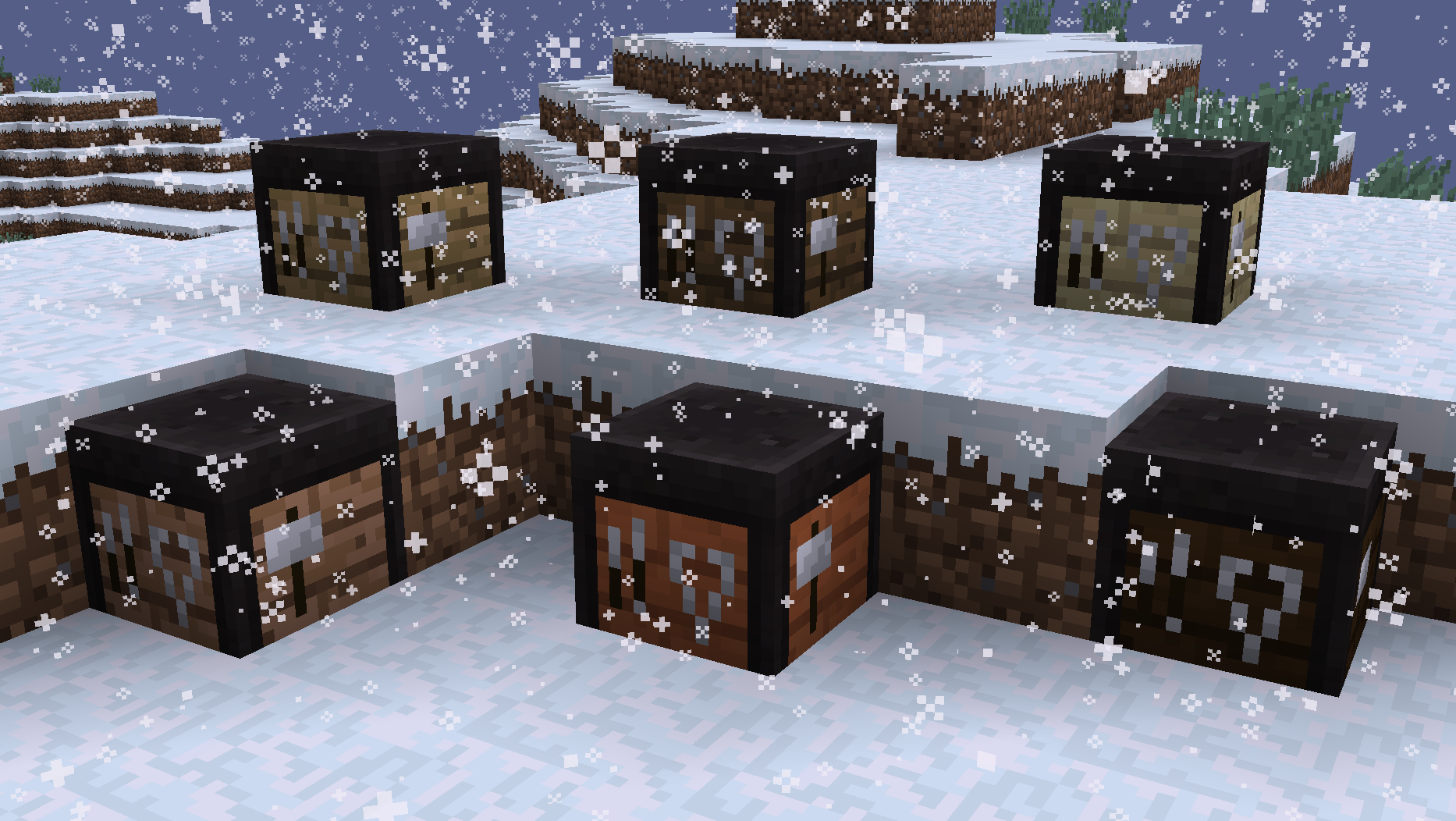
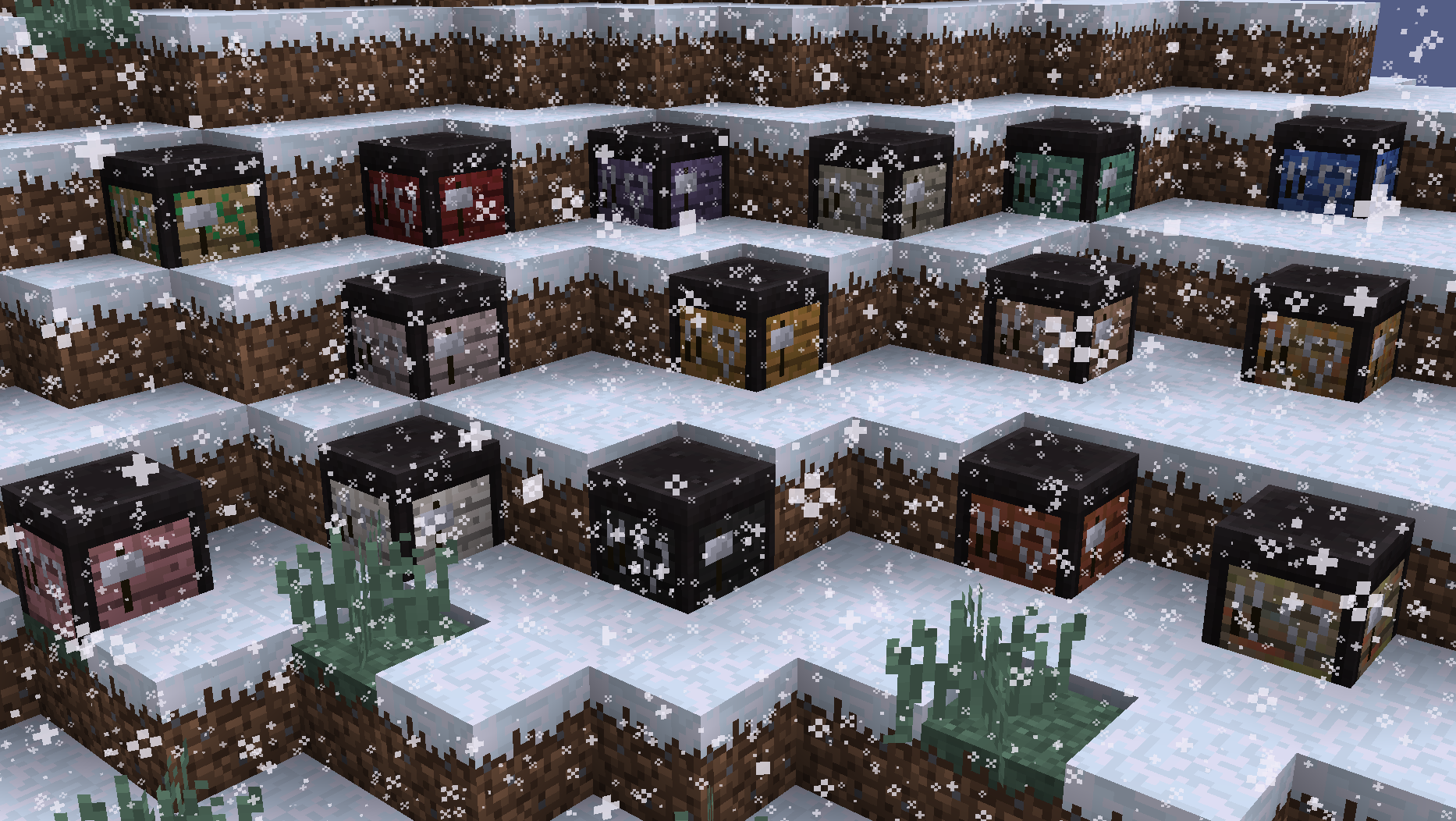
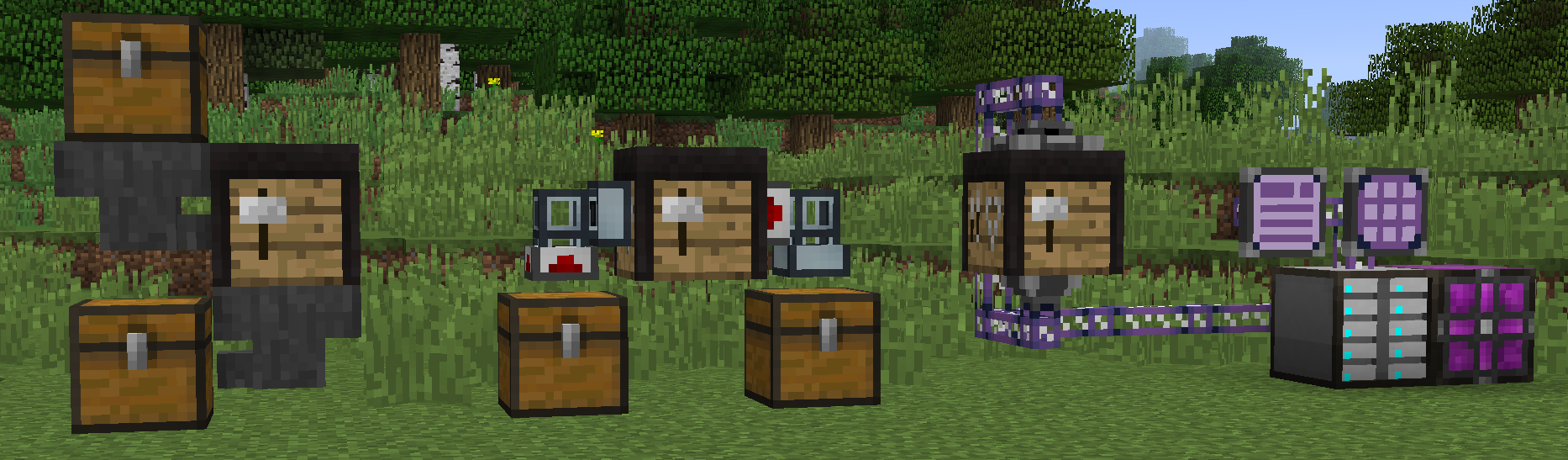
That being said, the smithing tables added by this mod offer the same functionality as what you'd expect from Vanilla's implementation, and much more! The first difference you may notice right off the bat is that these smithing tables can be made from all Vanilla and modded wooden planks!
Another difference from the Vanilla implementation is that this mod's smithing tables can automate recipes (via hoppers, pipes, etc)! Any item extraction will automatically attempt to perform a smithing recipe using the stored items, and extract the resulting output item(s). Only items that are valid for a recipe can be inserted, and they're automatically put into the correct slots. Non-output items cannot be auto-extracted, to make automation require no item filters! Smithing table recipe automation can be disabled in the config.
Info for Modpack Developers and Mod Developers (or anyone else curious about this mod's recipe internals):
See the examples folder on GitHub for example CraftTweaker and GroovyScript scripts.
All smithing recipes are controlled by a new (modifiable) forge registry. This means that each smithing recipe must have a unique id, and that the smithing recipe registry allows recipes to be added/removed freely.
Each smithing recipe consists of 3 standard Ingredient inputs, 1 ItemStack output, and a production SoundEvent (optional, defaults to the basic smithing sound). Each ingredient is treated slightly differently by the smithing recipe processor:
- Template ingredient: This ingredient corresponds to the first slot. If its matching item has a maximum durability, it will be damaged instead of being consumed. The smithing recipe processor also allows this ingredient to be empty, so custom recipes can skip having a template ingredient if desired.
- Equipment ingredient: This ingredient corresponds to the second slot. If the matching item is damaged, and the recipe output has durability, the damaged durability will be carried over to the output item. Nbt data in the equipment item will also be merged into the output item nbt (enchantments, custom name, etc).
- Material ingredient: This ingredient corresponds to the third slot. This item will always be consumed in recipes, even if it has durability.
All smithing templates are controlled by a new (unmodifiable) forge registry. This means that each smithing template must have a unique id, and that smithing templates cannot be removed from the smithing template registry. Smithing templates have the following fields:
- model: Required. A
ModelResourceLocationfor the item model. - templateSlotTexture: Required. A
ResourceLocationpointing to the background texture used by the template slot in the smithing table gui. While no item is in the template slot, the slot will gradually cycle through each uniquetemplateSlotTexture(for all registered smithing templates). If there's no registered smithing template, the template slot will have no background texture. Click here to see all slot textures that come with this mod. - equipmentSlotInfo: Optional. Gui render info for the equipment slot, while this smithing template is in the template slot. Consists of an
ITextComponentfor hover text and aSet<ResourceLocation>for background textures. While this smithing template is in the template slot, and no item is in the equipment slot, the slot will use the hover text and gradually cycle through each background texture. - materialSlotInfo: Optional. Gui render info for the material slot, while this smithing template is in the template slot. Consists of an
ITextComponentfor hover text and aSet<ResourceLocation>for background textures. While this smithing template is in the template slot, and no item is in the material slot, the slot will use the hover text and gradually cycle through each background texture. - creativeTabs: Optional. The creative tabs for this smithing template. Note: This smithing template will always appear in the "Smitning Table" and "Search" creative tabs.
- forceEnchantGlint: Optional. True if this always has an enchantment glint.
- maxDurability: Optional. The maximum item durability of this smithing template.
- maxStackSize: Optional. The maximum item stack size of this smithing template.
- rarity: Optional. The
IRarityfor this smithing template. Defaults toUNCOMMON.
Each smithing template is handled as item nbt in-game, using the syntax {smithing_table: {TemplateId: "TEMPLATE_REGISTRY_ID_HERE"}}. This allows their "slot-related" fields to be applied to any existing item, and allows every smithing template to exist as subtypes for one central smithing_table:template item (to conserve item ids).
Smithing Table provides a custom api.SmithingTemplateIngredient ingredient class (with a json ingredient factory id of smithing_table:template) that allows smithing templates to also be used in all modded recipe systems that use Ingredient! This ingredient accepts an array of smithing template ids. It only checks for smithing template nbt in the provided item to see if it matches any of the acceptable smithing template ids.
This mod also adds a simple smithing_table:template loot function, which accepts a smithing template id and applies it to the loot item.
Below are screenshots of the recipes.groovy and templates.groovy example scripts in action:
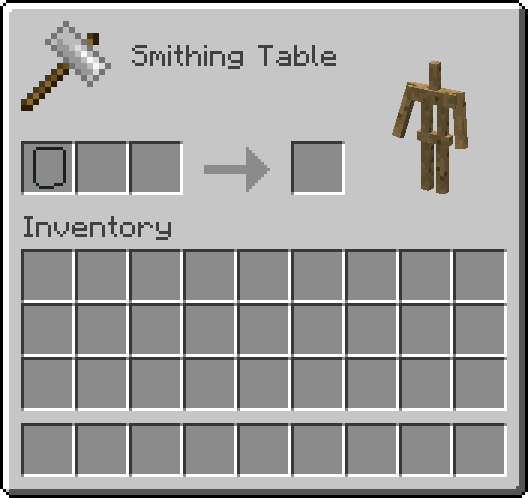
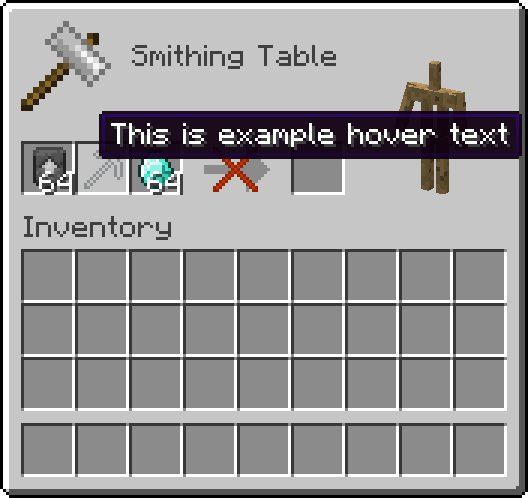
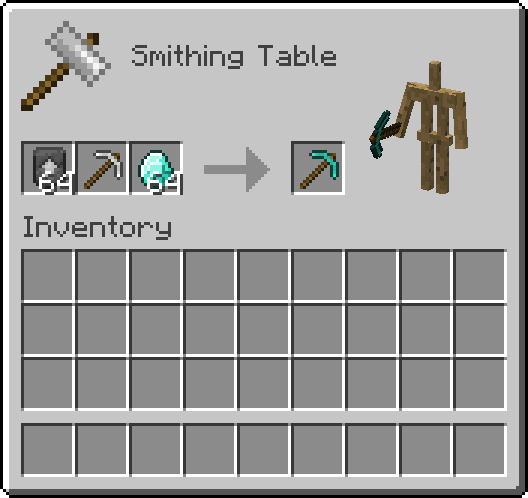
Note: The smithing table gui is highly configurable, so if you don't like the armor stand or hover text for certain empty slots (for example), you can disable them!
This mod will not be ported.
Direct contact: jbred.dev@gmail.com
Smithing Table Team

Owner