
Description

👁️ Give Verity something to look at.





A lightweight add-on for Verity JE that lets Verity see your Minecraft world. Press G to snap a screenshot, then send any chat message — the capture goes to Google Gemini (or straight into Smiley's Better Brain multimodal chat) so Verity can talk about what you're looking at.
✨ What You Get
- 📸 Keybind capture — press G to save a HUD-less in-game screenshot (plays a shutter sound and shows
Capture saved.) - 🗑️ Easy discard — press H to delete the current capture (
Capture deleted.) - 💬 Next message sends it — your following chat to Verity includes the screenshot, then the capture is cleared automatically
- 🤖 Gemini vision — powered by
gemini-3.1-flash-lite(standalone describe mode, or multimodal with Better Brain)
Example:
Press G while looking at a build, then chat:
What do you think of this?
Verity gets your view and replies based on what you're actually seeing.
✅ Before You Start
Make sure you already have:
| Requirement | Version |
|---|---|
| 🟩 Minecraft | 1.20.1 |
| ⚒️ Forge | 47+ |
| 😁 Verity JE | 5.0+ |
| ⬜ Cloth Config | Latest |
⚠️ Heads up — this mod doesn't replace Verity JE, it works alongside it. You need both installed. Pairs great with Smiley's Better Voice and Smiley's Better Brain (Brain can use its own Gemini key for combined vision+chat).
🚀 Quick Start
- Drop the mod JAR into your
modsfolder (with Verity JE) and launch Minecraft - Get a free Gemini API key from aistudio.google.com/apikey
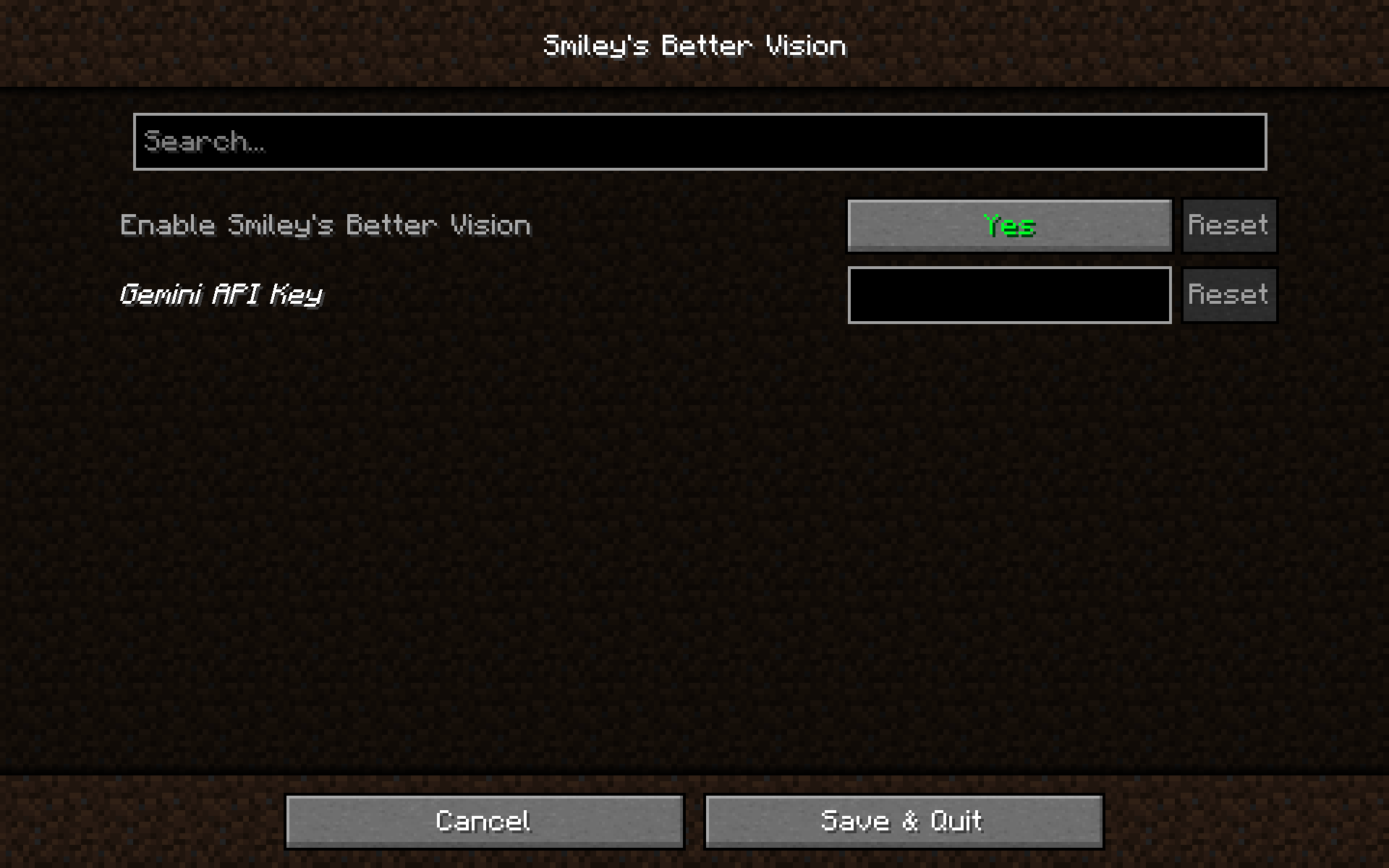
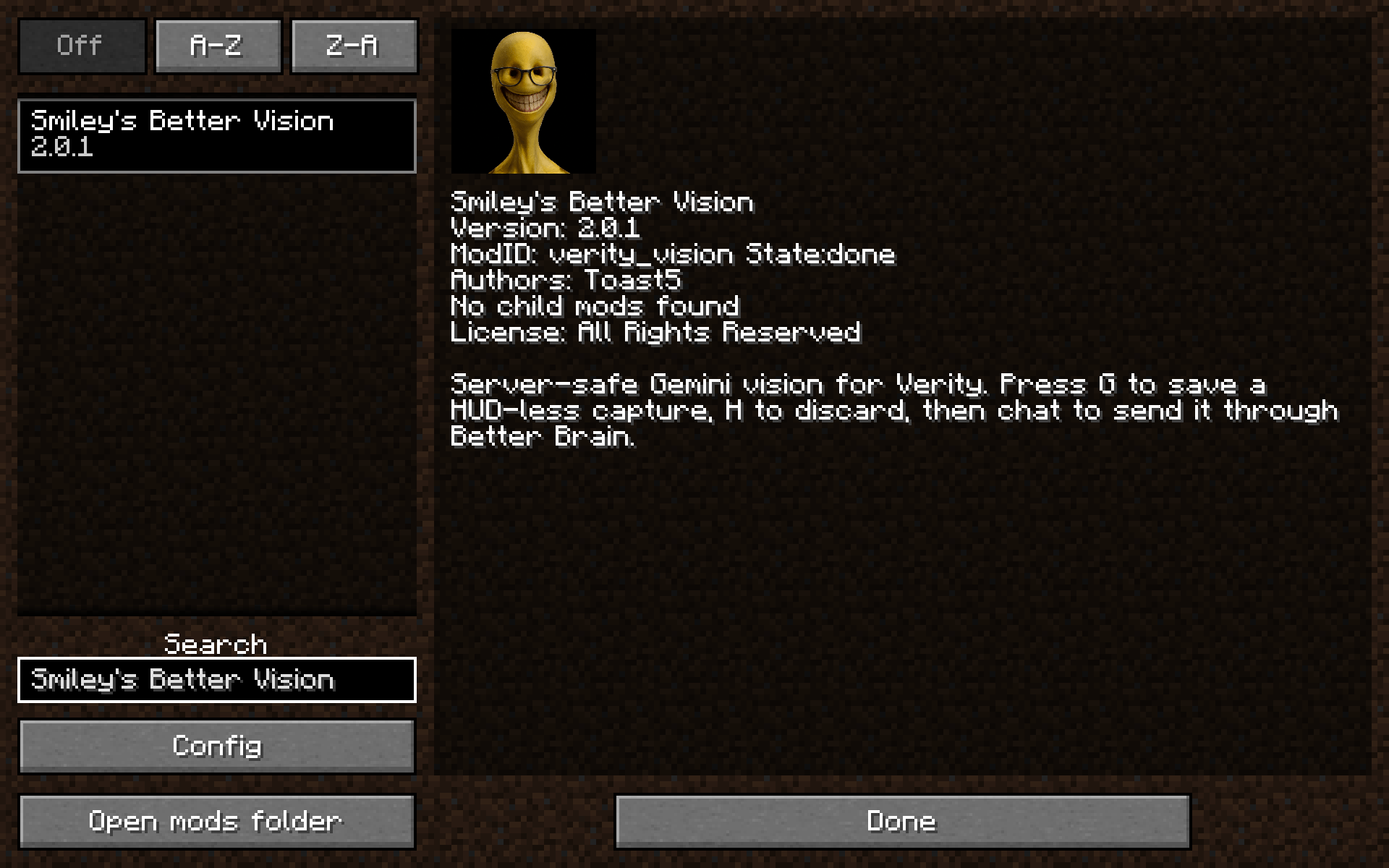
- In-game: Mods → Smiley's Better Vision → Config
- Toggle Enable Smiley's Better Vision on and paste your API key
(If Better Brain is handling multimodal vision, use Brain's Gemini key instead — Vision's key isn't required.) - Press G to capture, then talk to Verity normally
- Remap G / H anytime under Options → Controls → Smiley's Better Vision
⚙️ Config Options
Found under Mods → Smiley's Better Vision → Config:
| Setting | Does what |
|---|---|
| 🟢 Enable Smiley's Better Vision | Master on/off switch |
| 🔑 Gemini API Key | Your Google Gemini API key (standalone mode) |
Keybinds are under Options → Controls. Saved to config/verity_vision-client.toml.
🛠️ Troubleshooting
🔴 Verity can't see anything — Make sure the mod is enabled, press G until you see
Capture saved., then send a chat message. Set a Gemini API key in Vision (or Better Brain for multimodal). Check the console for errors.
🟠 "Capture failed" / "Verity Vision failed" — Usually an API key issue, network problem, or Gemini rate limit. Double-check your key at aistudio.google.com/apikey.
🟡 Accidentally captured — Press H to delete (
Capture deleted.). A new G also replaces the previous capture.
📌 Notes
- 🌐 Requires an internet connection while vision is active
- 📊 Gemini API usage limits depend on your Google account plan
- 📸 Screenshots are captured client-side and sent to Google's API — nothing is stored on any third-party server
- 🛠️ Unofficial add-on — not made by the Verity JE team
🔗 Links


Legal: Smiley's Better Vision is an unofficial, independently-coded add-on and is not affiliated with Verity JE or its creators. It requires the parent mod to be installed separately and does not copy or redistribute any of its content. All rights to Verity JE belong to its respective owners. This isn't legal advice.
The Smiley's Better Vision Team


Owner