Slot Cars 🏎️🚗
- By
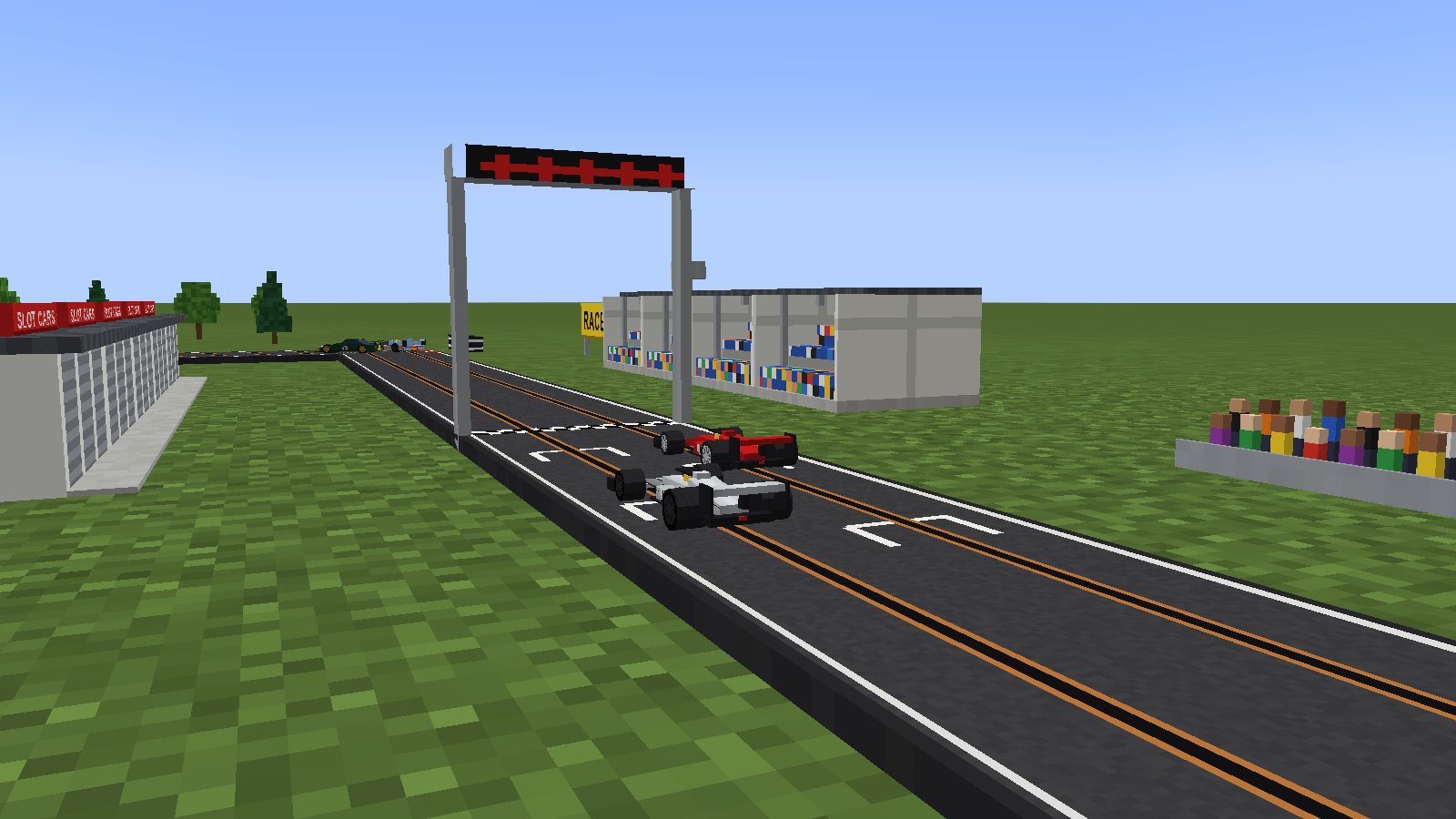
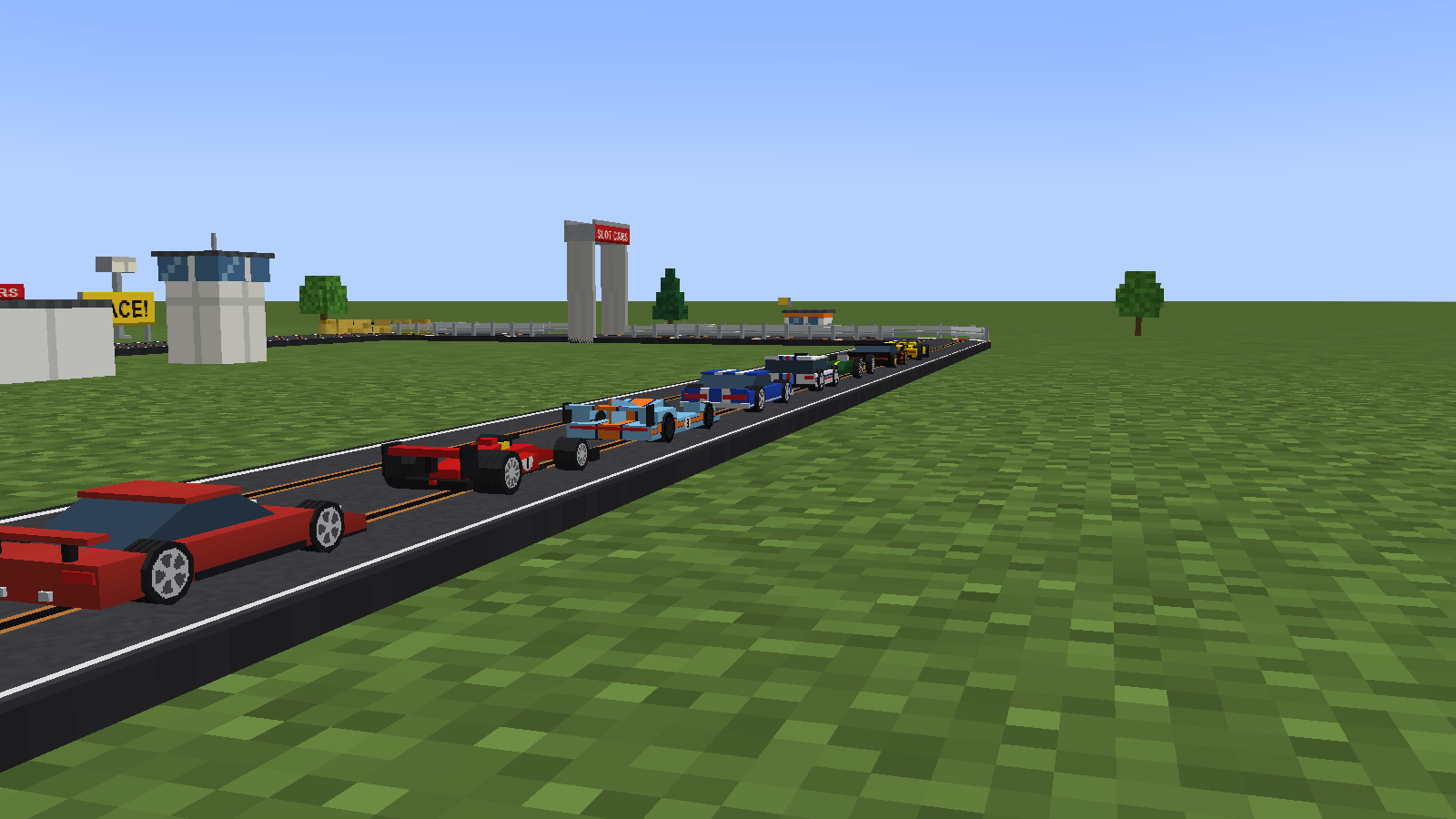
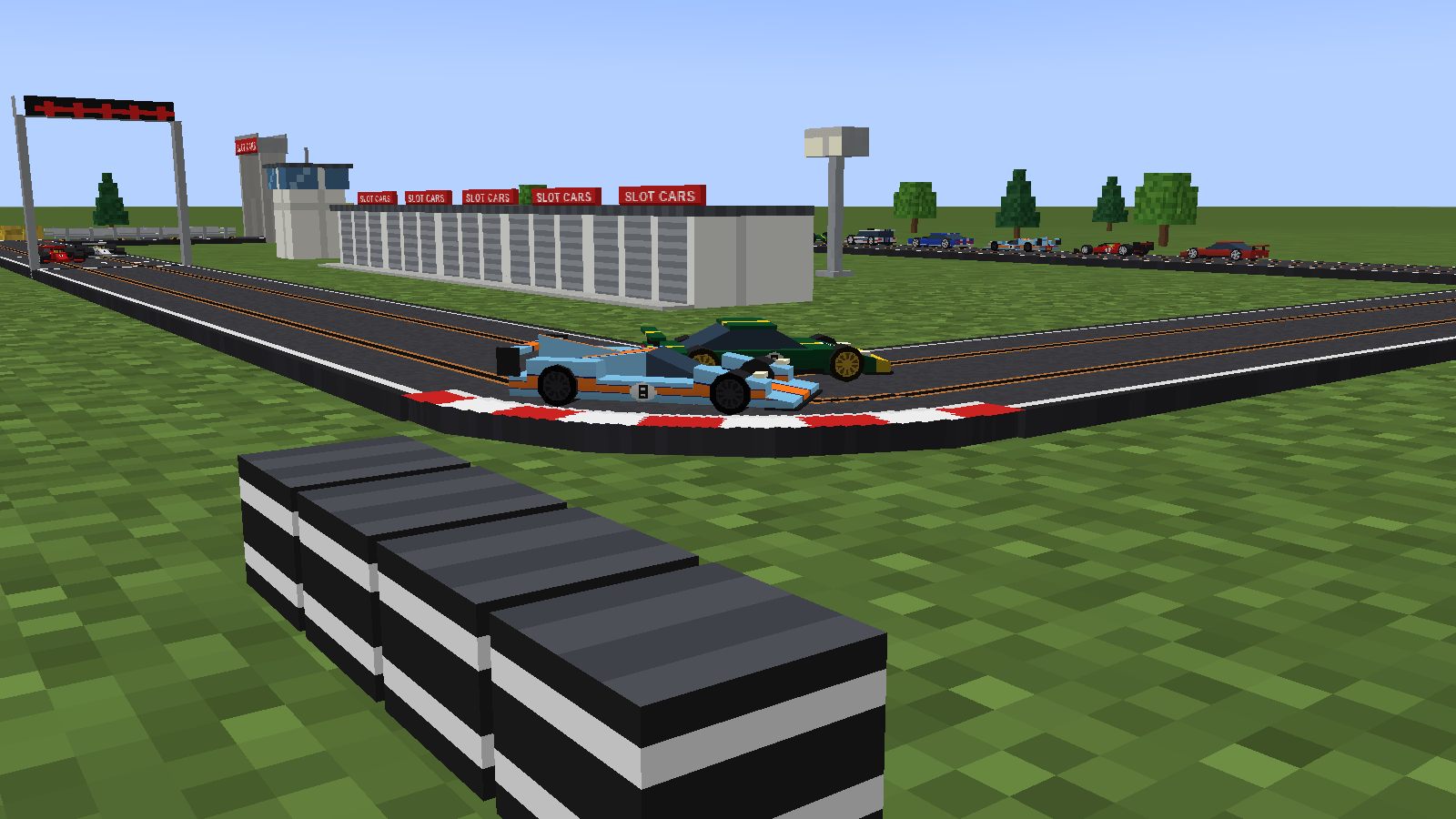
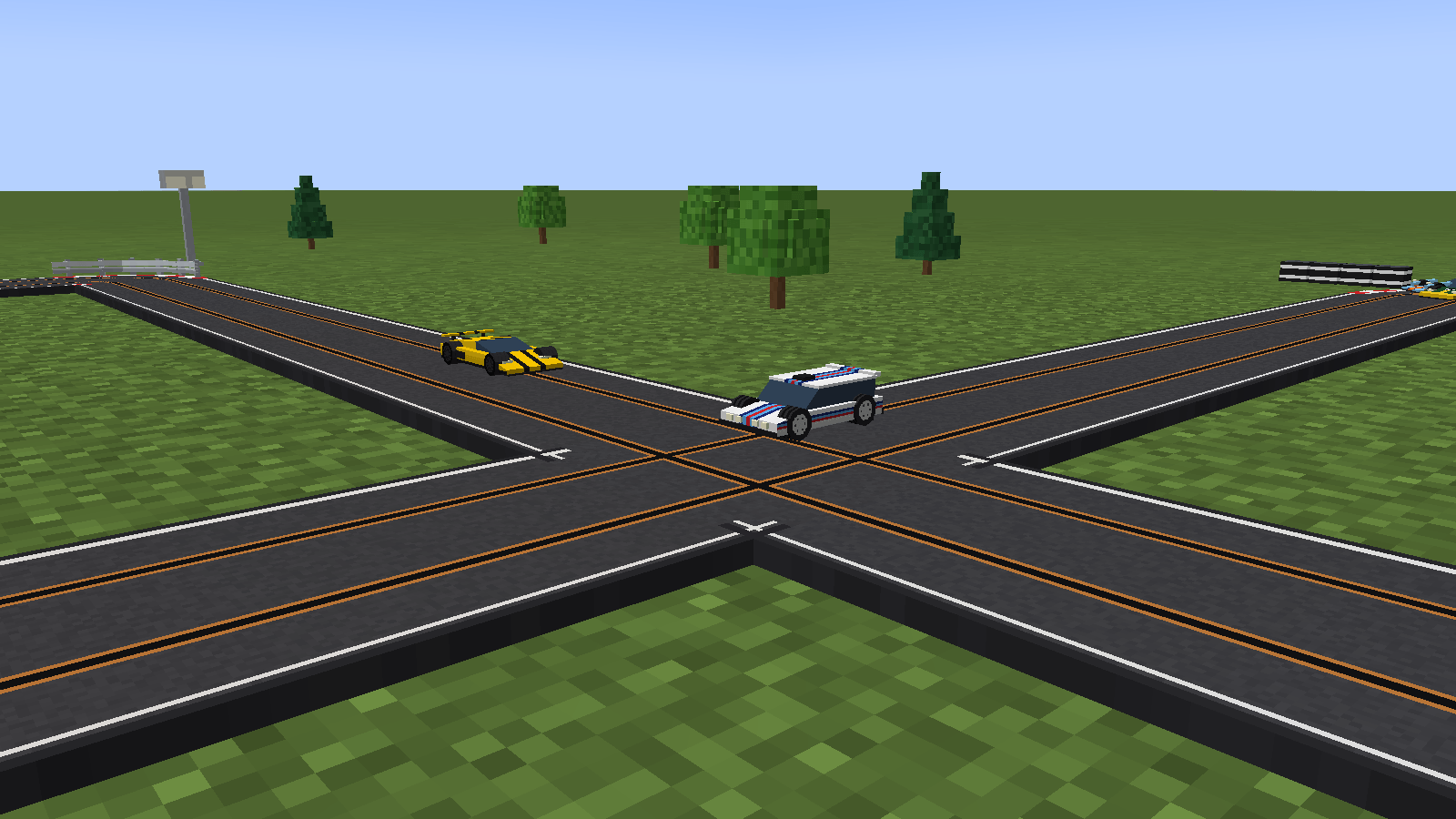
Scalextric in Minecraft. Lay track like rails, build your car at the workbench and race it round with the left mouse button. Kerbs, barriers, crossovers, lap times, four cameras and scale scenery to build a whole circuit.
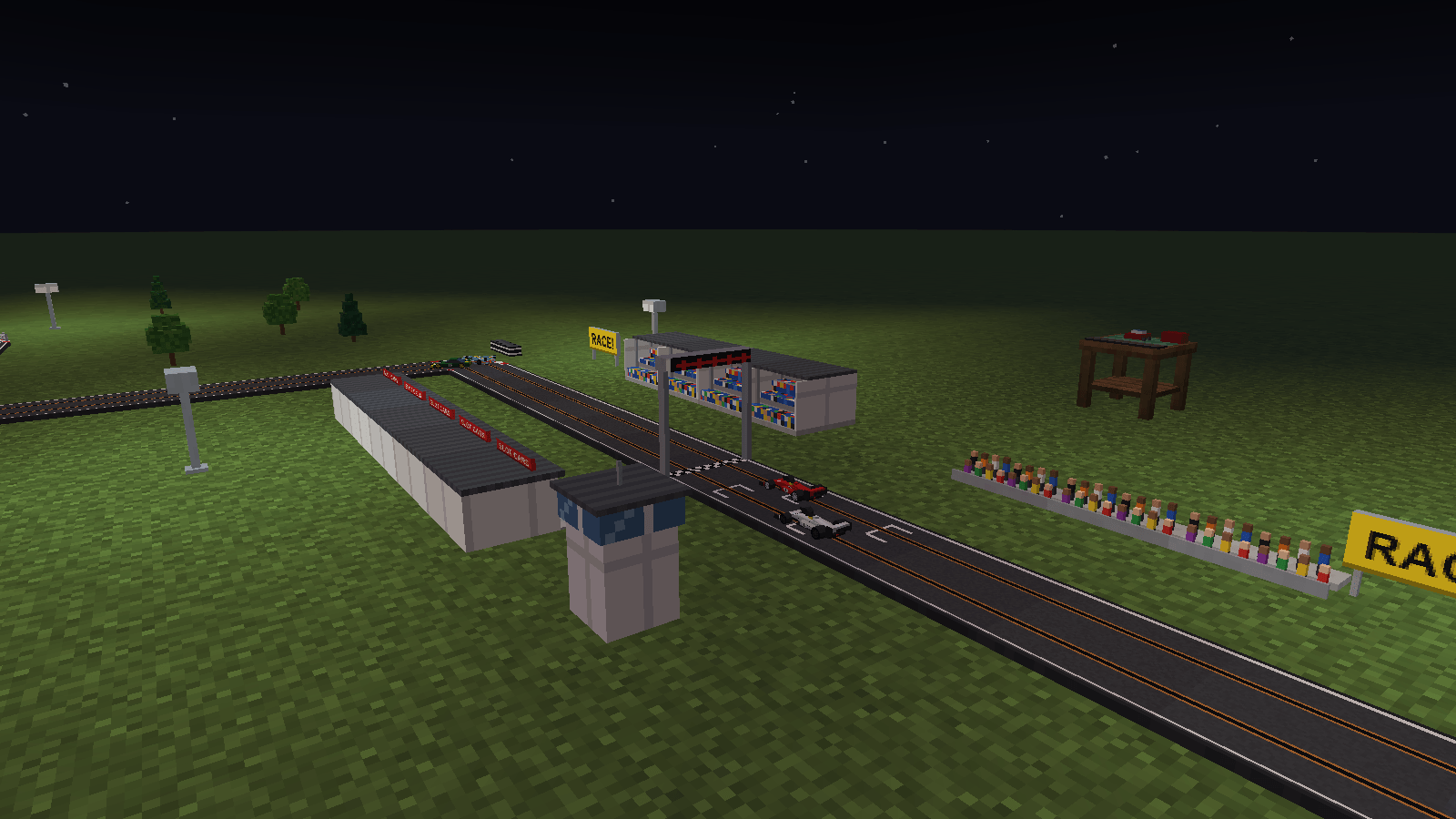
10_night_race.png
FunkyMonkey95 | Slot Cars 🏎️🚗
Create a server, get 25% off your first month

Description
Slot Cars
Remember setting up a Scalextric on the living room floor and racing your mates round it? This is that, in Minecraft.
Lay a track, build a car and race it round. Take on a friend in the other lane, or leave a ghost car lapping and try to beat it. Everything is built to the cars' scale, so a block is about eight metres and you're the giant at the side of the track with the controller in your hand.
Getting started
| Item | Recipe |
|---|---|
| Slot Car Track (makes 12) | 3 smooth stone slabs on top, then a copper ingot, redstone and a copper ingot |
| Slot Car Workbench | Iron ingot, redstone, iron ingot on top, then planks, a crafting table and planks |
| Slot Car Body | A glass pane on top, then an iron ingot, redstone and an iron ingot |
| Slot Car Wheels | Dried kelp in the four corners and an iron nugget in the middle |
- Lay some track. Each piece joins up with the last one on its own, just like minecart rails.
- Take a car body and some wheels to the workbench and build yourself a car.
- Right-click the track with your car. It goes in the lane on your side, facing the way you're looking.
- Hold left click to go, and let go to brake.
Everything is in the Slot Cars creative tab too, including eight ready-built cars to get you going.
Laying track
Track works like rails. Put pieces next to each other and they join up, turning into corners where the line bends. Close the loop and you've got a circuit. If a piece points the wrong way, sneak and right-click it with an empty hand to turn it. Not sure what a piece does? Hover over it.
Every piece has two lanes, so two cars can race side by side.
| Piece | What it does |
|---|---|
| Start/Finish Line | Times your laps |
| Starting Grid | A grid box for each lane |
| Hay Bale, Armco and Concrete Barriers | Catch a car that goes into a corner a bit too fast. Hay bales are the most forgiving. Armco bounces you off with more of your speed, and concrete will still flip you over if you hit it hard enough. |
| Crossover | For figure of eights. Two cars meeting in the middle will crash, so watch your timing. Run a line of track into the side of a straight and it turns into one for you. |
| Lane Change | Swaps every car into the other lane, so you take turns on the inside |
| Chicane | A quick left-right flick you'll need to lift off for |
Hills and bridges
A ramp is half a hill: put down a bottom half and a top half and you're a block up. Want to go higher? Put inclines in between, each one another block. Bridges need nothing underneath, so you can run one line right over another.
You don't need to build anything to hold it all up. Just keep clicking the ground in front of the last piece and each one goes where the track leads, with little trestle supports put in underneath. In survival they come out of your inventory. Coming down works the same way. If you'd rather a ramp at the end of raised track kept climbing instead of heading down, sneak while you place it.
Cars slow down going up and speed up coming down. Hit the top of a hill too fast and you'll take off!
Racing
On your own? Press G while you're driving and your car carries on by itself as a ghost. It brakes for every corner and hill, and it's quick, so it makes a good rival. Give it a slower car if you want an easier race, and right-click it whenever you want to drive it again.
Fancy a proper race? Right-click the Start Lights Gantry. Every car that's racing nearby gets put on the grid behind the start/finish line, and the five red lights come on one by one. When they go out, go! Your lap and position are on screen. If you crash, just put your car back on and carry on. The results go out in chat at the end. Sneak and right-click the gantry to choose 3, 5, 10 or 20 laps.
Building your car
Put a body and a set of wheels in the workbench, pick each part with the arrows (or scroll over it), and take your car. Hover over a part to see what it does. The car turns slowly in the middle so you can see what you're making, with bars for its speed, pick-up and grip.
- 8 body shapes: Formula, GT, Le Mans, Muscle Car, Rally Hatch, Vintage Racer, Stock Car and Supercar. Each one handles a little differently.
- 30 paint jobs: the 16 dye colours, plus 14 liveries including Gulf Blue, Martini Stripes, Rosso Corsa, Silver Arrow, Racing Green, Hot Rod Flames, Police and Chequered.
- 5 kinds of wheels: Road, Racing Slicks, Rally Knobblies, Wire Spokes and Magnet Traction, with 16 rim colours.
- 5 motors: Economy, Club, Sport, Pro and Turbo.
Bigger isn't always better. The corners don't get any wider and the throttle is all or nothing, just like the real thing. An Economy car can be held flat out all the way round, but a Turbo needs a gentle touch.
Bored of a car you've built? Put it back in the workbench and give it a new look.
Driving
While you're driving, your other controls are locked so nothing gets in the way.
| Control | What it does |
|---|---|
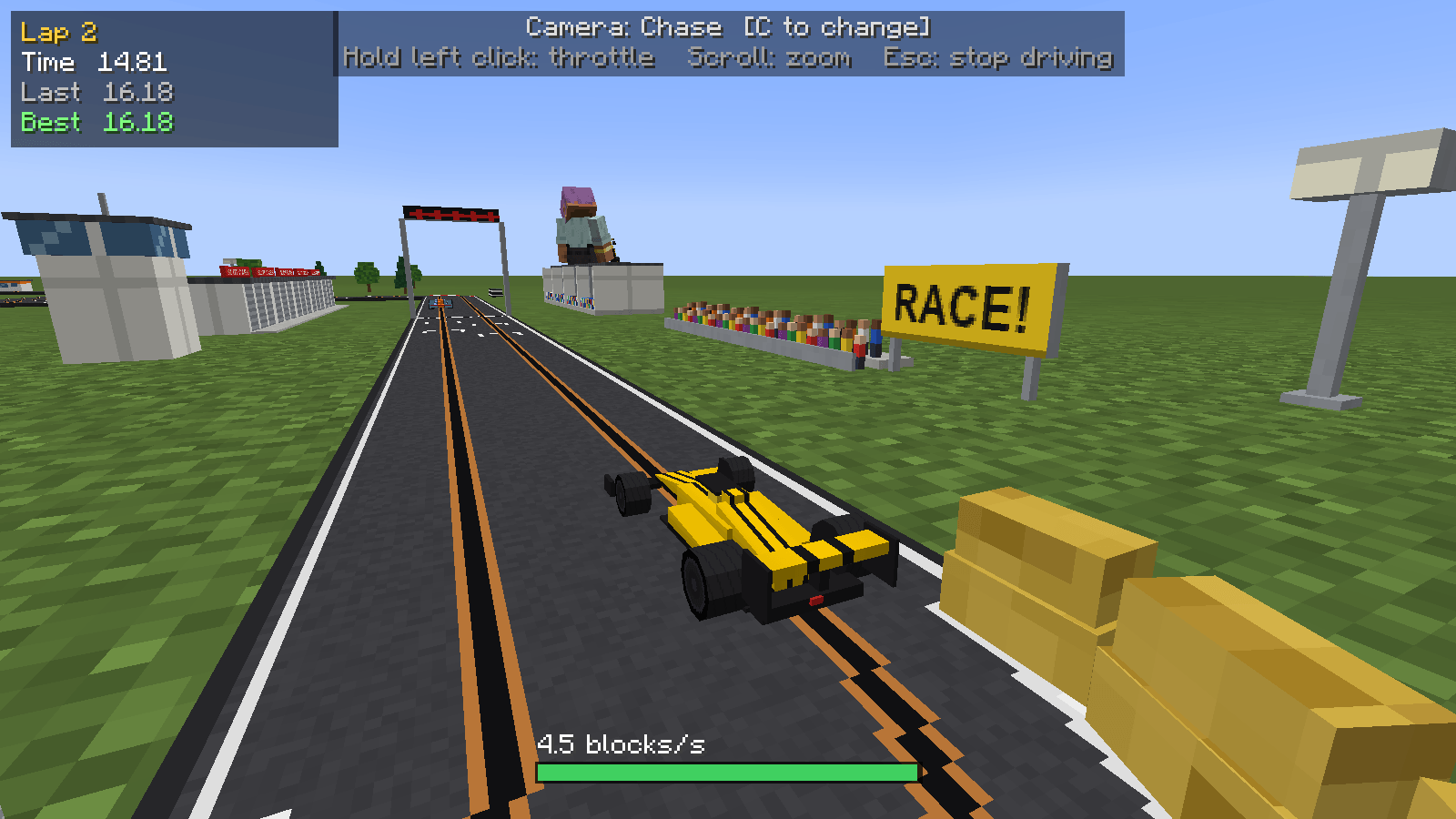
| Left click (hold) | Throttle |
| C | Change camera: your own eyes, chase, onboard, bird's eye or orbit |
| G | Let the car drive itself |
| Scroll | Zoom in or out |
| Esc | Stop driving |
Go into a corner too fast and the back end steps out. Keep your foot in and you're off: the car flies off the track and lands on the floor, where you can pick it up and put it back on. The inside lane of a corner is tighter than the outside.
Your current lap, last lap and best lap are on screen, and you'll see "New best!" when you beat it.
To pick a car up, hit it, or sneak and right-click it. Right-click a car that's sitting on the track to drive it.
Scenery
Make your circuit look the part with a grandstand, pit garage, race control tower, start lights gantry, footbridge, tyre wall, oak and pine trees, spectators, billboard, marshal post, floodlight (it really lights up) and a tunnel. You make them all from a piece of track and a few bits.
The gantry, footbridge and tunnel go over the track. Click the top of a straight and they line up across it. A row of tunnels makes a long one.
Track recipes
| Piece | Recipe |
|---|---|
| Start/Finish Line | Track, white dye and black dye |
| Starting Grid (makes 2) | 2 track and white dye |
| Barrier track (makes 4) | 4 track and a hay bale, an iron ingot or light gray concrete |
| Crossover | 5 track in a plus shape |
| Lane Change (makes 2) | 2 track and a redstone repeater |
| Chicane (makes 2) | 2 track, red dye and white dye |
| Ramp (makes 2) | 2 track and a stick |
| Incline (makes 2) | 2 track and 2 sticks |
| Bridge (makes 2) | 2 track and an iron ingot |
| Track Support (makes 4) | A smooth stone slab and a stick |
Good to know
- For Minecraft 1.21.1, on NeoForge or Fabric. NeoForge doesn't need anything else; Fabric needs Fabric API.
- Install it on the server and on everyone's game.
- Feel free to use it in modpacks.
☕ Enjoying the mod? All my mods are free and always will be. If you fancy saying thanks, you can buy me a coffee on Ko-fi.
Slot Cars 🏎️🚗 Team