Foosball Table ⚽🥅
- By
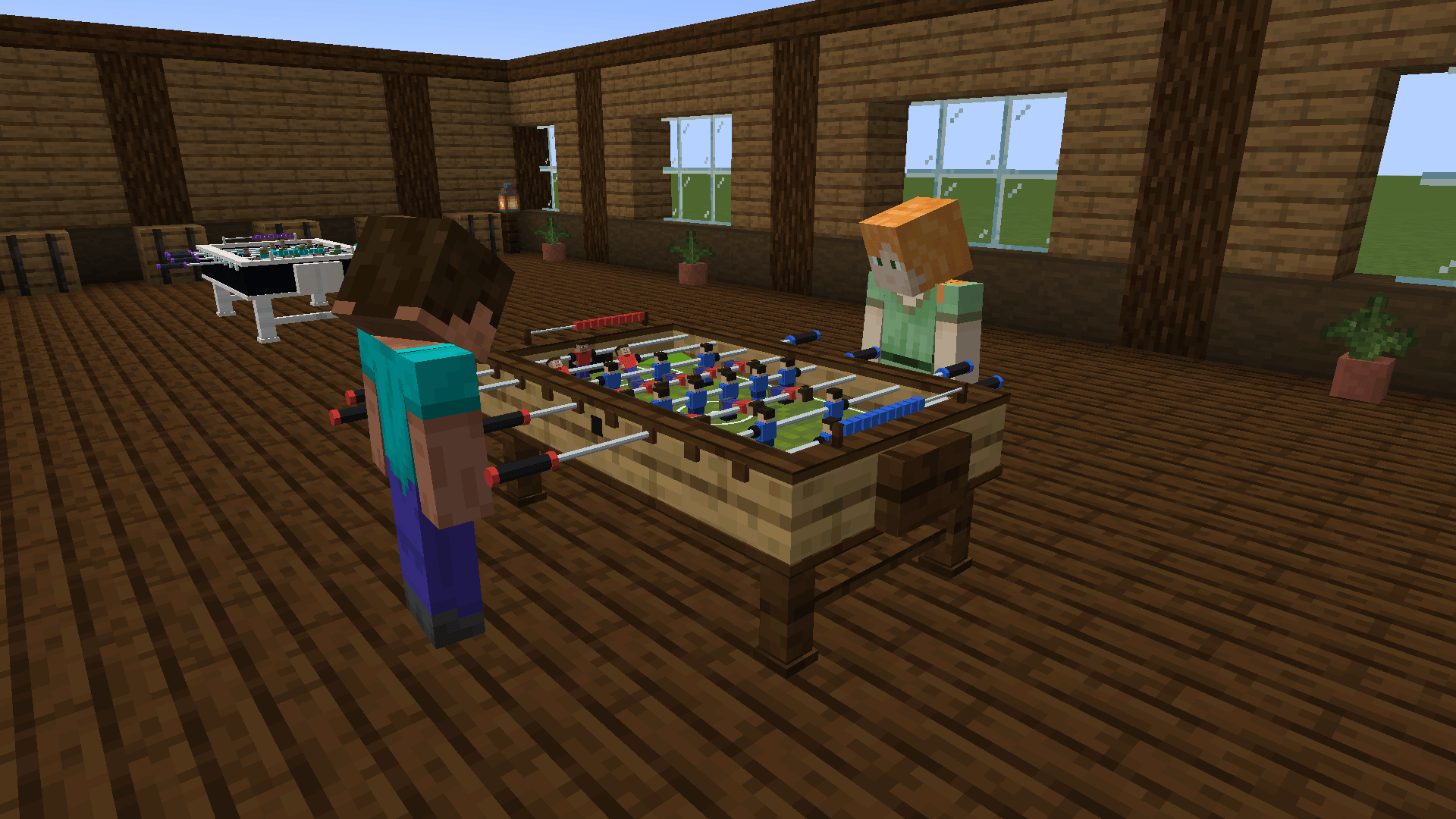
A full Foosball table to play against friends or a bot, get practicing because it is harder than it looks 😉⚽
Description
Foosball Table
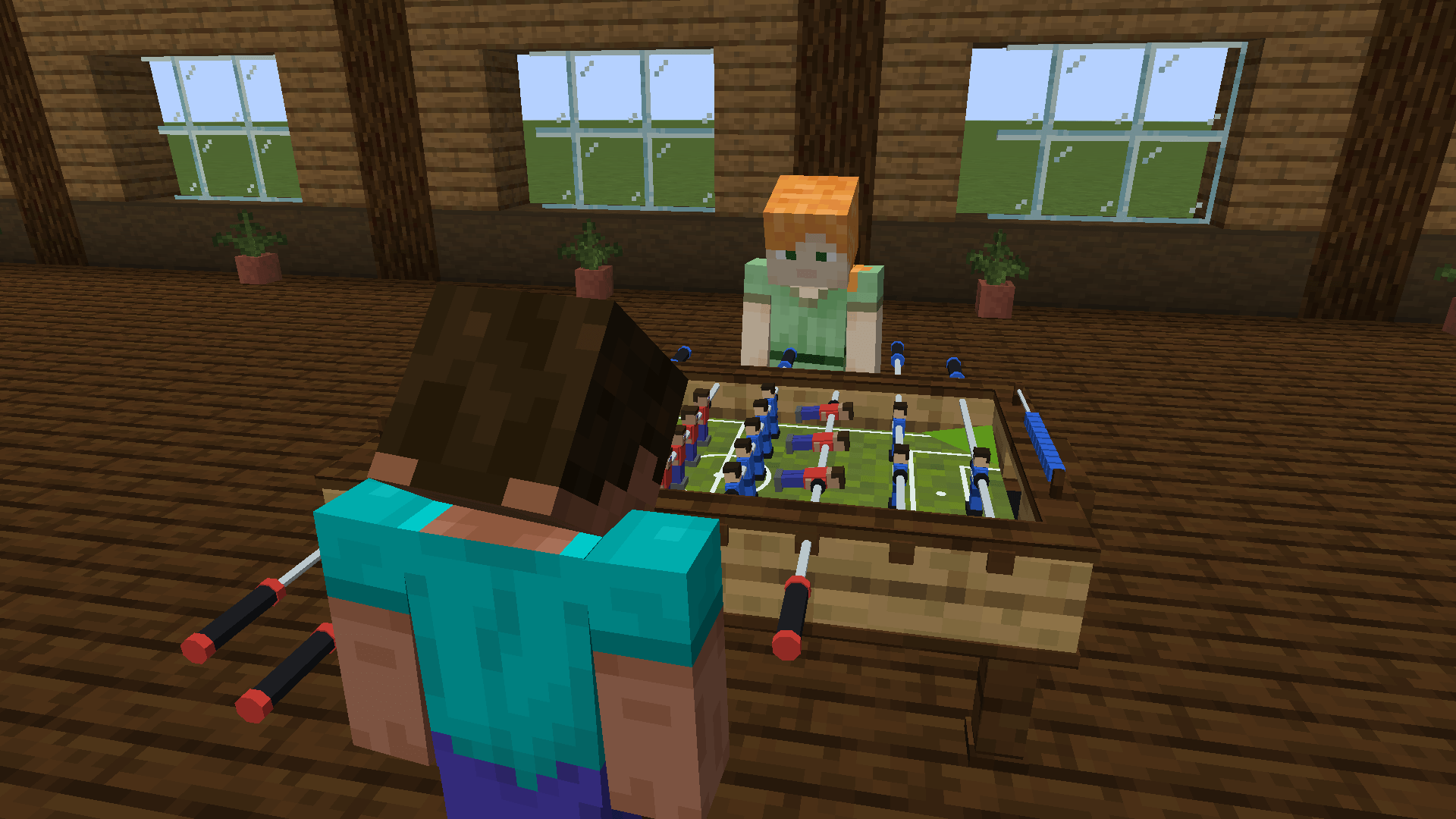
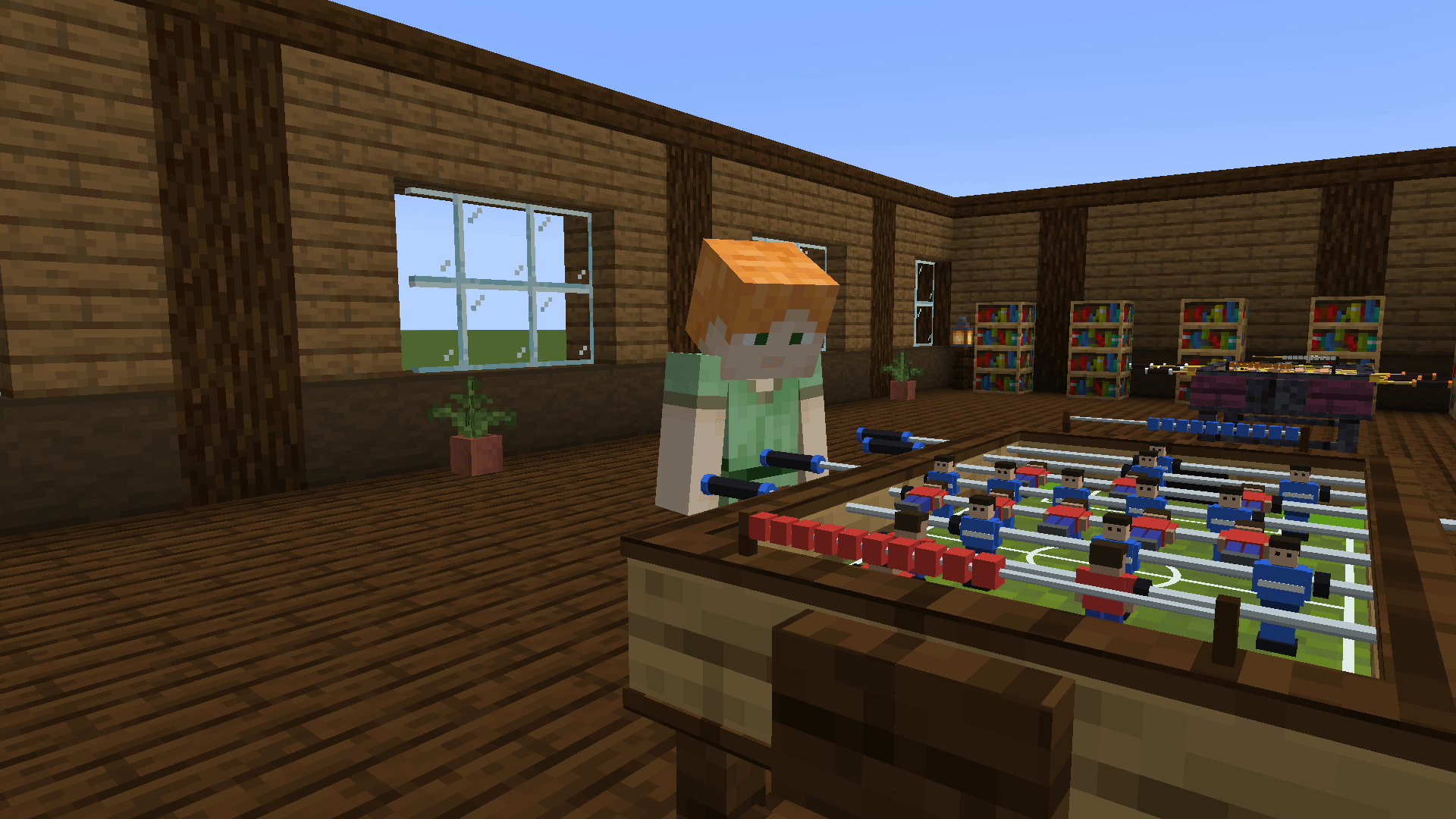
A real foosball table you play right there in the world. No menus, no minigame screen.
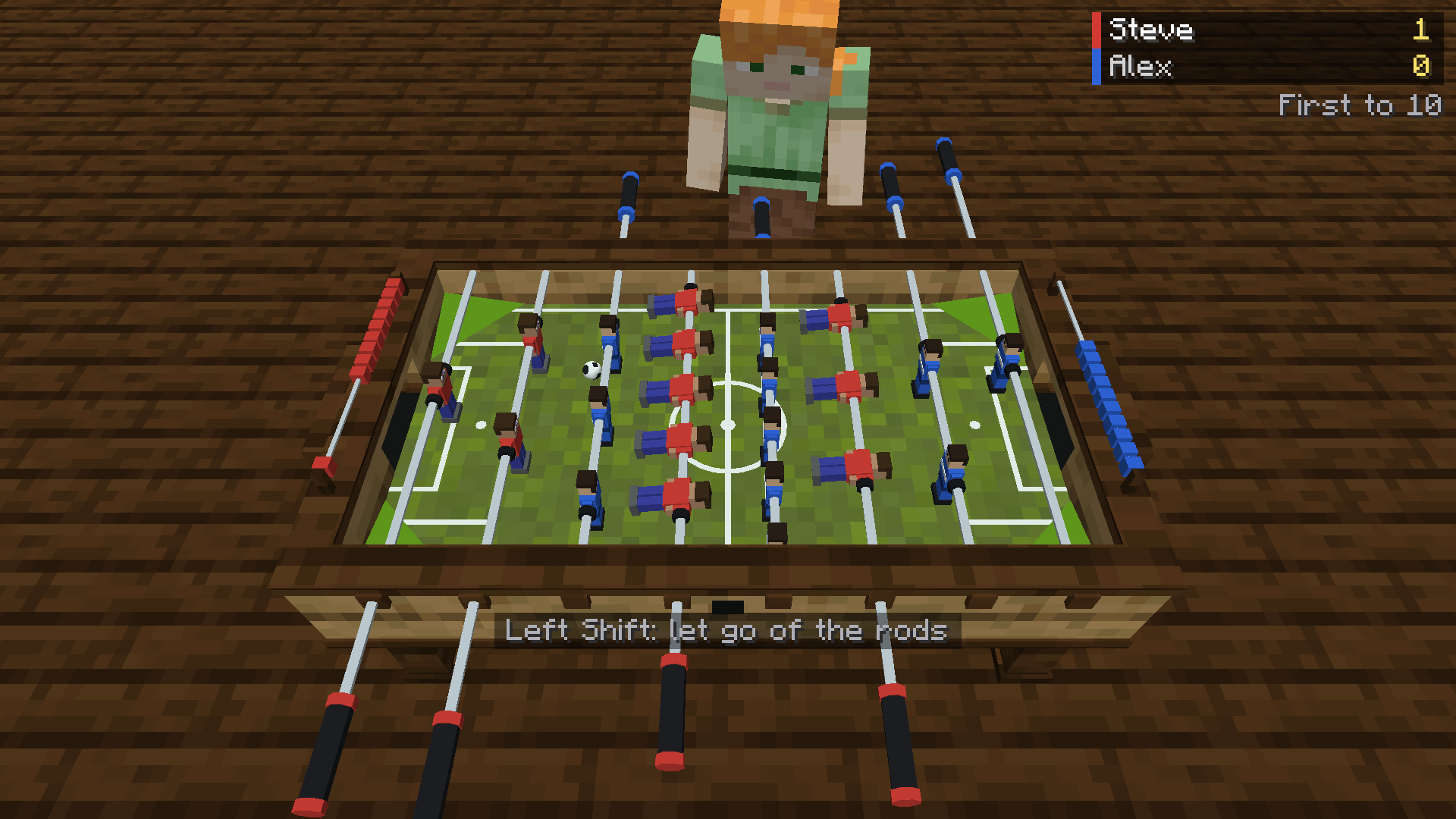
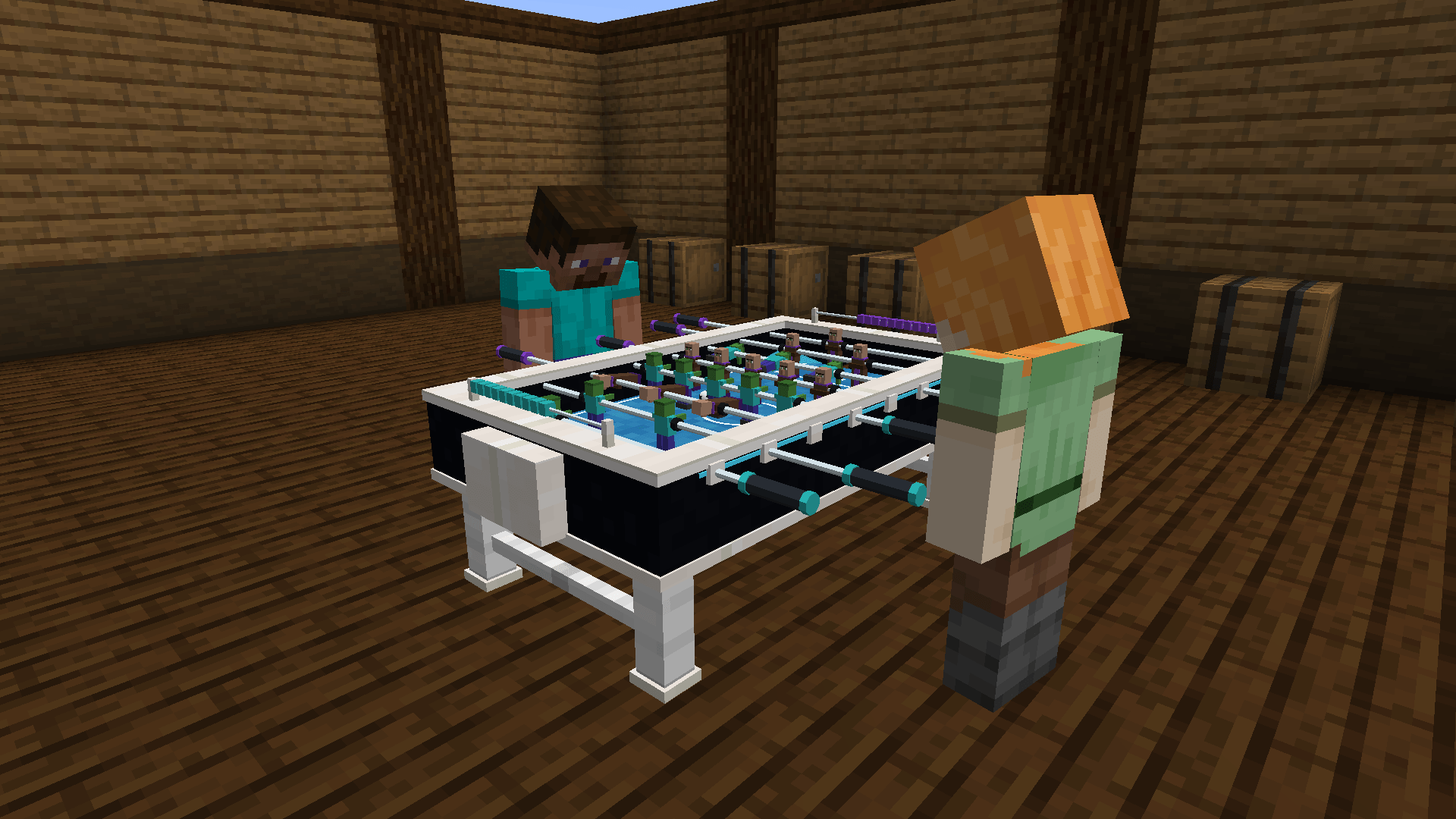
Walk up to the table, grab the rods and the camera leans over your side of the pitch. Play a friend, or take on a bot on Easy, Medium or Hard. The ball, rods and figures all run on proper physics, so it plays like the real thing, and anyone standing nearby watches the same match you're playing.
Features
- Real foosball physics. Lift your figures and the ball rolls straight underneath. A gentle swing nudges the ball, a hard one fires it, and catching it off-centre sends it away at an angle. It bounces off the walls and the goalposts, and the corners slope back towards the keeper, so the ball never gets stuck where nobody can reach it.
- One rod in your hand at a time, like the real thing. Switch between your keeper, defence, midfield and attack whenever you want. The game never switches for you, and every rod you let go of stays exactly where you left it.
- Play a friend or a bot. The bot plays by the same rules and physics you do, on Easy, Medium or Hard. You can even put two bots on a table and just watch.
- Dress your team. Each side picks its own figures from ten styles: Classic, Steve, Villager, Zombie, Skeleton, Creeper, Piglin, Iron Golem, Enderman and Snow Golem. Then pick one of ten kit colours, which also colours your rod handles and score beads.
- Two kinds of ball. The sphere rolls straight and bounces cleanly. The cube slides, slows down faster and flies off at odd angles.
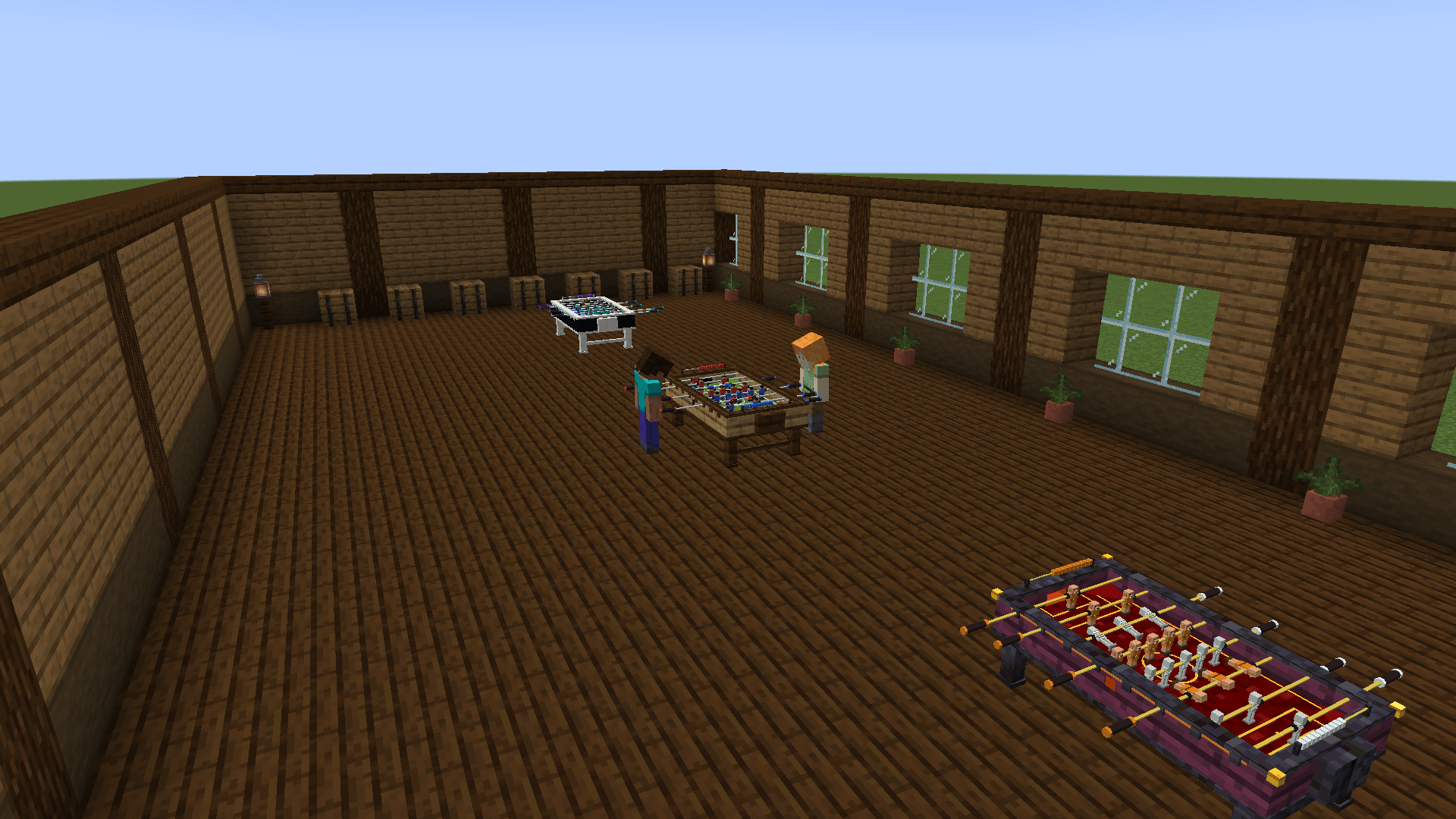
- Three tables to choose from:
- Foosball Table: an oak cabinet with dark oak trim and a green pitch.
- Modern Foosball Table: black and quartz, a blue pitch and glowing edge strips.
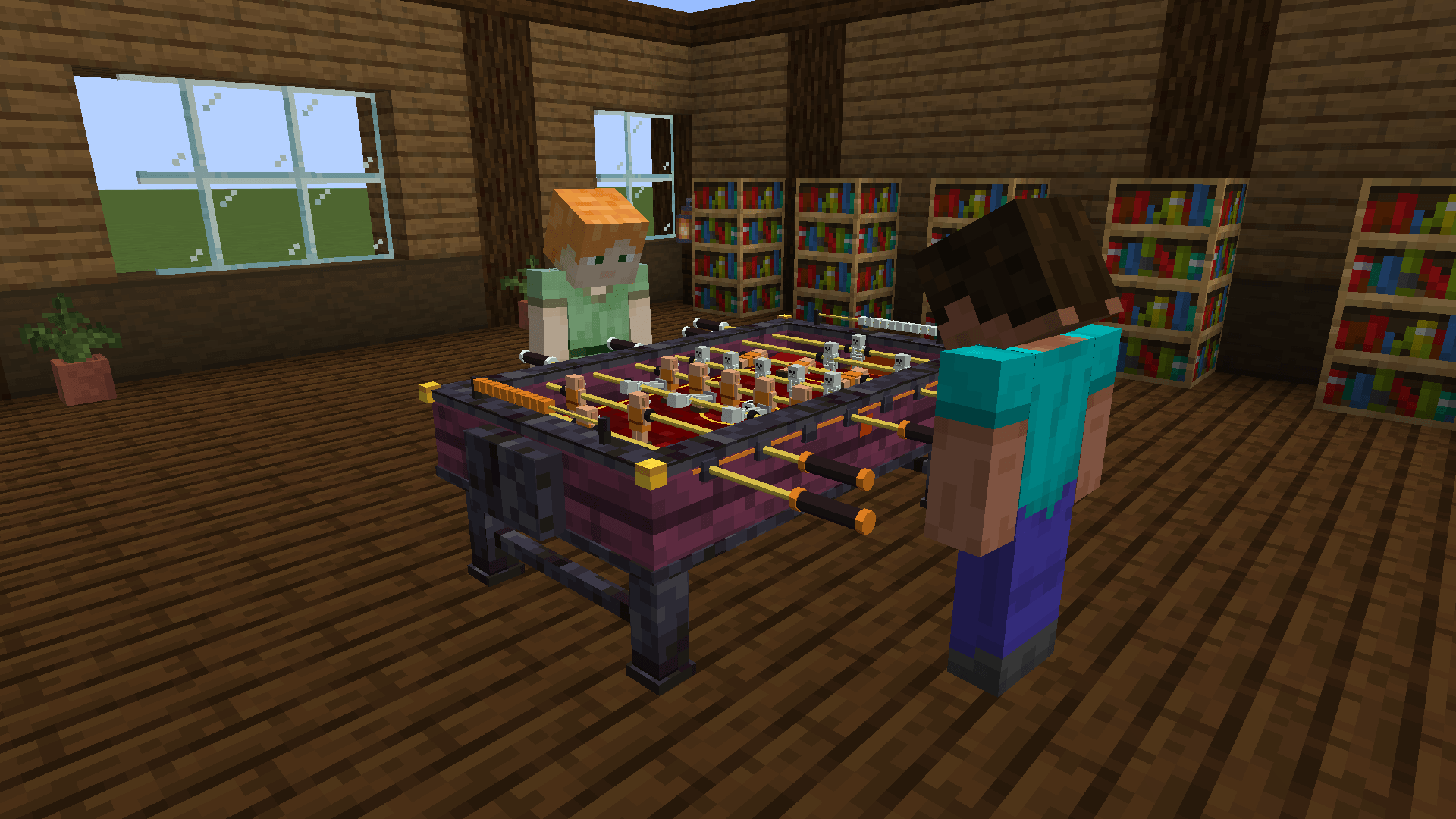
- Nether Foosball Table: crimson and blackstone, gold corners and lava in the goals.
- Matches to 3, 5, 7 or 10 goals. The score is kept on sliding beads at each end of the table and on a small scoreboard on your screen. Every goal (and every own goal) is called out, kicks, walls and posts all have their own sounds, and the winner gets fireworks.
How to play
- Place a table. It's 3 x 2 blocks. The block you click becomes the middle of the side nearest you, and the table spreads one block to the left, one to the right and one block away from you.
- Right-click it to open the setup screen. Press Play to take a side, or Bot to put a computer player there. Click Bot again to change how good it is.
- Set up the match: pick each team's figures and kit colour, the ball and how many goals to play to. Then press Start match.
Controls
You hold one rod at a time. You start every match on the midfield rod, and the rod in your hand always has a glowing handle.
Choosing your rod. There are three ways to switch rods; use whichever feels best:
| Control | Switches to |
|---|---|
| A / D | The rod to your left / right |
| Scroll wheel | The next rod up / down the pitch |
| 1, 2, 3, 4 | Your keeper, defence, midfield or attack rod |
Playing with it:
| Control | What it does |
|---|---|
| Mouse forward / back | Slide the rod away from you / towards you |
| Mouse left / right | Twist the rod. Flick it to shoot |
| Left click | Kick |
| Hold right click | Lift the figures out of the way |
| Sneak | Let go of the rods |
Need a break? Sneak to let go, and the match waits for you. Right-click the table to take the rods again. To stop a match, sneak and right-click the table to open the menu.
Crafting
Each table takes four of its main block, two trim blocks, a stick and a wool:
| Table | Top row | Middle row | Bottom row |
|---|---|---|---|
| Foosball Table | Dark Oak Planks, Stick, Dark Oak Planks | Oak Planks, Green Wool, Oak Planks | Oak Planks, empty, Oak Planks |
| Modern Foosball Table | Quartz Block, Stick, Quartz Block | Black Concrete, Light Blue Wool, Black Concrete | Black Concrete, empty, Black Concrete |
| Nether Foosball Table | Polished Blackstone, Stick, Polished Blackstone | Crimson Planks, Red Wool, Crimson Planks | Crimson Planks, empty, Crimson Planks |
In creative, you'll find all three in the Functional Blocks tab.
Versions
| Loader | Minecraft | You also need |
|---|---|---|
| Forge | 1.20.1 | Forge 47 or newer |
| Fabric | 1.20.1 | Fabric Loader 0.14.21 or newer, and Fabric API |
| NeoForge | 1.21.1 | NeoForge 21.1 or newer |
| Fabric | 1.21.1 | Fabric Loader 0.16 or newer, and Fabric API |
Put the mod on the server and on every player's game. It works in single player and on multiplayer servers.
Plays nicely with other mods
- Tested with Sodium and Iris (with shaders too), with Embeddium and Oculus on Forge, and with MoreCulling.
- Also tested in a NeoForge modpack of more than 350 mods, including Create, Distant Horizons, Entity Culling, Jade and Xaero's Minimap.
- The on-screen scoreboard sits in the top right corner, out of the way of minimaps and of Jade's block info, and moves down when you have potion effects showing.
Also by FunkyMonkey95
Enjoyed this? Try Pool Table, a full-size pool table with real ball physics and 8-ball rules, and Darts, a real 3D dartboard with pub-style chalkboards.
☕ Enjoying the mod? All my mods are free and always will be. If you fancy saying thanks, you can buy me a coffee on Ko-fi.
Foosball Table ⚽🥅 Team