Simply Light: Smart!
- By
An addon for Simply Light that adds redstone-dimmable lights and Smart Switch controls for linked lighting networks.
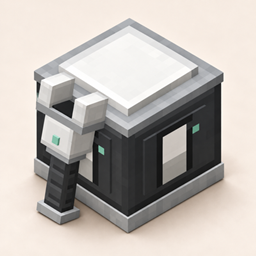
An addon for Simply Light

Simply Light lights normally turn on or off with redstone. Simply Light - Smart! lets supported lights dim smoothly with the signal, and adds a Smart Switch that can control a group of lights together.
Use your existing Simply Light blocks as usual. The addon adds smart versions of its lights, plus a Smart Linker for choosing which lights a switch controls.

Redstone-dimmable lights
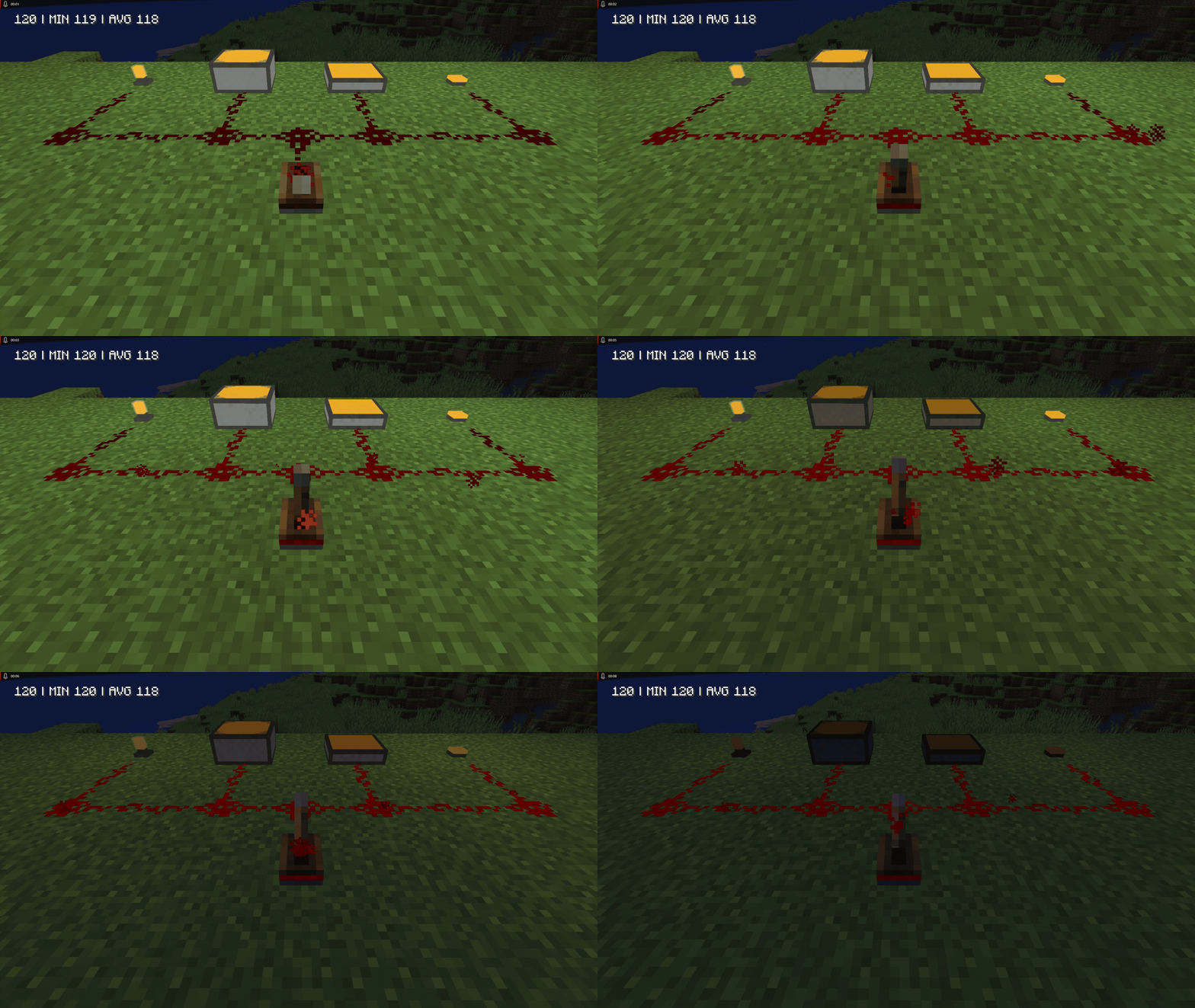
Redstone controls brightness across the full 0–15 signal range. For most supported lights, no signal means full brightness and a signal strength of 15 turns the light off. Illuminant Blocks keep their familiar normal and inverted versions.
- Smart versions are available in every color for Bulbs, Illuminant Slabs and Panels, Fixtures, Rods, Edges and Top Edges, and Columns.
- Original Simply Light blocks remain unchanged.
Smart Switch and Smart Linker
Send one redstone signal to a group of up to 64 linked lights within 128 blocks. The Smart Linker selects the lights; the Smart Switch sends them its current signal strength.
- A linked light follows its Smart Switch and ignores nearby local redstone.
- Each light can be linked to one Smart Switch at a time.
- The Smart Linker highlights selected lights and keeps the selection until you clear it. When held, it also draws lines to their controlling switches within 120 blocks.
- Use the Smart Debugger on a supported light or Smart Switch to see its dimming, signal, and link status in chat.
Shader support
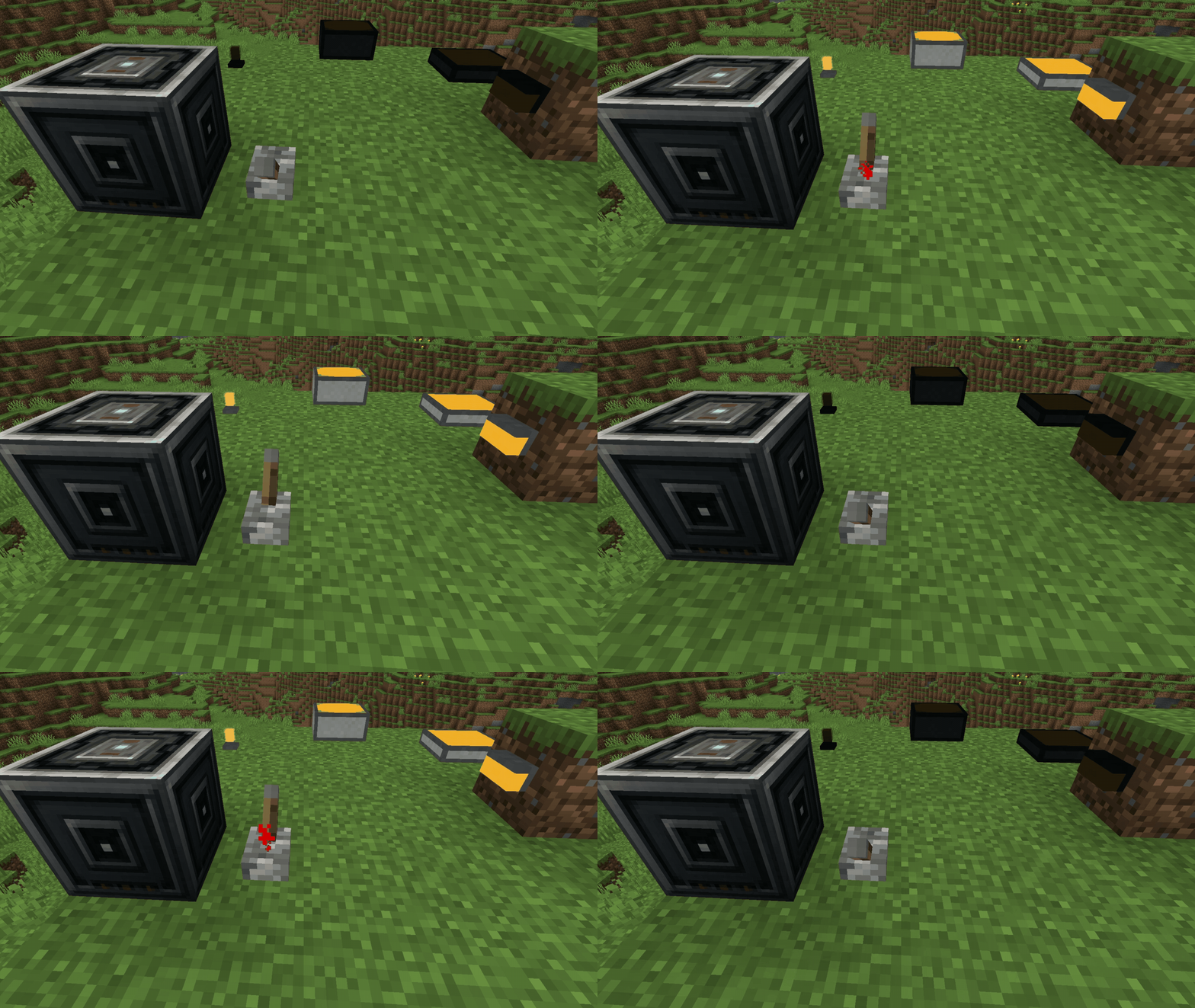
Supported shaders show the same dimming as the lights. Solas, BSL, and the base Complementary Reimagined and Unbound packs work without extra setup. With Euphoria Patches, you can select the optional SLSmart variant generated for Complementary in the shader menu.
- The patcher leaves the original shader pack unchanged.
- Tested with Complementary Reimagined or Unbound r5.8.1 and Euphoria Patches 1.9.3, and r5.9 with Euphoria Patches 1.10.0.
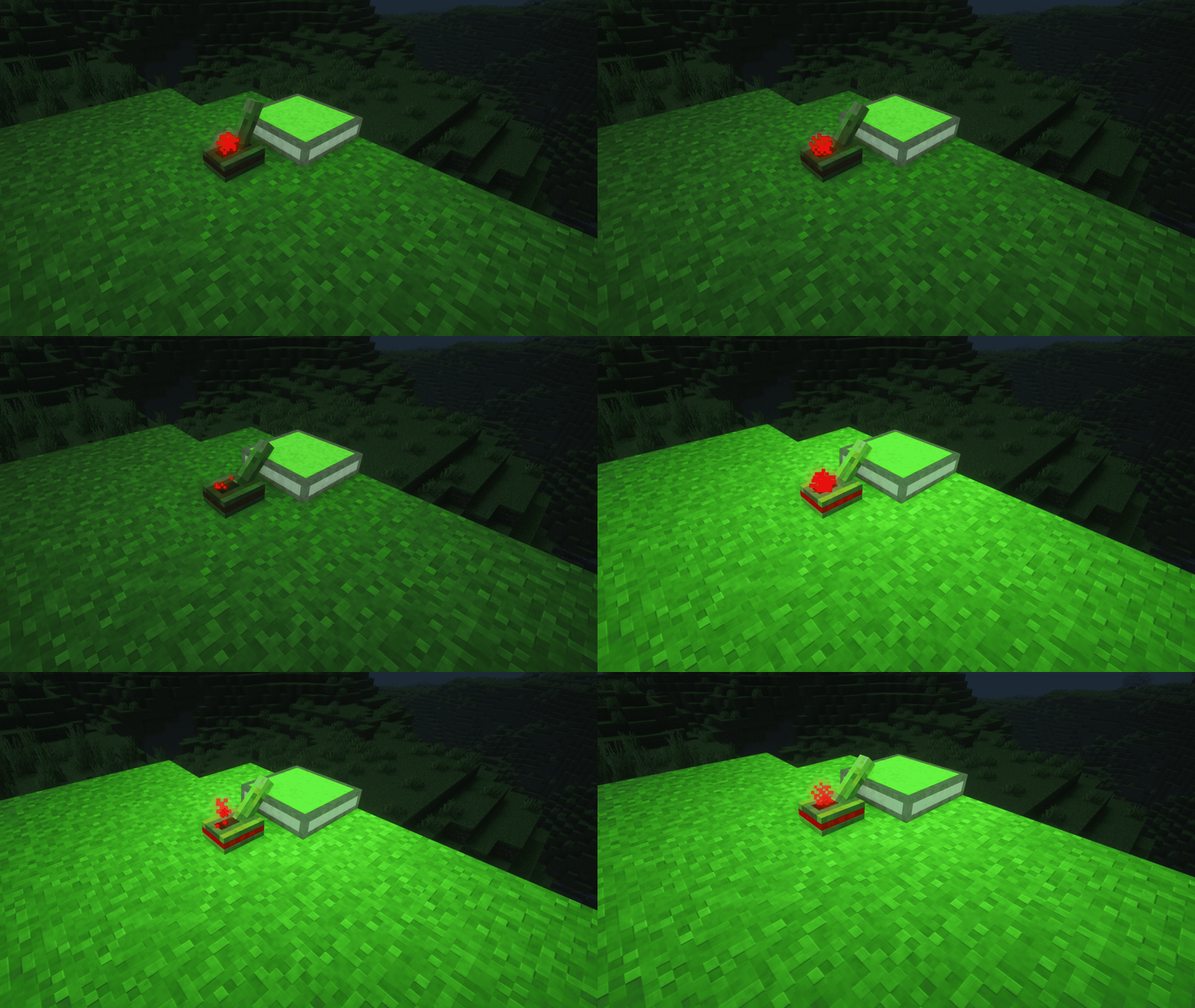

- Craft and place a Smart Switch, then connect it to redstone.
- Hold the Smart Linker and right-click each Simply Light block you want to control. Right-click a selected light again to remove it from the selection.
- Hold Shift and right-click the Smart Switch to apply the selected lights.
- Repeat the selection and Shift-right-click steps whenever you want to update the switch's list.
- Use the Smart Debugger on a supported light or Smart Switch to print its dimming, signal, and link status in chat.
Heads up: linked lights ignore their own local redstone input while assigned to a Smart Switch. A light can belong to only one switch at a time.
Hold Shift and left-click in the air to clear the Smart Linker's selection.

Install the addon on both the client and server, alongside Simply Light.
- Minecraft 1.21.1 with NeoForge 21.1.234
- Simply Light 1.5.3
- Sable 2.0.3 is optional; it enables sublevel-aware linking
- Create is not required

Open an issue on GitHub. Include your Minecraft, NeoForge, Simply Light, and addon versions, along with the block, signal strength, or shader pack involved. Screenshots or a short video help describe visual issues.

Yes. Simply Light - Smart! is licensed under the MIT License. See LICENSE.
For more feature details, see the project page, shader support notes, and CHANGELOG.
Simply Light: Smart! Team