Shift preview
- By
Hold Shift and hover over an item to highlight its destination slots before shift-clicking.
Shift Preview
See where your items will go before you click.
Hold Shift and hover over an item to highlight its destination slots before using Shift + Left Click.
🎨 Color-coded previews
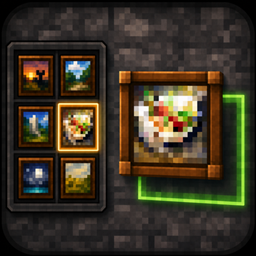
- 🟩 Green — the entire stack will move.
- 🟨 Yellow — only part of the stack will move.
- 🟥 Red outline — the item cannot be moved.
📦 Follows the container’s rules
The preview accounts for occupied slots, stack limits and merging with existing items. In a furnace, for example, coal goes into the fuel slot while raw meat goes into the cooking slot.
When a transfer spreads items across multiple slots, every destination is highlighted.
The Shift preview Team