Description


Adds key bindings to change Minecraft settings.
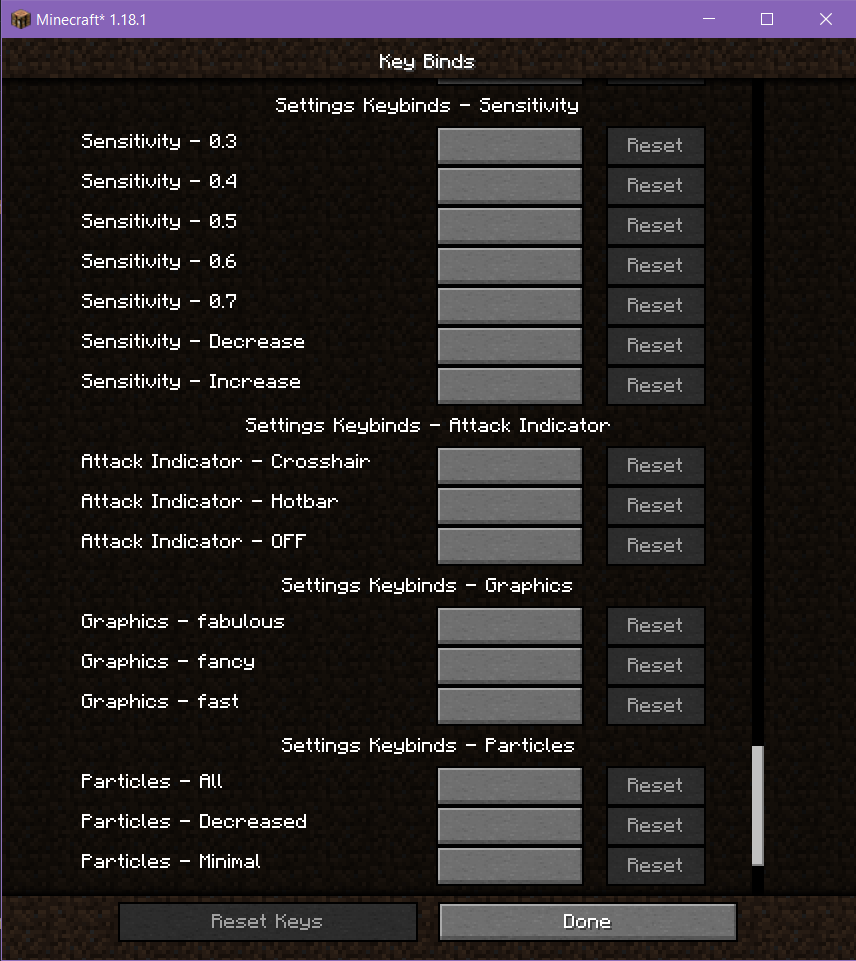
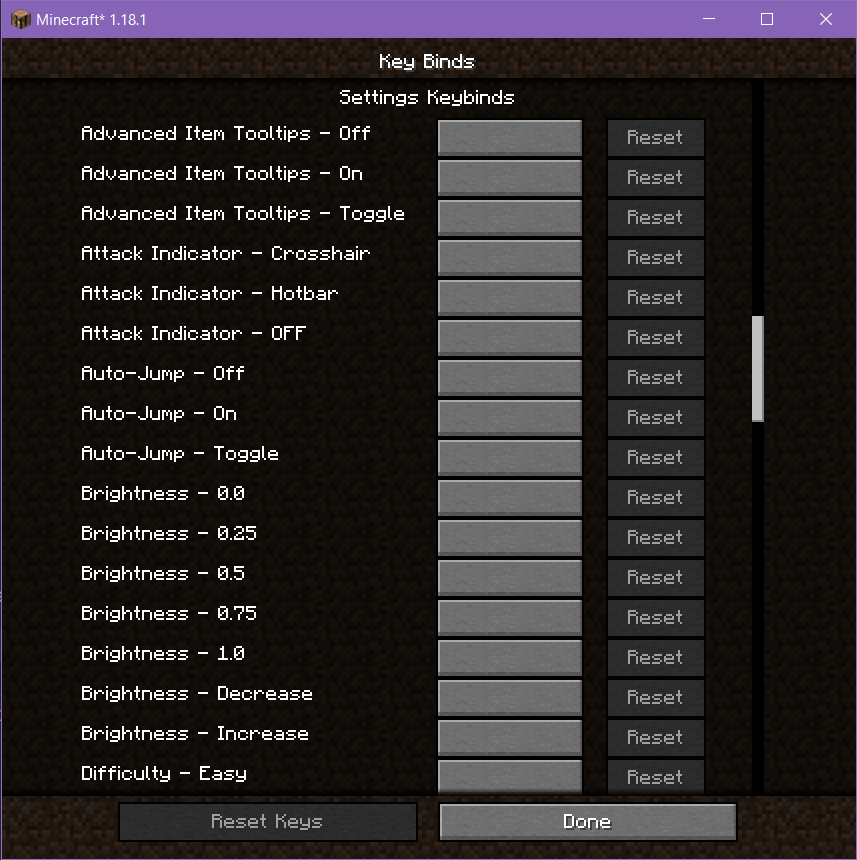
This allows settings that were previously only configurable through the settings screen to be changed in game through the use of a key binding that can be set by the user, saving time going back and forth through menus in the case of needing to quickly switch settings back and forth.
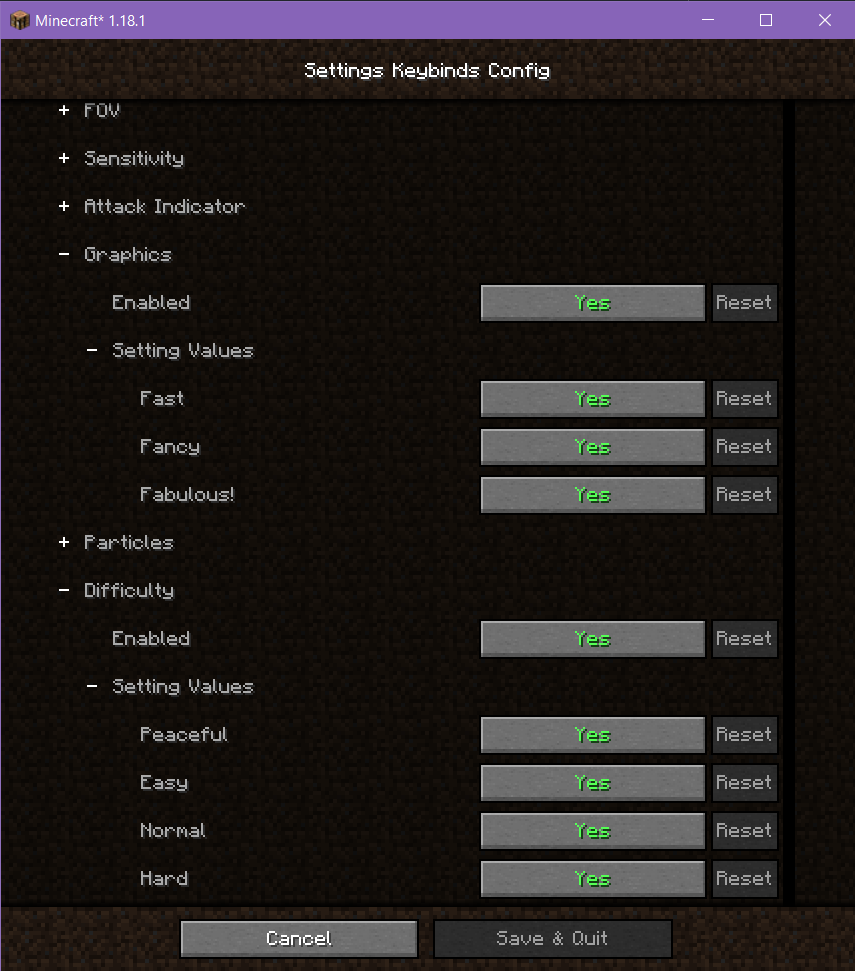
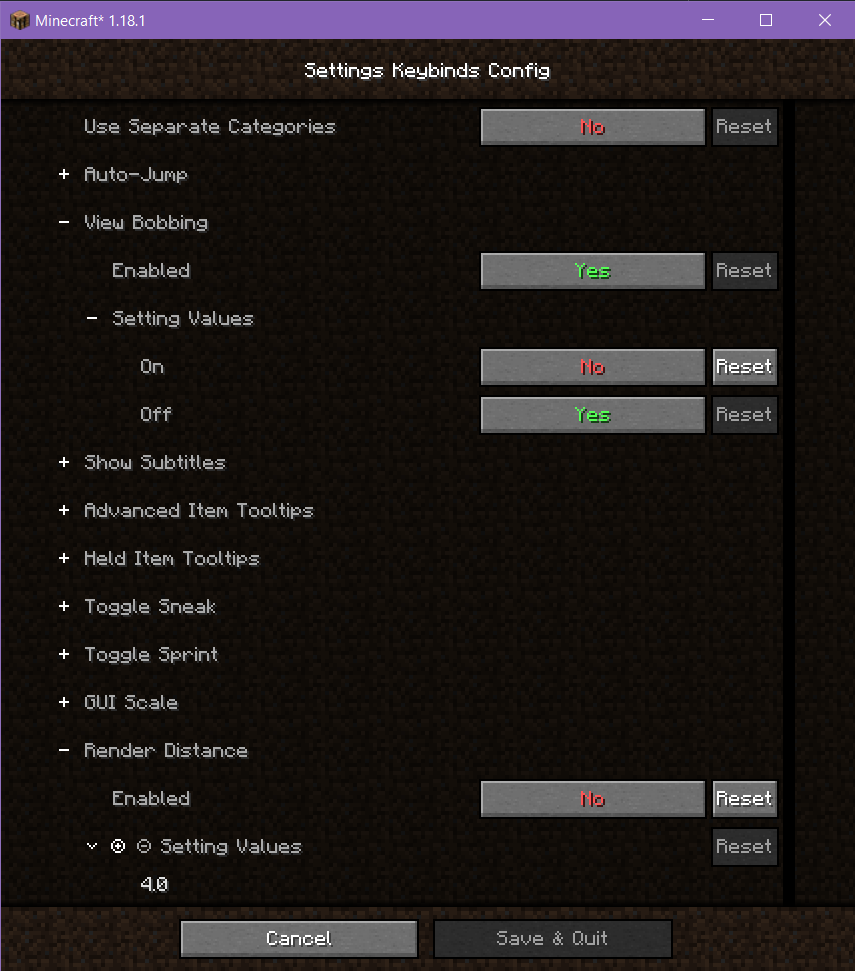
Current settings with key bindings include:
- Auto-Jump
- View Bobbing
- Show Subtitles
- Advanced Item Tooltips
- Held Item Tooltips
- Toggle Sneak
- Toggle Sprint
- GUI Scale
- Render Distance
- Simulation Distance
- Brightness
- Max Framerate
- FOV
- Sensitivity
- Attack Indicator
- Graphics
- Particles
- Difficulty (single player only)
For boolean settings such as Auto-Jump, there are keybinds for turning the value on, turning the value off, and toggling the value.
For integer and double (decimal point) settings such as GUI Scale and Render Distance, there are keybinds for increasing the value, decreasing the value, and setting it to a fixed value.
For enum (fixed value) settings such as Particles, there are keybinds for setting it to a fixed value.
Settings Keybinds Team