Rewind Editor
- By
Record your Minecraft sessions, then replay, edit and export them as cinematic videos with a free camera, timeline keyframes and actors.
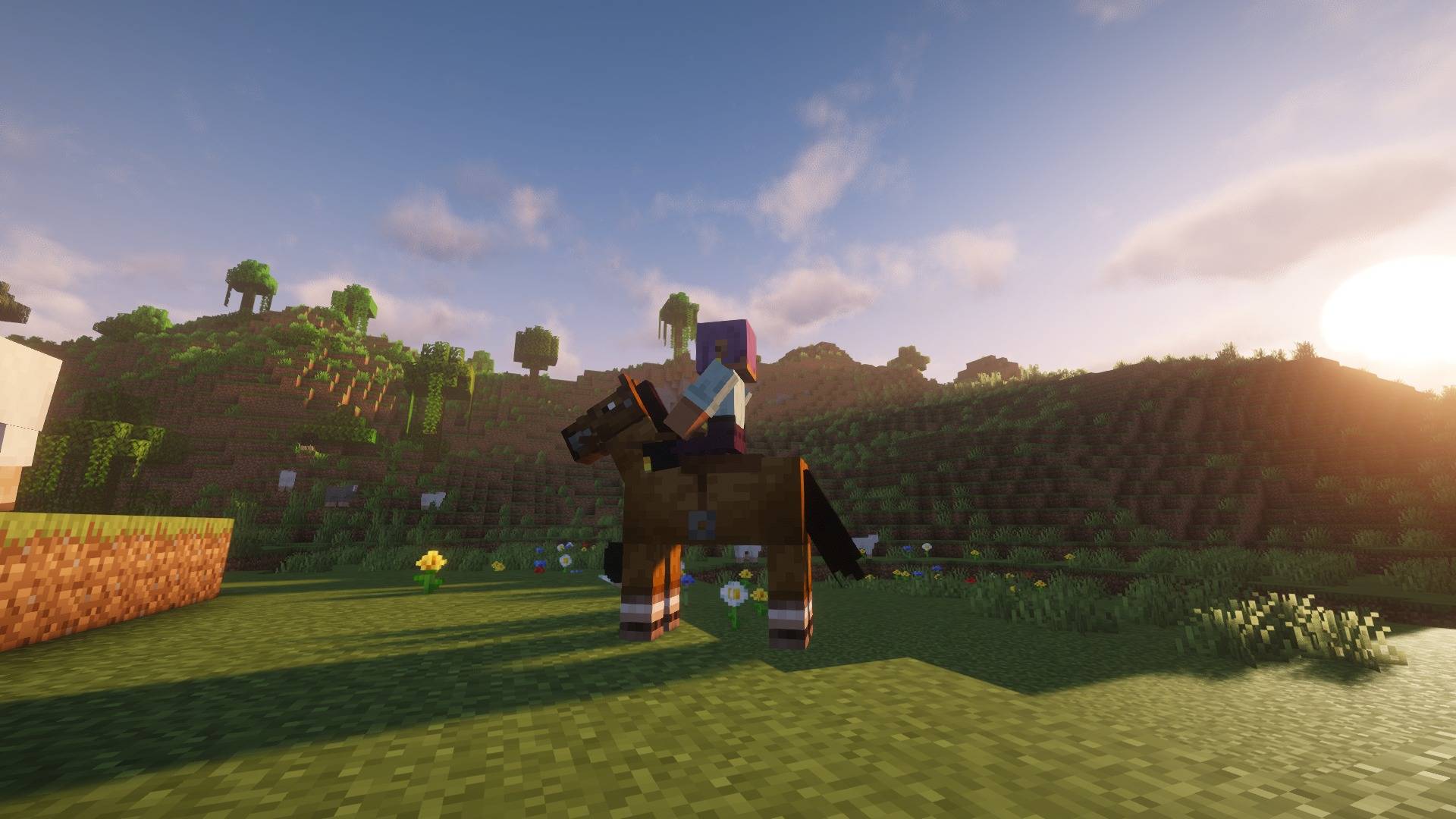
gallery-c2-2-mount.jpg
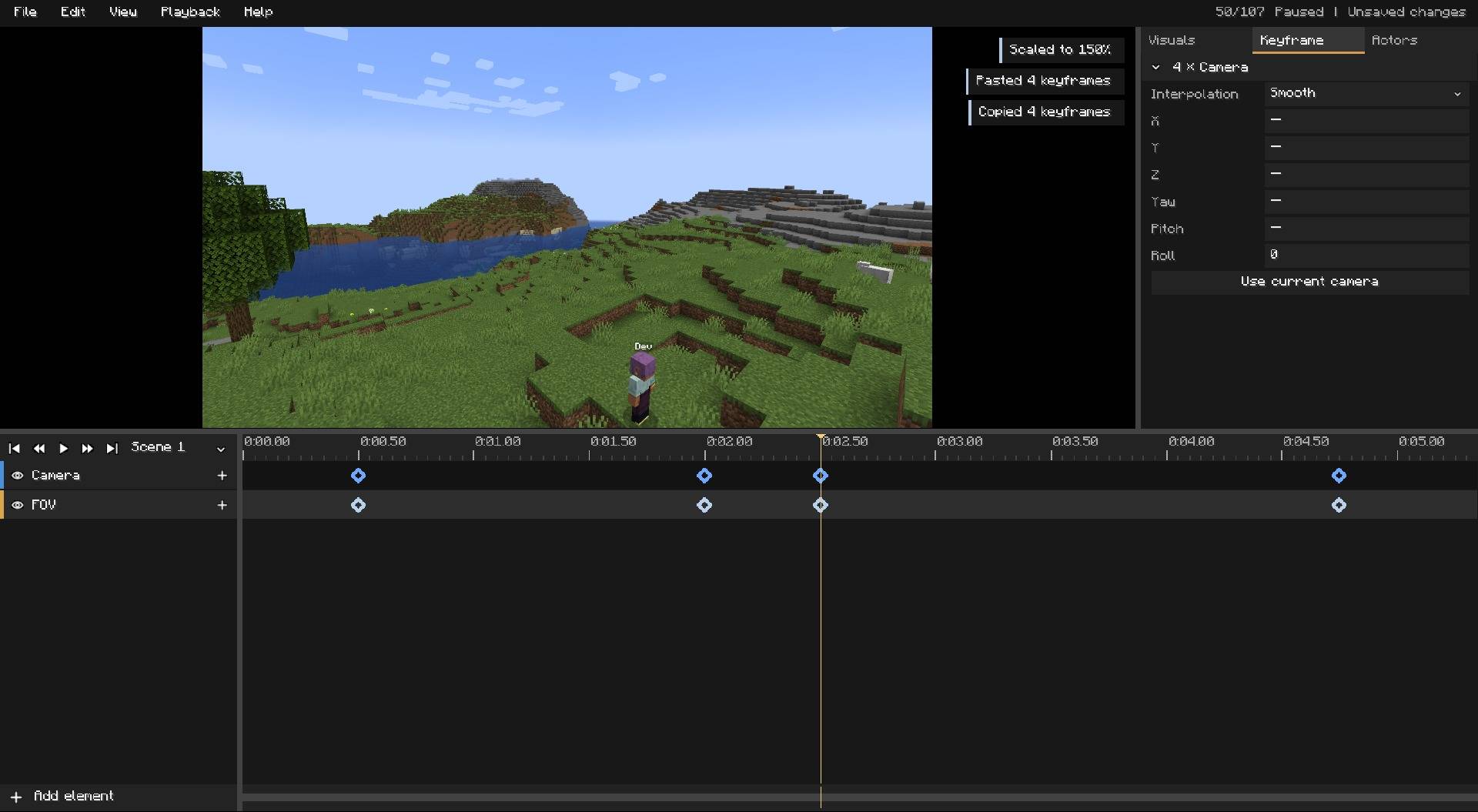
gallery-editor.jpg
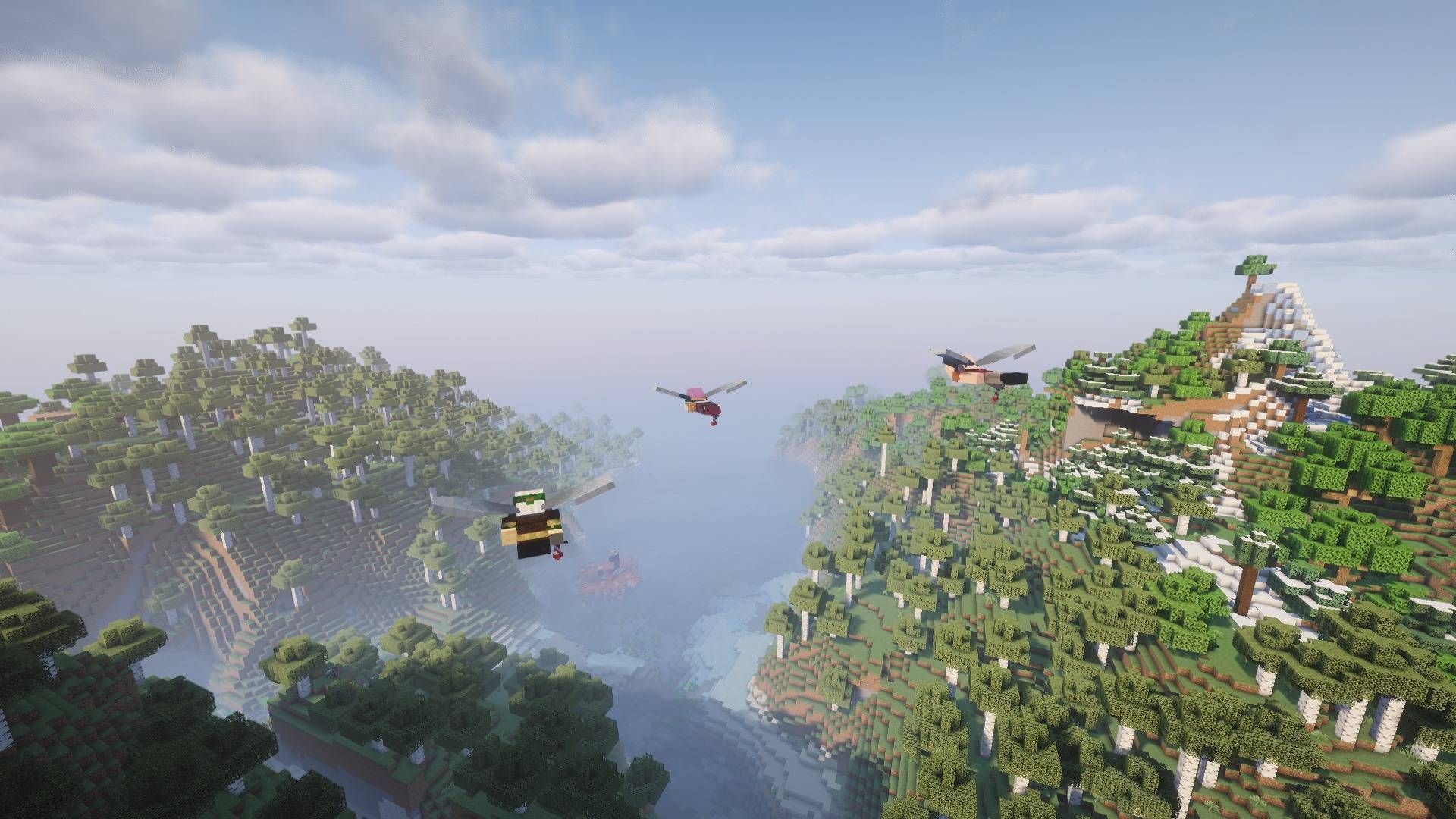
gallery-e3-formation.jpg
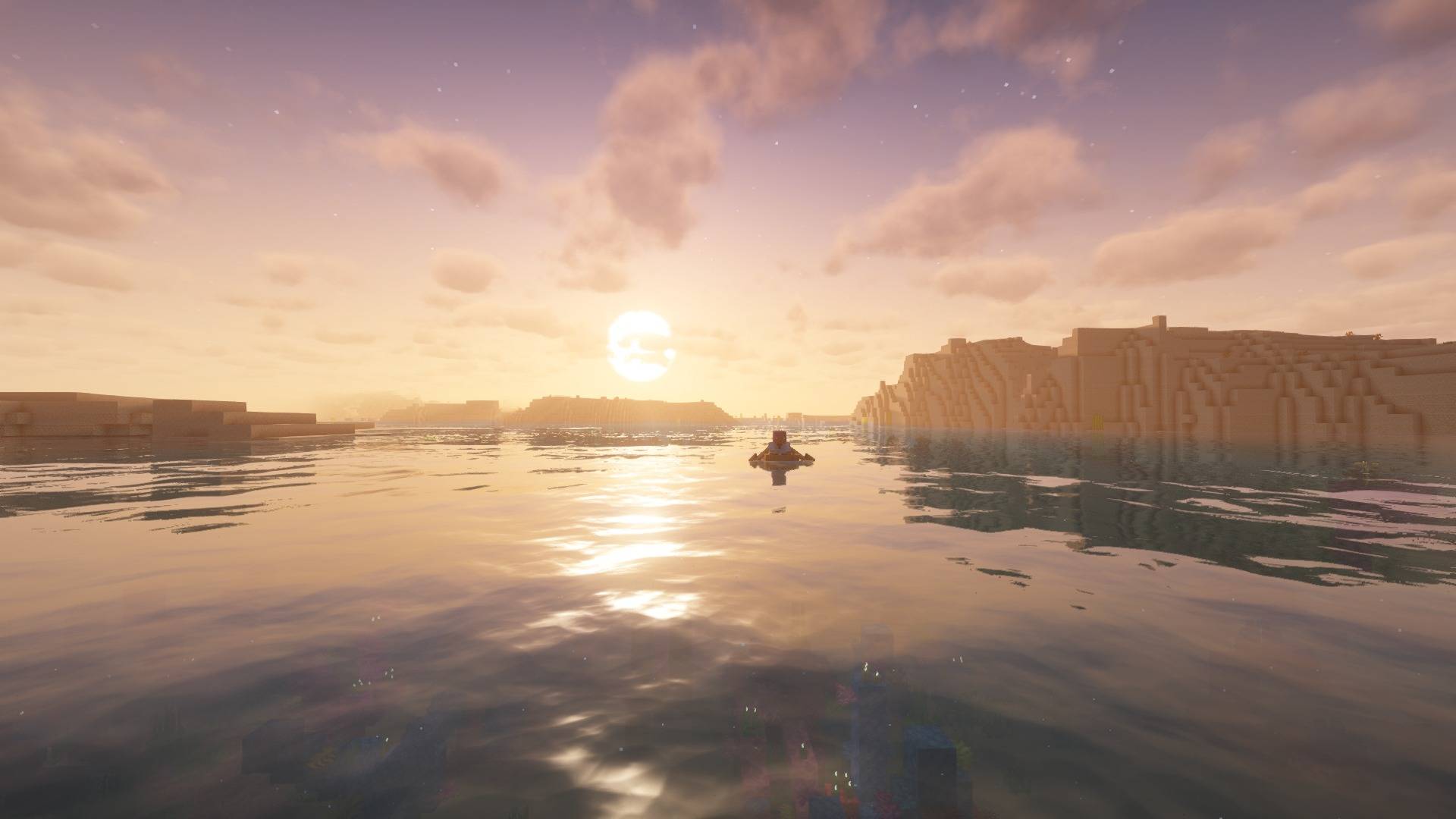
gallery-o2-sun.jpg
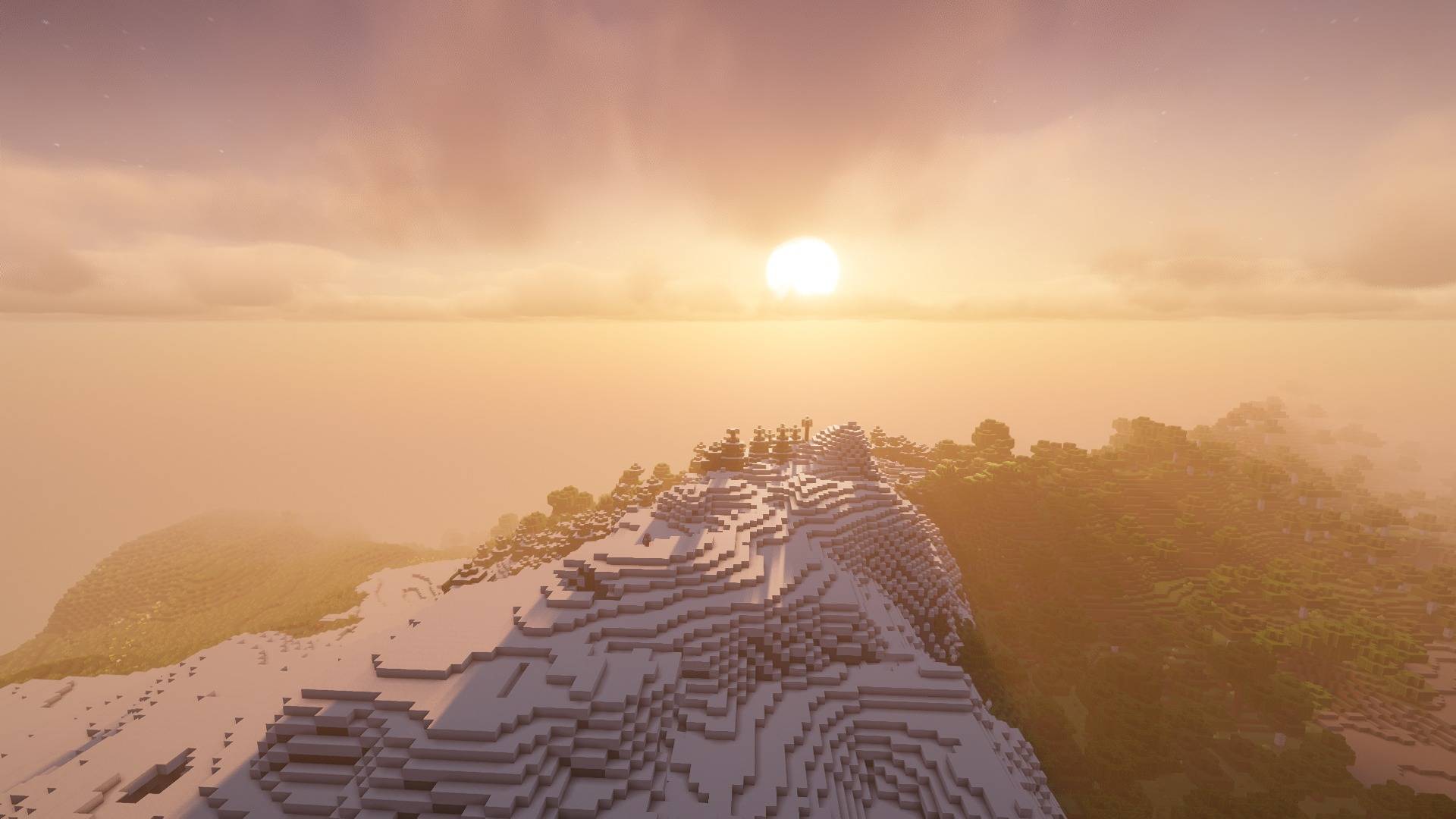
gallery-p1-dawn.jpg
Description
Record your Minecraft sessions and turn them into videos. Play normally while Rewind records, then open the recording later, fly a free camera through it, animate your shots on a timeline and export the result as a video, without leaving the game.

Minecraft 1.20.1 · Forge 47.4.10+ · Client-side only · Beta
Features
Recording
- Start, pause and finish from the pause menu. Recording controls sit next to the pause menu, and recording can also start on its own when you join a world.
- Works in singleplayer and on servers. The server does not need Rewind installed.
- What you saw is what gets recorded: blocks, mobs, players, items, sounds, weather and time of day, plus the packets other mods send.
- Markers: press Numpad 1-4 while recording to drop a coloured marker at an important moment and find it on the timeline later.
Watching a replay
- Open replays from the Replays button on the title screen or the pause menu. The replay browser has search, folders and recent files.
- Free camera: hold the right mouse button and fly with WASD, Space and Shift. The mouse wheel changes the flight speed.
- Jump anywhere: click the timeline to go to any moment, forward or backward. Play from 0.05x to 20x.
- Mod state follows you: sizes, models and other things mods set through their own packets look right after you jump around.
Making the shot
- Camera keyframes: move the camera, press K, move the playhead, move the camera again and press K again. Play to preview the camera path.
- More tracks: FOV, roll, speed and timelapse, camera shake, orbit, and following an entity.
- Change the world over time: time of day, weather, fog, fog colour, sky colour and brightness, each with its own keyframes.
- Edit blocks in the replay: place or remove blocks for the shot without changing the recording.
- Actors: bring players from other recordings into the scene, or record a new one inside the replay, and edit them like clips on the timeline.
- Undo and redo for every edit, copy and paste of keyframes, and several scenes per recording.
Exporting
- Video in MP4, MKV, WebM, MOV, AVI, GIF or animated WebP (H.264, H.265, VP9, AV1, ProRes), with game sounds, timeline audio and recorded voice chat.
- Image sequences in PNG or EXR, with transparent background or depth if you need them.
- 360° video: cube map and equirectangular.
- Supersampling for sharper frames, and an export queue.
Video export needs FFmpeg. Rewind looks for it on its own; if it is not installed, the Export window tells you how to get it or lets you pick ffmpeg.exe. PNG and EXR export work without it.
Controls
| Key | Action |
|---|---|
| Numpad 1-4 | Drop a marker while recording |
| Ctrl + H | Show or hide the editor during a replay |
| K | Add a camera keyframe |
| Space / P | Play and pause |
| I / O | Set the export start and end |
| Enter | Stop recording an actor and keep it |
Keys can be changed in Options → Controls → Key Binds, category Rewind, and in the editor's Keybinds window.
Help
The editor has a Help menu with a guided tour and a page for each part (camera, timeline, keyframes, export, actors). The first time you open a replay, short tips show where to start.
Languages: English, Português (Brasil e Portugal), Español (España y México).
Compatibility
Tested with Embeddium, Oculus (with and without shader packs), Customizable Player Models, Simple Voice Chat, GeckoLib, PlayerAnimator and in a 297-mod modpack.
- Customizable Player Models: player models and gestures are recorded and replayed.
- Simple Voice Chat: voices are recorded, played back where the player was, and included in exports.
- GeckoLib and PlayerAnimator: animations follow the replay.
- A replay recorded with a mod you no longer have warns you before opening, and can open with placeholders.
Known limitations:
- The Nether, the End and other dimensions with a fixed time or no sky have no time of day, sky colour or weather to change.
- Fog or sky that a mod or shader pack draws by itself is not changed by the fog and sky colour keyframes.
- Speeds like 1.5x look a little uneven while watching. Exports are always smooth.
Credits
Author: SatDPhoe


Rewind Editor Team