Item Editor
- By
Administrative item editor for Forge 1.20.1. Create and adjust custom items, attributes, enchantments, effects, tooltip flags, and spawn egg entity data through a clean in-game UI.
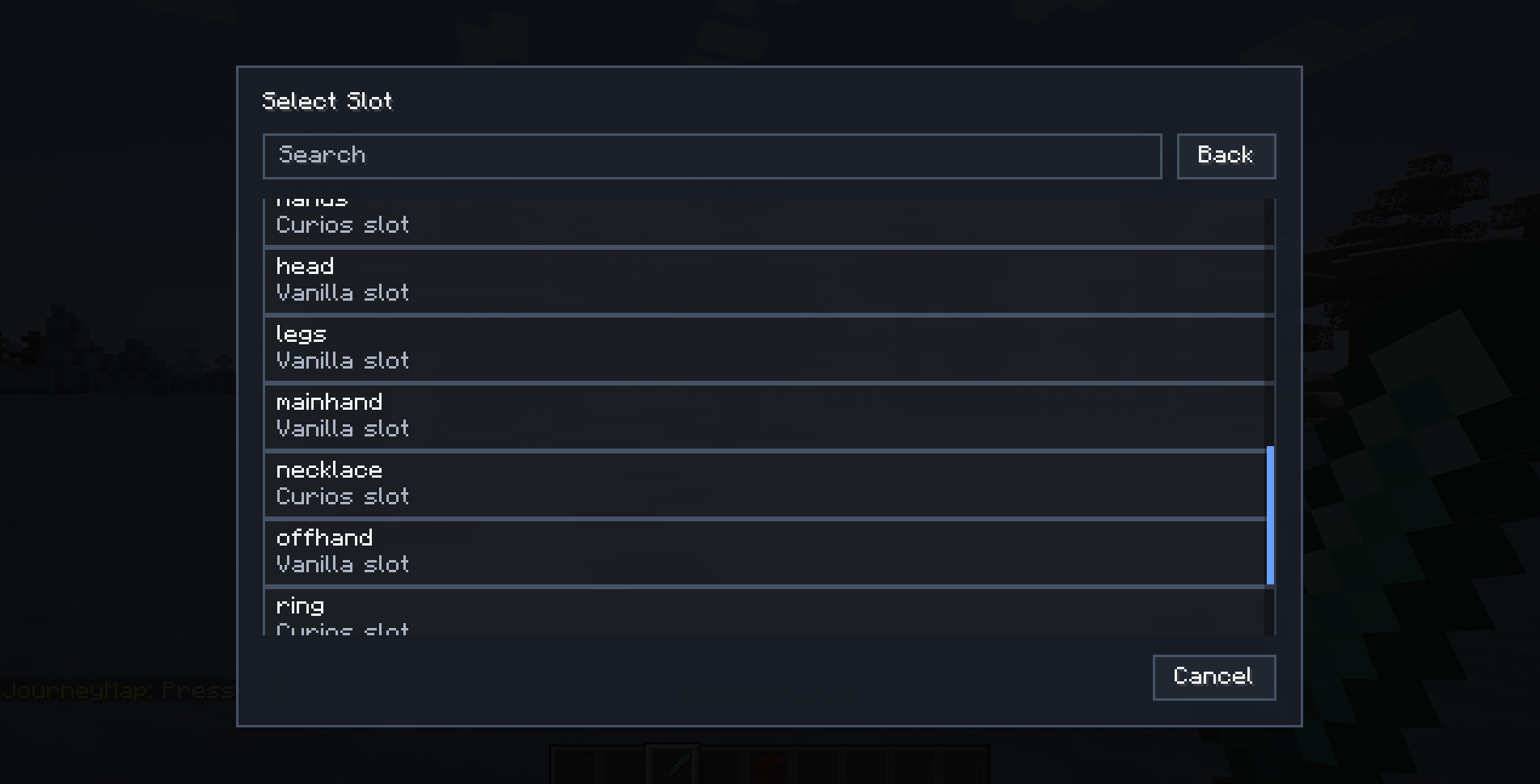
slot selector
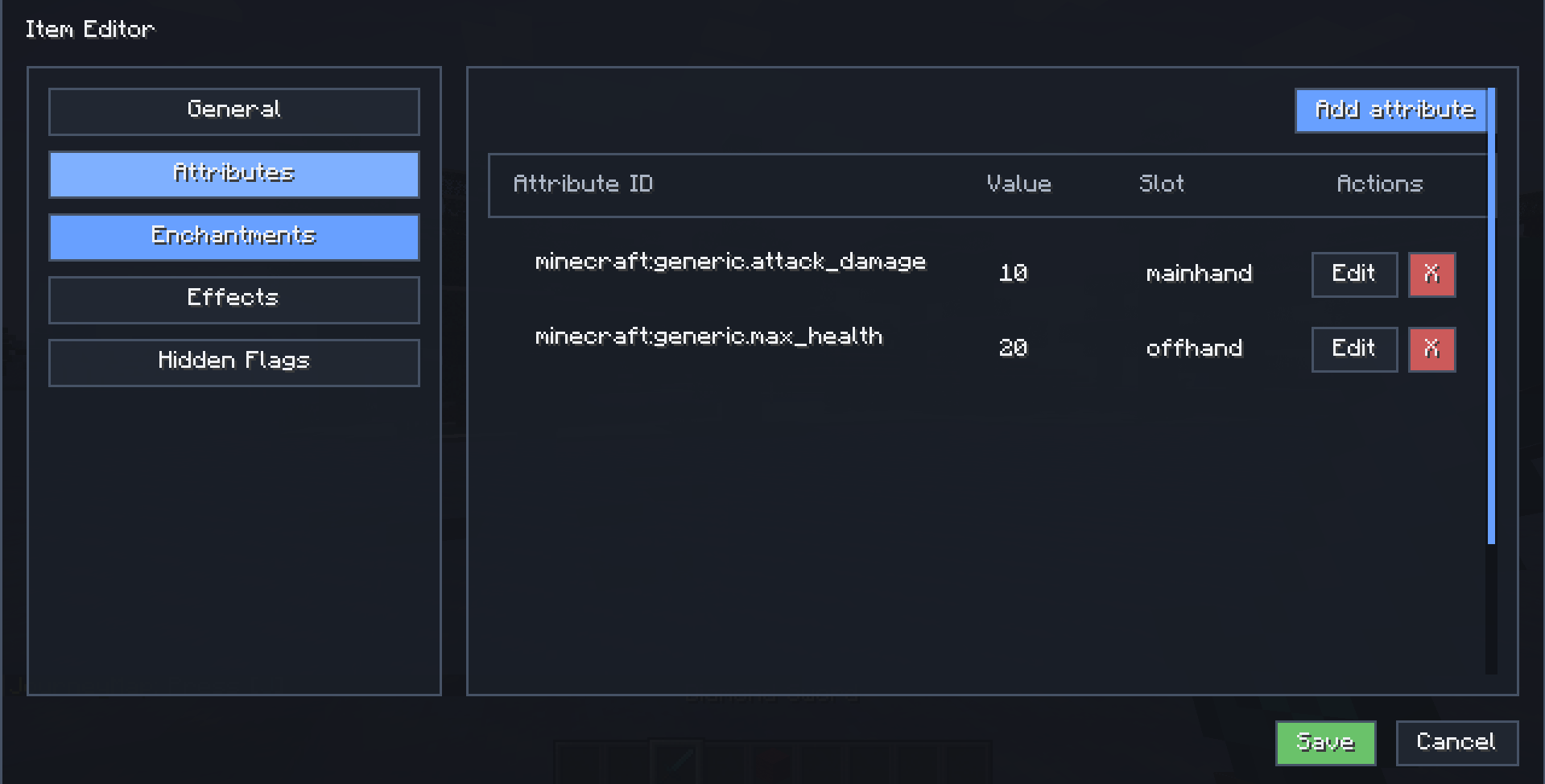
populated attribute table
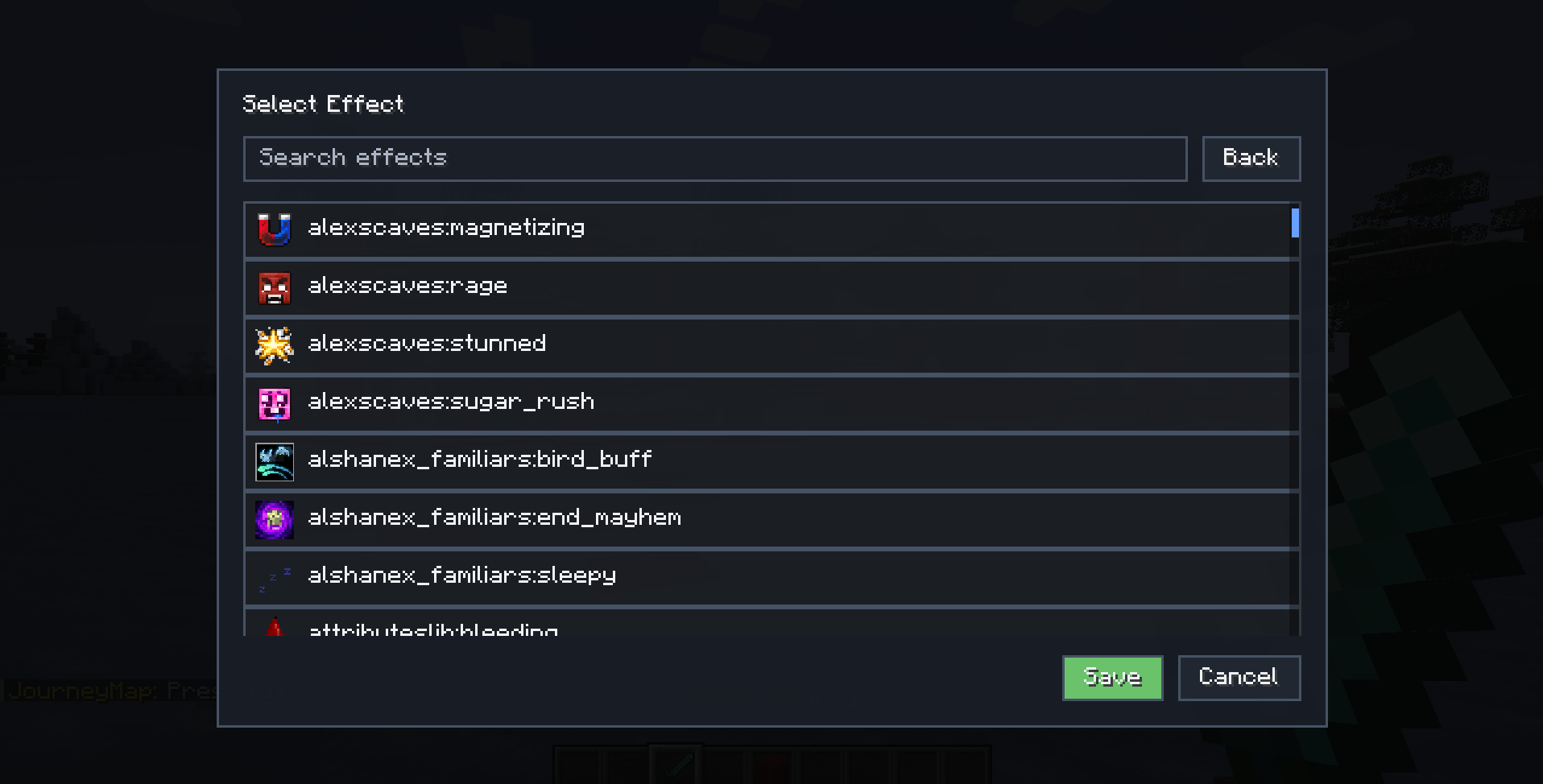
effect selector
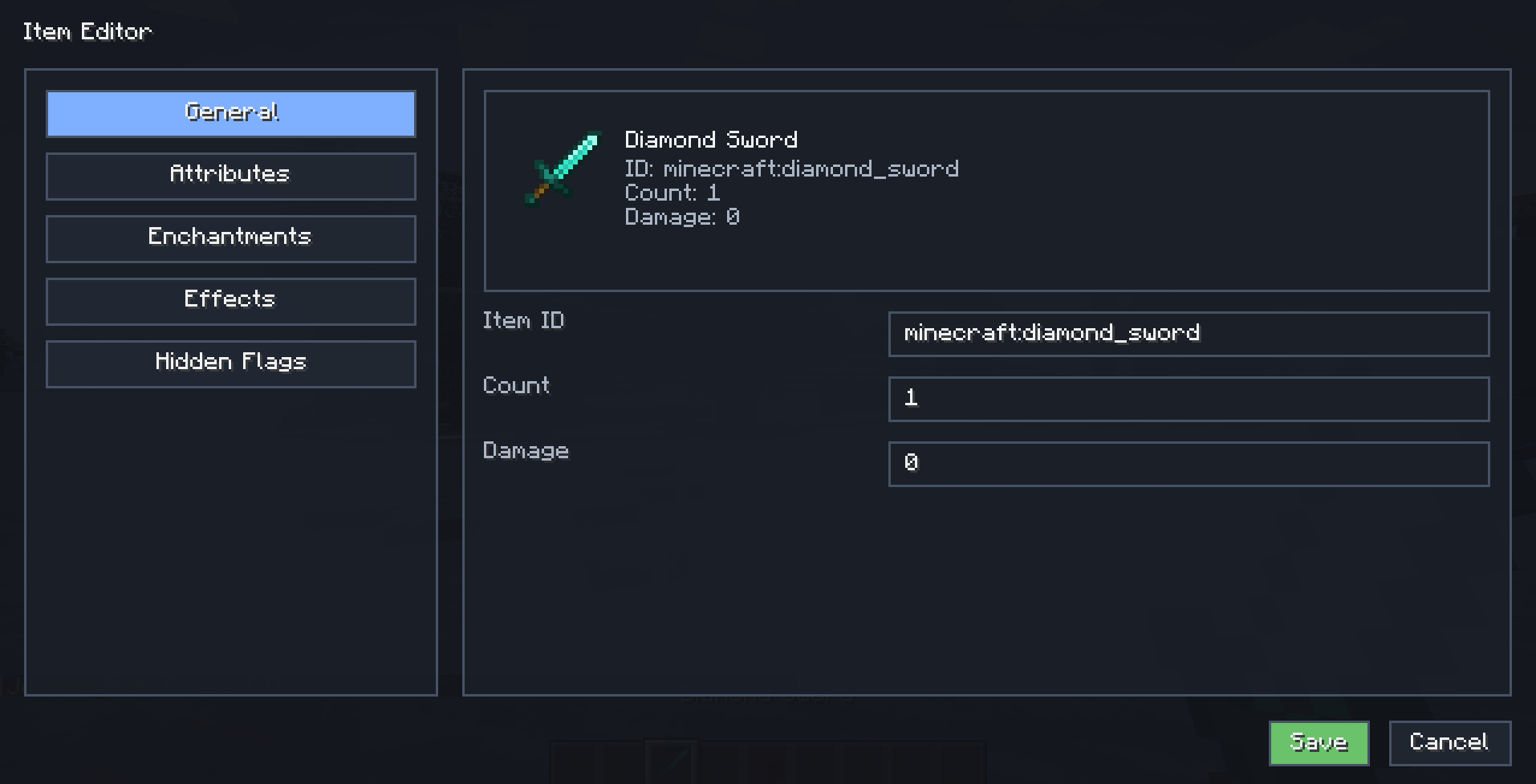
General editor
Description
Item Editor
Item Editor is an administrative item editing tool for Minecraft Forge 1.20.1, designed for server owners, modpack creators, map makers, RPG projects, and testing environments.
It provides a clean in-game interface for editing custom items without manually writing commands or dealing with complex item data by hand. Instead of rebuilding items from scratch every time you need a small change, you can open the editor with a keybind, adjust the item, and save it directly.
Item Editor is especially useful when creating custom rewards, RPG gear, test items, server tools, balanced progression items, spawn eggs, or special equipment for modded servers.
What can it edit?
Item Editor includes dedicated sections for the most common item customization needs:
General item properties
Edit the basic structure of an item:
- Item ID
- Stack count
- Damage value
This is useful for quickly changing an item while keeping its custom data, or adjusting test items during development.
Attributes
Add, edit, and remove item attributes through a visual interface.
Supported attribute editing includes:
- Vanilla attribute modifiers
- Curios-style attribute modifiers
- Attribute amount
- Operation
- Equipment slot
- Modifier entry management
This makes it easier to create items that modify health, armor, attack damage, movement speed, reach, or other attributes depending on the mods available in your pack.
Enchantments
Manage enchantments directly from the editor:
- Add enchantments
- Remove enchantments
- Change enchantment levels
- Edit stored enchantments when supported by the item type
This is useful for creating custom loot, admin rewards, RPG gear, or testing enchantment setups.
Effects
Configure custom item effects for different situations:
- On use
- On hit
- When hurt
- When equipped
Effects can be configured with values such as duration, amplifier, chance, target behavior, particles, icons, and related display settings depending on the effect type.
This is especially useful for RPG-style items, custom server equipment, special weapons, accessories, or modpack progression rewards.
Hidden tooltip flags
Control what information is shown or hidden on the item tooltip.
Supported hidden flags include:
- Enchantments
- Attribute modifiers
- Unbreakable
- Can Destroy
- Can Place On
- Dye
- Upgrades
- Custom effect flags
This helps keep custom items clean and readable, especially when making items for players instead of only for internal testing.
Spawn Egg Editor
One of Item Editor’s main features is its dedicated spawn egg editor.
When editing a spawn egg, the UI provides extra tools for configuring the entity that will be spawned. This allows server owners and map makers to create more controlled entity setups without manually editing entity data.
The spawn egg editor supports:
- Baby state
- No AI
- Invulnerability
- Persistence
- Glowing
- Silent
- No gravity
- Entity equipment
- Equipment drop chances
- Custom death loot table
- Entity attributes
- Active potion effects
This is useful for creating custom mobs, bosses, NPC-like entities, event mobs, RPG encounters, dungeon rewards, testing entities, or controlled server content.
Usage
Open the editor using the Item Editor keybind.
You can change the keybind in Minecraft’s controls menu:
Options → Controls → Key Binds → Item Editor
Use the keybind while holding an item, or while hovering over an item slot when supported.
Access is restricted to players with operator permission level 2. Players without the required permission cannot open or save edited items.
Multiplayer and security
Item Editor is intended for administrative use.
For multiplayer servers, the mod should be installed on both the client and the server:
- The client provides the editor interface.
- The server validates save requests.
- The server checks operator permissions before applying item changes.
This prevents normal players from editing items unless they have the required server permission level.
Requirements
- Minecraft 1.20.1
- Forge 47.x
- Babel Core
Babel Core is required.
Credits
Author: SatDPhoe


The Item Editor Team