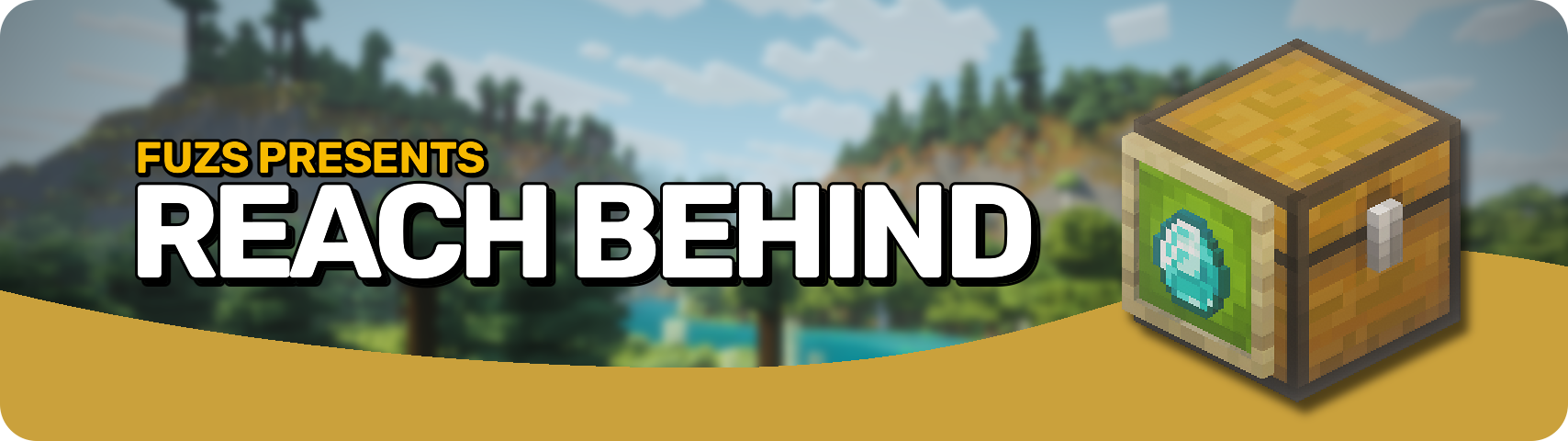








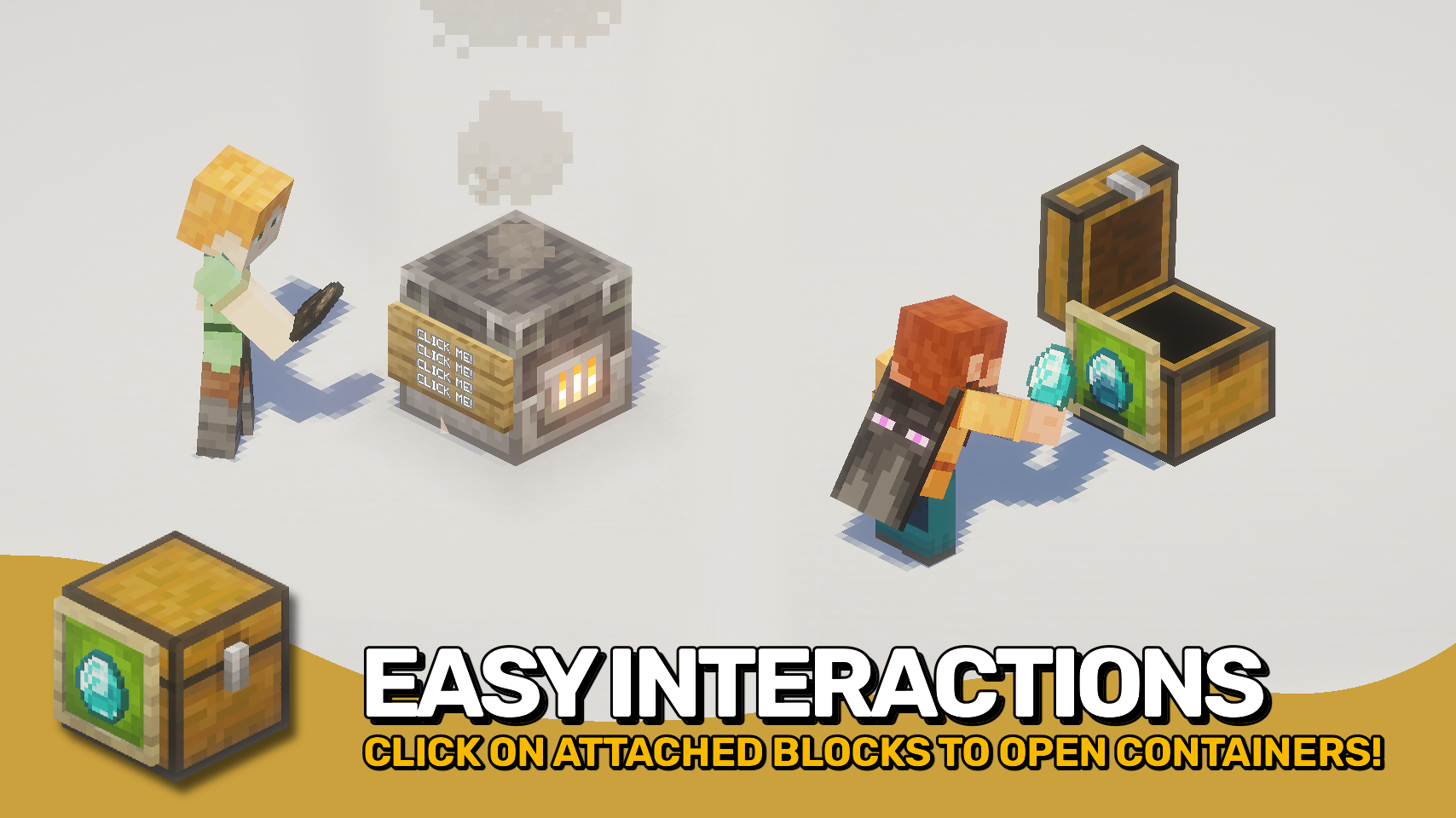
Reach Behind lets you interact with usable blocks hidden behind decorations such as item frames, signs, banners, and other supported attachments. Open a chest, use a crafting table, or access other blocks without needing to aim around the decorations you've placed. 🖱️
The mod makes decorated builds more practical by removing a common source of frustration while preserving normal decoration interactions. An optional empty hand mode helps prevent accidental edits, item placement, and other unwanted interactions. 🧰
It works in singleplayer, on dedicated servers, and even in multiplayer when the server does not have the mod installed. For the most complete and consistent experience, install the mod on both client and server. 🌐

- 🖼️ Click Through Decorations: Interact with usable blocks behind item frames, glow item frames, signs, and banners.
- 📦 Easier Hidden Storage: Open attached containers like chests without needing to click around decorative blocks or entities.
- 🛠️ Works With Functional Blocks: Use chests, crafting tables and other interactive blocks even when covered by supported decorations.
- 🌐 Flexible Client and Server Use: Works in singleplayer, server-side multiplayer, and client-only multiplayer with server-side limitations.
- 🤝 Best With Both Sides Installed: When installed on both client and server, interactions are handled consistently for all players.
- ✋ Empty-Hand Safety Option: Optionally require an empty hand to help preserve normal decoration interactions such as applying items to signs.
- ⚙️ Customisable Support Lists: Configure which attached blocks and entities allow clicks to pass through.
- 🔌 Modded Compatibility Hooks: Includes support for compatible mods, such as Fast Item Frames, when present.


⏩ INSTALLATION OPTIONAL ON CLIENT & OPTIONAL ON SERVER
⏩ REQUIRES PUZZLES LIB TO BE INSTALLED (FABRIC & NEOFORGE)
⏩ REQUIRES FABRIC API TO BE INSTALLED (FABRIC)
⏩ REQUIRES FORGE CONFIG API PORT TO BE INSTALLED (FABRIC)

If available for a mod, configuration is possible directly from in-game using the mod menu (requires Mod Menu by Prospector to be installed on Fabric).
For manual configuration using an external text editor all files are found at .minecraft/config, named as MOD_ID-client.toml, MOD_ID-common.toml, or MOD_ID-server.toml, depending on the type of config. Not all types might exist for a mod, if any at all.
 |
 |
|
 |
 |
|
 |
 |
|
 |
 |
|
 |
 |
|

© 2026 @heyitsfuzs. All rights reserved. This page was last edited on 11 September 2026, at 06:44 (UTC).
The Reach Behind Team


Owner