Quiet Flurry
- By
An atmospheric Fabric mod with drifting snow crystals, powder gusts and soft winter wind.
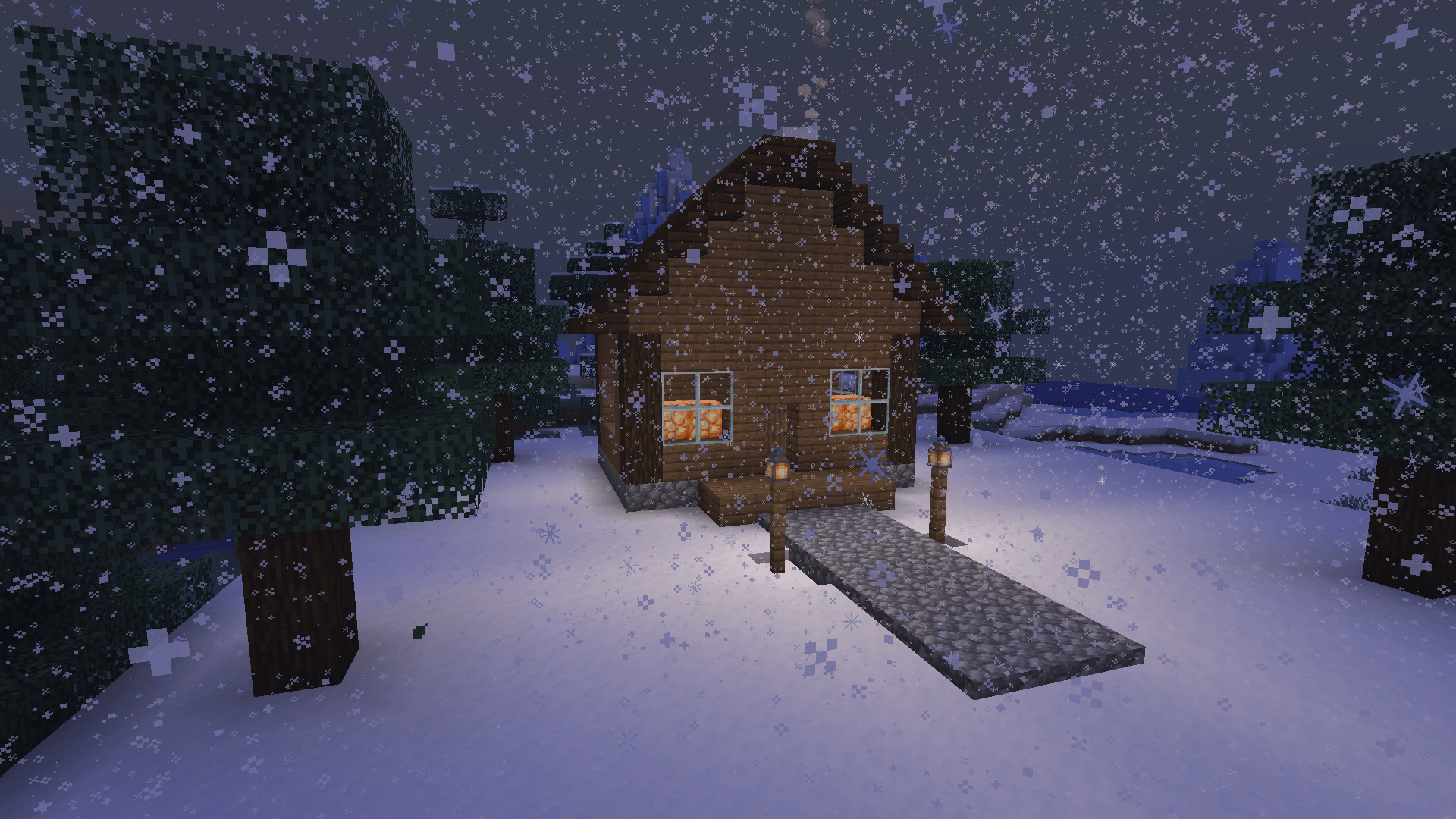
Quiet Flurry adds occasional crystals outdoors even on a clear evening.
Description
A clear winter day can still have drifting snow. Quiet Flurry adds rotating snow crystals, low ribbons of powder over frozen ground, and short ambient wind cues to Minecraft Java Edition.
Choose your winter
Cozy adds gentle flurries in cold areas and near exposed snow or ice. Storm sends denser crystals through stronger gusts. Snow Globe adds decorative outdoor snow in warm Overworld biomes too.
Quiet Flurry runs on the client. Minecraft handles world blocks, weather and gameplay.
Install
- Install Fabric Loader 0.19.5 or newer for your exact Minecraft Java Edition version.
- Download Fabric API for that Minecraft version.
- Choose the Quiet Flurry download for the same version. If you downloaded a ZIP, extract it to find the JAR.
- Put the Quiet Flurry JAR and Fabric API JAR into your Fabric instance's
modsfolder and launch the Fabric profile.
Choose one Fabric beta build for Minecraft 1.20.1, 1.21.1, 1.21.4, 1.21.11 or 26.2.
Switch presets and adjust the effect
Open Options > Controls > Key Binds and bind Cycle winter preset under Quiet Flurry. The key changes the preset for your current session. Edit config/quietflurry.properties and restart Minecraft to choose a startup preset or turn off powder, wind audio or the whole effect.
Gallery images are from Minecraft 26.2 singleplayer with stock graphics. Multiplayer and shader compatibility have yet to be verified.
Quiet Flurry Team