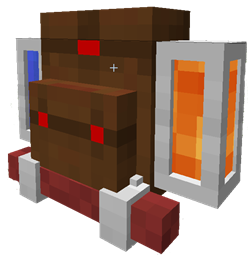
Project Bench Neo
- By
The legendary project bench from RedPower2, rewritten, improved and with new features.
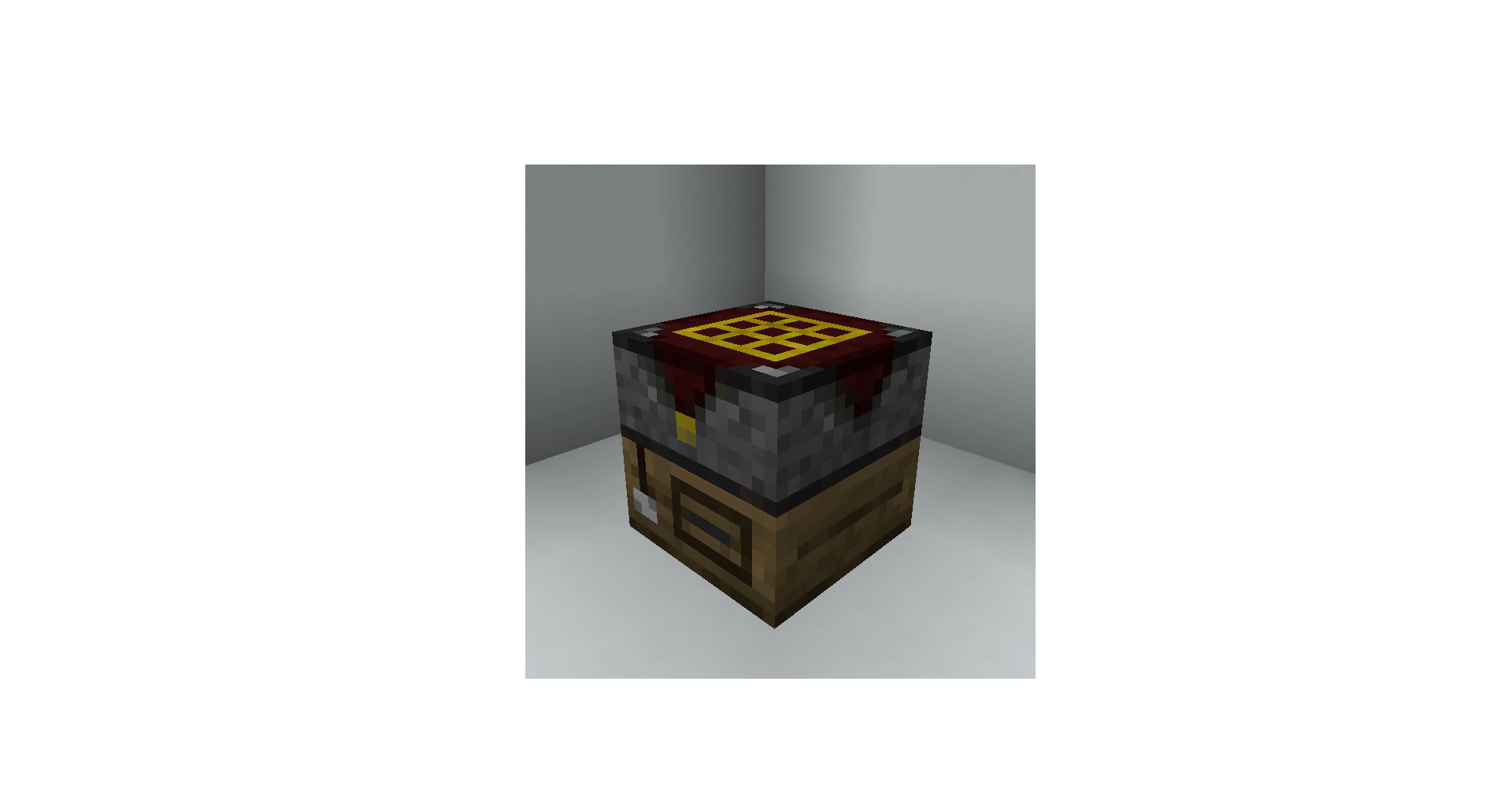
THEBENCH.png
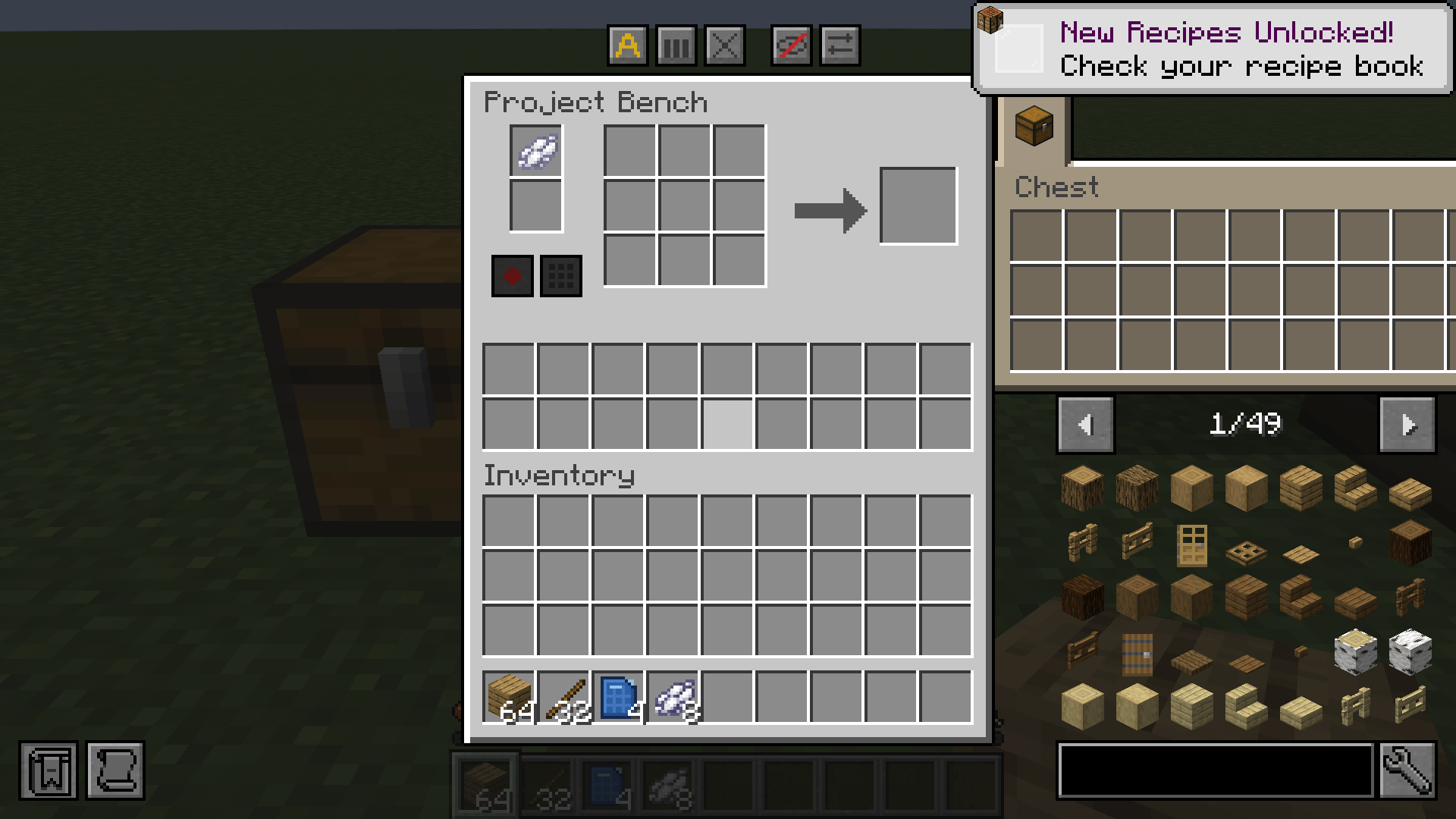
gui-bench.png
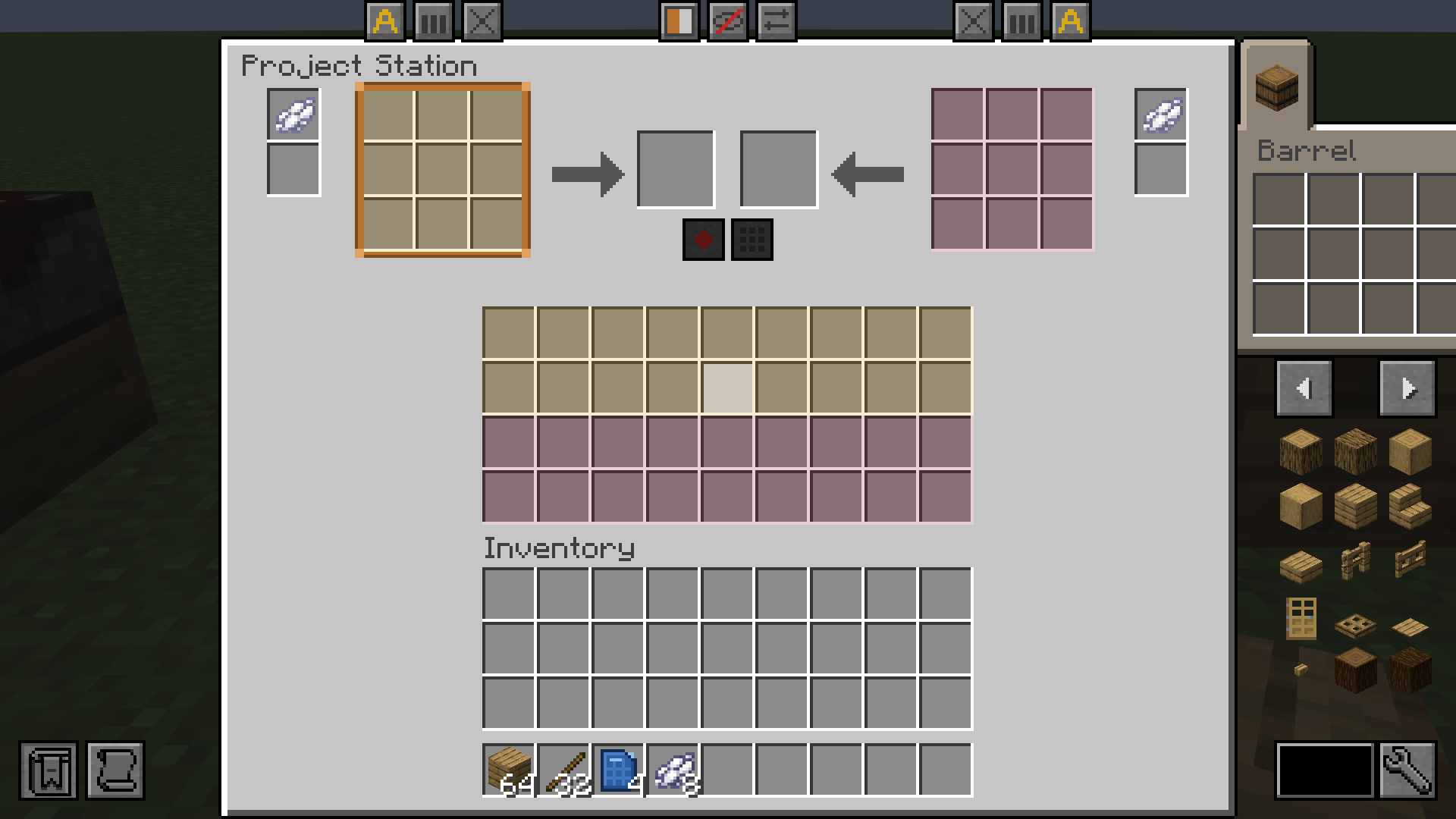
gui-station.png
blueprint-archive-3.png
project-bench-5.png
Description

Requires LDLib for UIs
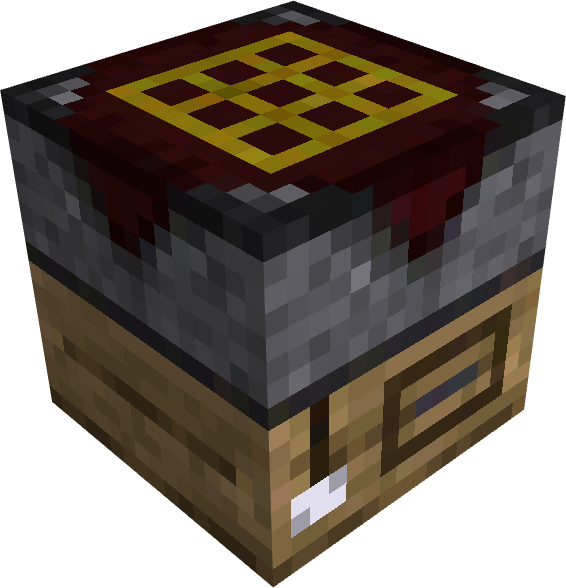
Project Bench
Project Bench brings back the idea of the Project Table from RedPower 2: a crafting bench that keeps your recipes laid out, stores materials inside, and lets you craft the same thing over and over without rebuilding the pattern. It is written from scratch.
What's the same
- Internal inventory of 18 slots.
- Pulls items to craft from the internal inventory, so the recipe stays where you laid it out.
- Has a system of blueprints you can make and reuse to save recipes in item form so you don't have to remember them.
- I tried making the texture similar to the original for that 1.7.10 nostalgia effect and the coveted "vanilla+" feel.
What's new
Features
- Auto-refill modes: when a craft would empty a slot of the grid, the bench can take nothing (the grid empties like a crafting table), the very same item from its inventory, or any item the recipe accepts in that slot through item tags (oak planks run out, birch planks take their place). The A button cycles the three.
- Nearby inventories: chests, barrels, drawers, shulker boxes, anything with an inventory on one of the four sides of the bench or below it shows up in a tabbed window on the right, with real slots you can click and shift-click. Each tab takes a soft tint from its block, so a red shulker box looks red and a wooden drawer looks like its wood. A block that shows a different inventory through each of its sides gets no tab, because it would only show part of itself; a short list in the config makes exceptions, like Storage Drawers' Drawer Controller.
- Furnaces and brewing stands: a furnace, a blast furnace, a smoker or a brewing stand beside the bench gets a small window of its own in its tab, with the flame and the progress. You put things in and take the result out, with its experience, as in the real window.
- Shared storage: a Share button lets crafting, Clear and Fill use the nearby inventories as well as the bench's own, and a small arrow decides where a shift-click from your inventory goes: into the bench, or into the open tab.
- Recipe selection: when the pattern in the grid makes more than one recipe (two mods adding the same shape), a button under the result lets you pick one, and the bench keeps that choice.
- Inventory tools: Balance spreads the ingredients evenly across the grid, Clear sends them back to the internal inventory (then to the shared chests, then to your own inventory if everything else is full), Fill lays a blueprint's recipe out from whatever the bench can reach.
- Quick moves prefer the grid: a shift-click (and the moves Mouse Tweaks or Inventory Profiles Next send) tops up the grid slots that already hold that item, or the ghosts of a recorded blueprint, before anything goes to the inventory.
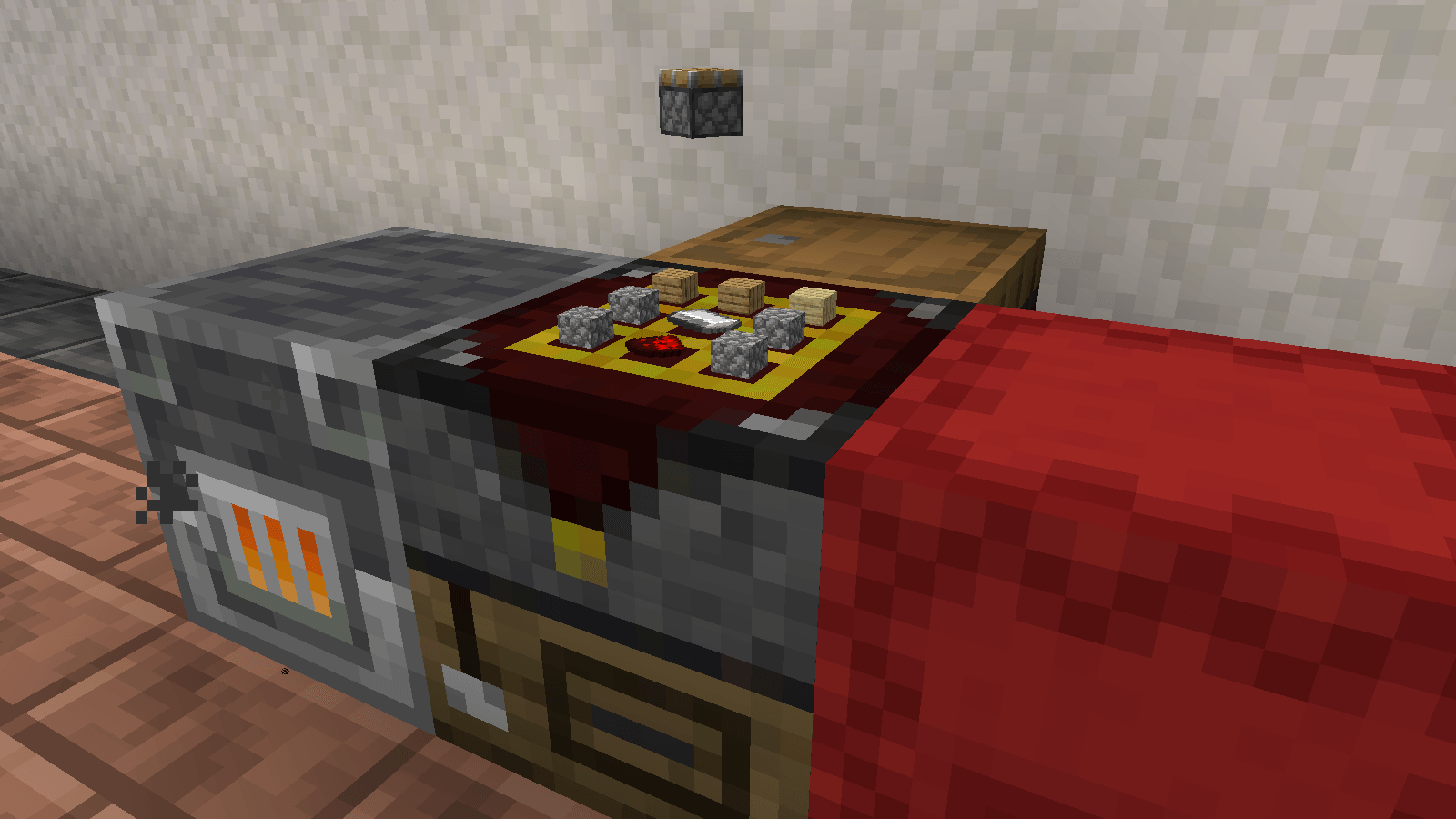
- Crafting showcase: a button draws the ingredients flat on top of the bench, with the result floating and turning over them. Each player chooses in their own file whether to see the items, the result or both.
- Item preservation: break the bench with Silk Touch and everything inside stays in the dropped item (or always, or never: it is a config option).
- Lock slots: middle-click a slot of the internal inventory that holds an item and from then on it only takes that item. A locked slot shows an orange border, a small padlock and, when empty, a ghost of the item. Middle-click it again once it is empty to free it.
Blocks
- Project Bench Slab: a bench and three iron ingots make two slabs. A slab beside a slab, or beside a bench, facing the same way, joins it into a Project Station: one wider window with two crafting grids side by side, a shared stock of both inventories, up to eight nearby inventories, and each grid with its own blueprint. One grid is the active one (the one that takes shift-clicks, JEI's and EMI's fills, Record and Fill; Balance and Clear are on each grid) and Tab switches it. Both grids craft on their own; the second one is there for crafting chains, where you make the parts on one and the thing on the other. The slab stands on its own legs when it is alone and loses the ones on the side that touches a wall, a chest or another bench.
- Auto Project Bench: a bench, a crafter, two pistons, a lever, two redstone and two iron ingots make a bench that crafts on a redstone pulse. The result goes into the inventory below it; with nothing below, it does not craft. A hopper under it can also pull the result out without any redstone. The Ejecting Auto Project Bench (an Auto bench and a dropper) throws the result out of its back instead, like a dropper does. A button in the window turns the automation of each bench on and off.
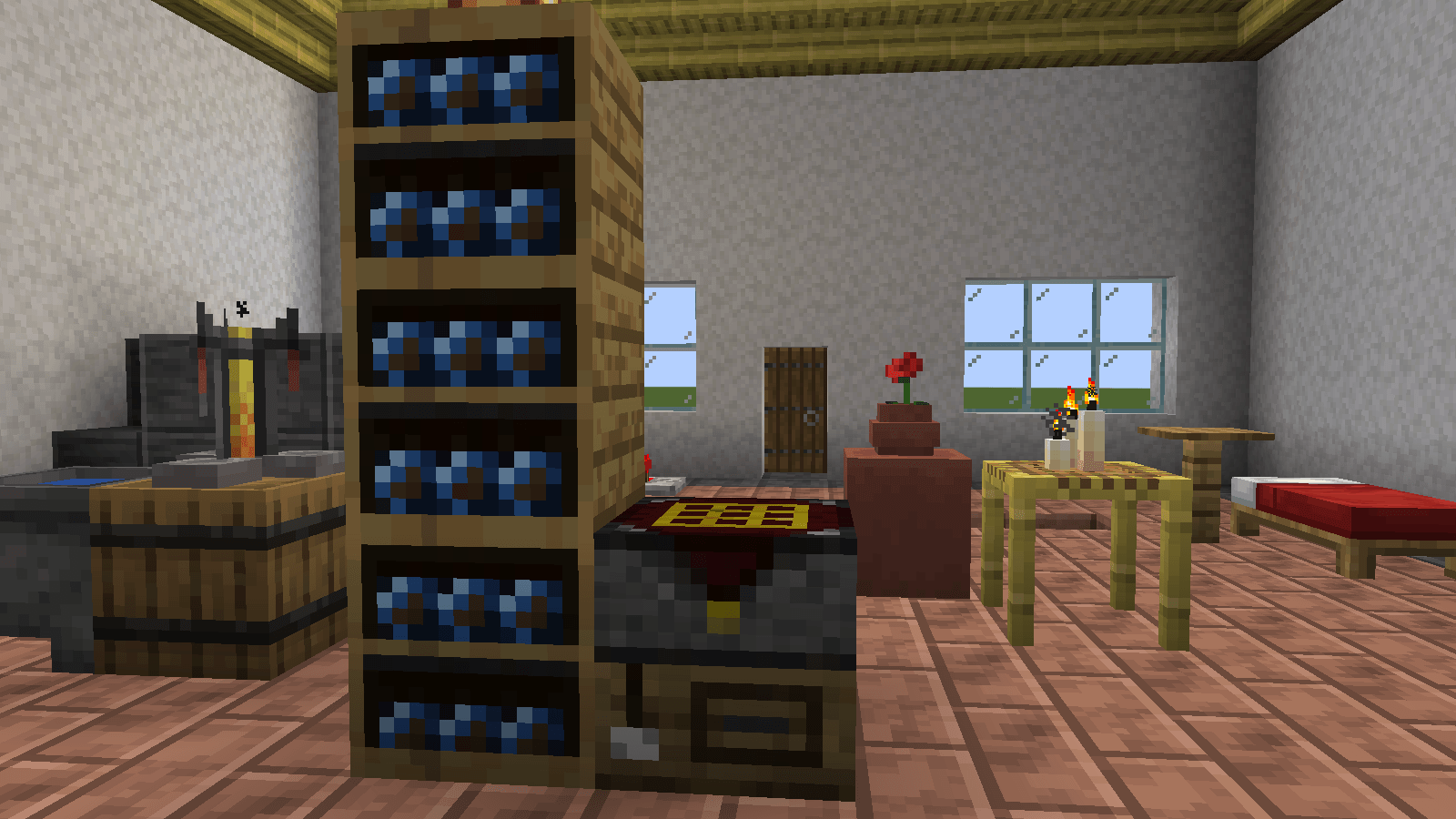
- Blueprint Archive: a shelf of 36 slots that takes only blueprints. Archives stack up to three high and share their contents as one inventory, with a texture that connects as the column grows. Next to a bench, the blueprints of every archive it touches appear in a panel of the bench's window; one click swaps a blueprint into the bench.
Blueprints
- Record: put a blank blueprint in the bench, lay a recipe out and press Record. The blueprint keeps the pattern, the recipe and its result. By default recording costs one white dye, placed in the slot beside the blueprint; the cost (which item, how many, or none at all) is a config option.
- Ghosts: a recorded blueprint in the bench shows its recipe as ghosts in the empty slots of the grid, and a shift-click puts the right items on them. Swapping blueprints never moves what is in the grid.
- Blank again: craft a recorded blueprint alone in any grid and it comes out blank. Blank blueprints stack to 64; recorded blueprints don't stack.
- Recipe: one lapis lazuli and eight paper make eight blueprints. Cheap, but not free.
Integrations with vanilla and other mods
- Minecraft: connected inventories show their own names (a renamed chest shows its name). Colored shulker boxes get their tab and window tinted in the box's color.
- Iron Chests: its chests beside the bench get their tab tinted with the chest's material.
- Create: its Item Vault shows its items in its tab, but you can't take from it or put into it by hand, as in Create; the bench can still pull from it to craft. A setting turns that off and treats the vault like any chest.
- Storage Drawers, Functional Storage and Sophisticated Storage: their drawers and chests work beside the bench. A Drawer Controller shows all the drawers it sees in one tab, and no click ever gives you more than one stack, not even with a Creative Vending Upgrade.
- JEI and EMI: the bench is a crafting station, and the recipe button lays a recipe out in the grid. With a blank blueprint in the bench, the button also records the recipe on it, even when you don't have the materials with you: the ghosts show what is missing.
- Jade: looking at a bench shows the recipe it is set to make; a Project Station shows both.
- Polymorph: if it is installed, its selector replaces the bench's own one for recipes that share a pattern.
- Mouse Tweaks and Inventory Profiles Next: the bench is built around their clicks, and their shift moves follow the same rules as a shift-click.
Automation
Hoppers, pipes and inserters of any mod can reach the bench, and what each side does is a setting. On top of that there are two automatic benches, the Auto Project Bench and the Ejecting one, described above. The wiki lists what every side does.
Configuration
Made with packs in mind: everything that can be a setting is one, for the server and for each player. Every key is explained in plain words in the file itself and in the wiki's Configuration page.
Project Bench Neo Team

Owner